Samsung A 71
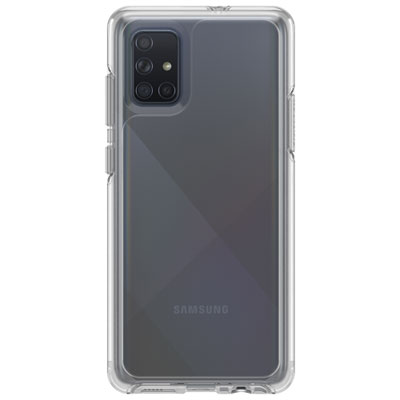
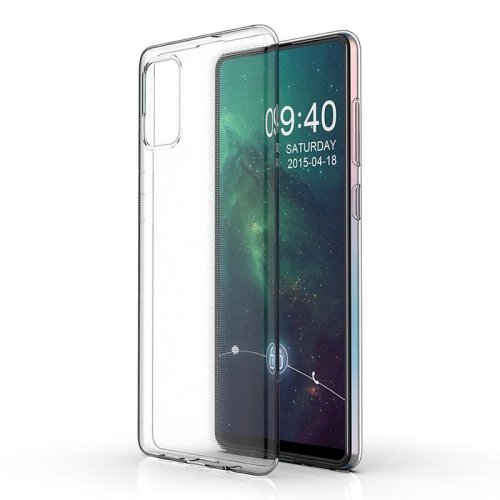
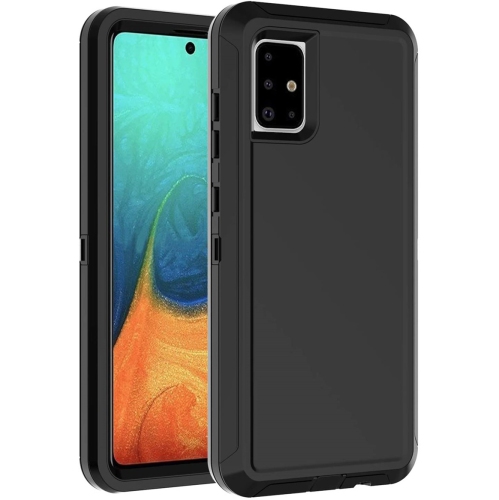
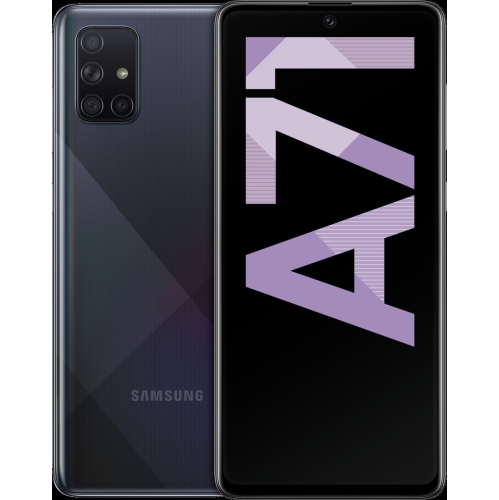
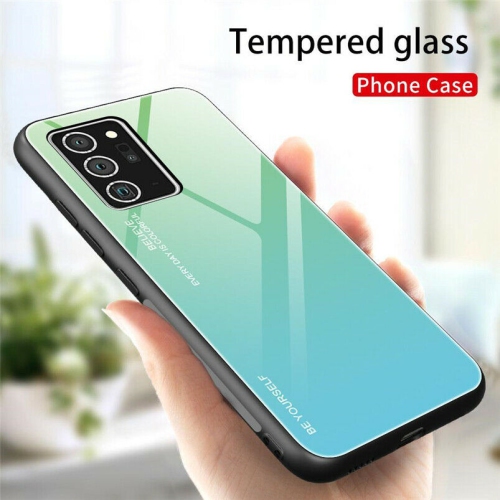
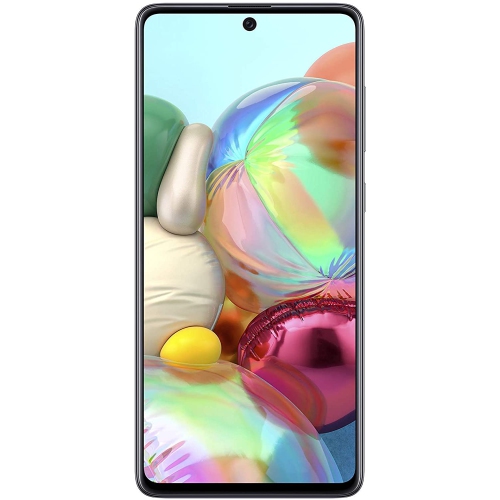
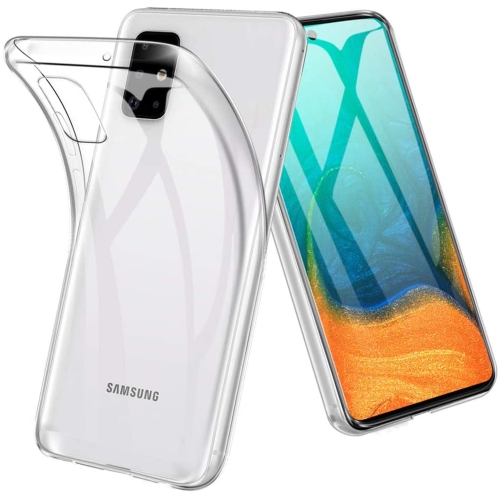
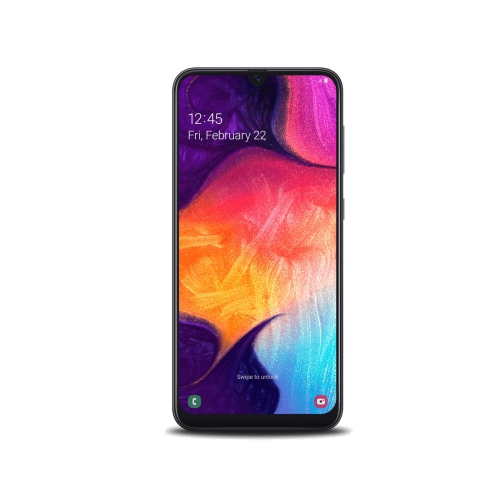
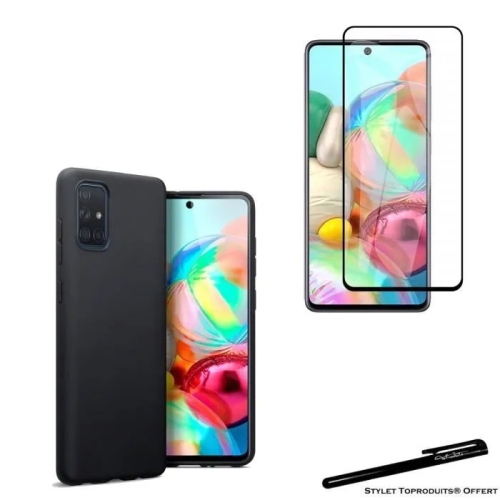
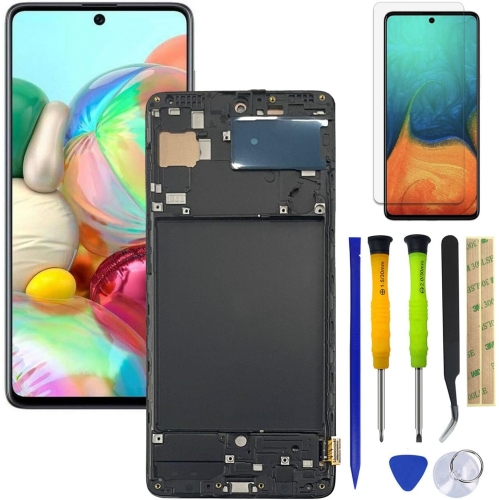
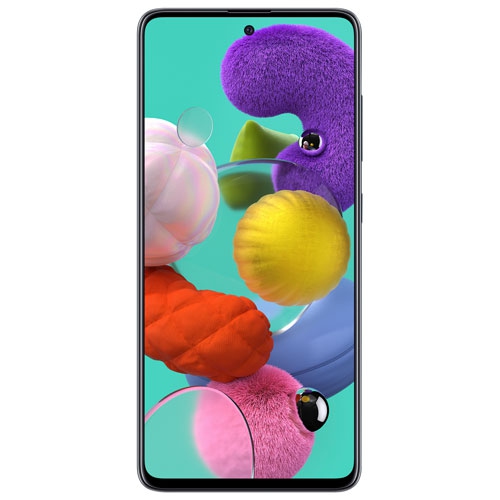
Shop Samsung Galaxy A71 phones and compare available listings to find an option that suits your needs. Check each listing for storage capacity, device condition and carrier compatibility before choosing your phone.

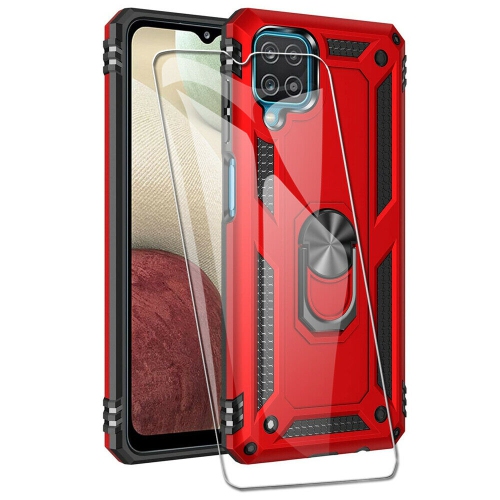
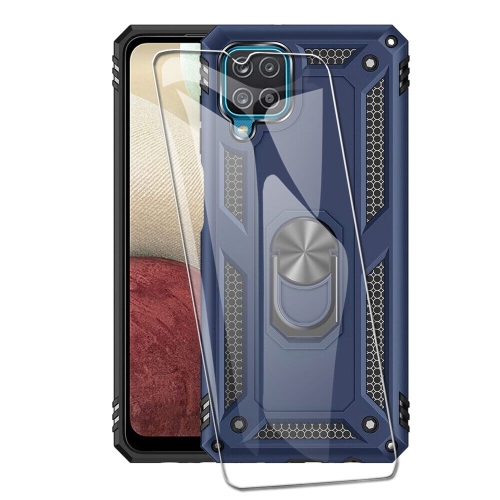
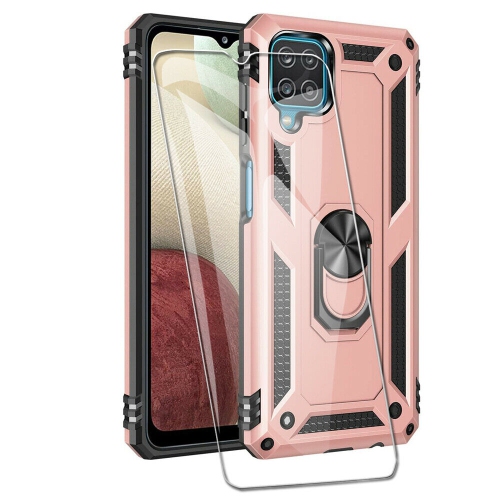
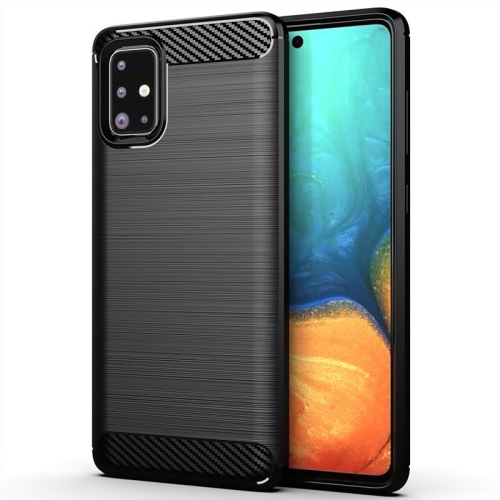
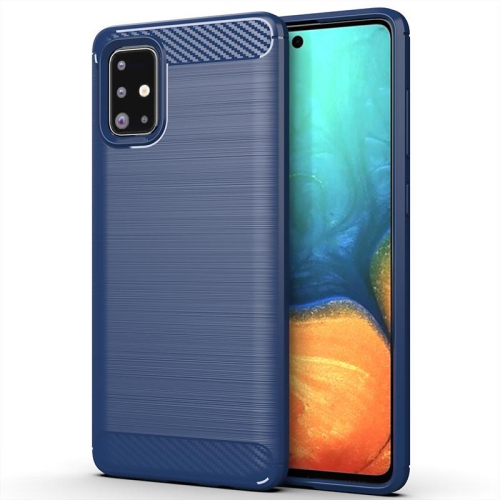
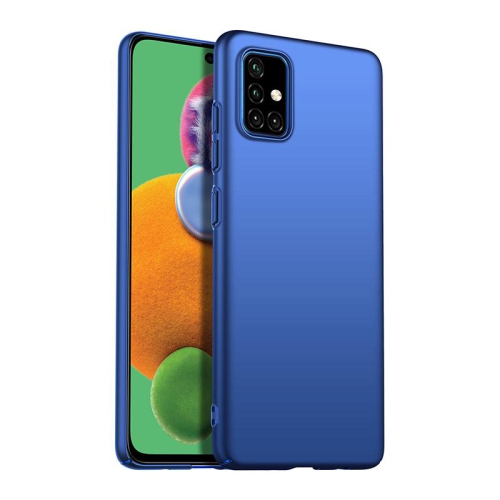
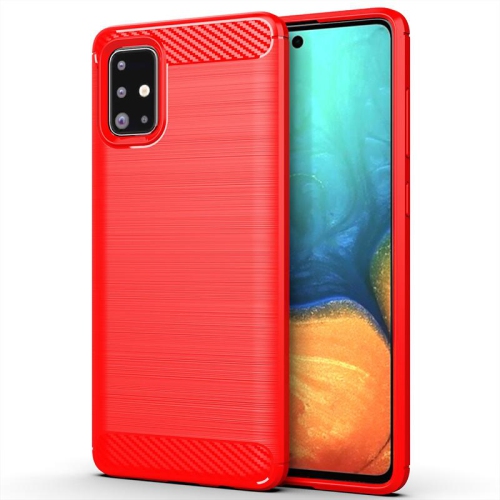
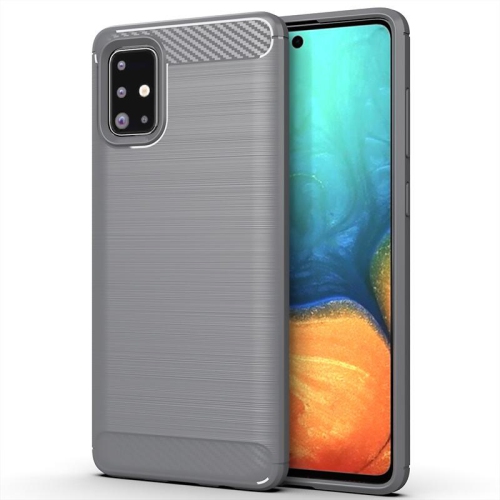
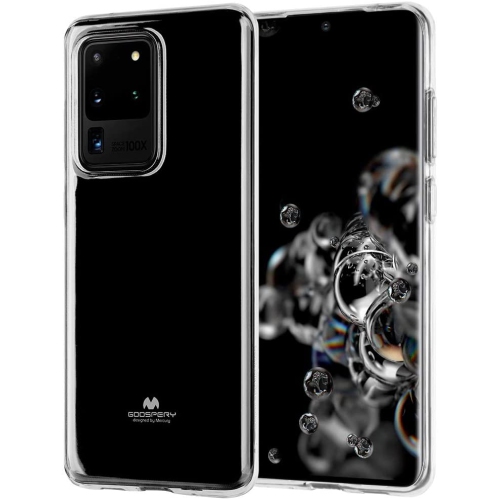
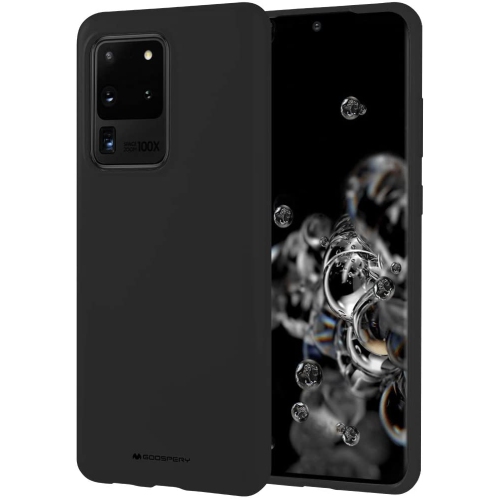


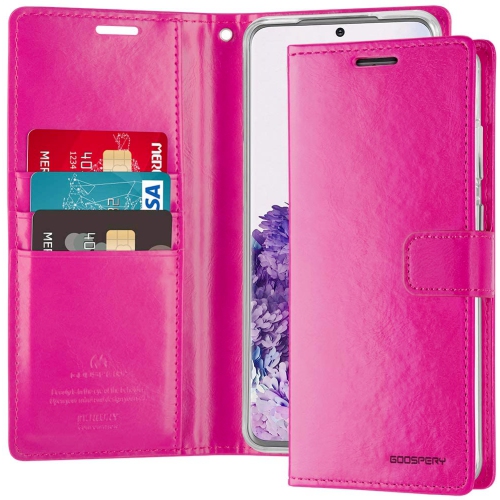
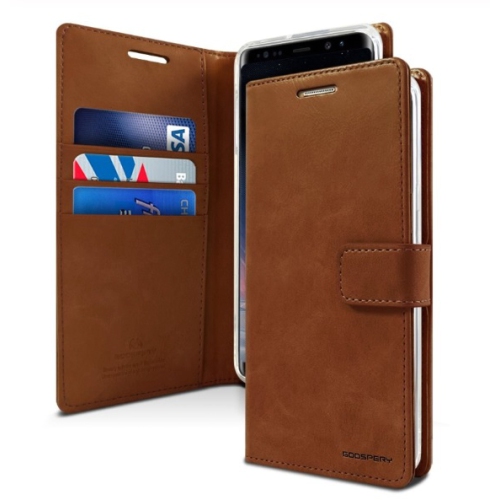
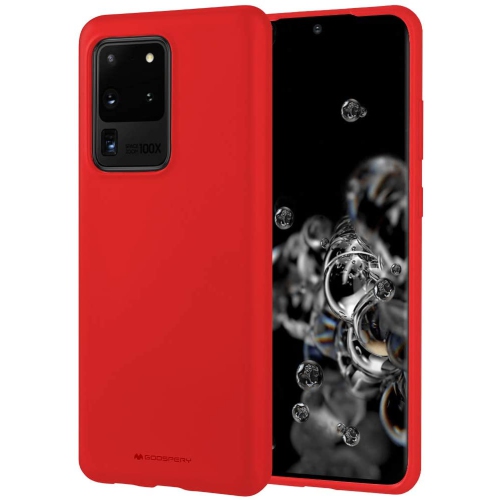
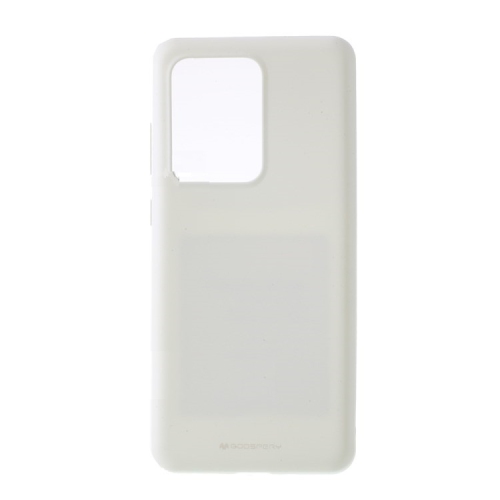
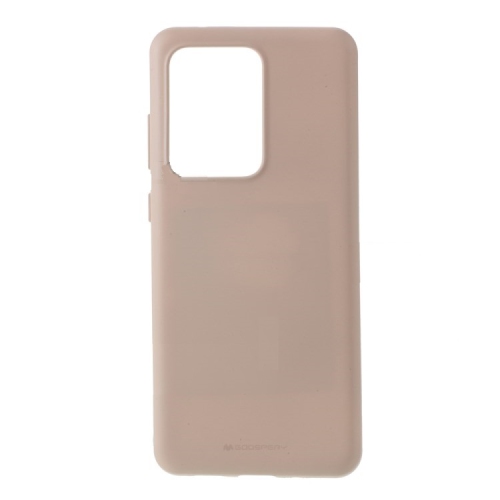
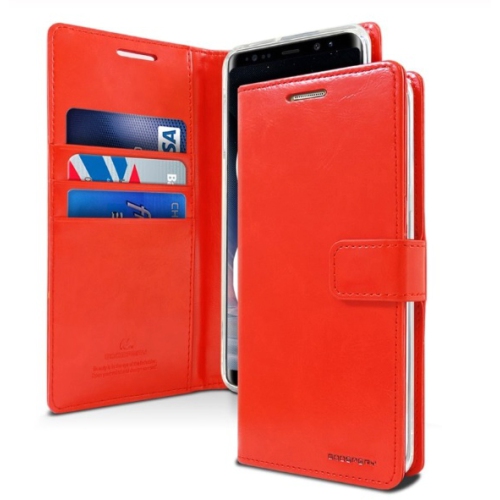
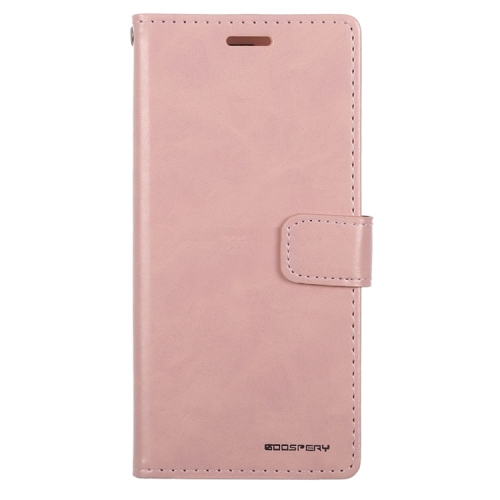
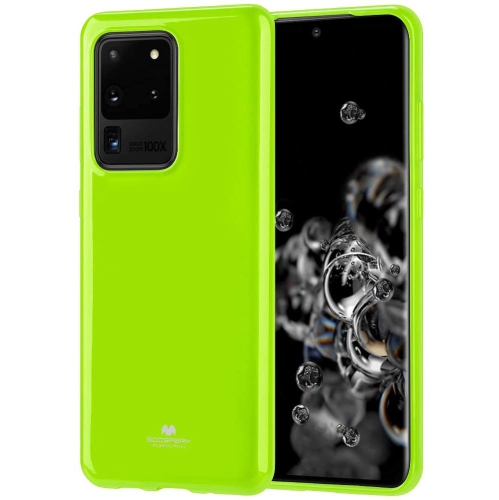
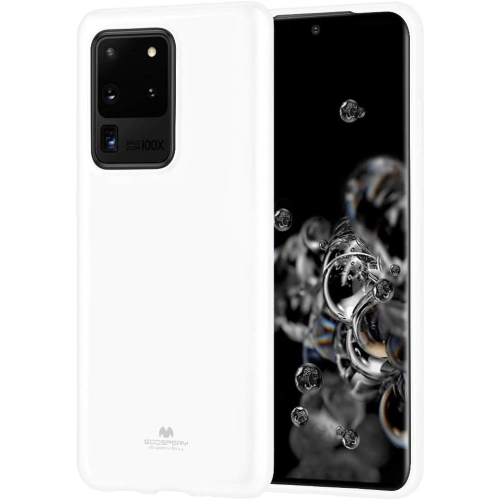
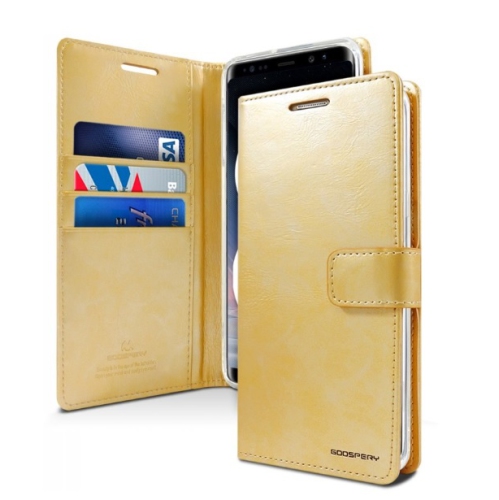
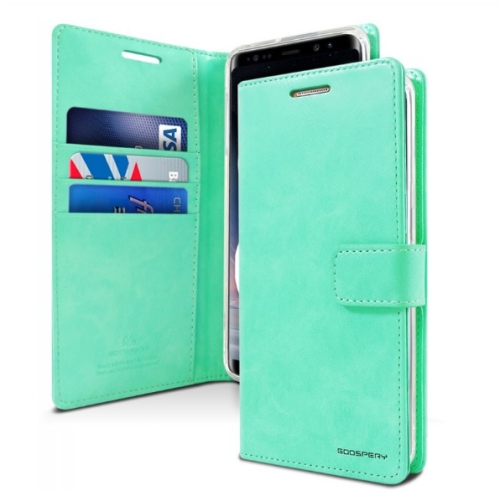
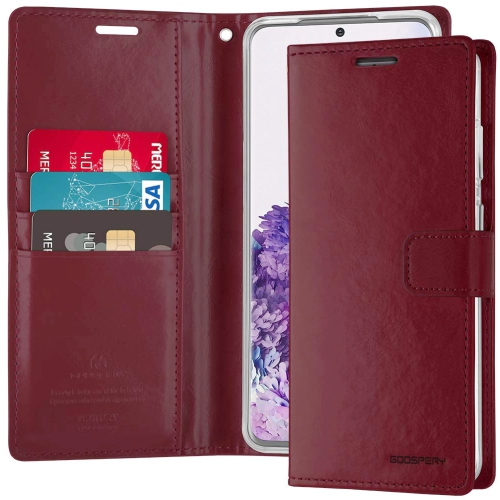
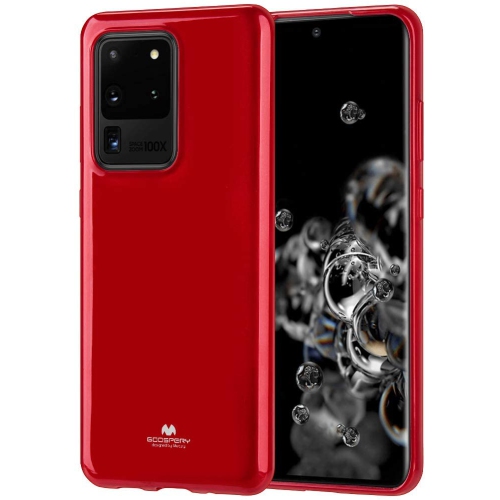
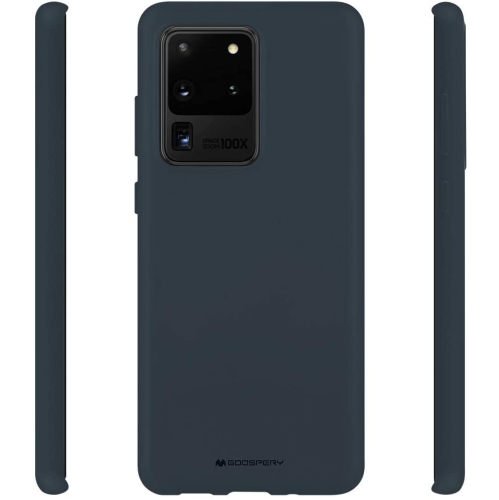
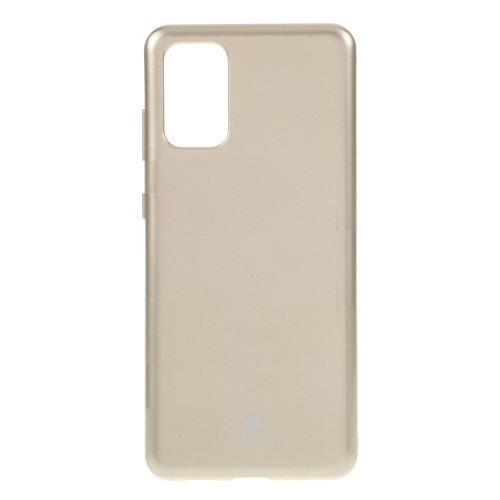
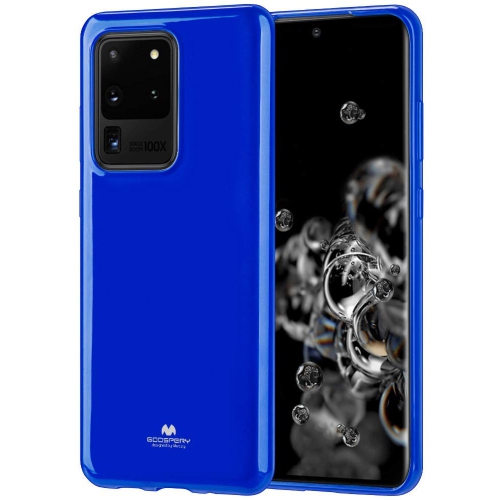
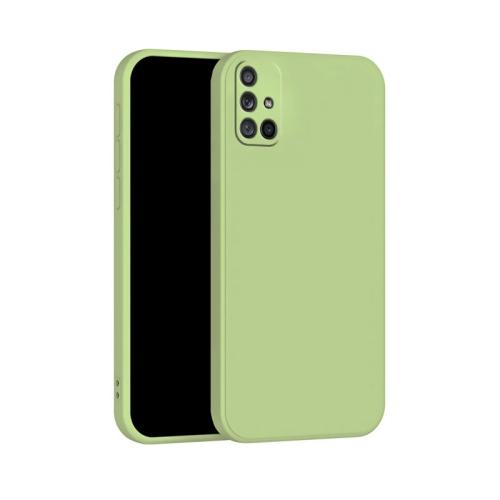
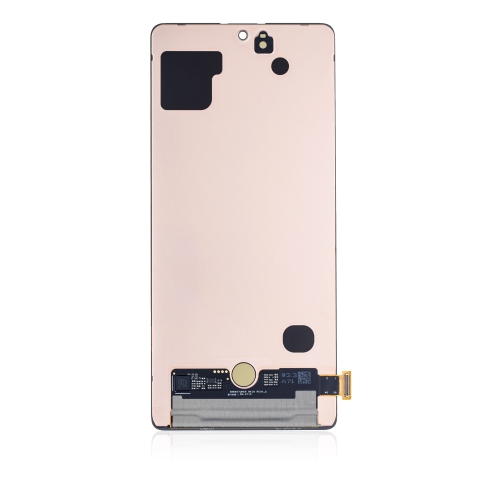
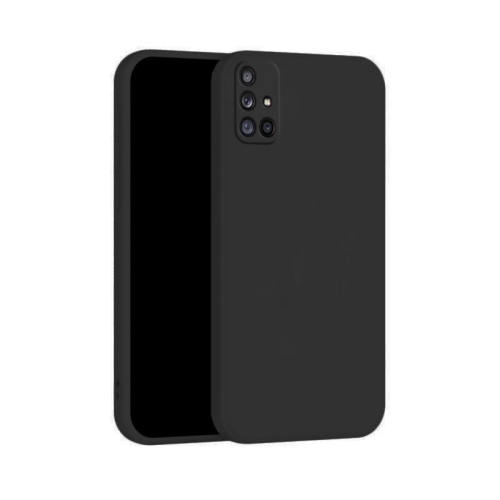
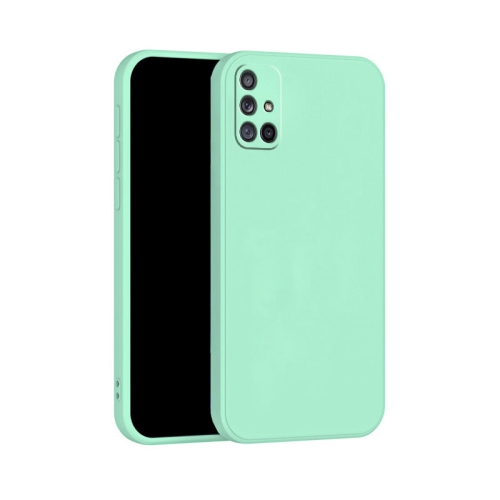
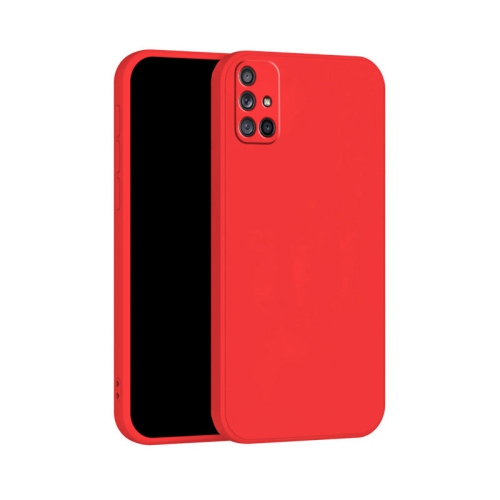
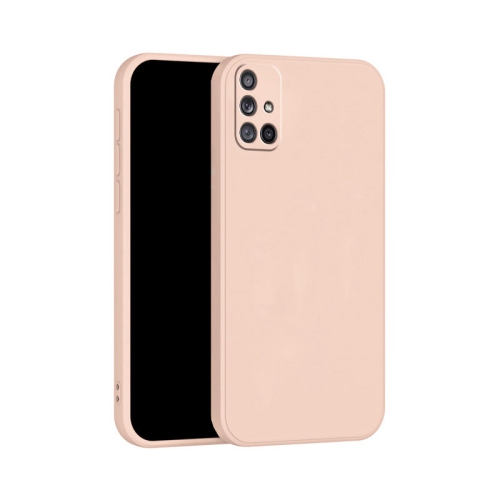
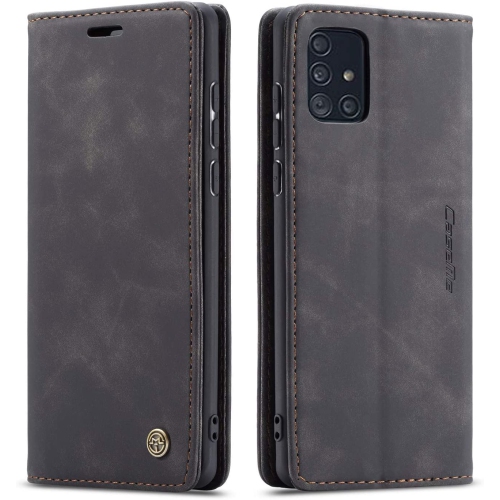
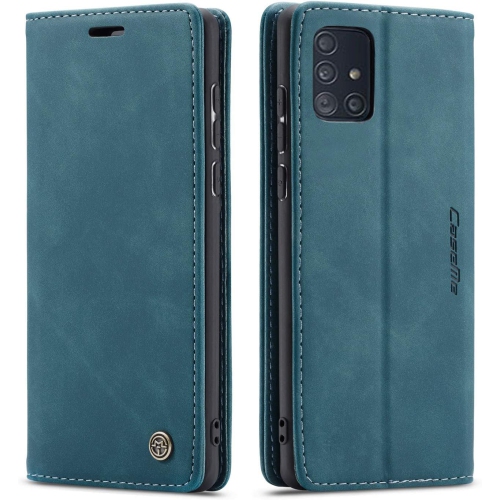
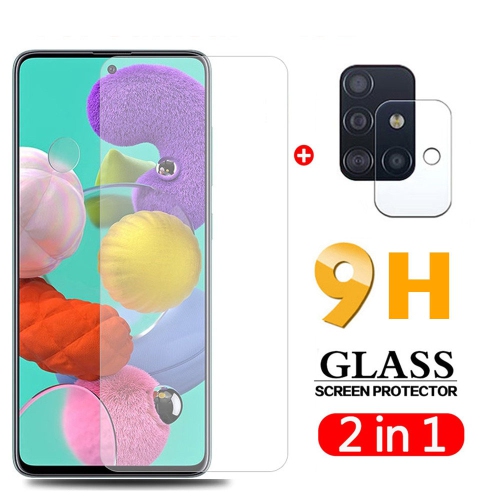
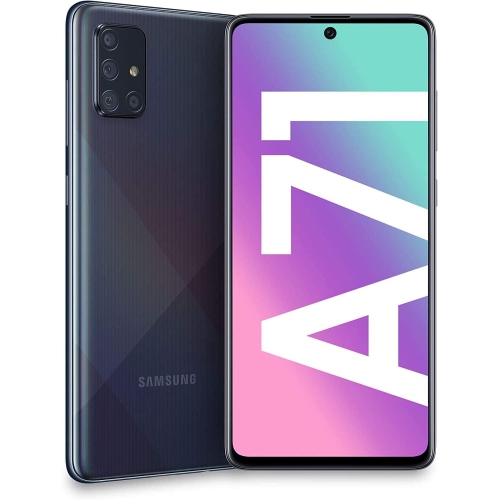
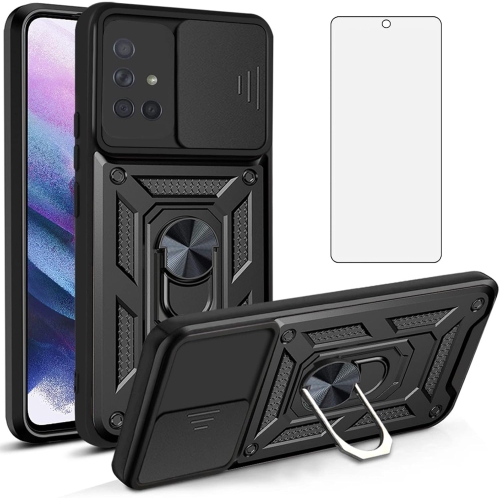
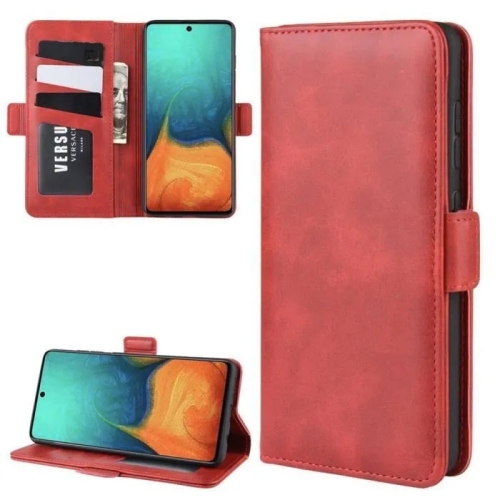
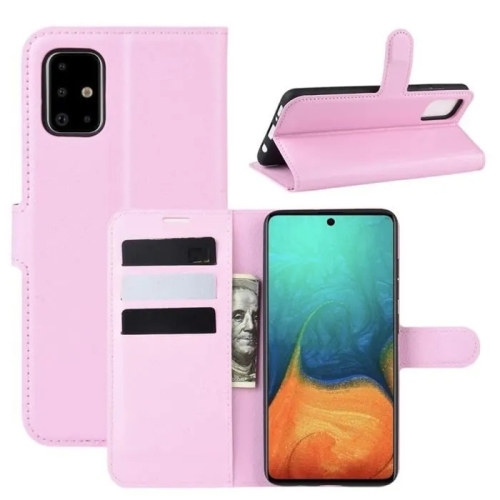
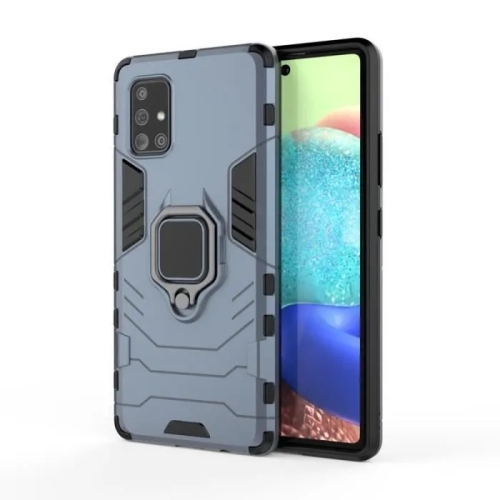
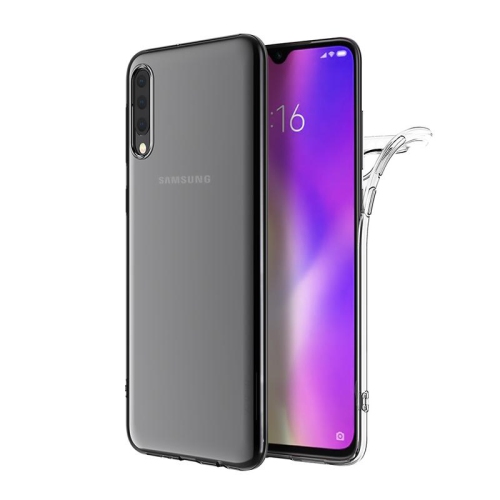
![SLOWMOOSE Samsung Galaxy A71 Sm-A715 Protective Phone Case With Stand, New Flip Wallet Cover for Galaxy A71 (6.7") [Nsasa]](https://multimedia.bbycastatic.ca/multimedia/products/500x500/199/19917/19917969.jpeg)
FAQ
Samsung Galaxy A smartphones use Android with Samsung’s One UI interface. This interface lets you personalize your home screen, organize apps and adjust settings. The Android version and available features depend on the model and its installed updates.
Many Samsung Galaxy A models support microSD cards for storing photos, videos and other files, but support varies by model. Check the phone’s specifications for compatibility. Some apps must remain on the phone’s internal storage.
Samsung Galaxy A smartphones support Bluetooth connections with compatible headphones, earbuds and speakers. To pair an accessory, put it in pairing mode, open the phone’s Bluetooth settings and select it from the available devices. Audio features depend on both the phone and the accessory.
On most Samsung Galaxy A models, briefly press the side or power button and the volume-down button at the same time. Some models also offer a palm-swipe gesture when enabled in settings. You can view screenshots in the Gallery app.
Samsung Smart Switch can transfer supported content, such as contacts, photos and messages, from a compatible phone to a Galaxy smartphone. Depending on the devices, you may be able to use a cable or a wireless connection. Transfer options vary by operating system, and some apps require you to sign in again.
Top selling and popular products
Discover more categories related to Samsung A 71
Some products may be subject to Environmental Handling Fees (EHF) depending on your province. Learn more about EHFs.