Compatible HP LaserJet Toner Cartridges
Find compatible HP LaserJet toner cartridges by matching your printer model and cartridge number to the listed options. Check each cartridge’s compatibility details, toner colour, and page yield to choose a replacement that fits your printer and printing needs.

FAQ
Find your printer’s complete model number on its label or in its settings, then check that model against the cartridge’s compatibility list. You can also use the cartridge number printed on your current toner cartridge as a reference. Similar printer names do not always use the same cartridges.
Original HP toner cartridges are manufactured by HP, while compatible cartridges are made by third-party manufacturers for specified HP printer models. Compatible cartridges may be newly manufactured or remanufactured, so check the listing for details about their origin and construction.
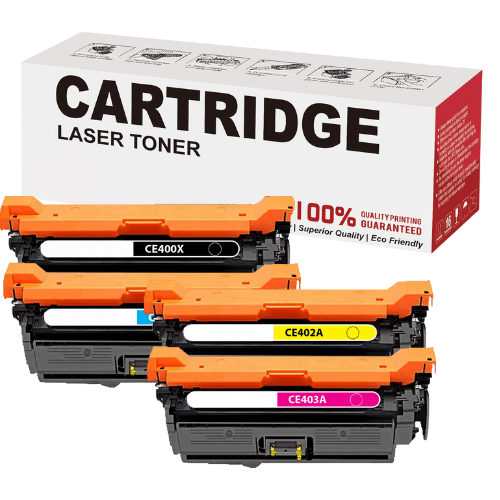
Monochrome HP LaserJet printers use black toner, while colour models typically use separate black, cyan, magenta, and yellow cartridges. Each colour has its own cartridge reference, so match both the colour and cartridge number to your printer model.
Many HP LaserJet printers use cartridge chips to identify installed toner cartridges and track toner status. Some models include dynamic security, and firmware updates may affect whether third-party chips are accepted. Check your printer’s requirements and the cartridge supplier’s chip and firmware compatibility details.
Follow the replacement steps in your printer’s manual, as access panels and cartridge layouts vary by model. Generally, you open the toner access panel, remove the used cartridge, remove any specified packaging or sealing tabs from the replacement, and insert it into the matching slot before closing the panel.
Top selling and popular products
Discover more categories related to Compatible HP LaserJet Toner Cartridges
Some products may be subject to Environmental Handling Fees (EHF) depending on your province. Learn more about EHFs.