Compatible Laser Toner Cartridges
Compatible Laser Toner Cartridges offer a convenient and cost-effective solution for keeping your printer running smoothly. Designed to work seamlessly with a variety of laser printers, these cartridges make it easy to achieve crisp, professional-quality prints at home or in the office. Whether you’re printing documents, reports, or presentations, Compatible Laser Toner Cartridges provide reliable performance and help you stay productive. Explore a wide selection to find the right fit for your printing needs.
Sort
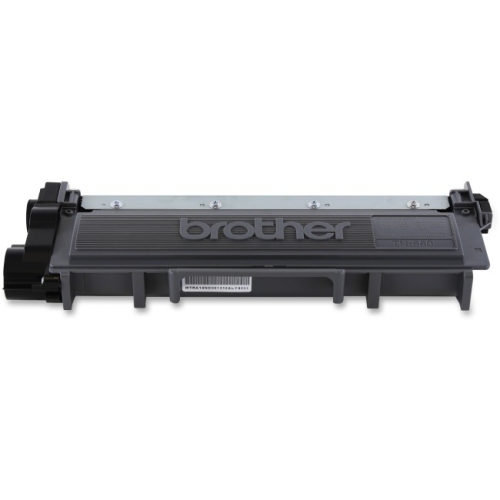
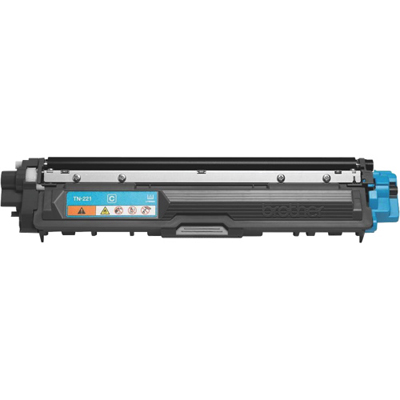
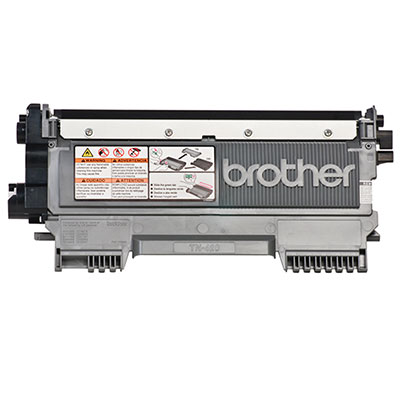

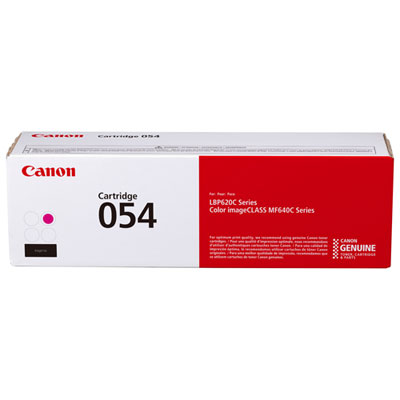
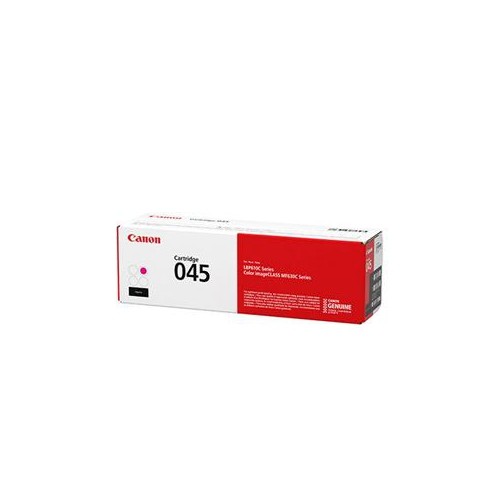
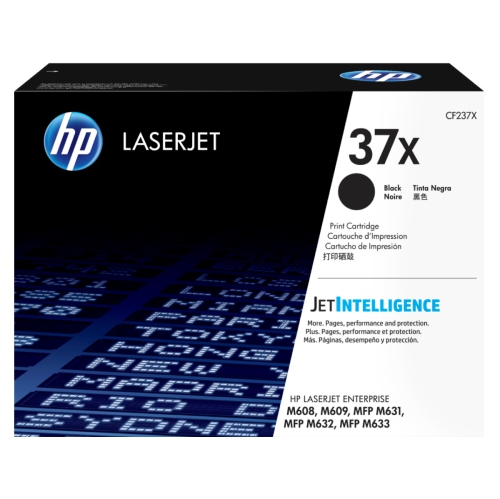
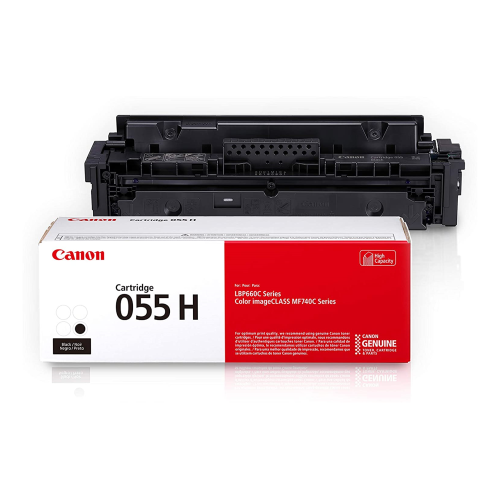
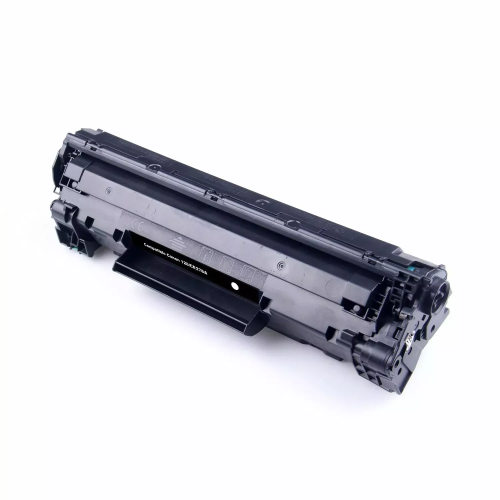

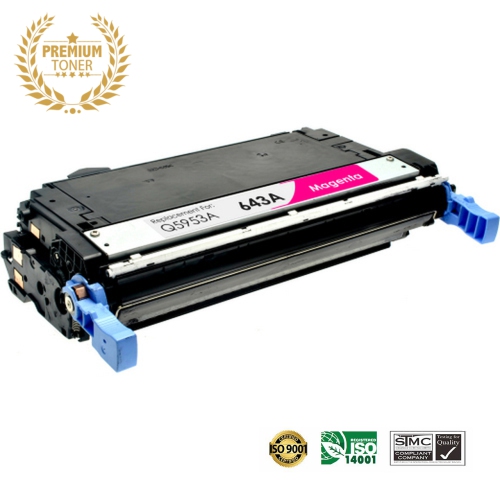
How printer matching affects your replacement toner choice
Compatible laser toner cartridges are designed for laser printers that use powdered toner rather than liquid ink, making them a practical choice for crisp documents, forms, reports, invoices, labels, schoolwork, and everyday correspondence. These cartridges are made by a manufacturer other than the original printer brand, but are engineered to work with specific printer models and cartridge numbers. The most important step before purchasing is confirming the exact printer make and model, along with the cartridge reference listed in the printer manual, on the existing cartridge, or in the printer’s settings menu. Even printers from the same product family may require different cartridges, so matching the model number carefully helps prevent ordering an item that will not fit or function correctly. If your printer uses a laser-based print system, browsing LaserJet Printer Toner Cartridges can also help you compare compatible options for your printing setup. Compatible toner is available for black-and-white and colour laser printers, with choices that may include standard-yield and high-yield cartridges. Standard-yield cartridges can suit occasional printing in a home office, while high-yield options may be more convenient for busy households, classrooms, small businesses, reception desks, and shared workspaces where pages move steadily through the printer. Checking the stated page yield gives you a useful estimate of how often the cartridge may need replacing, although actual results can vary with the amount of toner used on each page. A text-only letter generally uses less toner than a page filled with dark graphics, shaded tables, or full-colour images. It is also worth considering the documents you print most often, whether you need black toner, colour toner, or a complete set, and whether your printer is used by one person or several people throughout the day.
Compatible laser toner cartridges can be useful for a wide range of printing routines. At home, they can support homework, shipping labels, recipes, household records, and occasional forms without requiring frequent trips to a store for replacements. In a home office or small business, keeping a spare cartridge nearby can help prevent an empty toner warning from interrupting an important deadline. Offices that print invoices, schedules, contracts, meeting materials, or customer records may appreciate having replacement cartridges organized by printer so the correct supply is easy to find when needed. Students, remote workers, landlords, community groups, and anyone managing a busy household can also benefit from a reliable supply of toner for documents that need to be clear and easy to read. A compatible cartridge can be a thoughtful practical gift for someone setting up a study area, opening a home-based business, or moving into a new office, especially when paired with other useful desk essentials. Before placing an order, review the cartridge description for printer compatibility, colour, yield, and the number of cartridges included. Pay attention to whether the listing is for a single cartridge, a multipack, or a replacement for a particular toner position. If your printer displays separate levels for black, cyan, magenta, and yellow, each cartridge may need to be replaced independently. For monochrome printers, a black toner cartridge is typically the only colour required. Some printers also track toner electronically, so following the cartridge instructions and the printer’s on-screen prompts can help the device recognize the replacement properly. Keeping the printer’s model number and the old cartridge reference together in a note or photo is a simple habit that makes future reordering easier, particularly in a shared office where several printers may be nearby.
Careful handling helps a new cartridge perform as intended. Toner is a fine powder, so open the package on a level surface and avoid touching the sensitive roller or imaging components. Before installation, gently shake the sealed cartridge horizontally three or four times to distribute the toner evenly inside. Remove any protective sealing strip, shipping cover, or orange protective piece identified in the instructions, taking care not to force parts that are meant to slide or pull away. Insert the cartridge in the direction shown by the printer guide, close the access panel securely, and allow the printer a short initialization period before starting a large print job. A few test pages can confirm that text appears evenly and that colours are properly aligned. If pages show streaks, pale areas, or repeating marks, check that all seals have been removed and that the cartridge is seated correctly; avoid touching the roller while inspecting it. Store spare cartridges in their original packaging in a cool, dry place away from direct sunlight, moisture, excessive heat, and freezing temperatures. A shelf or cupboard away from windows, radiators, vents, and damp areas is generally more suitable than a garage, vehicle, or unheated storage space. Keeping cartridges flat or in the orientation recommended by the packaging can also make handling simpler. As the cooler months bring more indoor work, studying, and document preparation, having the correct compatible laser toner cartridge ready can make routine printing feel far less disruptive. With the printer model, cartridge reference, toner colour, and expected page volume confirmed in advance, it is easier to choose a suitable replacement and keep important pages moving smoothly.
Compatible laser toner cartridges can be useful for a wide range of printing routines. At home, they can support homework, shipping labels, recipes, household records, and occasional forms without requiring frequent trips to a store for replacements. In a home office or small business, keeping a spare cartridge nearby can help prevent an empty toner warning from interrupting an important deadline. Offices that print invoices, schedules, contracts, meeting materials, or customer records may appreciate having replacement cartridges organized by printer so the correct supply is easy to find when needed. Students, remote workers, landlords, community groups, and anyone managing a busy household can also benefit from a reliable supply of toner for documents that need to be clear and easy to read. A compatible cartridge can be a thoughtful practical gift for someone setting up a study area, opening a home-based business, or moving into a new office, especially when paired with other useful desk essentials. Before placing an order, review the cartridge description for printer compatibility, colour, yield, and the number of cartridges included. Pay attention to whether the listing is for a single cartridge, a multipack, or a replacement for a particular toner position. If your printer displays separate levels for black, cyan, magenta, and yellow, each cartridge may need to be replaced independently. For monochrome printers, a black toner cartridge is typically the only colour required. Some printers also track toner electronically, so following the cartridge instructions and the printer’s on-screen prompts can help the device recognize the replacement properly. Keeping the printer’s model number and the old cartridge reference together in a note or photo is a simple habit that makes future reordering easier, particularly in a shared office where several printers may be nearby.
Careful handling helps a new cartridge perform as intended. Toner is a fine powder, so open the package on a level surface and avoid touching the sensitive roller or imaging components. Before installation, gently shake the sealed cartridge horizontally three or four times to distribute the toner evenly inside. Remove any protective sealing strip, shipping cover, or orange protective piece identified in the instructions, taking care not to force parts that are meant to slide or pull away. Insert the cartridge in the direction shown by the printer guide, close the access panel securely, and allow the printer a short initialization period before starting a large print job. A few test pages can confirm that text appears evenly and that colours are properly aligned. If pages show streaks, pale areas, or repeating marks, check that all seals have been removed and that the cartridge is seated correctly; avoid touching the roller while inspecting it. Store spare cartridges in their original packaging in a cool, dry place away from direct sunlight, moisture, excessive heat, and freezing temperatures. A shelf or cupboard away from windows, radiators, vents, and damp areas is generally more suitable than a garage, vehicle, or unheated storage space. Keeping cartridges flat or in the orientation recommended by the packaging can also make handling simpler. As the cooler months bring more indoor work, studying, and document preparation, having the correct compatible laser toner cartridge ready can make routine printing feel far less disruptive. With the printer model, cartridge reference, toner colour, and expected page volume confirmed in advance, it is easier to choose a suitable replacement and keep important pages moving smoothly.
Top selling and popular products
-
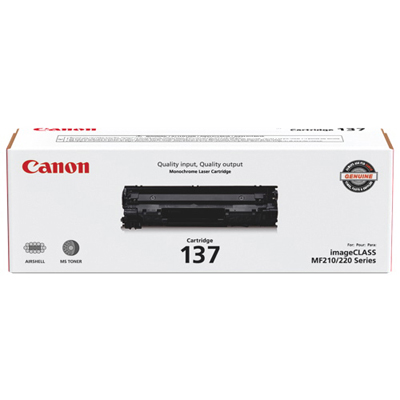 Your price for this item is $144.99
 -
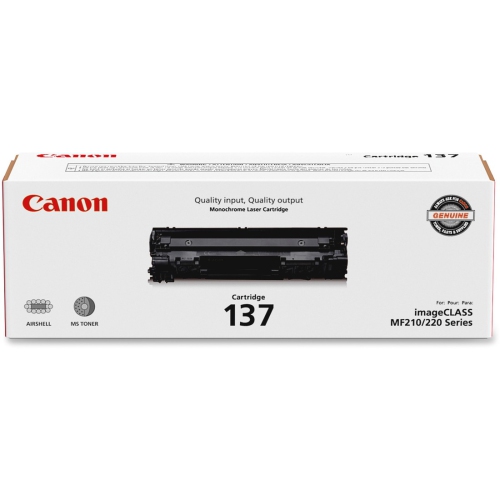 Your price for this item is $119.99
 -
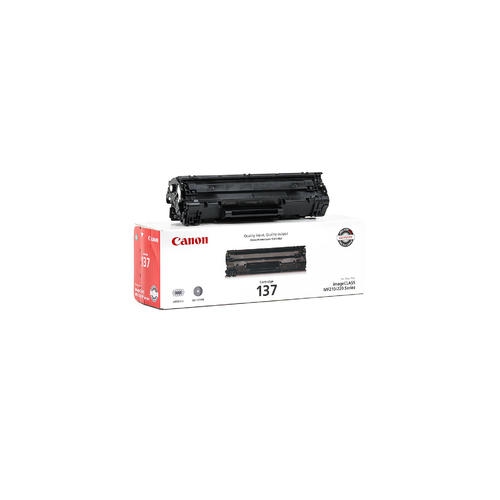 Your price for this item is $137.98
 -
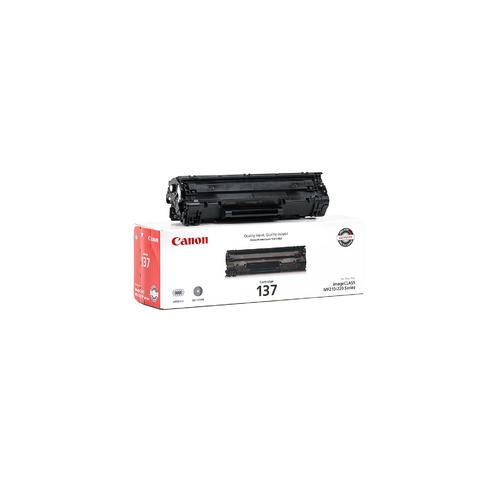 Your price for this item is $123.98
 -
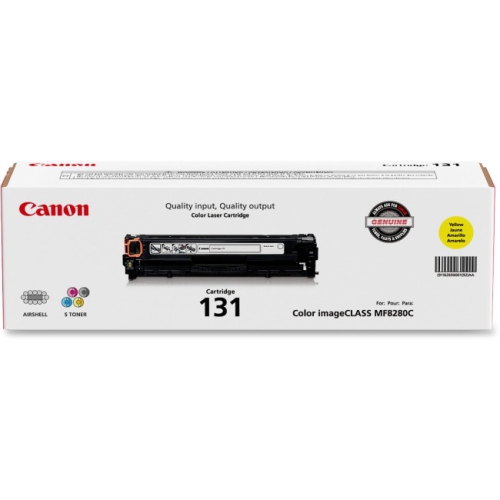 Your price for this item is $154.37
 -
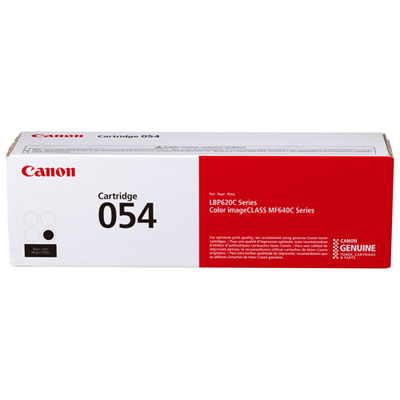 Your price for this item is $129.99
 -
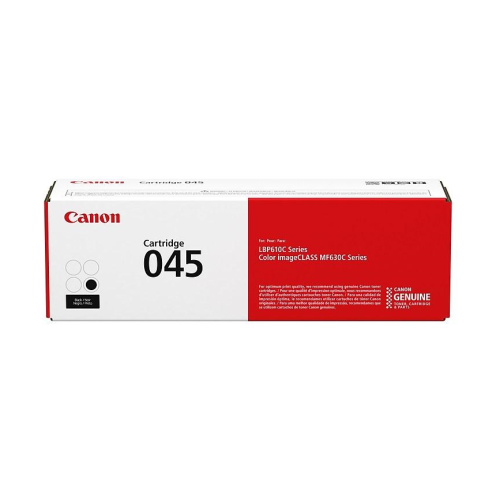 Your price for this item is $145.68
 -
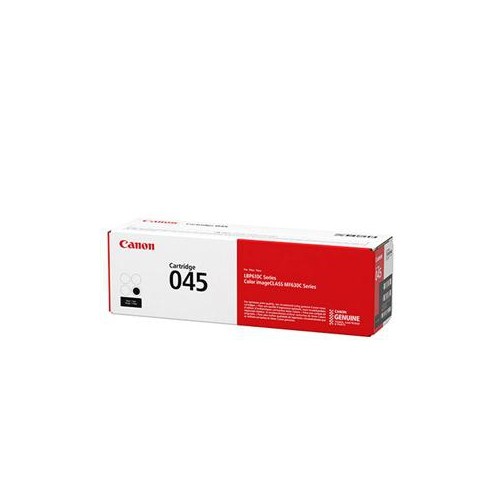 Your price for this item is $145.68
Discover more categories related to Compatible Laser Toner Cartridges
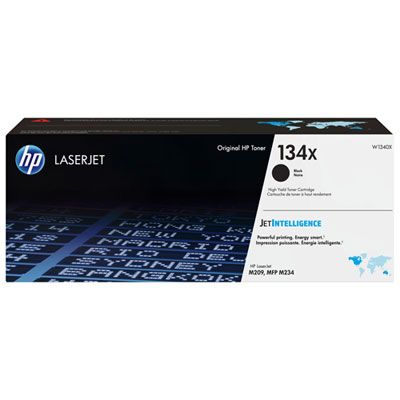
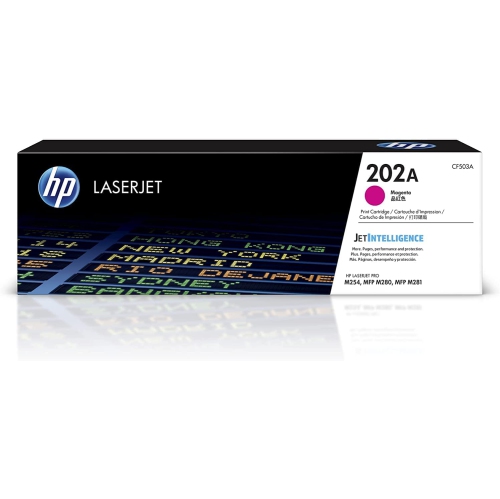
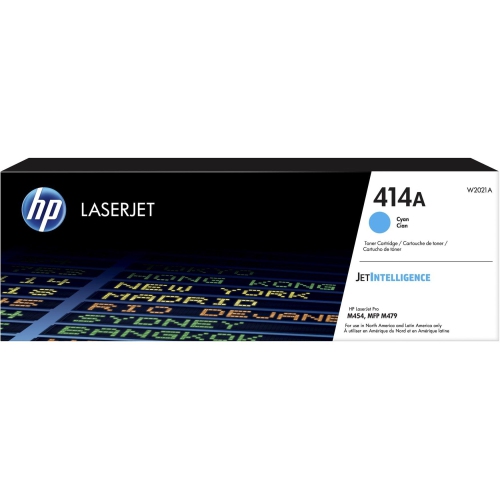
Top Collections:
Pokemon Centers, Kindle Devices, Best Budget Office Chairs, Canon G7X Cameras, Apple iPhones 16, Samsung Galaxy Phones, Refurbished Apple Laptops, Laptops for Students, iPhone 15 Apple, Budget Smartphones
Some products may be subject to Environmental Handling Fees
(EHF) depending on your province.
Learn more about EHFs.