Silent Keyboards for Gaming
Elevate your gaming experience with silent keyboards for gaming, designed to provide the perfect balance of performance and peace. Whether you're deep into an intense multiplayer battle or exploring vast virtual worlds, these keyboards ensure that your focus remains uninterrupted by the clatter of keys. Silent keyboards are crafted to deliver responsive keystrokes while maintaining a whisper-quiet operation, making them ideal for late-night sessions or shared spaces. Discover a range of options that combine sleek designs with advanced technology, allowing you to immerse yourself fully in the game without disturbing those around you.
Sort

Why quieter keystrokes depend on more than switches
Silent keyboards for gaming are designed to reduce the sound of repeated key presses while keeping controls responsive during play. They may use dampened mechanical switches, membrane mechanisms, internal foam, or cushioned mounting systems to soften the noise made as keys move down and return. “Silent” generally means quieter rather than completely soundless: typing force, the keyboard’s construction, and the surface beneath it all affect what can be heard. This makes them useful in shared rooms, during voice chat, or anywhere the sharp clatter of a keyboard could distract someone nearby. Silent linear switches typically offer a smooth press without a deliberate tactile bump, while silent tactile switches add a noticeable change in resistance to help signal a key press. Membrane keyboards use flexible rubber domes and can deliver a softer, more muted sound, although their feel varies considerably. A tactile switch is not necessarily quiet, and a mechanical keyboard is not necessarily loud; the switch mechanism and the surrounding construction matter more than either label alone. Internal switch dampeners can reduce impact noise at the bottom and top of a keystroke, while case foam may help absorb hollow resonance. Gasket mounting can cushion the typing feel, but it does not guarantee low noise on its own. Larger keys deserve particular attention because the space bar, Enter key, and Shift keys use stabilizers that can introduce rattle even when the letter keys sound subdued. A padded desk mat may soften vibrations transferred into a hard desktop, though it cannot remove the sound produced inside a switch. For players sharing a microphone with teammates, reduced keyboard noise can make conversation less cluttered without requiring an unnaturally light touch. The most suitable feel still depends on how someone plays: lighter resistance can make repeated inputs easier, while firmer resistance may help someone who tends to trigger neighbouring keys accidentally. Short travel can feel quick, but it is not automatically quieter or more comfortable than a longer, cushioned stroke.
Gaming performance depends on more than sound. A quiet keyboard still needs to register movement, ability commands, and other inputs reliably when several keys are pressed together. Key rollover describes how many simultaneous presses can register correctly, while anti-ghosting helps prevent unintended inputs during key combinations. These features matter when a player is moving diagonally, holding a modifier, and activating another command at the same time. Connection type also shapes everyday use. Wired keyboards avoid battery management and provide a straightforward connection, while wireless keyboards offer more freedom to position the keyboard or clear the desktop between sessions. A dedicated wireless receiver may provide a lower-latency gaming connection than Bluetooth, but actual performance depends on the keyboard, connection mode, and device. Compatibility with computers or consoles, access to customization software, and support for saved settings are worth considering separately rather than assuming every feature works on every platform. Layout has an equally practical effect. Full-size keyboards retain a number pad for frequent numerical entry, while tenkeyless designs leave more room for wide mouse movements without removing the main navigation cluster. More compact layouts save additional space but may place function keys, arrows, or other commands behind shortcuts. That trade-off can be noticeable in games with numerous bindings or when switching between play and coursework. Keycap legends should be readable in the lighting normally used, and adjustable backlighting can help distinguish controls without dominating the room. Dedicated media controls and programmable keys can be convenient, provided their placement does not lead to accidental presses. Comfort comes from the whole arrangement: keyboard height, front-edge shape, wrist position, and distance from the mouse all contribute. A wrist rest can support the hands during pauses, but a tall keyboard or steep angle may still feel awkward. Low-profile designs can reduce the reach to the keys, although their shorter mechanisms do not necessarily produce less noise. A layout that supports relaxed shoulders and easy access to frequently used controls can matter more over a long session than extra lighting effects.
Materials, construction, and care influence how a quiet gaming keyboard feels after repeated use. Plastic cases can vary from light and flexible to substantial and well supported; metal plates or housings can add rigidity, but their sound depends on the complete assembly rather than the material alone. Keycaps made from ABS or PBT plastic differ in texture, finish, and how they show wear, with thicker caps also changing the character of each keystroke. Neither material guarantees a quieter keyboard. Clearly formed legends, stable keycaps, secure feet, and a connector positioned away from frequent knocks are useful details for everyday durability. Replaceable keycaps or switches can make repairs and changes more practical on compatible designs, but hot-swappable sockets must match the intended switch type. Opening a case or making internal changes may affect warranty coverage, so a keyboard that already provides the desired sound and feel can be a simpler fit than one requiring modifications. Routine care helps preserve that feel: disconnecting power before cleaning, removing loose debris gently, and using a lightly dampened cloth on suitable exterior surfaces can prevent buildup around frequently used keys. Cleaning liquids should never be sprayed directly into the keyboard, and keycaps should only be removed when the manufacturer’s instructions permit it. Food crumbs, pet hair, and spilled drinks can interfere with movement or electronics, even on an otherwise sturdy design; spill resistance is not the same as waterproofing. For a gift, the recipient’s preferred layout, connection type, and typing feel are useful details to know, especially if the keyboard will replace one used for both games and daily tasks. There is also overlap with Silent Keyboards for Work when the same setup supports video meetings, writing, and evening matches. A subdued sound profile suits those shared uses, while dependable inputs and familiar key placement keep the transition between activities straightforward. Whether used in a busy household or beside a sensitive microphone, a quiet keyboard brings the most value when its acoustics, comfort, and controls work well together.
Top selling and popular products
-
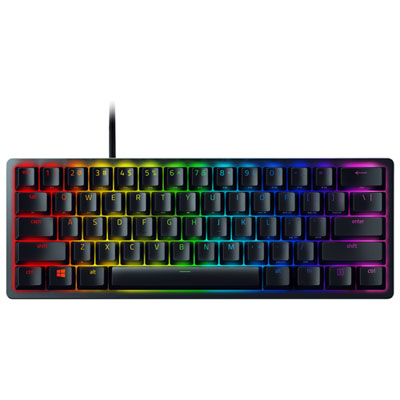 Your price for this item is $94.99
-
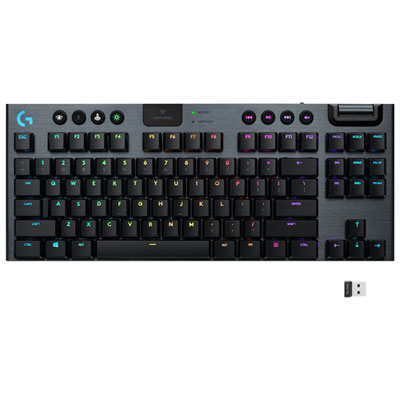 Your price for this item is $319.95
-
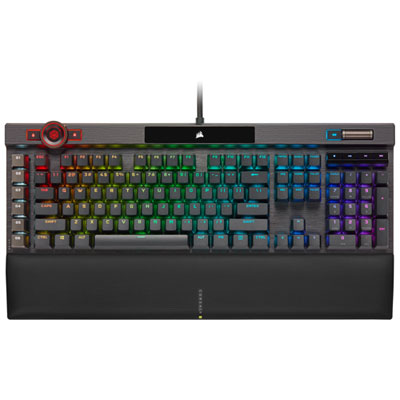 Your price for this item is $364.95
-
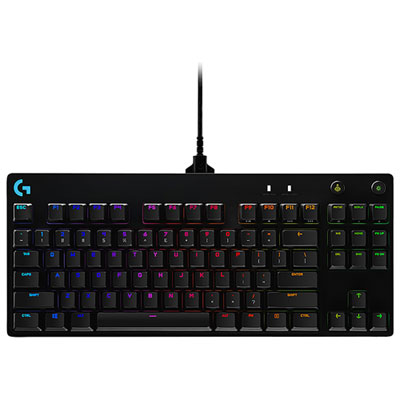 Your price for this item is $149.99
-
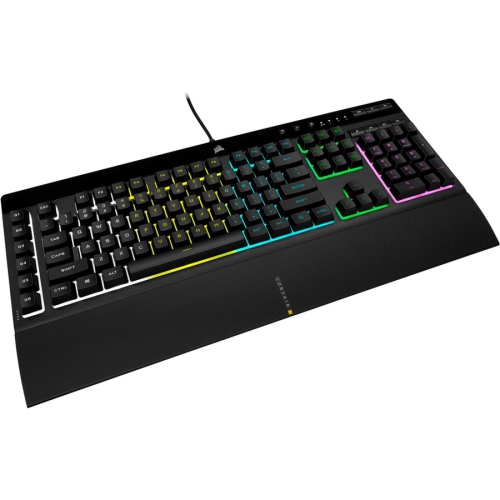 Your price for this item is $113.68
-
 Your price for this item is $94.99
-
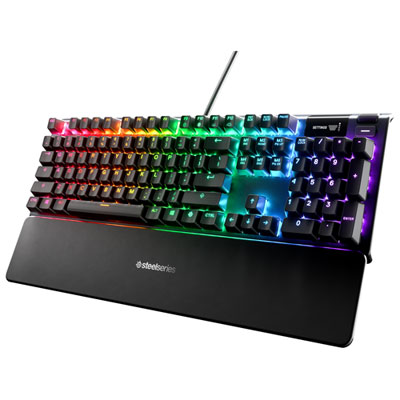 Your price for this item is $139.95
-
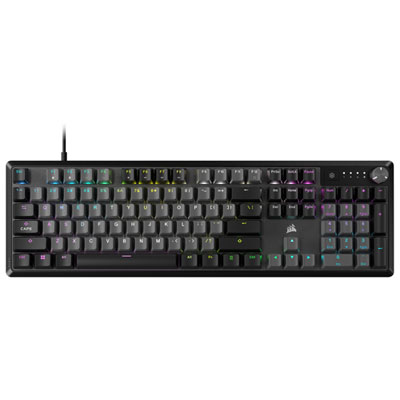 Your price for this item is $99.99
Discover more categories related to Silent Keyboards for Gaming
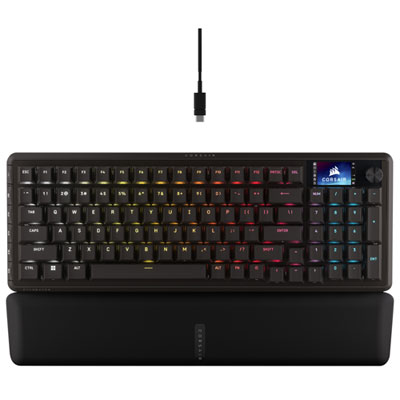

Top Collections:
Best Black Friday Deals This Year, Best Black Friday Deals On Electronics, Kindle Devices, Pokemon Centers, Best Black Friday Deals On Apple Products, Best Cameras for Sports Photography, Dyson Airwrap, Pokémon 30th Celebration Cards, Apple iPhone 17 Pro, Canon G7X Cameras
Some products may be subject to Environmental Handling Fees
(EHF) depending on your province.
Learn more about EHFs.