Silent Mice
Silent Mice offer a quieter way to navigate your computer tasks, making them an excellent choice for shared workspaces, libraries, or late-night projects at home. Designed for comfort and efficiency, these mice help maintain focus without distracting clicks. Whether you're working, studying, or gaming, Silent Mice provide a seamless experience for both productivity and leisure. Explore a range of options to find the perfect fit for your setup and enjoy smooth, nearly noiseless control every time you use your device.
Sort
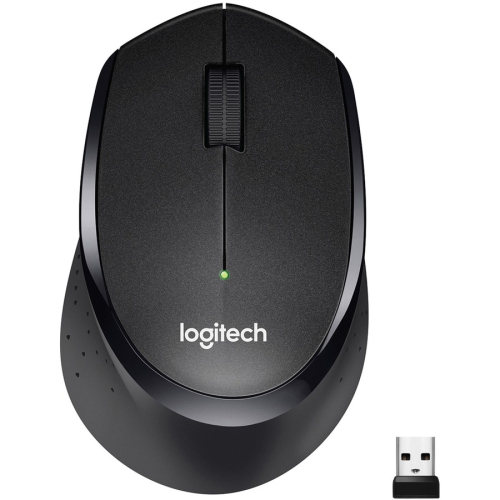
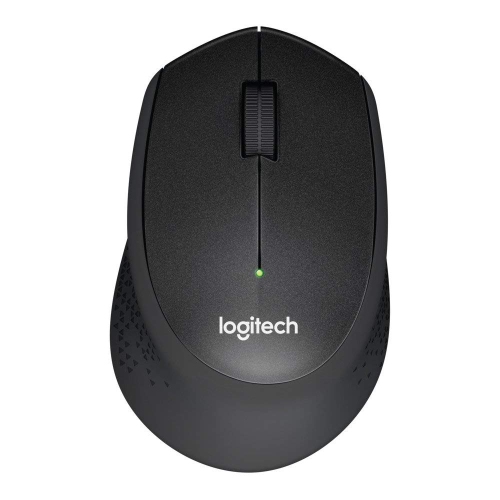
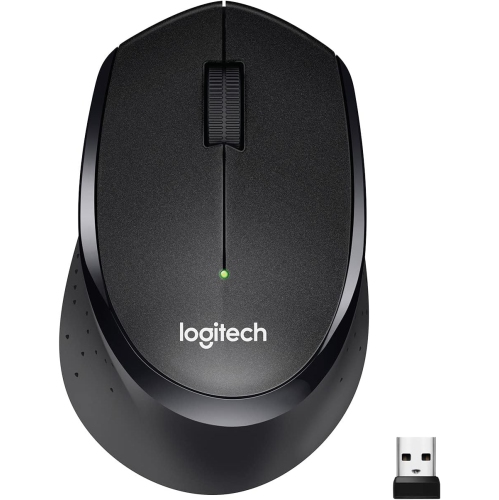
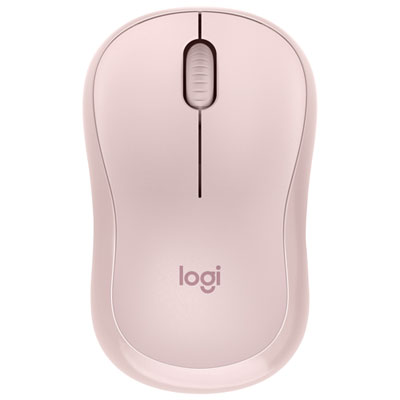
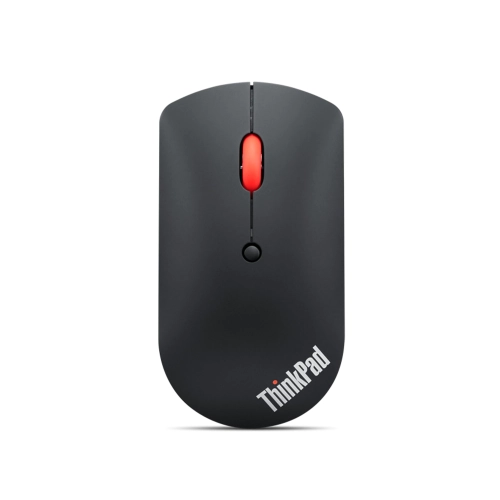
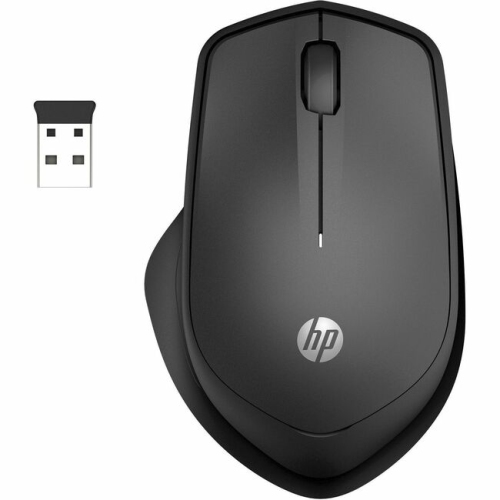
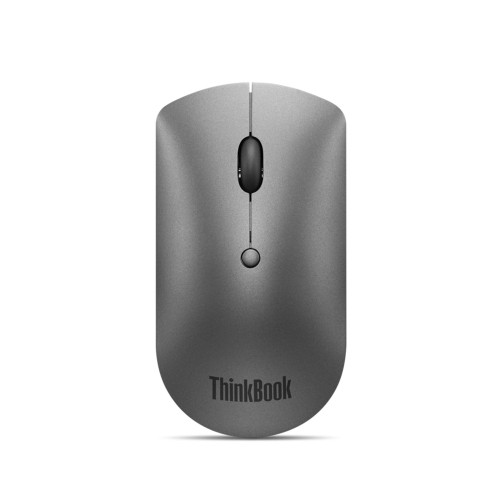
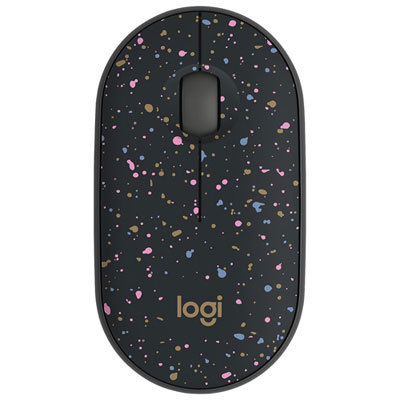

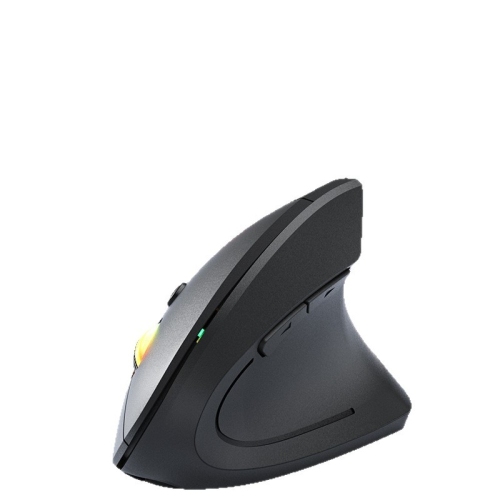
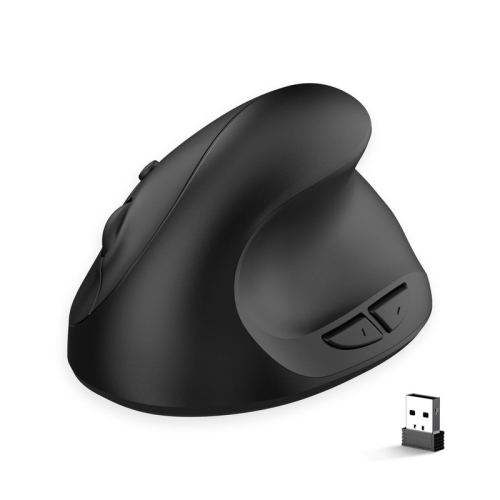
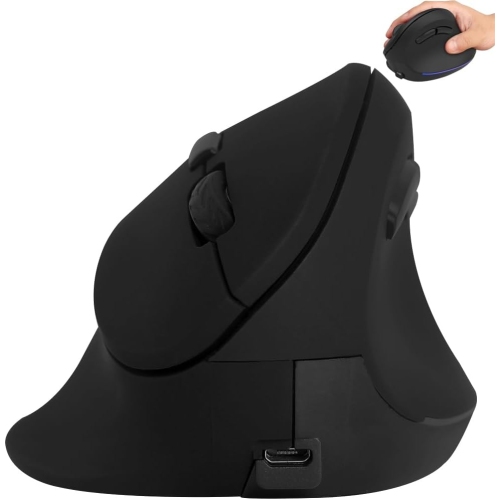
A quieter click is only the starting point
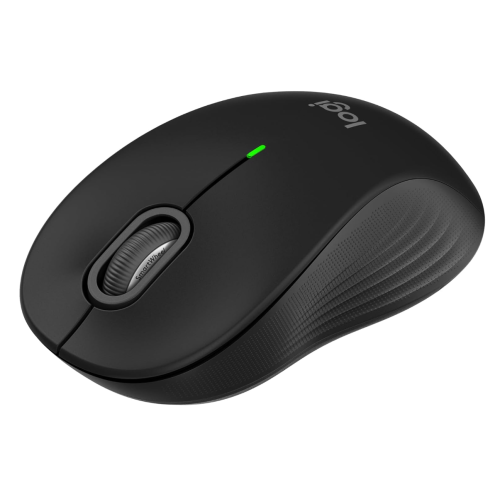
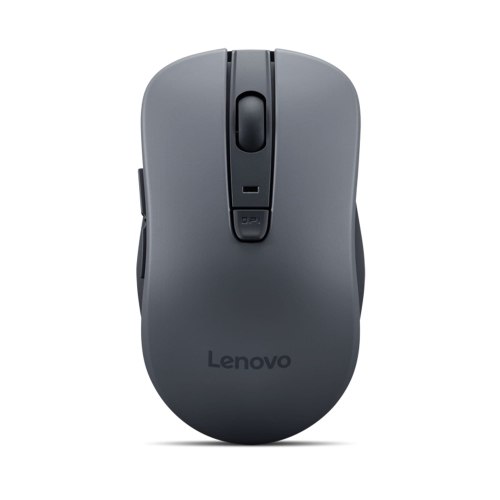
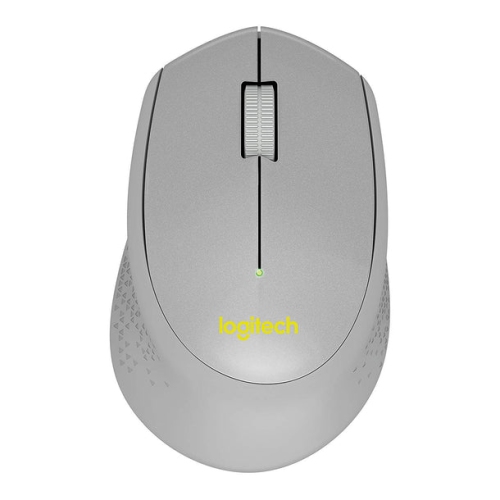
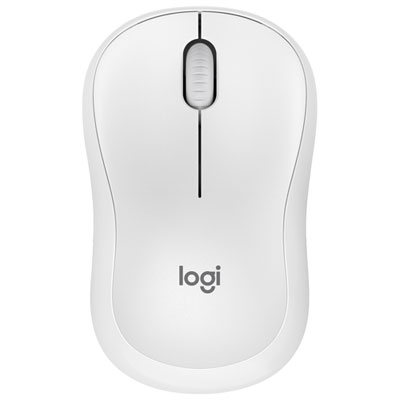
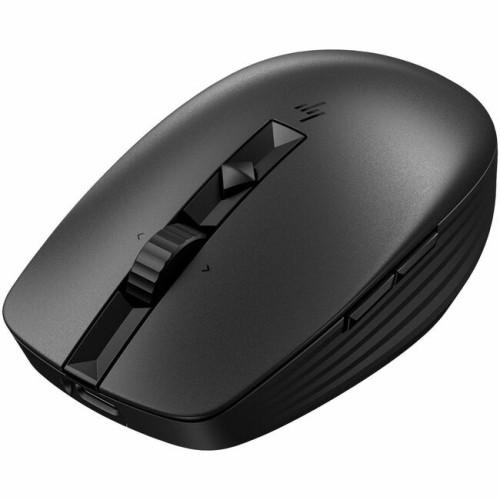
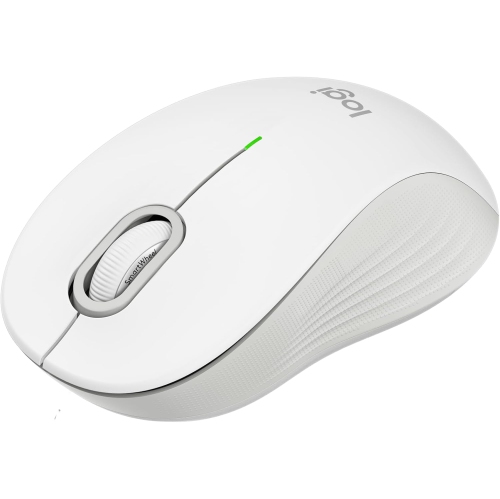
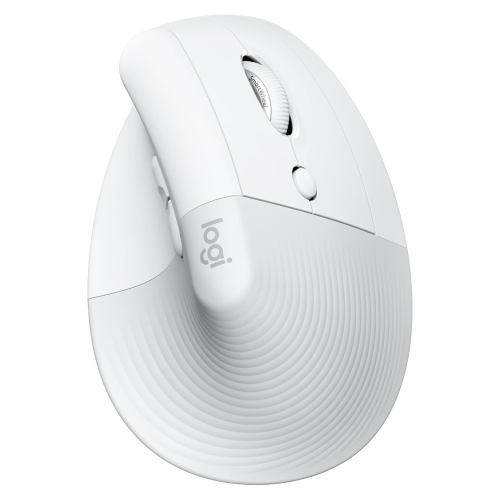
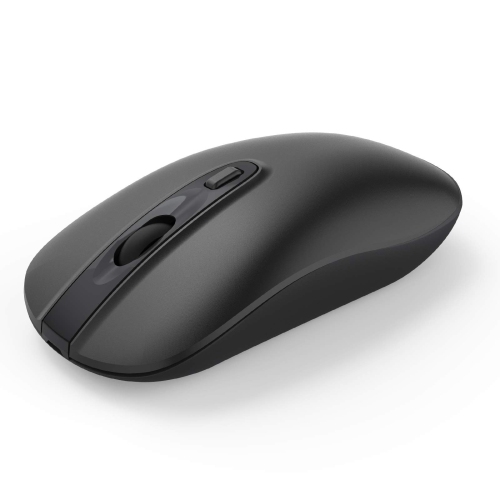
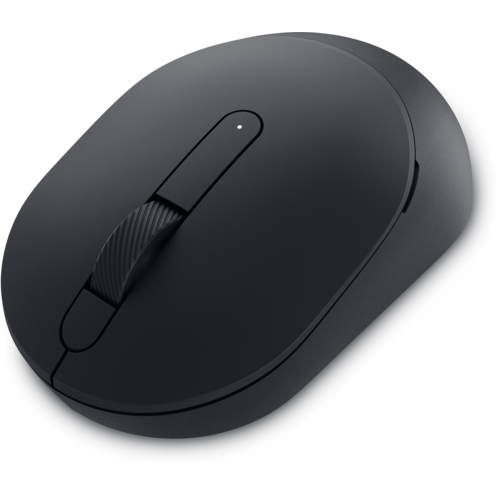
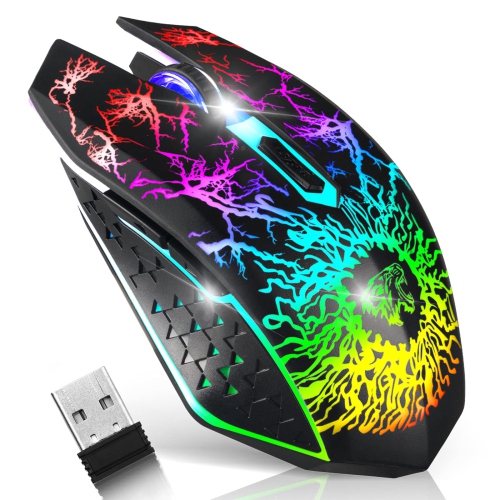
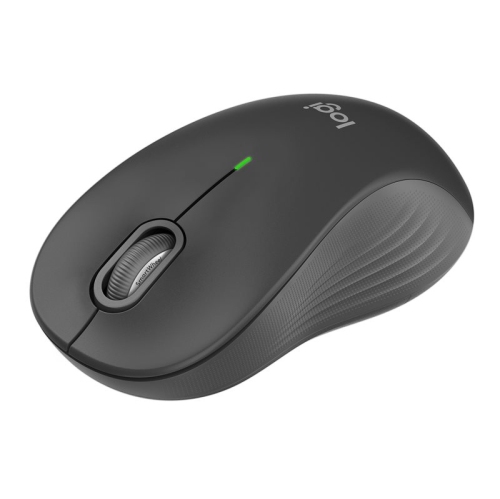
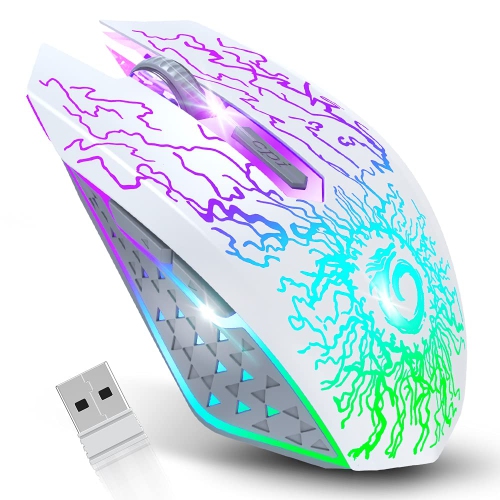
Silent mice are computer mice designed to reduce the sound of clicking, typically through quieter switches, sound-dampening materials, or a combination of both. They provide familiar pointer control with a softer click, making them useful wherever repeated tapping could distract someone nearby. A shared office, library study desk, or dining table doubling as a work surface can all benefit from less mouse noise. The term “silent” generally means quieter rather than completely soundless: the scroll wheel, side buttons, and movement across a desk may still be audible, and the amount of noise reduction varies by design. Click feel also differs. Some quiet buttons have a light, cushioned response, while others retain a more noticeable tactile action without the sharp snap associated with conventional switches. That distinction matters during a long stretch of editing documents, sorting spreadsheets, or navigating design software, when the mouse becomes an almost continuous point of contact. Comfort depends on more than quiet operation. Overall length, width, height, and weight influence how naturally a mouse sits beneath the hand. A fuller shape can support a palm grip, while a smaller body may suit fingertip control or fit more easily into a laptop bag. Neither shape is universally better; the right fit allows easy access to the main buttons and wheel without stretching or gripping tightly. Right-handed contours, symmetrical bodies, and left-handed designs offer different arrangements, so side-button placement deserves attention as well as the overall outline. Materials contribute to the experience: moulded plastic shells can feel smooth and easy to wipe, while textured surfaces or rubberized side grips offer a different hold. A soft-touch finish may feel pleasant under the fingers, but its long-term appearance depends on use and care. For someone moving between focused work and everyday browsing, a comfortable shape and predictable button response can be just as important as a quieter click.
Connection type shapes how a silent mouse fits into a computer setup. Wired mice connect directly to a compatible port and do not need separate batteries or charging, making them straightforward companions for a stationary desktop. The cable does need enough room to move freely without catching on a monitor stand or slipping behind the desk. Wireless mice remove that cable from the work surface, with Bluetooth and USB receiver connections serving different needs. Bluetooth can leave a USB port free on a compatible laptop, while a dedicated receiver provides a separate connection through an appropriate USB port. Port type matters, particularly on slim laptops that may require an adapter for certain receivers. Compatibility with the computer’s operating system should extend beyond basic pointer movement if programmable buttons, gesture controls, or customization software are important. Some mice can pair with more than one device and switch between them, a useful feature for someone alternating between a work laptop and a personal computer. Power arrangements also vary: replaceable batteries suit people who prefer a quick battery change, while built-in rechargeable batteries require access to a charging cable. Battery life depends on usage, connection settings, and features, so a quoted maximum is not a promise of identical results for every routine. Tracking performance deserves equal attention. Sensor sensitivity, often expressed as DPI, affects how far the pointer moves relative to hand movement; adjustable settings can help balance broad movement across a large display with finer control for detailed tasks. A higher number alone does not establish better accuracy. Surface compatibility, consistent tracking, and comfortable control matter more in everyday use. Glass and highly reflective desktops may require a suitable mouse pad unless the sensor explicitly supports those surfaces. For gaming, quieter clicks are only one consideration alongside response time, connection stability, weight, and button layout. A mouse suited to email and office applications does not automatically offer the performance or controls needed for fast-paced play.
The details become especially noticeable when a mouse travels or sees hours of daily use. A low-profile body can slip into a bag more easily, but a protective pocket or case helps keep pressure off buttons and prevents loose objects from scratching the shell. A receiver storage compartment, where included, gives a small USB receiver a dedicated place between workspaces. At a permanent desk, smooth glide feet and an uncluttered mousing area help the mouse move without scraping or dragging; on a shared table, a fabric mouse pad can create a more consistent surface. Quiet switches will not eliminate noise from a rough desktop or a mouse being lifted and set down firmly. Routine care helps preserve both feel and function. Dust around the sensor opening can interfere with tracking, while crumbs and residue around the wheel can make scrolling less consistent. With the mouse switched off or disconnected, a soft, lightly dampened cloth is generally suitable for wiping the exterior, provided the manufacturer’s care directions allow it. Liquid should not be sprayed directly into buttons, seams, or charging ports, and abrasive cleaners can damage finishes. Over time, coatings, glide feet, switches, and rechargeable batteries may wear differently, so build quality, warranty coverage, and any supported replacement parts are useful considerations for frequent use. Silent mice can also make practical gifts for students, home-office workers, and people who share a workspace, particularly when the recipient’s hand preference, computer connection, and usual tasks are known. Exploring Quiet Mice offers another way to compare this type of computer accessory. The most useful choice balances reduced click noise with a natural grip, dependable tracking, and controls that suit the person using it, whether the day involves careful spreadsheet selections, video meetings, creative work, or relaxed browsing.
Top selling and popular products
-
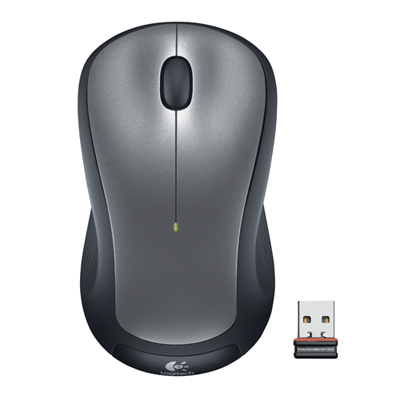 Your price for this item is $29.99
-
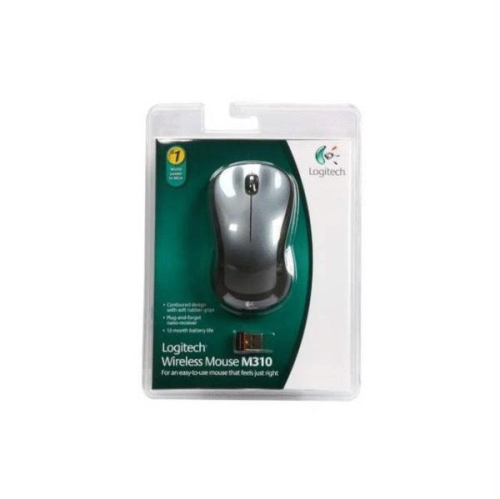 Your price for this item is $50.44
-
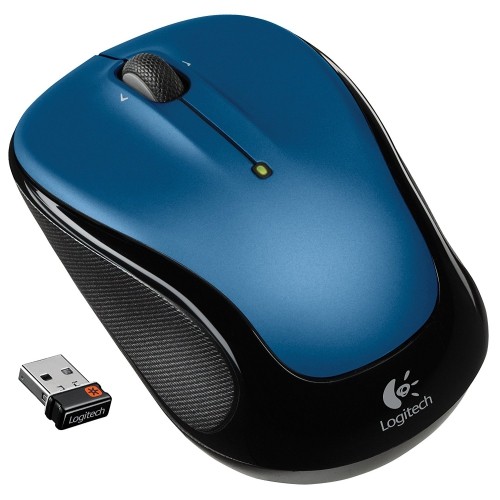 Your price for this item is $39.99
-
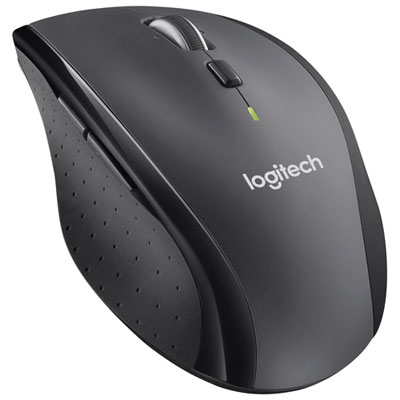 Your price for this item is $49.99
-
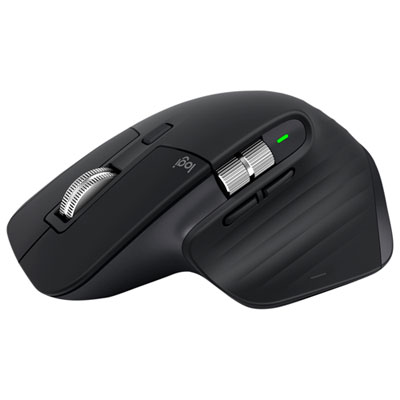 Your price for this item is $159.97
-
 Your price for this item is $64.68
-
 Your price for this item is $48.68
-
 Your price for this item is $31
Discover more categories related to Silent Mice

Top Collections:
Best Black Friday Deals This Year, Best Black Friday Deals On Electronics, Kindle Devices, Pokemon Centers, Best Black Friday Deals On Apple Products, Best Cameras for Sports Photography, Dyson Airwrap, Pokémon 30th Celebration Cards, Apple iPhone 17 Pro, Canon G7X Cameras
Some products may be subject to Environmental Handling Fees
(EHF) depending on your province.
Learn more about EHFs.