Computer Desks with Storage Drawers

Computer desks with storage drawers combine a workspace for your computer with room to keep office supplies and everyday essentials organized. Compare desk dimensions, drawer layouts, and available desktop space to find a fit for your home office or study area.
Sort

Drawer storage that leaves room for your setup

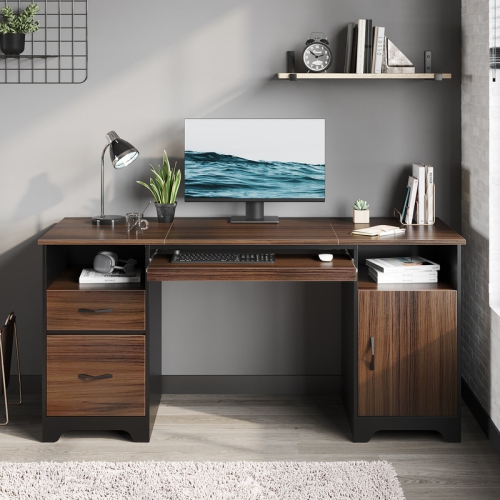
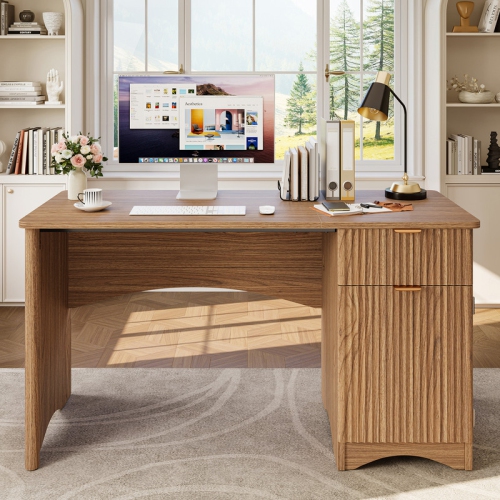
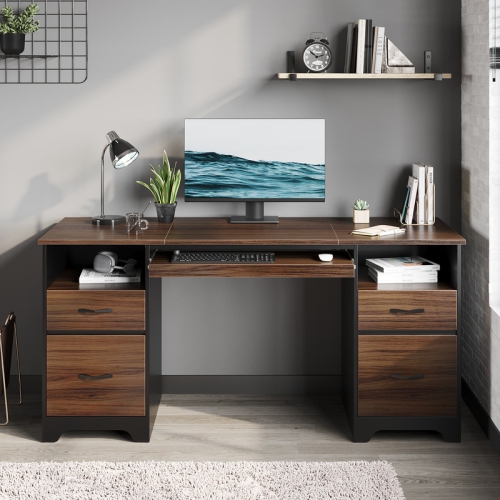
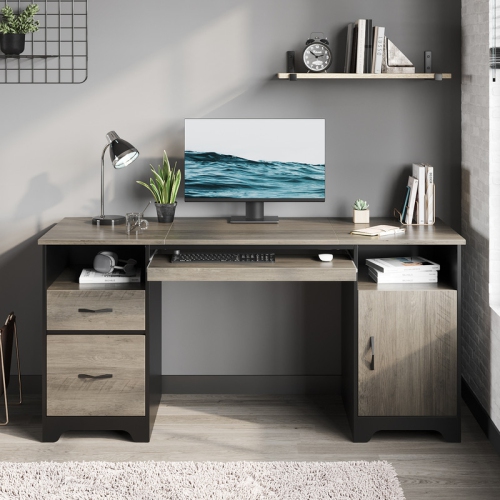
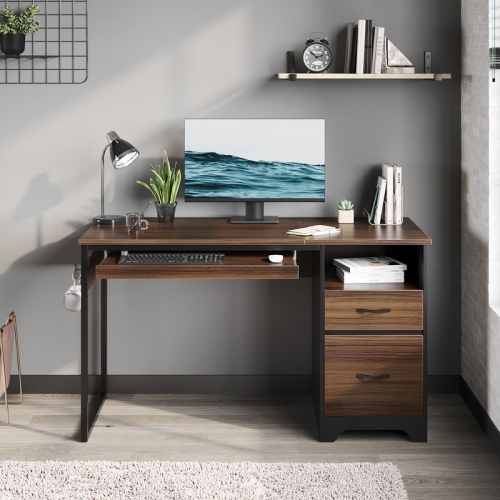
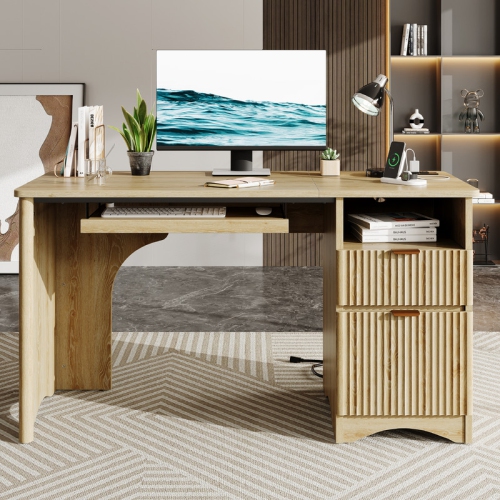
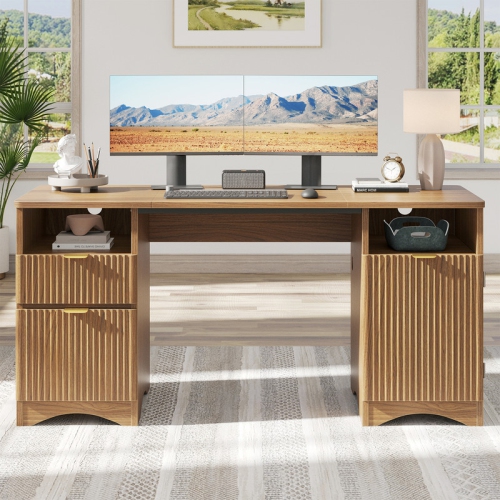
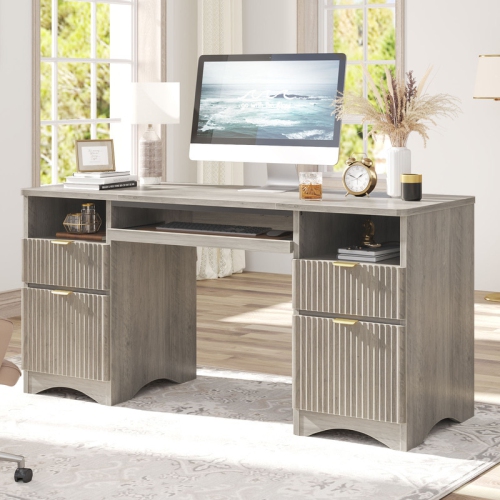
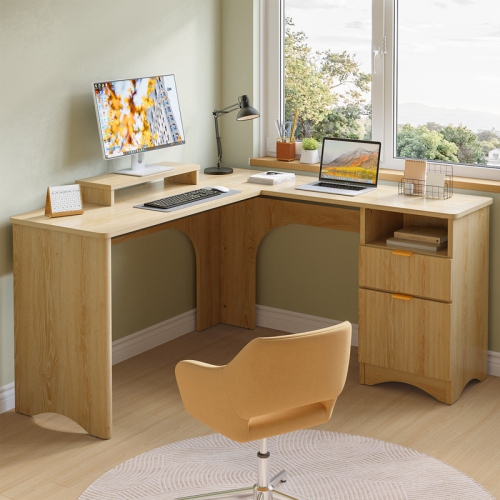
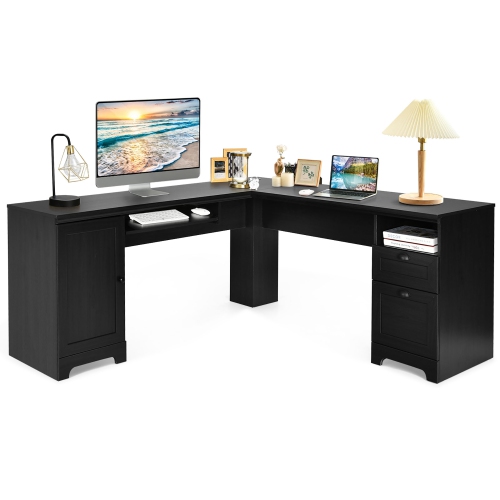
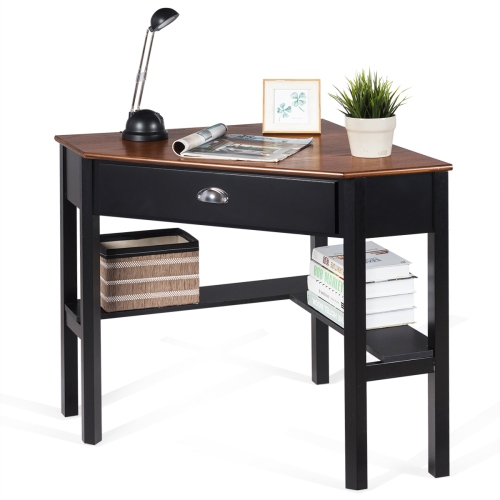
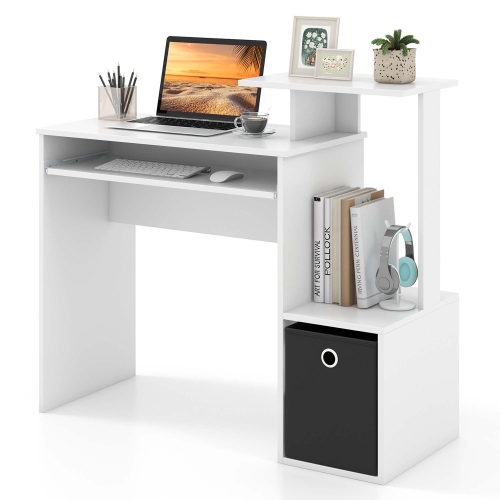
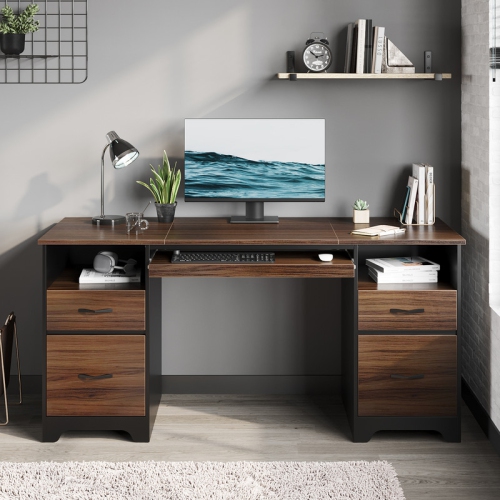
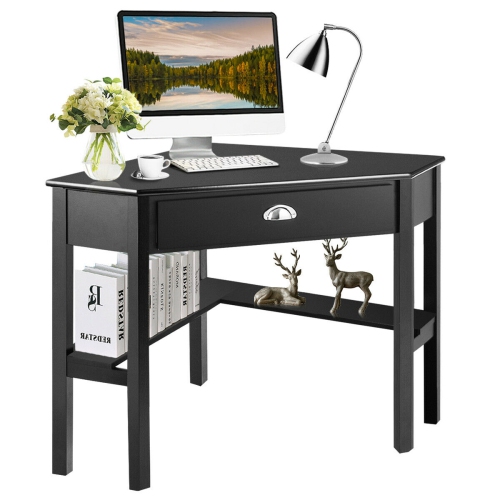
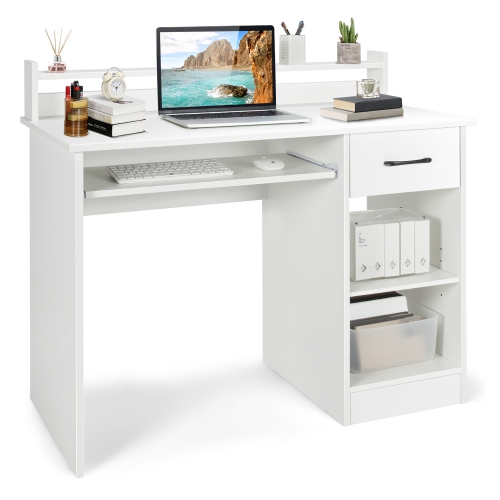
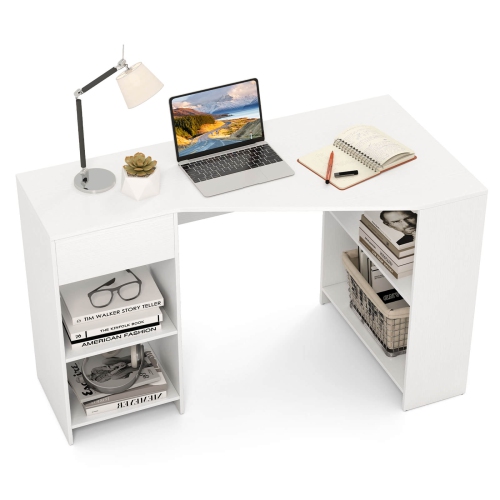
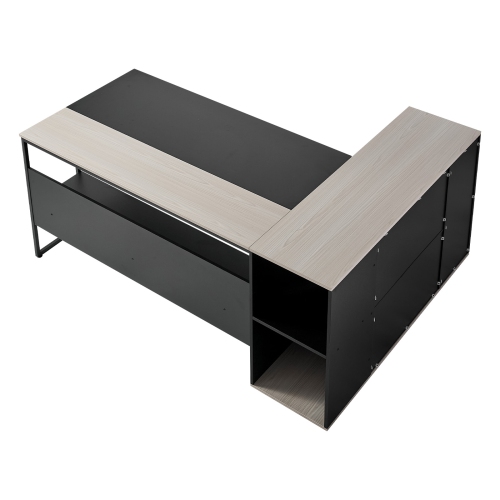
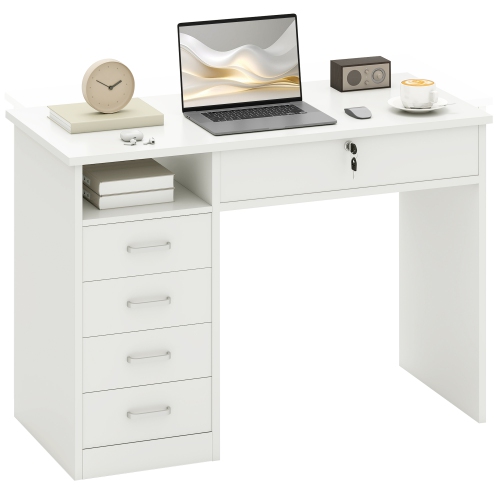
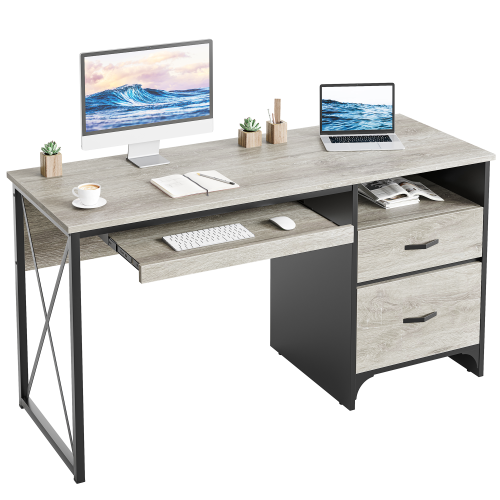
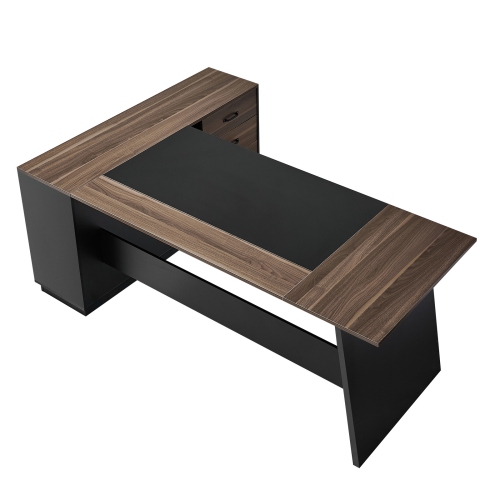
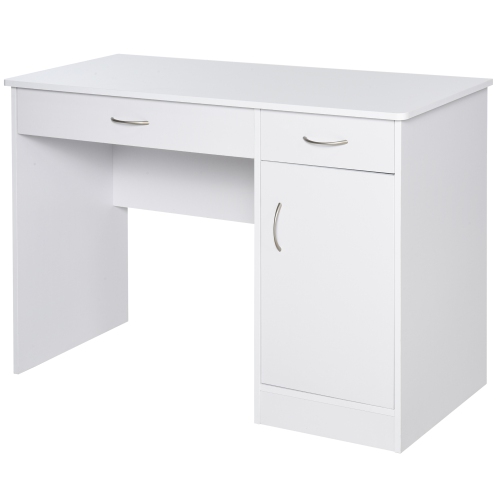
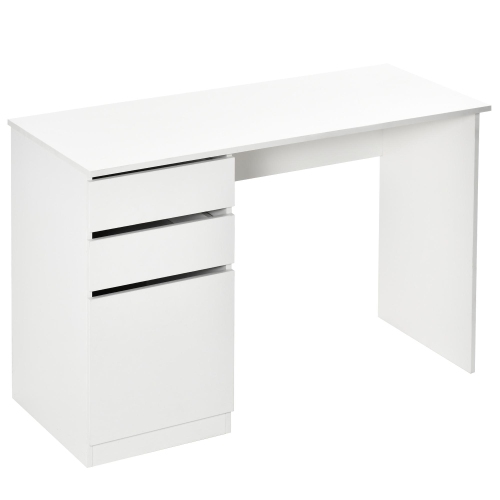
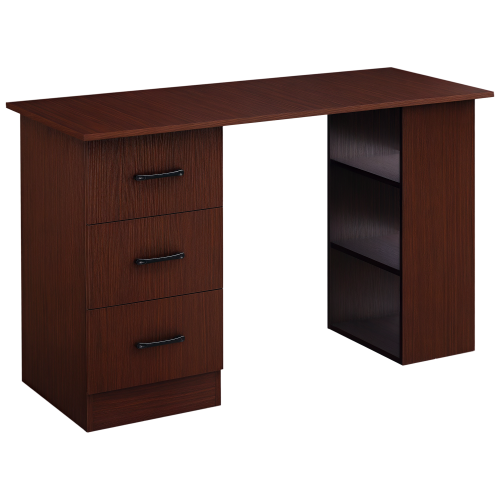
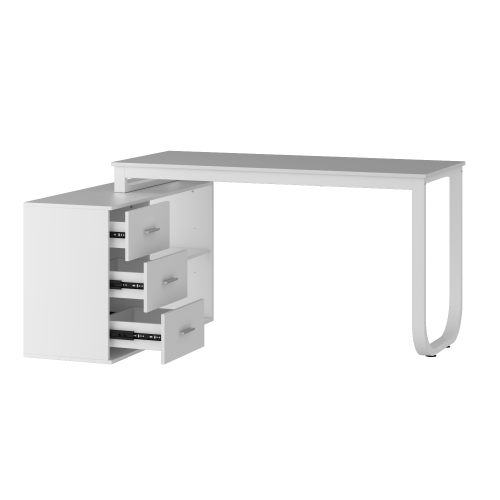
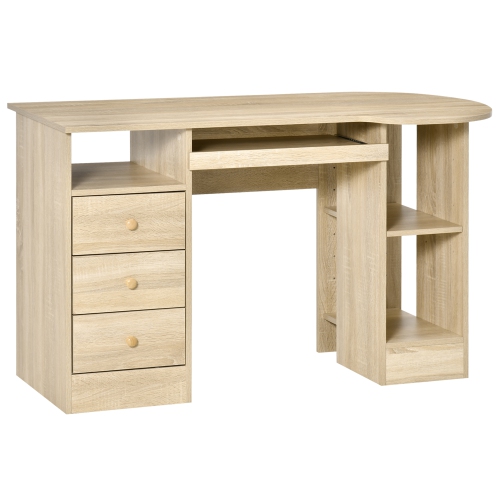
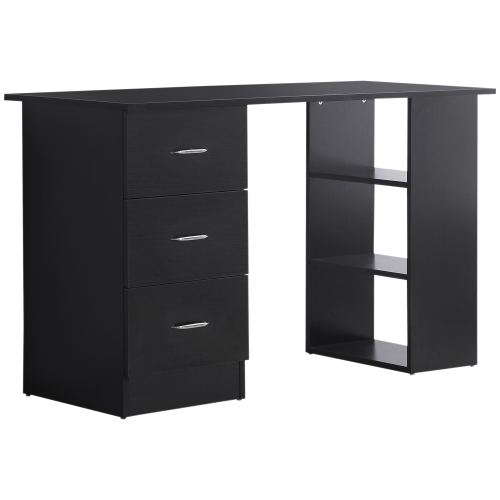
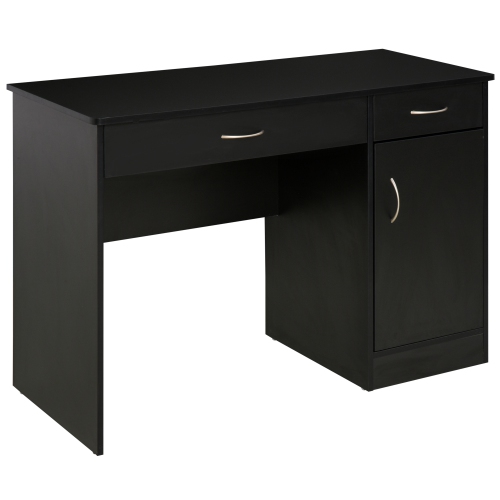
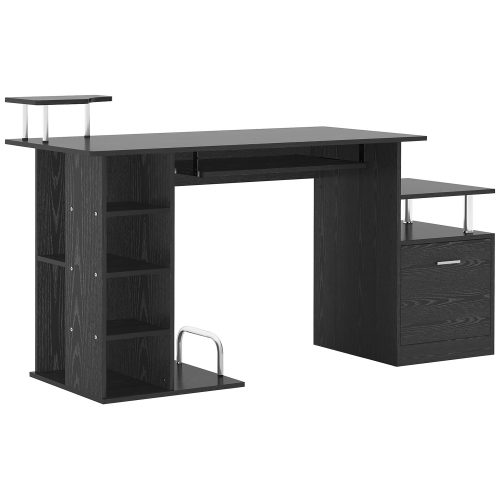
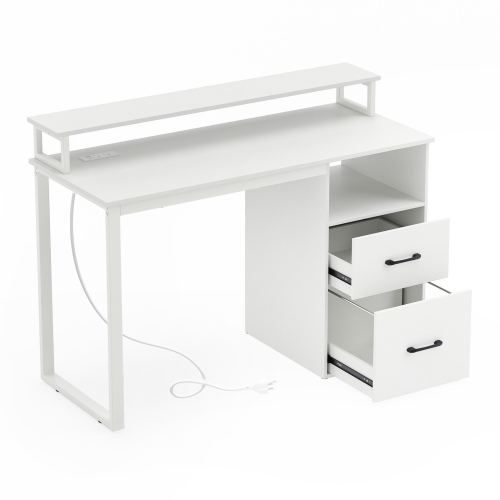
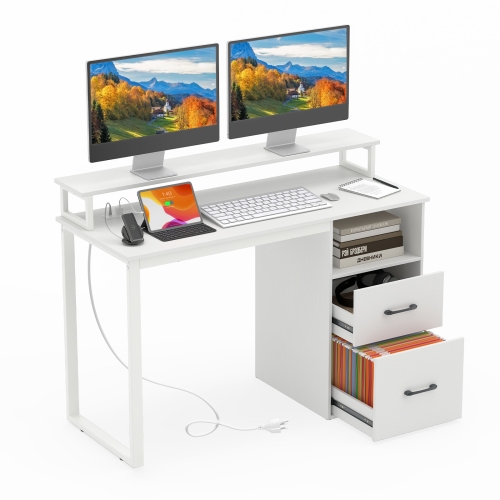
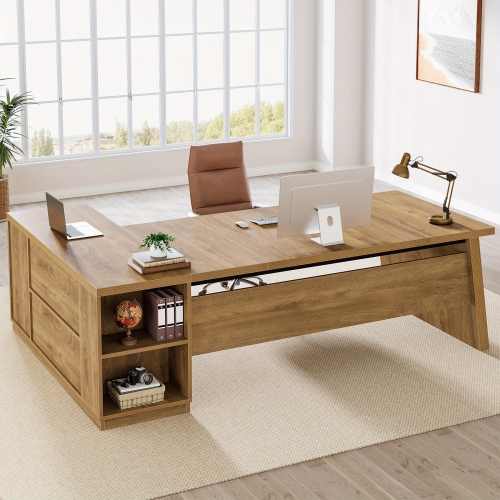
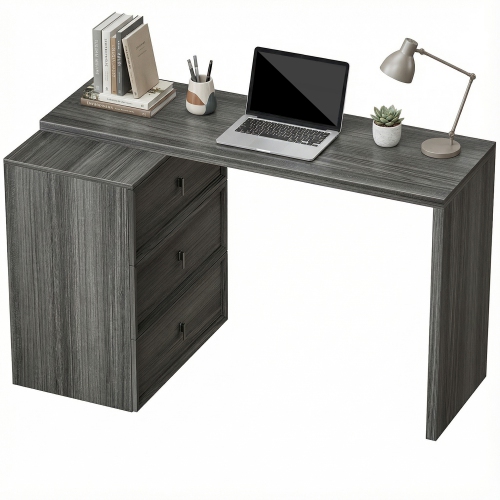
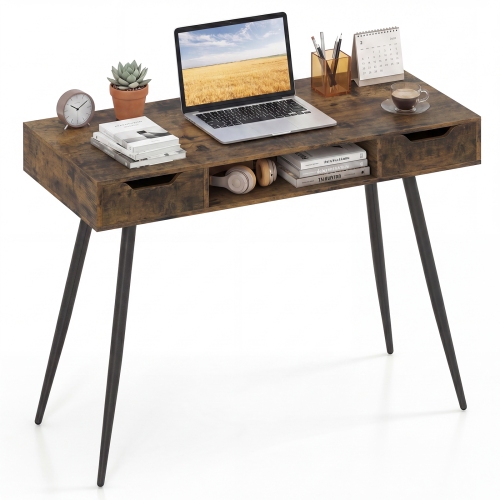
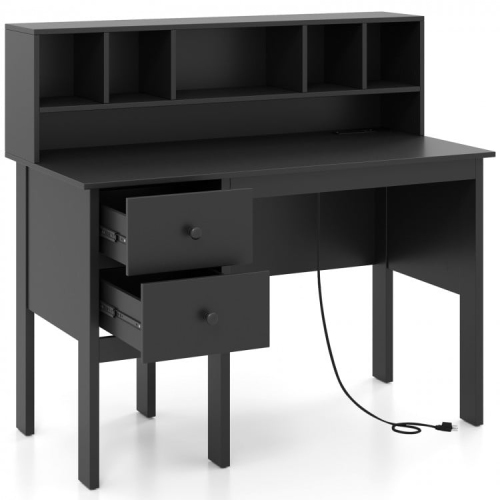
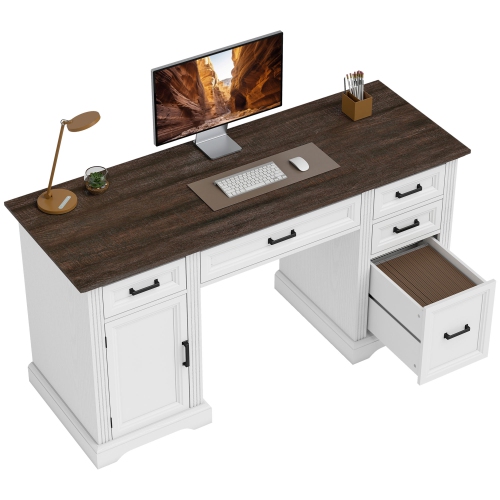
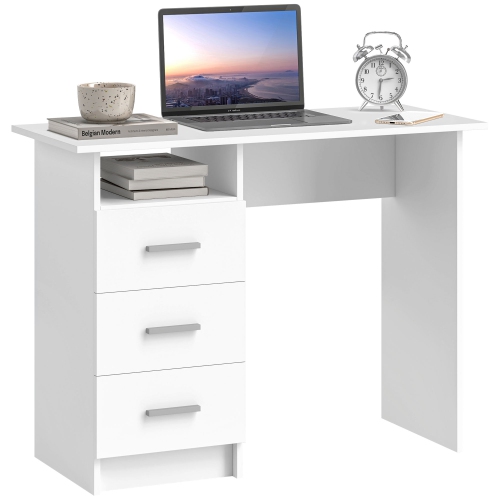
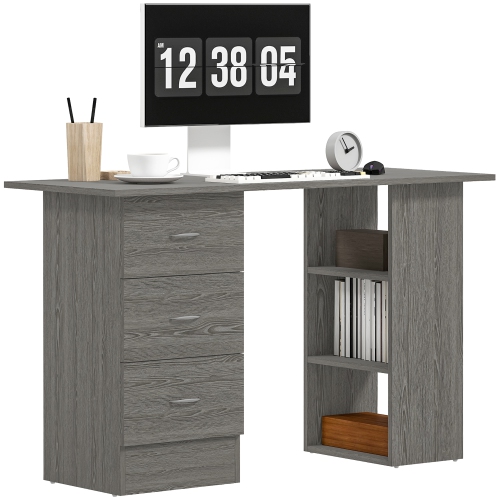
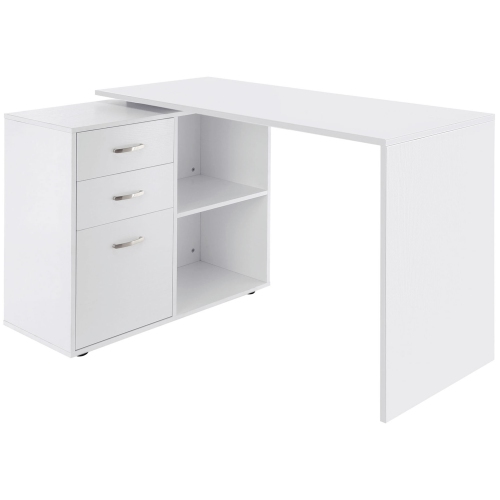
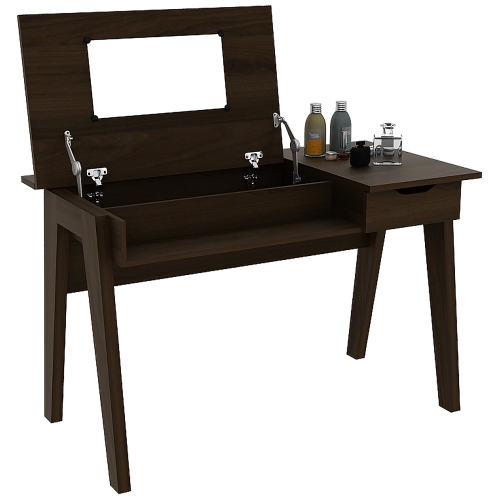
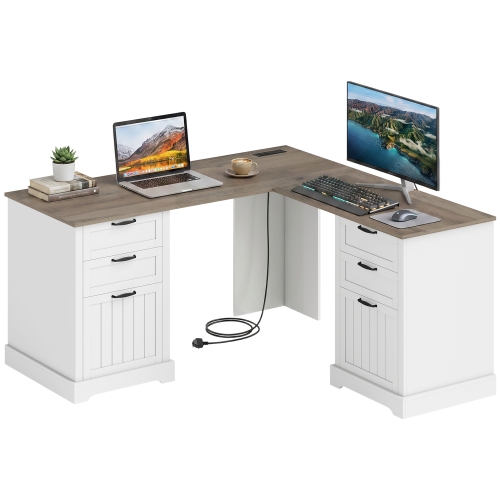
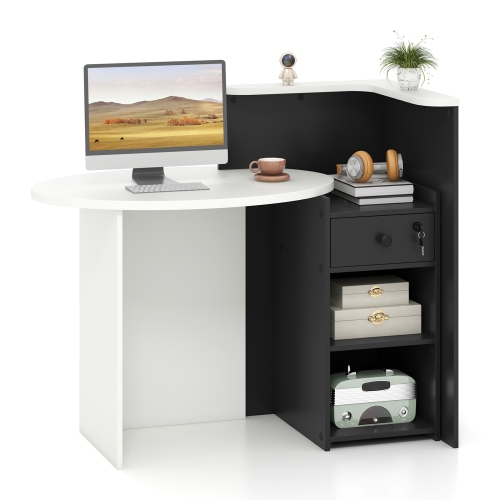
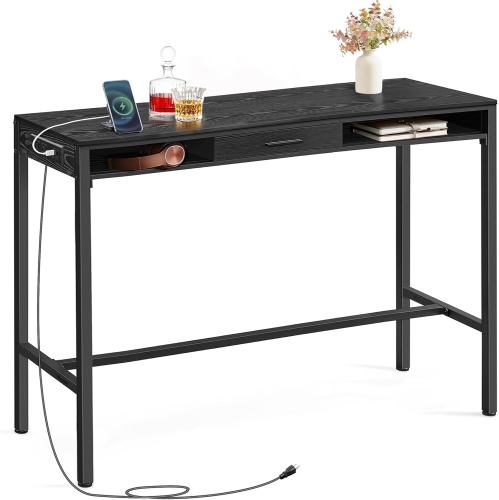
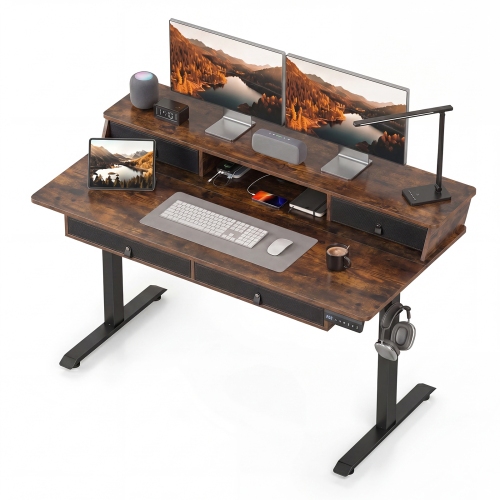
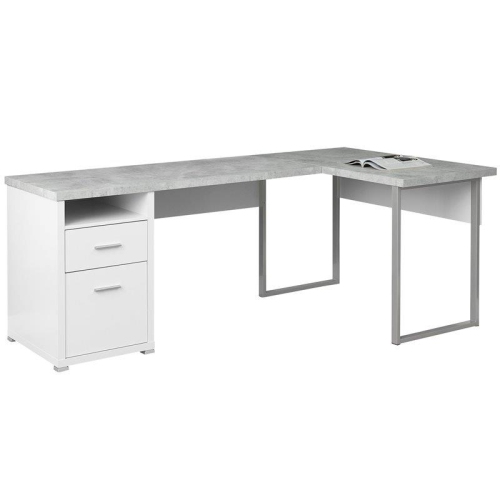
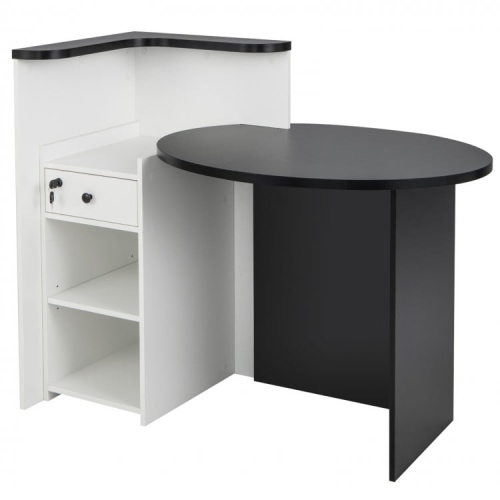
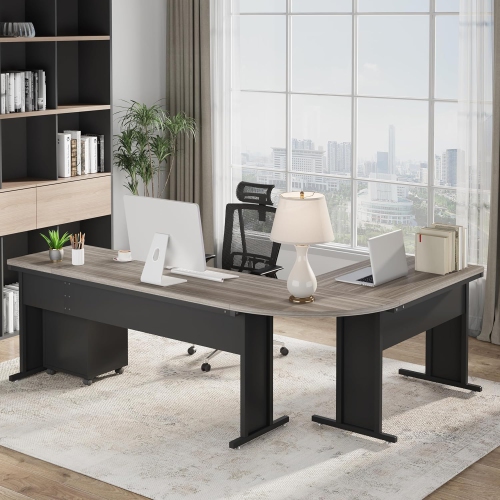
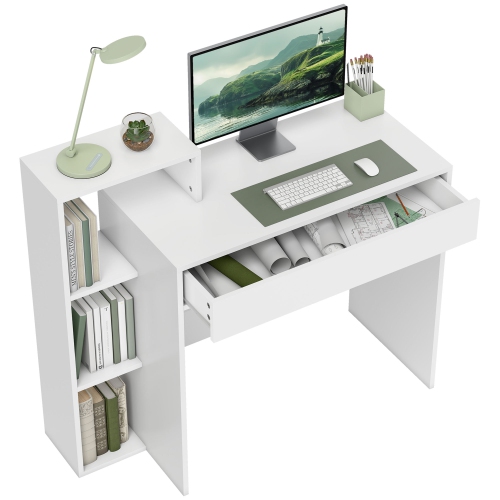
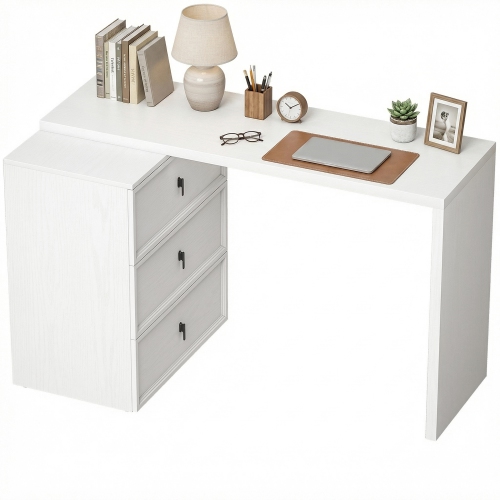
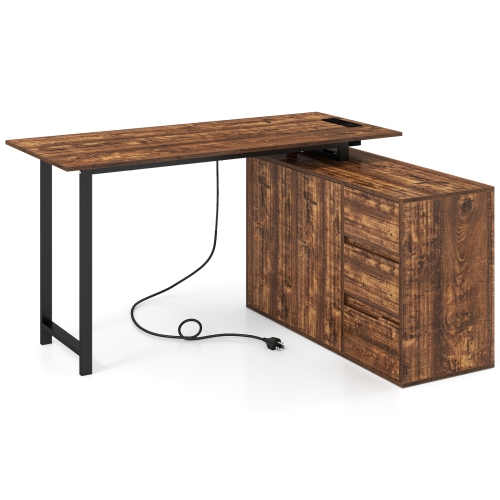
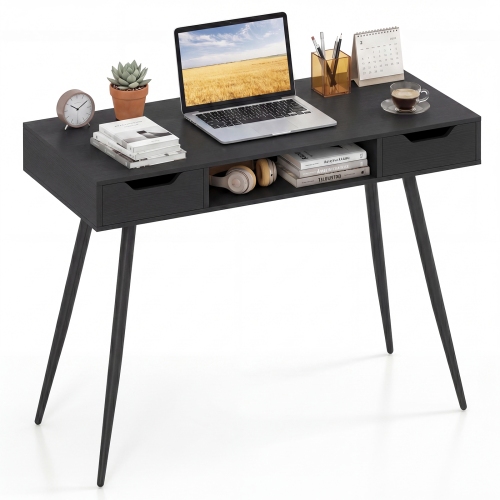
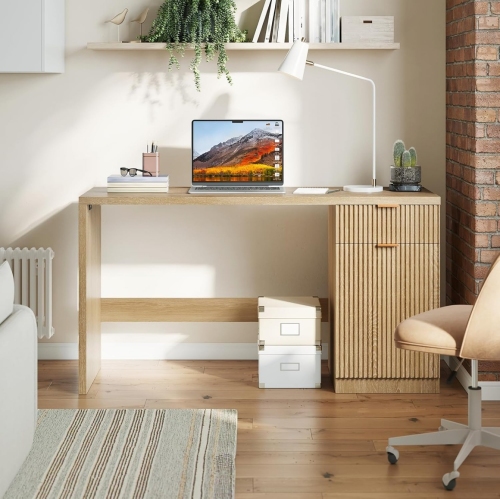
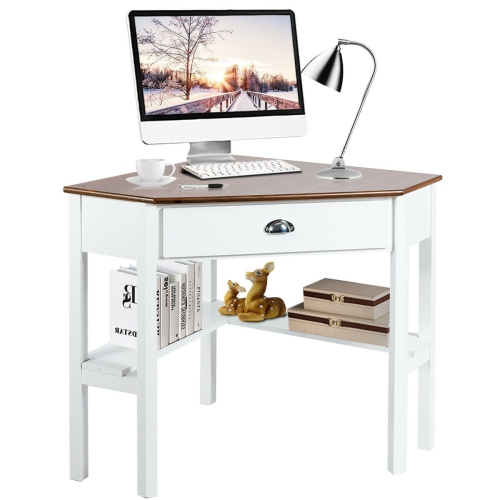
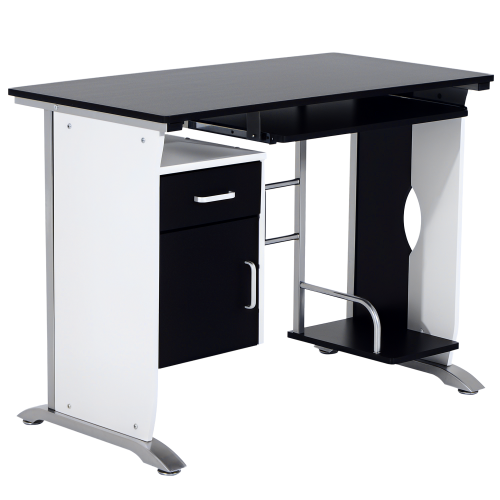
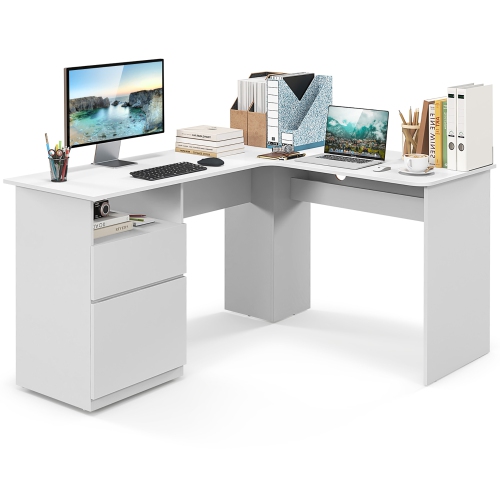
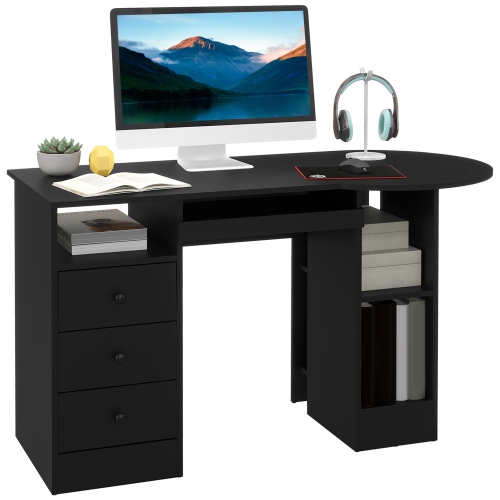
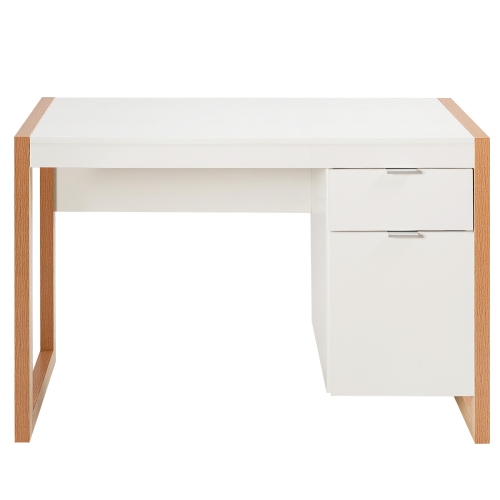
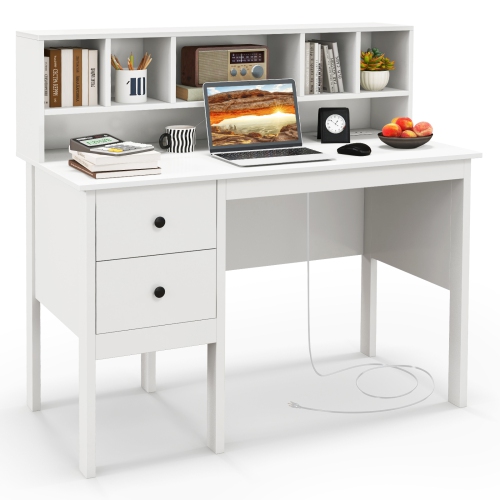
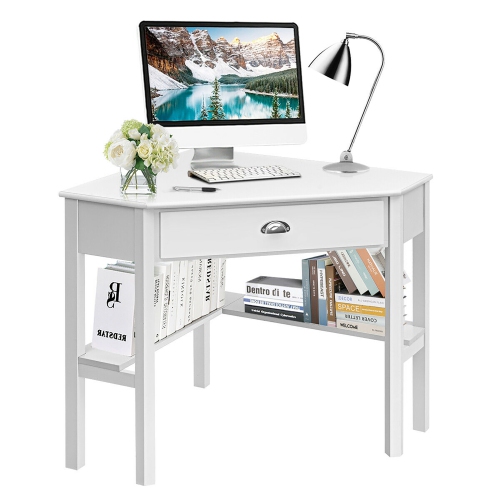
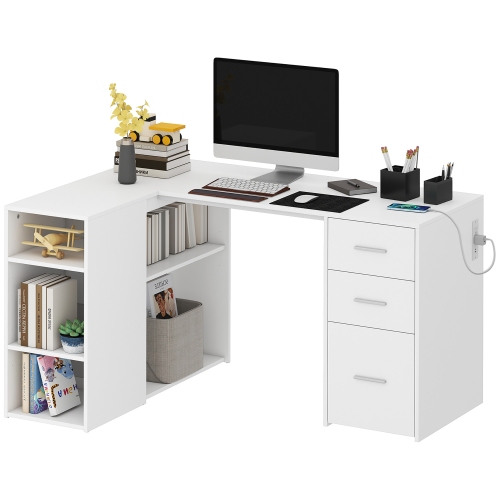
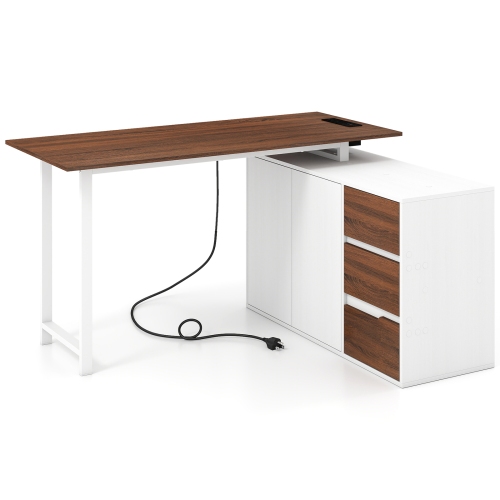
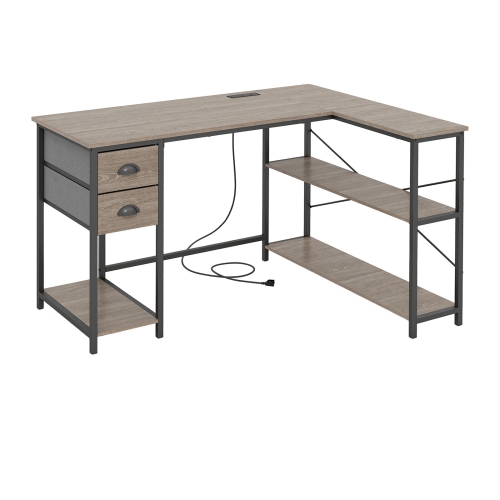
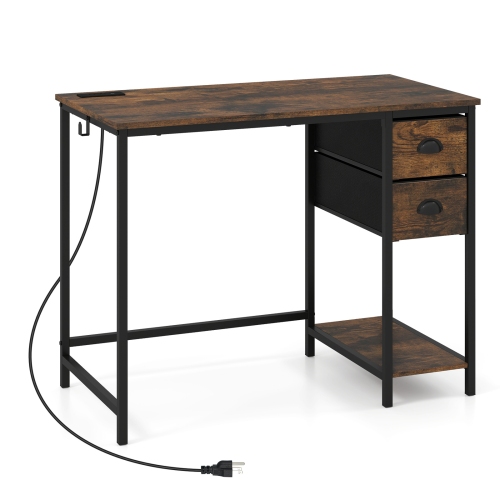
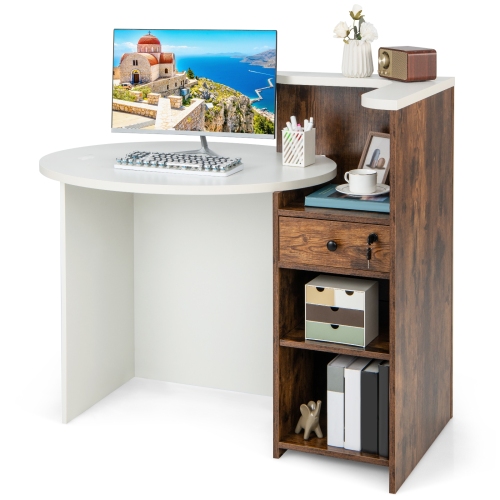
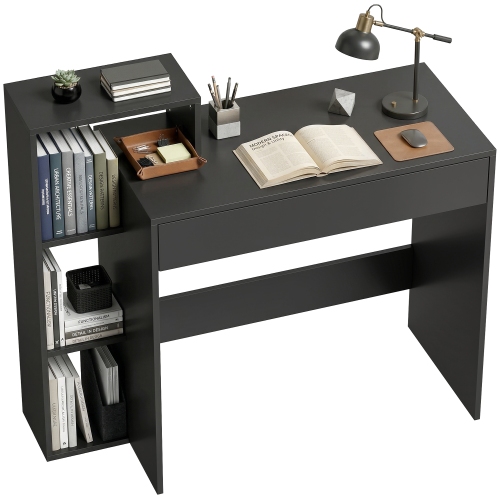
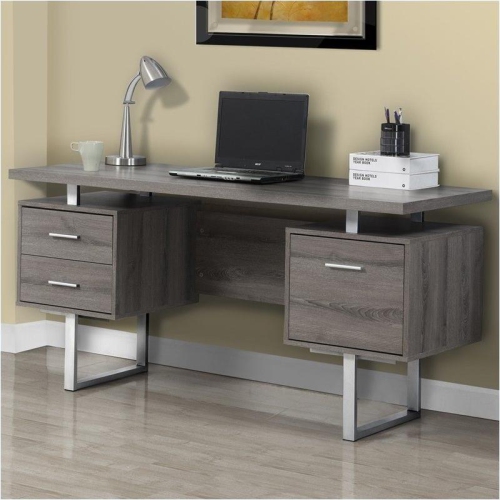
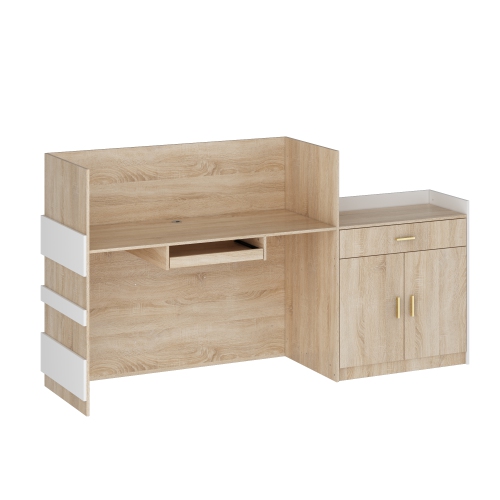
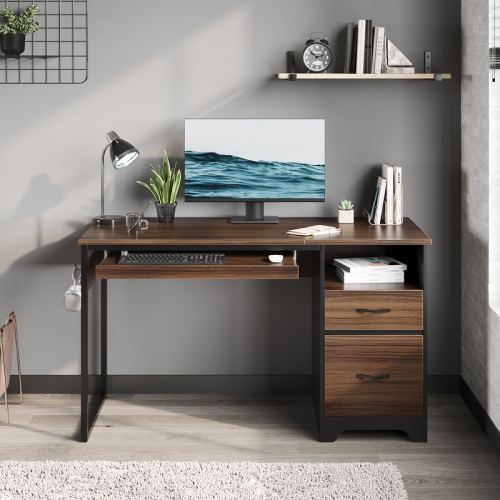
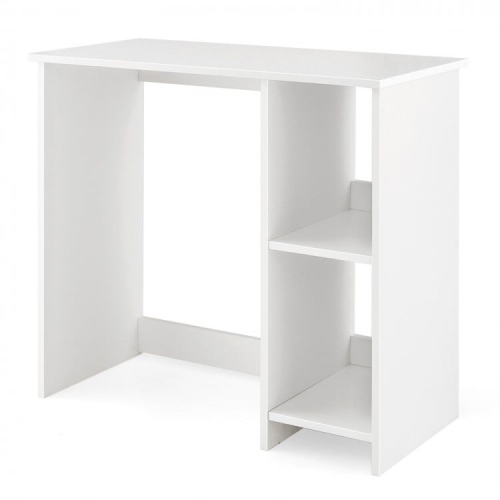
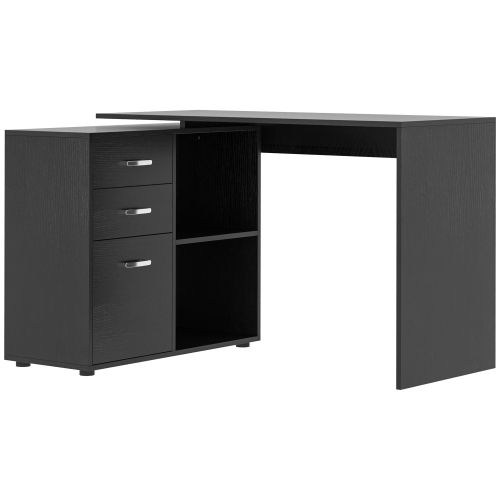
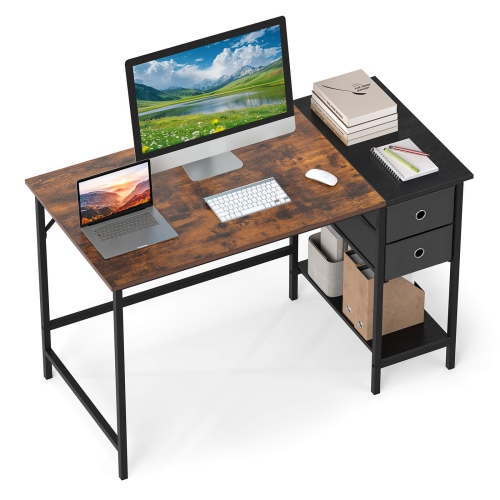
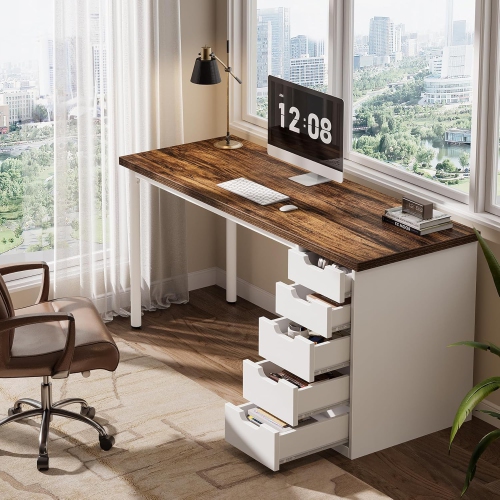
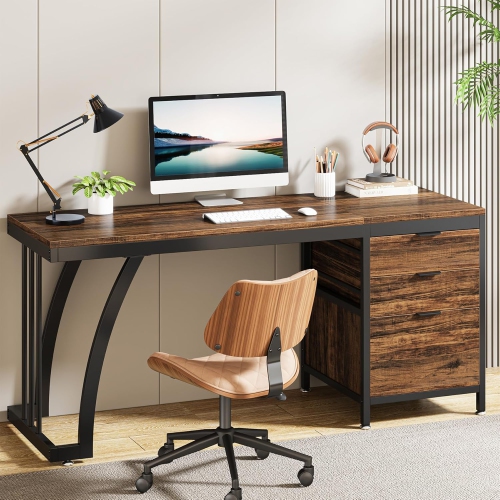
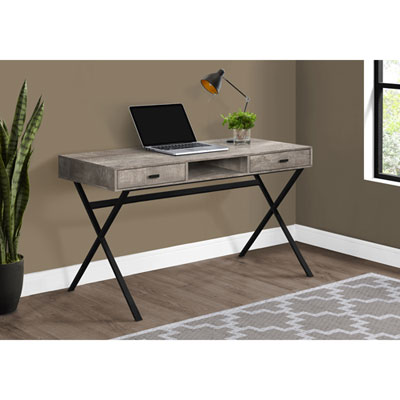
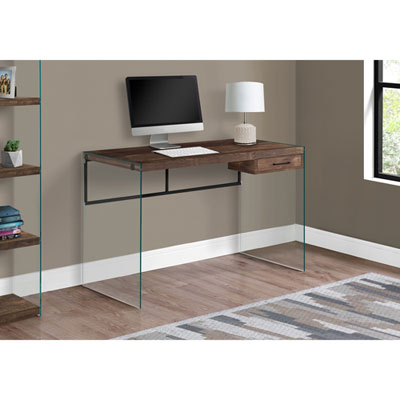
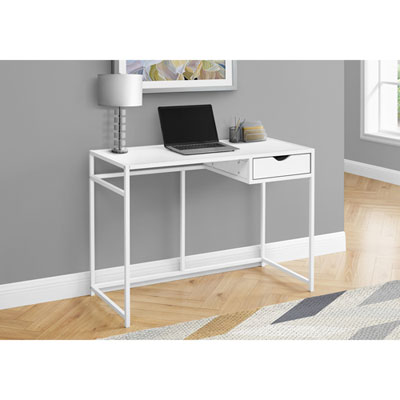
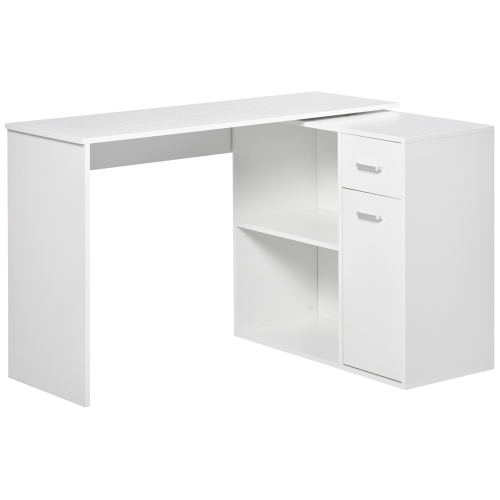
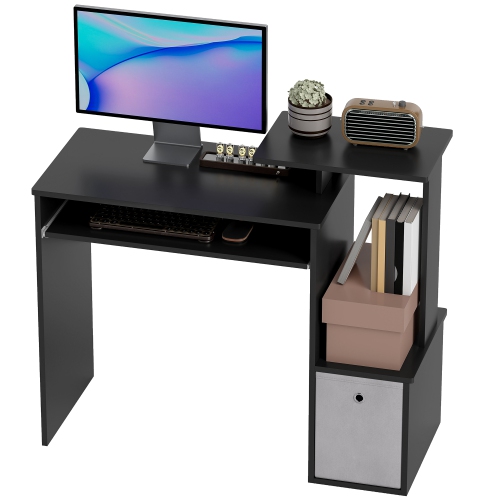
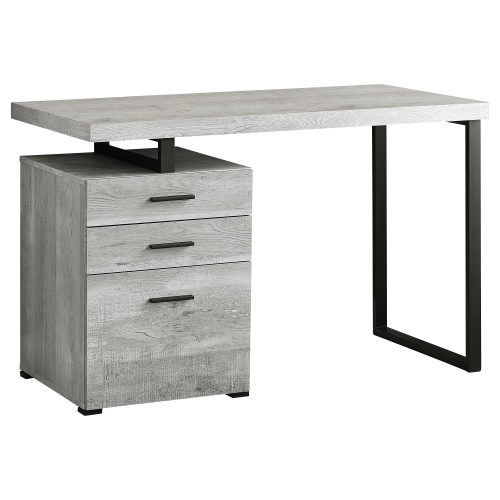
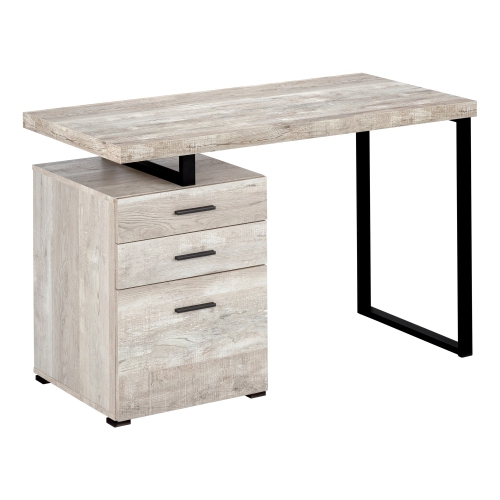
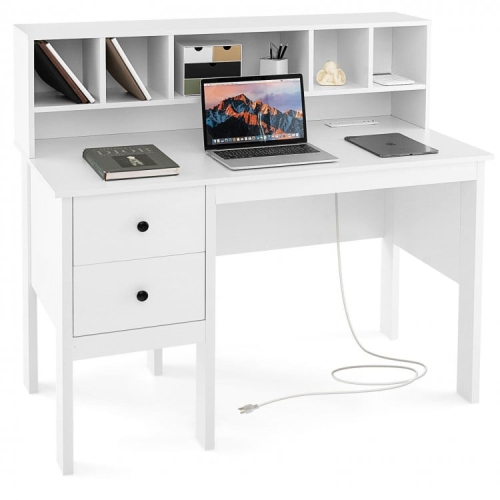
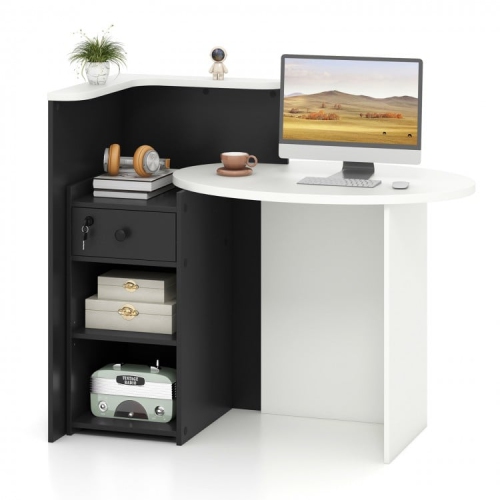
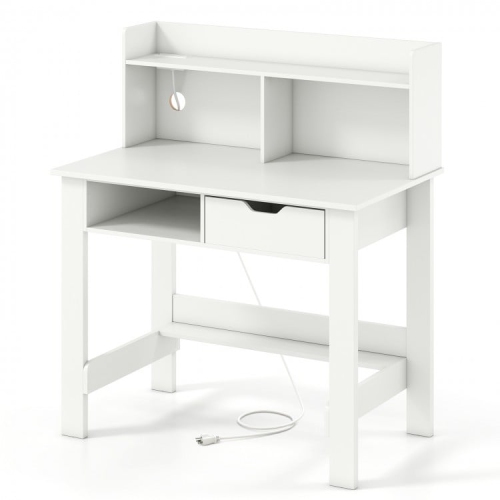
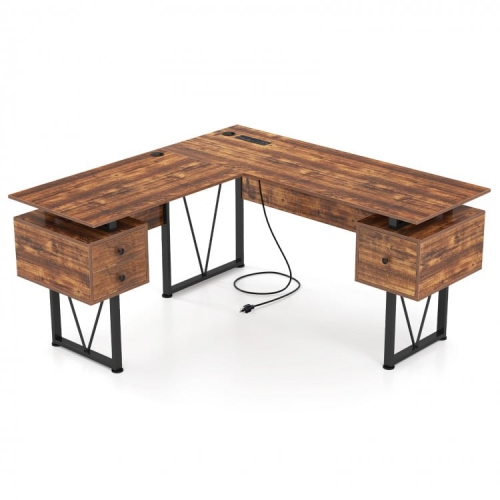
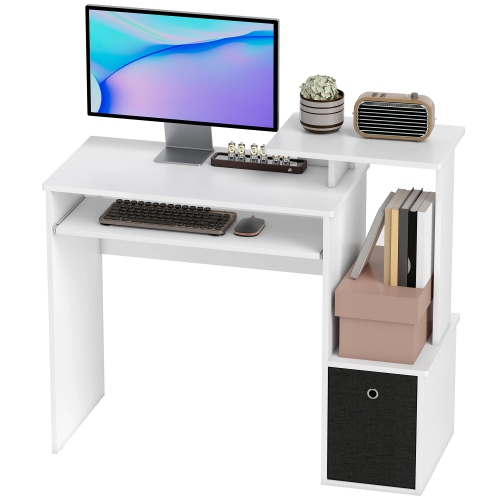
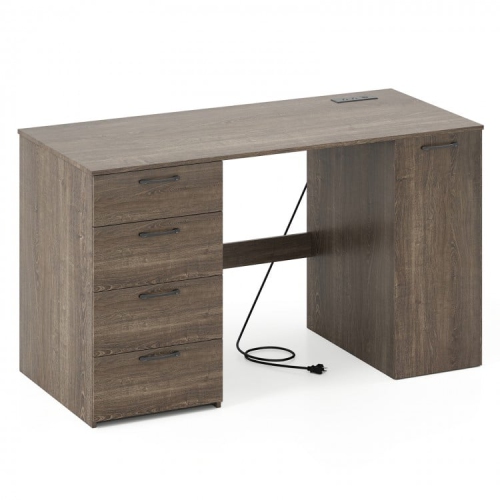
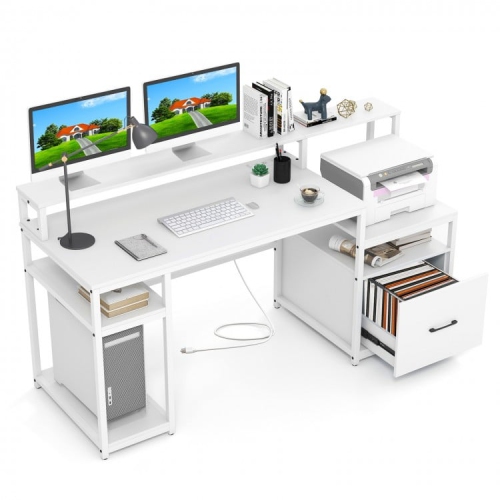
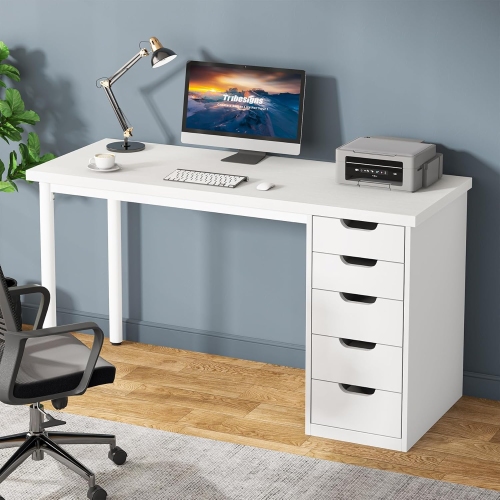
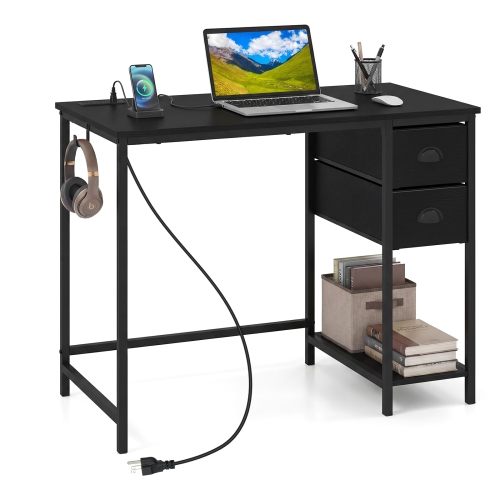
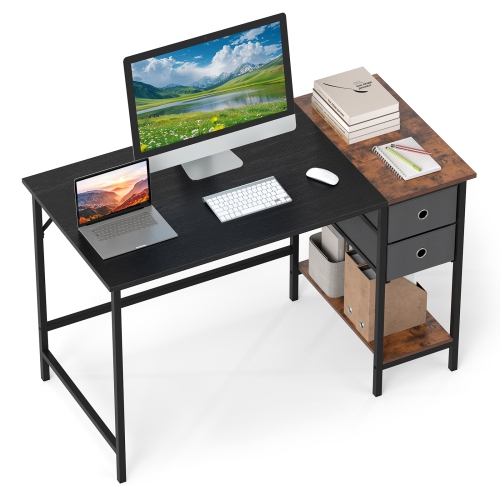
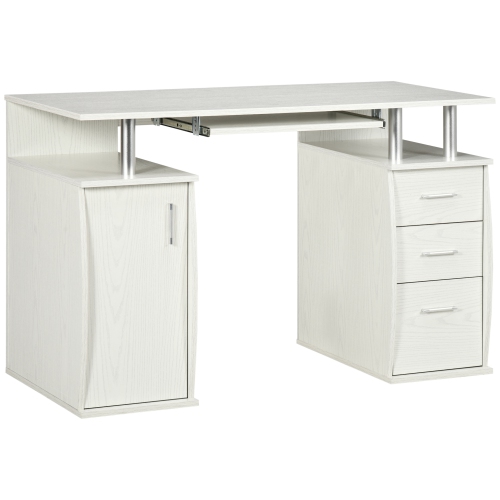
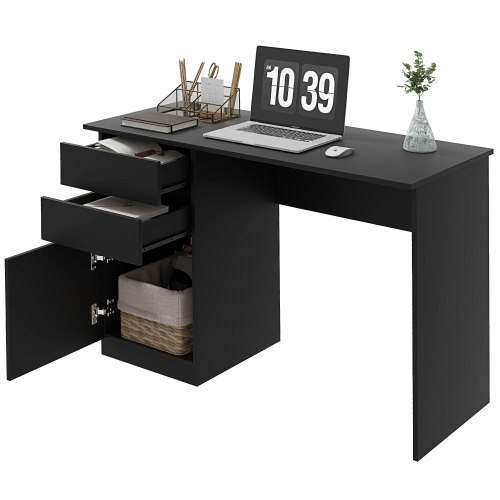
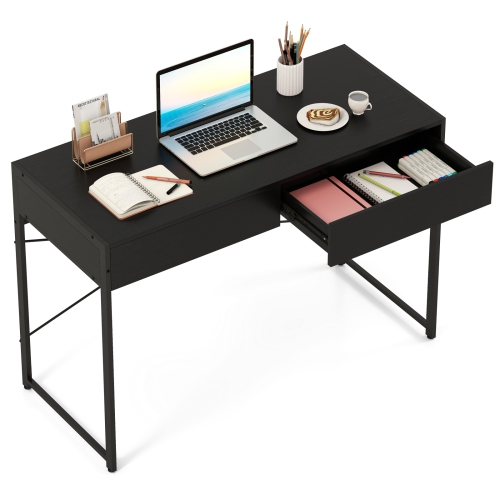
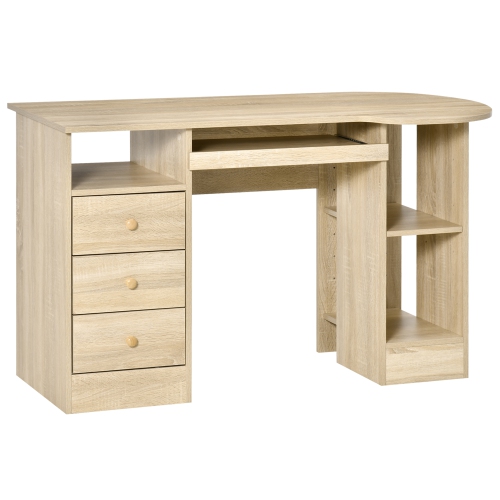
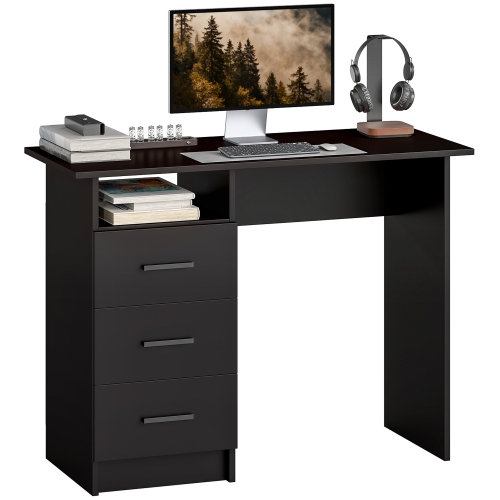
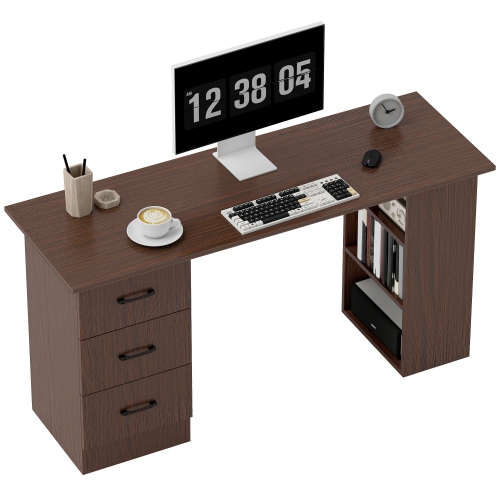
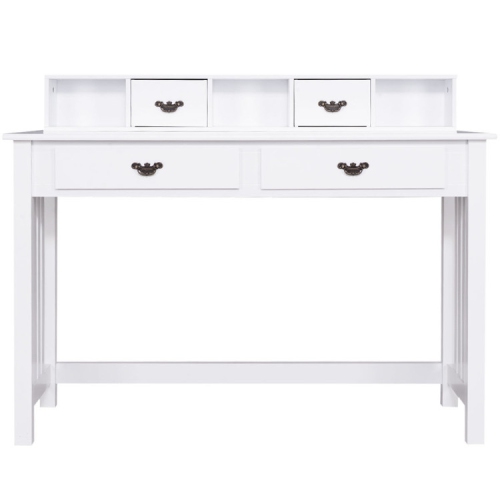
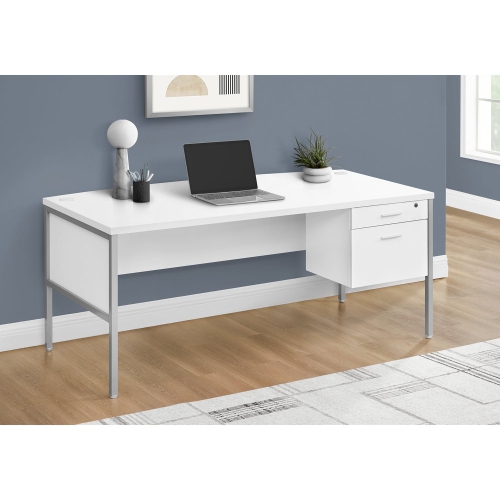
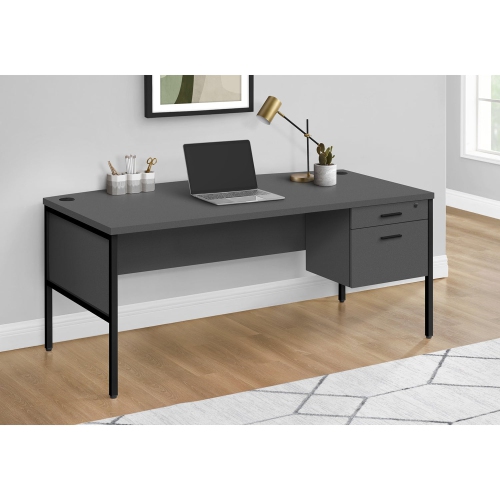
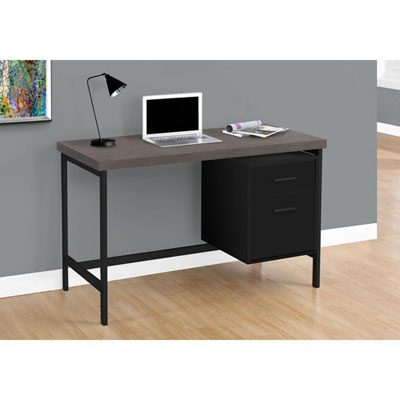
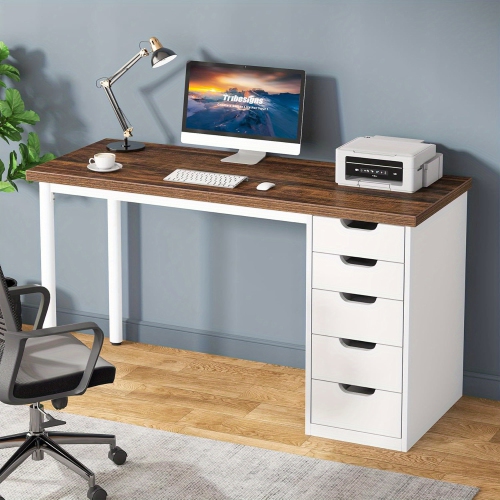
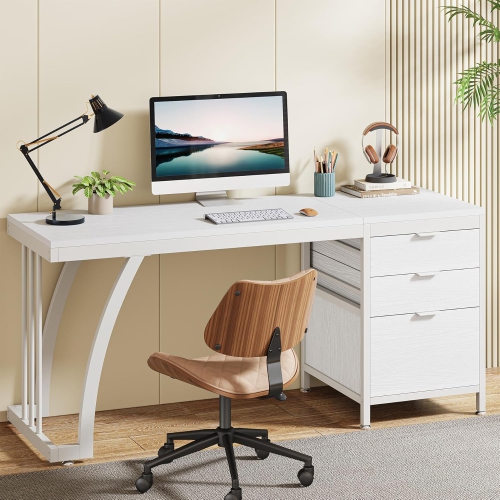
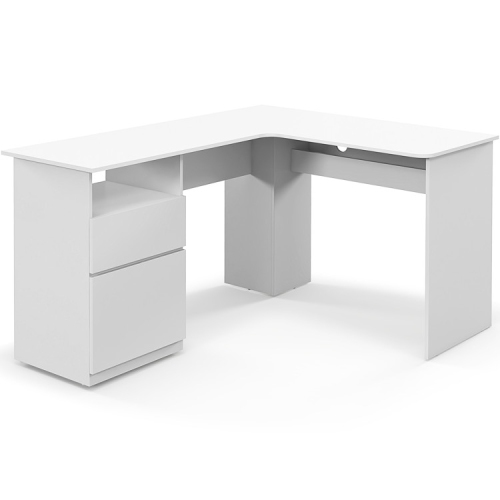
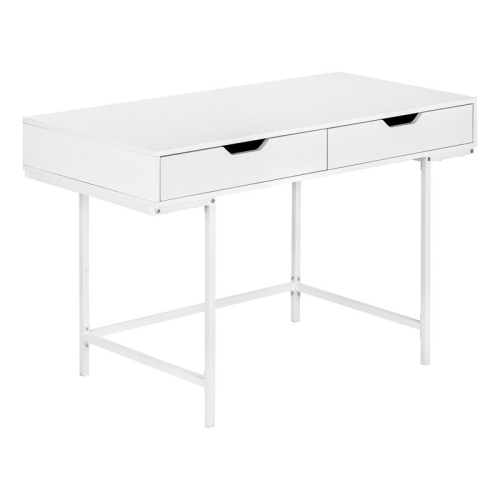
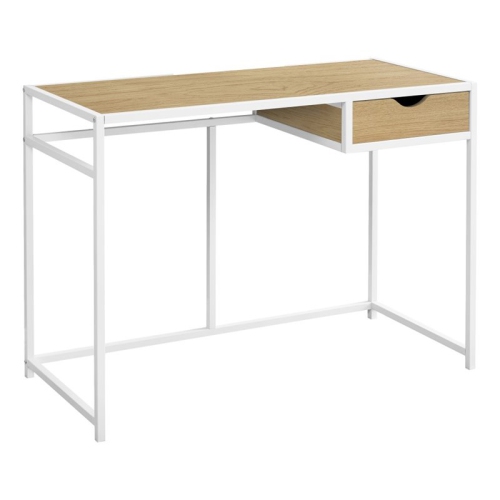
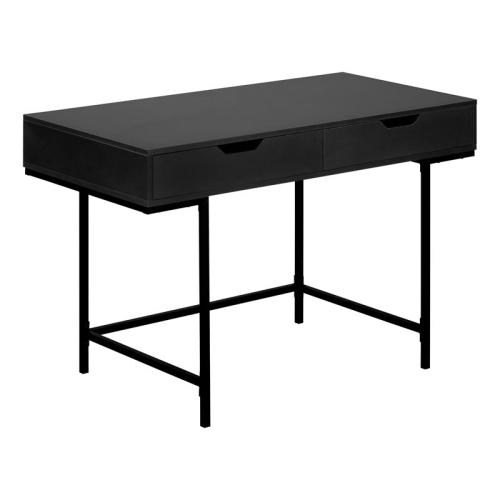
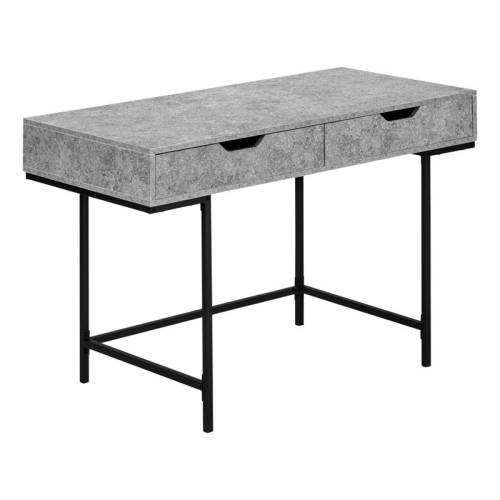
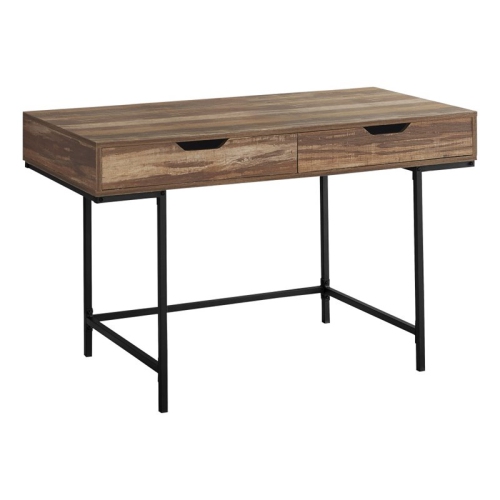
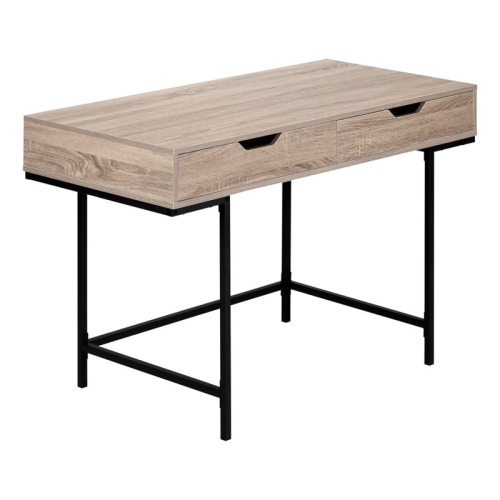
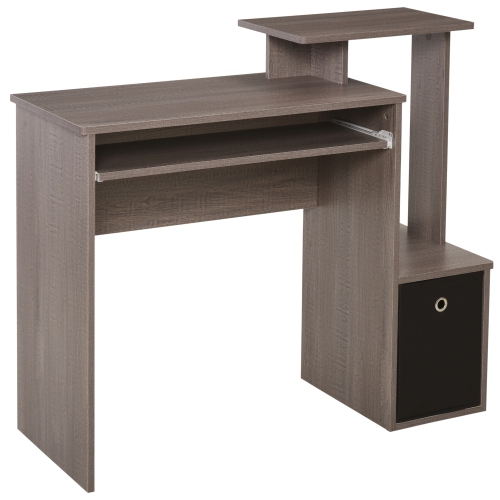
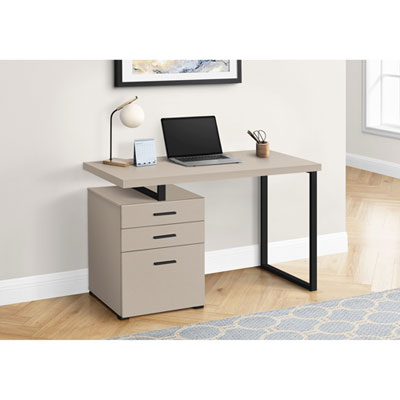
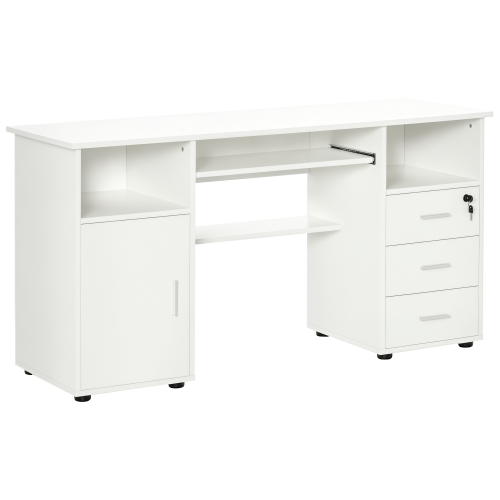
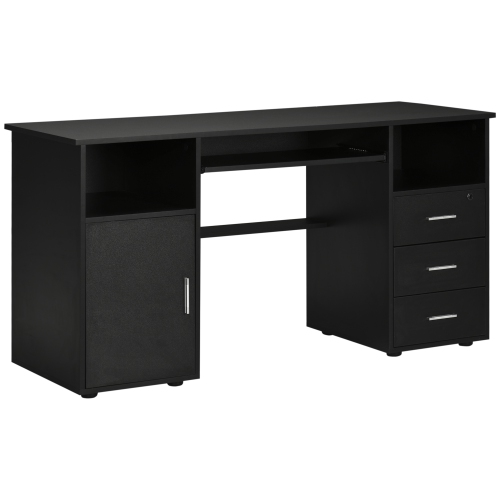
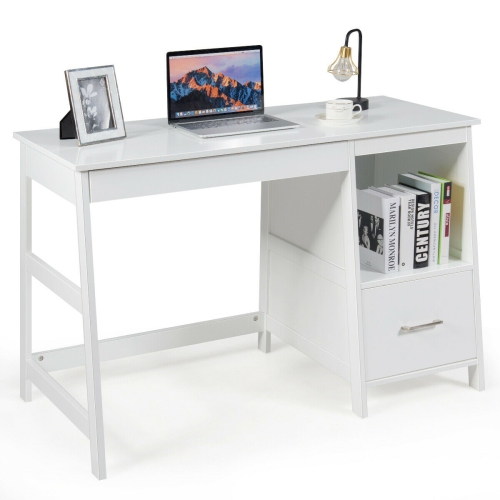
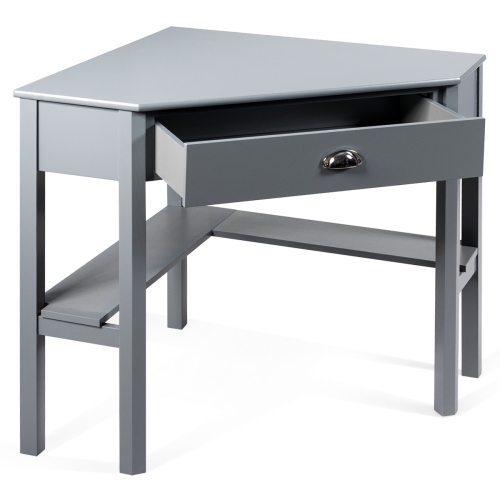
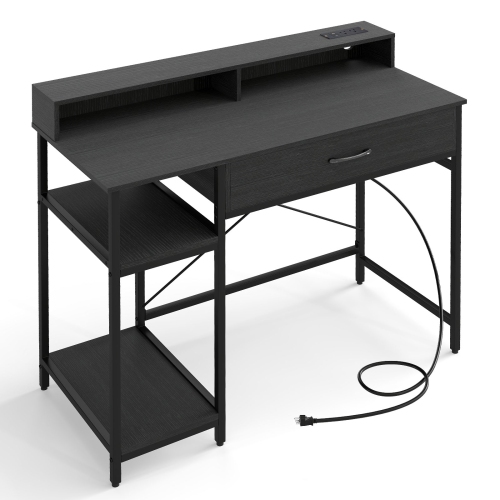
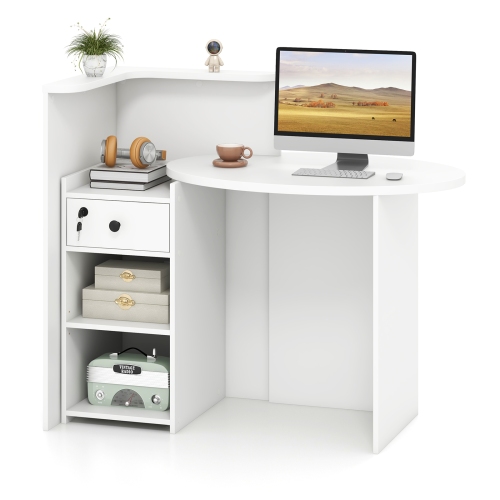
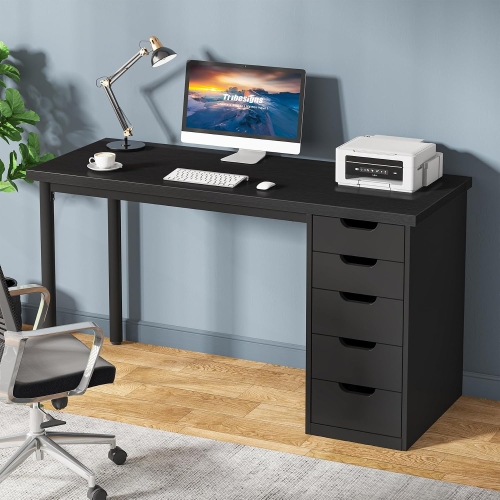
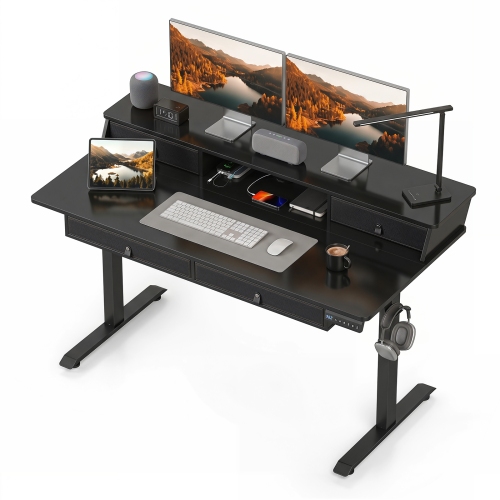
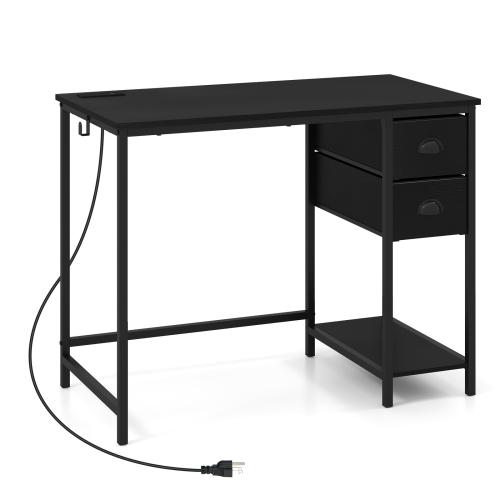
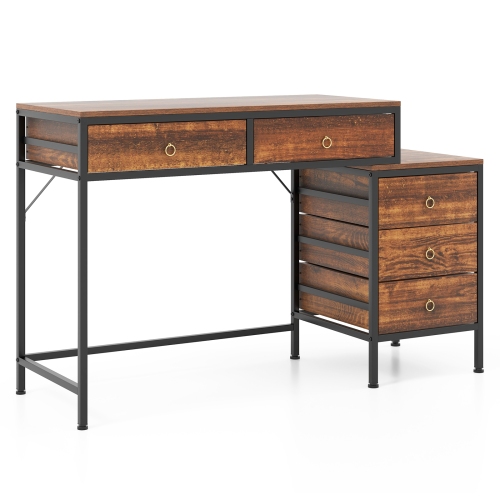
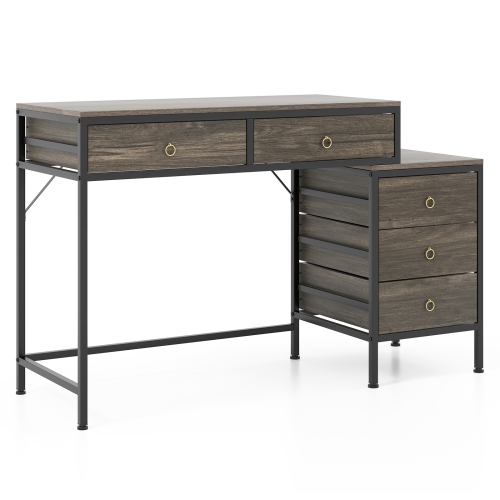
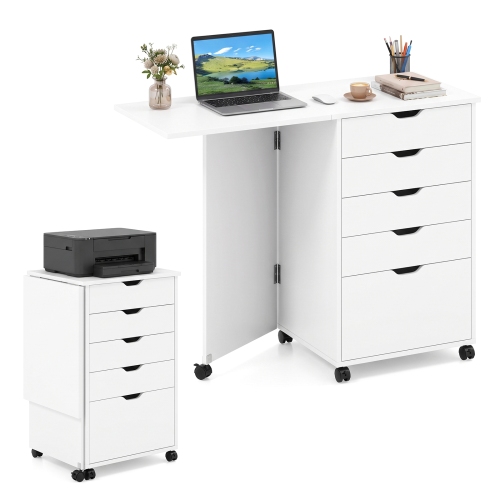
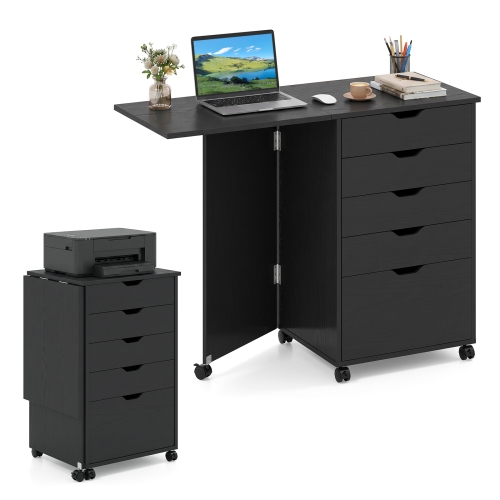
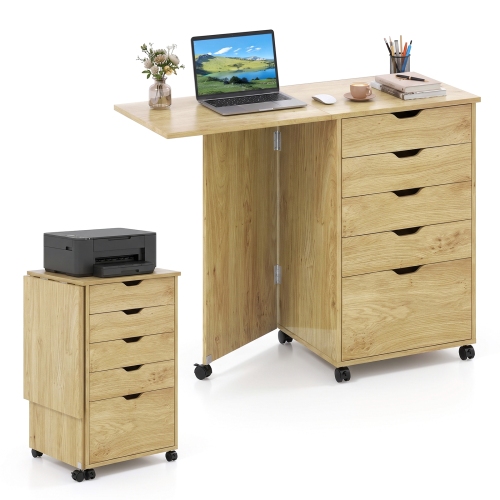
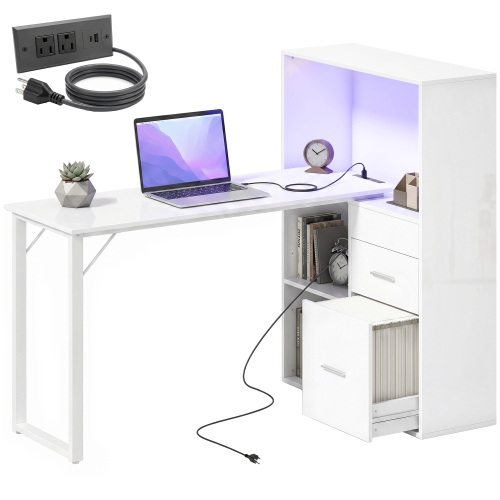
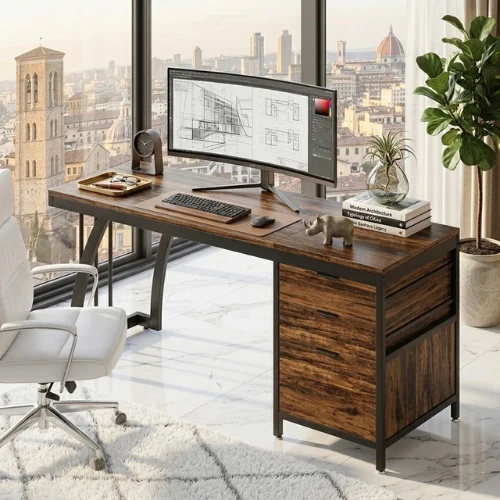
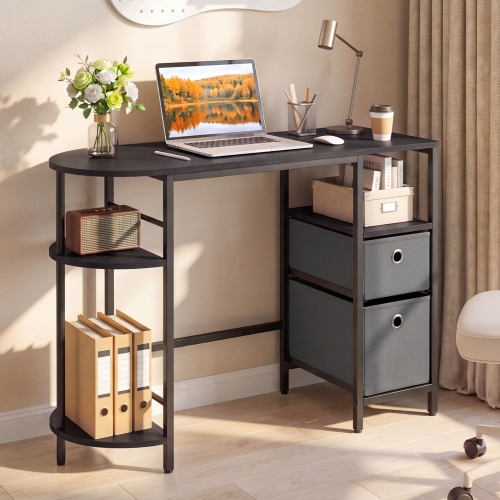
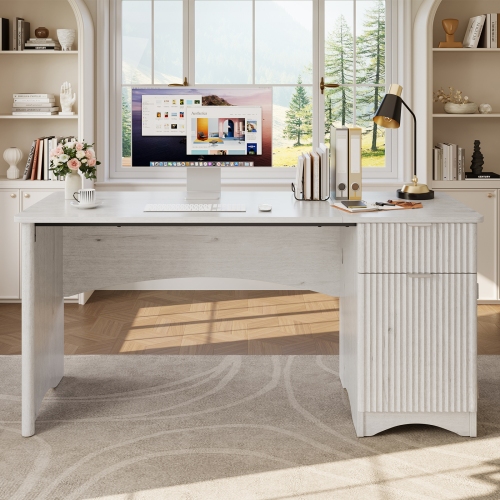
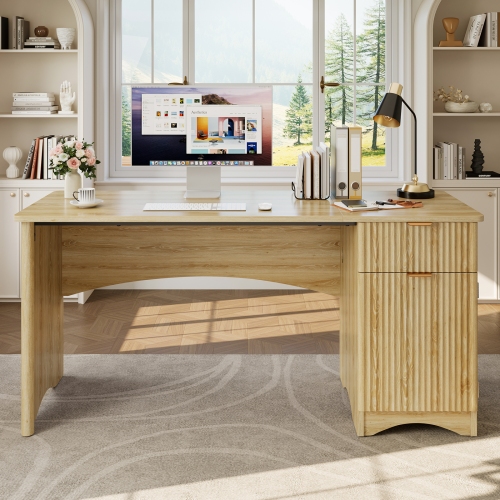
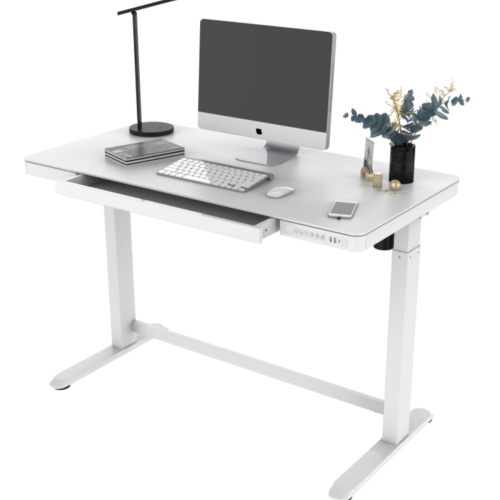
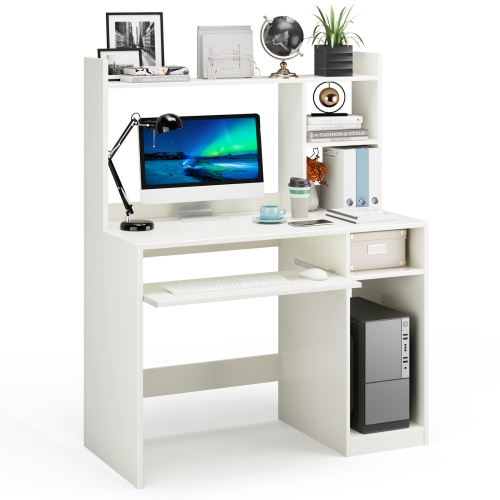
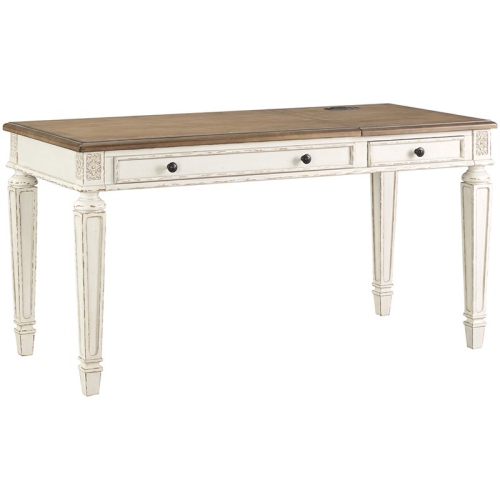
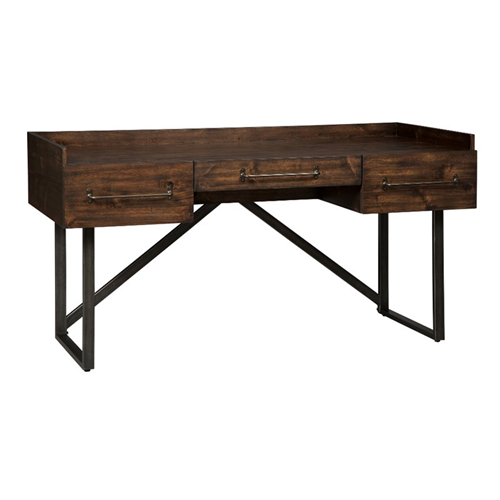
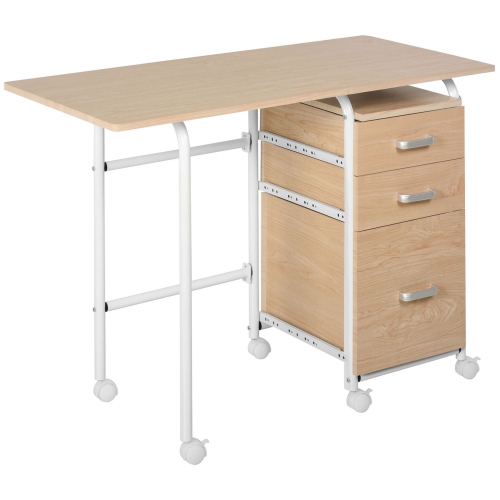
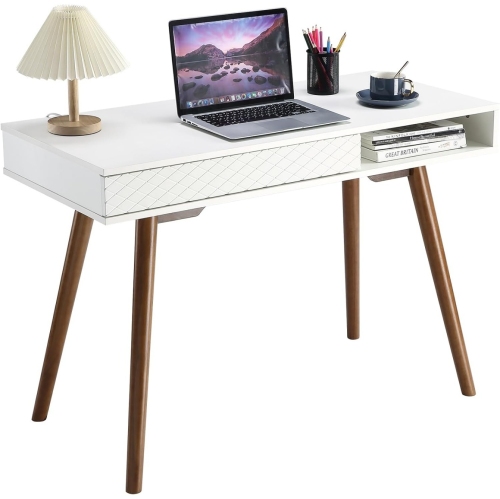
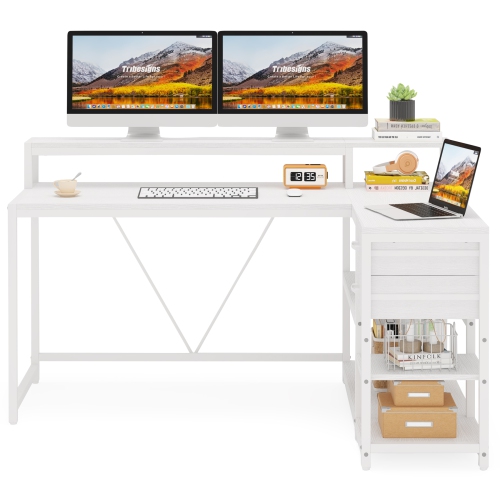
Computer desks with storage drawers give a workspace a place for both the equipment that stays out and the smaller essentials that are better tucked away. A laptop, monitor, keyboard, and mouse can occupy the desktop while notebooks, charging cables, stationery, and paperwork remain close at hand without crowding the work surface. That balance is useful in a dedicated home office, a student’s bedroom, or a living room corner where the desk needs to blend into everyday life. The right proportions depend on more than the width of an empty wall. Desktop depth matters when a separate keyboard sits in front of a monitor, and a wider surface can accommodate a second screen or an open notebook beside a laptop. Space beneath the desk is equally important: drawer pedestals take up room that might otherwise be used for leg movement, a chair, or a computer tower. A comfortable setup leaves enough clearance to sit near the keyboard without knees pressing against a drawer unit or support rail. Drawers also need room to open fully, especially when the desk sits beside a bed, cabinet, or doorway. Compact rectangular designs can make good use of a small room, while an L-shaped layout may separate computer work from writing or other tasks. The position of the storage matters within either shape. Drawers on one side can keep everyday supplies within reach, but their placement should suit the room’s traffic flow and the way the desk will be used. For a desktop computer, a suitable place for the tower allows access to ports and keeps ventilation openings clear. Cable openings, rear access, and the location of nearby outlets can also affect how neatly the equipment fits. A desk that looks spacious when empty may feel quite different once a monitor stand, speakers, and a task lamp are in place, so its usable surface is more meaningful than its overall dimensions alone.

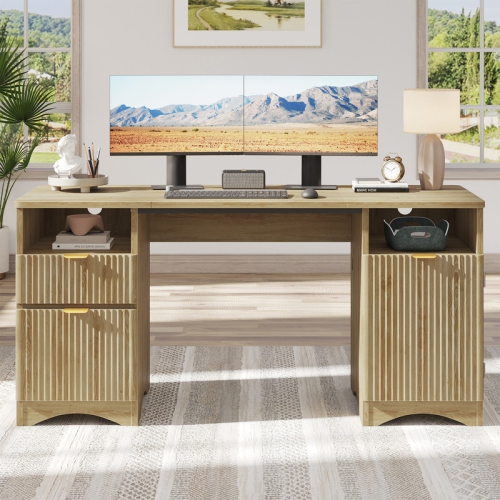
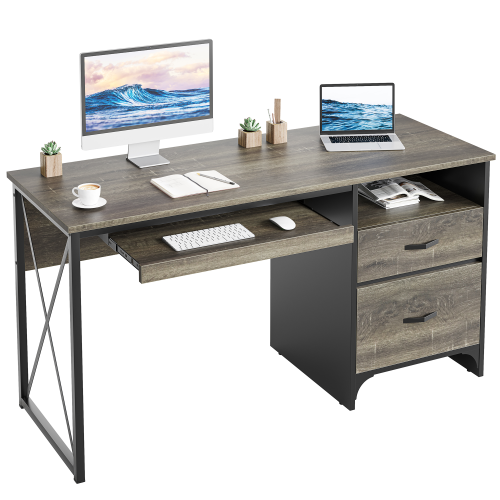
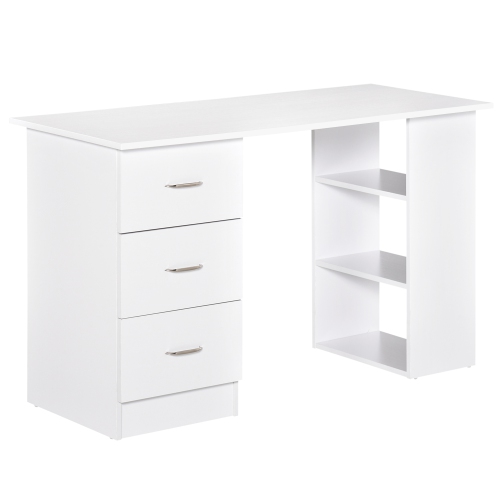
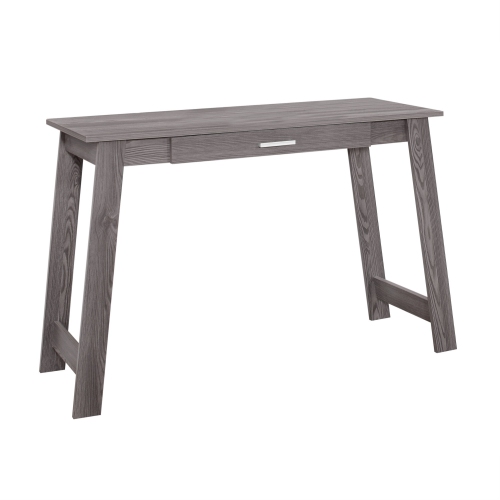
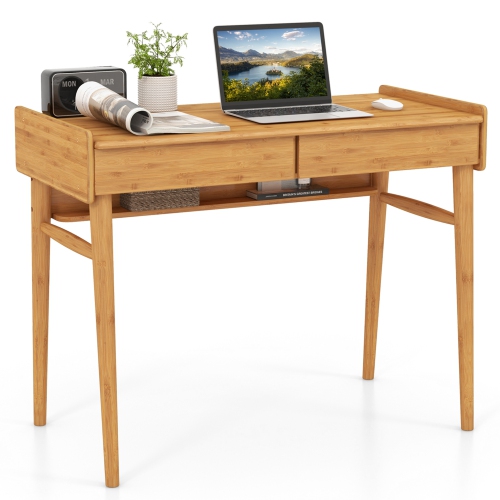
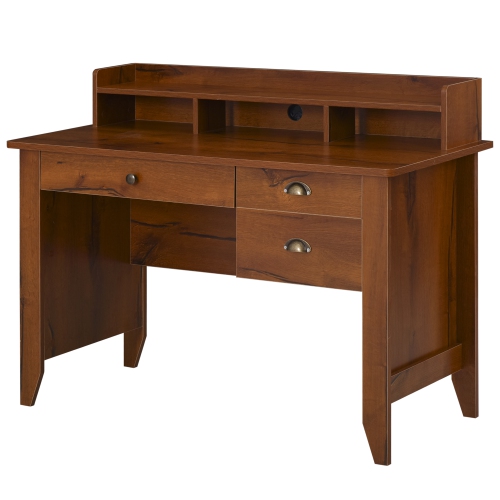
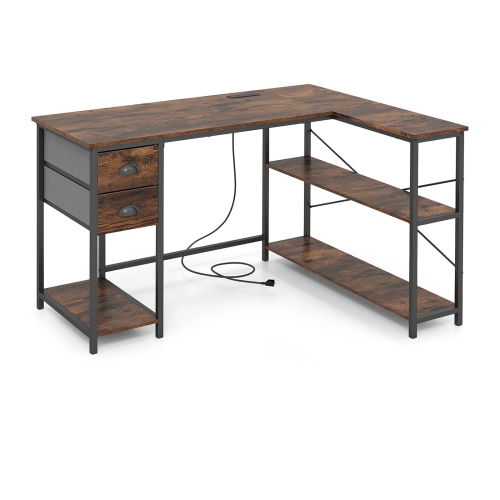
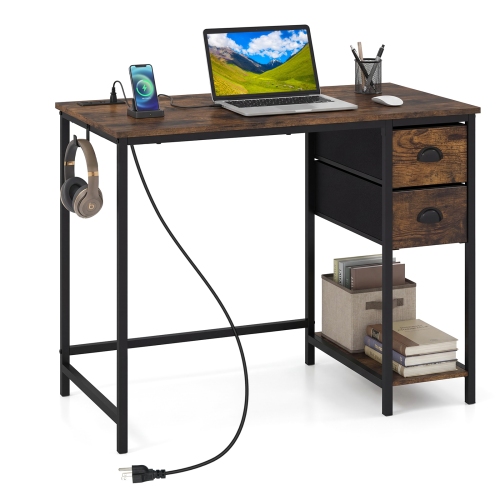
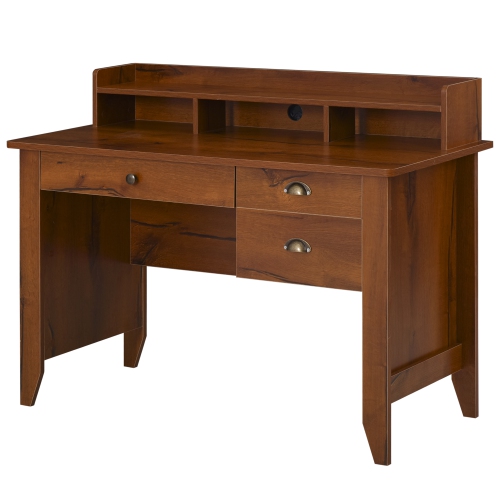
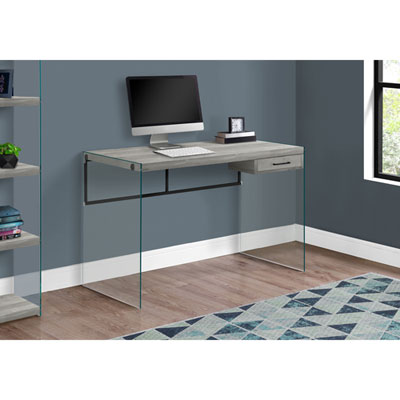
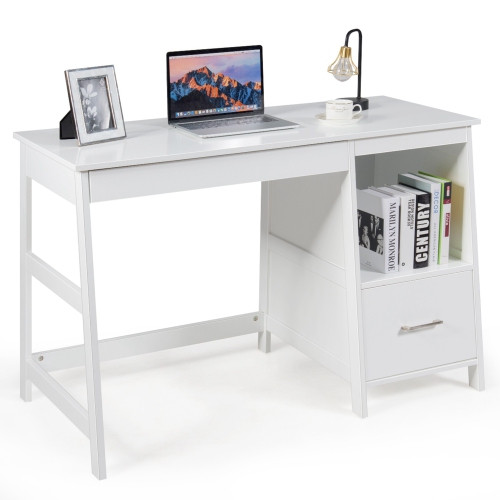
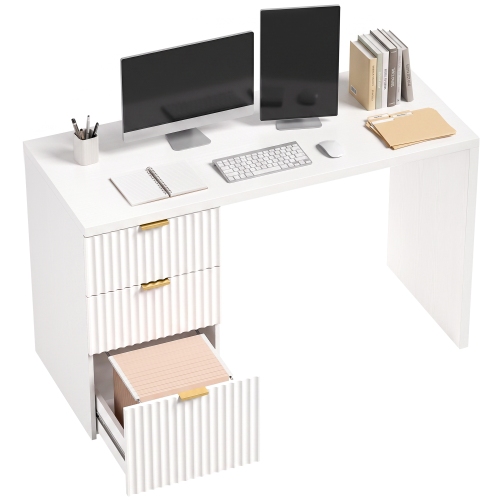
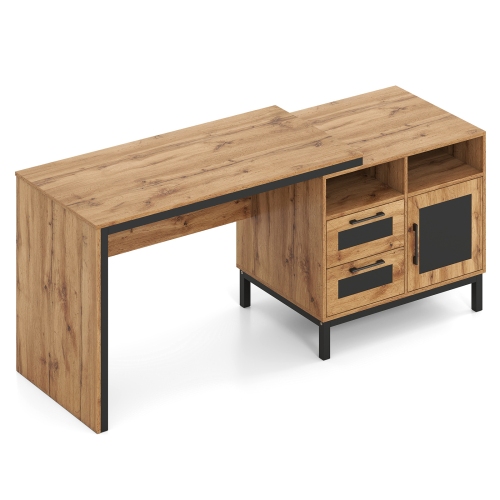
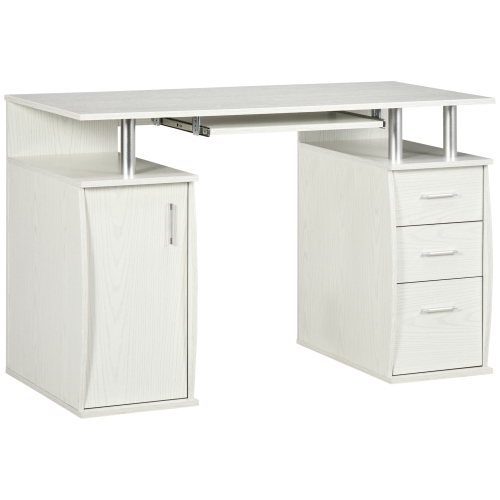
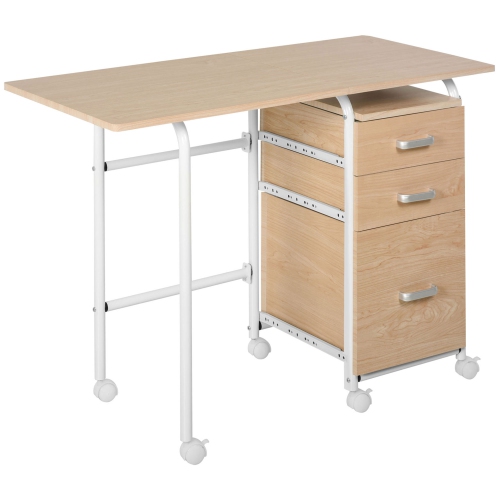
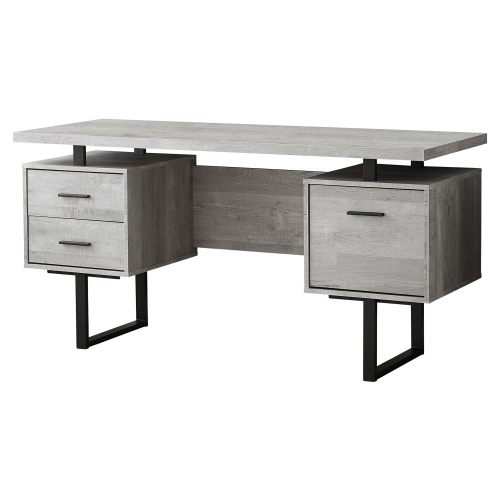
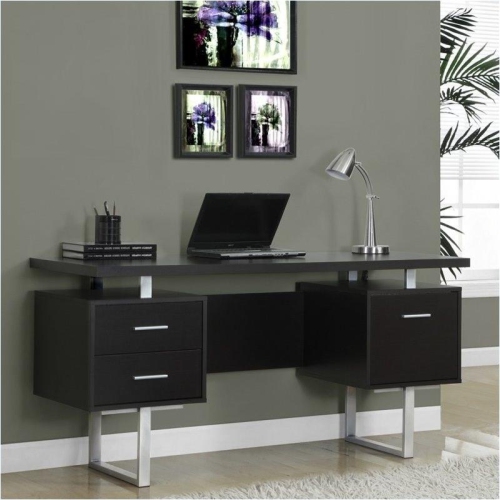
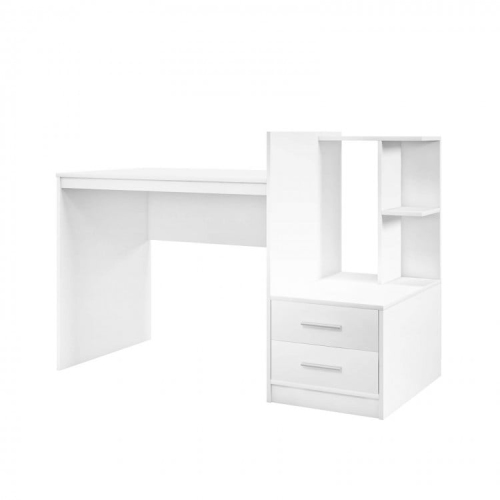
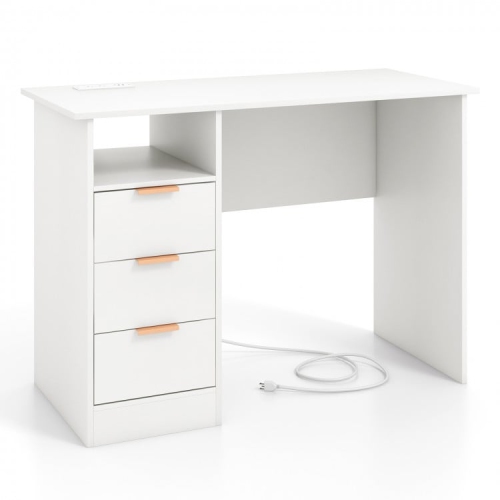
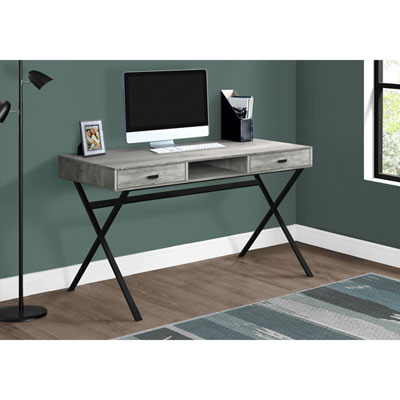
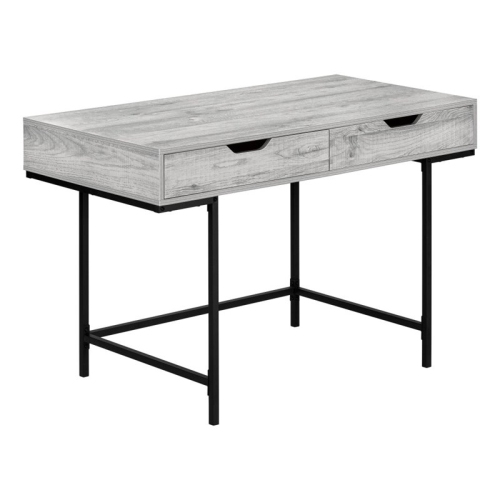
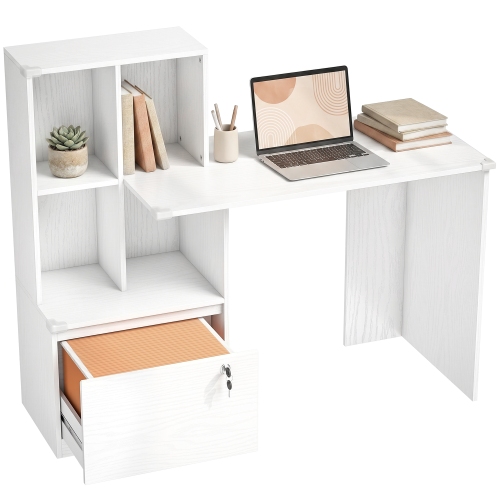
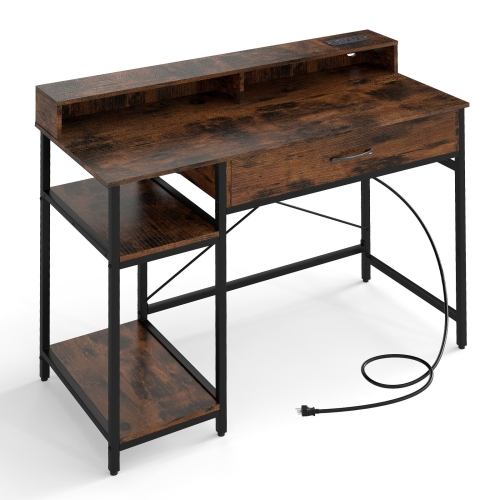
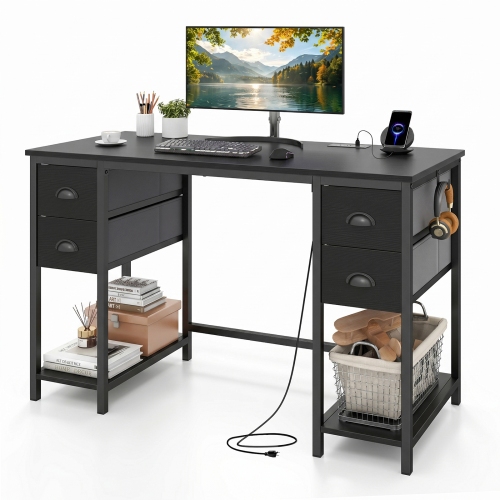
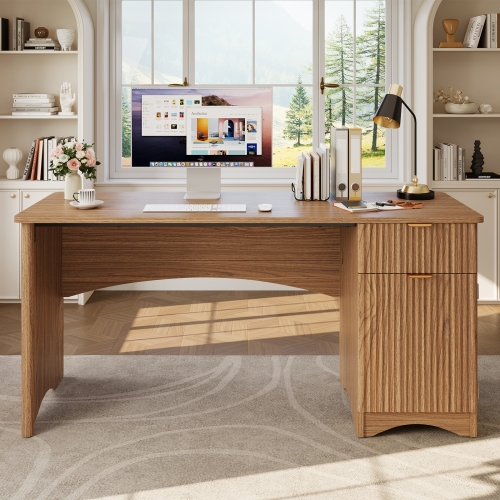
Drawer design shapes how useful that storage will be from day to day. Shallow drawers suit pens, sticky notes, small adapters, and other objects that tend to disappear beneath larger supplies. Deeper compartments can hold notebooks, accessories, or bulkier materials, although usable interior dimensions may be smaller than the drawer front suggests. File drawers are helpful for households that keep printed records, with compatibility for letter or legal folders depending on the design and hardware. Smooth drawer movement, accessible handles, and a stable cabinet make frequent opening and closing feel less awkward. Drawer extension affects whether contents at the back are easy to reach, while dividers or removable organizers can stop small items from sliding into a jumble. Construction is another consideration for a desk that supports computer equipment and regular use. Solid wood brings natural grain and variation, while engineered wood with laminate or veneer can offer a consistent finish across the desktop and drawer fronts. Metal frames can complement wood-look surfaces and provide a different visual character, but stability depends on the complete construction, including joints, supports, and assembly. A thick-looking top does not necessarily indicate a higher load capacity; the stated limits for the desktop and individual drawers are the relevant measures. Anyone using a monitor arm also needs a suitable mounting area, enough clearance around the edge, and a desktop that meets the arm manufacturer’s requirements. Drawer units or rear panels may interfere with some clamps. For care, a soft cloth and a cleaning method suited to the finish help protect the surface, while prompt attention to spills reduces the chance of moisture damage around seams and edges. Coasters and desk mats can limit marks from mugs, writing, and frequently moved accessories. Hardware may need occasional checking according to the assembly instructions, particularly after a desk has been moved. Where anchoring hardware or other stability precautions are specified, following those directions is part of setting up the furniture safely.

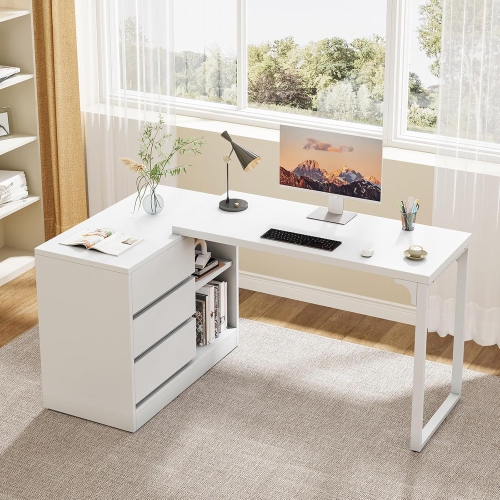
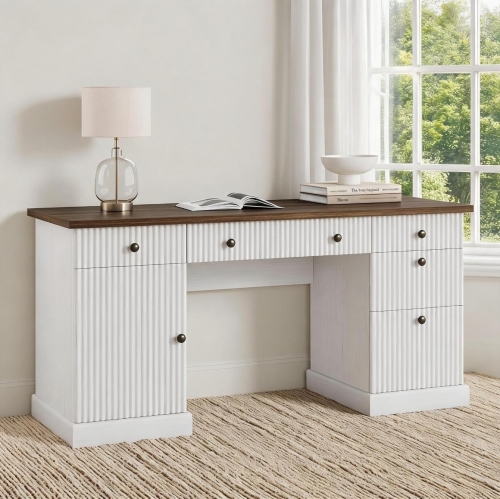
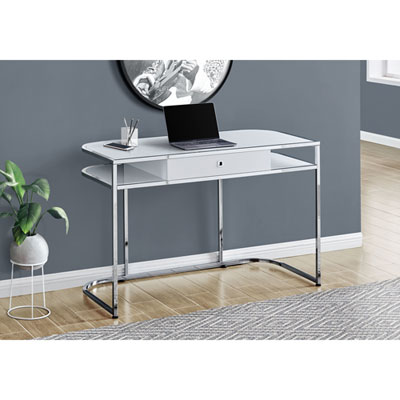
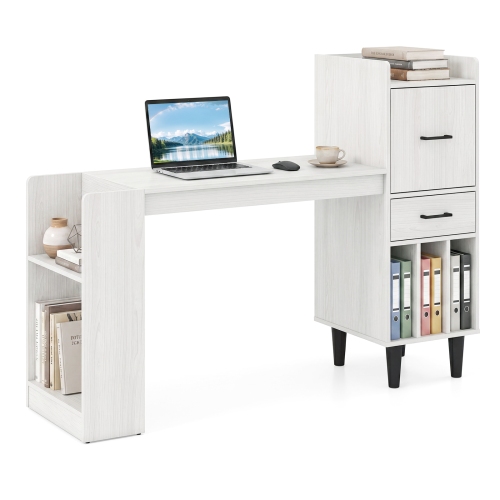
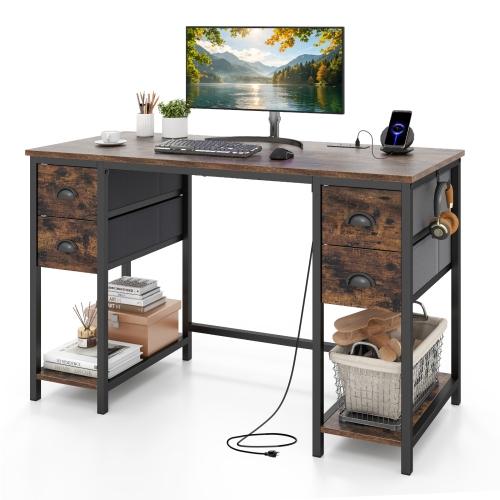
The appearance of a computer desk with drawers can help it feel at home beyond a traditional office. Light wood tones and pale finishes can sit comfortably alongside bedroom furniture, while darker finishes or metal details may complement a more defined workspace. Matching every piece is not essential; a consistent colour palette, similar hardware, or compatible proportions can connect the desk to nearby shelving and cabinets. Visible details deserve attention when the desk faces into a room rather than against a wall. A finished back, discreet cable routing, and drawer fronts that align neatly can make the workspace feel more settled in a shared living area. Storage needs often extend beyond the computer itself, making Desks With Storage Drawers useful in spaces that also support paperwork, studying, or creative projects. A student might keep course notes in one drawer and headphones in another, leaving enough desktop space to move between a screen and a textbook. Someone working from home may prefer separate compartments for work documents and household paperwork, so the desk does not become a catch-all for every loose sheet. In a shared workspace, distinct drawers or organizers can give each person a place for their own supplies without requiring a second desk. For gaming or other screen-based hobbies, storage can hold controllers, cables, and small accessories between sessions, provided the furniture also suits the equipment’s size and weight. A child’s study area has different needs again, including reachable storage, a suitable chair, and a layout that avoids trailing cords. Across these uses, the most practical arrangement keeps frequently used objects easy to reach and reserves deeper storage for less frequent tasks. A clear area for the keyboard and mouse, somewhere to set down a notebook, and drawers that open without obstruction make the desk easier to use. Those everyday details help storage become part of a comfortable workspace rather than simply extra cabinetry beneath a computer.
FAQ

Some products may be subject to Environmental Handling Fees (EHF) depending on your province. Learn more about EHFs.