11th Gen Laptops
Upgrade your computing power with 11th-generation laptops, designed to take your productivity and entertainment to new heights. These cutting-edge devices offer lightning-fast performance, improved graphics capabilities, and enhanced battery life, making them perfect for work, play, and everything in between. Whether you're a student, a professional, or an avid gamer, these laptops deliver exceptional speed and responsiveness, allowing you to tackle any task effortlessly.
Sort


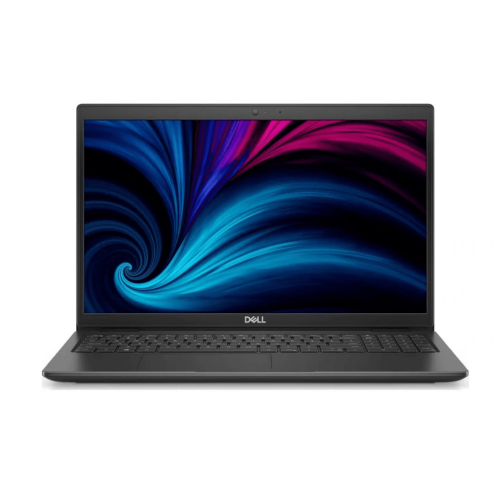
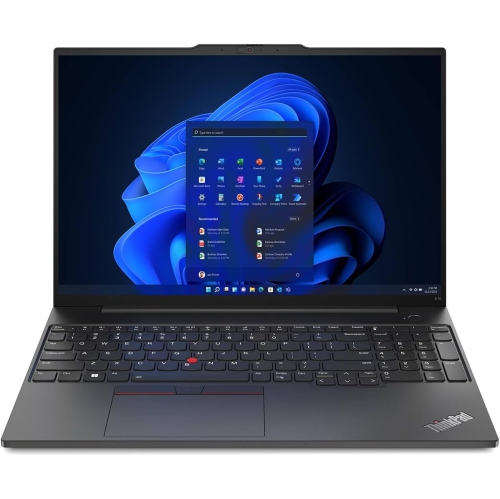
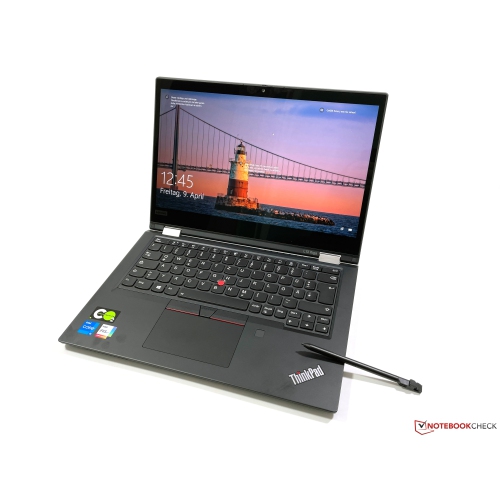
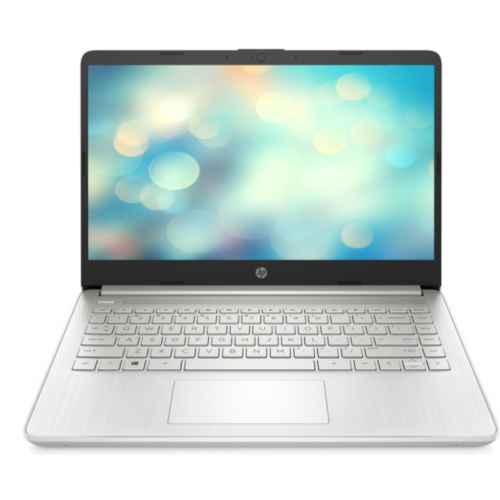
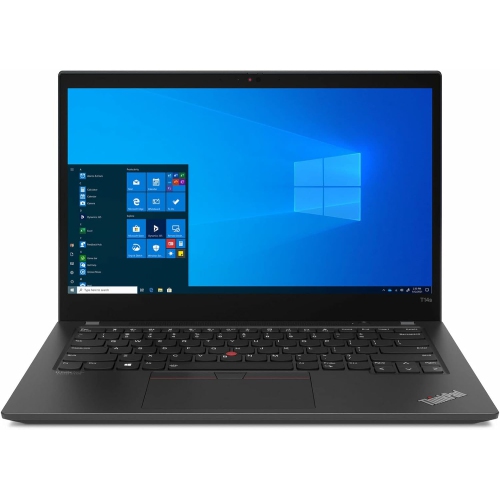
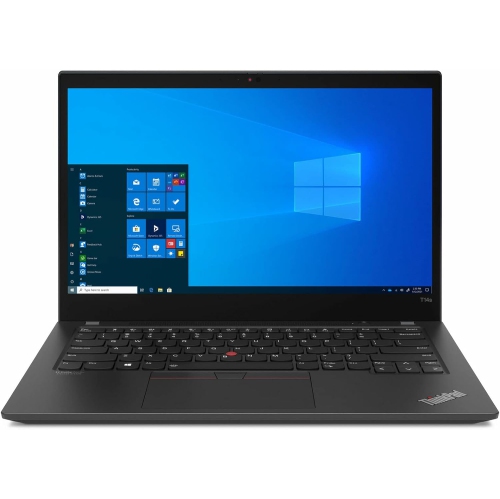
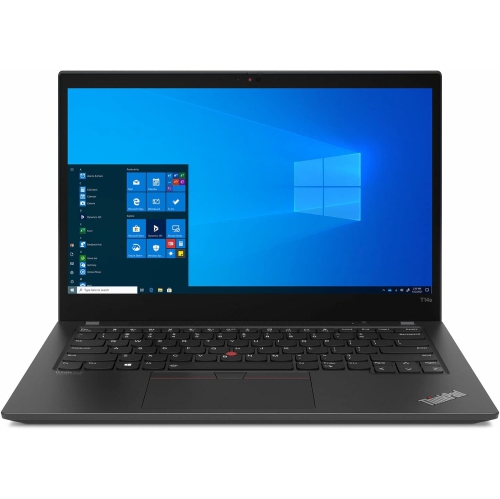
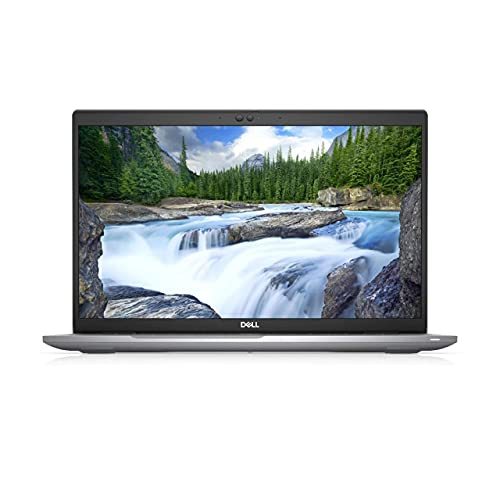

Why laptop performance goes beyond processor generation
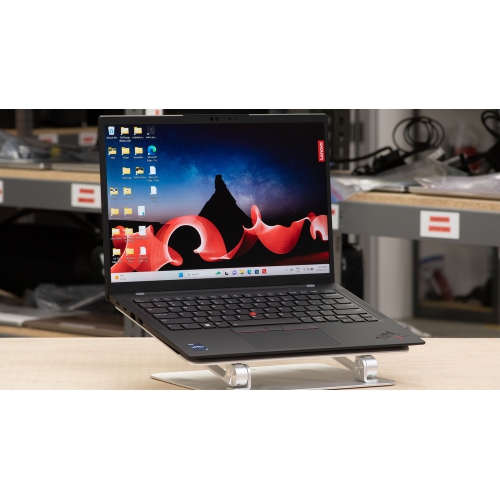
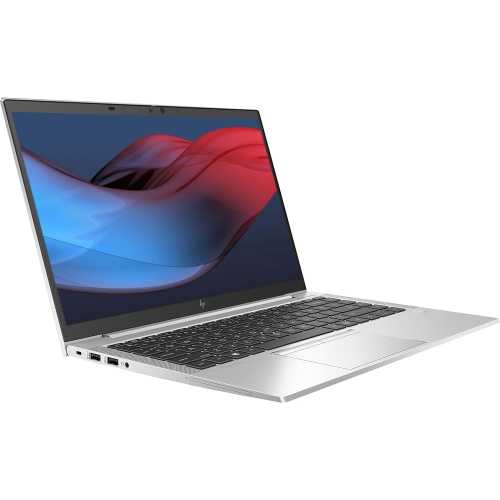
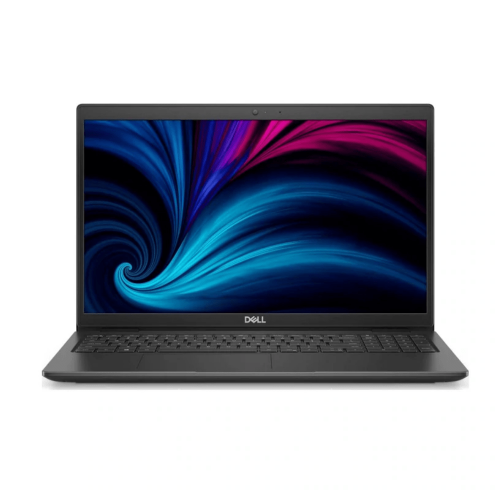
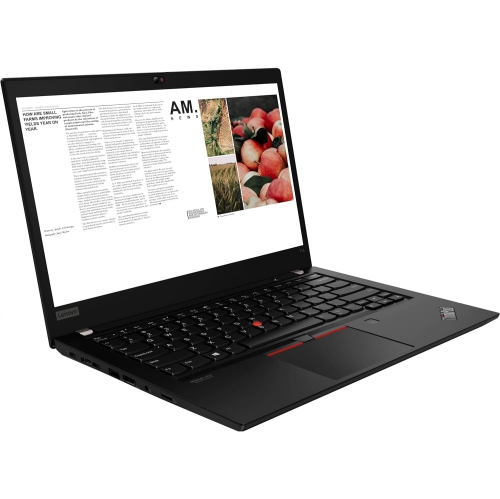
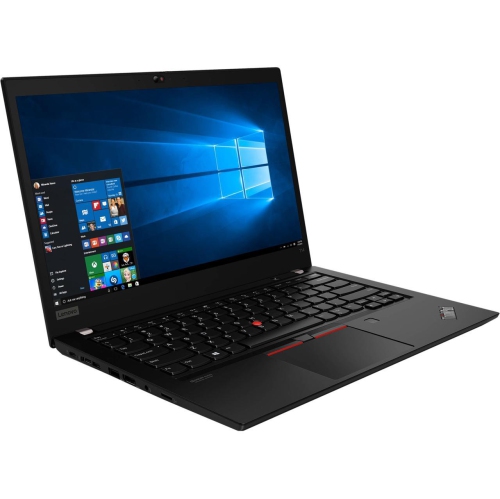
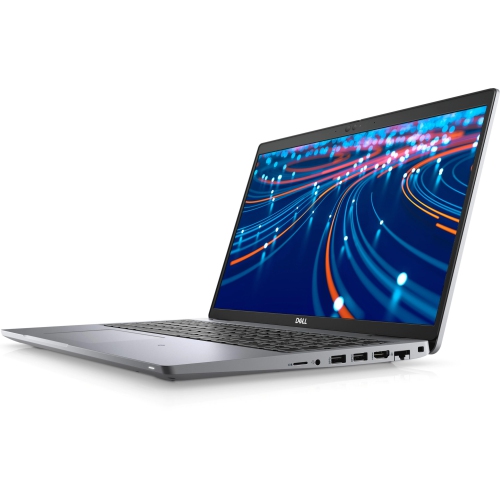
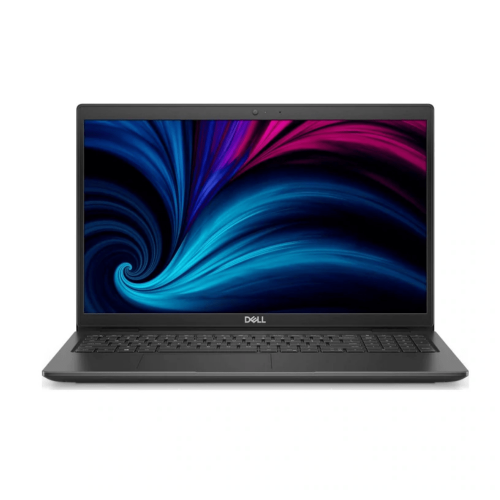
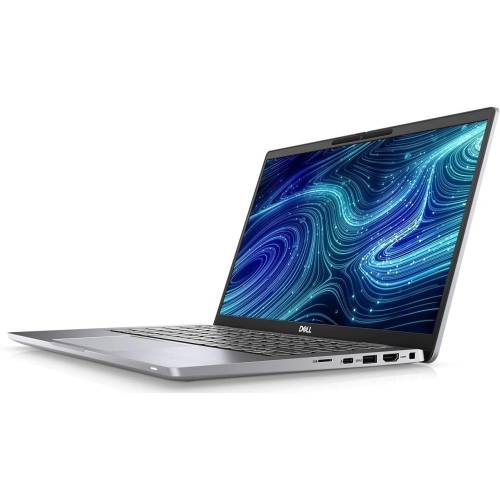
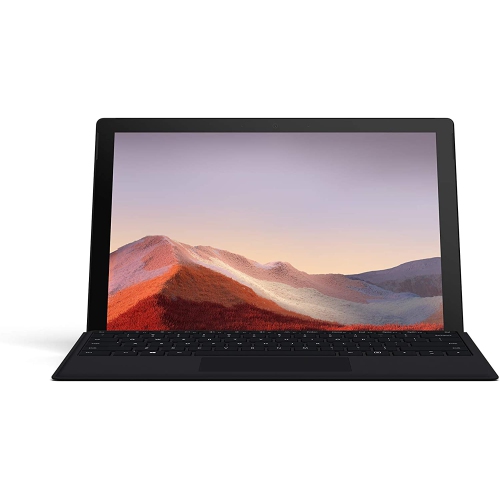
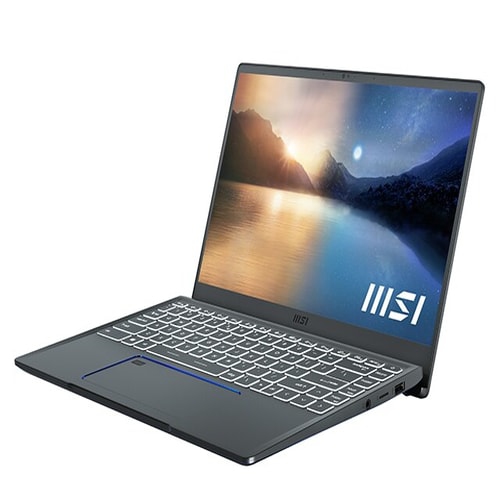
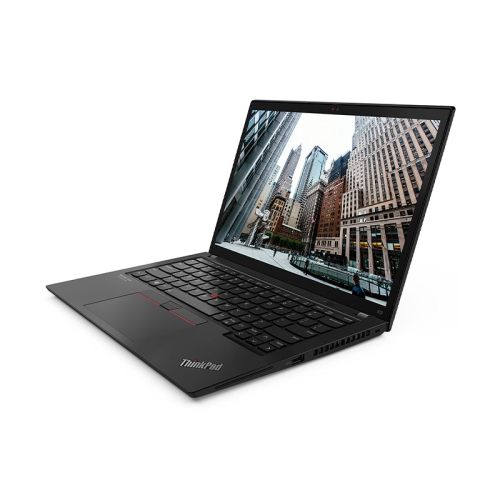
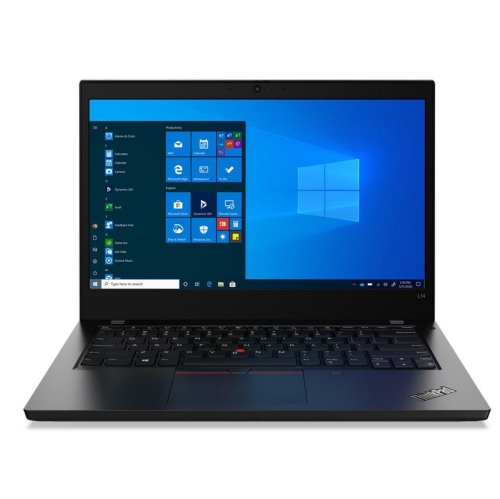
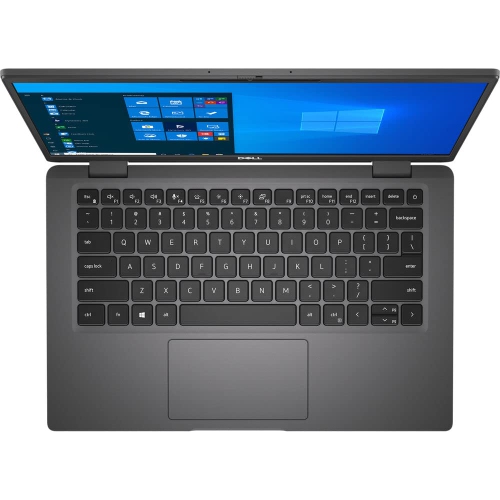
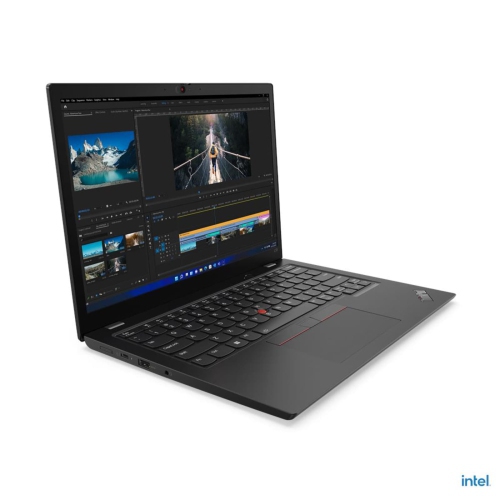
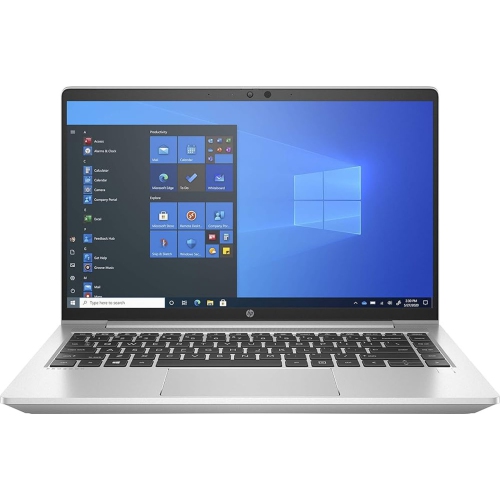
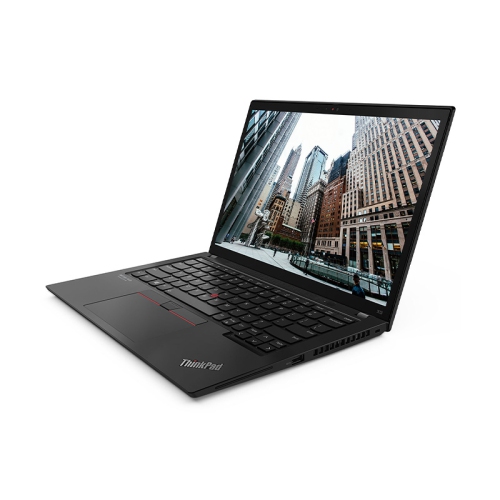
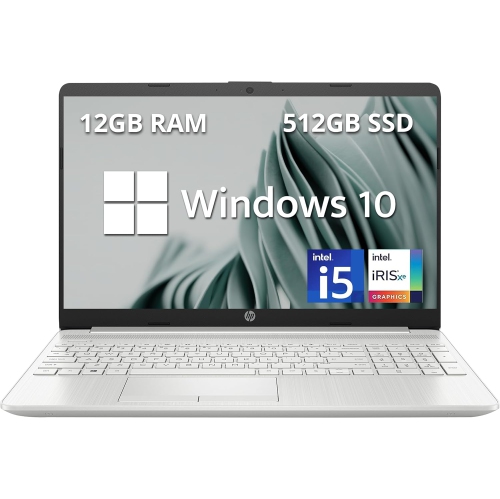
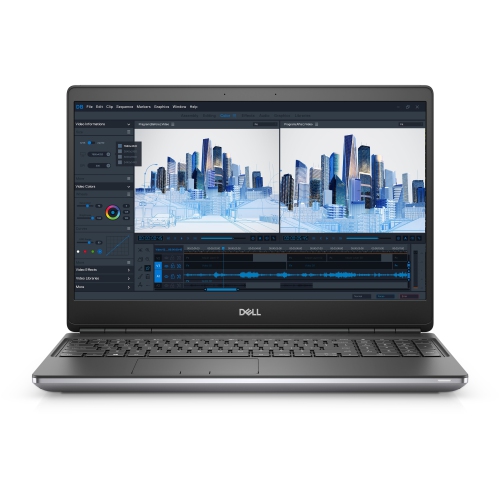
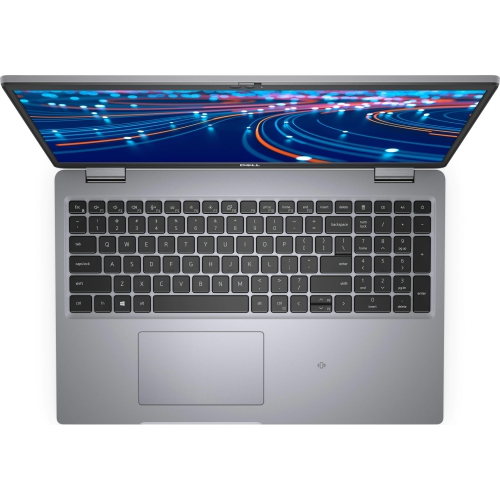
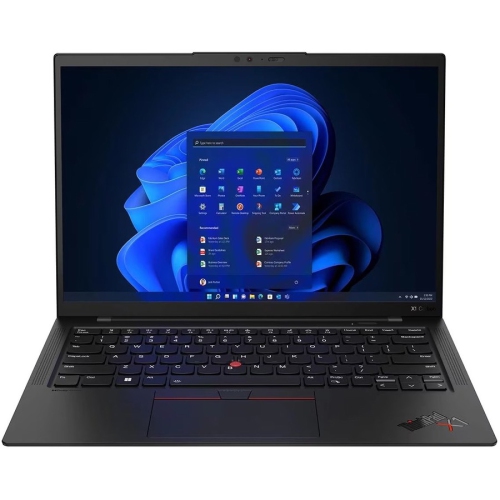
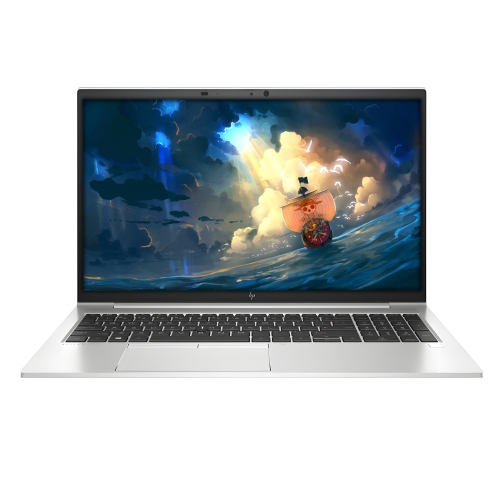
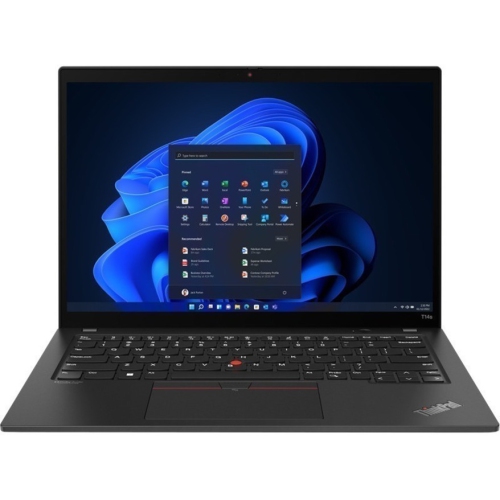
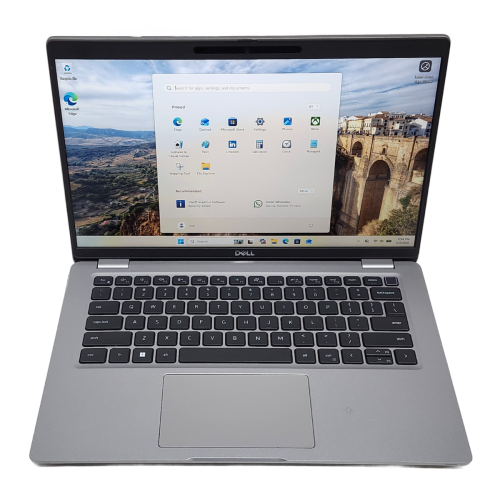
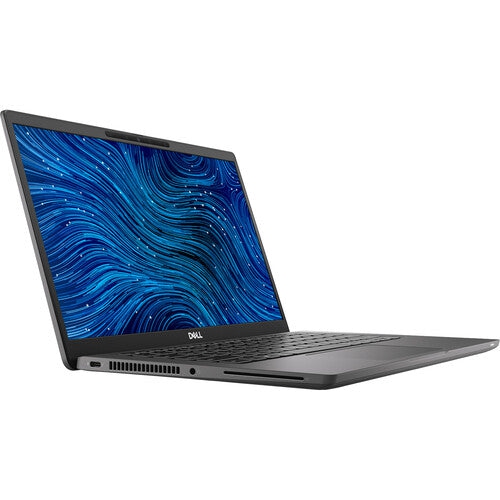
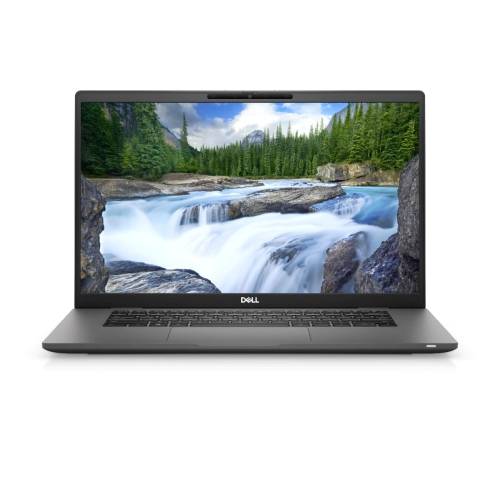
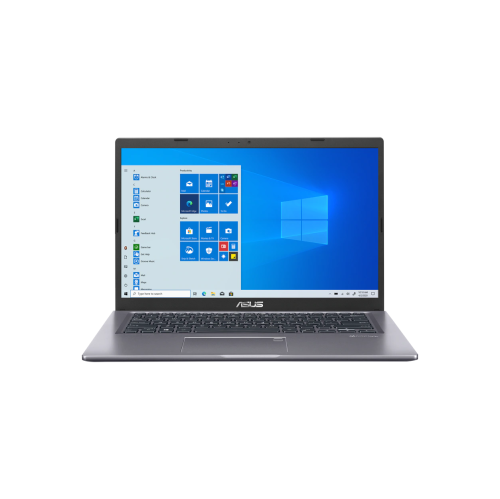
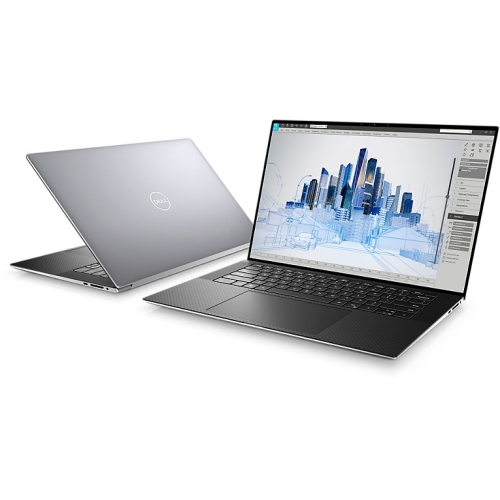
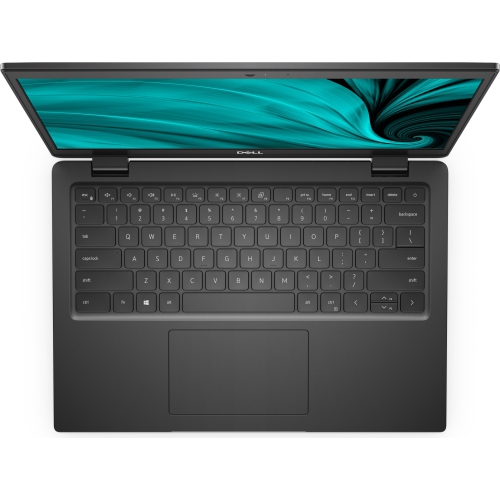
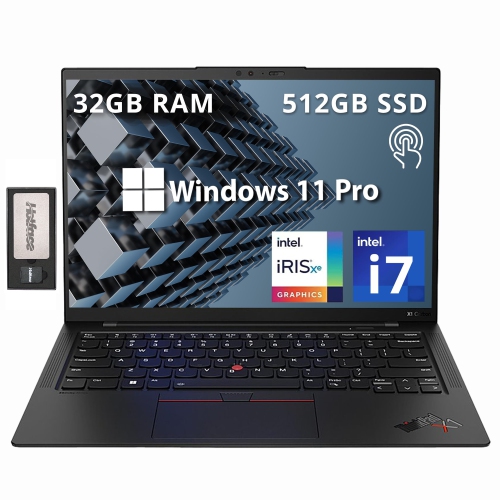
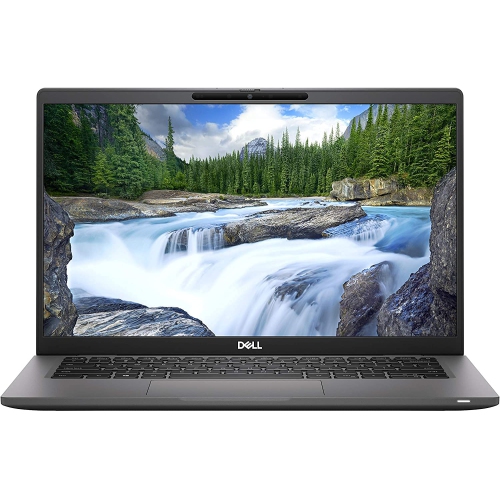
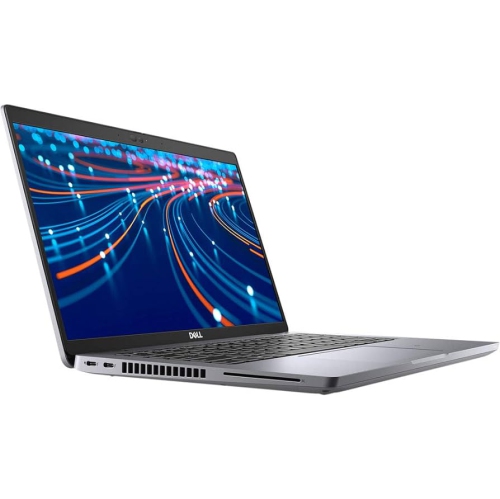
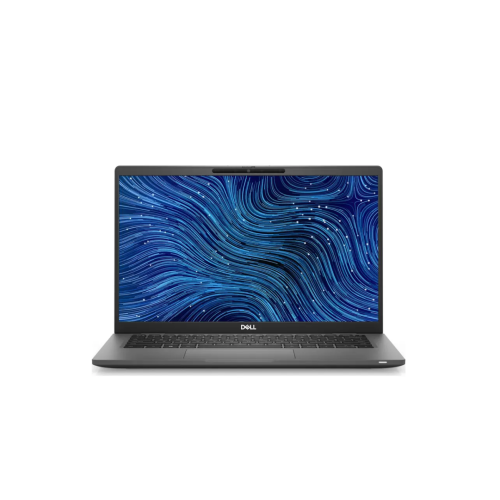
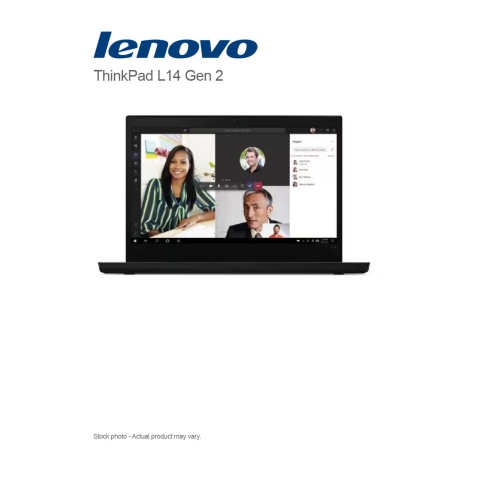
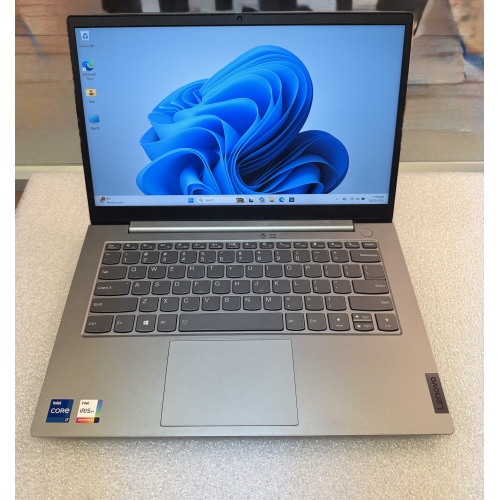
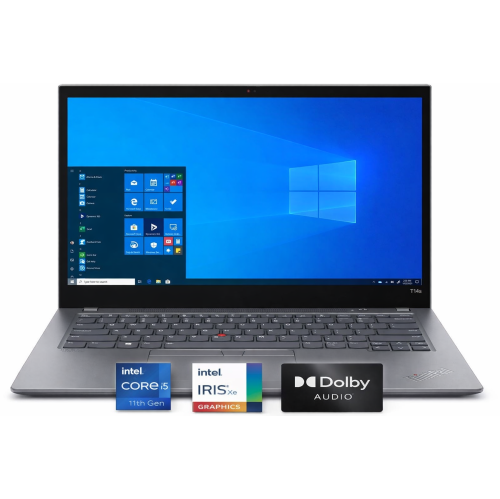
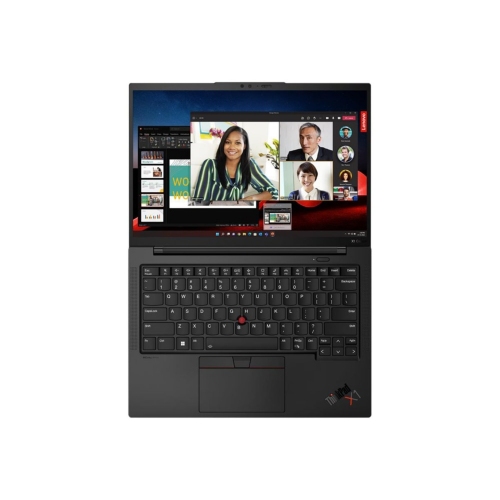
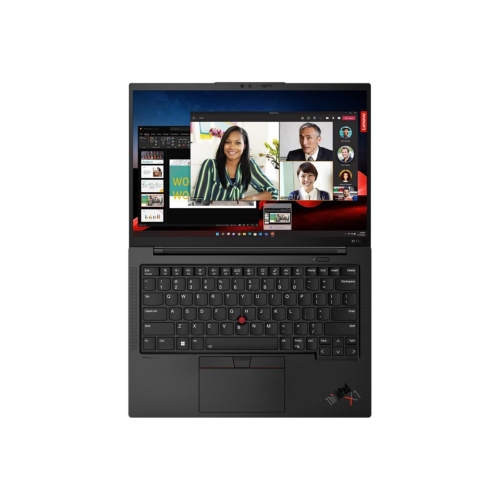
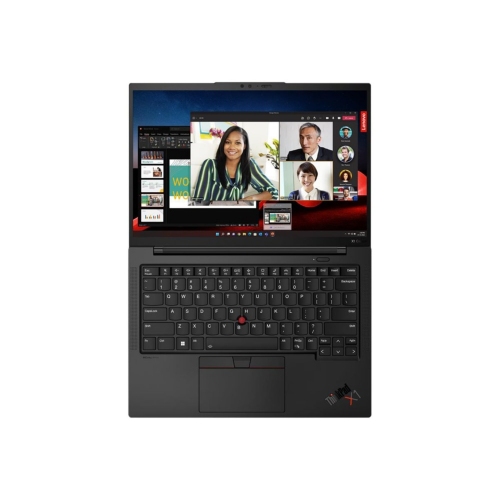
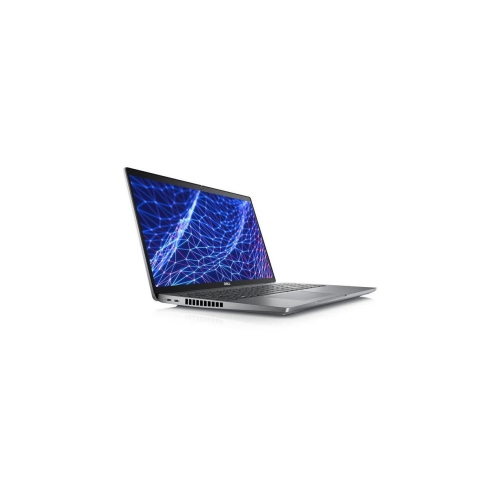
An 11th gen laptop is a notebook built around an 11th-generation processor, with the overall experience shaped by its memory, storage, graphics, display, and physical design. This generation spans compact everyday notebooks, flexible 2-in-1 designs, business laptops, and larger systems built for more demanding workloads. For school assignments, office documents, video calls, online banking, and streaming, a well-matched configuration can provide a comfortable everyday workspace. A student might keep research tabs open beside an essay, while someone working from home may move between spreadsheets, presentations, and shared documents throughout the day. The processor generation alone does not determine how smoothly those tasks run: the processor’s exact model, its power requirements, and the laptop’s cooling design also matter. Lower-power processors generally suit thin, portable designs, while higher-power versions are intended for heavier workloads and need more substantial cooling. Memory makes a noticeable difference when several applications stay open together. An 8GB configuration can handle basic tasks, while 16GB gives more room for larger documents, multiple browser tabs, and simultaneous applications. More demanding creative software may need additional memory, depending on the project. A solid-state drive helps with starting the computer, opening applications, and accessing files, but its capacity deserves separate attention. Documents take relatively little space; photo libraries, downloaded videos, games, and project files can fill a drive much faster. Integrated graphics suit everyday display tasks, streaming, and some lighter creative work or games, although performance varies by processor and memory configuration. Laptops with dedicated graphics are better suited to certain graphics-intensive applications, but software requirements remain the clearest reference point. For anyone choosing an 11th gen laptop for study, work, or shared household use, the most useful distinction is between a machine that simply runs an application and one that leaves enough headroom for the way that application is actually used. Keeping a video meeting, a large spreadsheet, and several reference documents open together places different demands on a laptop than writing a short email.
The screen, keyboard, and chassis shape the experience just as much as the internal specifications. A 13-inch or 14-inch laptop is often easier to carry between classrooms, meeting rooms, and a home desk, while a 15-inch or larger display gives documents and side-by-side windows more breathing room. Screen size does not tell the whole story about portability, since chassis thickness, weight, and the size of the power adapter all contribute to what goes into a bag. Full HD resolution provides a practical starting point for clear text and everyday viewing, while higher resolutions can reveal more detail in photographs and design work. Brightness, viewing angles, and colour accuracy vary by panel, making the display particularly important for anyone editing images or reviewing visual presentations. A matte finish can reduce distracting reflections from overhead lighting; a glossy touchscreen offers direct interaction but tends to show fingerprints more readily. Convertible designs add the option of folding the screen into different positions for reading, handwritten notes, or presentations, although pen support depends on the model and a compatible pen may be separate. Keyboard spacing, key feel, and touchpad responsiveness become especially noticeable during long writing sessions. A number pad can be useful for frequent data entry, while a backlit keyboard makes the keys easier to see in dim rooms. Materials also affect everyday handling. Plastic housings vary considerably in rigidity and finish, while aluminium or magnesium construction can provide a firm feel without necessarily making every design heavier. Hinge stability, lid flex, and protection around the corners matter more than a material name alone. A padded sleeve with a close fit helps limit movement inside a backpack, and a separate pocket for the charger keeps hard accessories from pressing against the lid. For a laptop that regularly travels, manageable weight and a sturdy chassis can be more valuable than a larger screen. For a machine that mostly stays on a desk, a comfortable keyboard and an external monitor connection may have greater everyday importance.
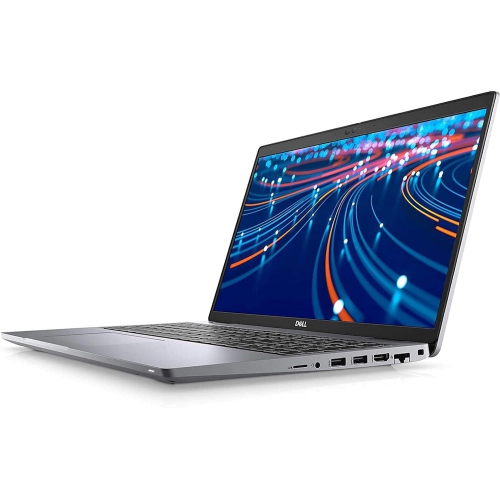
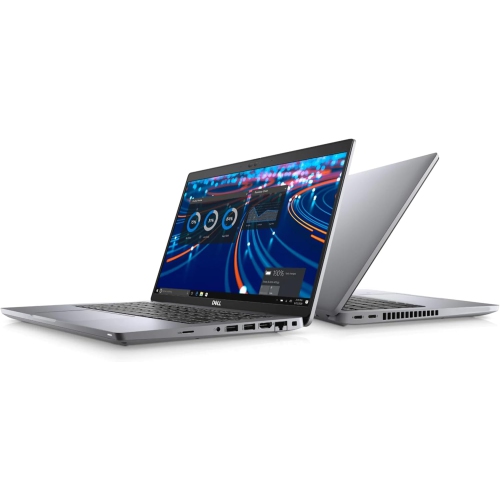
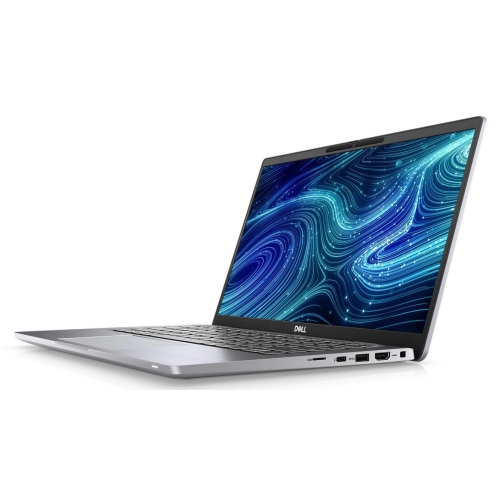
Connectivity and condition round out the practical differences between 11th gen laptops. Many systems from this generation support Wi-Fi 6, which can improve wireless performance when paired with a compatible router, though the fitted wireless adapter determines the actual capability. Some also support Thunderbolt 4 for compatible docks, external displays, and fast data transfers. Neither feature should be assumed from the processor generation alone. USB-C ports can look identical while supporting different combinations of charging, video output, and data speeds, so the port specifications matter when connecting a monitor or sharing a charger. USB-A connections remain useful for familiar accessories, an HDMI port can simplify a presentation setup, and a memory card reader can make transferring photos more convenient. Webcam quality, microphone clarity, and speaker placement deserve attention for remote classes and frequent meetings; a headset connection or compatible wireless headset can make conversations easier in a shared space. Battery life depends on battery capacity and condition as well as screen brightness, applications, and power settings. Published battery figures do not guarantee the same result during video calls or demanding work. With a refurbished or previously owned laptop, the stated cosmetic condition, included power adapter, battery information, and warranty coverage help clarify what to expect. Memory and storage upgrade options also vary, with some components soldered in place and others accessible for service. Operating system compatibility, security updates, and support for essential applications remain important considerations for an older processor generation. Routine care is straightforward: keep ventilation openings clear, use the laptop on a firm surface, and clean the display with a soft cloth using a method approved for its finish. An 11th gen laptop can serve students, home office users, and households needing a dedicated computer for everyday tasks, and it can make a useful gift when its size and capabilities match the recipient’s routine. For a broader comparison of processor generations, Intel 13th Generation Laptops offer another point of reference, with the complete configuration still determining the best fit for the intended workload.
The screen, keyboard, and chassis shape the experience just as much as the internal specifications. A 13-inch or 14-inch laptop is often easier to carry between classrooms, meeting rooms, and a home desk, while a 15-inch or larger display gives documents and side-by-side windows more breathing room. Screen size does not tell the whole story about portability, since chassis thickness, weight, and the size of the power adapter all contribute to what goes into a bag. Full HD resolution provides a practical starting point for clear text and everyday viewing, while higher resolutions can reveal more detail in photographs and design work. Brightness, viewing angles, and colour accuracy vary by panel, making the display particularly important for anyone editing images or reviewing visual presentations. A matte finish can reduce distracting reflections from overhead lighting; a glossy touchscreen offers direct interaction but tends to show fingerprints more readily. Convertible designs add the option of folding the screen into different positions for reading, handwritten notes, or presentations, although pen support depends on the model and a compatible pen may be separate. Keyboard spacing, key feel, and touchpad responsiveness become especially noticeable during long writing sessions. A number pad can be useful for frequent data entry, while a backlit keyboard makes the keys easier to see in dim rooms. Materials also affect everyday handling. Plastic housings vary considerably in rigidity and finish, while aluminium or magnesium construction can provide a firm feel without necessarily making every design heavier. Hinge stability, lid flex, and protection around the corners matter more than a material name alone. A padded sleeve with a close fit helps limit movement inside a backpack, and a separate pocket for the charger keeps hard accessories from pressing against the lid. For a laptop that regularly travels, manageable weight and a sturdy chassis can be more valuable than a larger screen. For a machine that mostly stays on a desk, a comfortable keyboard and an external monitor connection may have greater everyday importance.
Connectivity and condition round out the practical differences between 11th gen laptops. Many systems from this generation support Wi-Fi 6, which can improve wireless performance when paired with a compatible router, though the fitted wireless adapter determines the actual capability. Some also support Thunderbolt 4 for compatible docks, external displays, and fast data transfers. Neither feature should be assumed from the processor generation alone. USB-C ports can look identical while supporting different combinations of charging, video output, and data speeds, so the port specifications matter when connecting a monitor or sharing a charger. USB-A connections remain useful for familiar accessories, an HDMI port can simplify a presentation setup, and a memory card reader can make transferring photos more convenient. Webcam quality, microphone clarity, and speaker placement deserve attention for remote classes and frequent meetings; a headset connection or compatible wireless headset can make conversations easier in a shared space. Battery life depends on battery capacity and condition as well as screen brightness, applications, and power settings. Published battery figures do not guarantee the same result during video calls or demanding work. With a refurbished or previously owned laptop, the stated cosmetic condition, included power adapter, battery information, and warranty coverage help clarify what to expect. Memory and storage upgrade options also vary, with some components soldered in place and others accessible for service. Operating system compatibility, security updates, and support for essential applications remain important considerations for an older processor generation. Routine care is straightforward: keep ventilation openings clear, use the laptop on a firm surface, and clean the display with a soft cloth using a method approved for its finish. An 11th gen laptop can serve students, home office users, and households needing a dedicated computer for everyday tasks, and it can make a useful gift when its size and capabilities match the recipient’s routine. For a broader comparison of processor generations, Intel 13th Generation Laptops offer another point of reference, with the complete configuration still determining the best fit for the intended workload.
Top selling and popular products
-
 Your price for this item is $449
 -
 Your price for this item is $3099
 -
 Your price for this item is $299.95
 -
 Your price for this item is $664.05
 -
 Your price for this item is $599.68
 -
 Your price for this item is $869.99
 -
 Your price for this item is $259
 -
 Your price for this item is $418.98
Discover more categories related to 11th Gen Laptops

Top Collections:
Pokemon Centers, Kindle Devices, Best Budget Office Chairs, Apple iPhones 16, Best Laptops for Writers, iPhone 15 Apple, Canon G7X Cameras, Refurbished Apple Laptops, Alarm Clock, Motorola Razr Phones
Some products may be subject to Environmental Handling Fees
(EHF) depending on your province.
Learn more about EHFs.