144 Fps Gaming PCs
Experience gaming like never before with our 144 FPS Gaming PCs. Designed to deliver ultra-smooth gameplay and stunning visuals, these high-performance machines are built to handle the most demanding games on the market. Whether you're a casual gamer or a competitive pro, our 144 FPS Gaming PCs will immerse you in the action and provide the edge you need to dominate your opponents. With powerful processors, cutting-edge graphics cards, and lightning-fast refresh rates, these gaming PCs are ready to take your gaming experience to new heights. Get ready to elevate your gameplay and unleash your full potential with our 144 FPS Gaming PCs.
Sort
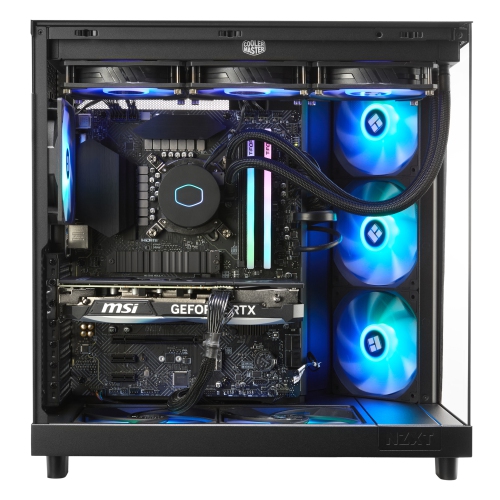
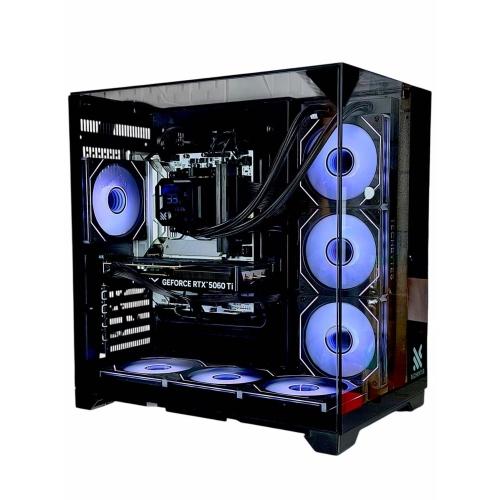
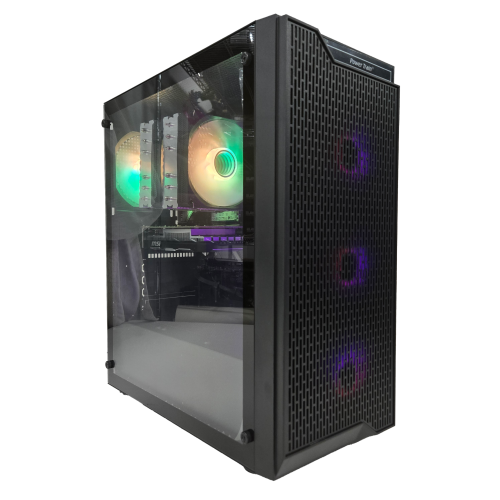
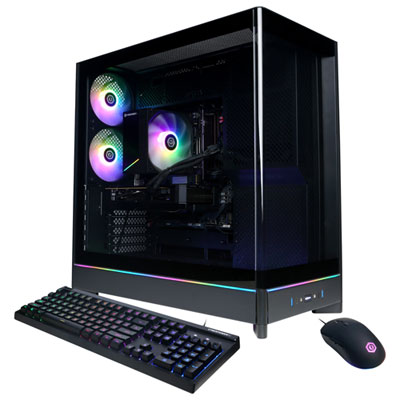
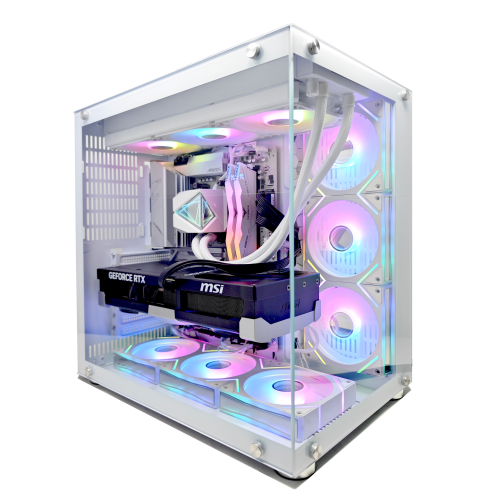
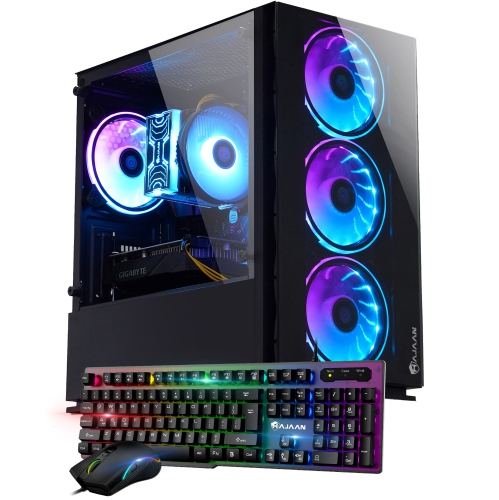
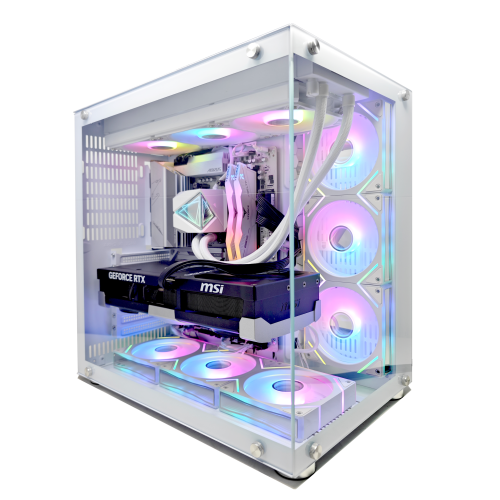
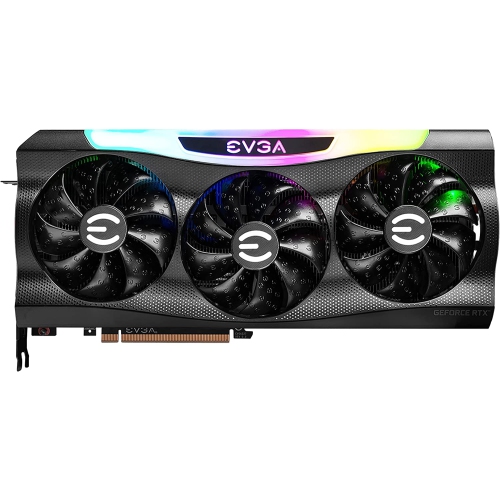
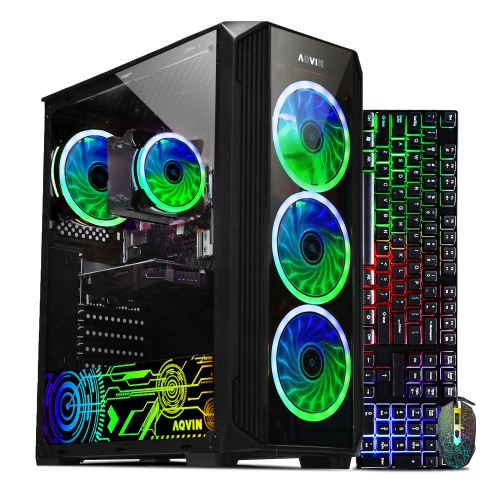
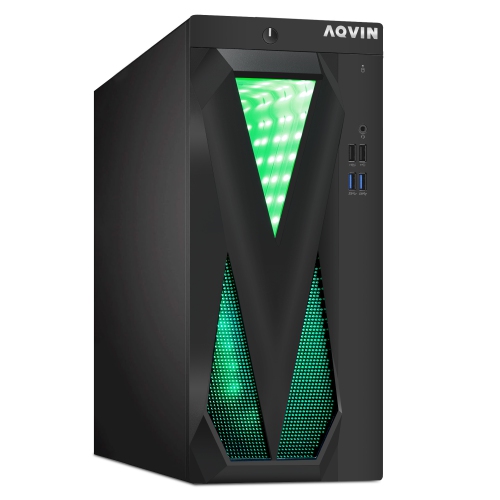
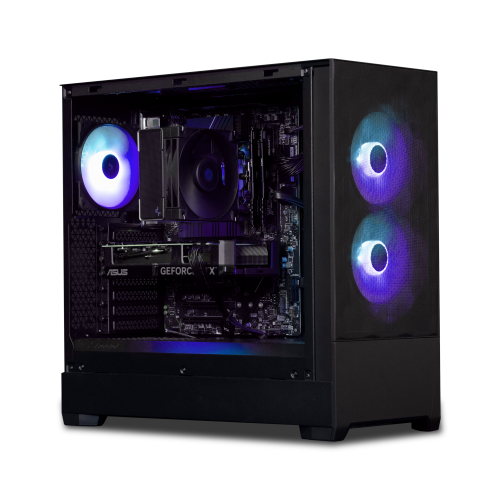
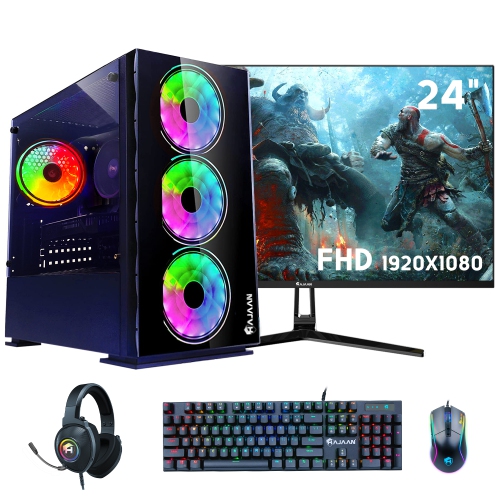
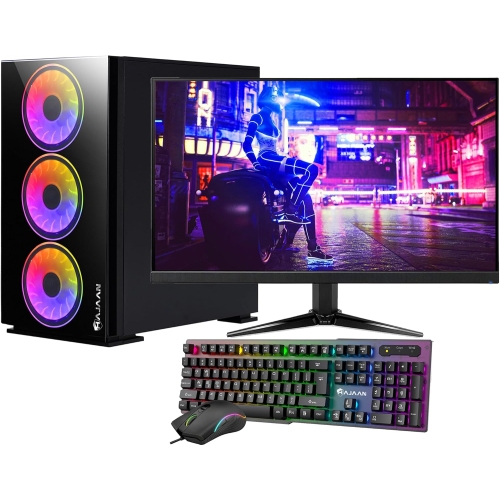
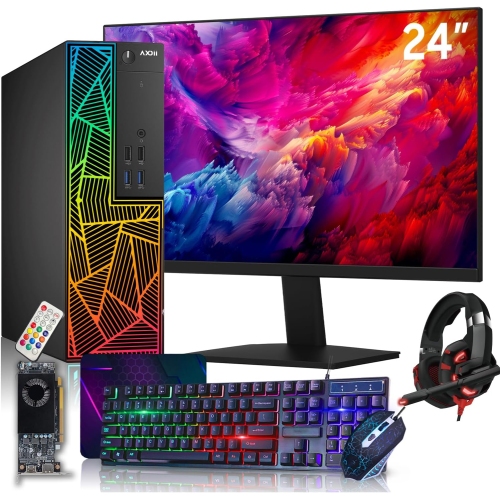
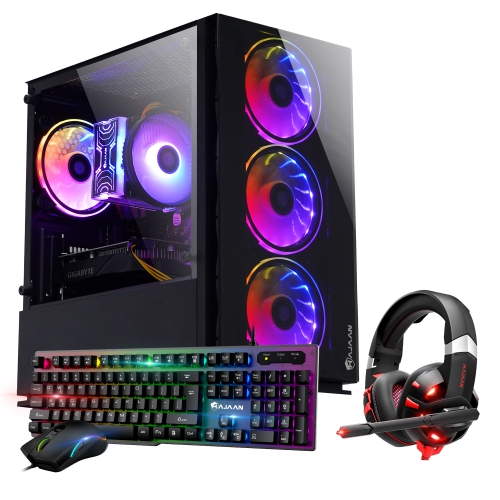
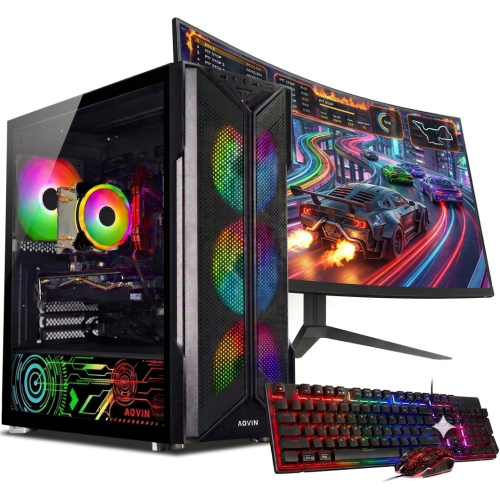
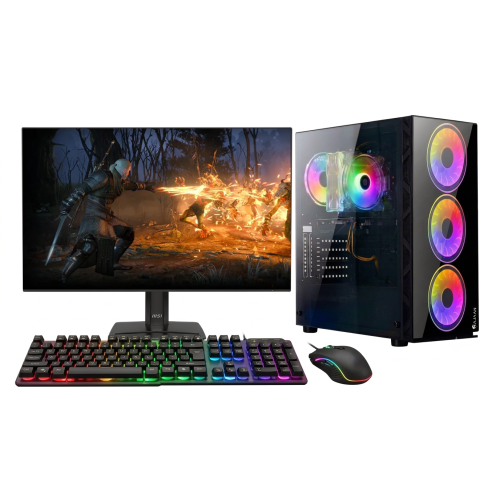
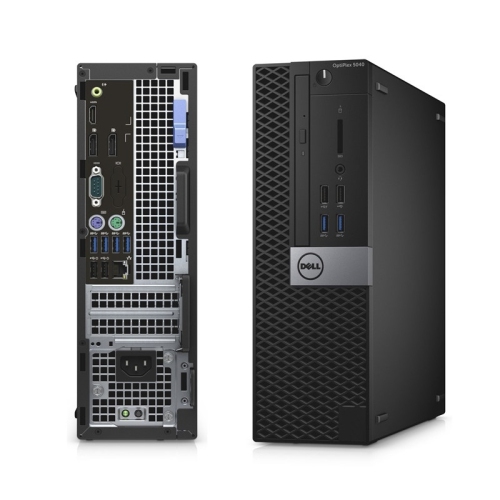
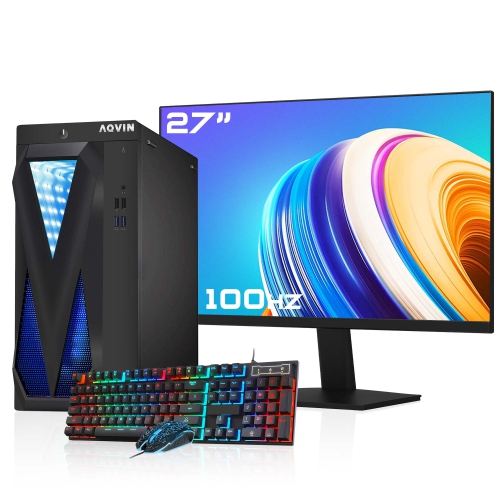
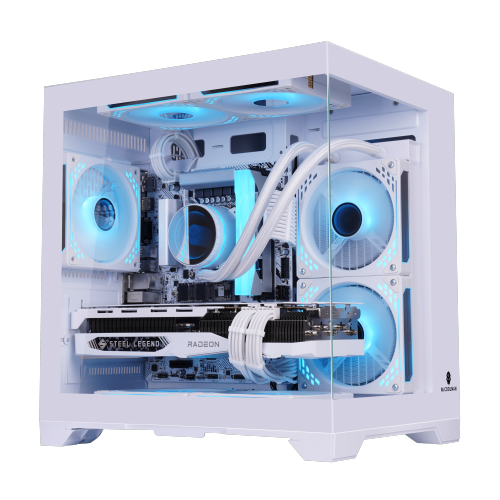
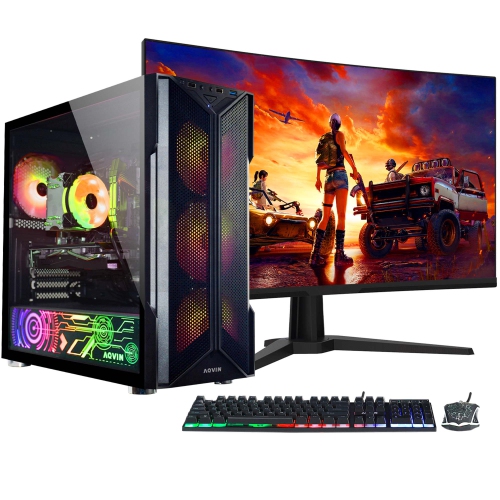
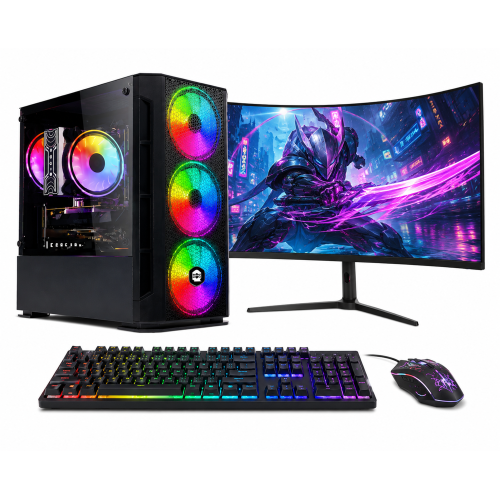
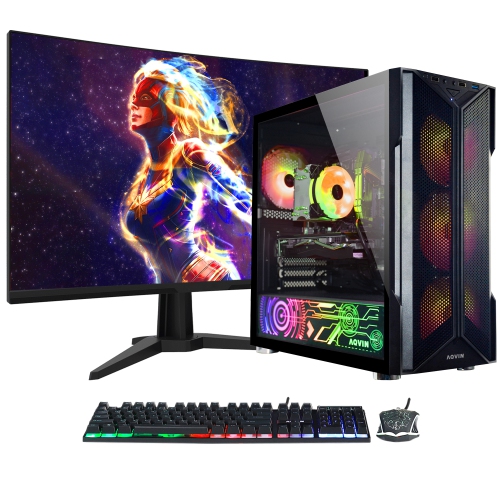
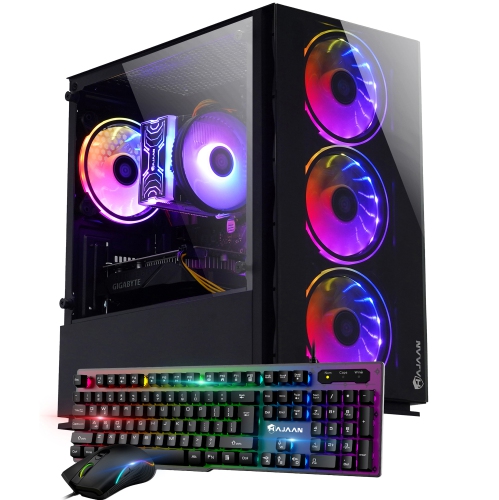
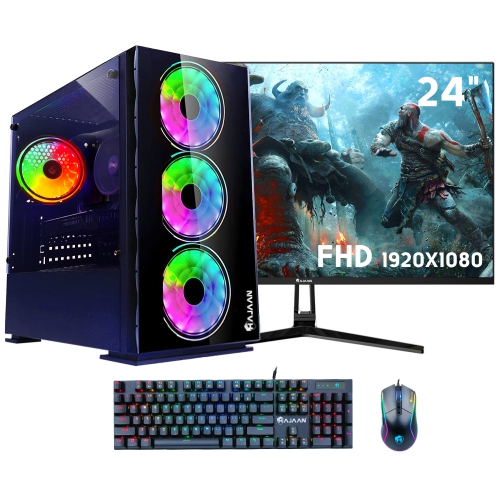
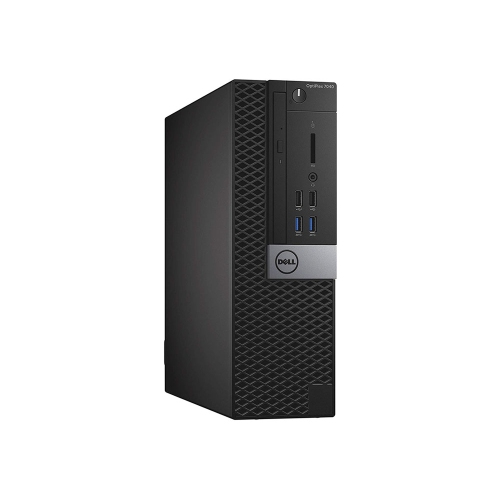
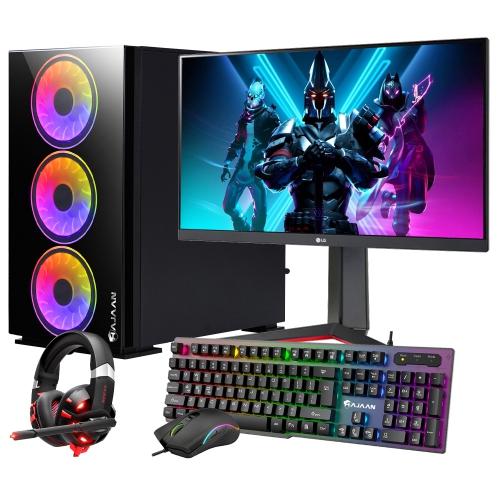
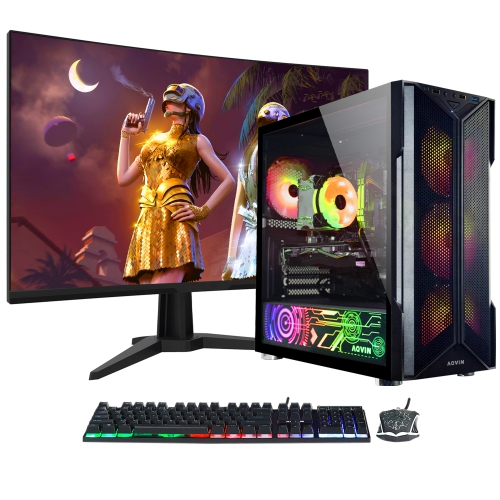
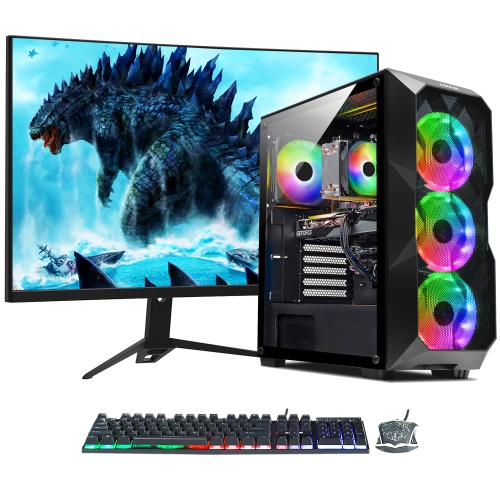
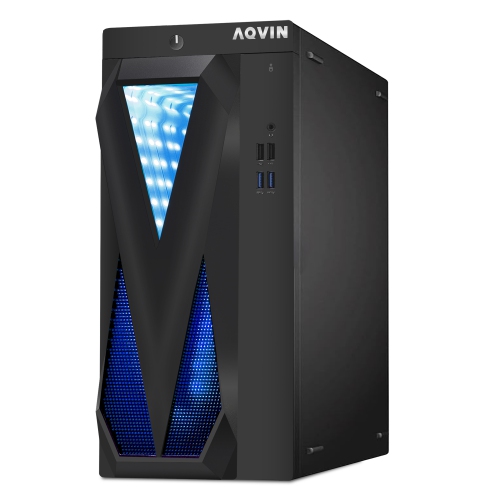
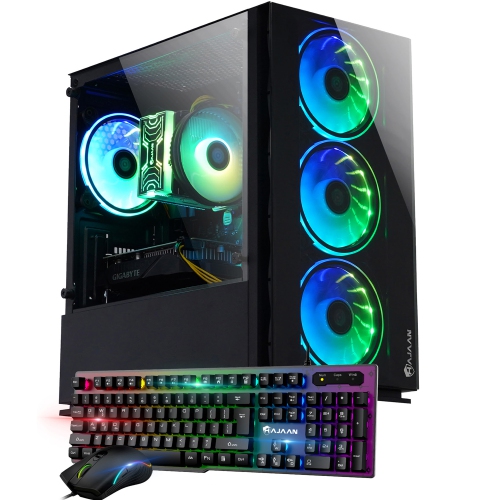
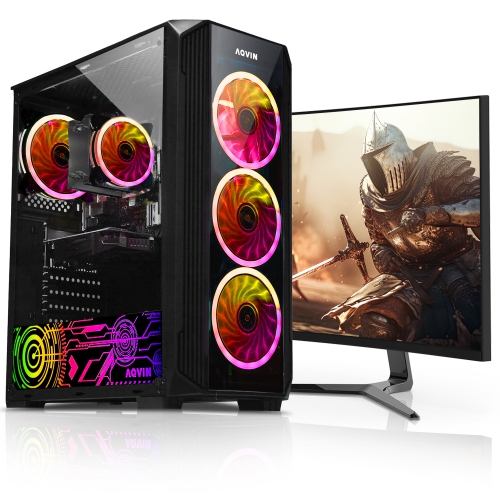
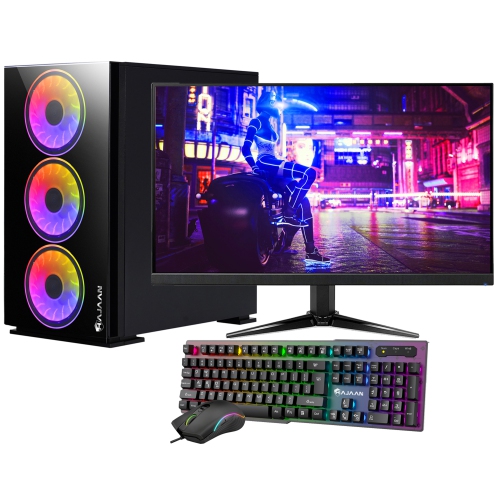
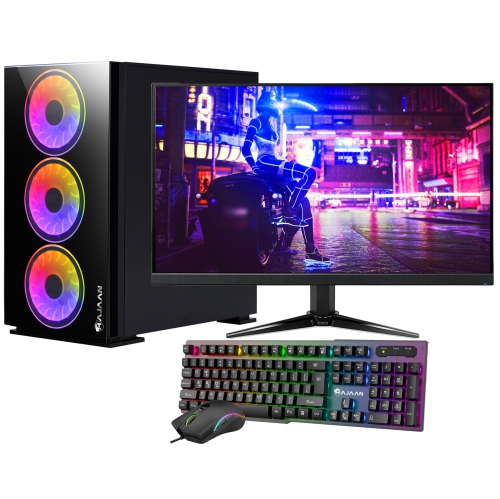
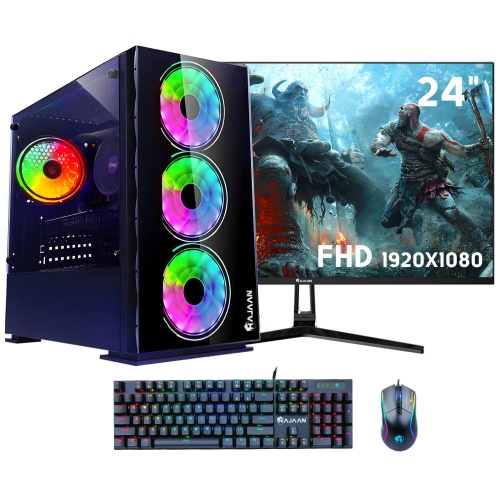
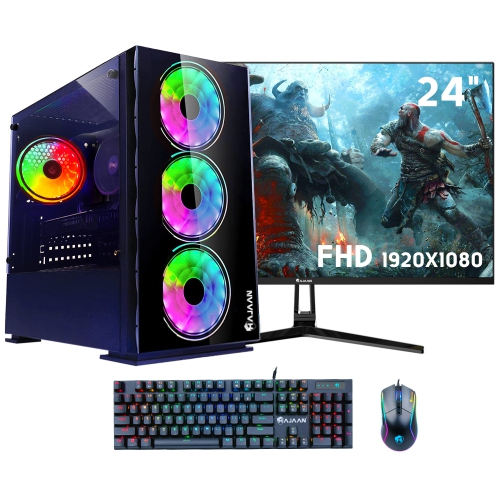
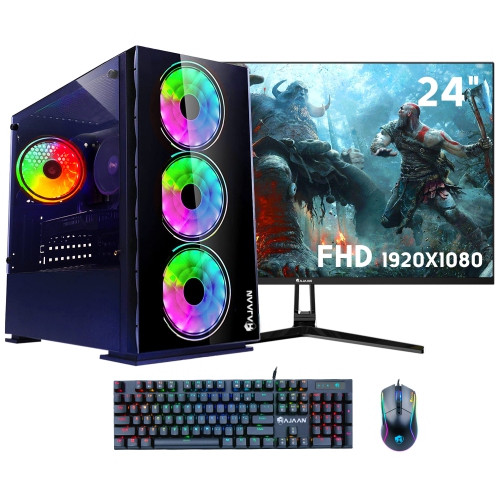
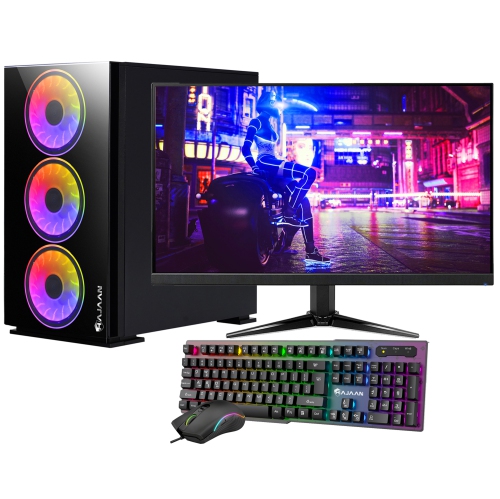
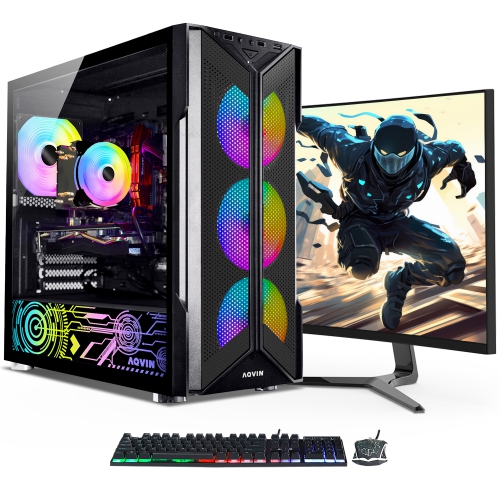
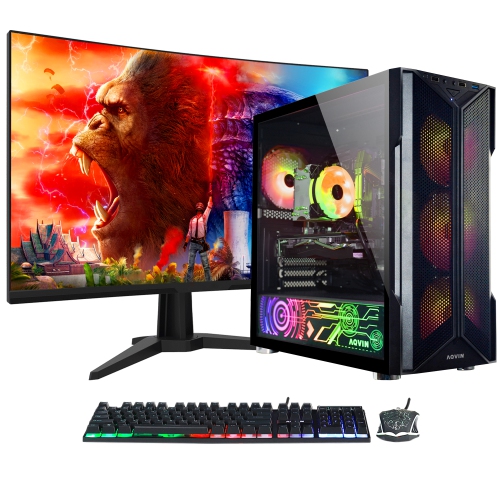
The right components and monitor support smoother gameplay
A 144 FPS gaming PC is designed to deliver up to 144 frames per second in compatible games, creating a fluid, responsive image that can make fast movement, aiming, and camera panning feel noticeably smoother. These systems are a strong match for a high-refresh-rate gaming monitor, particularly at 1080p or 1440p resolution. The right performance level depends on the game, graphics settings, resolution, and display, so 144 FPS should be viewed as a practical target rather than a guarantee in every title. Competitive shooters, racing games, sports games, and other quick-moving experiences can benefit greatly from a higher frame rate, while visually demanding single-player games may require adjusted settings to maintain a steady result. A dedicated graphics card is the most important component for rendering a high number of frames, with a modern mid-range or better graphics processor generally providing a solid starting point for 144 FPS gaming. The processor matters as well, especially in games with large maps, detailed simulations, or many players on screen. A recent multi-core CPU can help prevent performance bottlenecks and keep frame delivery consistent, while at least 16GB of system memory is a sensible baseline for modern gaming, Windows, voice chat, and other background applications. A 1TB solid-state drive offers room for a useful selection of games and helps shorten start-up, loading, and level-transition times compared with older storage technologies. When comparing systems, look beyond a single headline frame-rate number and consider the complete configuration, including the graphics card, processor, memory capacity, storage type, power supply, cooling, and operating system.
Matching the PC to the rest of a gaming setup is just as important as choosing the computer itself. A 144Hz or faster monitor allows the system to show the benefit of higher frame rates, while a standard 60Hz display cannot display every frame that a powerful PC produces. Adaptive-sync support can help reduce visible tearing and make gameplay appear smoother when the frame rate moves above or below the display’s refresh rate. At 1080p, a capable 144 FPS gaming PC can often focus on high frame rates with less demand on the graphics card. Moving to 1440p produces a sharper image and more workspace, but it also asks the graphics processor to render more detail, so users may need to balance texture quality, shadows, reflections, anti-aliasing, and other settings. Presets are a useful starting point, but individual options can often be adjusted to improve performance without making the game look noticeably less attractive. Competitive players may prefer lower visual settings to prioritize responsiveness and visibility, while casual players might choose a blend of high detail and smooth motion. Features such as upscaling, frame generation, and a built-in frame limiter may also help, depending on the game and hardware. Keep in mind that the number shown by an in-game counter is only one part of the experience. Consistent frame pacing, low input delay, stable network performance, and a comfortable monitor can matter just as much as reaching a peak frame rate. Wired network connections may be helpful for competitive online play, while a strong wireless connection can offer convenient placement elsewhere in the home. Before purchasing, check the available video outputs, USB ports, audio connections, internal expansion space, and physical dimensions to make sure the computer fits neatly into the intended desk area.
These PCs can suit a wide range of players, from someone building a first serious gaming setup to an experienced enthusiast replacing an older computer. They are especially useful for people who play fast-paced online games, stream or record gameplay, use multiple monitors, or want enough performance for creative applications alongside gaming. A pre-built system can also be a practical gift for a student, family member, or friend who is ready to move beyond a console or an ageing laptop. It arrives with the core components selected to work together, reducing the time and uncertainty involved in sourcing each part separately. During the cooler months, a gaming PC can become a welcoming centrepiece for indoor entertainment, whether it is used for a few rounds after school, an evening gaming session with friends, or long weekends spent exploring expansive virtual worlds. Buyers should still consider the recipient’s current monitor, preferred game types, desk space, headset, keyboard, mouse, and future upgrade plans. Someone who mainly plays competitive 1080p titles may value strong frame-rate performance, while a player who enjoys open-world adventures may place greater importance on graphics memory, storage capacity, and 1440p capability. A computer with accessible components and additional memory or storage slots can make future upgrades simpler. Those seeking even more headroom for demanding games, higher resolutions, streaming, or intensive multitasking can explore Fastest Gaming PCs. By considering the intended games, display resolution, refresh rate, connection options, room for upgrades, and overall configuration together, shoppers can choose a 144 FPS gaming PC that feels responsive today and remains enjoyable as their library grows.
Matching the PC to the rest of a gaming setup is just as important as choosing the computer itself. A 144Hz or faster monitor allows the system to show the benefit of higher frame rates, while a standard 60Hz display cannot display every frame that a powerful PC produces. Adaptive-sync support can help reduce visible tearing and make gameplay appear smoother when the frame rate moves above or below the display’s refresh rate. At 1080p, a capable 144 FPS gaming PC can often focus on high frame rates with less demand on the graphics card. Moving to 1440p produces a sharper image and more workspace, but it also asks the graphics processor to render more detail, so users may need to balance texture quality, shadows, reflections, anti-aliasing, and other settings. Presets are a useful starting point, but individual options can often be adjusted to improve performance without making the game look noticeably less attractive. Competitive players may prefer lower visual settings to prioritize responsiveness and visibility, while casual players might choose a blend of high detail and smooth motion. Features such as upscaling, frame generation, and a built-in frame limiter may also help, depending on the game and hardware. Keep in mind that the number shown by an in-game counter is only one part of the experience. Consistent frame pacing, low input delay, stable network performance, and a comfortable monitor can matter just as much as reaching a peak frame rate. Wired network connections may be helpful for competitive online play, while a strong wireless connection can offer convenient placement elsewhere in the home. Before purchasing, check the available video outputs, USB ports, audio connections, internal expansion space, and physical dimensions to make sure the computer fits neatly into the intended desk area.
These PCs can suit a wide range of players, from someone building a first serious gaming setup to an experienced enthusiast replacing an older computer. They are especially useful for people who play fast-paced online games, stream or record gameplay, use multiple monitors, or want enough performance for creative applications alongside gaming. A pre-built system can also be a practical gift for a student, family member, or friend who is ready to move beyond a console or an ageing laptop. It arrives with the core components selected to work together, reducing the time and uncertainty involved in sourcing each part separately. During the cooler months, a gaming PC can become a welcoming centrepiece for indoor entertainment, whether it is used for a few rounds after school, an evening gaming session with friends, or long weekends spent exploring expansive virtual worlds. Buyers should still consider the recipient’s current monitor, preferred game types, desk space, headset, keyboard, mouse, and future upgrade plans. Someone who mainly plays competitive 1080p titles may value strong frame-rate performance, while a player who enjoys open-world adventures may place greater importance on graphics memory, storage capacity, and 1440p capability. A computer with accessible components and additional memory or storage slots can make future upgrades simpler. Those seeking even more headroom for demanding games, higher resolutions, streaming, or intensive multitasking can explore Fastest Gaming PCs. By considering the intended games, display resolution, refresh rate, connection options, room for upgrades, and overall configuration together, shoppers can choose a 144 FPS gaming PC that feels responsive today and remains enjoyable as their library grows.
Top selling and popular products
-
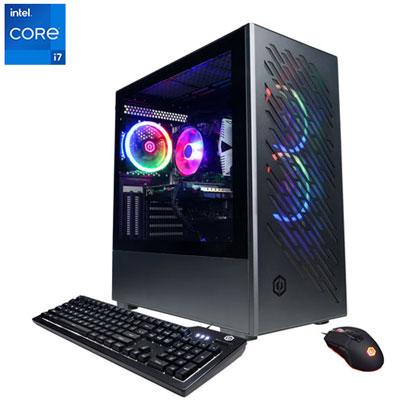 Your price for this item is $1969.99
 -
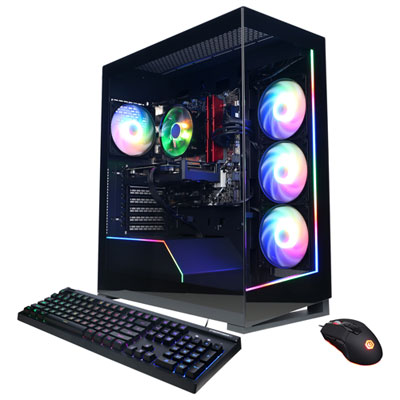 Your price for this item is $1059.99
 -
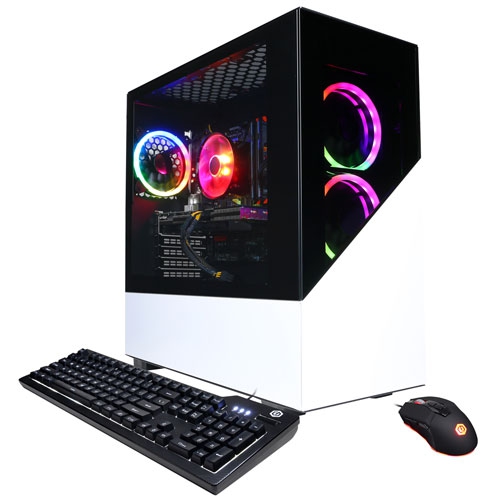 Your price for this item is $1274.97
 -
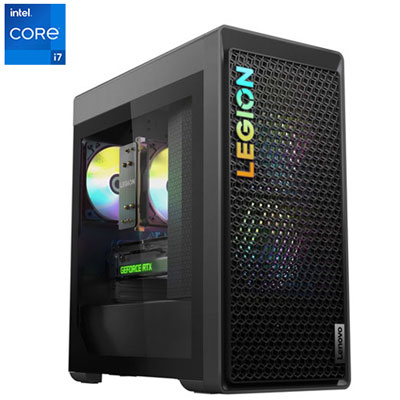 Your price for this item is $2499.95
 -
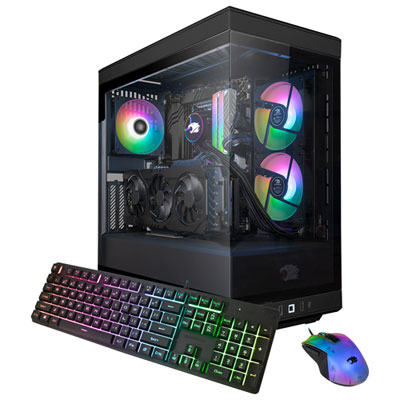 Your price for this item is $2309.99
 -
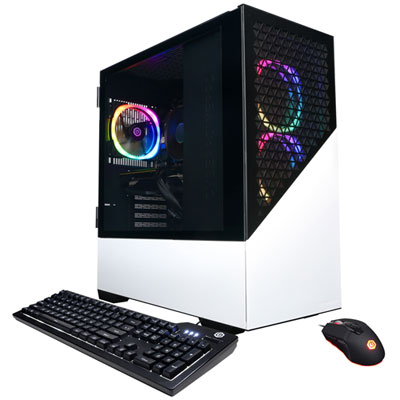 Your price for this item is $1669.99
 -
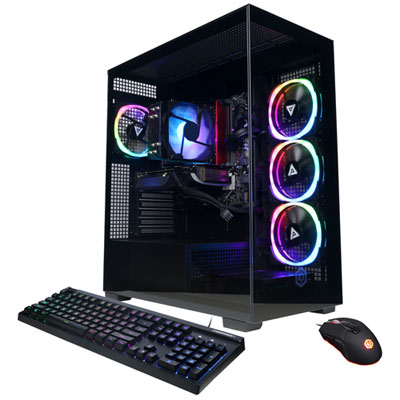 Your price for this item is $1839.99
 -
 Your price for this item is $2399.99
Discover more categories related to 144 Fps Gaming PCs

Top Collections:
Pokemon Centers, Kindle Devices, Best Budget Office Chairs, Apple iPhones 16, Best Laptops for Writers, iPhone 15 Apple, Canon G7X Cameras, Refurbished Apple Laptops, Alarm Clock, Motorola Razr Phones
Some products may be subject to Environmental Handling Fees
(EHF) depending on your province.
Learn more about EHFs.