1TB SSD Desktop Computers
Explore the power and efficiency of a 1TB SSD Desktop Computer, designed to handle your daily computing needs with ease. Whether you're working, gaming, or creating content, these desktops offer ample storage and quick access to your files and applications. Find the perfect combination of performance and reliability to elevate your home or office setup. Discover a range of options that deliver smooth multitasking and enhanced productivity with a spacious 1TB SSD.
Sort
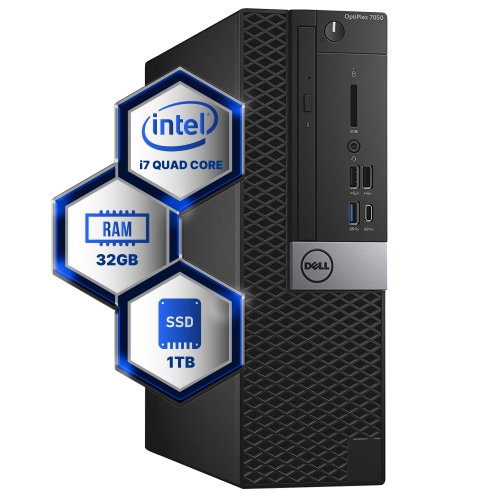
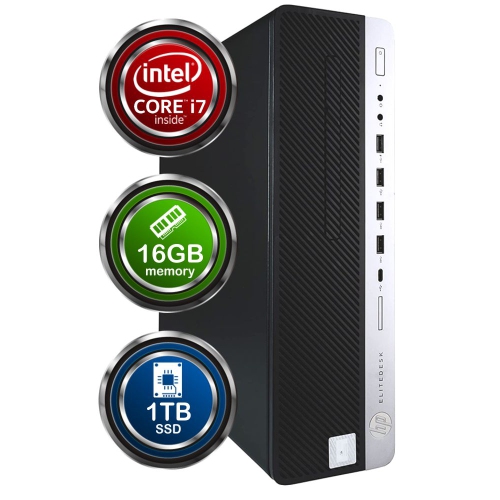
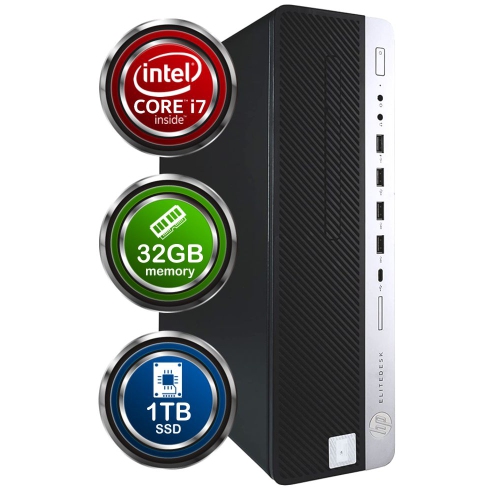
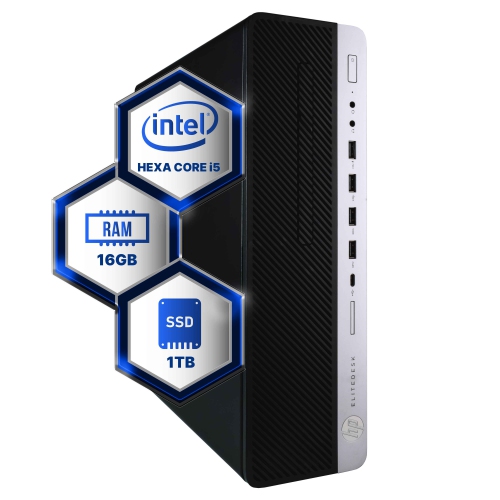


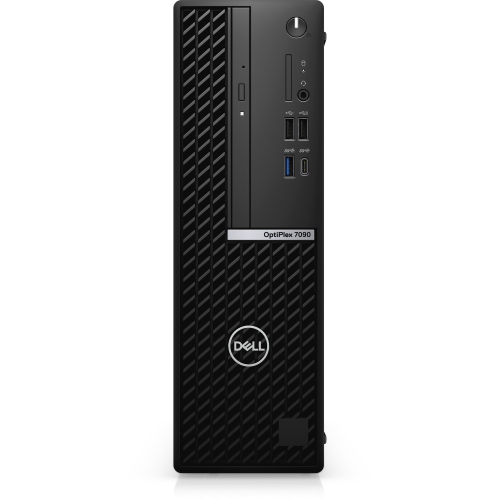
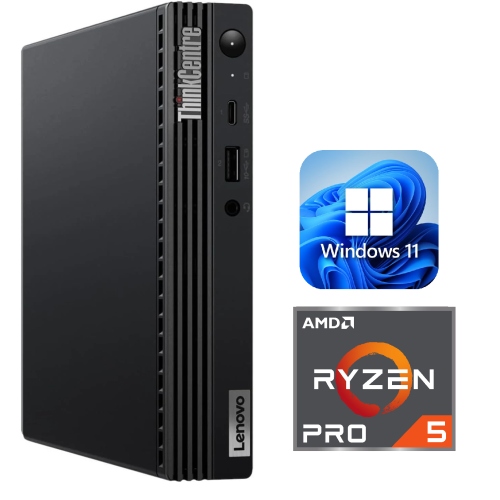
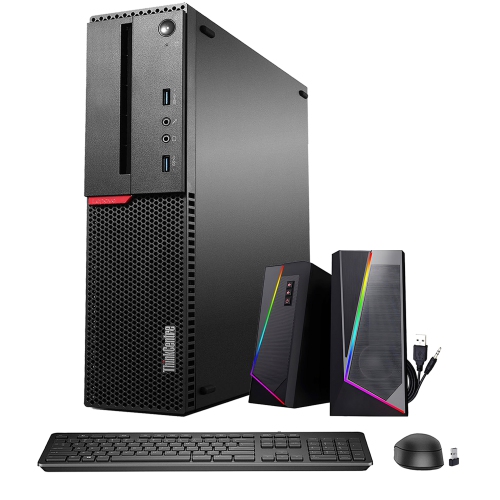
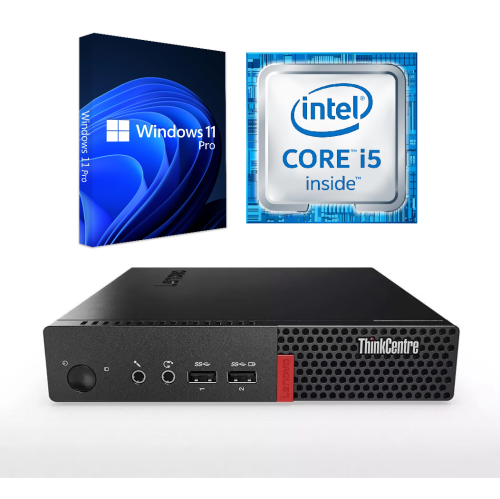
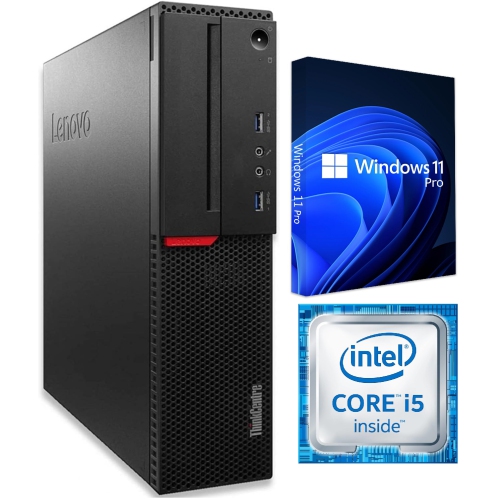

What SSD speed and capacity mean for everyday use
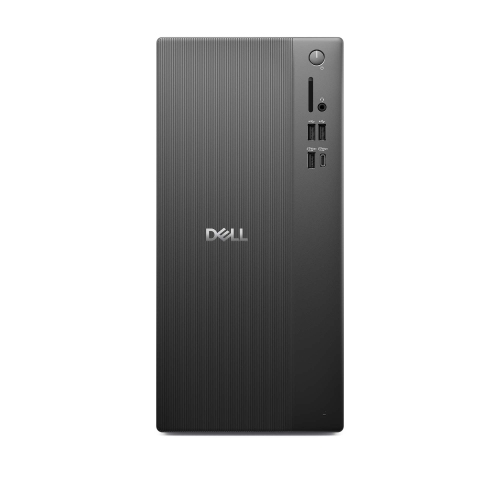
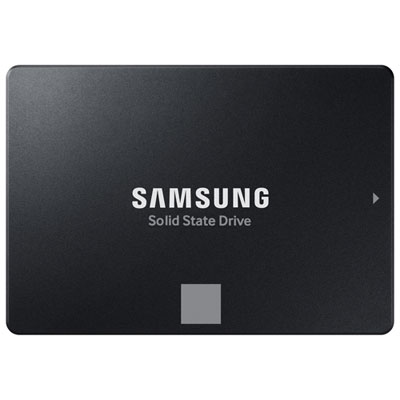
A desktop computer with a 1TB SSD brings together generous local storage and the responsiveness of solid-state technology, making it a practical foundation for work, study, entertainment, and creative projects. That combination suits a home office where spreadsheets and video calls share the screen, a family computer holding years of photos, or a gaming setup with several frequently played titles installed. Unlike a traditional hard drive, an SSD has no spinning platters or moving read heads. This helps it retrieve files quickly and operate quietly, although a desktop’s fans and other components may still produce sound. Everyday benefits can include shorter startup times, faster application launches, and less waiting when opening large folders or saving a project. The experience also depends on the processor, memory, software, and type of SSD inside the computer. SATA and NVMe SSDs differ in how they connect and transfer data, so two desktops with the same 1TB capacity can perform differently during large file transfers or demanding tasks. Storage capacity and speed are separate considerations: 1TB describes how much the drive can hold, not how powerful the whole computer is. Usable space will be lower than the advertised capacity after formatting, the operating system, and preinstalled software are accounted for. Documents and ordinary office files take up relatively little room, while high-resolution video, extensive photo libraries, and large games can use substantial space. For someone moving from a smaller drive, 1TB can mean keeping active projects and favourite applications together without frequently clearing space. It is still worth leaving some free capacity for updates, temporary files, and new work. Local storage also keeps saved files accessible without an internet connection, while external drives or cloud services can provide a separate place for backups. An SSD improves convenience, but it does not replace a backup of important photos, school assignments, business records, or creative work.
The right balance of components depends on what happens at the desktop each day. Email, web browsing, household paperwork, and streaming generally place different demands on a computer than editing video, rendering a three-dimensional model, or playing a graphically detailed game. A capable processor helps manage calculations and application workloads, while sufficient RAM allows several programs and browser tabs to remain open with less interruption. The SSD stores files and software; RAM provides temporary working space while those programs run. More storage cannot compensate for too little memory or a processor that falls short of an application’s requirements. For a student, a useful setup might involve a research document on one screen, lecture notes on another, and a video meeting running alongside them. For a photographer, the same 1TB capacity may hold editing software, an active image library, and exported copies, with older projects stored separately. Gaming and certain creative applications may benefit from dedicated graphics, but the graphics hardware needs to suit the intended software, display resolution, and performance expectations. Integrated graphics can be appropriate for everyday productivity and media playback without adding a separate graphics card. Connections matter just as much when the computer becomes part of a complete workspace. Monitor outputs need to match the displays being used, and the number of supported screens varies by system. Accessible USB ports make it easier to connect a keyboard, mouse, webcam, drawing tablet, or external storage drive without constantly reaching behind the case. USB-C capabilities differ between computers, so the connector’s shape alone does not confirm support for video output or a particular transfer speed. Ethernet provides a wired network option, while built-in Wi-Fi can simplify placement where a network cable is inconvenient. Bluetooth support is useful for compatible wireless accessories. Speakers, cameras, disc drives, and card readers are not included with every desktop, so those details affect how comfortably a system fits an established routine. A well-matched configuration keeps the focus on the task, whether that is preparing a presentation, organizing a photo album, or settling into a game.
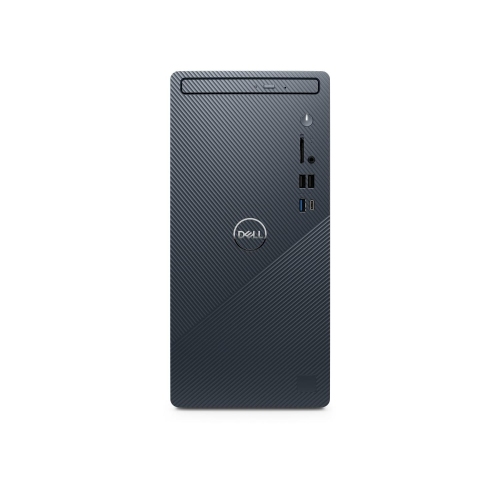
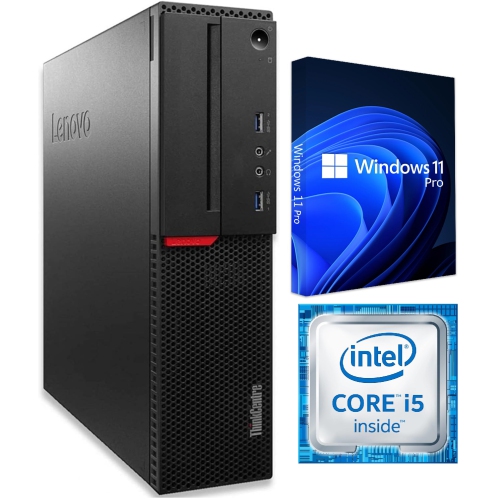
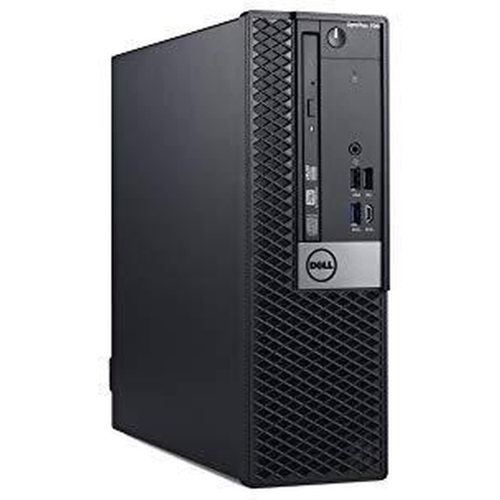
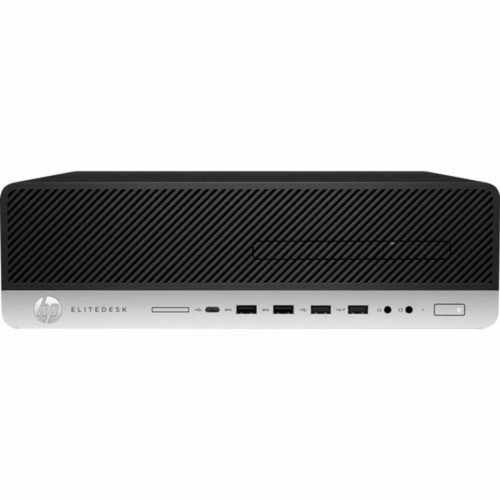
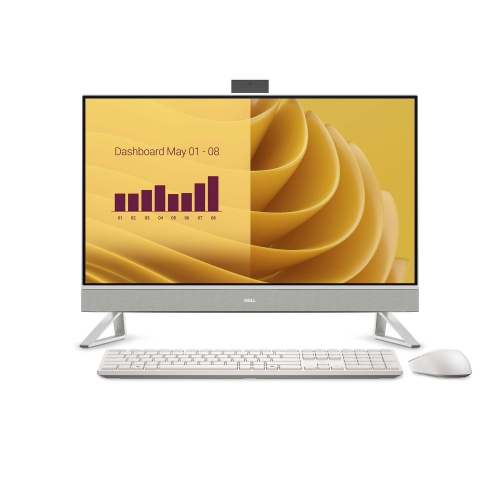
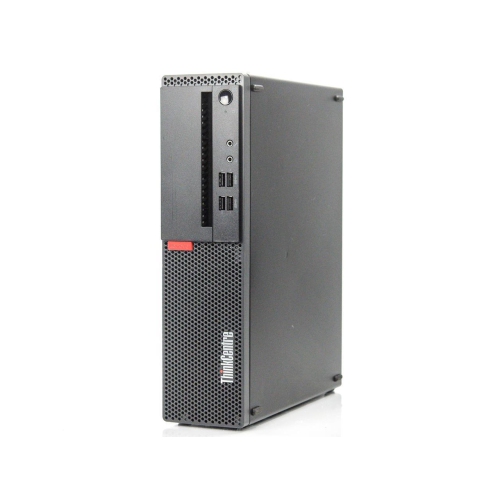
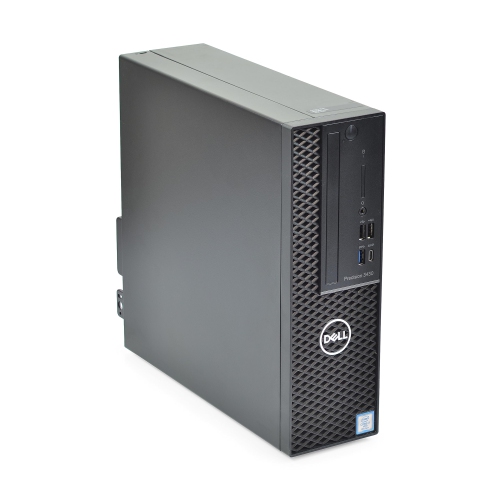
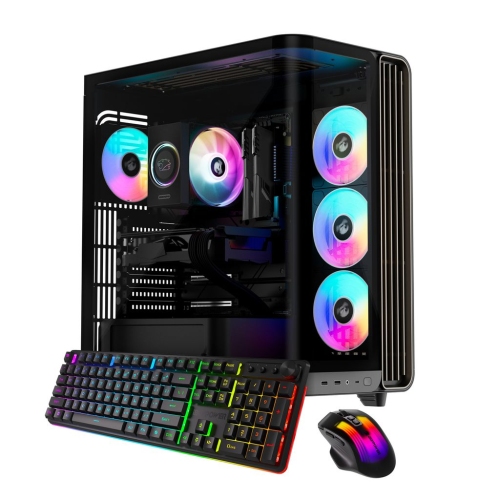
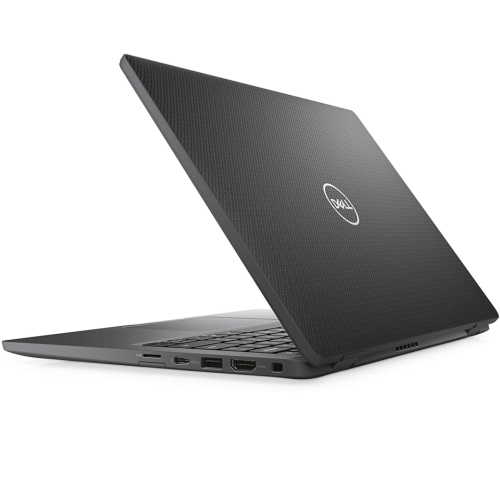
Desktop size and construction influence how the computer fits into the room as well as how it can be maintained over time. A full-size tower generally requires more floor or desktop space, but may offer room for additional storage, memory, or graphics hardware. A compact desktop can leave more of the work surface free, while an all-in-one combines the computer and display in a single unit for a simpler arrangement. Upgrade options vary considerably across these designs, and even a spacious case does not guarantee compatibility with every component. Available slots, power supply capacity, internal clearance, and manufacturer support all affect future changes. Metal panels, plastic trim, feet, and removable covers contribute to the feel and practicality of the case, but construction quality also involves details such as stable placement, accessible ports, and secure cable connections. Ventilation openings need clearance, so an enclosed cabinet or a tightly packed shelf may not be suitable. Keeping drinks away from the case, preventing cables from pulling on ports, and removing dust according to the manufacturer’s care instructions can help protect the system during everyday use. A separate monitor offers flexibility in screen size and positioning, and an adjustable chair and comfortable keyboard placement help create a workspace suited to longer sessions. For a shared household computer, individual user accounts can keep documents and preferences organized without requiring separate machines. For someone receiving a desktop as a gift, compatibility with existing displays, essential software, and accessibility needs matters more than storage capacity alone. A desktop is especially well suited to a consistent place to work or play, with peripherals left connected and files close at hand. When the computer needs to travel between home, school, and other locations, 1TB SSD Laptops offer a portable alternative with a similar storage capacity. For a fixed setup, a 1TB SSD desktop provides a versatile starting point, with the surrounding hardware determining how well it supports everyday routines and more demanding projects.
Top selling and popular products
-
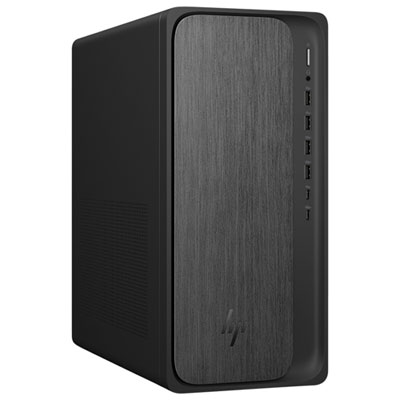 Your price for this item is $1399.99
-
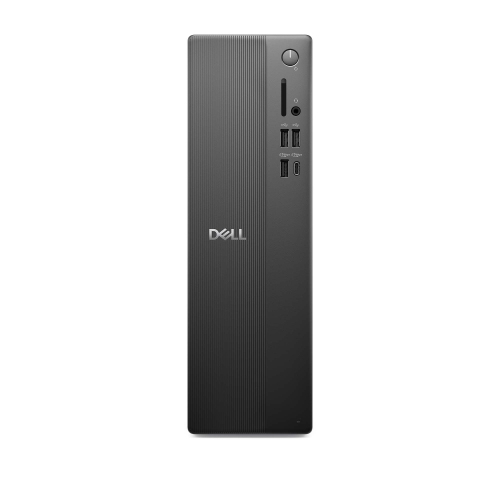 Your price for this item is $1629.79
-
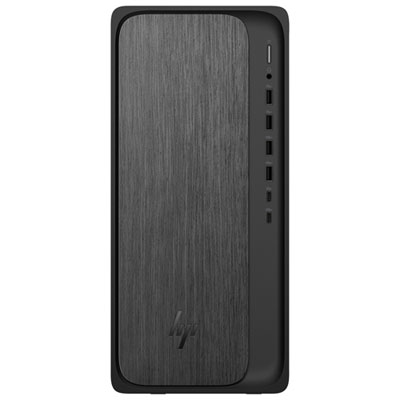 Your price for this item is $2299.99
-
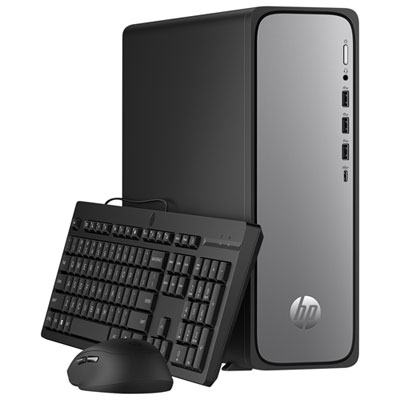 Your price for this item is $1469.99
-
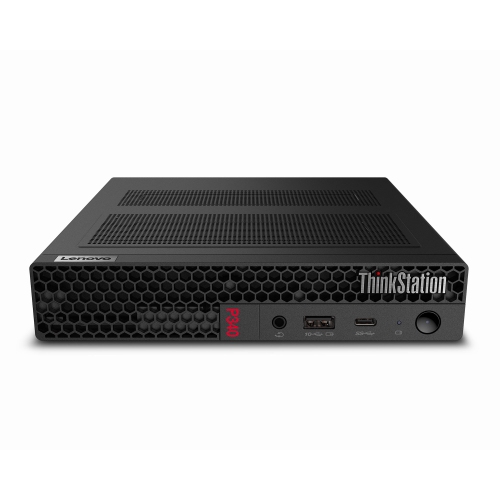 Your price for this item is $699.79
-
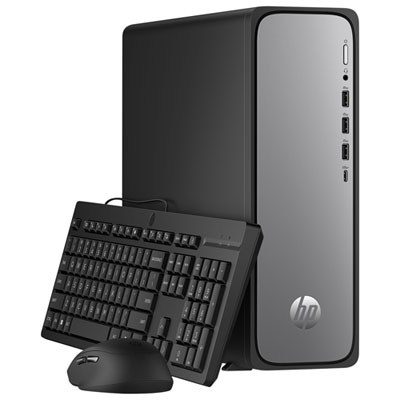 Your price for this item is $1759.99
-
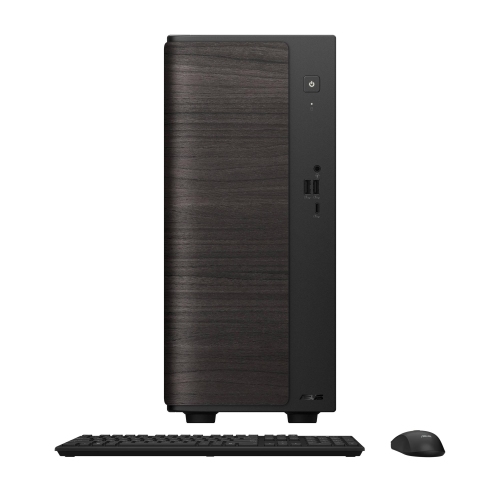 Your price for this item is $3149
-
 Your price for this item is $2628.79
Discover more categories related to 1TB SSD Desktop Computers
Top Collections:
Best Black Friday Deals This Year, Best Black Friday Deals On Electronics, Kindle Devices, Pokemon Centers, Best Black Friday Deals On Apple Products, Best Cameras for Sports Photography, Dyson Airwrap, Pokémon 30th Celebration Cards, Apple iPhone 17 Pro, Canon G7X Cameras
Some products may be subject to Environmental Handling Fees
(EHF) depending on your province.
Learn more about EHFs.