2 4 Ghz Routers
In today's digitally connected world, ensuring a seamless internet experience is essential for both work and play. 2.4 GHz routers are a popular choice for many households and businesses, offering reliable connectivity that caters to a variety of online activities. Whether you're streaming your favorite shows, gaming with friends, or managing smart home devices, these routers provide the backbone for a stable network environment. Explore our selection of 2.4 GHz routers to find the perfect fit for your connectivity needs and enjoy uninterrupted access to everything the digital world has to offer.
Sort
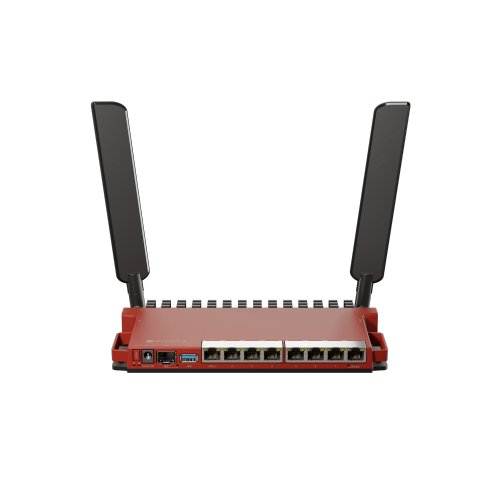
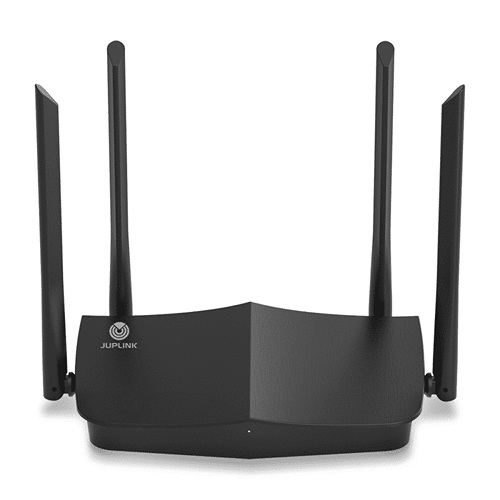
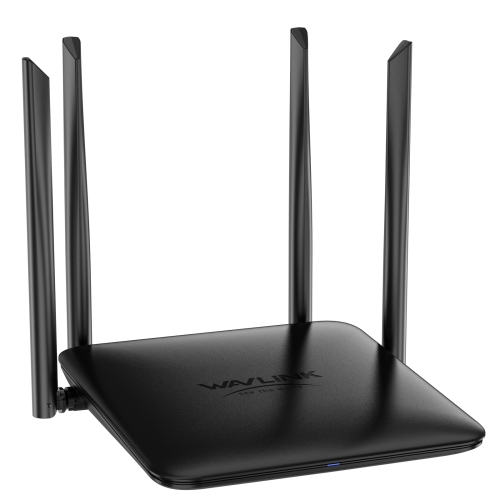
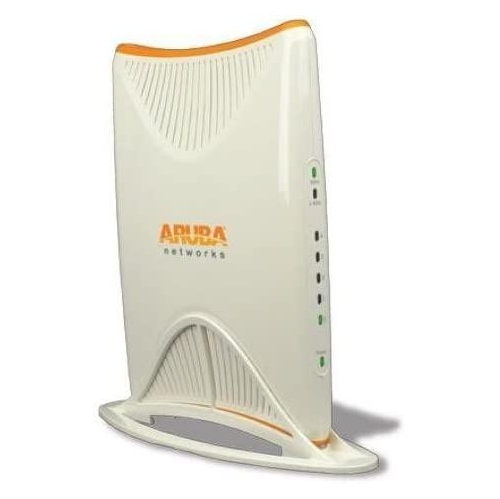
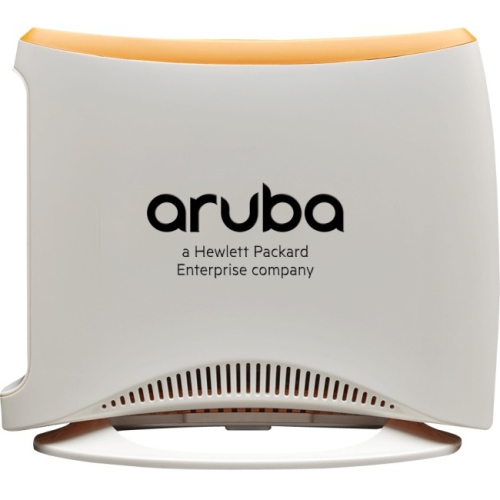

Reliable coverage for smart homes and distant rooms
Routers that support the 2.4 GHz band remain an important part of a dependable home network. Although many current models operate on both 2.4 GHz and 5 GHz frequencies, the 2.4 GHz connection is valued for its longer reach and stronger ability to travel through walls, floors, and furniture. That makes it especially useful in larger homes, older houses with dense interior walls, garages, basements, and rooms located farther from the router. It is also the band used by many smart home products, including light bulbs, plugs, sensors, thermostats, cameras, doorbells, speakers, and appliances. These devices typically do not need extremely high bandwidth; they benefit more from a stable connection that remains available throughout the home. A 2.4 GHz router can also be a practical choice for everyday activities such as email, web browsing, online banking, music streaming, video calls, and connecting basic computers, phones, televisions, and tablets. When shopping, check whether the router is a single-band model or a dual-band model. A dual-band router can provide a 2.4 GHz network for extended range and compatible smart home devices while also offering a faster 5 GHz network for nearby phones, computers, game consoles, and streaming equipment. Some newer routers support additional wireless standards and can manage several bands automatically, while others let you create separate network names so that each device can be connected to the band that suits it best. This flexibility can make setup easier, particularly when a smart home device requires a 2.4 GHz connection during installation. If you need higher speeds for nearby devices, you may also want to compare these products with 5GHz Wireless Routers while considering how your home is arranged and how far each device sits from the router.
Choosing the right 2.4 GHz router starts with the size and layout of your space, the number of connected devices, and the internet plan supplied by your service provider. A compact apartment with a handful of devices may need only a straightforward router, while a busy family home can benefit from a model with stronger coverage, more simultaneous connection capacity, and modern security features. Count more than just computers and phones: smart plugs, wireless printers, speakers, cameras, gaming systems, streaming boxes, watches, and connected appliances all share the network. A home with dozens of low-bandwidth devices may need careful network management to prevent unnecessary congestion, even when those products use very little data individually. Features such as guest networking, parental controls, automatic firmware updates, WPA2 or WPA3 security, traffic management, and mobile setup tools can make the network simpler to operate and safer for everyone using it. Ethernet ports are also worth reviewing, especially if you plan to connect a desktop computer, television, game console, network storage drive, printer, or other stationary equipment with a wired connection. Wired connections can reduce wireless traffic and provide consistent performance for activities that benefit from steadiness, such as competitive gaming or video conferencing. Router placement has a noticeable effect as well. Set the unit in a central, elevated, open location rather than inside a cabinet, behind a television, on the floor, or beside thick metal objects. Keep it away from sources of interference such as cordless phone bases, microwaves, and crowded wireless equipment. If one router cannot cover the entire home, a compatible mesh system, range extender, or wired access point can help carry the signal into distant rooms. In some layouts, separating the 2.4 GHz and 5 GHz network names makes troubleshooting easier; in others, a single network name allows the router to guide compatible devices between bands automatically.
A 2.4 GHz router can be a thoughtful practical gift for someone moving into a first apartment, setting up a home office, replacing an older router, or adding connected devices during the cooler months when more time is spent indoors. It may also suit students, renters, seniors, and family members who want straightforward internet access without managing complicated networking equipment. Before buying one as a gift, confirm that it works with the recipient’s internet service and consider whether their provider uses a modem-router combination. Some households may need a router only, while others may require a modem, bridge-mode setup, or advice from their internet provider. It is also useful to think about the recipient’s habits. Someone who mainly browses, streams music, uses smart lighting, and checks email may be well served by reliable 2.4 GHz coverage. A household with frequent 4K streaming, large downloads, cloud gaming, or many people working and studying at the same time may be better matched with a dual-band or more advanced router that still includes 2.4 GHz support. Remember that the advertised wireless speed is a theoretical maximum shared among connected devices; actual performance depends on distance, walls, interference, device capabilities, network traffic, and the internet plan. A strong signal does not automatically mean a faster internet connection, and a faster plan cannot overcome a router that is outdated or poorly placed. After installation, update the router’s firmware, change the default administrator password, use a strong wireless password, and review connected devices regularly. Give the network a clear name, place smart home products within reasonable range during setup, and restart or reposition equipment if a device repeatedly disconnects. With the right match between coverage, features, device count, and household routines, 2.4 GHz connectivity can provide the steady foundation that keeps everyday technology working smoothly from one room to the next.
Choosing the right 2.4 GHz router starts with the size and layout of your space, the number of connected devices, and the internet plan supplied by your service provider. A compact apartment with a handful of devices may need only a straightforward router, while a busy family home can benefit from a model with stronger coverage, more simultaneous connection capacity, and modern security features. Count more than just computers and phones: smart plugs, wireless printers, speakers, cameras, gaming systems, streaming boxes, watches, and connected appliances all share the network. A home with dozens of low-bandwidth devices may need careful network management to prevent unnecessary congestion, even when those products use very little data individually. Features such as guest networking, parental controls, automatic firmware updates, WPA2 or WPA3 security, traffic management, and mobile setup tools can make the network simpler to operate and safer for everyone using it. Ethernet ports are also worth reviewing, especially if you plan to connect a desktop computer, television, game console, network storage drive, printer, or other stationary equipment with a wired connection. Wired connections can reduce wireless traffic and provide consistent performance for activities that benefit from steadiness, such as competitive gaming or video conferencing. Router placement has a noticeable effect as well. Set the unit in a central, elevated, open location rather than inside a cabinet, behind a television, on the floor, or beside thick metal objects. Keep it away from sources of interference such as cordless phone bases, microwaves, and crowded wireless equipment. If one router cannot cover the entire home, a compatible mesh system, range extender, or wired access point can help carry the signal into distant rooms. In some layouts, separating the 2.4 GHz and 5 GHz network names makes troubleshooting easier; in others, a single network name allows the router to guide compatible devices between bands automatically.
A 2.4 GHz router can be a thoughtful practical gift for someone moving into a first apartment, setting up a home office, replacing an older router, or adding connected devices during the cooler months when more time is spent indoors. It may also suit students, renters, seniors, and family members who want straightforward internet access without managing complicated networking equipment. Before buying one as a gift, confirm that it works with the recipient’s internet service and consider whether their provider uses a modem-router combination. Some households may need a router only, while others may require a modem, bridge-mode setup, or advice from their internet provider. It is also useful to think about the recipient’s habits. Someone who mainly browses, streams music, uses smart lighting, and checks email may be well served by reliable 2.4 GHz coverage. A household with frequent 4K streaming, large downloads, cloud gaming, or many people working and studying at the same time may be better matched with a dual-band or more advanced router that still includes 2.4 GHz support. Remember that the advertised wireless speed is a theoretical maximum shared among connected devices; actual performance depends on distance, walls, interference, device capabilities, network traffic, and the internet plan. A strong signal does not automatically mean a faster internet connection, and a faster plan cannot overcome a router that is outdated or poorly placed. After installation, update the router’s firmware, change the default administrator password, use a strong wireless password, and review connected devices regularly. Give the network a clear name, place smart home products within reasonable range during setup, and restart or reposition equipment if a device repeatedly disconnects. With the right match between coverage, features, device count, and household routines, 2.4 GHz connectivity can provide the steady foundation that keeps everyday technology working smoothly from one room to the next.
Top selling and popular products
-
 Your price for this item is $189.99
 -
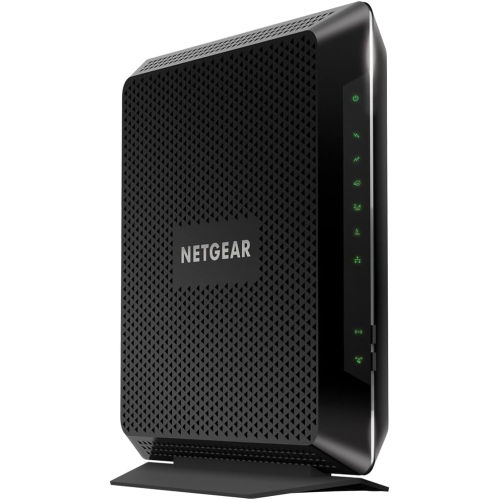 Your price for this item is $189.99
 -
 Your price for this item is $219
 -
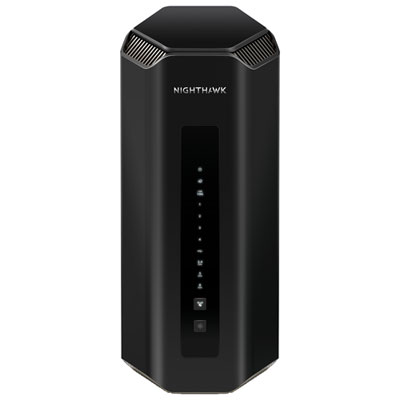 Your price for this item is $899.99
 -
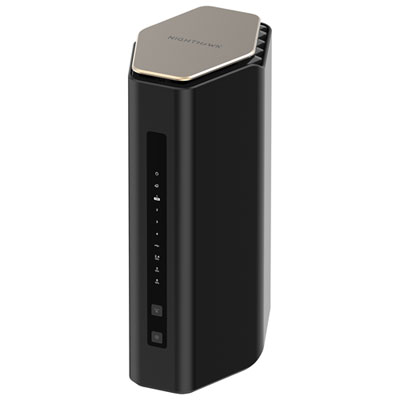 Your price for this item is $299.99
 -
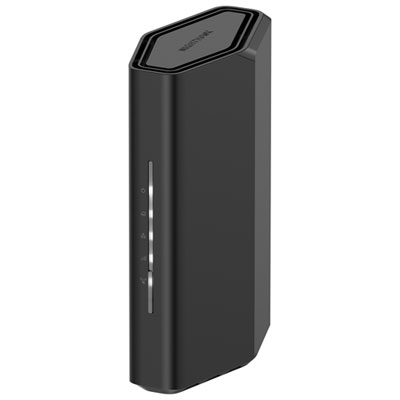 Your price for this item is $139.99
 -
 Your price for this item is $189.99
 -
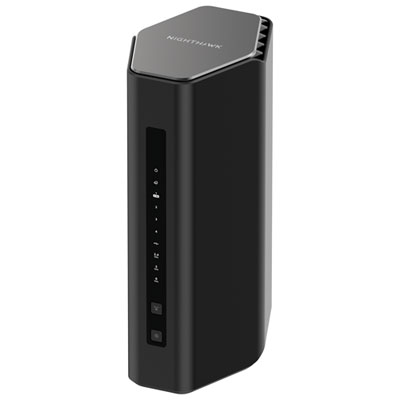 Your price for this item is $499.99
Discover more categories related to 2 4 Ghz Routers
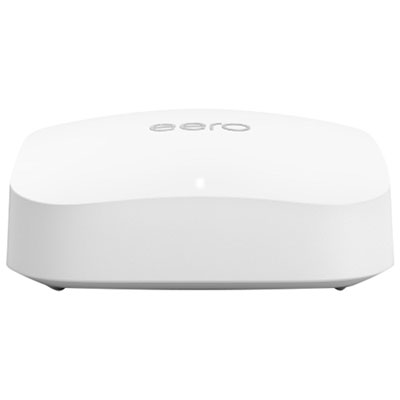
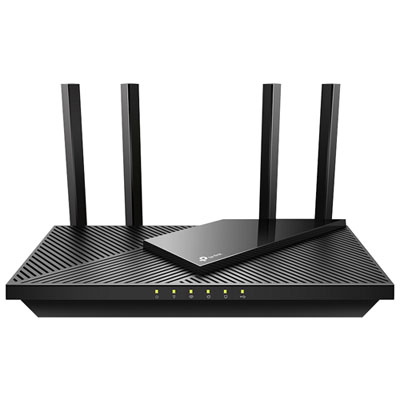
Top Collections:
Pokemon Centers, Best Cameras for Sports Photography, Kindle Devices, Samsung Galaxy Phones, Canon G7X Cameras, Pokémon 30th Celebration Cards, Refurbished Apple Laptops, iPhone 15 Apple, Laptops for Students, Budget Smartphones
Some products may be subject to Environmental Handling Fees
(EHF) depending on your province.
Learn more about EHFs.