2.5 SATA Hard Drive Enclosures
Looking to expand your storage capacity? Look no further than our selection of 2.5 SATA hard drive enclosures. Designed to accommodate your existing hard drives, these enclosures provide a convenient and portable solution for storing and accessing your data on the go. With a variety of options available, you can easily find the perfect enclosure to suit your needs. Whether you're a tech enthusiast or a professional on the move, these enclosures offer a reliable and efficient way to store and transport your valuable files. Upgrade your storage game today with our collection of 2.5 SATA hard drive enclosures.
Sort
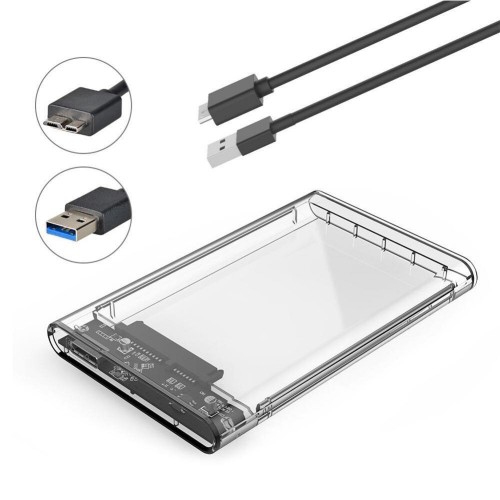
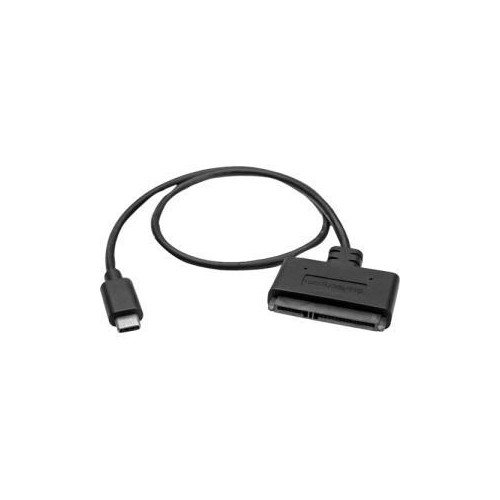
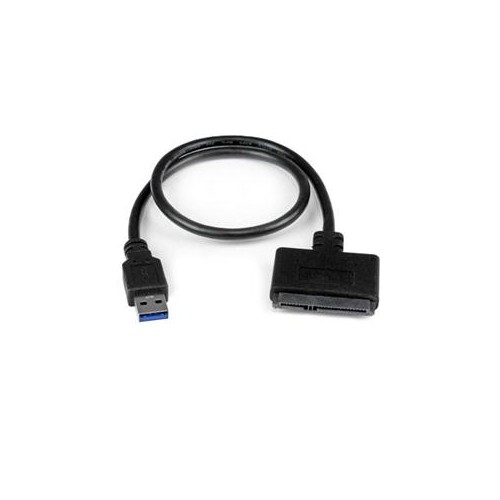
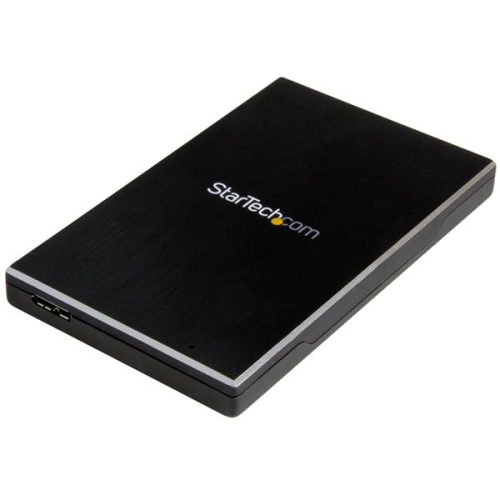
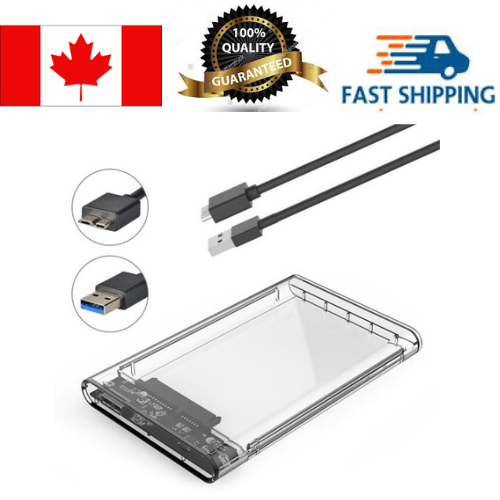
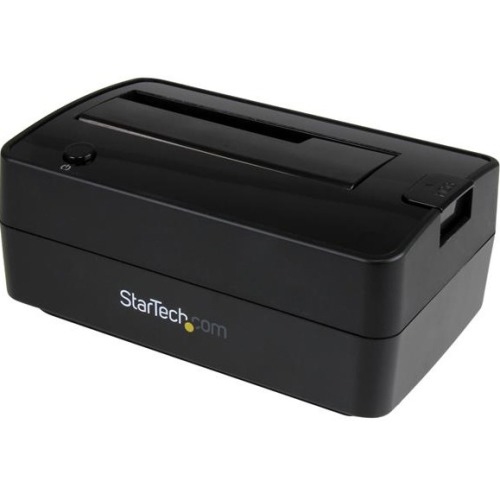
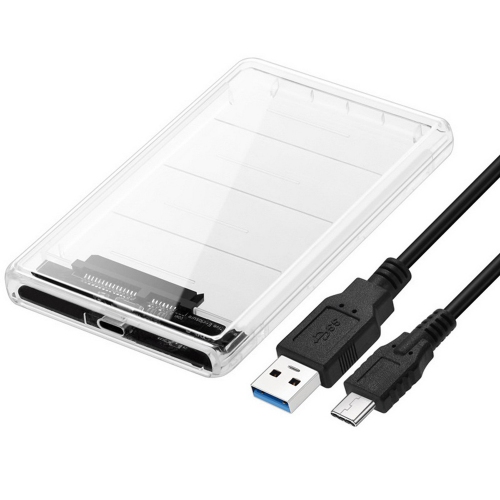
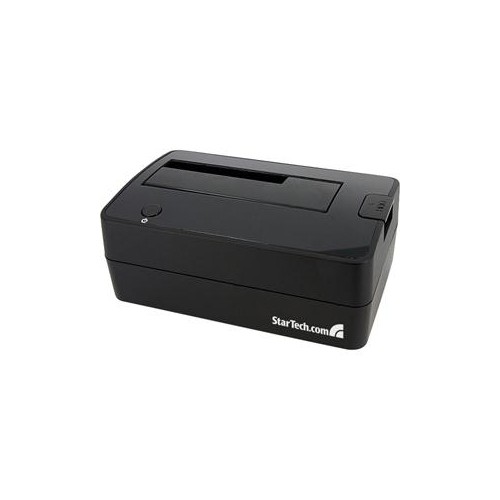
![DOLAER O 2.5 USB 3.0 External Hard Drive Enclosure for 2.5 Inch SATA HDD And SSD[Optimized for SSD, Support 4Tb Uasp SATA Iii] Tool Free- Transparent](https://multimedia.bbycastatic.ca/multimedia/products/500x500/165/16580/16580674.jpeg)

![ALBERTATECH 2.5-Inch SATA to USB 3.0 Tool-Free External Hard Drive Enclosure [Optimized for SSD, Support Uasp SATA Iii]](https://multimedia.bbycastatic.ca/multimedia/products/500x500/160/16090/16090085.jpeg)

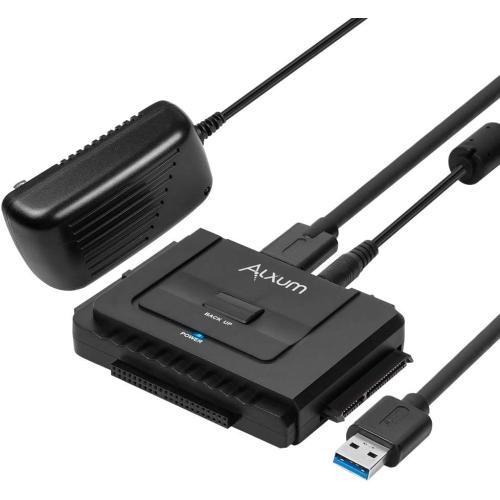
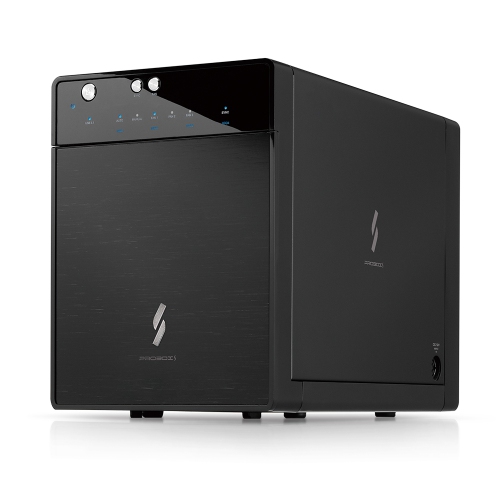
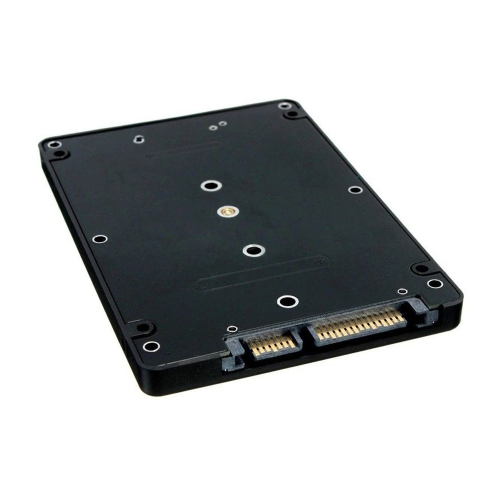
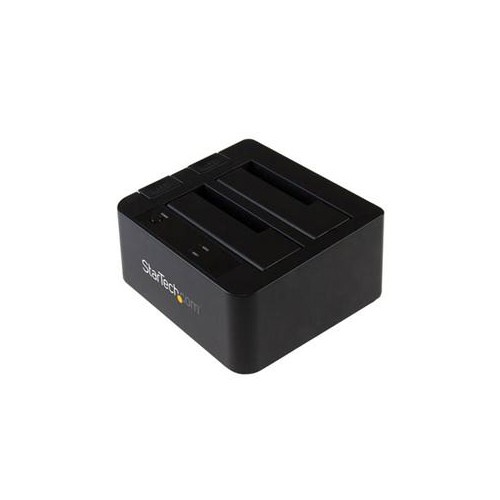
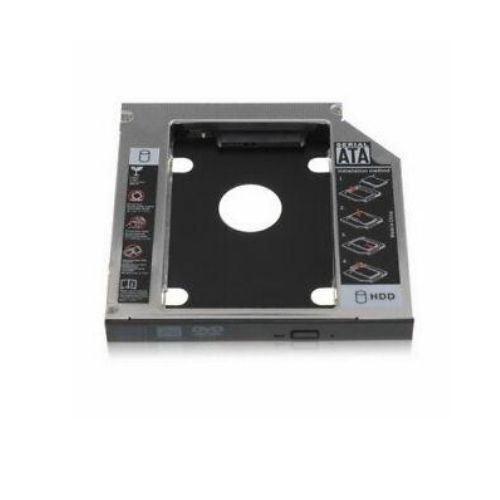
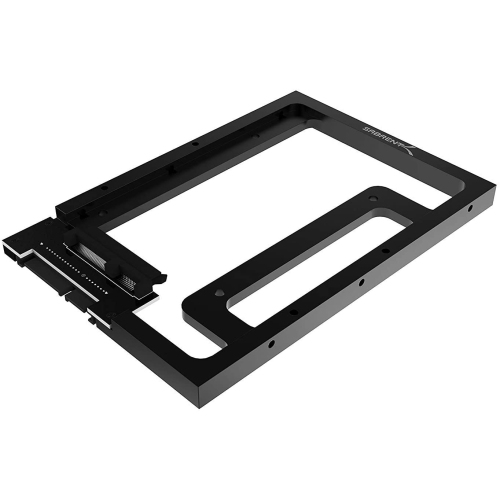

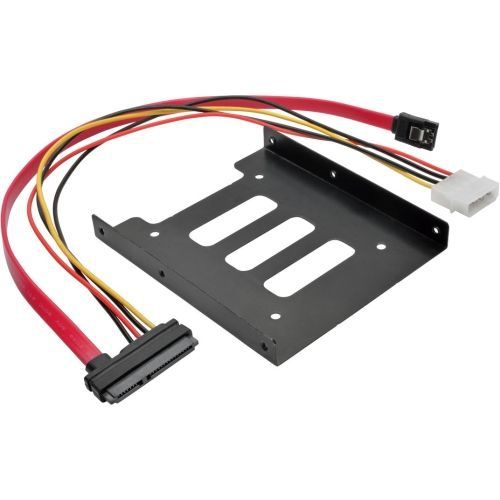
Turn an unused laptop drive into portable storage
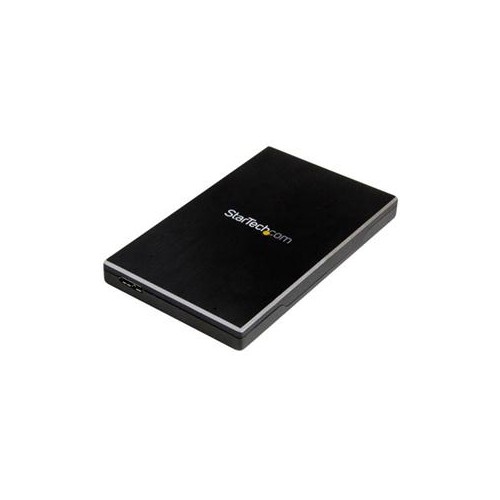
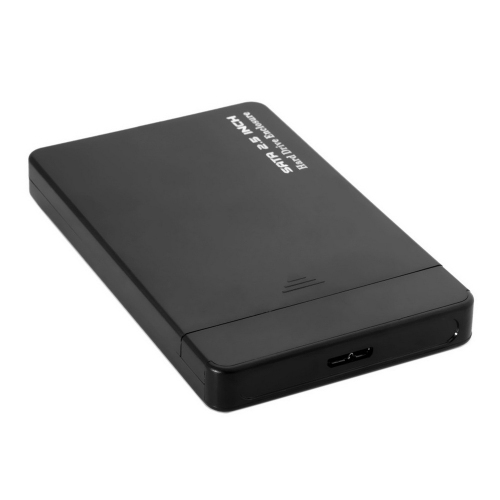
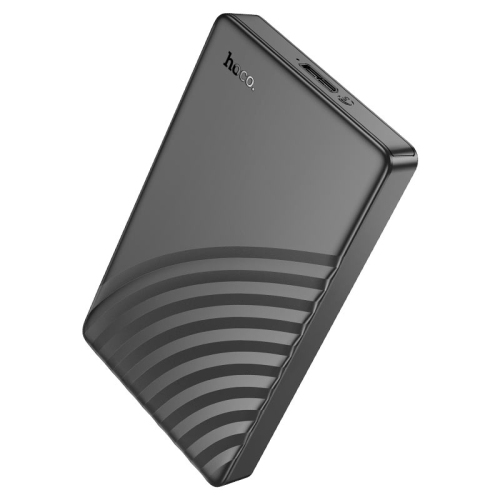
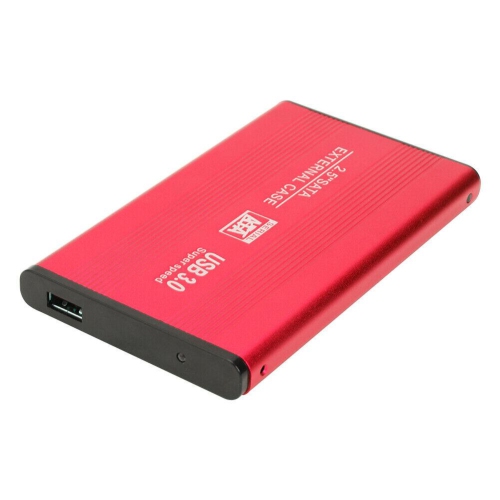
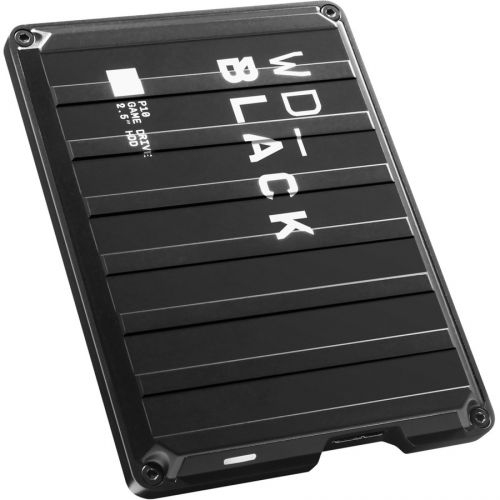
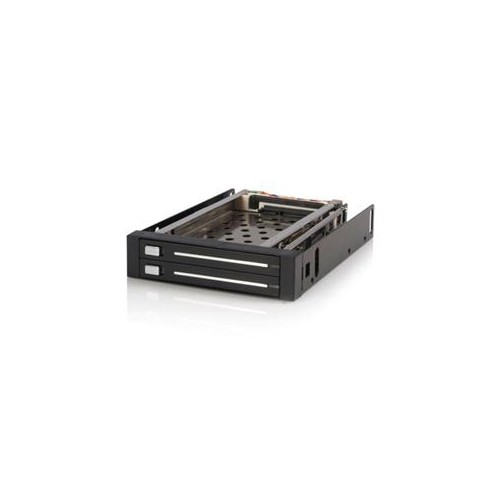
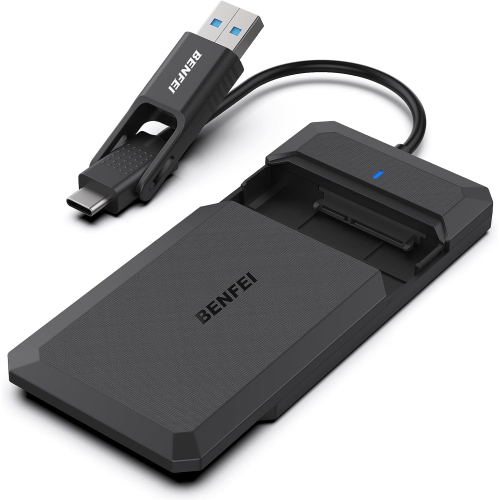
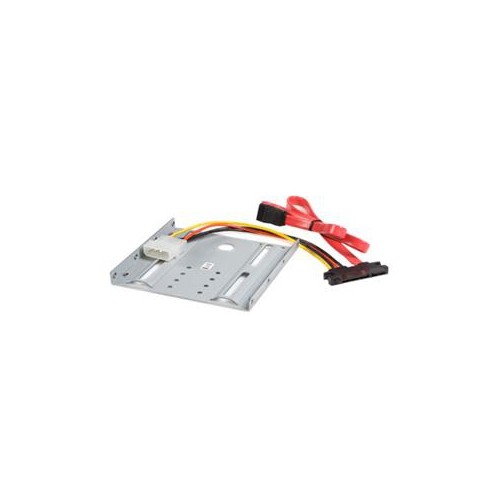
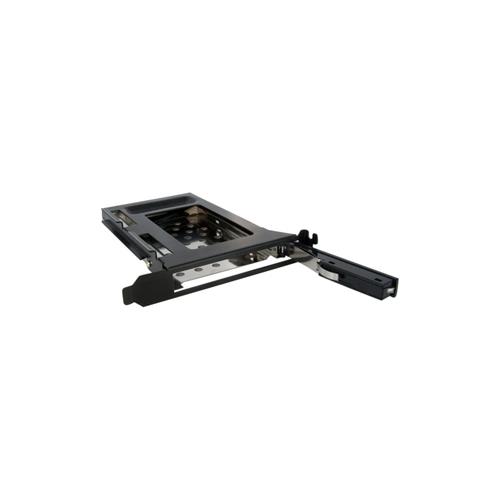
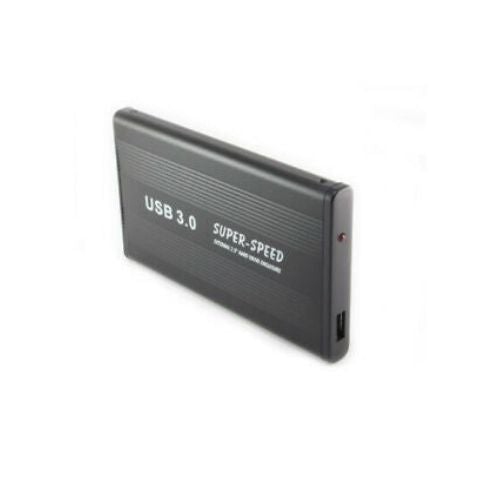
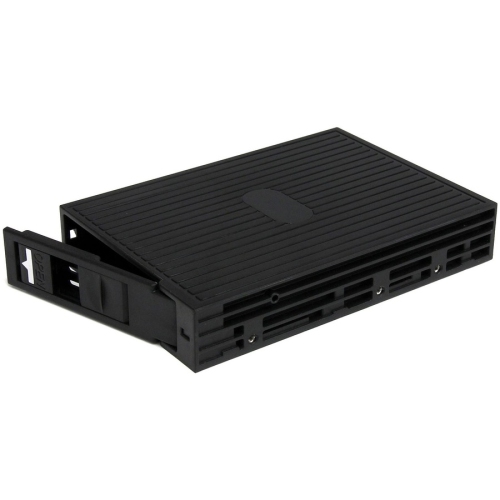
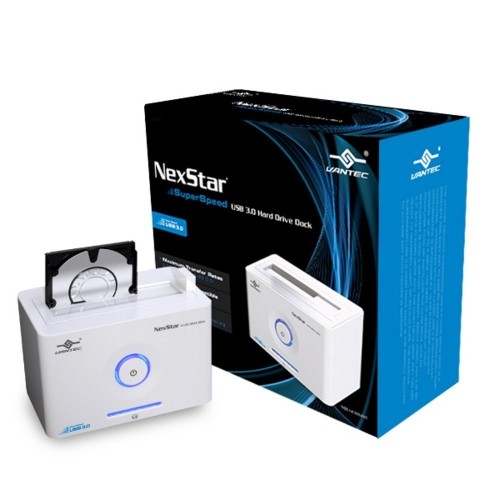
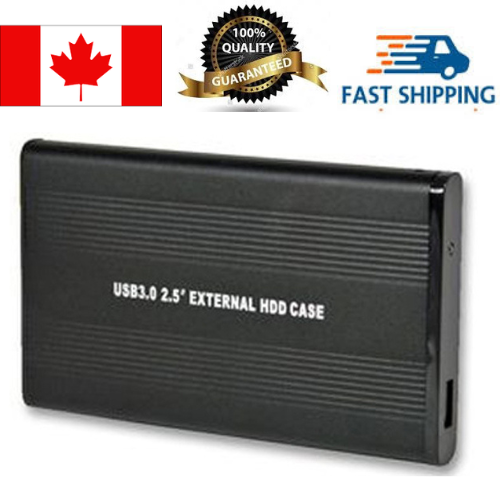
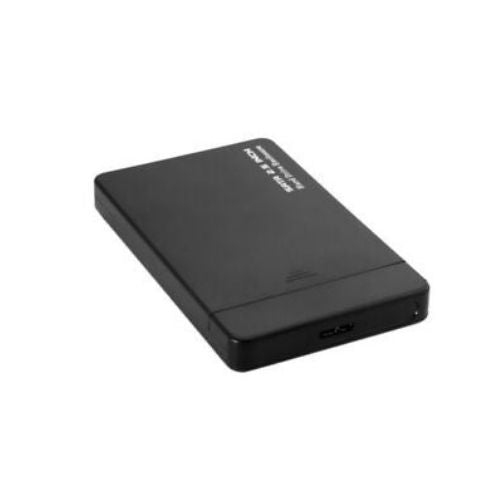
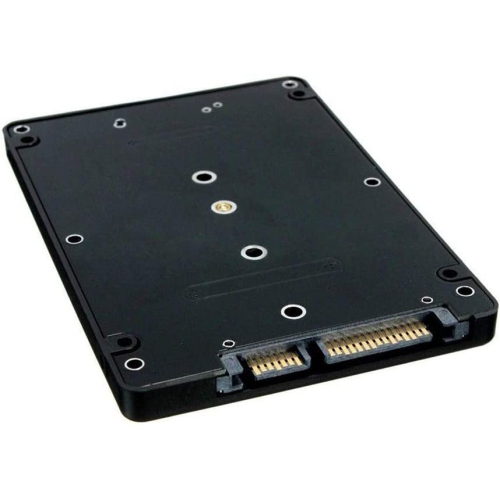
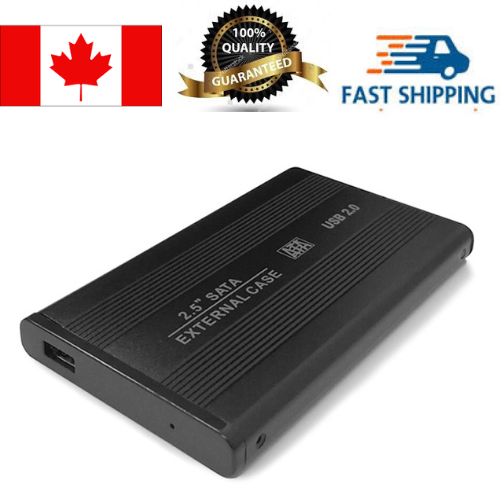
A 2.5-inch SATA hard drive enclosure is a portable housing that lets you use an internal 2.5-inch SATA hard disk drive (HDD) or solid-state drive (SSD) as an external storage device. Once the bare drive is installed inside the enclosure, it connects to a computer or other compatible device through USB, making it useful for transferring files, creating backups, expanding available storage, or accessing data from a drive removed from an older laptop. The enclosure itself does not usually include a hard drive, so compatibility is an important first step. Check that the drive is a 2.5-inch SATA model rather than an M.2, mSATA, IDE, or 3.5-inch drive. SATA connectors are commonly used on laptop HDDs and SSDs, while desktop-sized drives and newer compact solid-state formats require different enclosures. It is also worth checking the thickness supported by the enclosure, as some 2.5-inch drives are slimmer than others. A snug fit helps prevent movement inside the case, while a model with a protective shell can make a bare drive easier to carry between home, work, school, or a shared family computer. For people replacing a laptop drive, an enclosure can provide a practical way to read the old drive before wiping it, copy documents to a new computer, or keep frequently used files close at hand. It can also turn an unused drive from a previous upgrade into a convenient portable drive instead of leaving it in a desk drawer. Students may use one to carry course projects and media libraries, photographers may use one for organizing image files, and home users may rely on one for keeping an additional copy of important documents, scanned records, and personal photos.
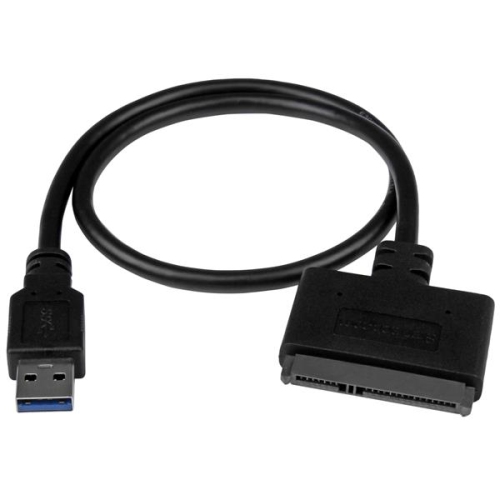
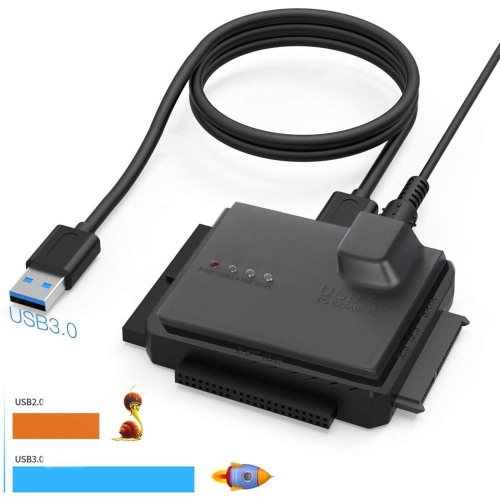
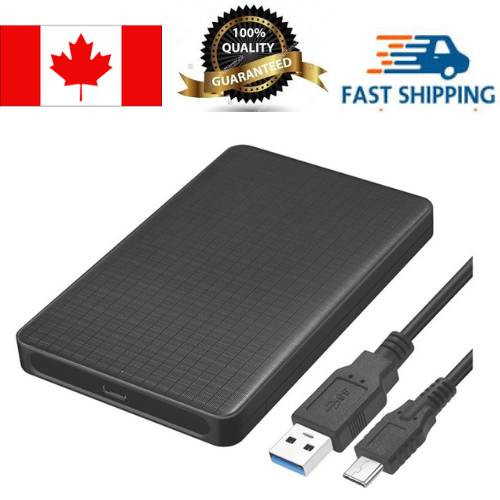
Connection type has a direct effect on convenience and potential transfer speed. Many 2.5-inch SATA enclosures use USB 3.0, also known as USB 3.2 Gen 1, which is suitable for everyday file transfers, document storage, music collections, and regular backups when paired with a compatible computer and cable. USB-C enclosures can be especially convenient with newer laptops, tablets, and desktop computers that use the smaller reversible connector, although the actual speed depends on the enclosure, the installed drive, the cable, and the host device. A USB-C port does not automatically mean that every connection operates at the same rate, so specifications mentioning 5Gbps or 10Gbps can help distinguish between different performance levels. Older USB ports can often be used with the right cable or adapter, but the connection may operate at the slower standard supported by the computer. Some enclosures include a separate cable, while others rely on a removable cable, making cable length and connector type worth considering before purchase. Bus-powered designs draw power through USB and are generally simple to use with laptop computers, though a drive that is damaged, unusually power-hungry, or poorly connected may not start reliably. A powered enclosure or a cable with an additional power connection may be more appropriate in situations where stable power is a concern. For compatibility with other external-storage formats and connection methods, browse related options such as eSATA Enclosures. Also consider how the enclosure opens and secures the drive. Tool-free designs typically use a sliding cover, latch, or simple internal connector, which can make installation quick when changing drives regularly. Models that use screws may feel more secure for long-term use or frequent travel, while rubber feet, padded edges, and ventilation openings can help the enclosure sit steadily and manage warmth during extended transfers.
Installing a 2.5-inch SATA drive is usually straightforward, but careful handling helps protect both the drive and its data. Begin by disconnecting the enclosure from every device and placing the parts on a clean, dry surface. Open the case according to its design, align the drive’s SATA data and power connectors with the enclosure’s internal connector, and press gently until the drive is fully seated. Avoid forcing the connection or touching the exposed circuit board, since a misaligned connector can cause damage. Secure the drive with the supplied screws or internal brackets when provided, then close the enclosure firmly so the drive cannot shift during transport. Connect it to the computer using the correct USB cable and allow the operating system a moment to recognize it. A newly installed drive may need to be initialized, partitioned, and formatted before it appears in the file browser; formatting erases existing data, so confirm that the drive is empty or that important files have been copied elsewhere first. A drive containing an existing operating system may not open like an ordinary storage volume, and encrypted, corrupted, or failing drives may require additional software or professional assistance. For routine backups, set a schedule that matches how often files change, and safely eject the enclosure before unplugging it to reduce the chance of corrupted data. These enclosures are useful gifts for someone setting up a home office, updating a computer, organizing digital photographs, or learning more about PC hardware, especially when paired with an unused compatible SATA drive. During the cooler months, they can also be handy for moving files between a desktop workstation and a laptop while keeping a compact storage solution close to a desk or media centre. A well-matched 2.5-inch SATA hard drive enclosure offers a simple bridge between internal computer hardware and everyday external storage, helping extend the usefulness of drives that might otherwise remain out of service.
Connection type has a direct effect on convenience and potential transfer speed. Many 2.5-inch SATA enclosures use USB 3.0, also known as USB 3.2 Gen 1, which is suitable for everyday file transfers, document storage, music collections, and regular backups when paired with a compatible computer and cable. USB-C enclosures can be especially convenient with newer laptops, tablets, and desktop computers that use the smaller reversible connector, although the actual speed depends on the enclosure, the installed drive, the cable, and the host device. A USB-C port does not automatically mean that every connection operates at the same rate, so specifications mentioning 5Gbps or 10Gbps can help distinguish between different performance levels. Older USB ports can often be used with the right cable or adapter, but the connection may operate at the slower standard supported by the computer. Some enclosures include a separate cable, while others rely on a removable cable, making cable length and connector type worth considering before purchase. Bus-powered designs draw power through USB and are generally simple to use with laptop computers, though a drive that is damaged, unusually power-hungry, or poorly connected may not start reliably. A powered enclosure or a cable with an additional power connection may be more appropriate in situations where stable power is a concern. For compatibility with other external-storage formats and connection methods, browse related options such as eSATA Enclosures. Also consider how the enclosure opens and secures the drive. Tool-free designs typically use a sliding cover, latch, or simple internal connector, which can make installation quick when changing drives regularly. Models that use screws may feel more secure for long-term use or frequent travel, while rubber feet, padded edges, and ventilation openings can help the enclosure sit steadily and manage warmth during extended transfers.
Installing a 2.5-inch SATA drive is usually straightforward, but careful handling helps protect both the drive and its data. Begin by disconnecting the enclosure from every device and placing the parts on a clean, dry surface. Open the case according to its design, align the drive’s SATA data and power connectors with the enclosure’s internal connector, and press gently until the drive is fully seated. Avoid forcing the connection or touching the exposed circuit board, since a misaligned connector can cause damage. Secure the drive with the supplied screws or internal brackets when provided, then close the enclosure firmly so the drive cannot shift during transport. Connect it to the computer using the correct USB cable and allow the operating system a moment to recognize it. A newly installed drive may need to be initialized, partitioned, and formatted before it appears in the file browser; formatting erases existing data, so confirm that the drive is empty or that important files have been copied elsewhere first. A drive containing an existing operating system may not open like an ordinary storage volume, and encrypted, corrupted, or failing drives may require additional software or professional assistance. For routine backups, set a schedule that matches how often files change, and safely eject the enclosure before unplugging it to reduce the chance of corrupted data. These enclosures are useful gifts for someone setting up a home office, updating a computer, organizing digital photographs, or learning more about PC hardware, especially when paired with an unused compatible SATA drive. During the cooler months, they can also be handy for moving files between a desktop workstation and a laptop while keeping a compact storage solution close to a desk or media centre. A well-matched 2.5-inch SATA hard drive enclosure offers a simple bridge between internal computer hardware and everyday external storage, helping extend the usefulness of drives that might otherwise remain out of service.
Top selling and popular products
-
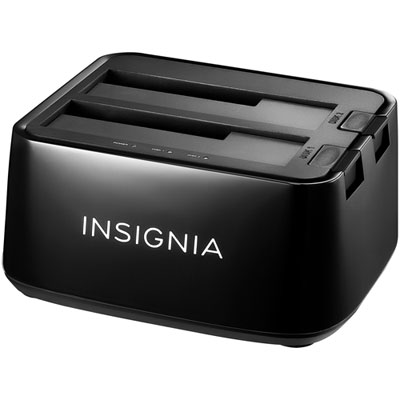 Your price for this item is $54.99
 -
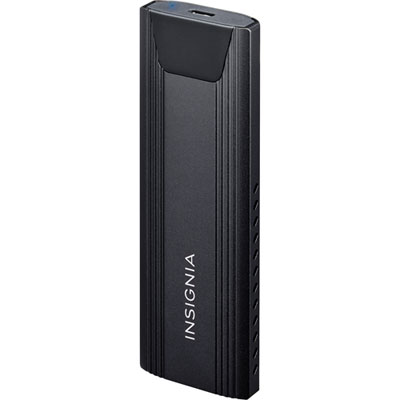 Your price for this item is $39.99
 -
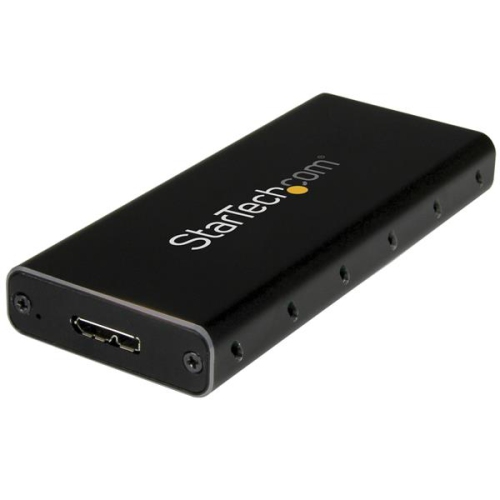 Your price for this item is $53.99
 -
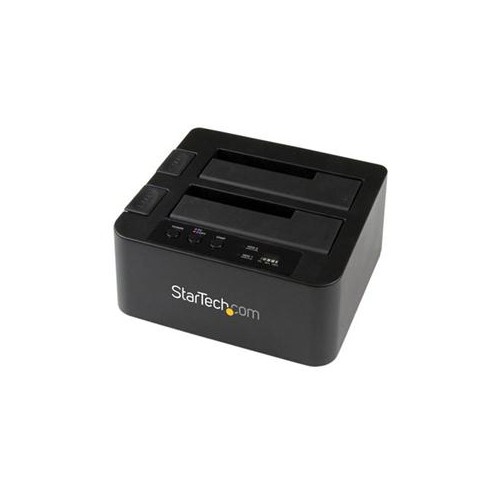 Your price for this item is $134.68
 -
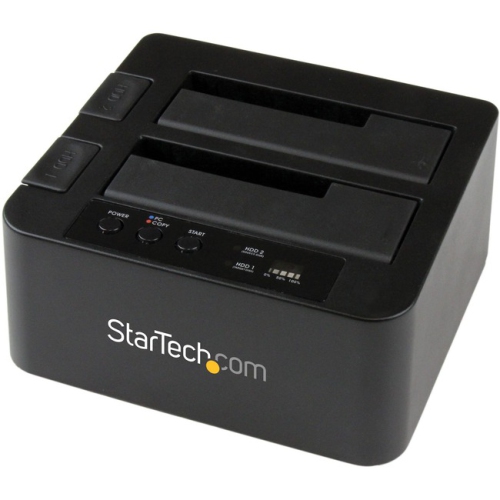 Your price for this item is $127.99
 -
 Your price for this item is $20.99
 -
 Your price for this item is $11.68
 -
 Your price for this item is $22.99
Discover more categories related to 2.5 SATA Hard Drive Enclosures
Top Collections:
Pokemon Centers, Kindle Devices, Best Budget Office Chairs, Apple iPhones 16, Best Laptops for Writers, iPhone 15 Apple, Canon G7X Cameras, Refurbished Apple Laptops, Alarm Clock, Motorola Razr Phones
Some products may be subject to Environmental Handling Fees
(EHF) depending on your province.
Learn more about EHFs.