eSATA Enclosures
Looking to enhance your storage capabilities and maximize the performance of your computer? Look no further than our collection of eSATA enclosures. These versatile devices provide a seamless connection between your computer and external hard drives, allowing you to transfer data at lightning-fast speeds. With their sleek designs and easy-to-use features, eSATA enclosures offer a convenient solution for expanding your storage capacity and safeguarding your valuable files. Whether you're a professional seeking reliable backup options or a tech enthusiast looking to optimize your system's performance, our range of eSATA enclosures has got you covered.
Sort

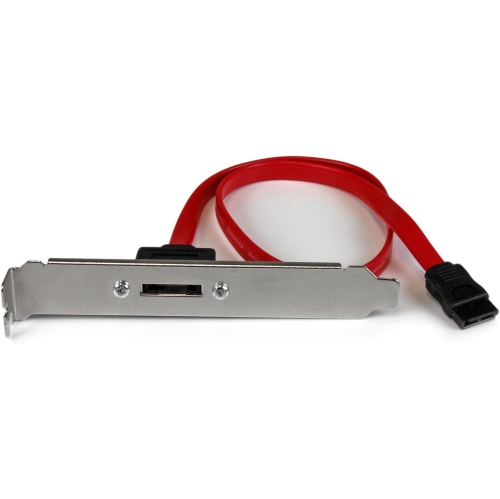
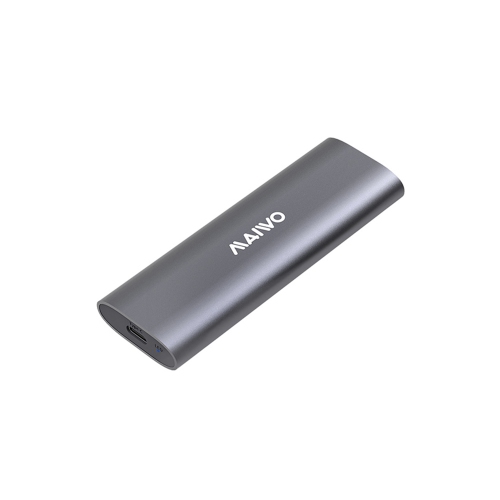
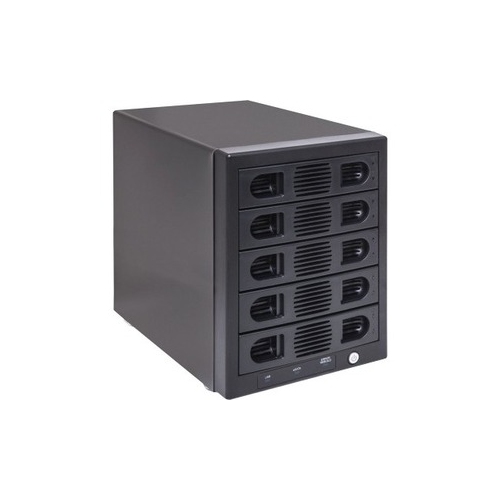
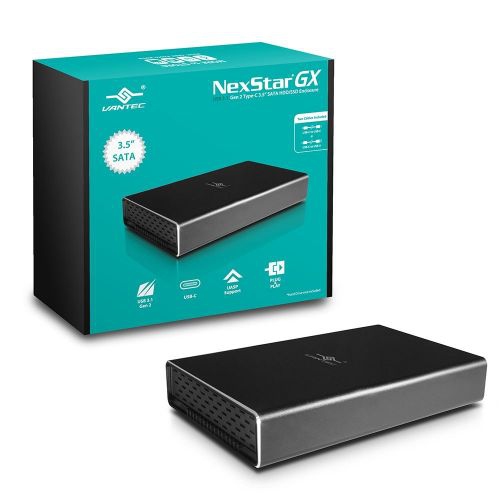
What to know about flexible external SATA storage
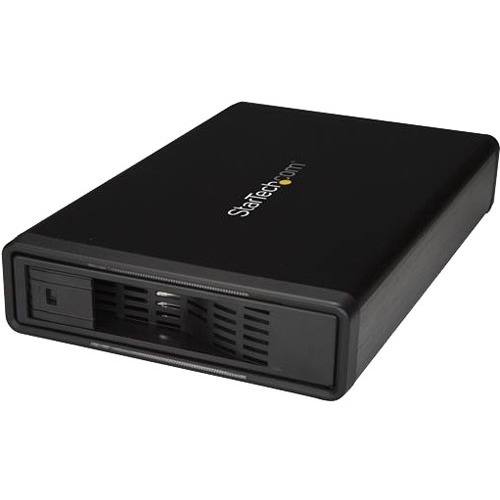
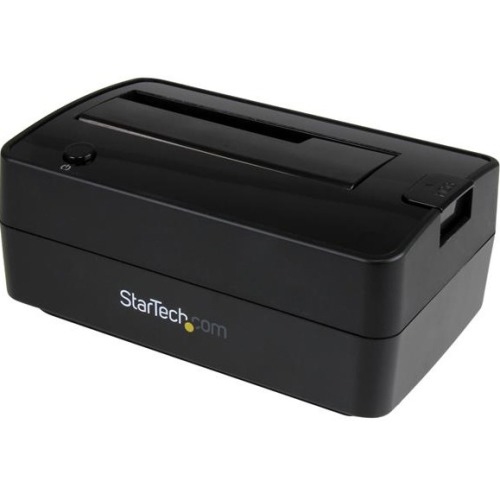
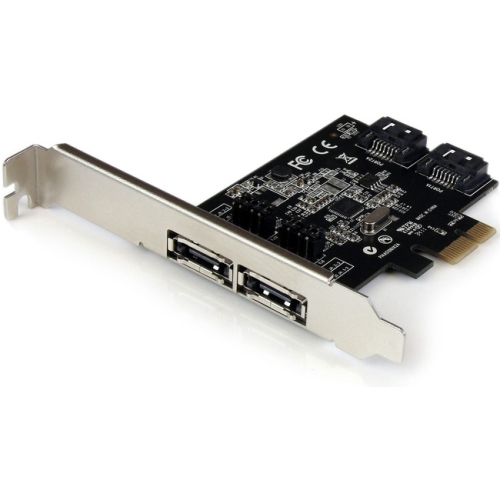
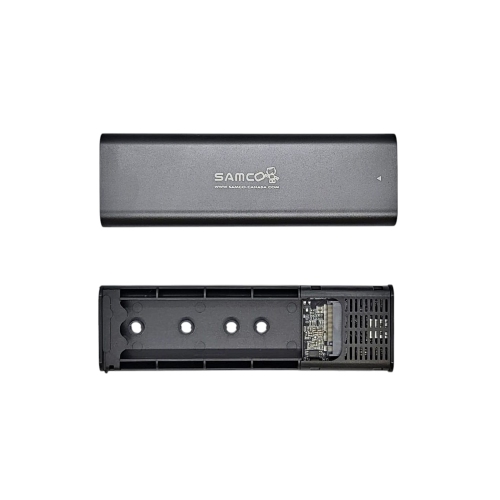
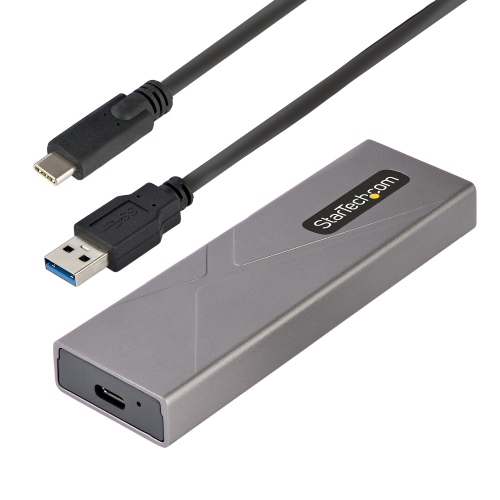
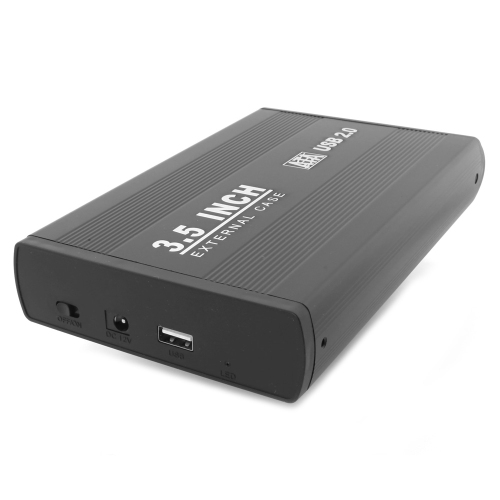
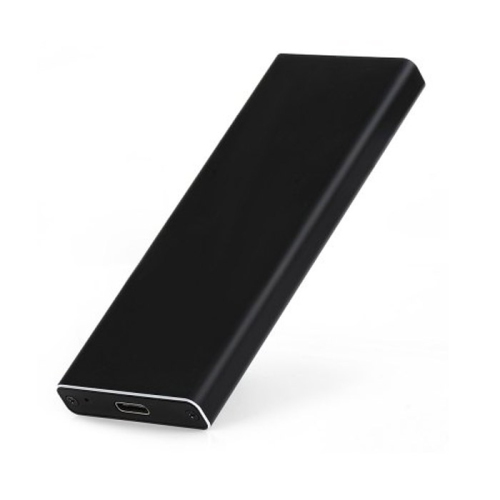
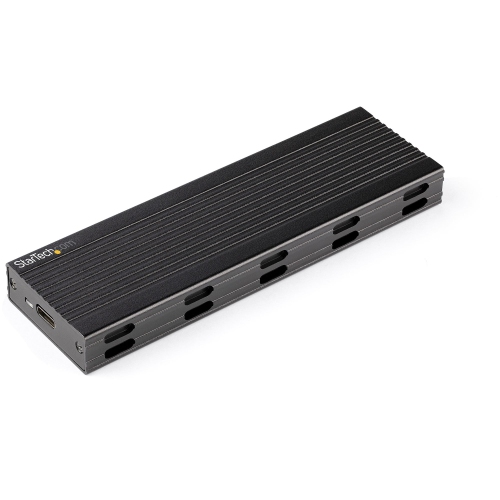
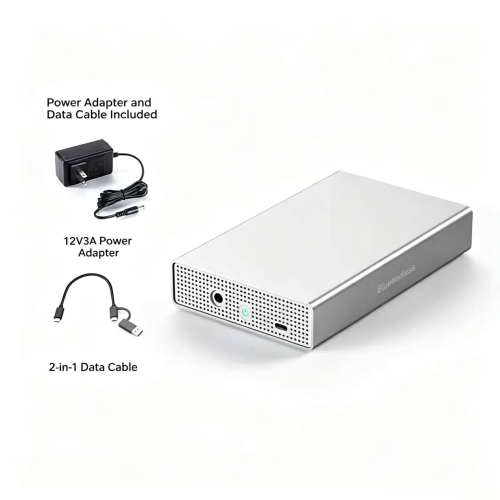
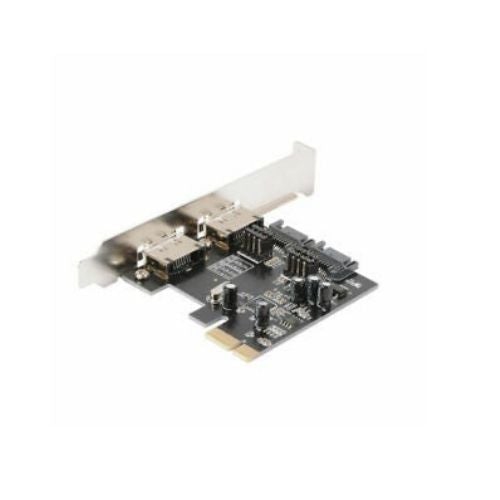
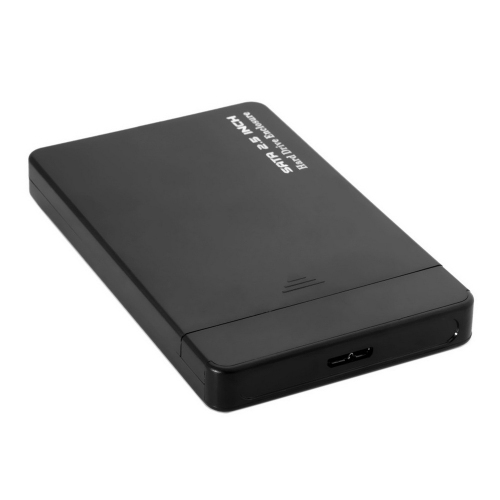
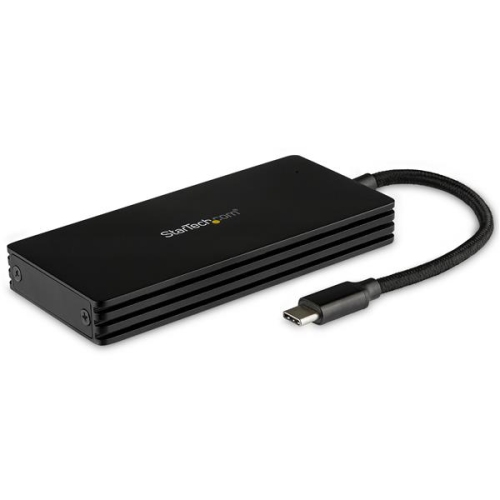
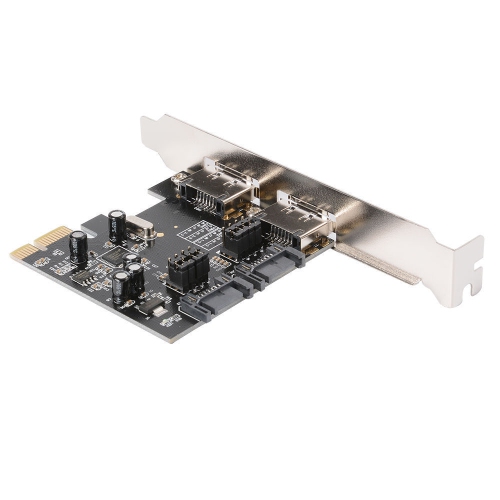
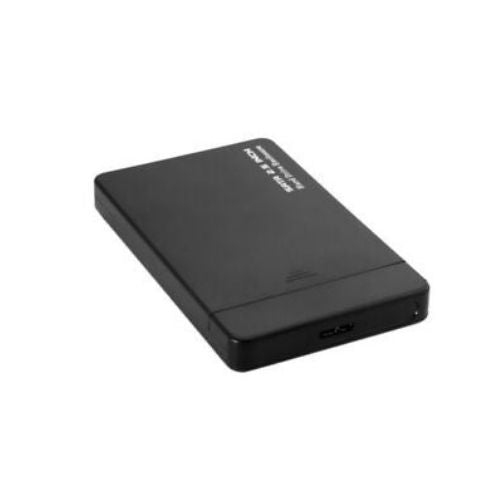
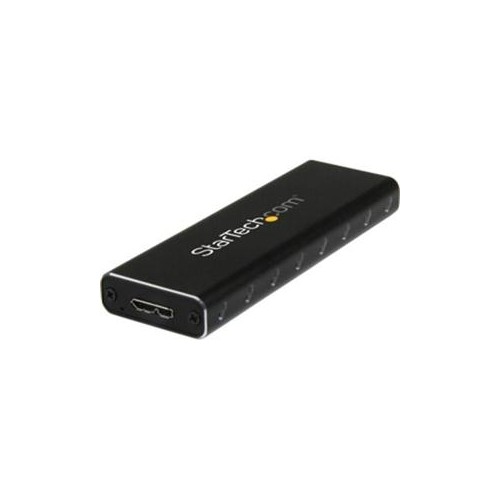
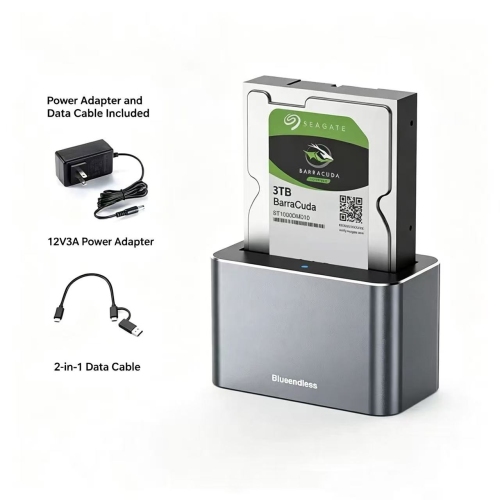
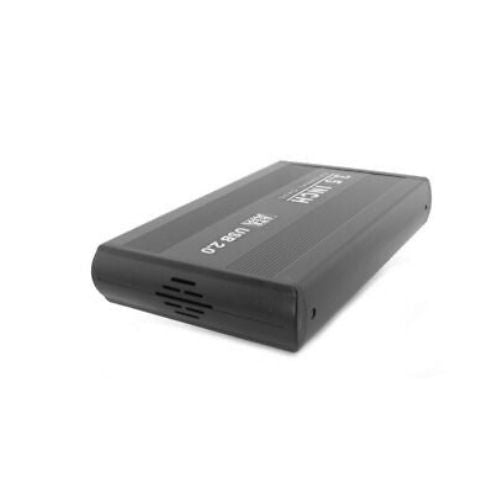
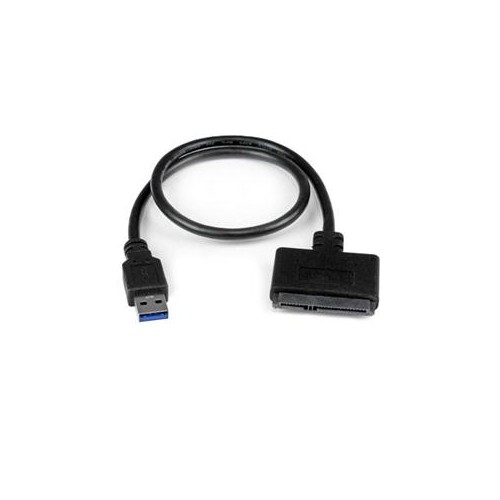
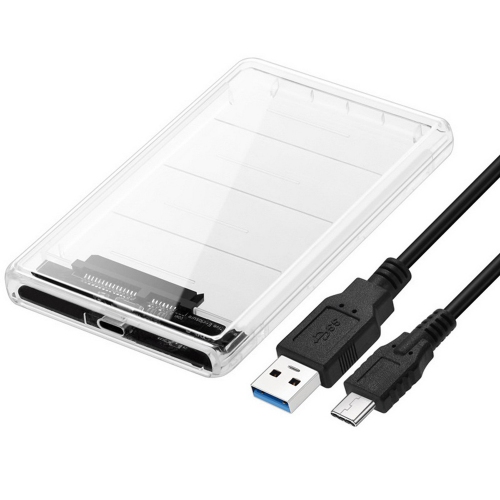
eSATA enclosures provide a practical way to use a SATA hard drive outside a desktop computer or laptop while taking advantage of a direct external Serial ATA connection. They are often used to access existing drives, expand storage, organize large media libraries, or create a dedicated location for backups without installing a drive inside a computer case. Depending on the enclosure, they may support a 2.5-inch or 3.5-inch SATA drive, so checking the drive size is an important first step. A 2.5-inch drive is compact and easy to move between workspaces, while a 3.5-inch drive typically offers more capacity and requires a separate power adapter. Shoppers comparing compatible options may also wish to explore 2.5 SATA Hard Drive Enclosures when working with smaller laptop-style drives. eSATA connections can offer data transfer speeds of up to 6Gbps when the computer, cable, drive, and enclosure all support the same standard. Actual performance depends on the hard drive itself and on the files being transferred, but a direct connection can be useful for moving large folders, archived photographs, recorded video, music collections, and other substantial files. Many enclosures also include USB 3.0, giving them broader compatibility with computers that do not have an eSATA port. Having both connection types can be especially helpful in a home office where an older desktop, a newer laptop, and a family member’s computer may all use different ports.
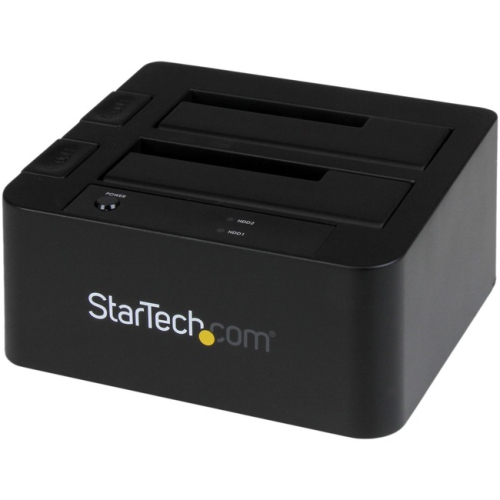
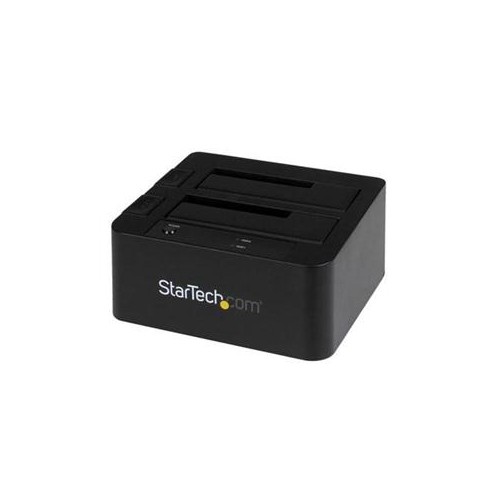
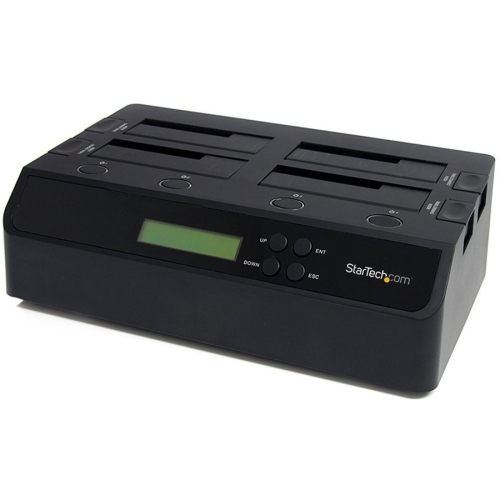
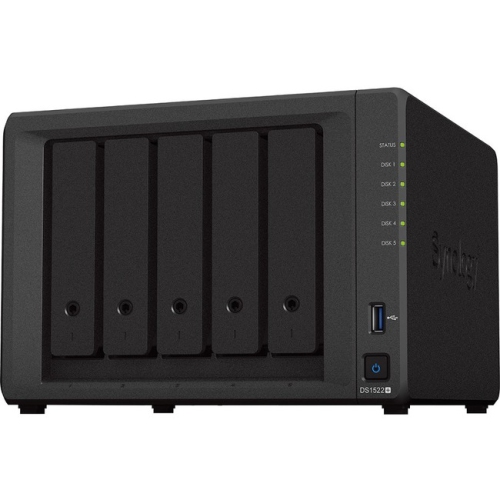
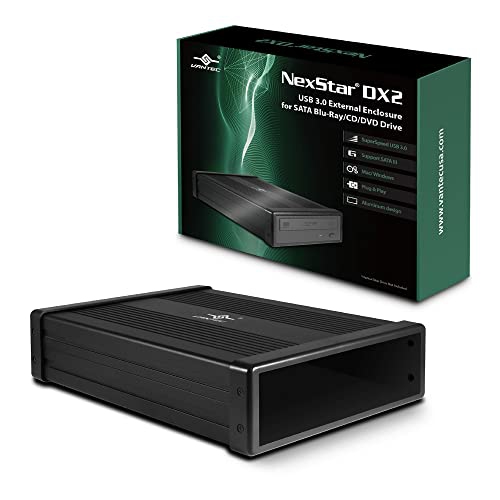
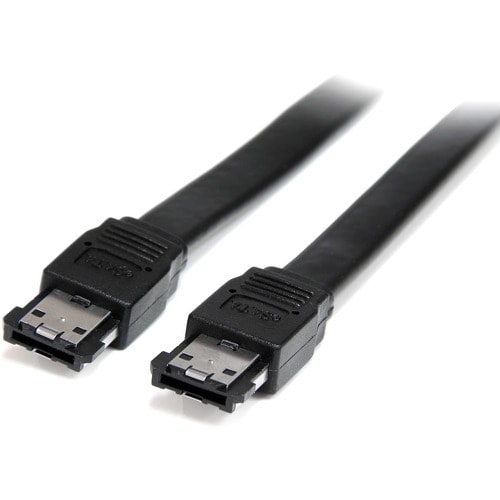
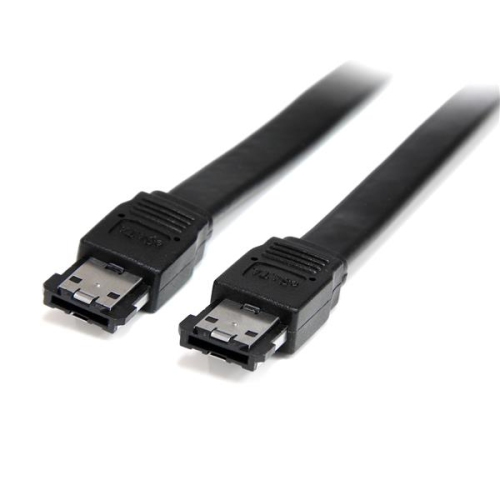
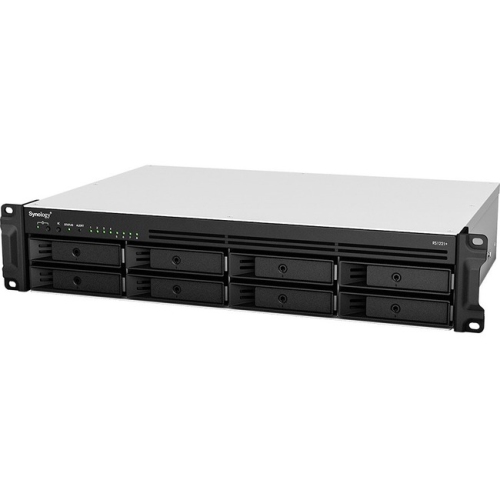
The number of drive bays is another key consideration. A single-bay enclosure is well suited to straightforward storage expansion, occasional file transfers, or keeping one backup drive separate from a primary computer. It can sit beside a monitor, under a desk, or on a shelf near other networking and storage equipment without taking up much room. Multi-bay enclosures are designed for people managing several drives at once, including photographers, videographers, music producers, small businesses, and home users building a larger central storage setup. Some multi-drive models support RAID configurations, which can combine drives for improved performance or provide redundancy if one drive fails. RAID is not a replacement for a separate backup, and the exact features vary by enclosure, so it is worth confirming the supported RAID levels, maximum drive capacity, and whether the unit requires software setup or offers hardware controls. Capacity limits matter as well, particularly when installing newer high-capacity drives. Check the enclosure’s listed support for drive types, maximum size, partition formats, and operating systems before making a purchase. A reliable power supply is essential for 3.5-inch drives and multi-bay units, while a secure drive mounting system helps reduce movement during operation. Trayless designs can make installation quicker, whereas models with trays or screws may provide a firmer fit for equipment that will remain in place. Look for included eSATA and USB cables, indicator lights that show drive activity, and accessible power switches if the enclosure will be used regularly.
Cooling becomes more important as storage capacity and drive count increase. A single drive used for short transfers may operate comfortably with a ventilated enclosure, but extended backups, video editing, or several drives working at the same time can produce noticeable heat. Built-in fans can help move warm air away from the drives during long sessions, while vents and open space around the enclosure allow airflow to circulate. Consider the enclosure’s noise level if it will be placed in a bedroom, living room, recording space, or quiet office. eSATA enclosures can be useful for recovering files from an older computer, repurposing a drive after a system upgrade, or keeping a working copy of important documents away from the main computer. They can also make a thoughtful gift for a student managing course projects, a photographer sorting years of images, or a relative who needs a simple way to access stored files without opening a computer case. For shared households, a multi-bay enclosure can help keep family photos, home videos, scanned documents, and entertainment files in one organized location, provided that access permissions and backup routines are set up properly. Before connecting a drive, confirm whether it is already formatted and whether the computer can read its file system; reformatting may erase existing data. Safely eject the drive before disconnecting it, use the correct power adapter, and keep important files in more than one location. With the right drive size, interface, capacity, cooling, and bay configuration, an eSATA enclosure can turn an internal SATA drive into a convenient part of a flexible storage setup for work, study, creative projects, and everyday file management.
The number of drive bays is another key consideration. A single-bay enclosure is well suited to straightforward storage expansion, occasional file transfers, or keeping one backup drive separate from a primary computer. It can sit beside a monitor, under a desk, or on a shelf near other networking and storage equipment without taking up much room. Multi-bay enclosures are designed for people managing several drives at once, including photographers, videographers, music producers, small businesses, and home users building a larger central storage setup. Some multi-drive models support RAID configurations, which can combine drives for improved performance or provide redundancy if one drive fails. RAID is not a replacement for a separate backup, and the exact features vary by enclosure, so it is worth confirming the supported RAID levels, maximum drive capacity, and whether the unit requires software setup or offers hardware controls. Capacity limits matter as well, particularly when installing newer high-capacity drives. Check the enclosure’s listed support for drive types, maximum size, partition formats, and operating systems before making a purchase. A reliable power supply is essential for 3.5-inch drives and multi-bay units, while a secure drive mounting system helps reduce movement during operation. Trayless designs can make installation quicker, whereas models with trays or screws may provide a firmer fit for equipment that will remain in place. Look for included eSATA and USB cables, indicator lights that show drive activity, and accessible power switches if the enclosure will be used regularly.
Cooling becomes more important as storage capacity and drive count increase. A single drive used for short transfers may operate comfortably with a ventilated enclosure, but extended backups, video editing, or several drives working at the same time can produce noticeable heat. Built-in fans can help move warm air away from the drives during long sessions, while vents and open space around the enclosure allow airflow to circulate. Consider the enclosure’s noise level if it will be placed in a bedroom, living room, recording space, or quiet office. eSATA enclosures can be useful for recovering files from an older computer, repurposing a drive after a system upgrade, or keeping a working copy of important documents away from the main computer. They can also make a thoughtful gift for a student managing course projects, a photographer sorting years of images, or a relative who needs a simple way to access stored files without opening a computer case. For shared households, a multi-bay enclosure can help keep family photos, home videos, scanned documents, and entertainment files in one organized location, provided that access permissions and backup routines are set up properly. Before connecting a drive, confirm whether it is already formatted and whether the computer can read its file system; reformatting may erase existing data. Safely eject the drive before disconnecting it, use the correct power adapter, and keep important files in more than one location. With the right drive size, interface, capacity, cooling, and bay configuration, an eSATA enclosure can turn an internal SATA drive into a convenient part of a flexible storage setup for work, study, creative projects, and everyday file management.
Top selling and popular products
-
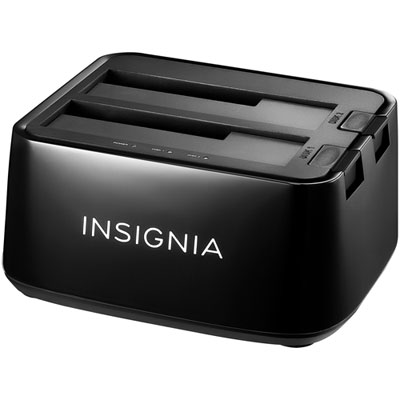 Your price for this item is $54.99
 -
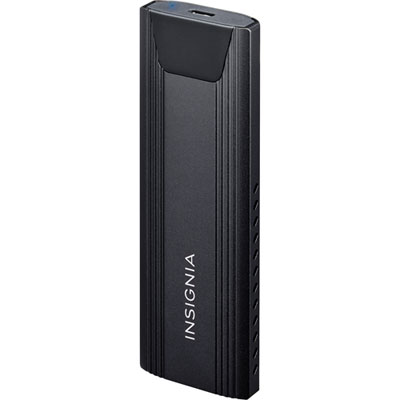 Your price for this item is $39.99
 -
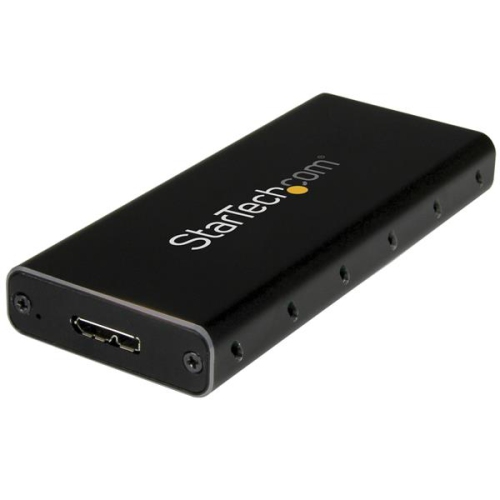 Your price for this item is $53.99
 -
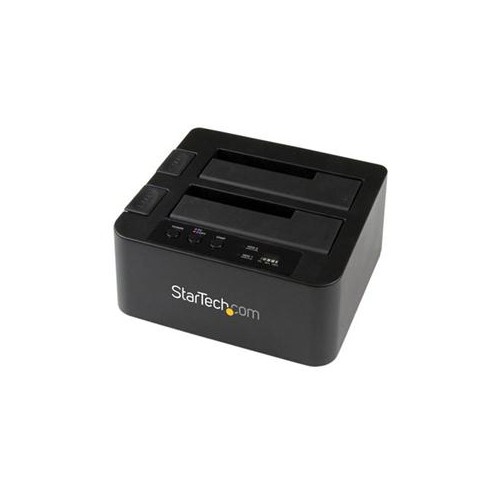 Your price for this item is $134.68
 -
 Your price for this item is $127.99
 -
 Your price for this item is $20.99
 -
 Your price for this item is $11.68
 -
 Your price for this item is $22.99
Discover more categories related to eSATA Enclosures
Top Collections:
Pokemon Centers, Kindle Devices, Best Budget Office Chairs, Apple iPhones 16, Best Laptops for Writers, iPhone 15 Apple, Canon G7X Cameras, Refurbished Apple Laptops, Alarm Clock, Motorola Razr Phones
Some products may be subject to Environmental Handling Fees
(EHF) depending on your province.
Learn more about EHFs.