4G Antennas
Enhance your internet connectivity and boost your network speed with our wide selection of 4G antennas. Whether you're working from home, streaming your favorite shows, or gaming online, these antennas are designed to deliver reliable and lightning-fast connections. With their advanced technology and powerful signal reception capabilities, our range of 4G antennas ensures seamless browsing, smooth downloads, and uninterrupted communication. Discover the perfect antenna for your needs and stay connected with confidence.
Sort

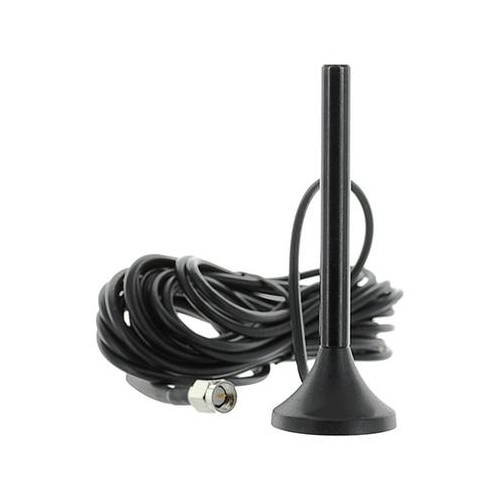
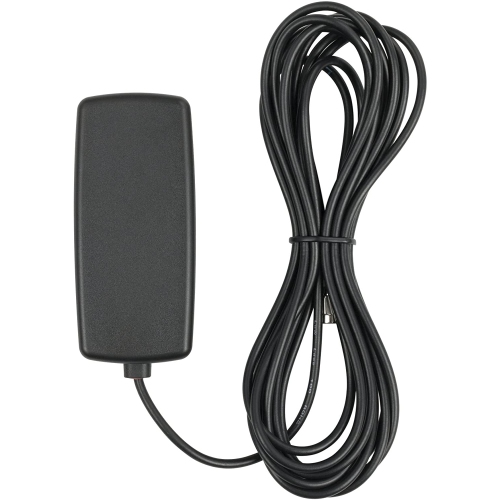
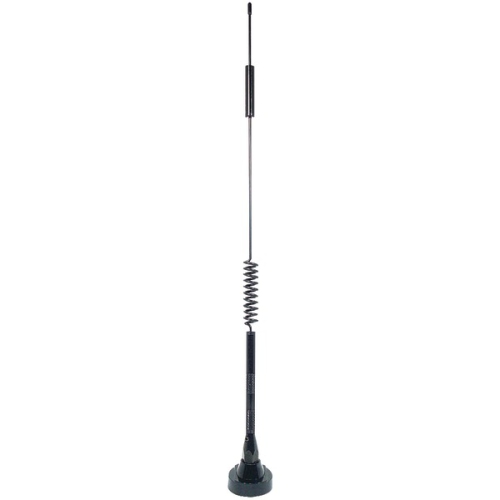
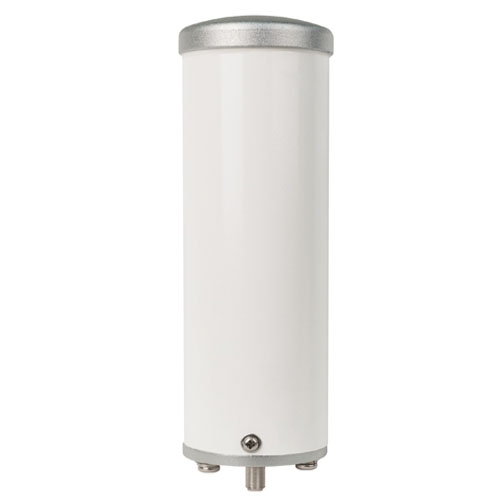


Reliable LTE connectivity depends on antenna compatibility and placement
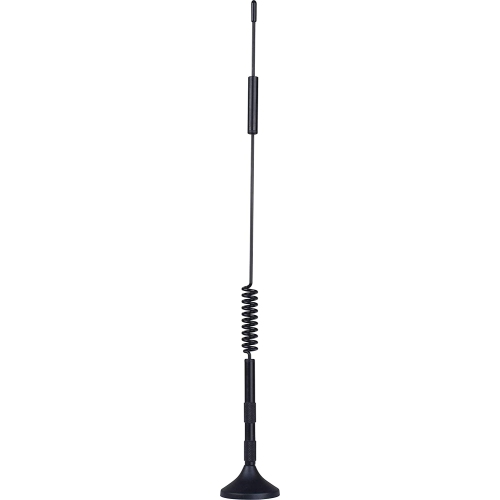
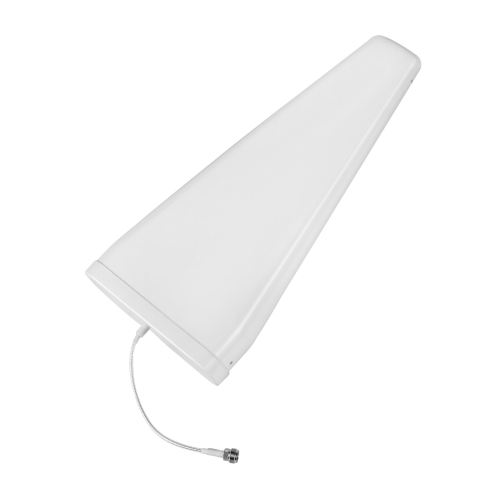
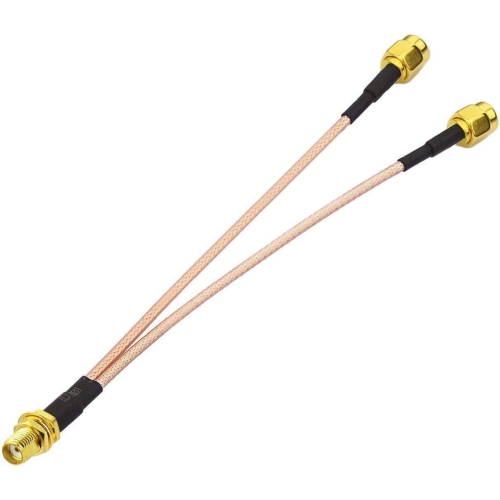
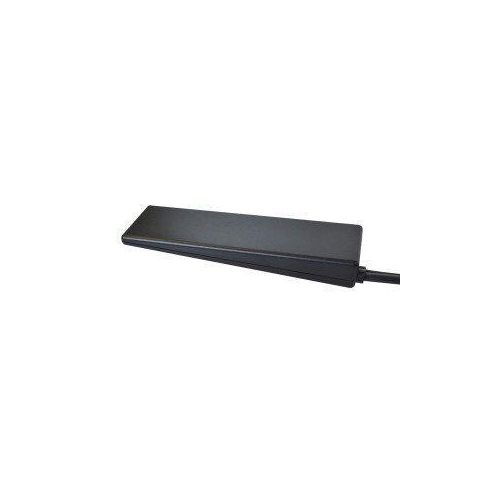
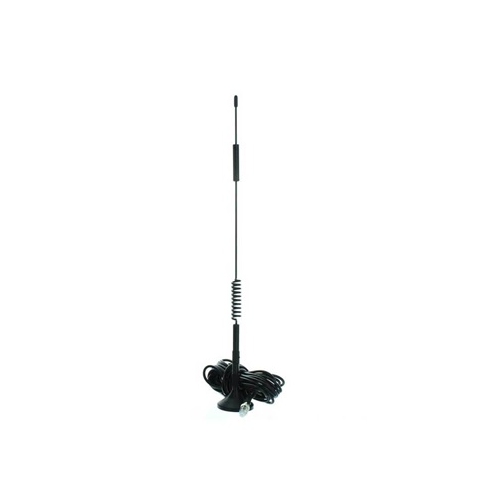
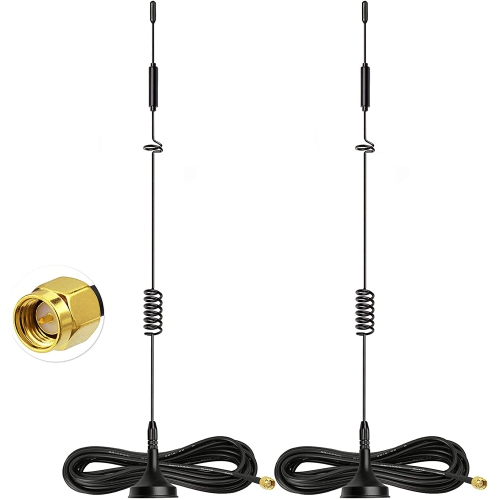
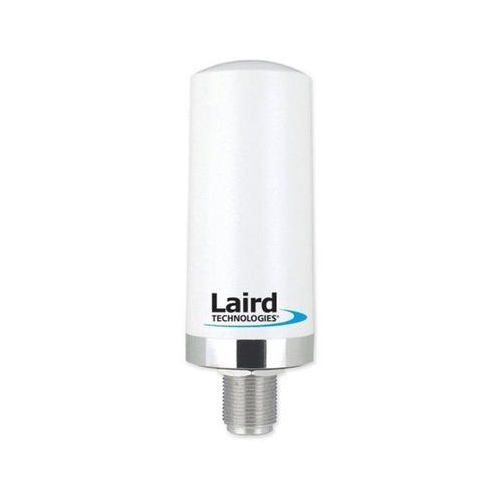
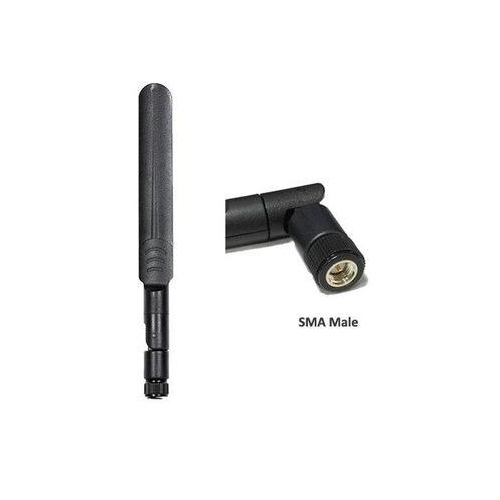
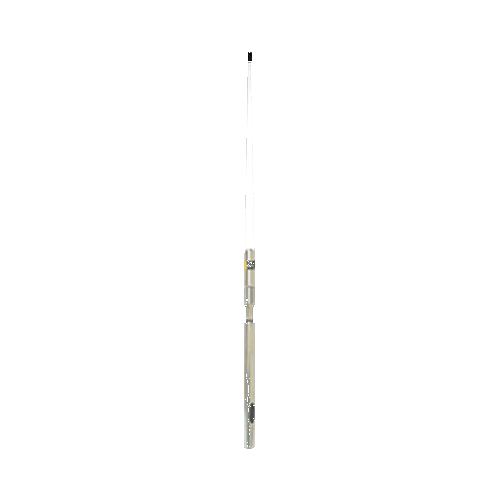
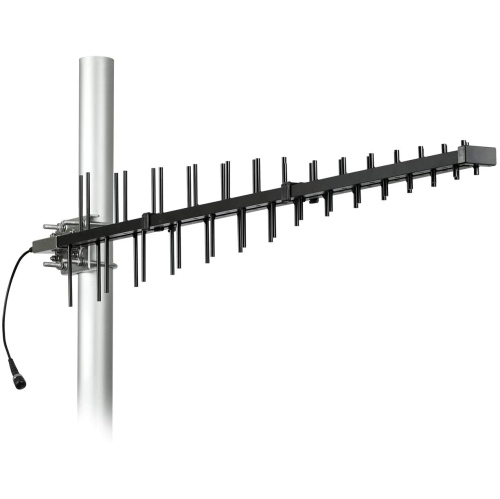
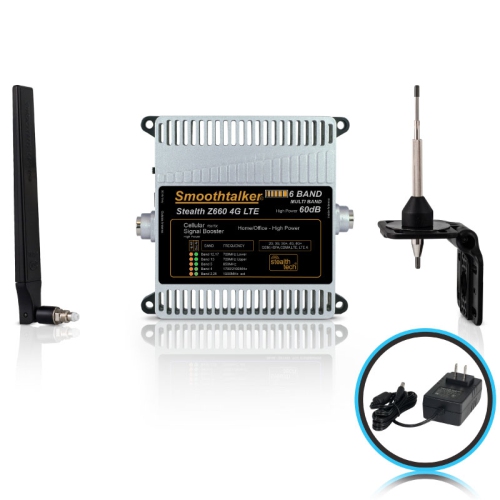
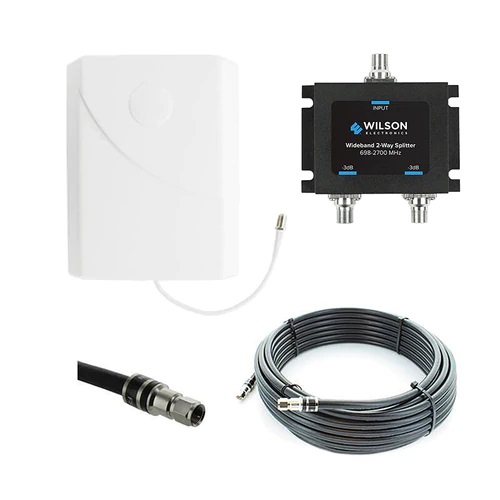
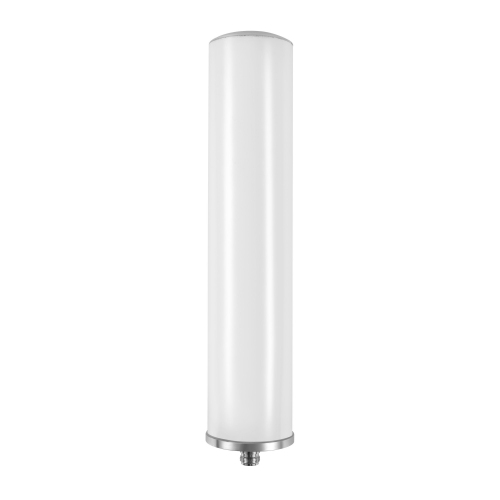
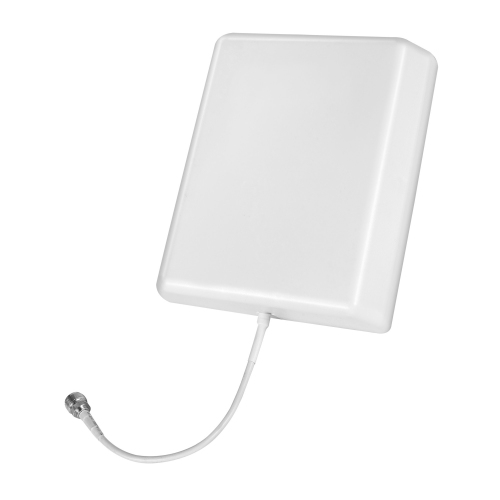
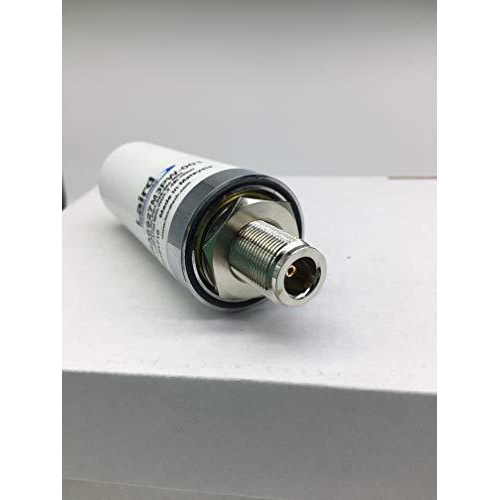
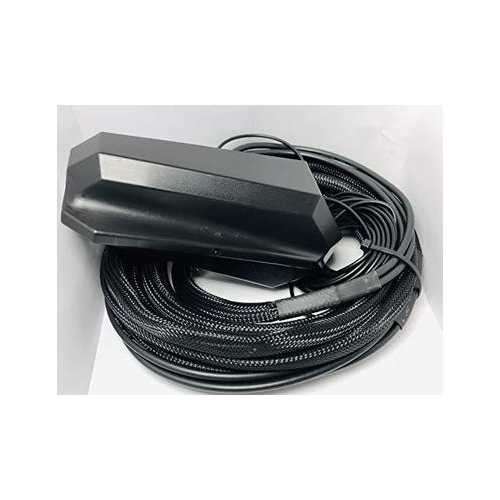
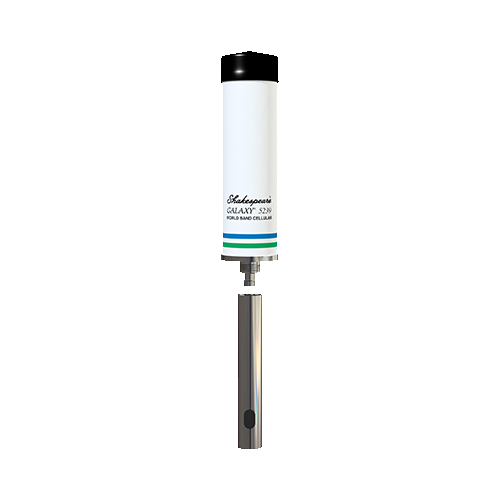
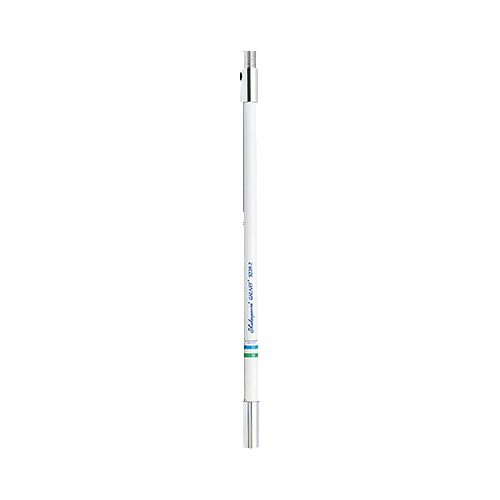
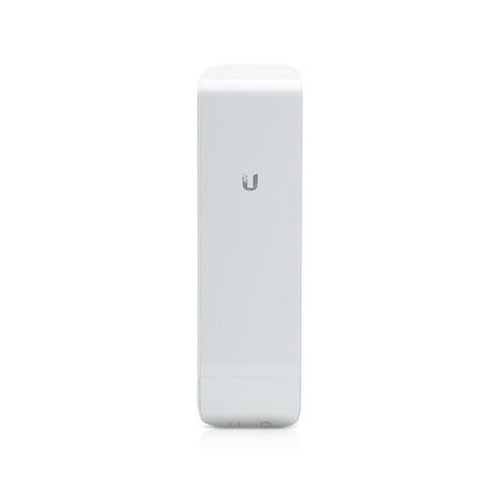
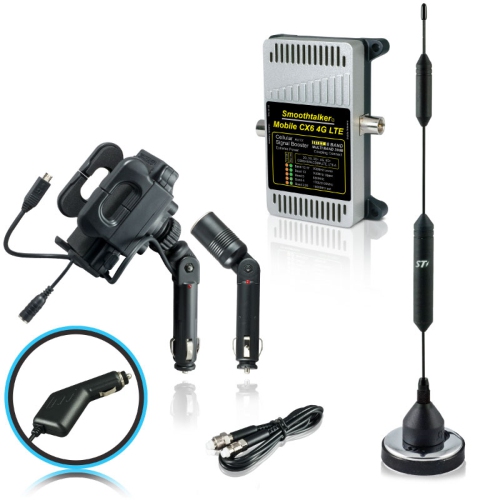
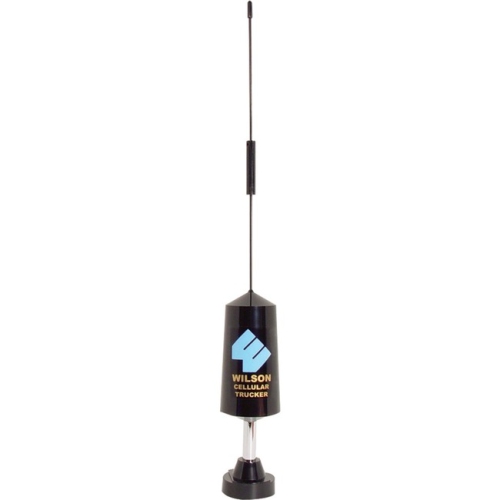
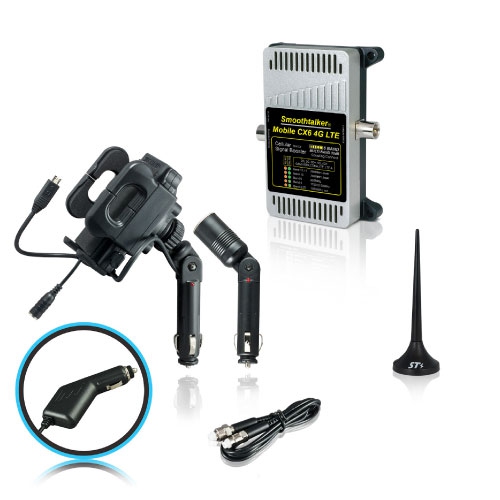
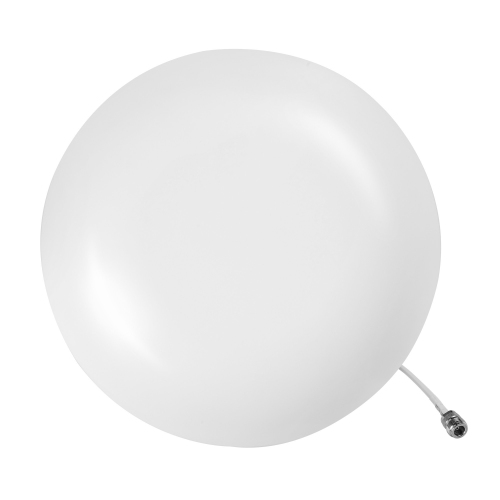
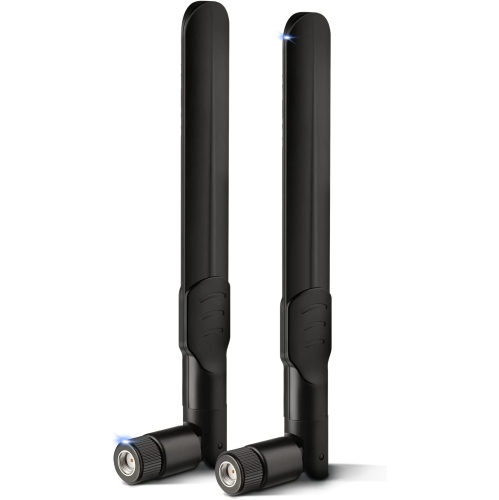
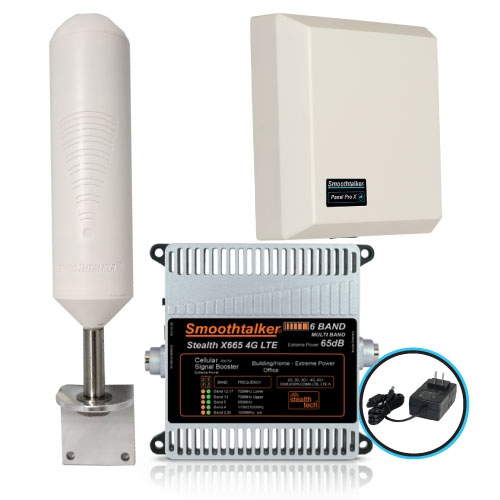
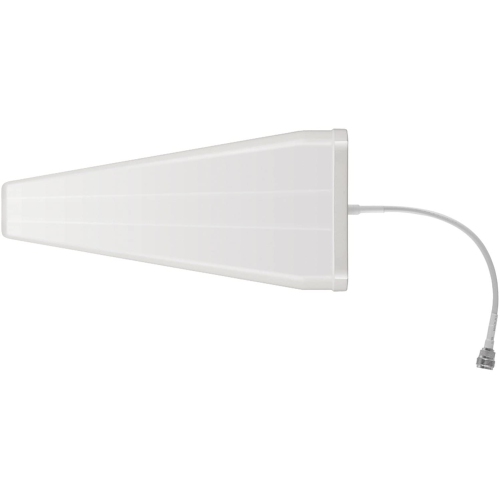
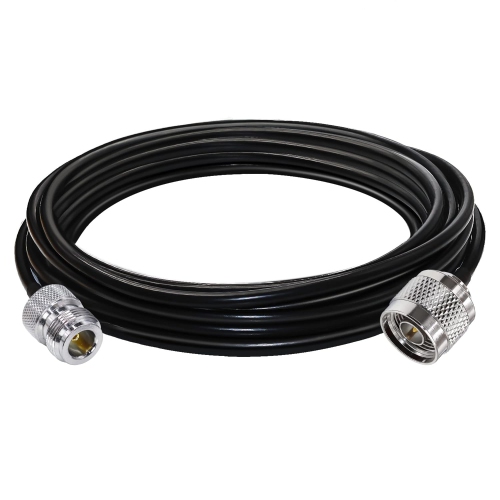
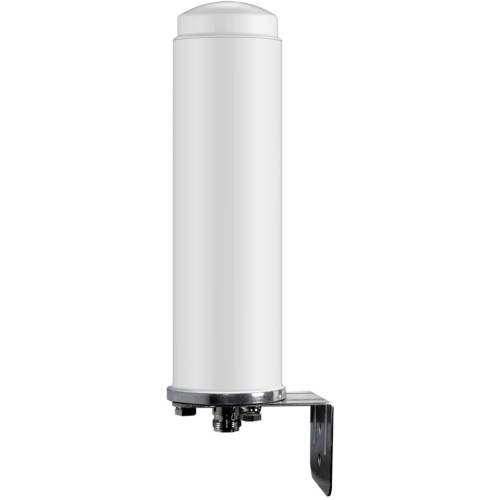
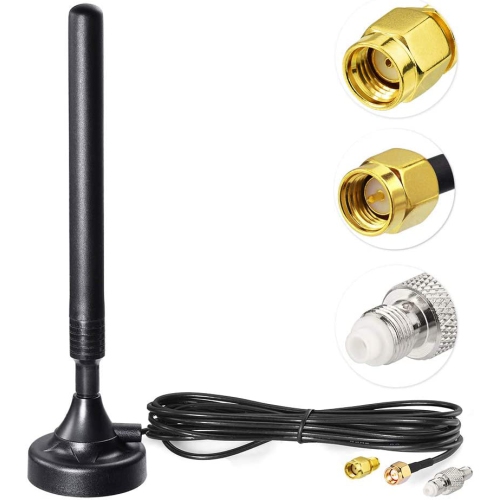
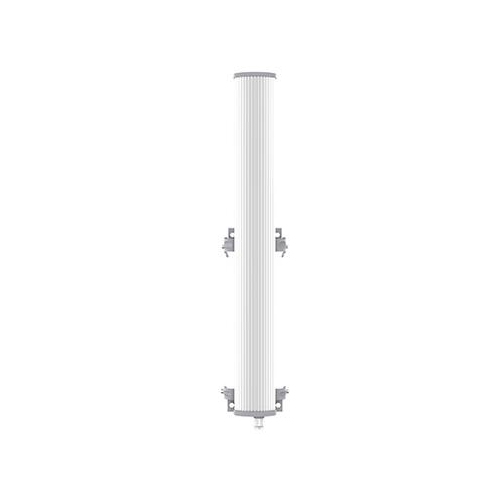
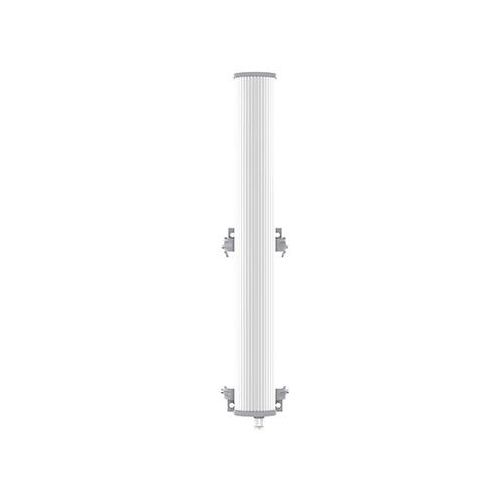
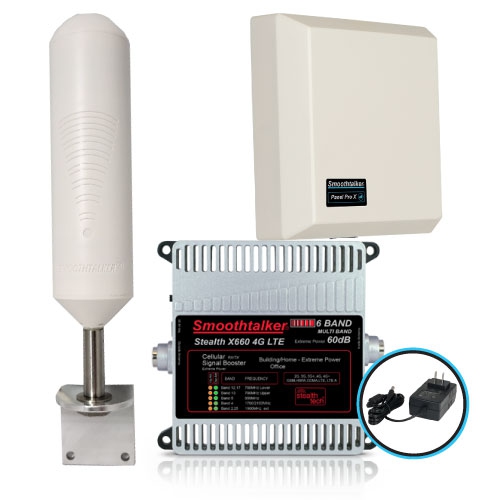
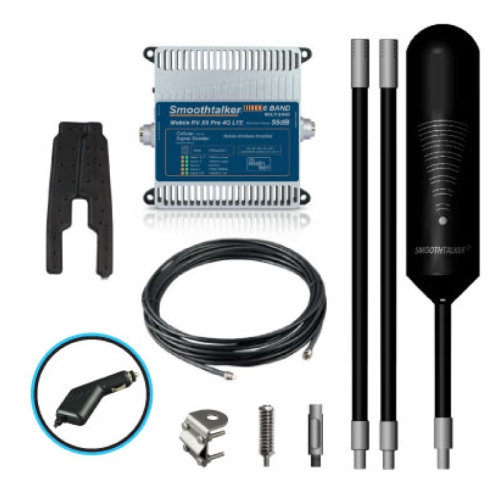
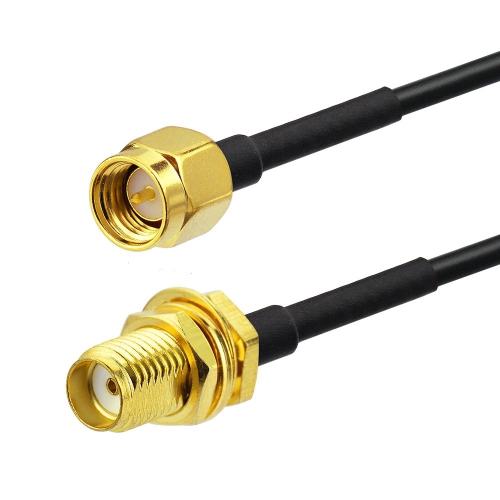
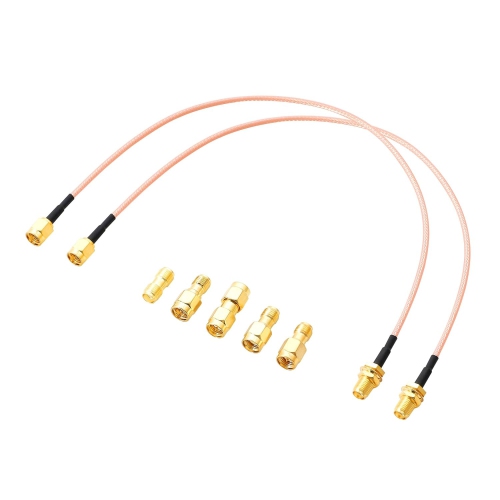
4G antennas are designed to help compatible cellular routers, modems, hotspots, and other connected devices make better use of available 4G LTE signals. They can be especially useful in rural homes, cottages, workshops, trailers, remote offices, and other locations where a built-in antenna struggles to maintain a reliable connection. Thick walls, metal siding, hills, trees, distance from a cellular tower, and indoor placement can all affect wireless performance. Adding an external antenna may help improve signal strength, reduce dropped connections, support more consistent upload and download speeds, and make everyday activities such as video calls, cloud access, streaming, online learning, and remote work feel less interrupted. The right antenna depends on the type of cellular equipment being used and the signal conditions around it. Omnidirectional antennas receive and transmit across a broad 360-degree pattern, making them a practical choice when signals come from more than one direction or when the nearest tower is not easy to identify. They can suit homes near several towers, mobile setups, and installations where the device may need to remain connected while its surroundings change. Directional antennas, including Yagi-style and log-periodic designs, focus reception in a narrower beam. They may be helpful in weak-signal areas where a tower is far away, but they need to be aimed carefully for the best results. A higher gain rating can provide more focused reach, although gain alone does not guarantee better performance in every location. Buildings, terrain, network congestion, tower capacity, and the capabilities of the connected modem or router all remain important factors. Before choosing an antenna, check the supported frequency range and confirm that it covers the 4G LTE bands used by the intended device and mobile service. Many models cover a broad range of frequencies, often spanning approximately 698 MHz to 2700 MHz, while some equipment may require support for extended bands. Matching the antenna to the device’s available ports is equally important. Common connector types include SMA, TS9, and N-type, but connector appearance and compatibility can vary between devices. Adapters may be available, though a direct connection is generally preferable when possible. If the antenna uses two or more leads for MIMO, the cellular router or modem should also have the corresponding number of antenna ports.
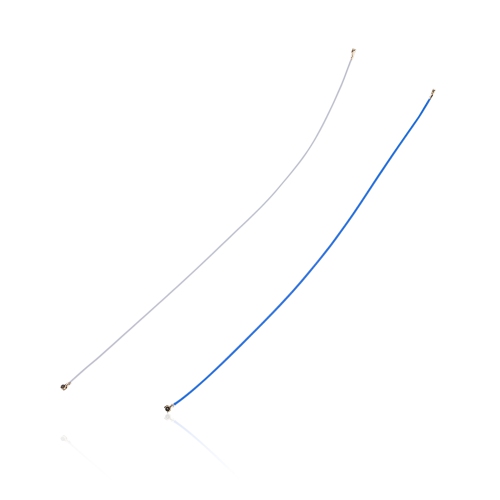
MIMO, or Multiple Input Multiple Output, uses multiple antenna elements and separate signal paths to help compatible LTE equipment handle data more efficiently. A 2x2 or 4x4 MIMO antenna can be a strong choice for devices designed to support those configurations, particularly when the goal is to improve throughput and connection stability rather than simply increase the number of signal bars. For dual-antenna arrangements, polarization diversity matters. Some installations use antenna elements positioned at different angles, commonly around 45 degrees apart, to help the equipment distinguish between signal paths and make better use of the available connection. Always consult the equipment instructions before connecting or positioning multiple antennas, as port assignments and recommended layouts can differ. Cable selection also deserves attention. Long cable runs can introduce signal loss, especially at higher frequencies, so an antenna mounted far from the router may not deliver the expected benefit if the coaxial cable is thin, poorly shielded, or longer than necessary. Shorter cable runs are often preferable, while low-loss coaxial cable can be useful for outdoor mounting or installations that require extra distance. Make sure the cable length, connector type, and weather protection suit the intended setup. For outdoor use, mounting hardware should be secure and suitable for exposure to wind, rain, and changing temperatures. Positioning the antenna as high as practical, with a clear path away from dense obstructions, can help reduce interference from nearby structures. A roof, pole, exterior wall, or elevated mast may provide a better signal path than a windowsill or interior shelf, but installation should be completed safely and in accordance with local requirements. Keep cables protected from sharp edges and water entry, and avoid placing the antenna close to sources of electrical interference. Directional models may require several small adjustments to find the strongest and most stable alignment. Signal readings, connection statistics, and actual download or upload tests are often more useful than relying on signal bars alone, since a strong-looking signal can still be affected by congestion or poor network quality.
When comparing 4G antennas, begin with the device that will use the antenna and the location where it will be installed. A compact omnidirectional antenna may fit neatly beside a desktop modem in a home office, while an outdoor directional setup may be better suited to a cottage where the connection fades behind a ridge or stand of trees. Travellers and mobile workers may value a portable design that can be moved between a trailer, temporary workspace, and seasonal property. Families using a cellular router as their primary internet connection may look for MIMO support, wide frequency coverage, durable construction, and cable options that simplify placement. A 4G antenna can also be a thoughtful practical gift for someone setting up internet access in a rural home, improving connectivity at a cottage, or working from a location where wired service is unavailable, provided the recipient’s router or hotspot has compatible external antenna ports. Antennas do not create a cellular signal where none exists, and they cannot remove network congestion, replace a compatible data plan, or turn a 4G device into a 5G device. Their role is to help the equipment connect more effectively to an available LTE signal. After installing an external antenna, restart the cellular gateway, router, modem, or hotspot so it can detect the new connection and reselect suitable carrier bands. It may also help to compare performance at different times and in different positions, since network traffic and local interference can change throughout the day. In some cases, moving the antenna only a short distance above a roofline or away from a metal enclosure can make a noticeable difference. For additional options across related signal and reception equipment, browse Wireless Antennas. With the correct frequency coverage, connectors, cable, mounting approach, and antenna pattern, a 4G antenna can be a useful way to make a cellular connection more dependable through warm-weather travel, changing outdoor conditions, and the cooler months when indoor connectivity becomes especially important.
MIMO, or Multiple Input Multiple Output, uses multiple antenna elements and separate signal paths to help compatible LTE equipment handle data more efficiently. A 2x2 or 4x4 MIMO antenna can be a strong choice for devices designed to support those configurations, particularly when the goal is to improve throughput and connection stability rather than simply increase the number of signal bars. For dual-antenna arrangements, polarization diversity matters. Some installations use antenna elements positioned at different angles, commonly around 45 degrees apart, to help the equipment distinguish between signal paths and make better use of the available connection. Always consult the equipment instructions before connecting or positioning multiple antennas, as port assignments and recommended layouts can differ. Cable selection also deserves attention. Long cable runs can introduce signal loss, especially at higher frequencies, so an antenna mounted far from the router may not deliver the expected benefit if the coaxial cable is thin, poorly shielded, or longer than necessary. Shorter cable runs are often preferable, while low-loss coaxial cable can be useful for outdoor mounting or installations that require extra distance. Make sure the cable length, connector type, and weather protection suit the intended setup. For outdoor use, mounting hardware should be secure and suitable for exposure to wind, rain, and changing temperatures. Positioning the antenna as high as practical, with a clear path away from dense obstructions, can help reduce interference from nearby structures. A roof, pole, exterior wall, or elevated mast may provide a better signal path than a windowsill or interior shelf, but installation should be completed safely and in accordance with local requirements. Keep cables protected from sharp edges and water entry, and avoid placing the antenna close to sources of electrical interference. Directional models may require several small adjustments to find the strongest and most stable alignment. Signal readings, connection statistics, and actual download or upload tests are often more useful than relying on signal bars alone, since a strong-looking signal can still be affected by congestion or poor network quality.
When comparing 4G antennas, begin with the device that will use the antenna and the location where it will be installed. A compact omnidirectional antenna may fit neatly beside a desktop modem in a home office, while an outdoor directional setup may be better suited to a cottage where the connection fades behind a ridge or stand of trees. Travellers and mobile workers may value a portable design that can be moved between a trailer, temporary workspace, and seasonal property. Families using a cellular router as their primary internet connection may look for MIMO support, wide frequency coverage, durable construction, and cable options that simplify placement. A 4G antenna can also be a thoughtful practical gift for someone setting up internet access in a rural home, improving connectivity at a cottage, or working from a location where wired service is unavailable, provided the recipient’s router or hotspot has compatible external antenna ports. Antennas do not create a cellular signal where none exists, and they cannot remove network congestion, replace a compatible data plan, or turn a 4G device into a 5G device. Their role is to help the equipment connect more effectively to an available LTE signal. After installing an external antenna, restart the cellular gateway, router, modem, or hotspot so it can detect the new connection and reselect suitable carrier bands. It may also help to compare performance at different times and in different positions, since network traffic and local interference can change throughout the day. In some cases, moving the antenna only a short distance above a roofline or away from a metal enclosure can make a noticeable difference. For additional options across related signal and reception equipment, browse Wireless Antennas. With the correct frequency coverage, connectors, cable, mounting approach, and antenna pattern, a 4G antenna can be a useful way to make a cellular connection more dependable through warm-weather travel, changing outdoor conditions, and the cooler months when indoor connectivity becomes especially important.
Top selling and popular products
-
 Your price for this item is $489.99
 -
 Your price for this item is $839.99
 -
 Your price for this item is $34.99
 -
 Your price for this item is $399.99
 -
 Your price for this item is $199.99
 -
 Your price for this item is $499.99
 -
 Your price for this item is $309.99
 -
 Your price for this item is $139.99
Discover more categories related to 4G Antennas
Top Collections:
Pokemon Centers, Kindle Devices, Best Budget Office Chairs, Apple iPhones 16, Best Laptops for Writers, iPhone 15 Apple, Canon G7X Cameras, Refurbished Apple Laptops, Alarm Clock, Motorola Razr Phones
Some products may be subject to Environmental Handling Fees
(EHF) depending on your province.
Learn more about EHFs.