Wireless Antennas
Enhance your wireless connectivity with our wide selection of wireless antennas. Whether you're looking to boost the signal strength of your Wi-Fi network or improve the reception of your TV or radio, our range of wireless antennas has got you covered. With various types and designs available, you can find the perfect antenna to suit your needs. Say goodbye to weak signals and enjoy seamless connectivity in every corner of your home or office. Explore our collection of wireless antennas today and take your wireless experience to new heights.
Sort






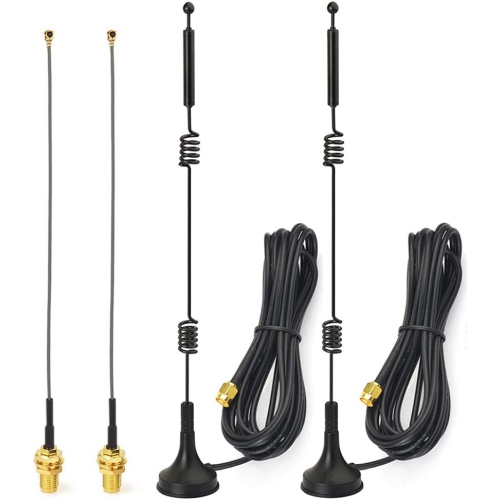
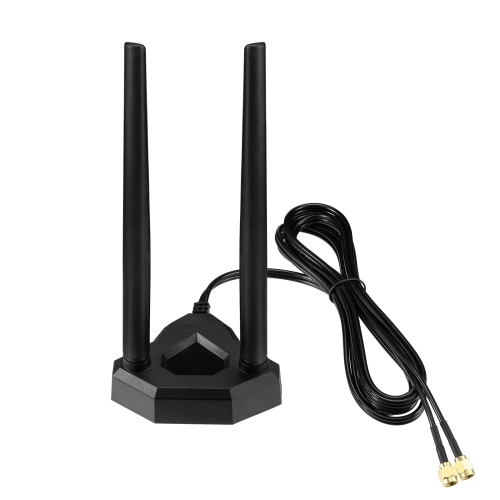
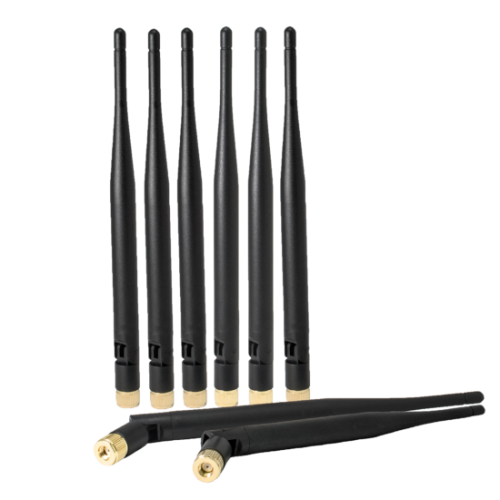

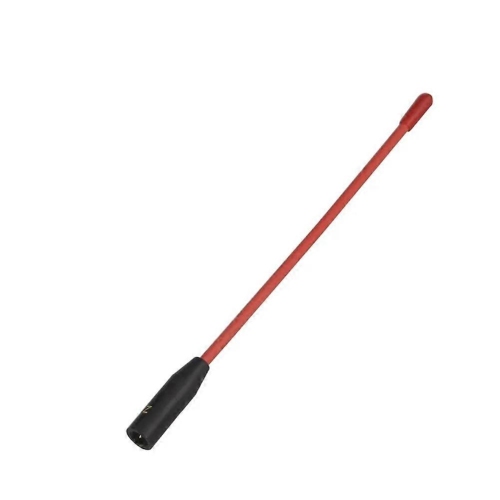

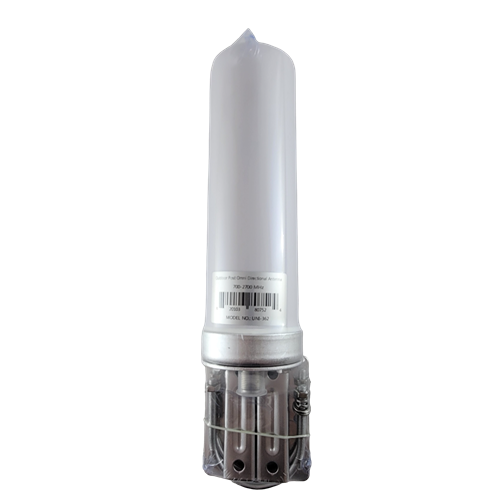
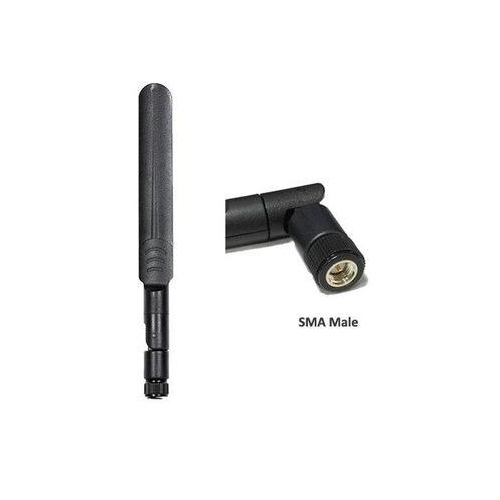
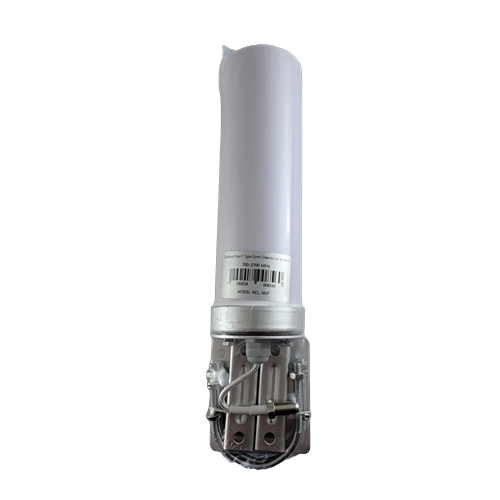
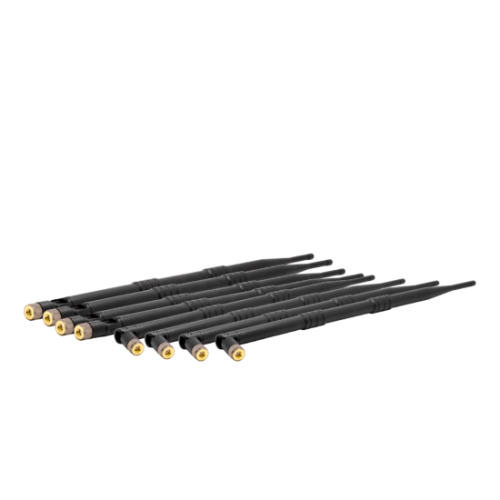

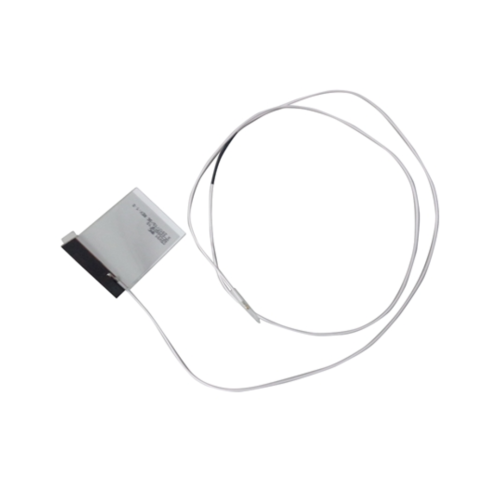
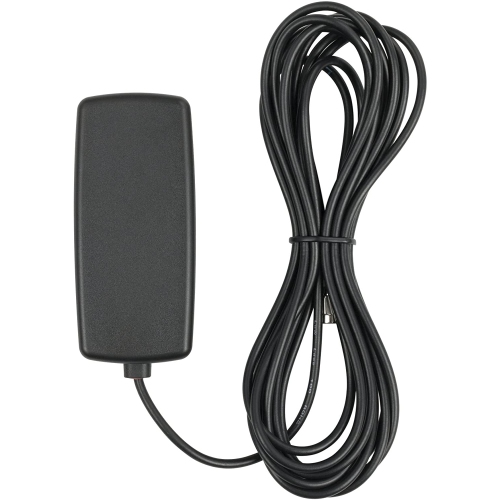
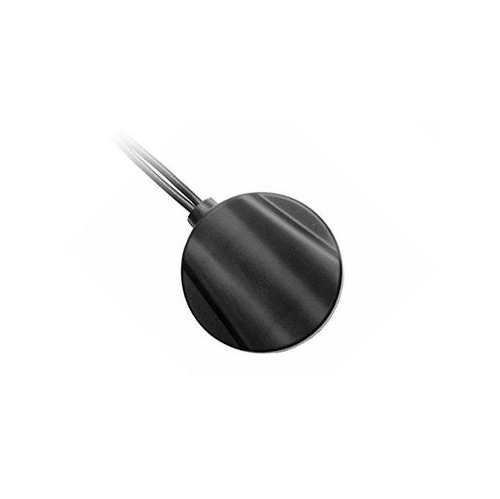
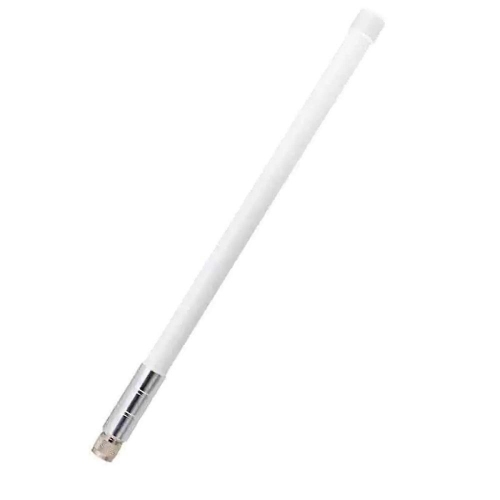
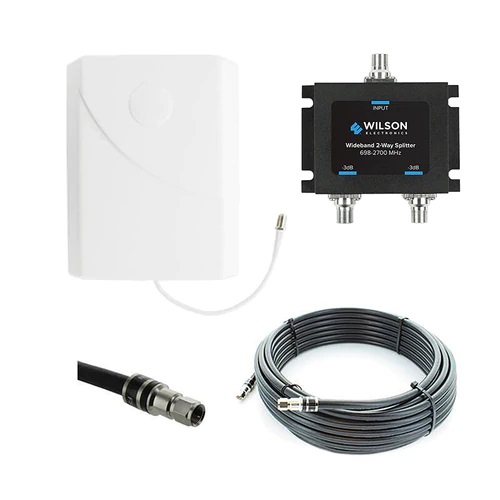
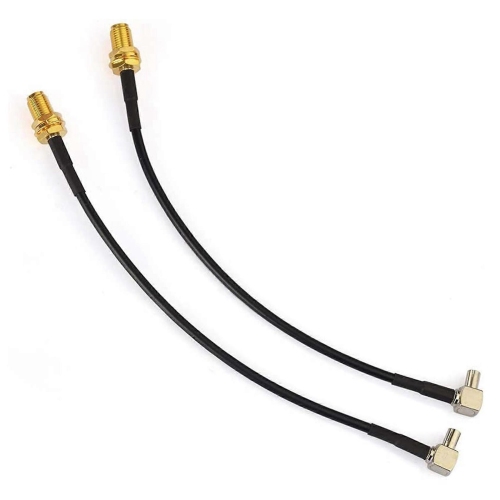
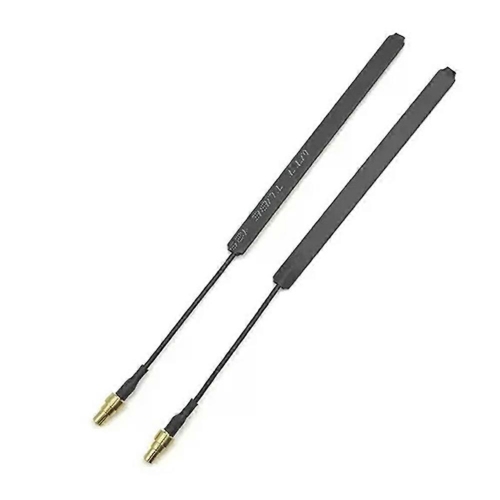
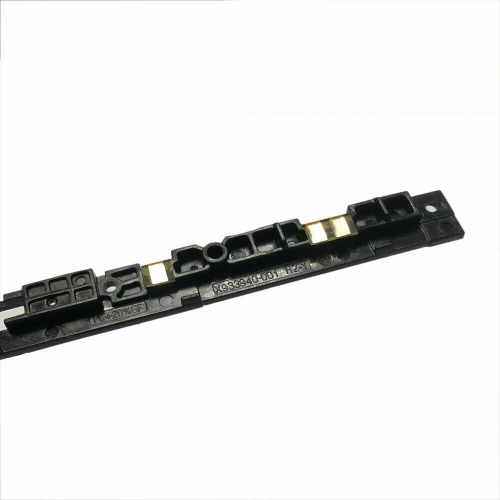
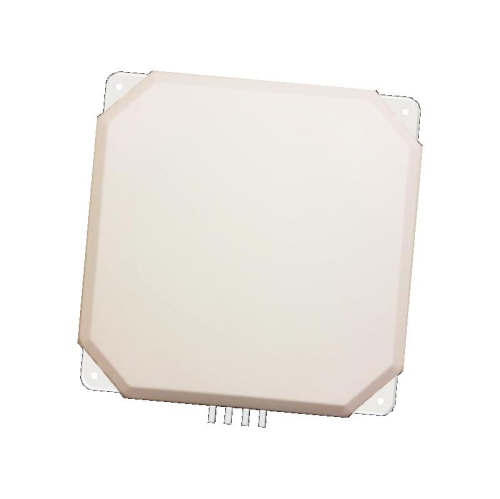
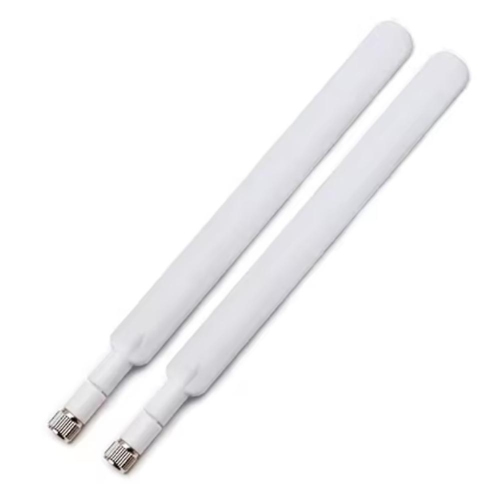
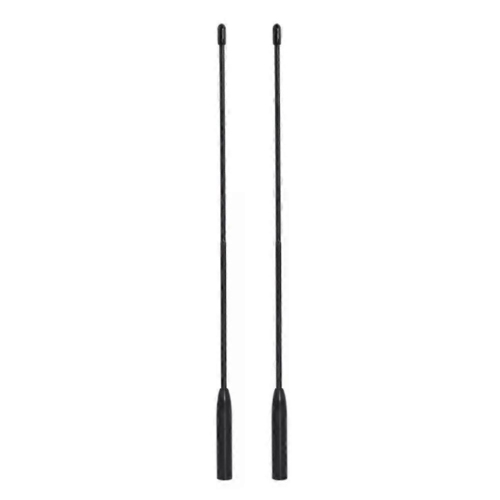
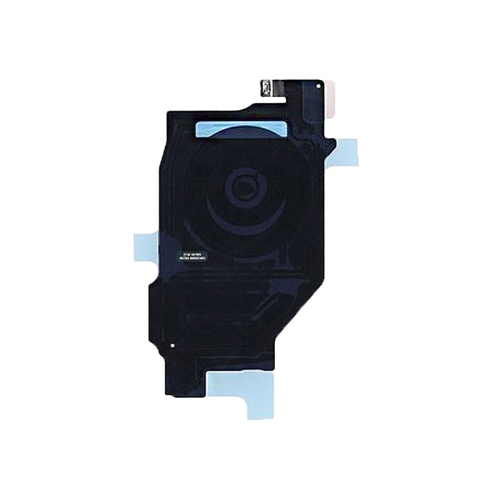


Why antenna placement and compatibility matter for Wi-Fi
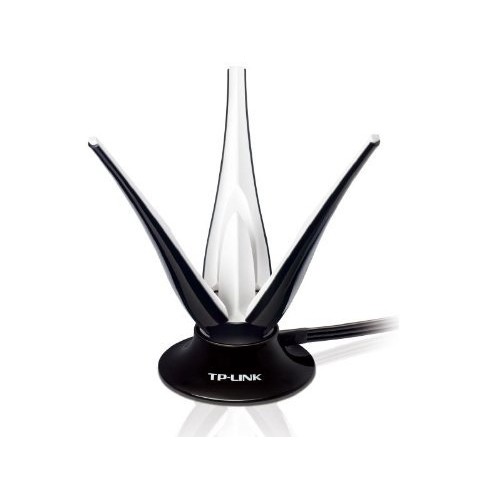
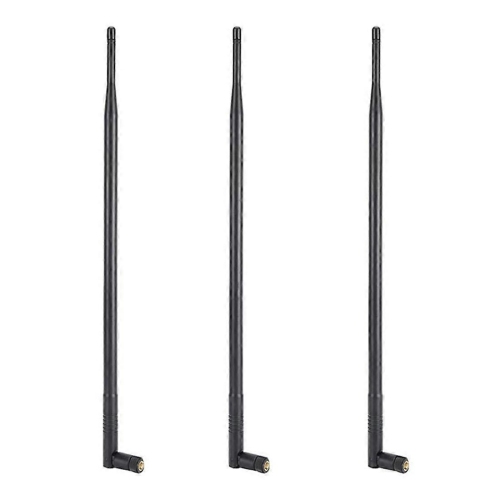
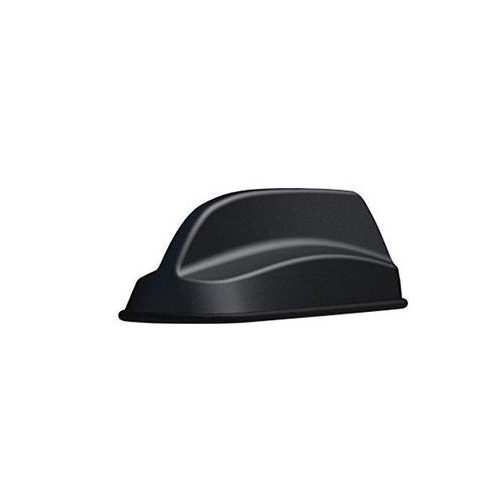
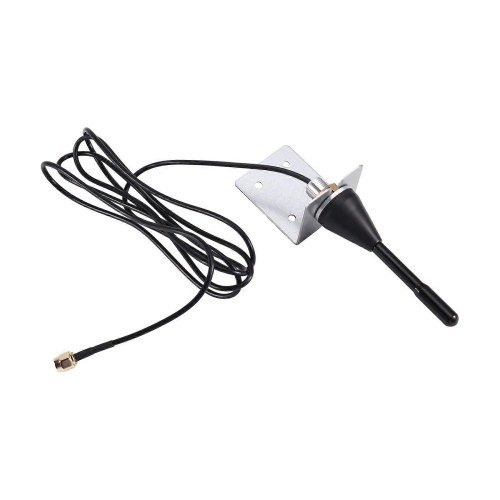
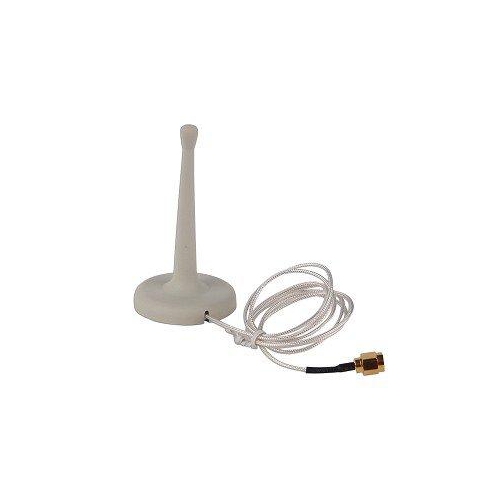
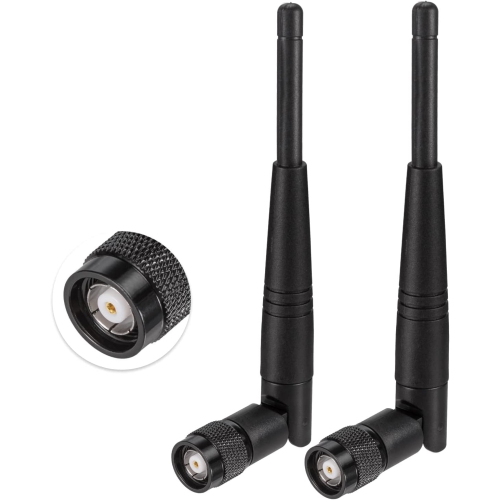
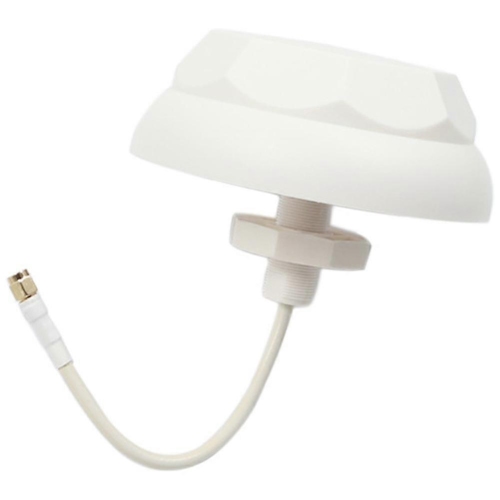
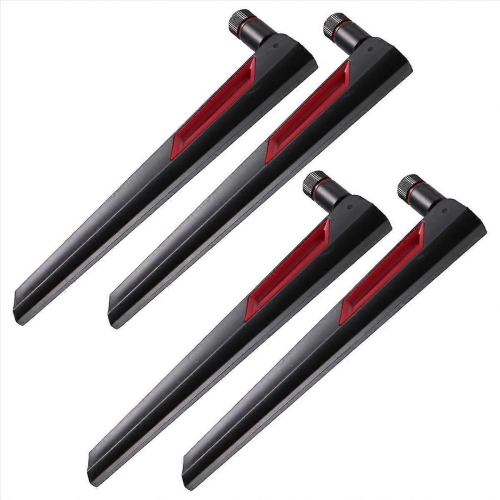
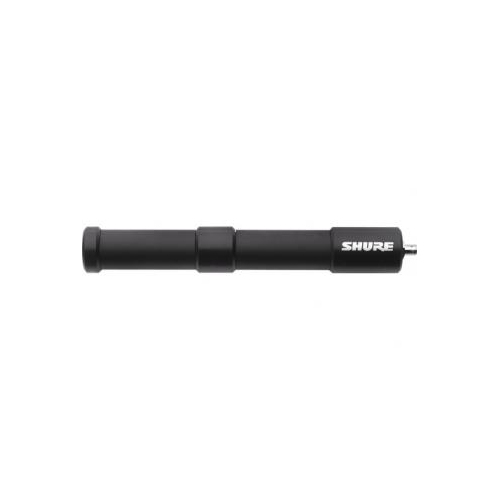
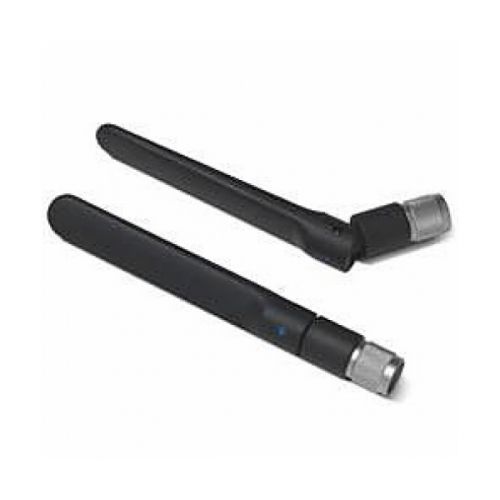
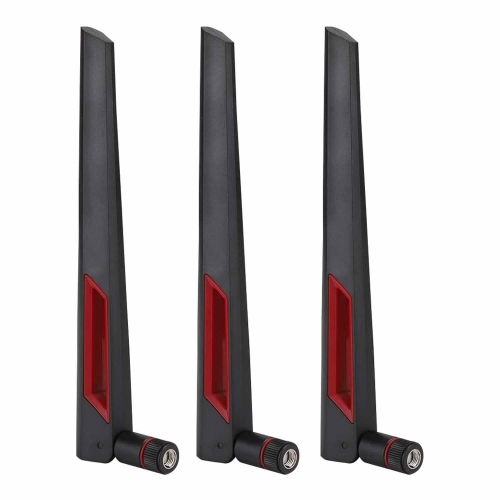
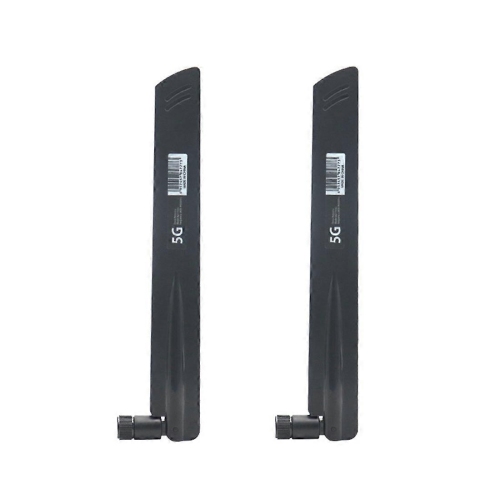
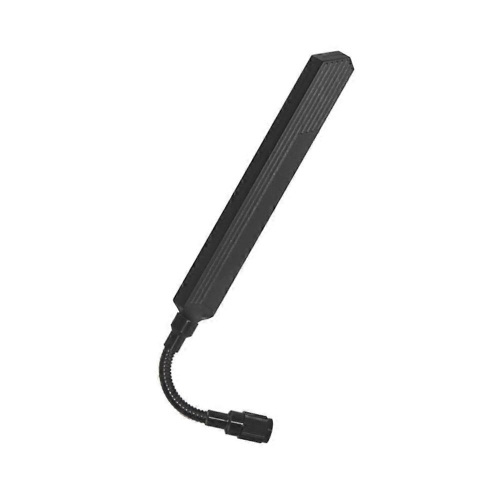
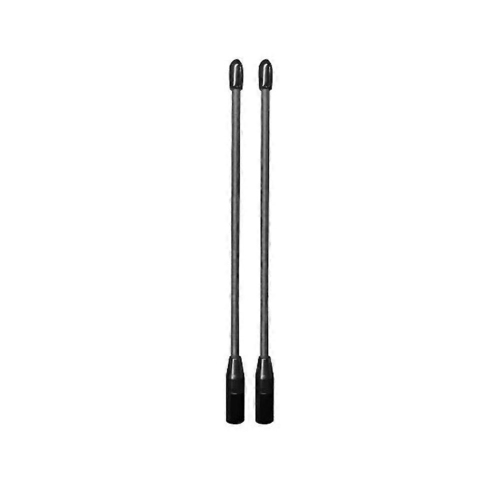
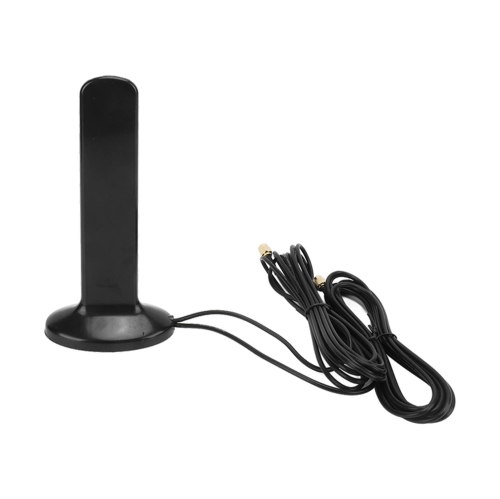
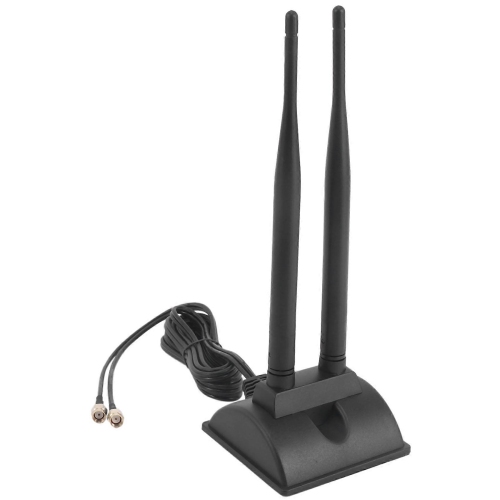
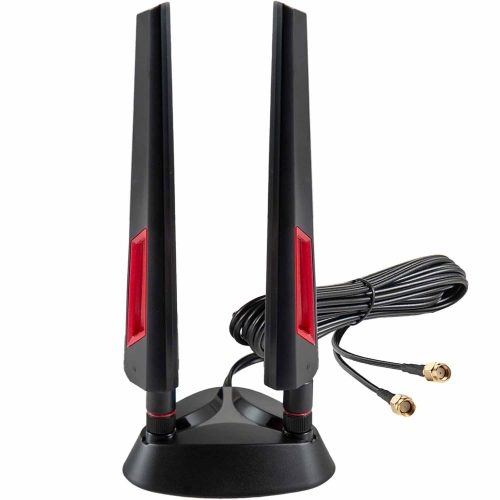
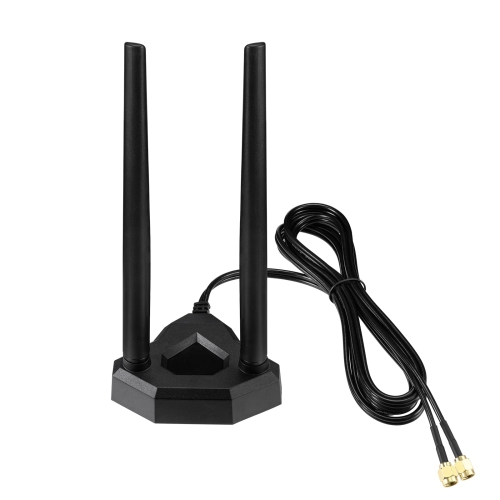
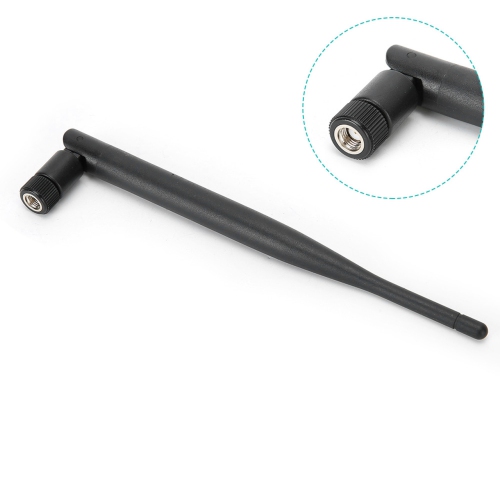
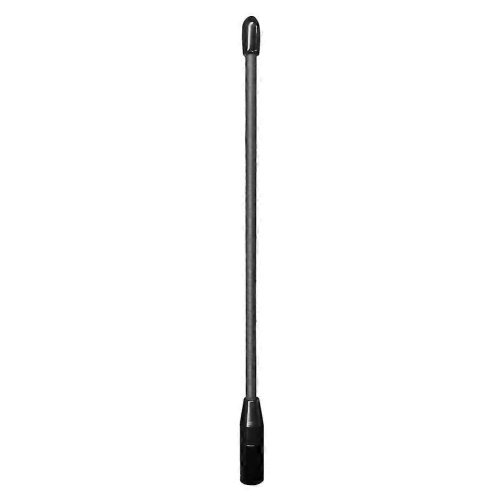
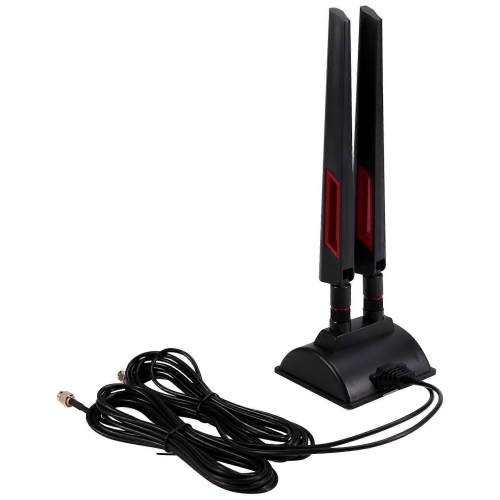
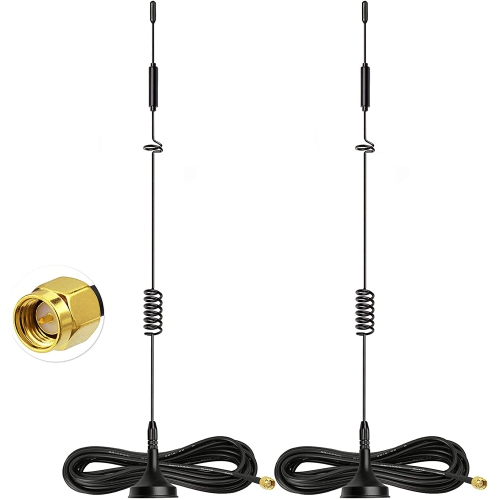
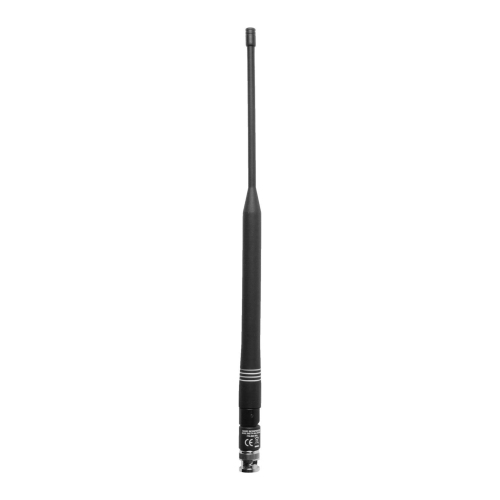
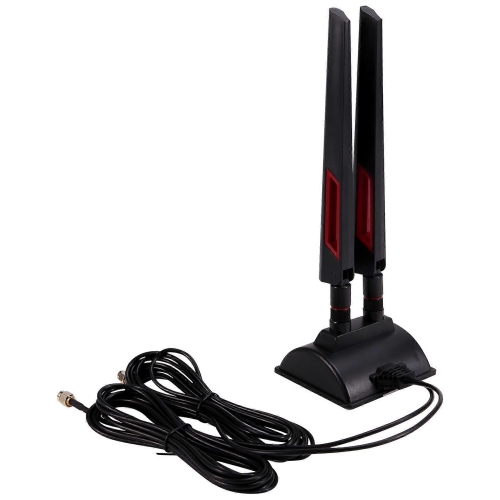
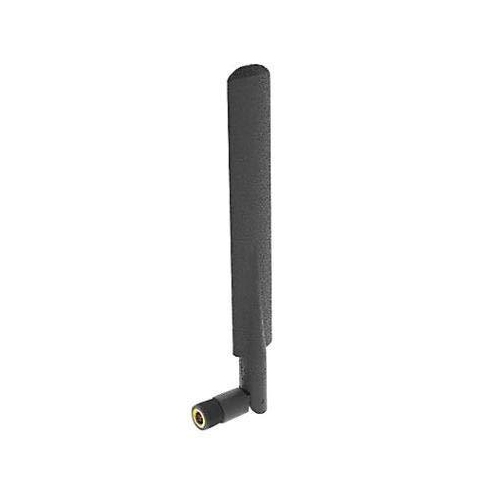
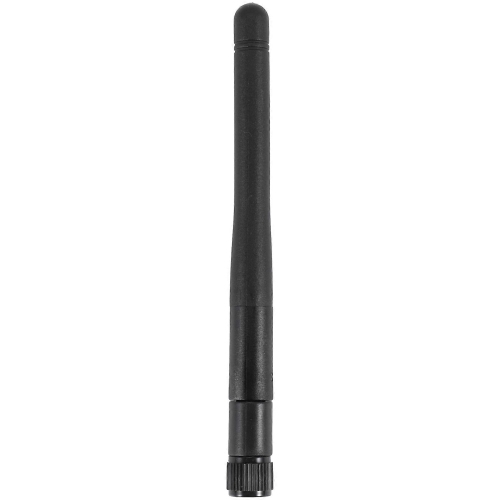
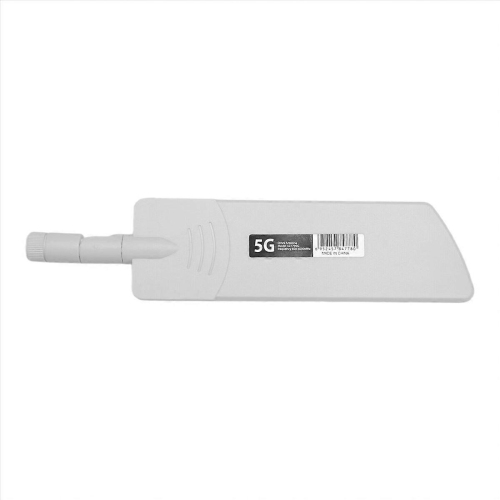
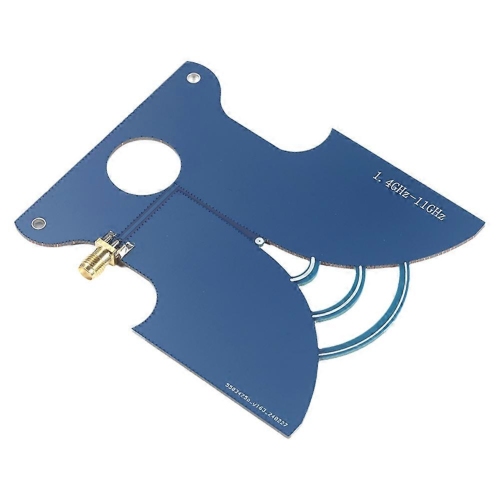
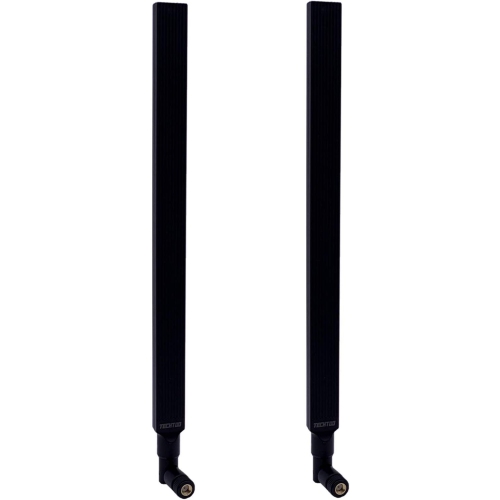
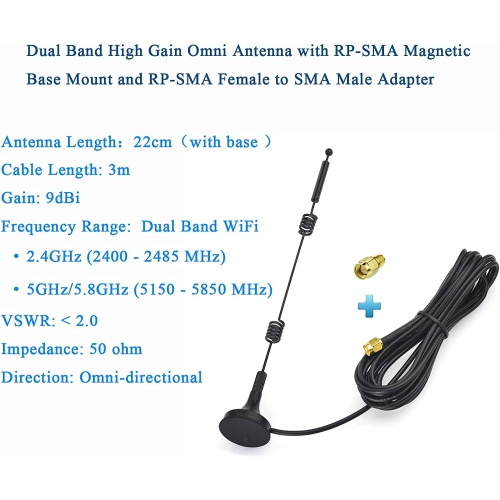
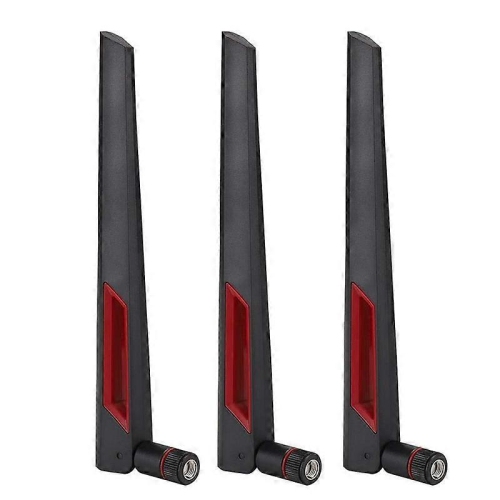
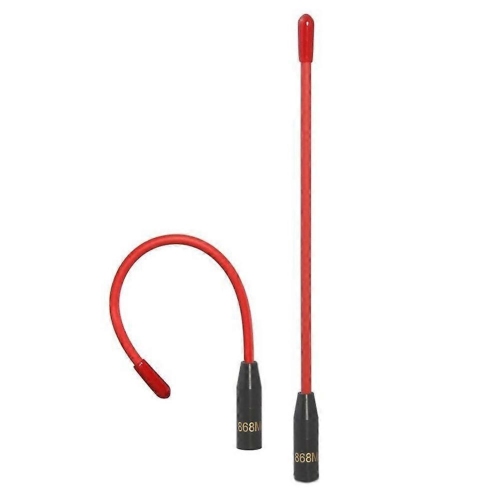
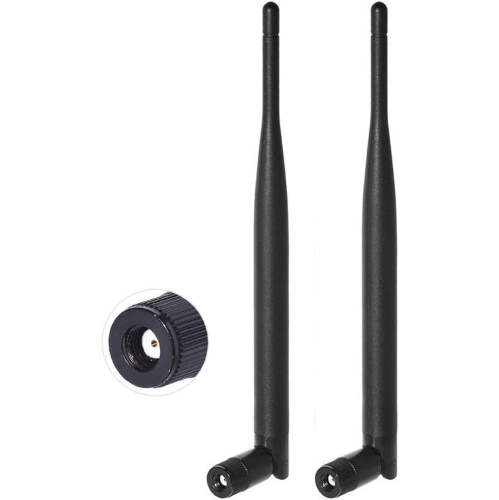
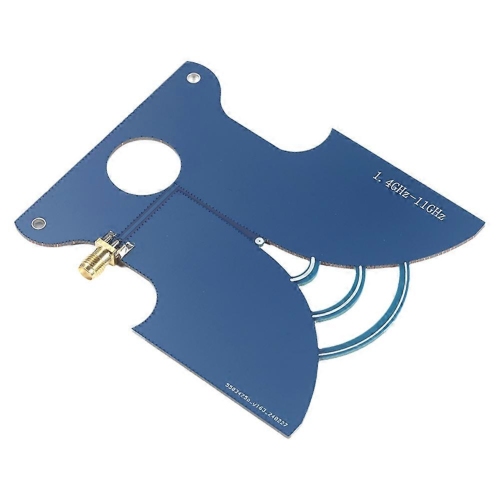
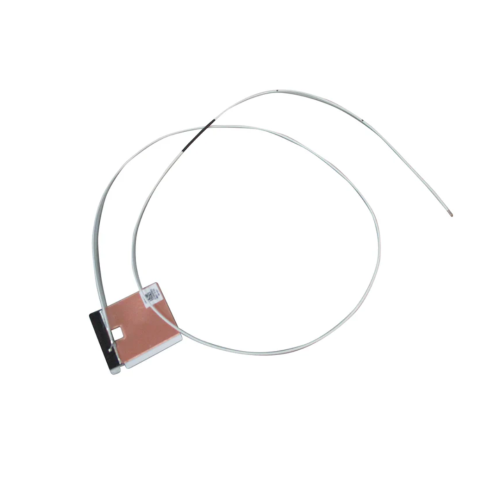
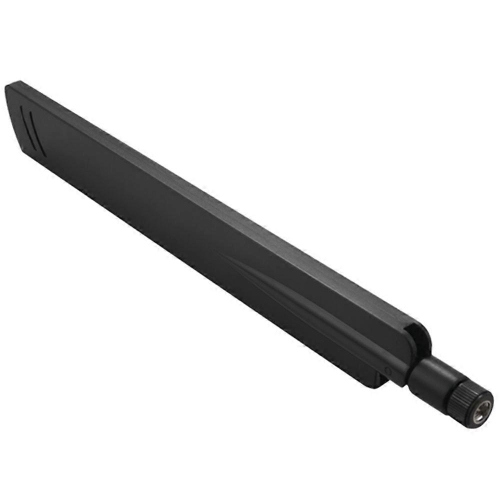
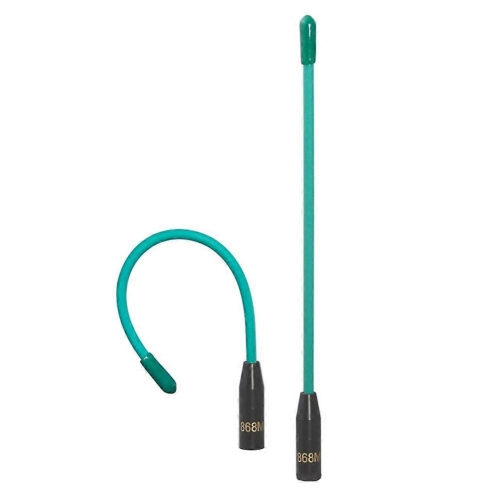
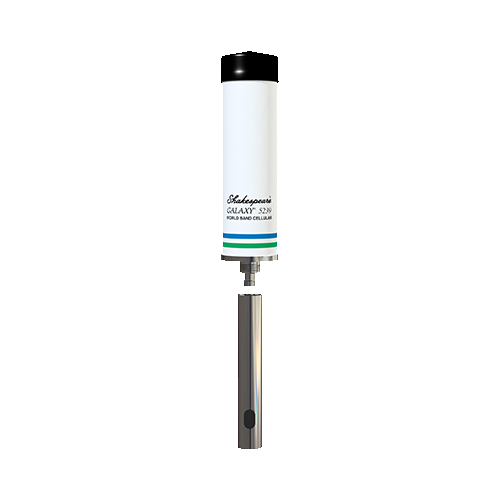
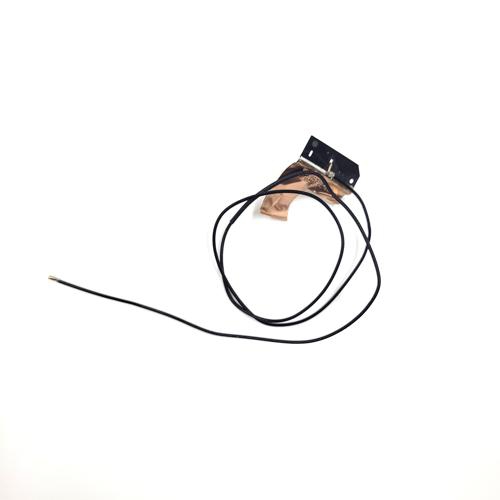
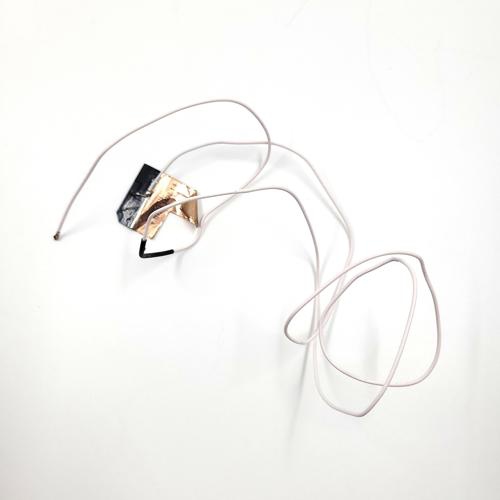
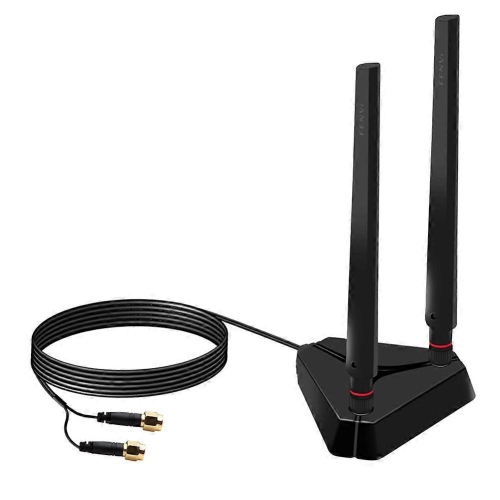
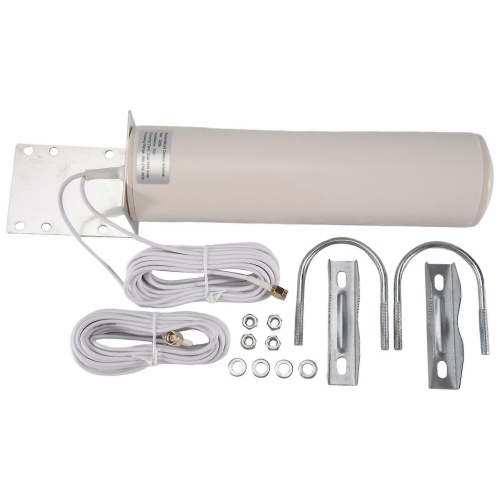
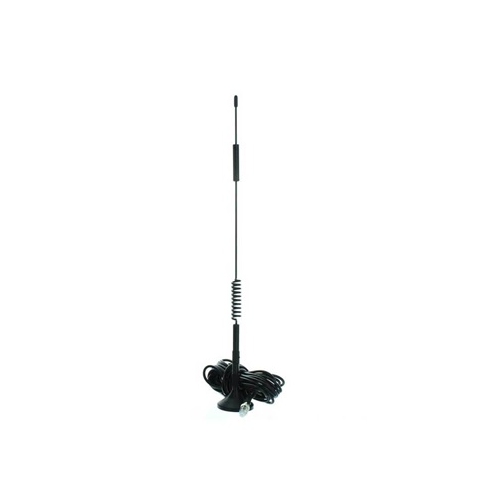
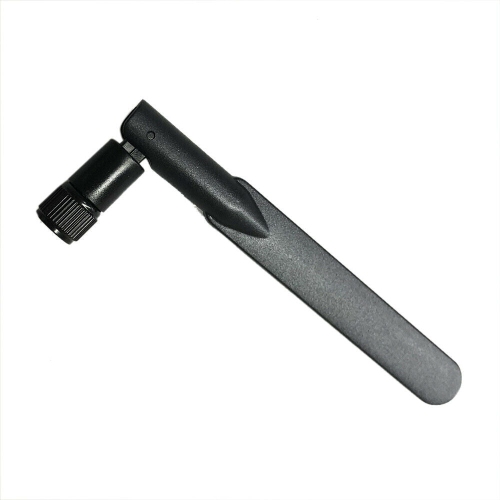
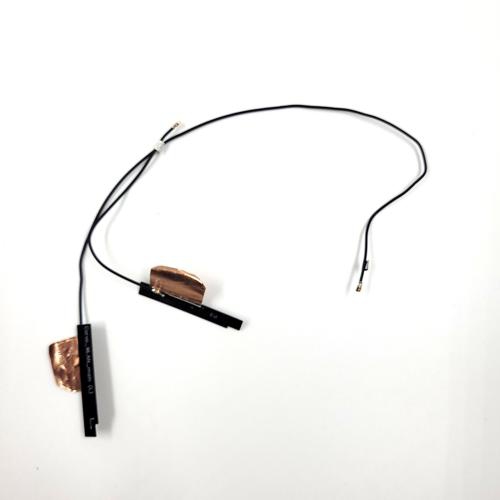
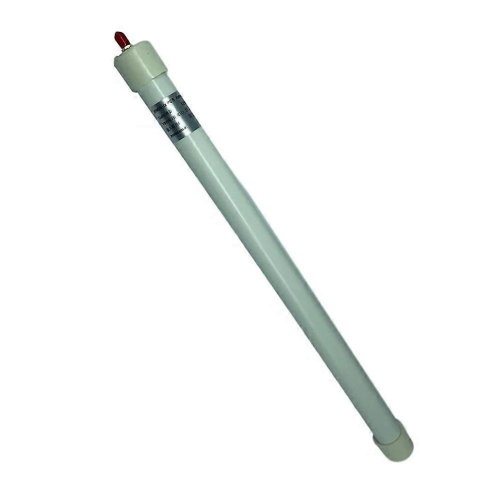
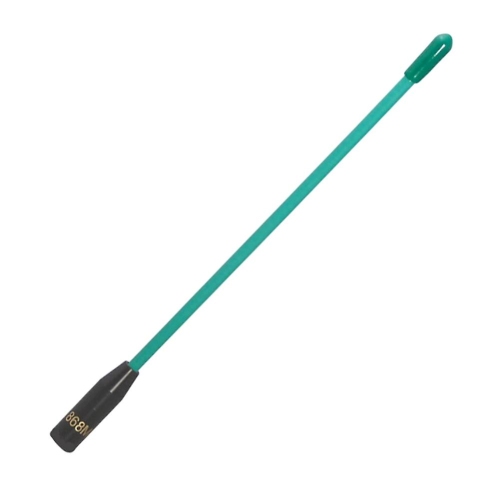
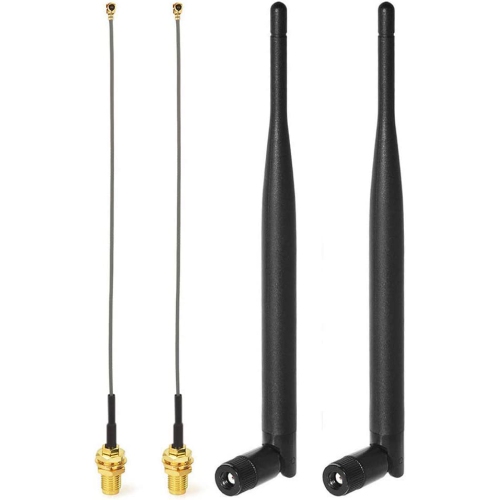
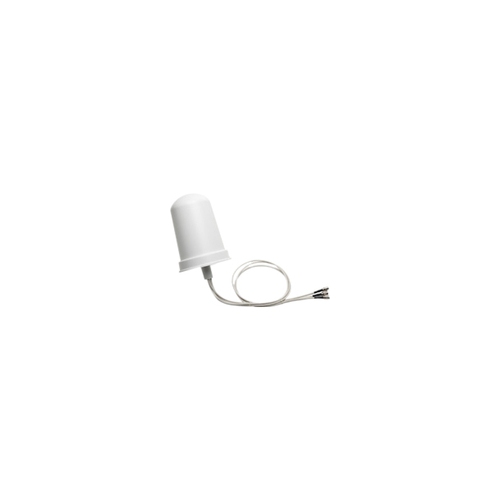
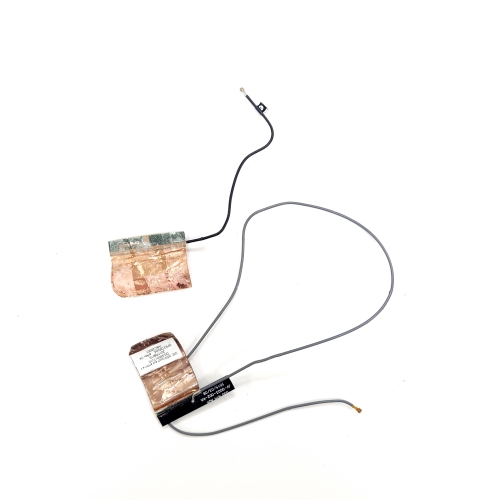
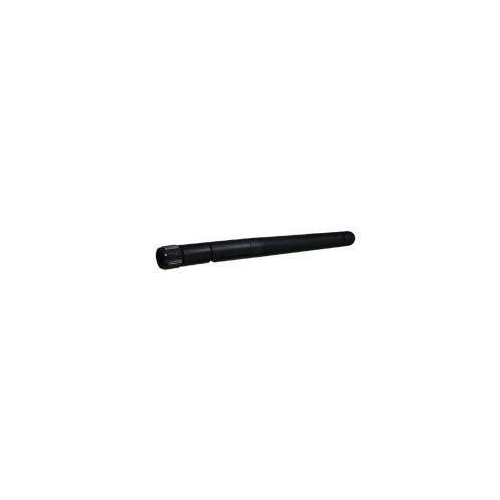
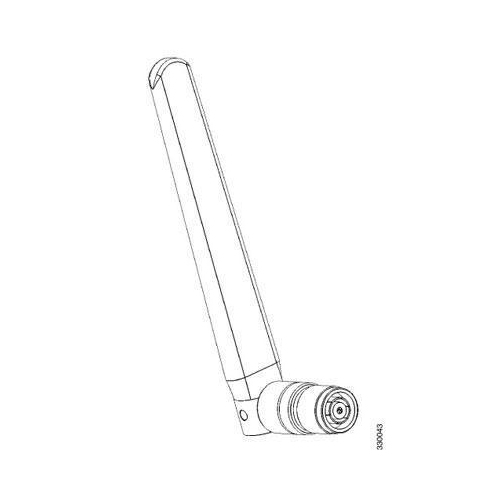
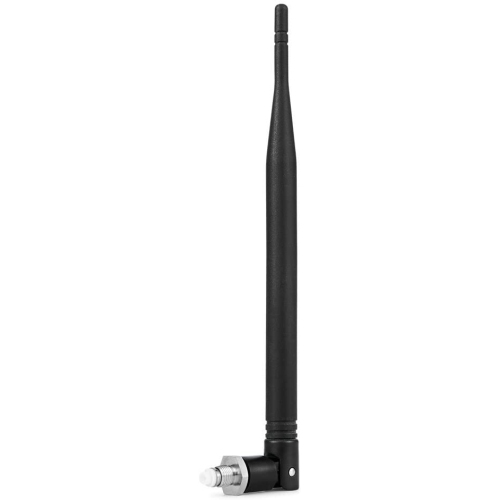
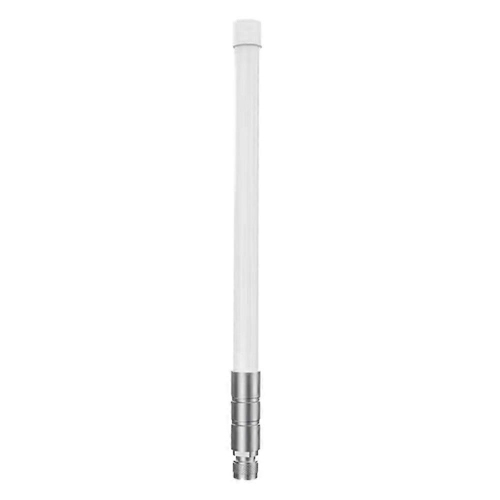
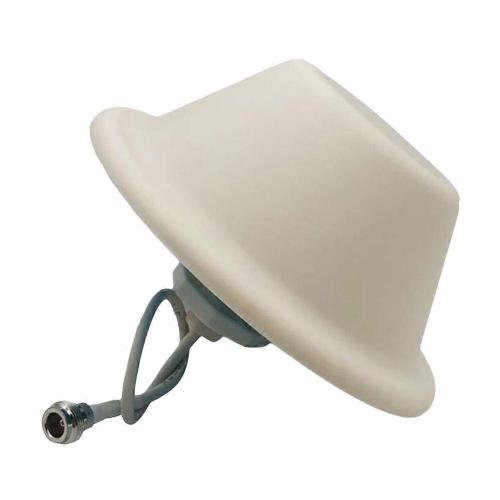
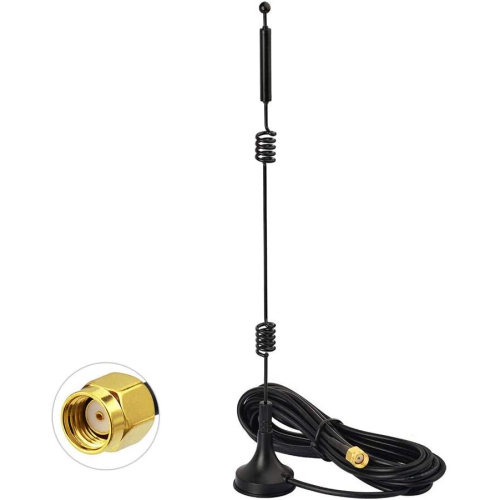
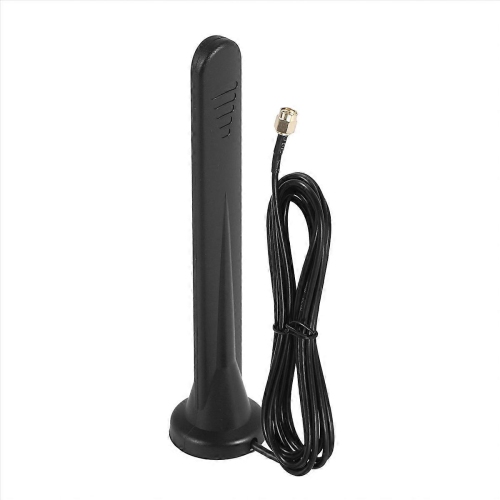
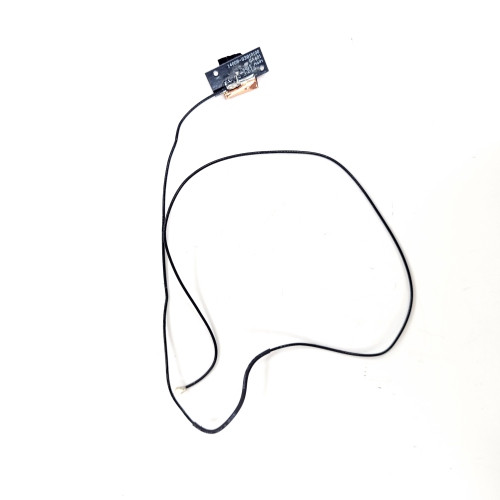
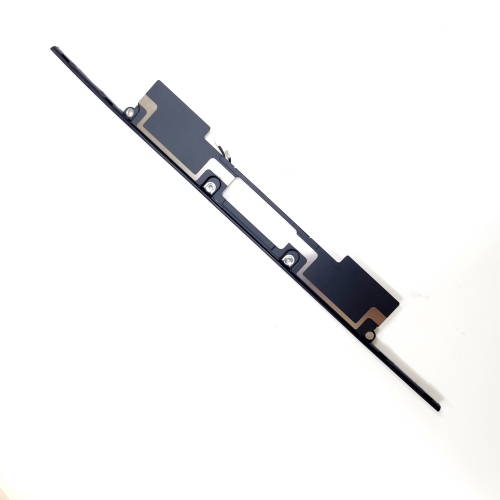
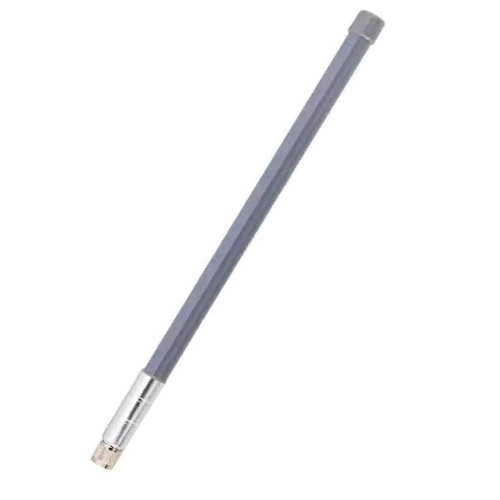
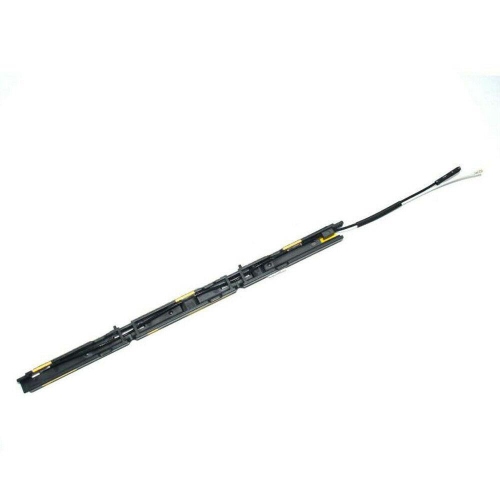
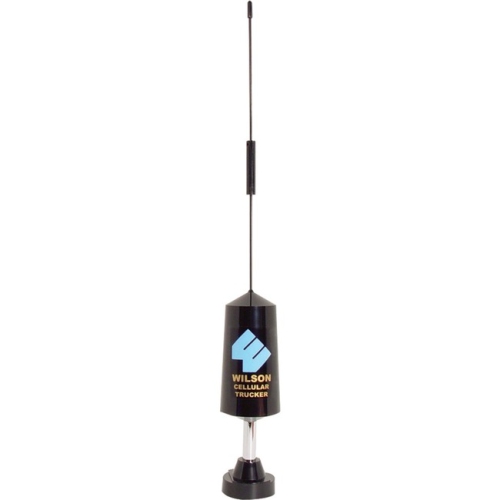
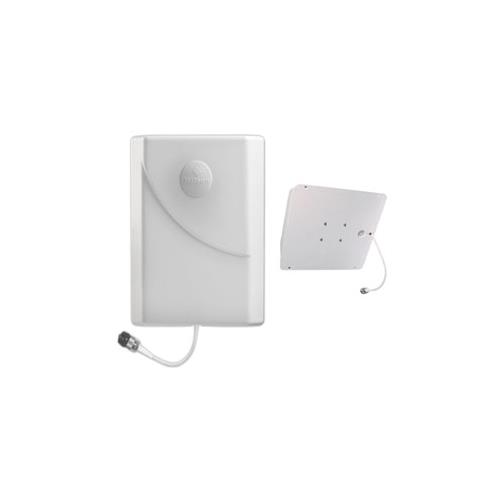
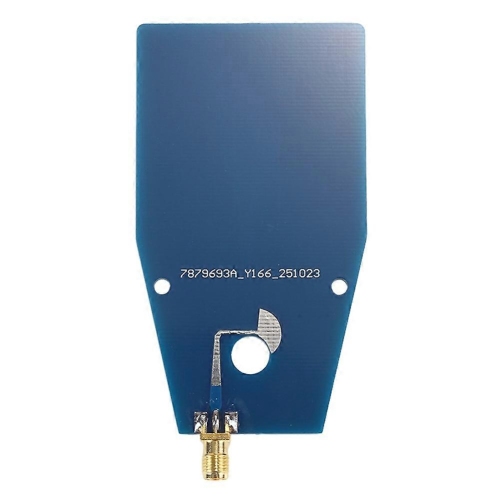
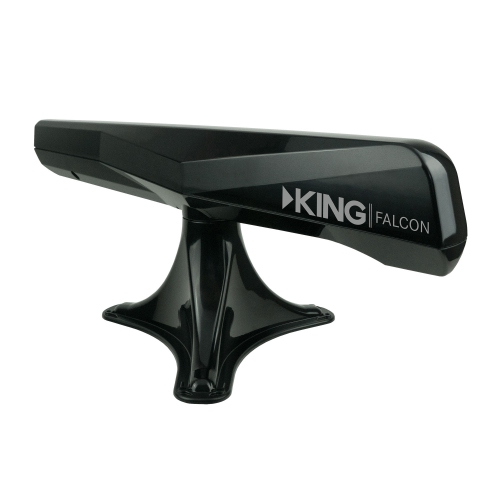
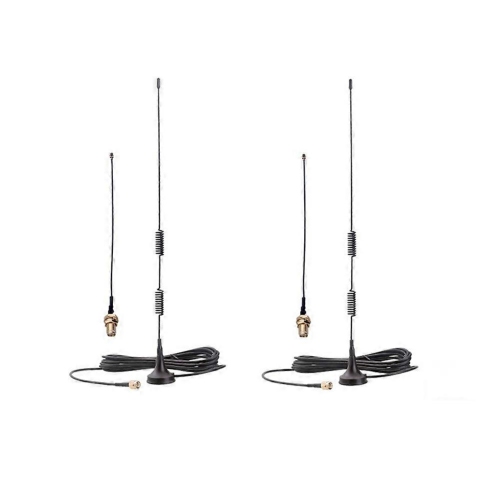
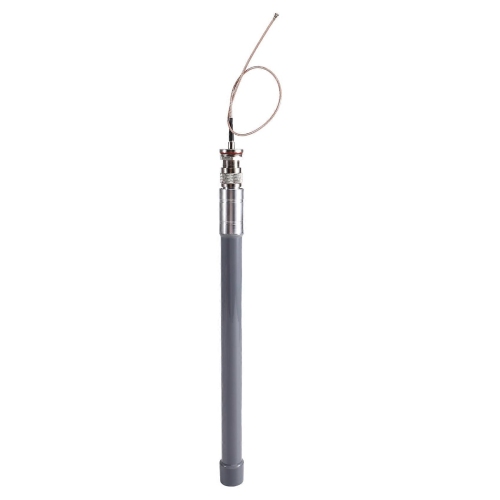
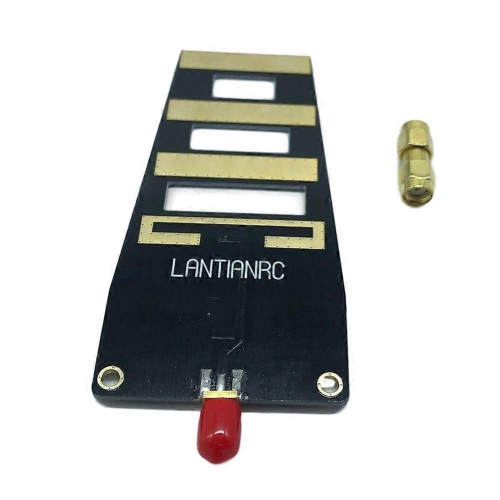
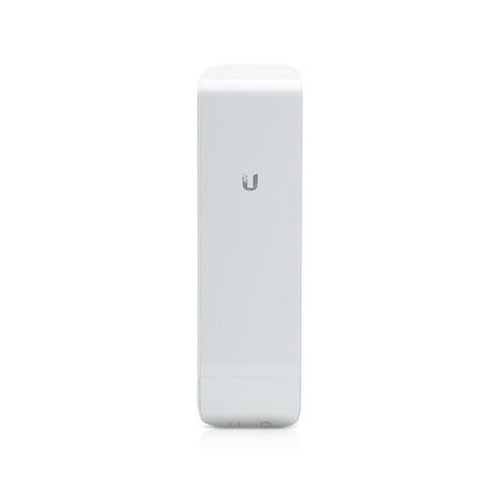
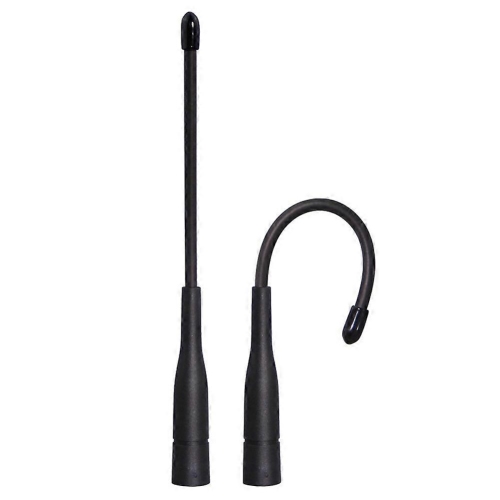
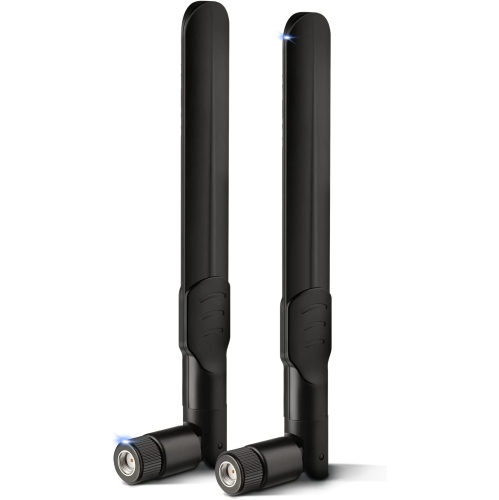
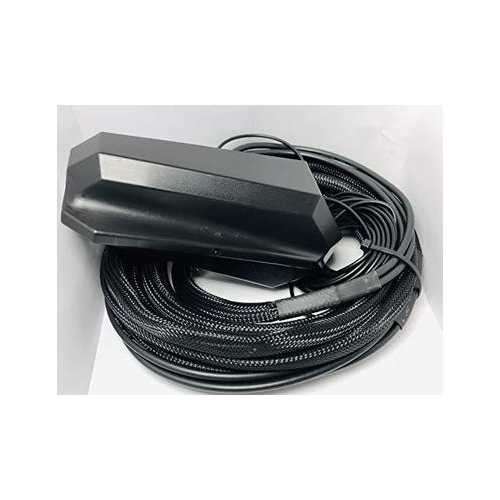
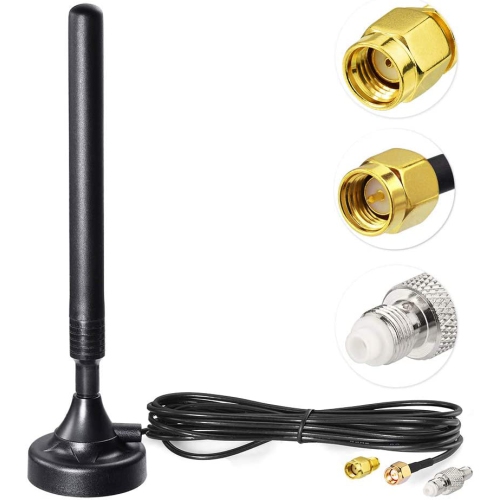
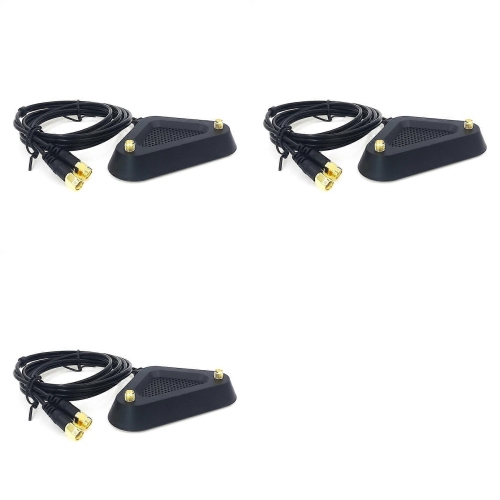
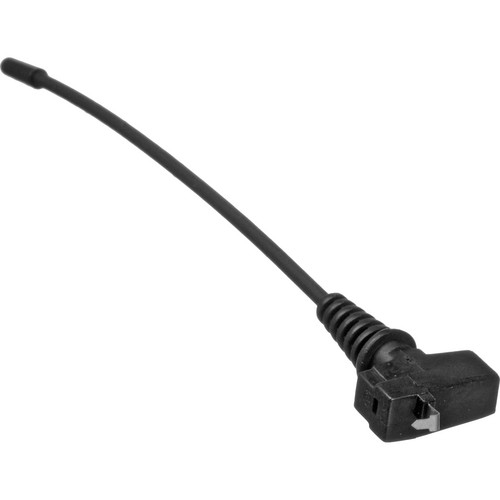
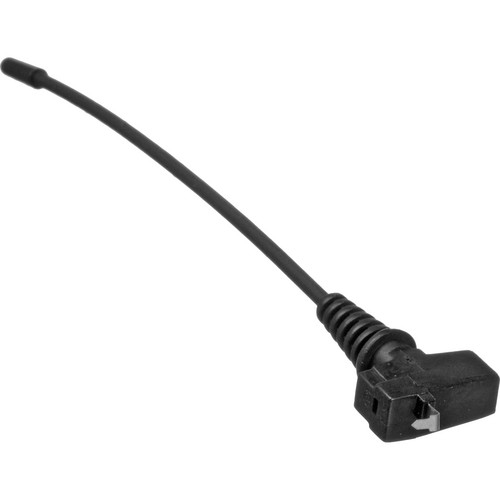
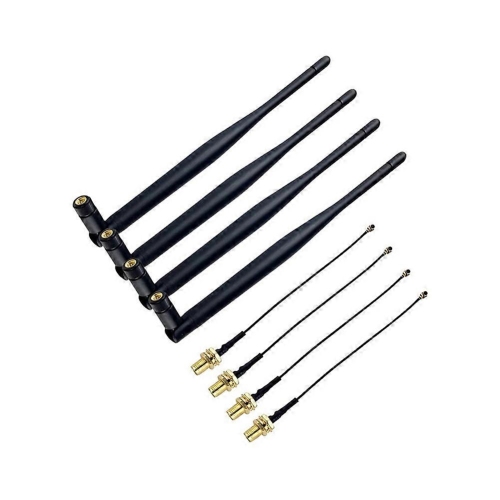
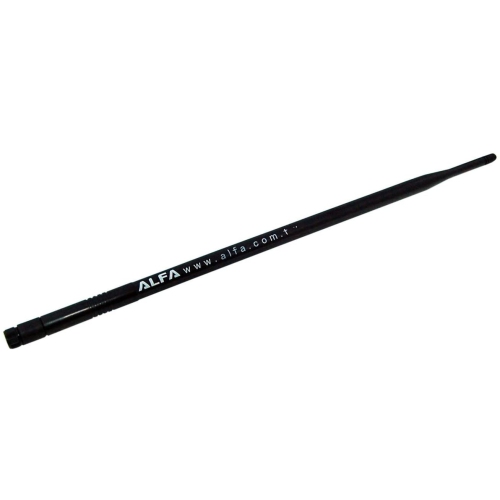
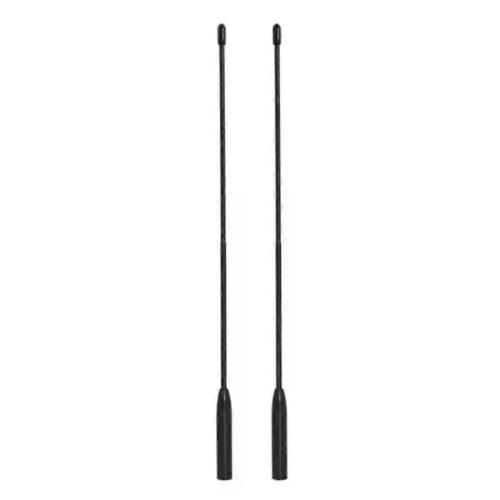
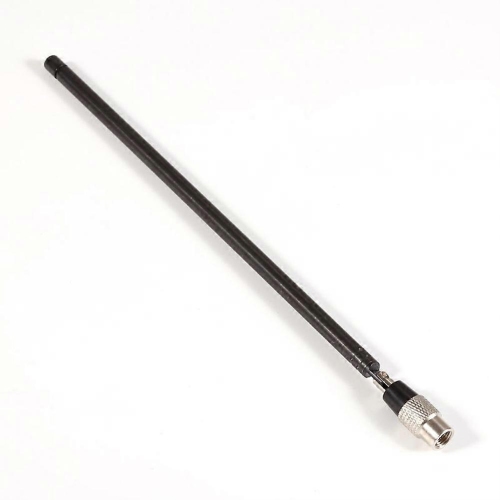
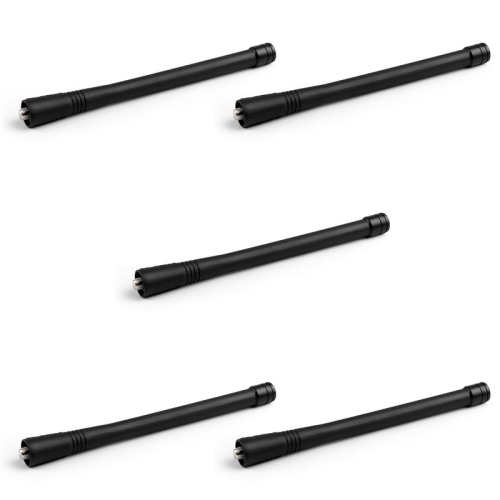
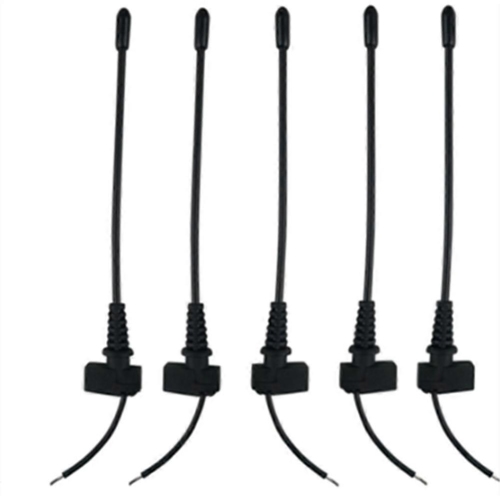
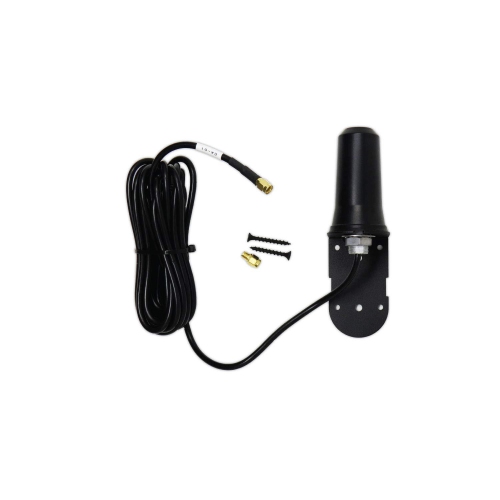
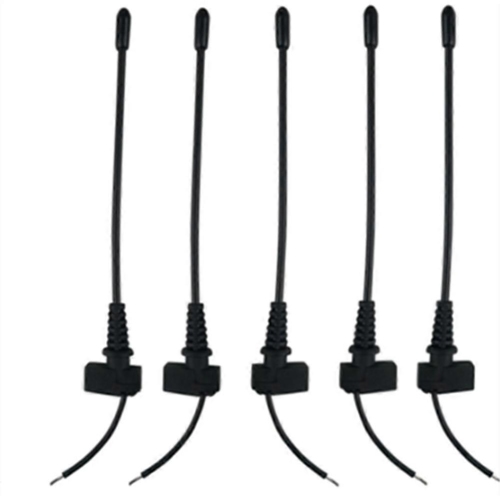
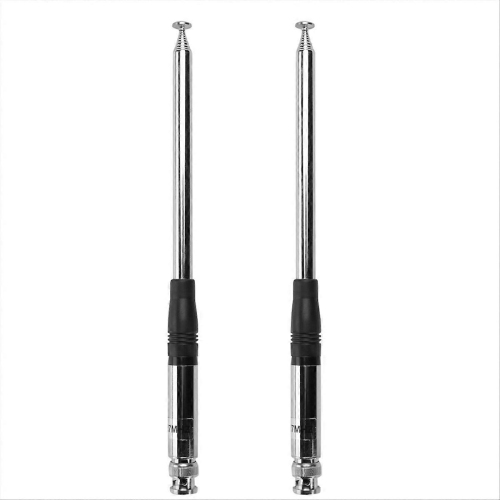
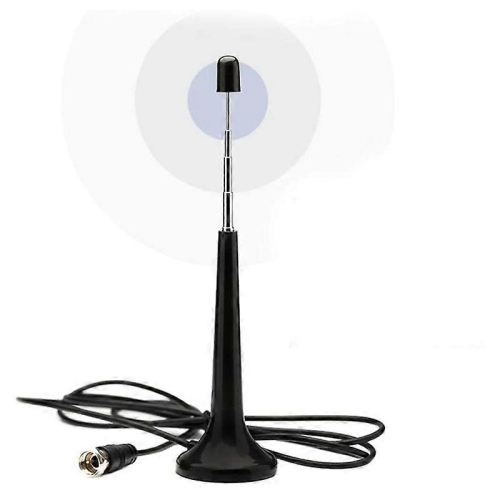
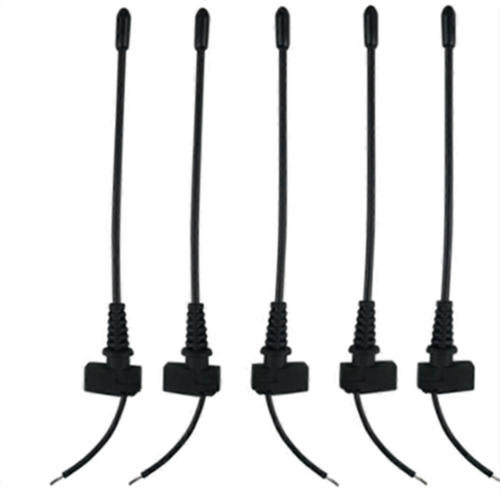
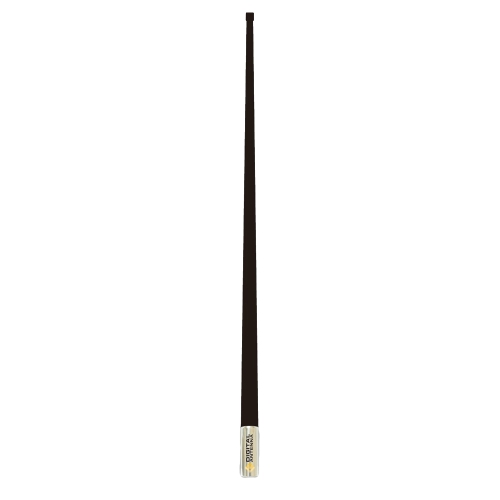
Wireless antennas transmit and receive radio frequency signals, helping compatible routers, computers, access points, and other networking equipment communicate without a wired connection between devices. An antenna converts electrical signals into electromagnetic waves when transmitting and converts incoming waves back into electrical signals when receiving. Its design is tuned to particular frequency ranges, so matching the antenna to the equipment’s supported bands is essential. For Wi-Fi, those bands commonly include 2.4 GHz, 5 GHz, and, on compatible equipment, 6 GHz. A dual-band antenna does not necessarily support all three, and an antenna intended for cellular service is not automatically suitable for a Wi-Fi connection. Within a home or workspace, wireless antennas can help address practical placement challenges: a desktop computer tucked beneath a metal desk, a router positioned at one end of a long room, or an access point serving several nearby workstations. Their usefulness depends on the complete connection, including the radio hardware, antenna placement, building materials, interference, and the capabilities of devices at both ends. An antenna alone does not create internet service, add a new Wi-Fi standard, or increase the speed supplied by an internet plan. Instead, a suitable antenna can improve how effectively compatible equipment sends and receives its existing wireless signals. That makes these networking accessories relevant to home office users, PC builders, gamers, small businesses, and anyone working with equipment that supports external antennas. Compact swivel designs can suit a desktop setup with limited space, while antennas with a separate base allow more freedom to position the receiving and transmitting elements away from obstructions. A remote base placed on an open shelf, for example, may offer a clearer signal path than an antenna attached behind a computer tower near the floor. For everyday use, the most helpful match is usually an antenna designed for the correct frequencies, connection type, and coverage area rather than simply the largest antenna or the one with the highest gain rating.
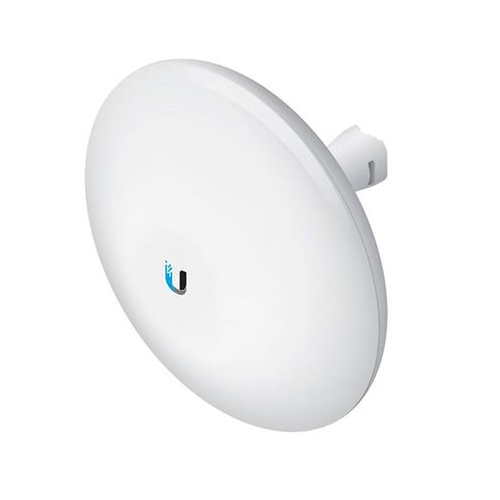
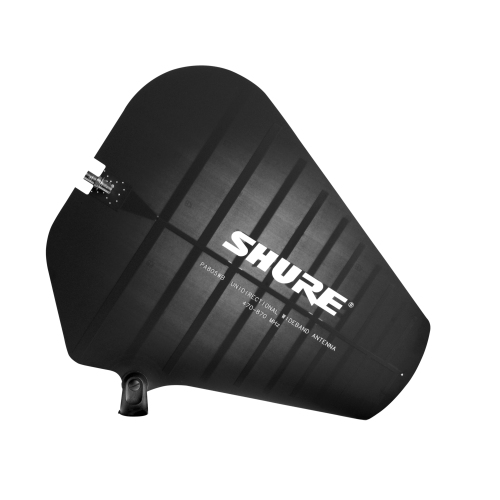
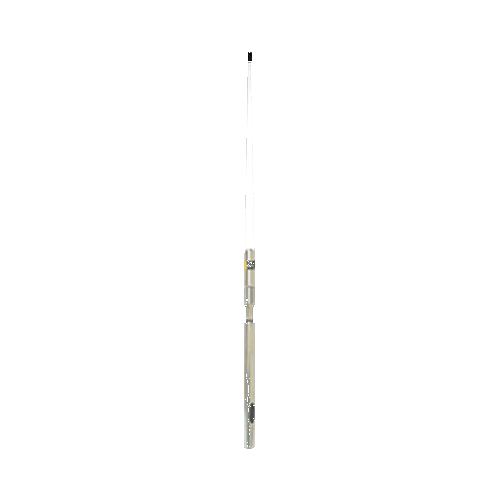
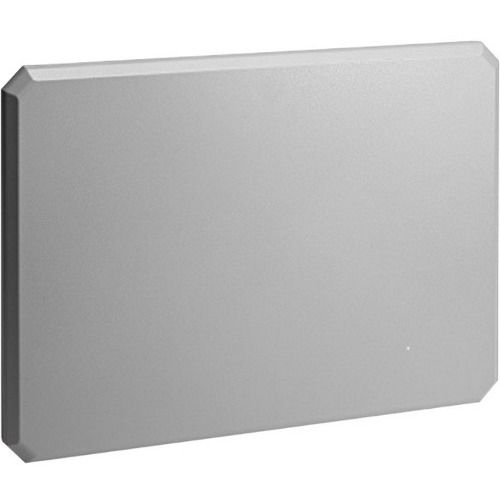
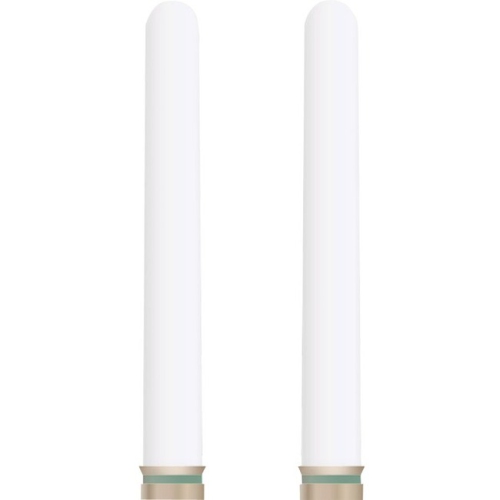
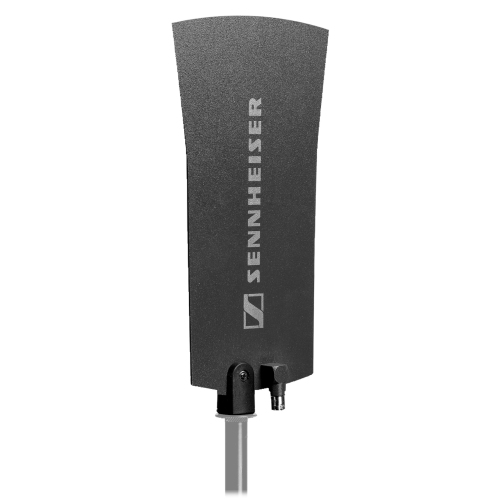
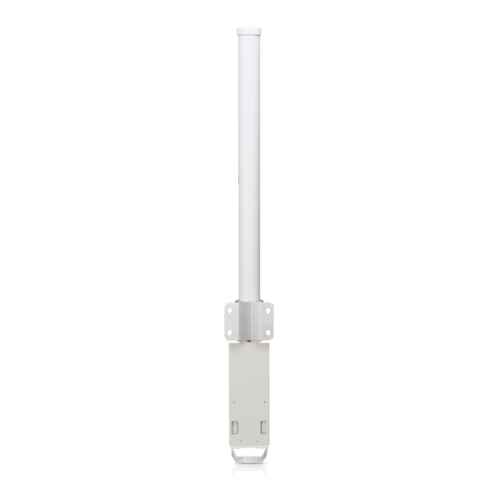
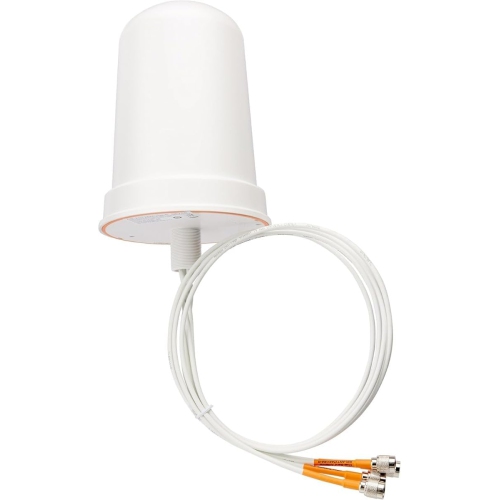
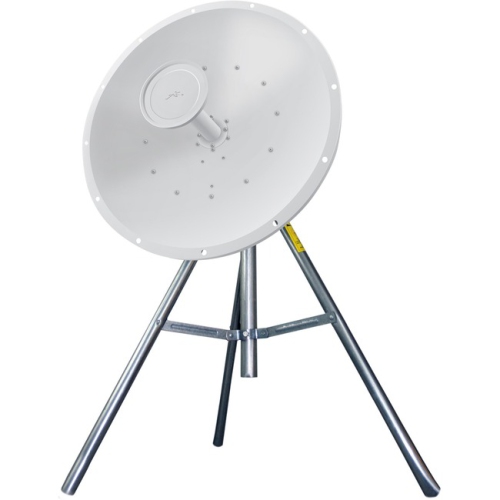
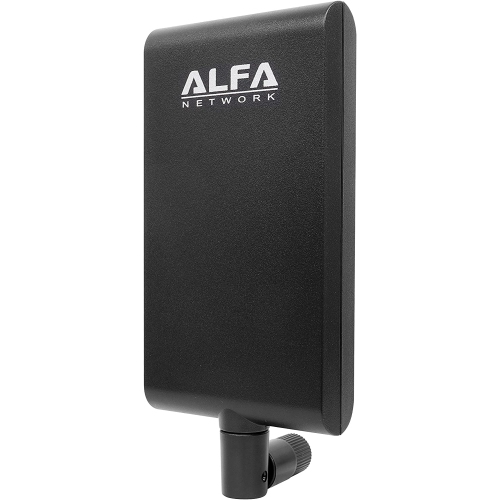
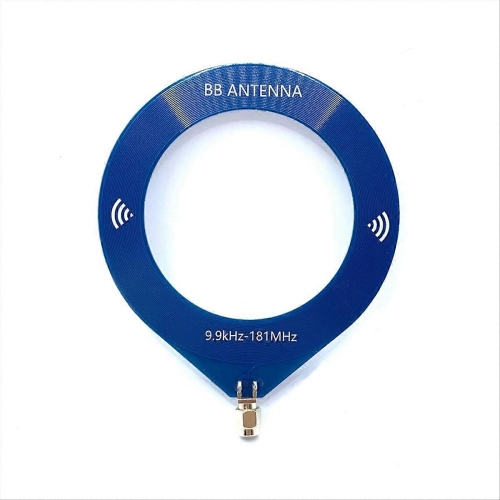
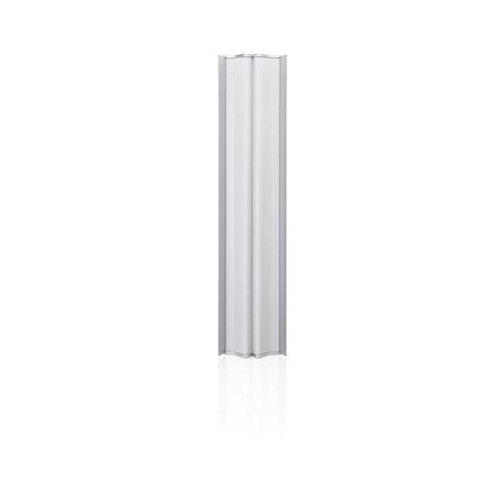
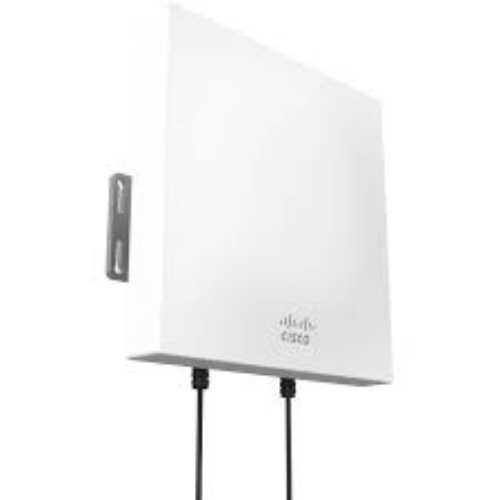
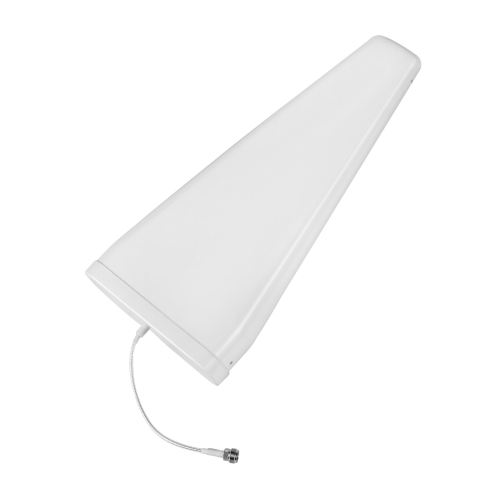
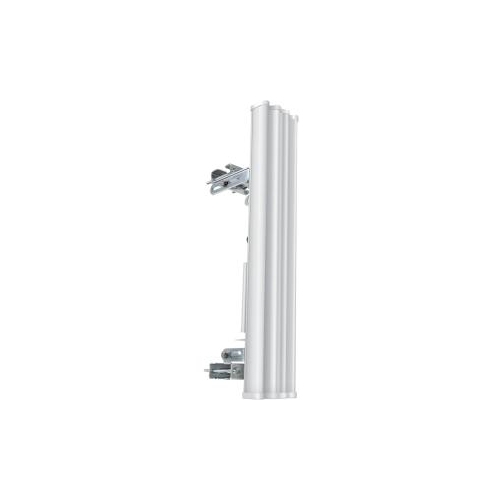
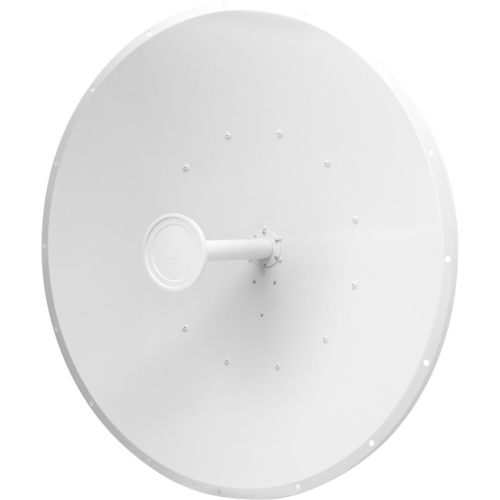
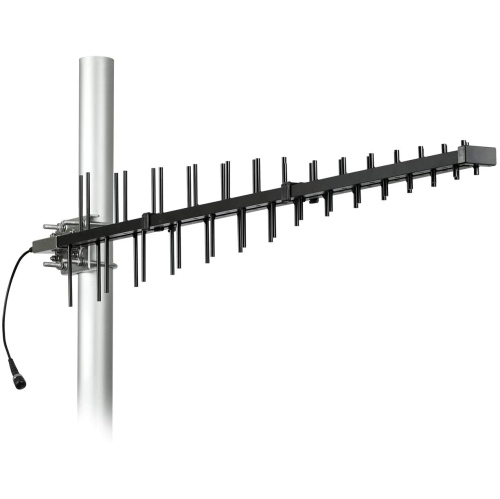
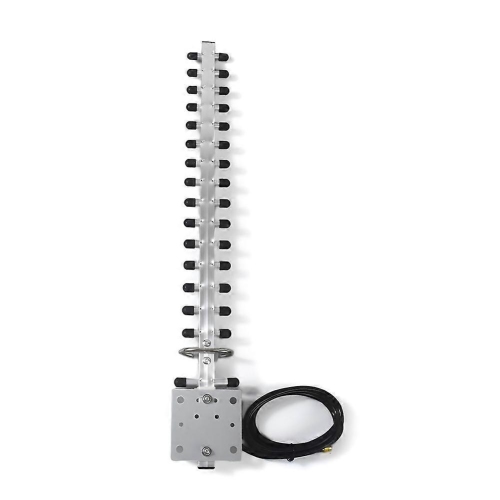
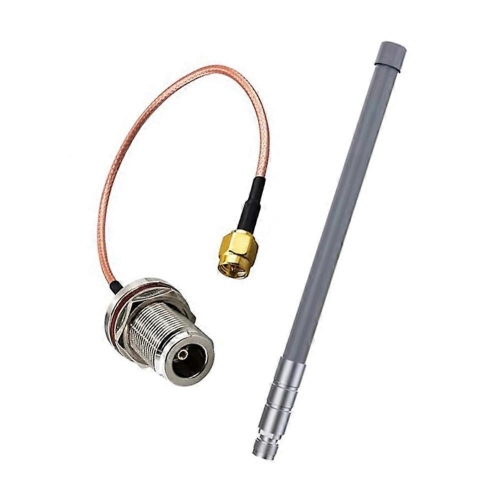
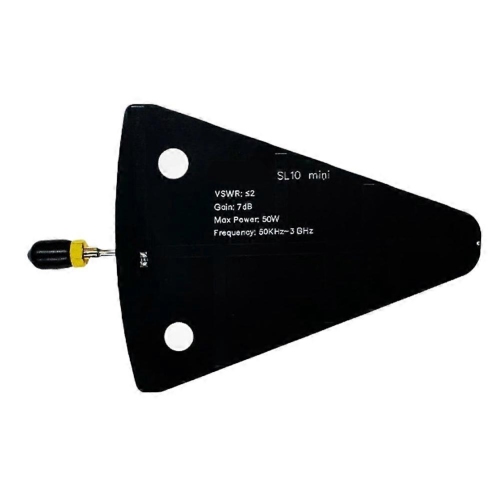
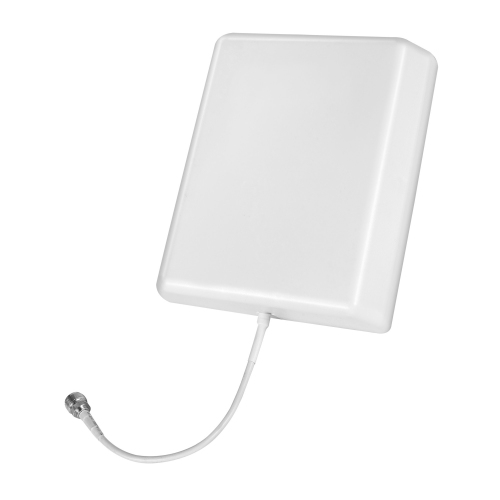
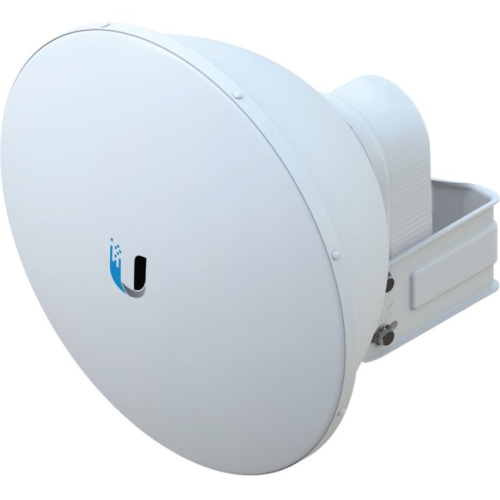
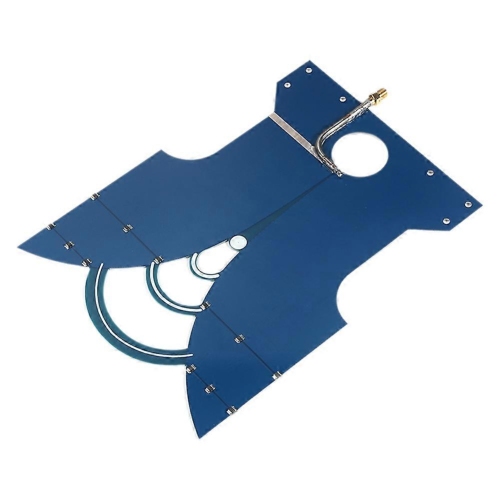
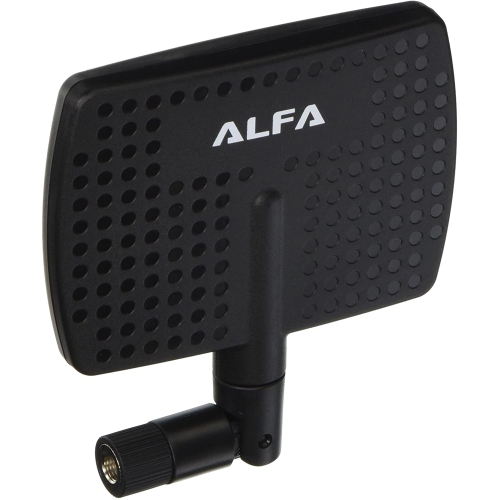
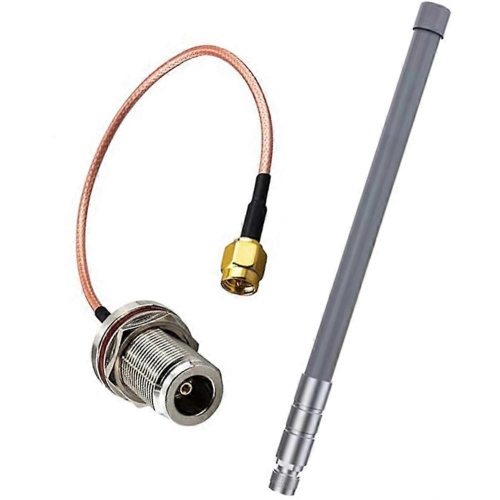
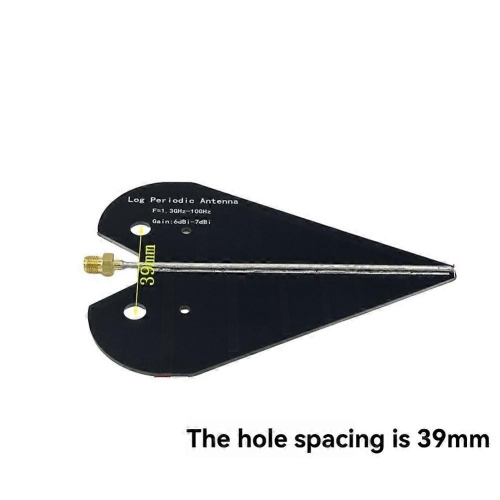
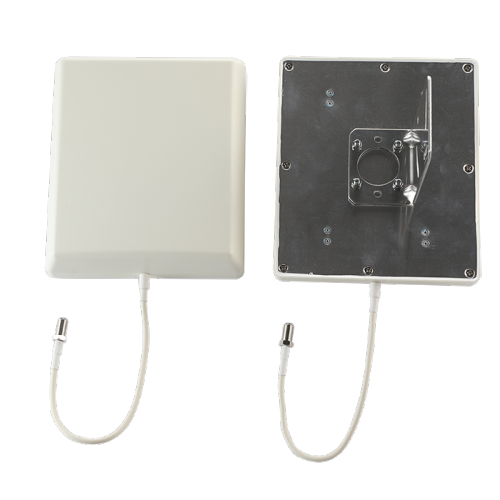
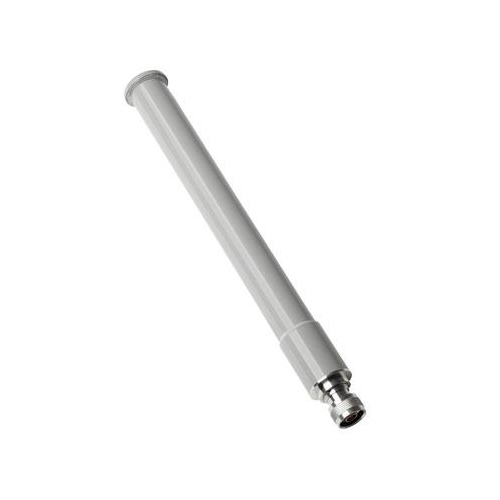
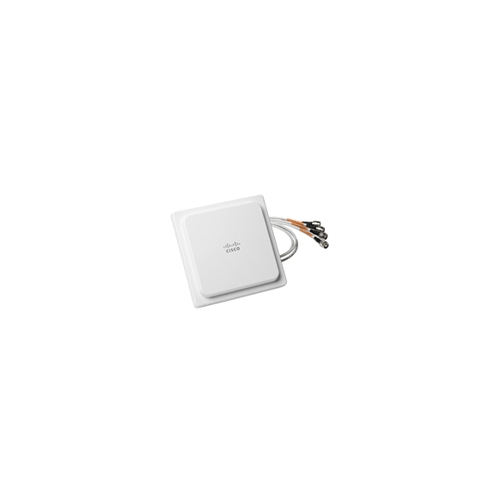
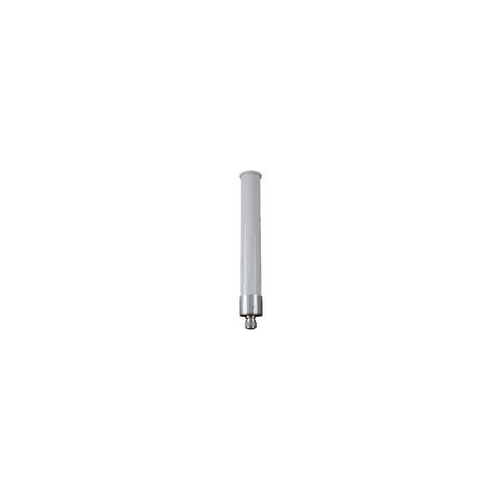
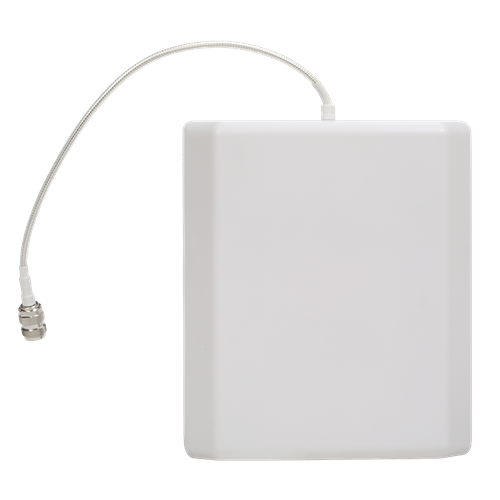
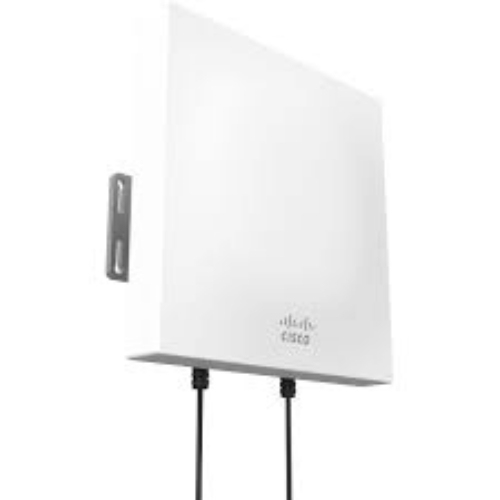
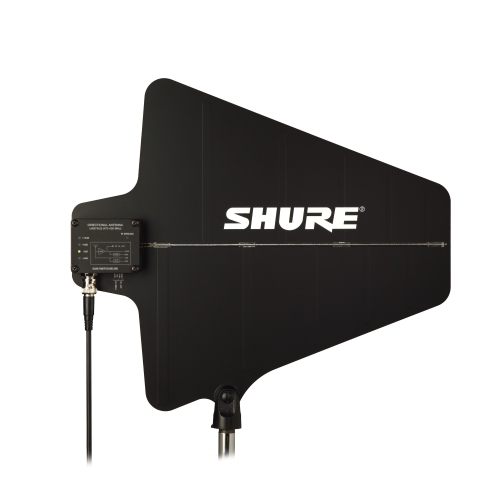
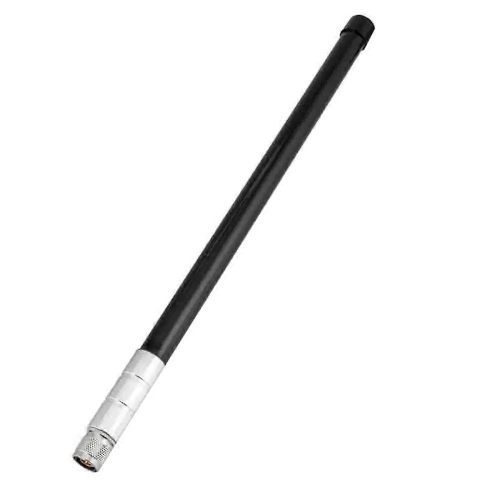
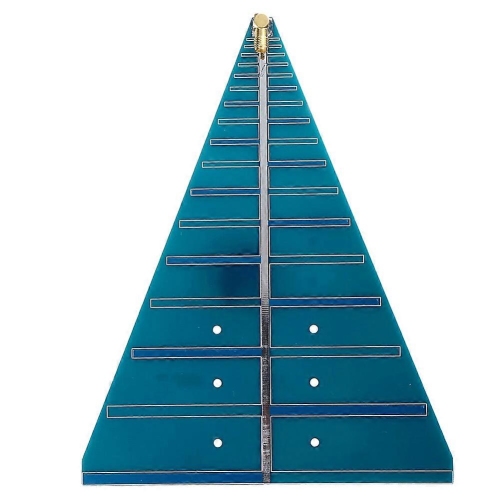
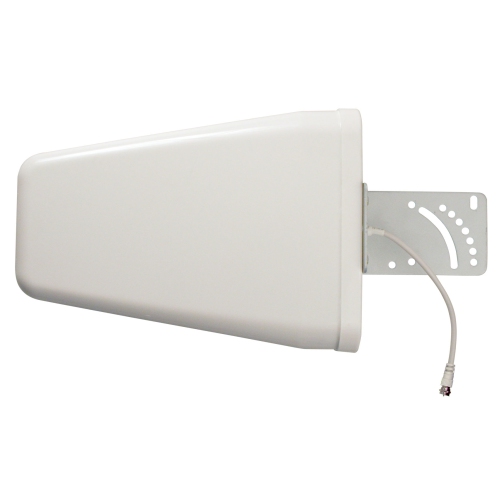
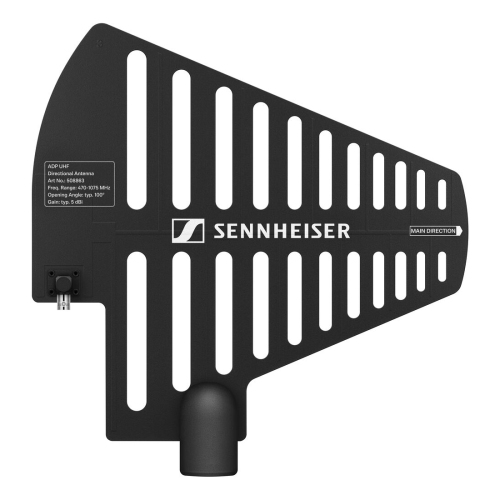
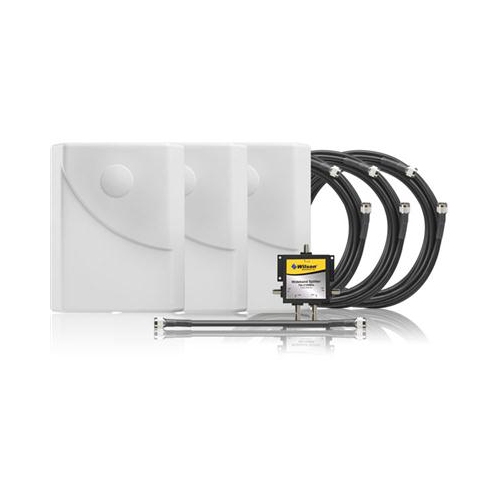
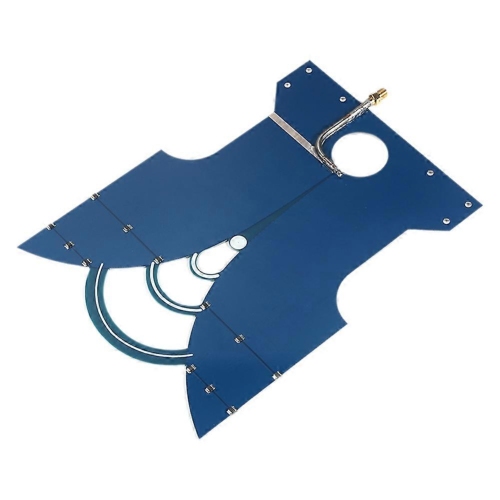
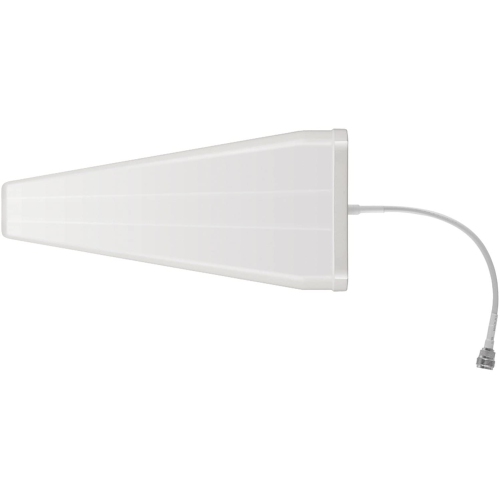
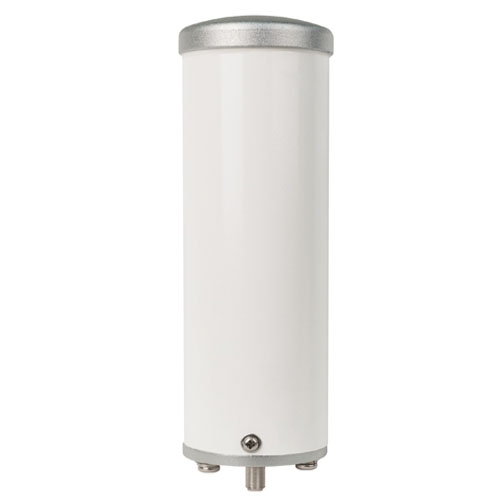
Coverage pattern is one of the main differences between wireless antenna designs. An omnidirectional antenna generally spreads its signal around an axis, making it useful when connected devices are scattered across a room or around a centrally positioned access point. Its coverage is often described as doughnut-shaped rather than a perfect sphere, with less signal extending directly along the antenna’s axis. A directional antenna concentrates more of its signal towards a particular area. Panel, Yagi, and parabolic designs can serve targeted connections, such as a compatible network link between a main building and a detached workspace. These designs require suitable positioning and alignment; they are not a general substitute for broad indoor coverage. Antenna gain, expressed in dBi, describes how strongly an antenna concentrates radio energy in a direction compared with a theoretical isotropic antenna. Higher gain does not mean the antenna creates additional transmitter power. It usually means a more focused coverage pattern, which can help reach a distant location while providing less coverage elsewhere. With an omnidirectional design, higher gain often narrows the vertical pattern, so an option suited to a broad, single-level space may be less helpful for rooms directly upstairs or downstairs. Similarly, a directional antenna aimed towards a garage may do little for a laptop behind it. The 2.4 GHz band generally reaches farther and passes through obstacles more readily than higher Wi-Fi bands, although nearby networks and household devices can make it crowded. The 5 GHz and 6 GHz bands can provide access to wider channels on compatible hardware, but walls and distance still affect the connection. Brick, concrete, metal siding, large appliances, and foil-backed insulation can weaken radio signals regardless of the antenna’s stated range. Advertised distance figures therefore need context: an open path between properly aligned antennas is very different from a route through several furnished rooms. For links between buildings, a clear line of sight and adequate clearance around the signal path matter alongside gain, mounting height, and the equipment used at each end.
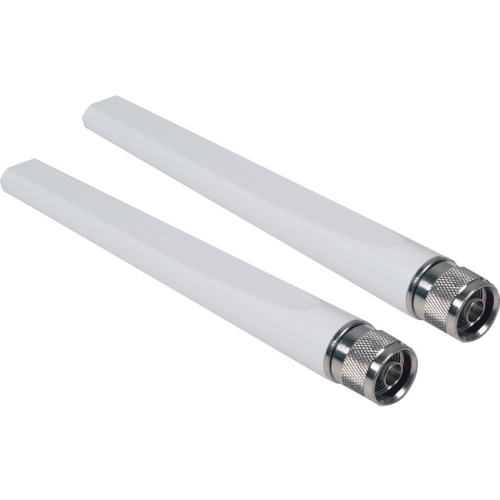
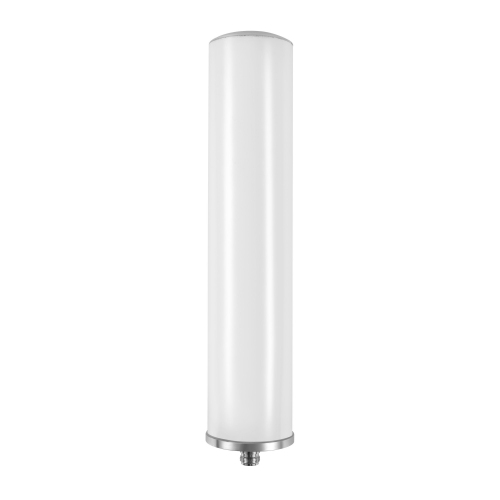
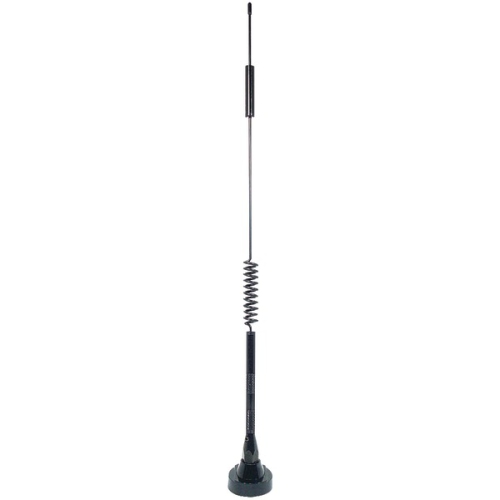
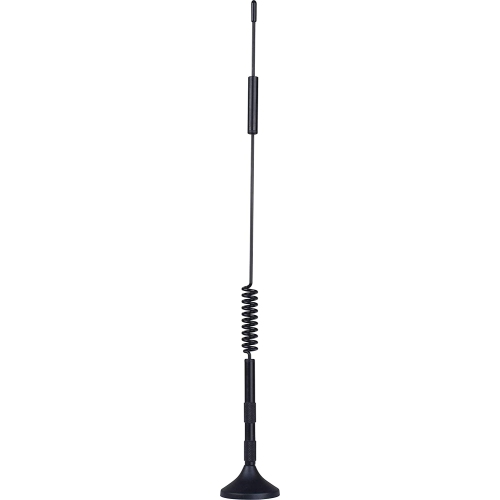
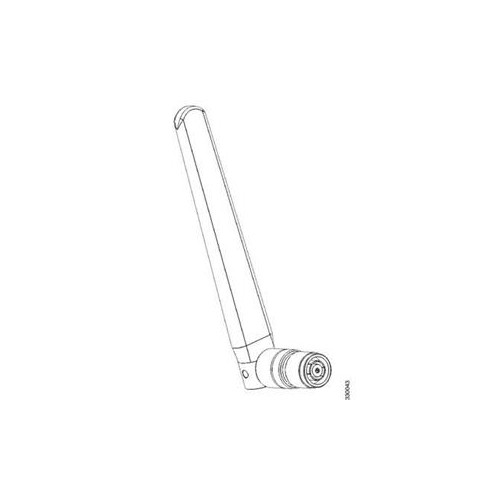
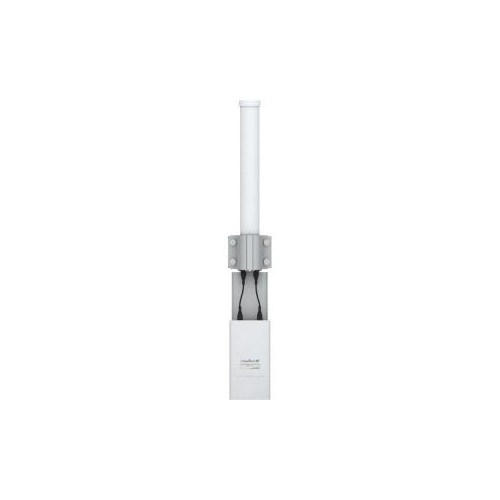
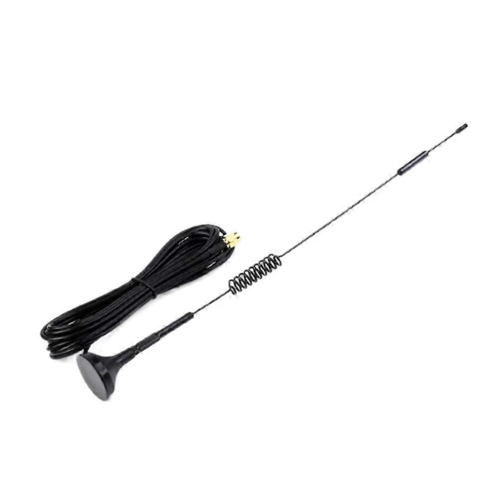
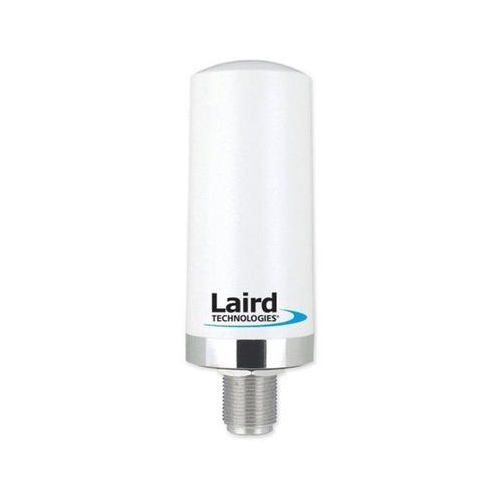
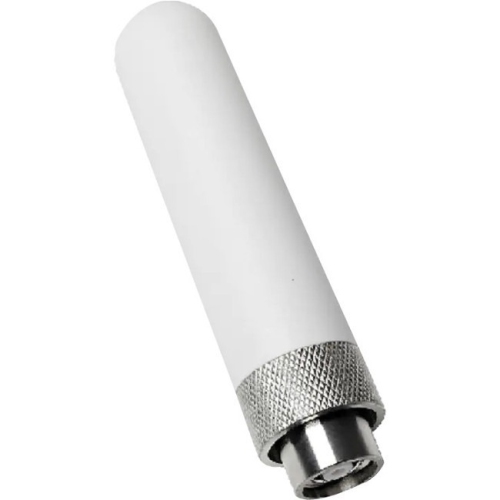
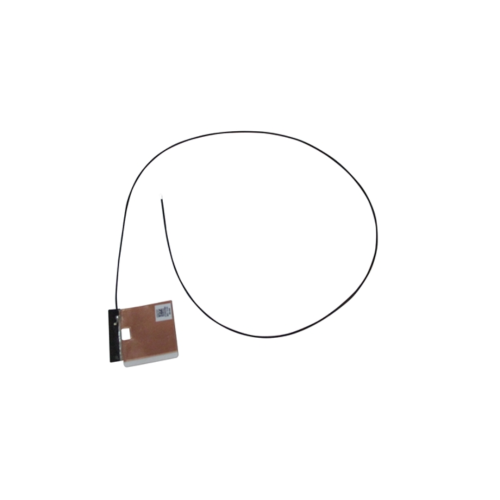
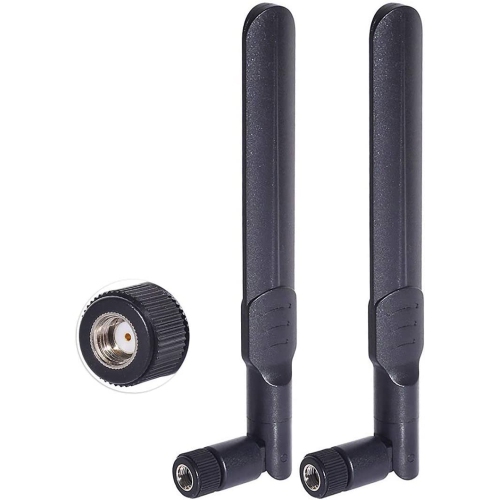
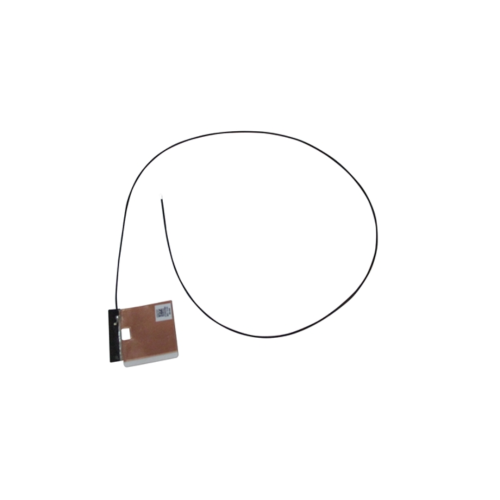
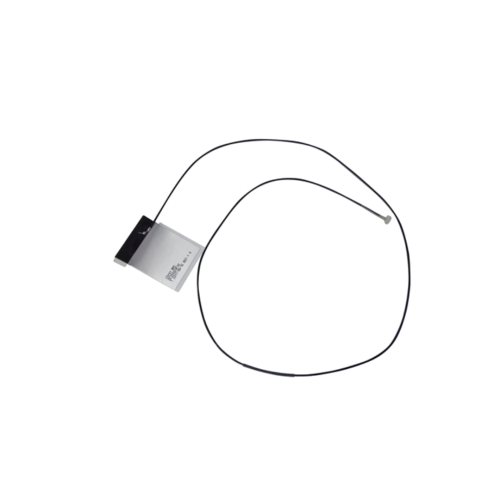
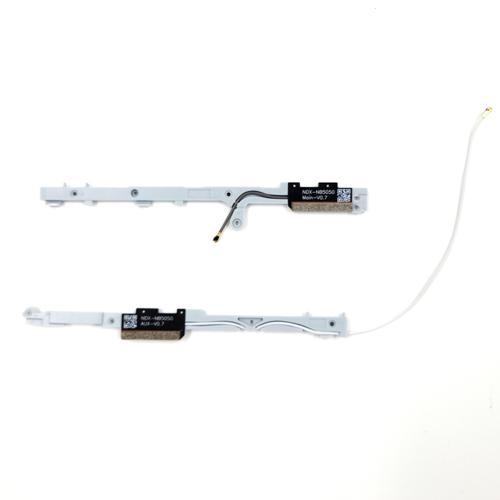
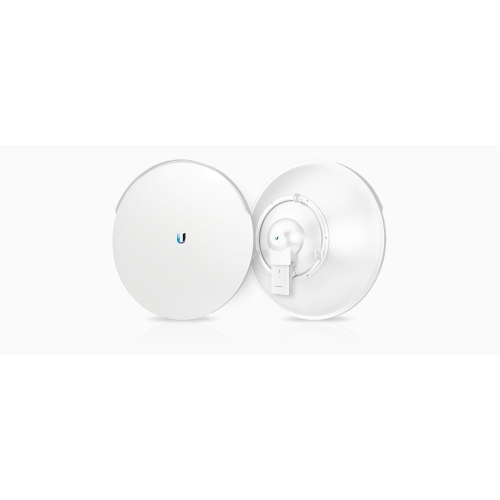
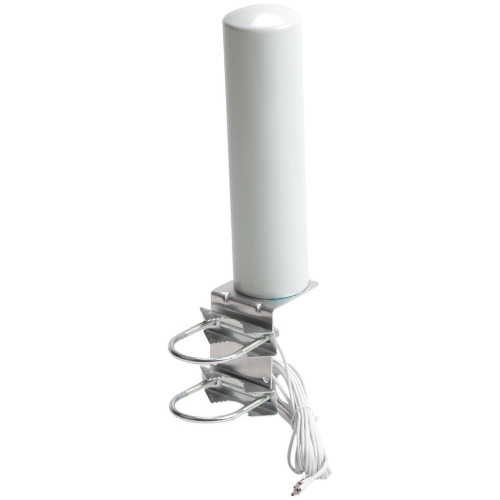
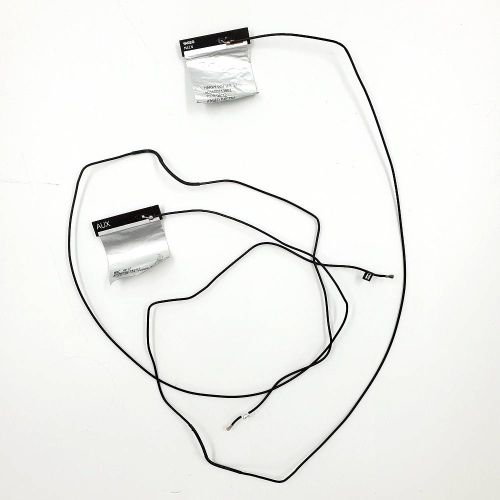
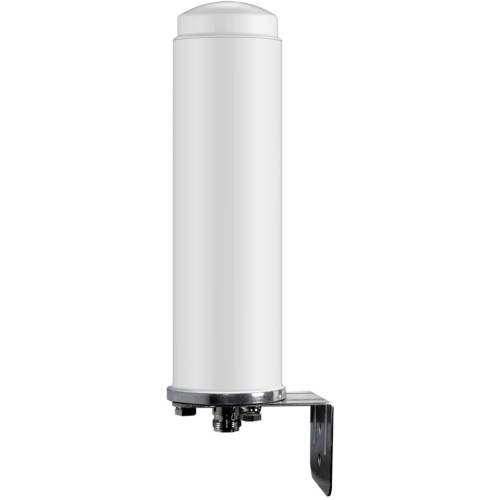
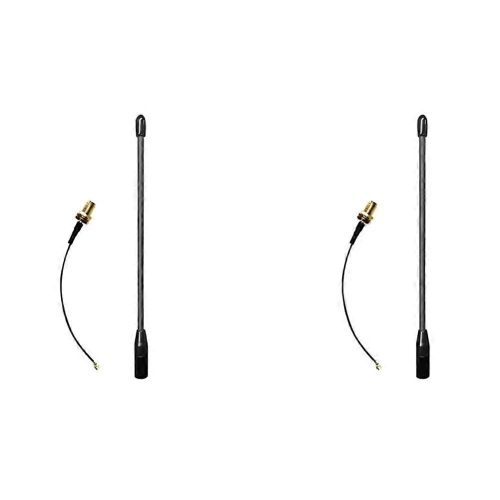
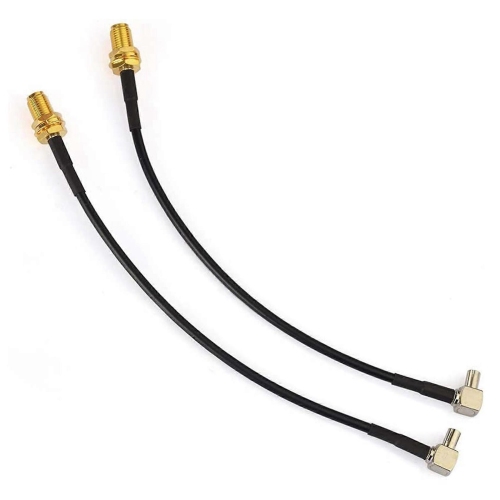
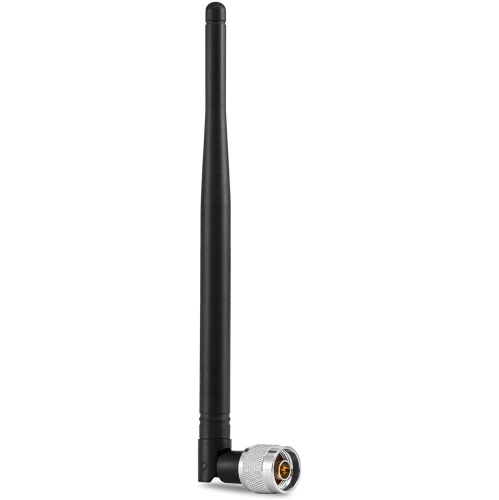
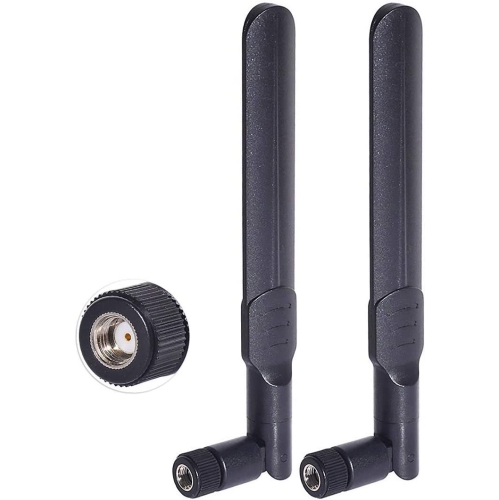
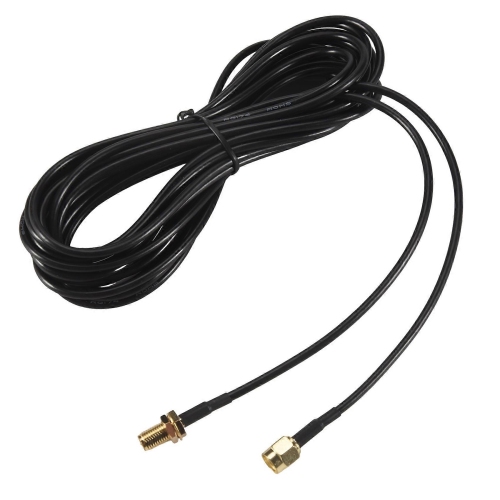
Physical compatibility deserves as much attention as wireless performance. External antennas may use threaded connectors such as SMA or RP-SMA, which can look similar but have different centre-contact arrangements. The connector family, plug or jack configuration, and centre pin or socket must match the equipment specifications; a connection that appears close is not enough. Some routers and computers have fixed antennas or internal connections that are not intended for a simple external replacement. Equipment using multiple antennas for MIMO, or multiple-input multiple-output communication, also relies on the correct number and arrangement of connections to support its intended performance. Replacing a matched arrangement with a single antenna can limit those capabilities. Cable length is another practical consideration. An extension can move an antenna out from behind furniture, but the cable also introduces signal loss, especially at higher frequencies, so a longer lead is not always an improvement. Secure connectors, gently routed cables, and a stable base help keep a setup tidy without placing strain on the device’s antenna port. For indoor use, durable plastic housings, firm swivel joints, and a base suited to the mounting surface can make everyday positioning easier. Magnetic bases need a suitable metal surface, while adhesive mounts depend on surface preparation and the adhesive’s stated limits. For exterior installations, Outdoor Wi-Fi Antennas are designed for applications where weather exposure and mounting requirements differ from those inside a home. Relevant specifications include operating temperature, resistance to water and dust, UV-resistant housings, corrosion-resistant hardware, and the manufacturer’s mounting provisions. Canadian temperature swings, wind, rain, and snow make secure brackets and properly protected cable connections particularly important. An outdoor-rated housing does not make every attached connector or cable weatherproof. Exterior installations may also require grounding and surge protection in accordance with equipment instructions and applicable electrical requirements, with qualified installation appropriate for elevated mounts or complex cable runs. Routine care is generally straightforward: keep indoor housings free of dust with a soft, dry cloth, avoid forcing adjustable joints, and check accessible mounts and leads for wear. A well-matched antenna should fit both the networking equipment and the physical space, supporting the intended connection without unnecessary bulk or awkward cabling.
Coverage pattern is one of the main differences between wireless antenna designs. An omnidirectional antenna generally spreads its signal around an axis, making it useful when connected devices are scattered across a room or around a centrally positioned access point. Its coverage is often described as doughnut-shaped rather than a perfect sphere, with less signal extending directly along the antenna’s axis. A directional antenna concentrates more of its signal towards a particular area. Panel, Yagi, and parabolic designs can serve targeted connections, such as a compatible network link between a main building and a detached workspace. These designs require suitable positioning and alignment; they are not a general substitute for broad indoor coverage. Antenna gain, expressed in dBi, describes how strongly an antenna concentrates radio energy in a direction compared with a theoretical isotropic antenna. Higher gain does not mean the antenna creates additional transmitter power. It usually means a more focused coverage pattern, which can help reach a distant location while providing less coverage elsewhere. With an omnidirectional design, higher gain often narrows the vertical pattern, so an option suited to a broad, single-level space may be less helpful for rooms directly upstairs or downstairs. Similarly, a directional antenna aimed towards a garage may do little for a laptop behind it. The 2.4 GHz band generally reaches farther and passes through obstacles more readily than higher Wi-Fi bands, although nearby networks and household devices can make it crowded. The 5 GHz and 6 GHz bands can provide access to wider channels on compatible hardware, but walls and distance still affect the connection. Brick, concrete, metal siding, large appliances, and foil-backed insulation can weaken radio signals regardless of the antenna’s stated range. Advertised distance figures therefore need context: an open path between properly aligned antennas is very different from a route through several furnished rooms. For links between buildings, a clear line of sight and adequate clearance around the signal path matter alongside gain, mounting height, and the equipment used at each end.
Physical compatibility deserves as much attention as wireless performance. External antennas may use threaded connectors such as SMA or RP-SMA, which can look similar but have different centre-contact arrangements. The connector family, plug or jack configuration, and centre pin or socket must match the equipment specifications; a connection that appears close is not enough. Some routers and computers have fixed antennas or internal connections that are not intended for a simple external replacement. Equipment using multiple antennas for MIMO, or multiple-input multiple-output communication, also relies on the correct number and arrangement of connections to support its intended performance. Replacing a matched arrangement with a single antenna can limit those capabilities. Cable length is another practical consideration. An extension can move an antenna out from behind furniture, but the cable also introduces signal loss, especially at higher frequencies, so a longer lead is not always an improvement. Secure connectors, gently routed cables, and a stable base help keep a setup tidy without placing strain on the device’s antenna port. For indoor use, durable plastic housings, firm swivel joints, and a base suited to the mounting surface can make everyday positioning easier. Magnetic bases need a suitable metal surface, while adhesive mounts depend on surface preparation and the adhesive’s stated limits. For exterior installations, Outdoor Wi-Fi Antennas are designed for applications where weather exposure and mounting requirements differ from those inside a home. Relevant specifications include operating temperature, resistance to water and dust, UV-resistant housings, corrosion-resistant hardware, and the manufacturer’s mounting provisions. Canadian temperature swings, wind, rain, and snow make secure brackets and properly protected cable connections particularly important. An outdoor-rated housing does not make every attached connector or cable weatherproof. Exterior installations may also require grounding and surge protection in accordance with equipment instructions and applicable electrical requirements, with qualified installation appropriate for elevated mounts or complex cable runs. Routine care is generally straightforward: keep indoor housings free of dust with a soft, dry cloth, avoid forcing adjustable joints, and check accessible mounts and leads for wear. A well-matched antenna should fit both the networking equipment and the physical space, supporting the intended connection without unnecessary bulk or awkward cabling.
Top selling and popular products
-
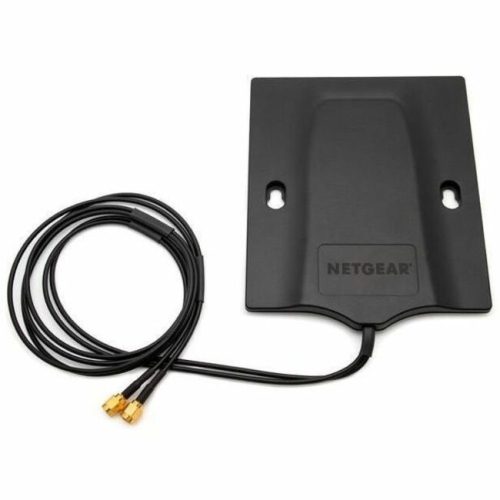 Your price for this item is $105.2
 -
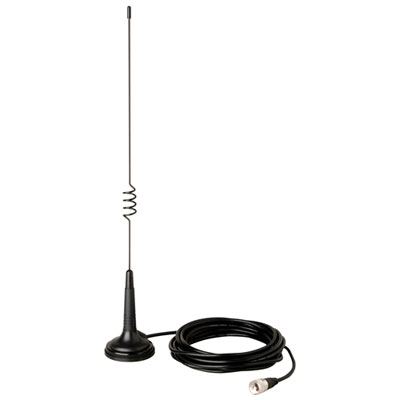 Your price for this item is $59.99
 -
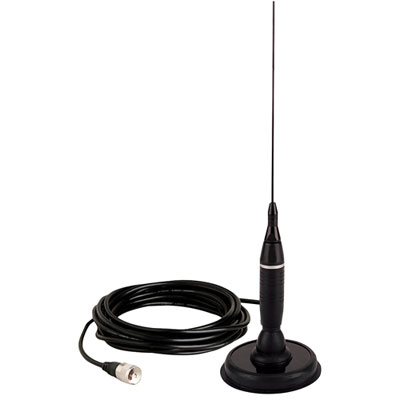 Your price for this item is $69.99
 -
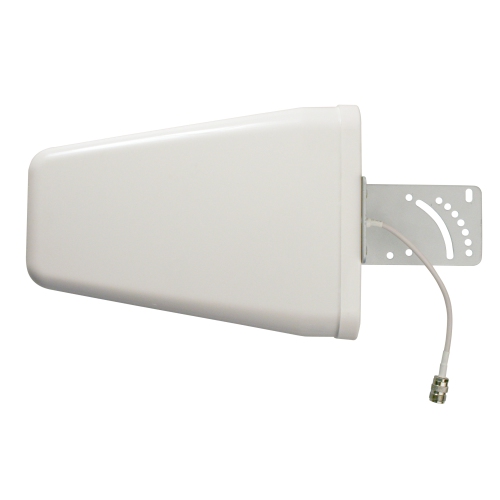 Your price for this item is $129.99
 -
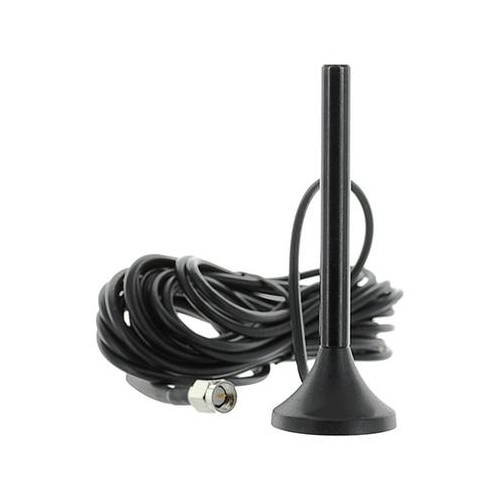 Your price for this item is $39.99
 -
 Your price for this item is $144.99
 -
 Your price for this item is $139.99
 -
 Your price for this item is $14.49
Discover more categories related to Wireless Antennas
Top Collections:
Pokemon Centers, Best Cameras for Sports Photography, Kindle Devices, Samsung Galaxy Phones, Canon G7X Cameras, Pokémon 30th Celebration Cards, Refurbished Apple Laptops, iPhone 15 Apple, Laptops for Students, Budget Smartphones
Some products may be subject to Environmental Handling Fees
(EHF) depending on your province.
Learn more about EHFs.