4K Video Editing Computers
A 4K Video Editing Computer is essential for professionals and enthusiasts who demand smooth performance and reliable power during high-resolution video projects. Whether you’re working on cinematic productions, YouTube content, or creative short films, these computers are built to handle the intensive tasks associated with editing 4K footage. Find the ideal 4K Video Editing Computer to streamline your workflow and bring your creative vision to life with precision and efficiency.
Sort


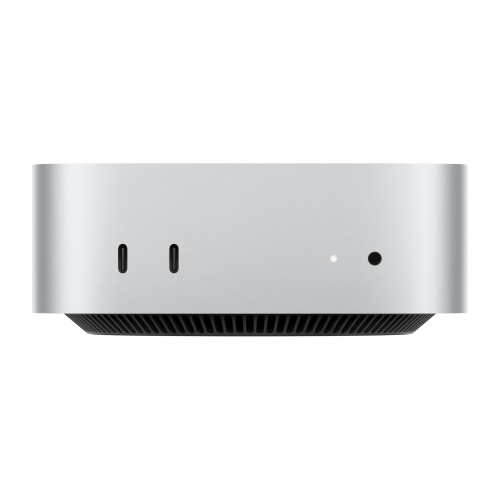

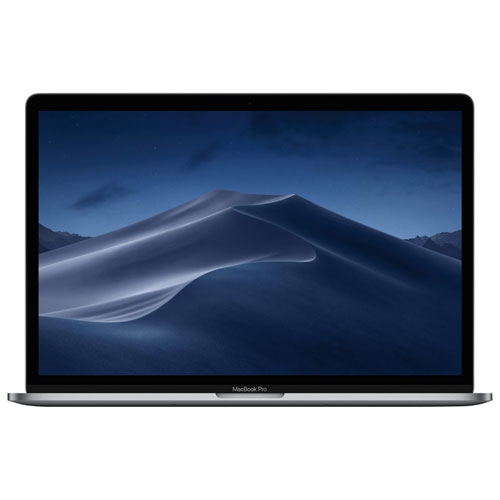
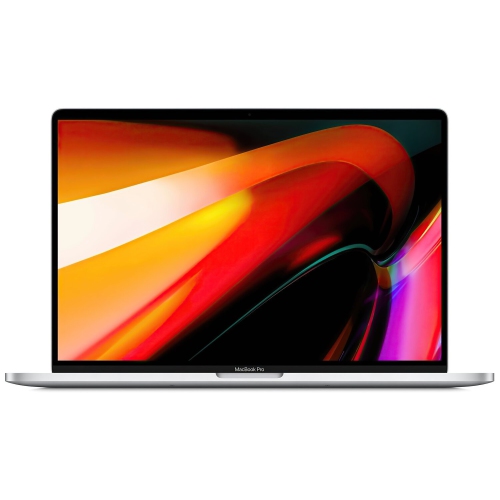

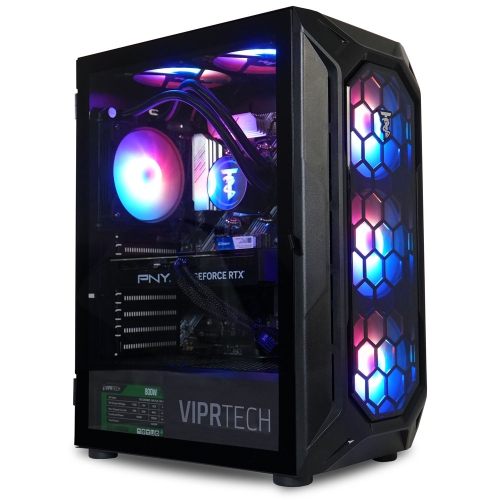
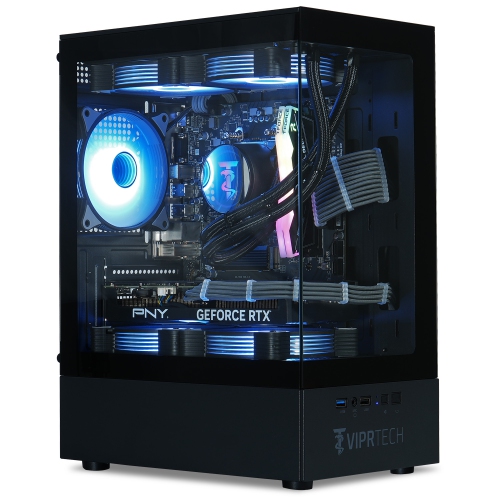
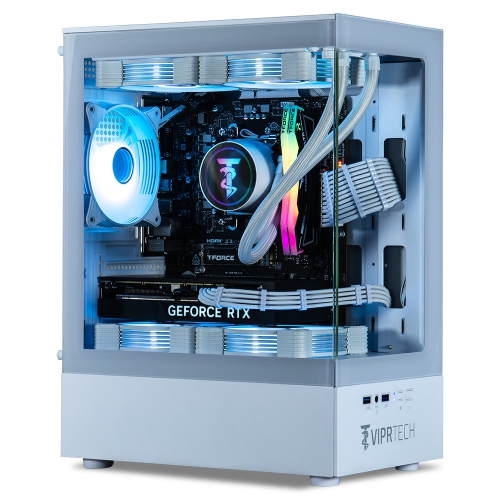
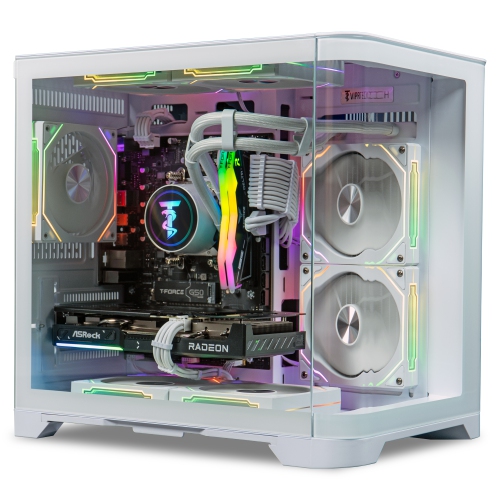
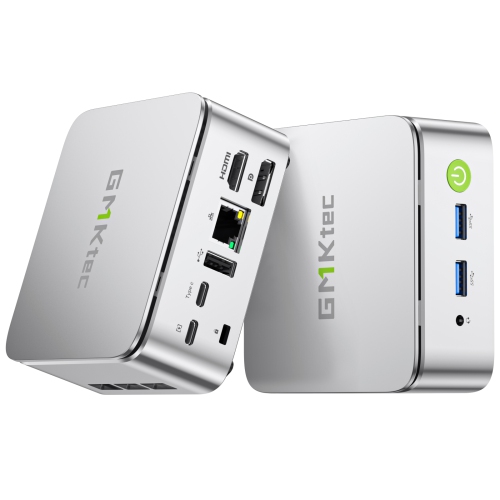


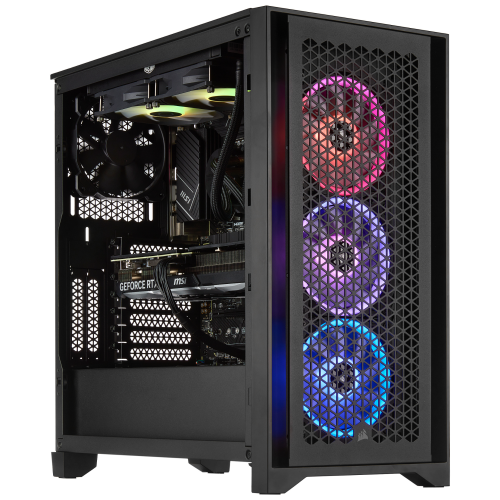
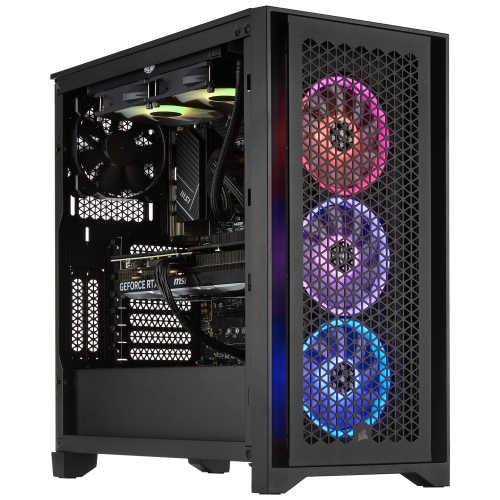
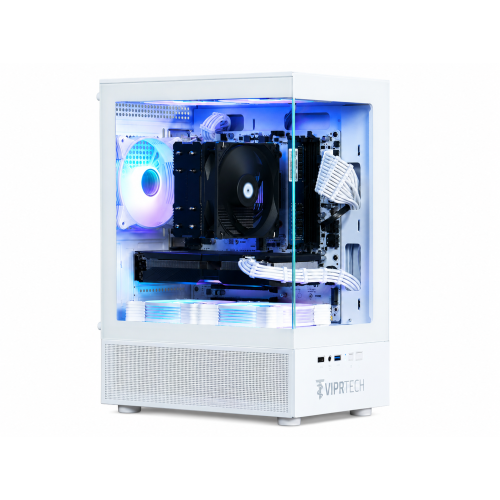
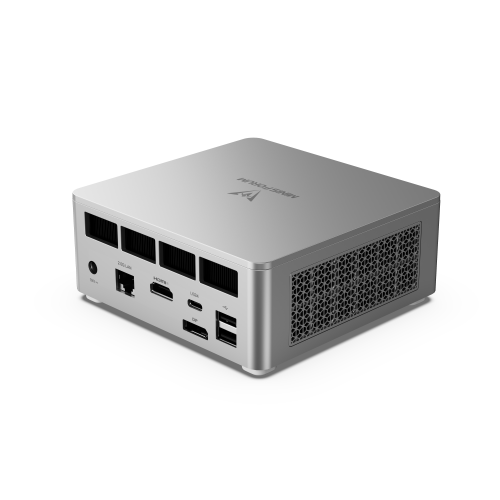
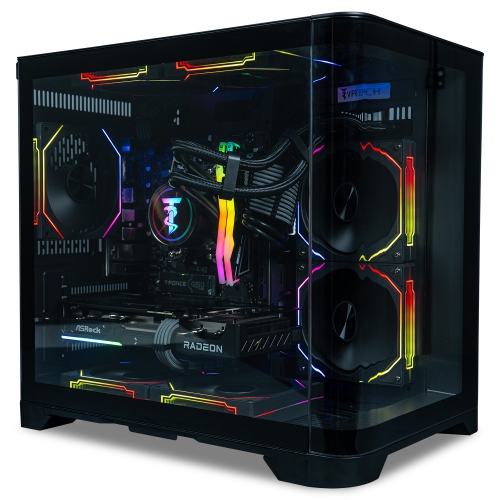
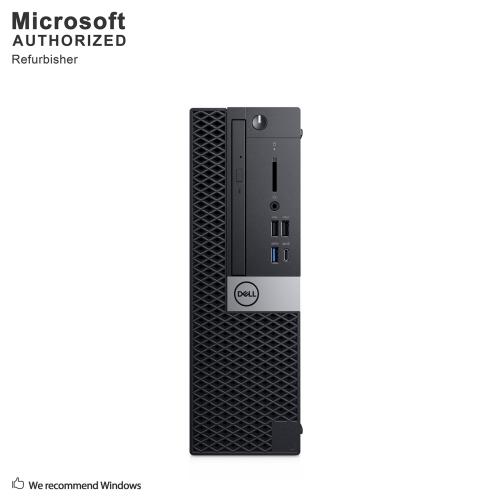
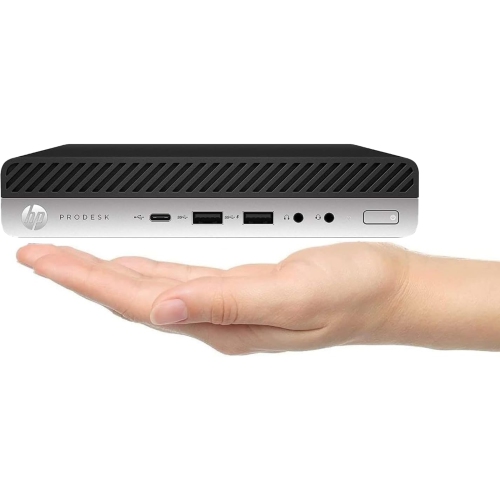
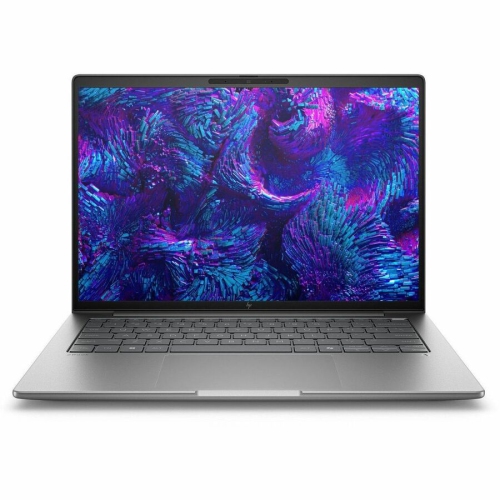
Built for smoother playback, faster rendering, and reliable multitasking
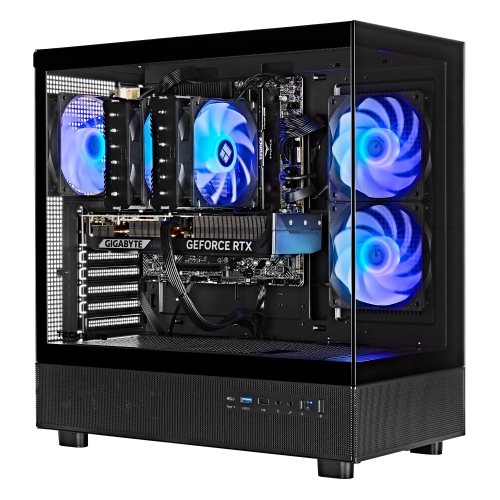
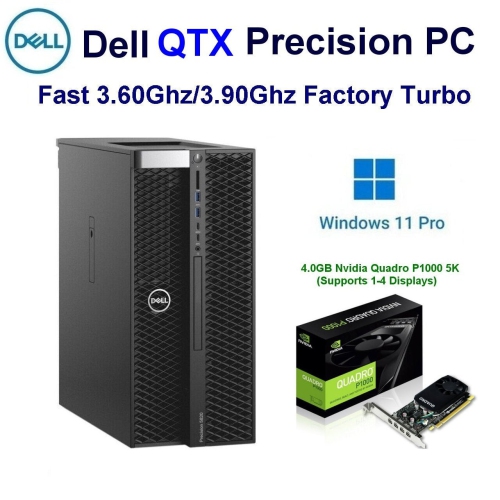
When it comes to producing crisp, cinematic 4K video, the right computer setup can make all the difference. 4K video editing computers are designed to handle the intensive processing demands of ultra-high-definition footage, offering a seamless workflow for creators who want every detail to shine. Whether you are a seasoned filmmaker, a freelance videographer, or someone diving into content creation for the first time, investing in a system tailored for 4K editing ensures smooth playback, faster rendering, and reliable multitasking. These computers are built with high-performance processors, ample RAM—often 32GB or more—and dedicated graphics cards that can accelerate effects and transitions, making them essential for professionals and hobbyists alike. As the weather warms and creative projects pick up pace, these systems are also popular gifts for recent graduates entering creative fields, or for anyone looking to upgrade their home studio to meet the demands of modern video production.
Selecting a 4K video editing computer involves considering several key factors to ensure your workflow remains efficient and frustration-free. Storage is a top priority: a fast solid-state drive (SSD) of at least 1TB is recommended to keep up with the massive file sizes that 4K footage generates, and additional storage options can be helpful for archiving projects. Graphics capabilities are equally important, with modern GPUs providing hardware acceleration for editing software, resulting in smoother previews and quicker exports. Many users choose systems with 16GB or more of dedicated video memory (VRAM) to handle complex timelines, colour grading, and effects-heavy sequences. For those who frequently work with multiple streams of high-resolution footage, a powerful multi-core processor—such as an Intel Core i9 or AMD Ryzen 9—can help keep everything running without bottlenecks. Ergonomics and connectivity also matter: a spacious, colour-accurate display, multiple Thunderbolt or USB-C ports, and reliable cooling solutions can make long editing sessions more comfortable and productive. If you are building or upgrading your own system, exploring high-quality PC Components for 4K Video Editing can be a smart way to customize your setup for specific needs.
4K video editing computers are not just for professionals—students in film and media programs, hobbyists chronicling family vacations, and small business owners producing marketing content all benefit from the speed and reliability these systems offer. During the transition from early summer into the fall, many creators take advantage of longer daylight hours and vibrant outdoor settings to capture footage, making this a popular season for editing projects. Whether you are working from a dedicated studio or editing on the go, these computers empower you to bring your vision to life, supporting everything from quick social media clips to full-length feature films. By choosing a system with the right blend of power, storage, and expandability, you set yourself up for success—enabling creativity without compromise, no matter where your next project takes you.
Selecting a 4K video editing computer involves considering several key factors to ensure your workflow remains efficient and frustration-free. Storage is a top priority: a fast solid-state drive (SSD) of at least 1TB is recommended to keep up with the massive file sizes that 4K footage generates, and additional storage options can be helpful for archiving projects. Graphics capabilities are equally important, with modern GPUs providing hardware acceleration for editing software, resulting in smoother previews and quicker exports. Many users choose systems with 16GB or more of dedicated video memory (VRAM) to handle complex timelines, colour grading, and effects-heavy sequences. For those who frequently work with multiple streams of high-resolution footage, a powerful multi-core processor—such as an Intel Core i9 or AMD Ryzen 9—can help keep everything running without bottlenecks. Ergonomics and connectivity also matter: a spacious, colour-accurate display, multiple Thunderbolt or USB-C ports, and reliable cooling solutions can make long editing sessions more comfortable and productive. If you are building or upgrading your own system, exploring high-quality PC Components for 4K Video Editing can be a smart way to customize your setup for specific needs.
4K video editing computers are not just for professionals—students in film and media programs, hobbyists chronicling family vacations, and small business owners producing marketing content all benefit from the speed and reliability these systems offer. During the transition from early summer into the fall, many creators take advantage of longer daylight hours and vibrant outdoor settings to capture footage, making this a popular season for editing projects. Whether you are working from a dedicated studio or editing on the go, these computers empower you to bring your vision to life, supporting everything from quick social media clips to full-length feature films. By choosing a system with the right blend of power, storage, and expandability, you set yourself up for success—enabling creativity without compromise, no matter where your next project takes you.
Top selling and popular products
-
 Your price for this item is $1969.99
 -
 Your price for this item is $1059.99
 -
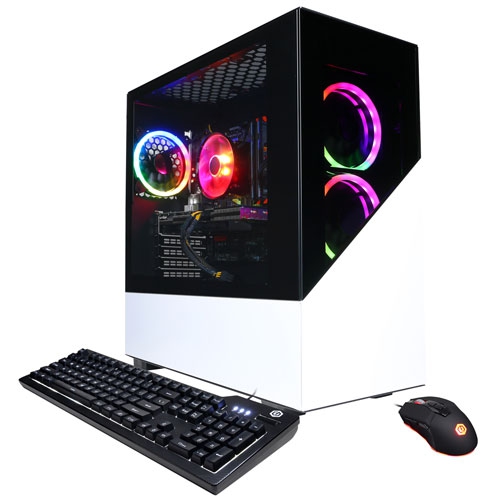 Your price for this item is $1274.97
 -
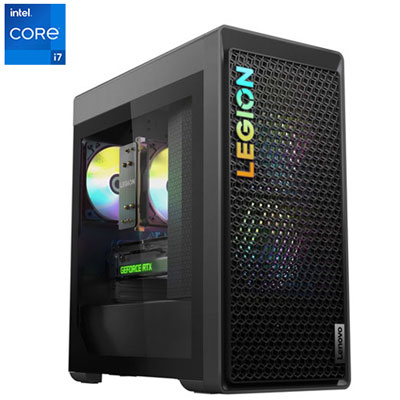 Your price for this item is $2499.95
 -
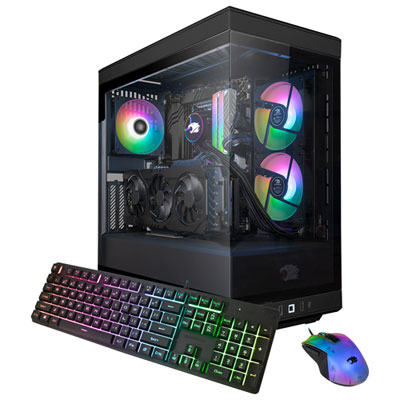 Your price for this item is $2309.99
 -
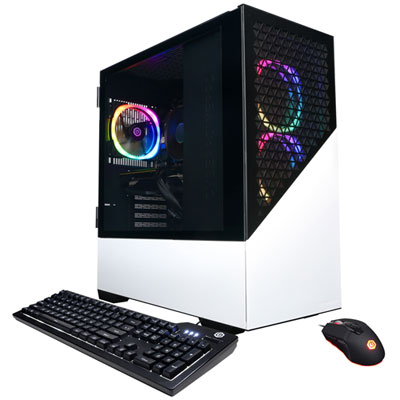 Your price for this item is $1669.99
 -
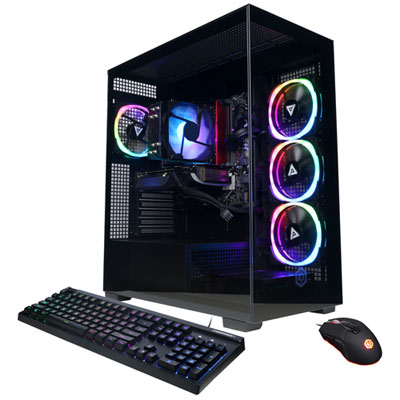 Your price for this item is $1839.99
 -
 Your price for this item is $2399.99
Discover more categories related to 4K Video Editing Computers

Top Collections:
Pokemon Centers, Kindle Devices, Best Budget Office Chairs, Apple iPhones 16, Best Laptops for Writers, iPhone 15 Apple, Canon G7X Cameras, Refurbished Apple Laptops, Alarm Clock, Motorola Razr Phones
Some products may be subject to Environmental Handling Fees
(EHF) depending on your province.
Learn more about EHFs.