4K Monitors for Video Editing
Achieve stunning clarity and precision in your creative workflow with 4k monitors for video editing. Offering exceptional resolution, these displays help bring out every detail in your projects, making them ideal for editors seeking accurate visuals. Whether you’re working on short clips or feature-length films, 4k monitors for video editing provide the visual workspace needed to streamline editing tasks and enhance productivity. Explore a wide selection designed to support your professional and creative needs.




Why colour accuracy and connectivity matter for editors
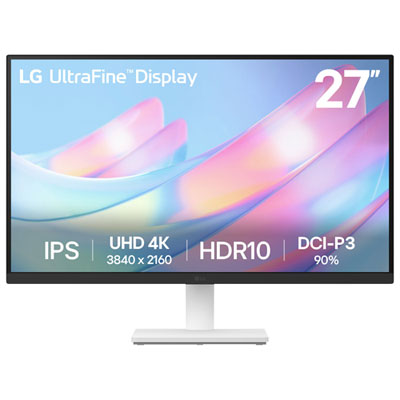
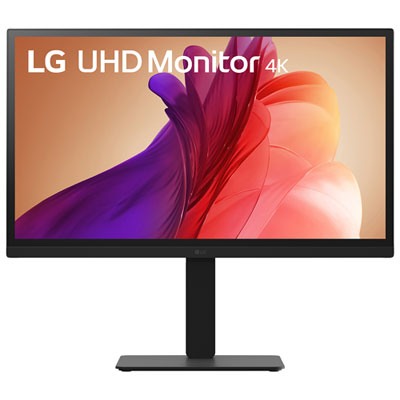
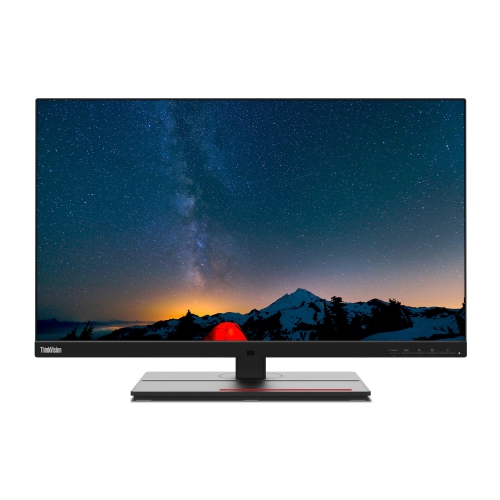
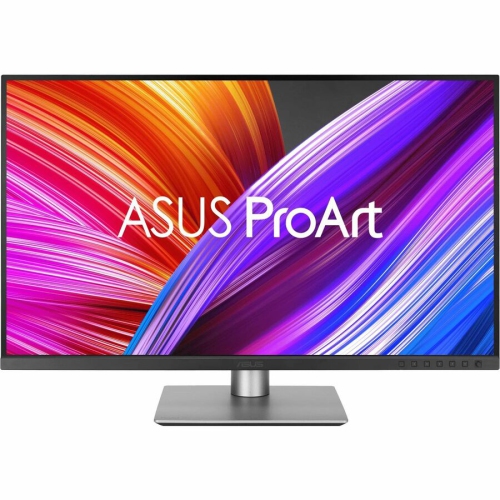
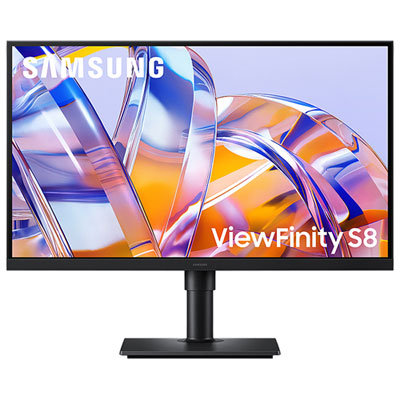
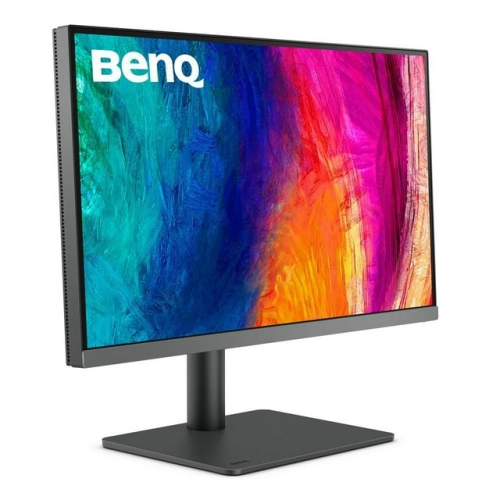
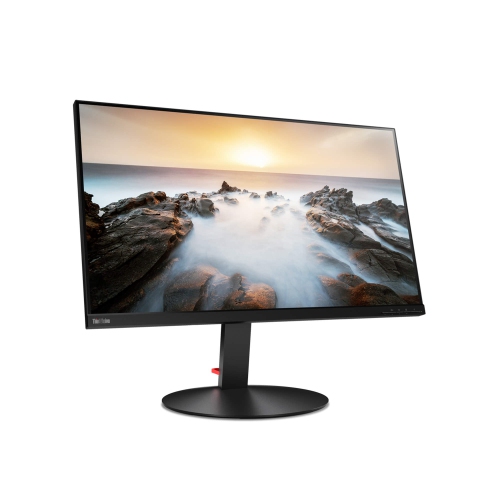
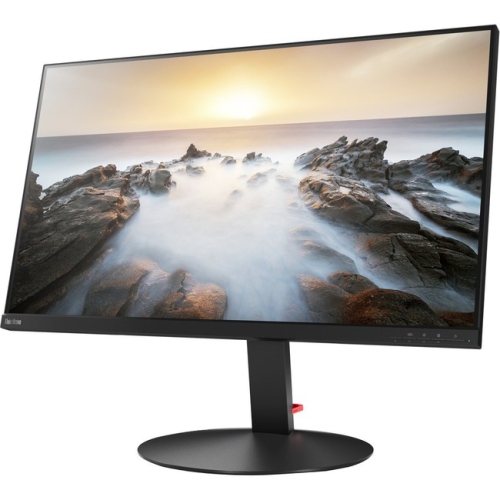
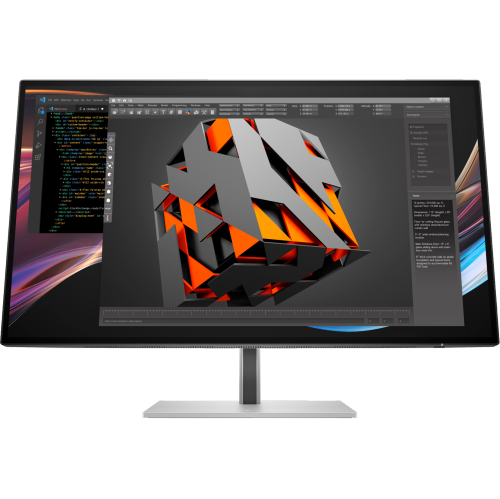
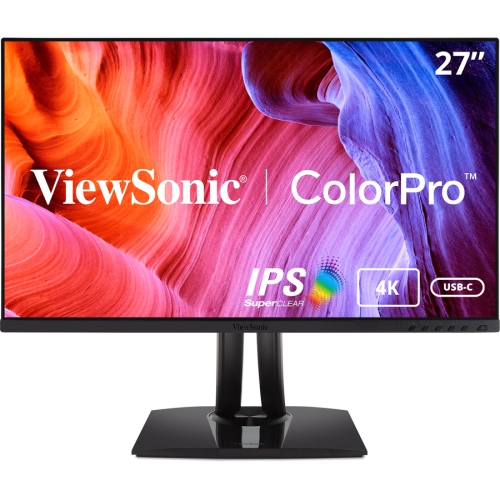
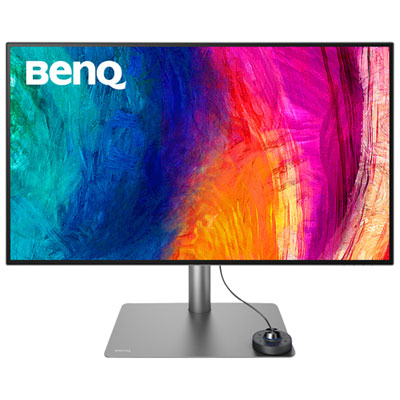
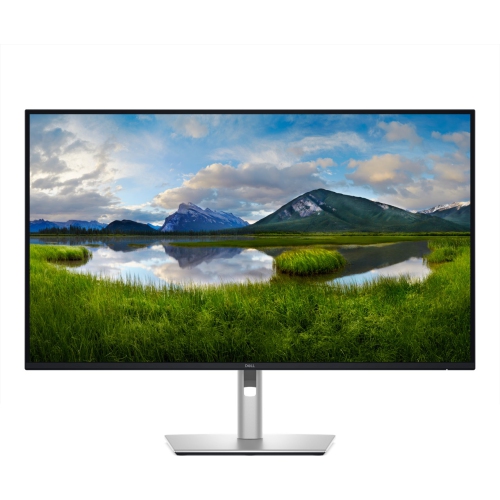
Choosing the right 4K monitor for video editing often comes down to a handful of important factors. Panel technology is a key consideration—IPS panels are frequently preferred for their accurate colour reproduction and wide viewing angles, which are crucial when collaborating with others or ensuring consistency across multiple screens. Screen size and resolution go hand-in-hand, with larger screens (such as 27 inch or 32 inch models) providing ample space for timelines, toolbars, and reference windows without feeling cramped. Connectivity options like HDMI, DisplayPort, and USB-C are also essential for seamless integration with laptops, desktops, and external devices. Many users appreciate adjustable stands, which can help maintain comfort during extended editing sessions, as well as features like built-in calibration tools that keep colours true to life over time. As projects ramp up during the longer days and creative energy is high, the right monitor becomes a trusted companion—one that supports everything from quick social media edits to feature-length films. For those looking to balance quality with budget, there are plenty of options that deliver excellent performance without stretching your finances; you can explore a curated selection of Affordable 4K Monitors for Video Editing to find the perfect fit for your needs. Whether upgrading your own setup or searching for a gift that will be used and appreciated all year long, a 4K monitor is a smart investment in creative potential.
FAQ
What are the benefits of using a 4K monitor for video editing?
A 4K monitor provides higher resolution, allowing you to see more detail and work with ultra-high-definition footage at its native quality. This results in more precise color grading, sharper images, and a larger workspace for editing timelines and toolbars.
Do I need special hardware to run a 4K monitor for video editing?
Yes, running a 4K monitor efficiently for video editing typically requires a powerful graphics card, sufficient RAM, and a fast processor to handle high-resolution content smoothly. Make sure your computer supports 4K output via HDMI or DisplayPort.
How important is color accuracy in a 4K monitor for video editing?
Color accuracy is crucial for video editing because it ensures that the colors you see on your screen match the final output. Look for monitors with high color gamut coverage (such as Adobe RGB or DCI-P3) and factory calibration for the best results.
What panel type is recommended for 4K monitors used in video editing?
IPS (In-Plane Switching) panels are generally recommended for video editing due to their superior color accuracy and wide viewing angles compared to TN or VA panels.
Can I use multiple 4K monitors together for video editing?
Yes, many editors use dual or even triple 4K monitor setups to expand their workspace. This allows you to dedicate one screen to your timeline and tools while previewing your footage on another. Ensure your graphics card supports multiple high-resolution displays.
Top selling and popular products
-
 Your price for this item is $2237.68
-
 Your price for this item is $320.68
-
 Your price for this item is $469
-
 Your price for this item is $149.99
-
 Your price for this item is $265.99
-
 Your price for this item is $229.99
-
 Your price for this item is $1138.68
-
 Your price for this item is $355.68