AC Adapters
Finding the right AC adapter is essential for keeping your electronics powered up and ready to go. Whether you're looking for a replacement adapter for your laptop, a USB charger for your mobile devices, or a universal adapter for travel, we have a wide selection to meet your needs. With various connector types, power outputs, and compatibility options available, you can easily find the perfect AC adapter to ensure your devices stay charged and functional at home or on the go.
Sort
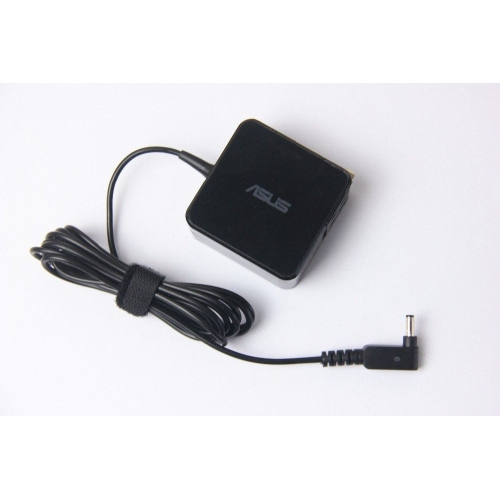
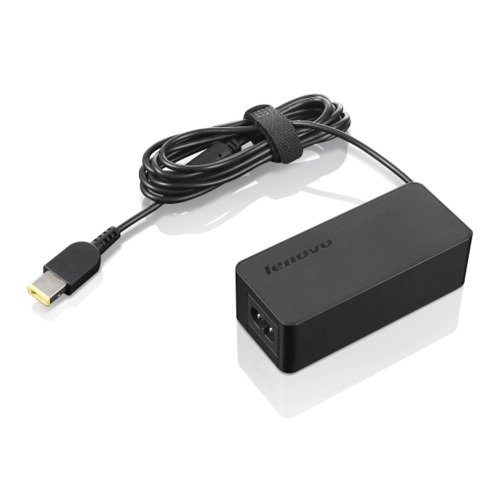
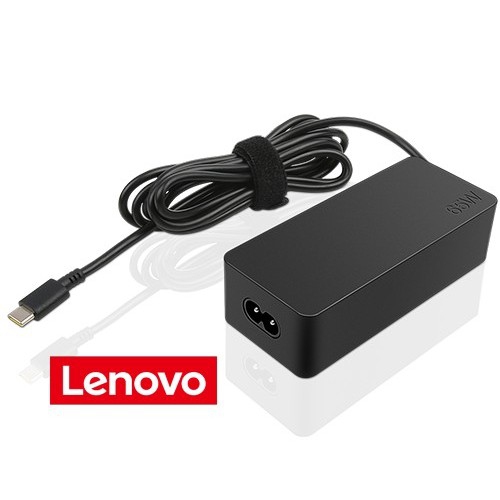
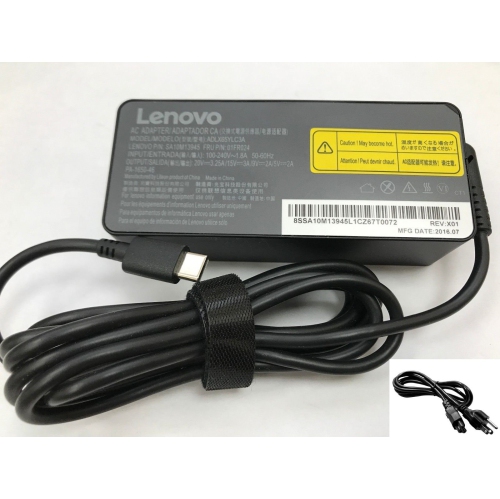
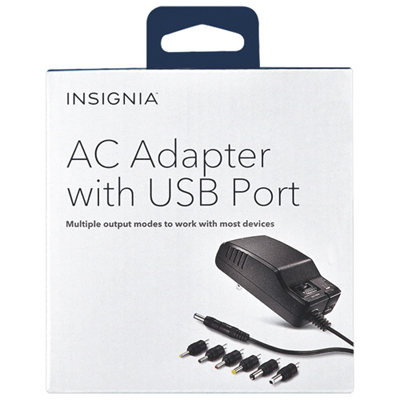

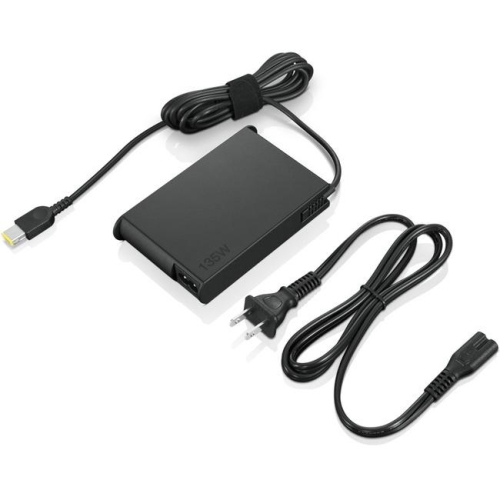
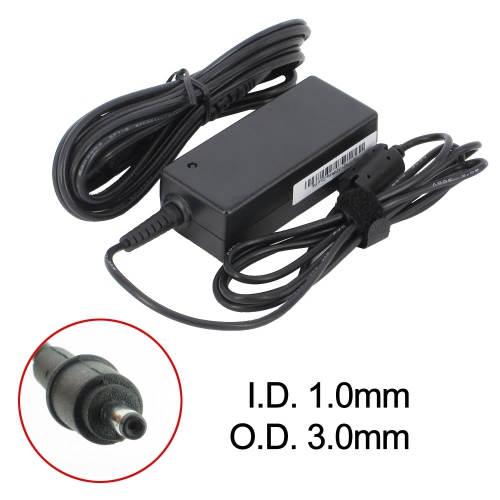
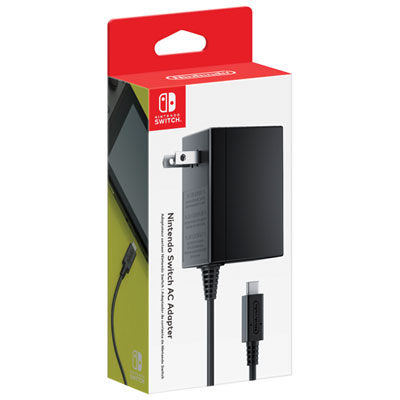
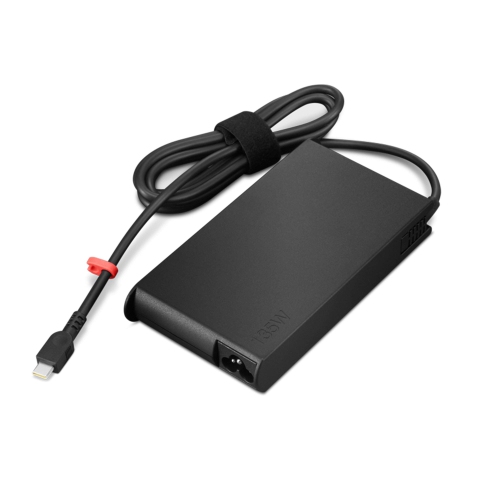
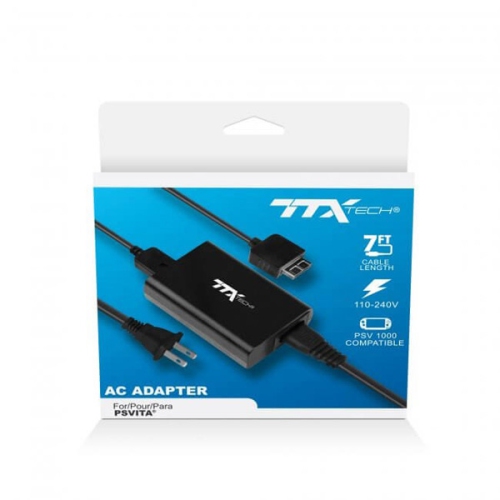
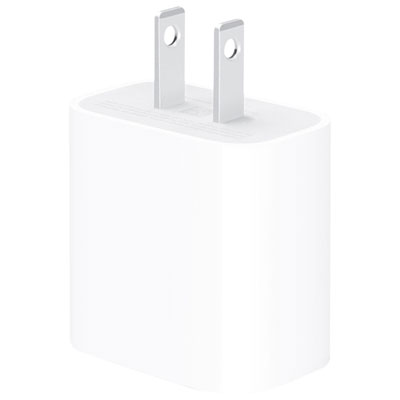

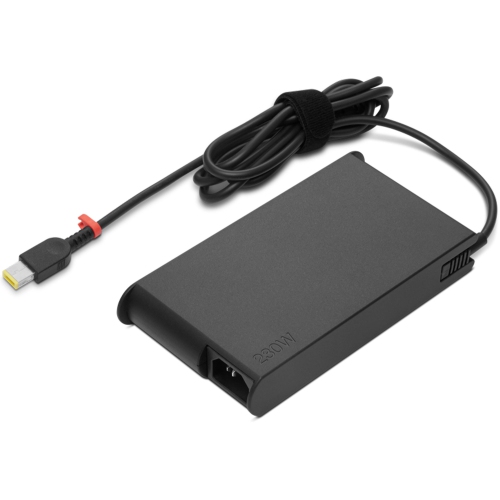
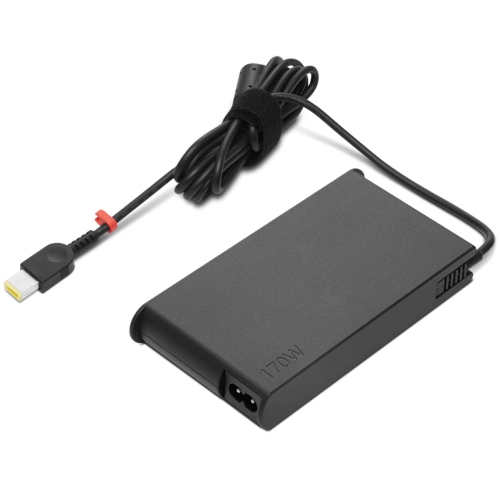
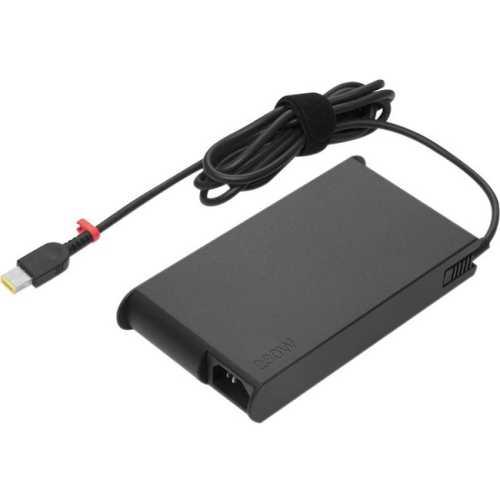
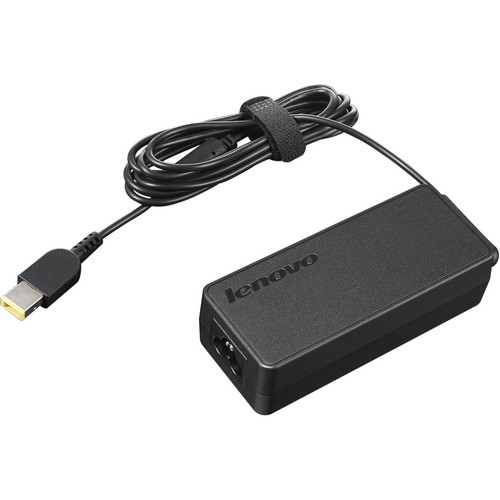
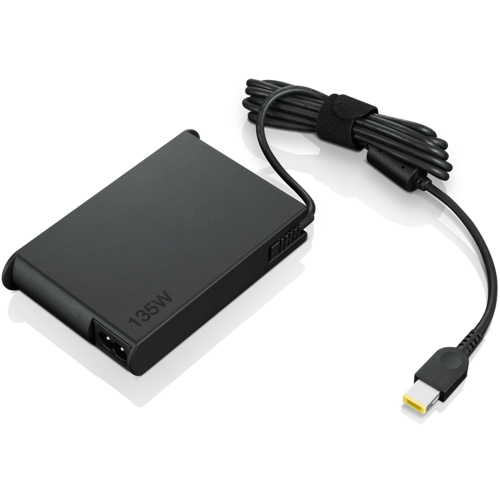
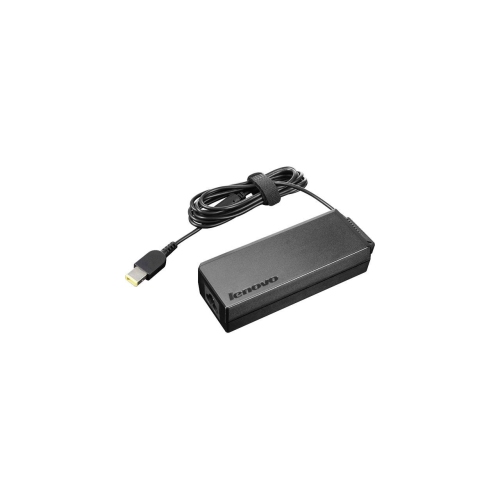
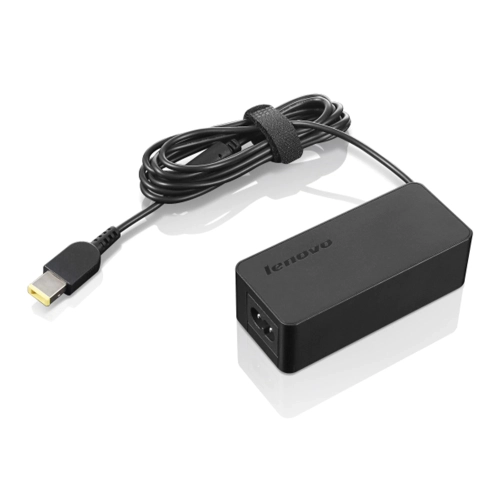
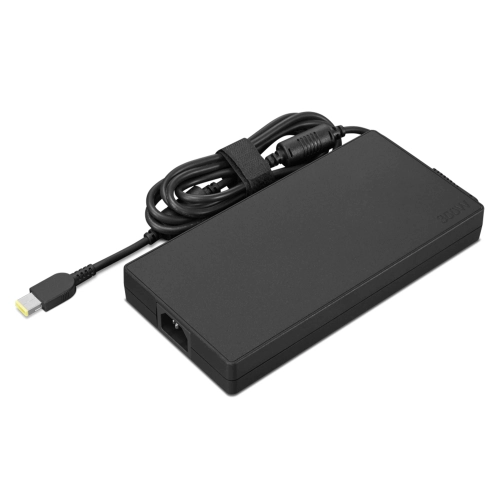
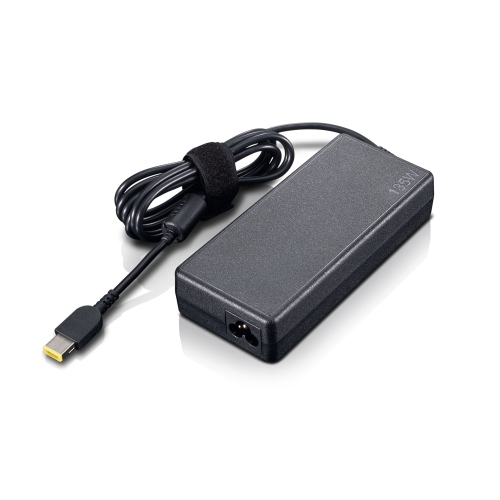
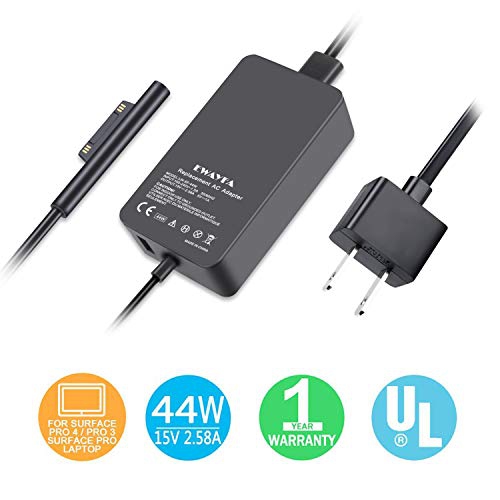
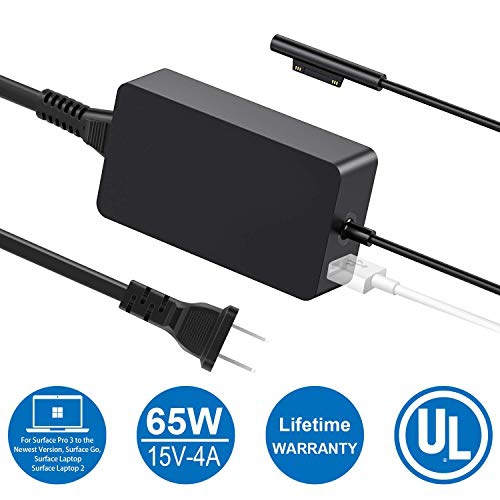
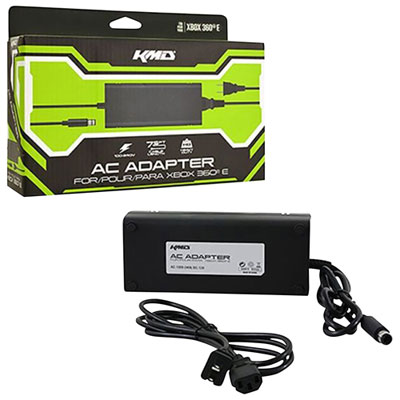
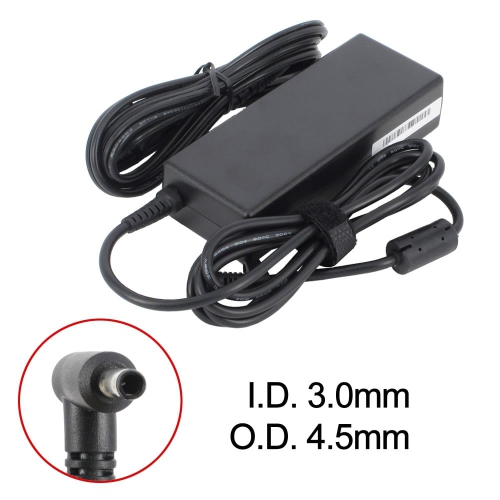

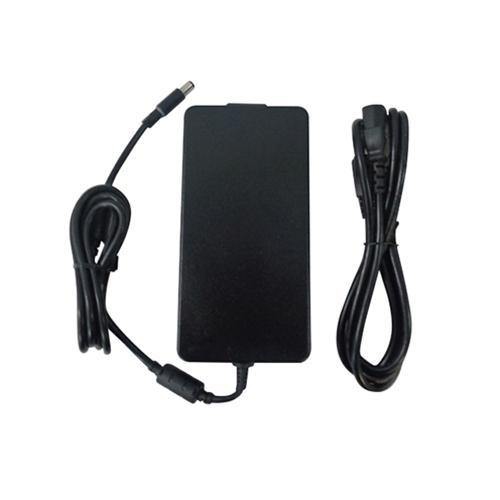
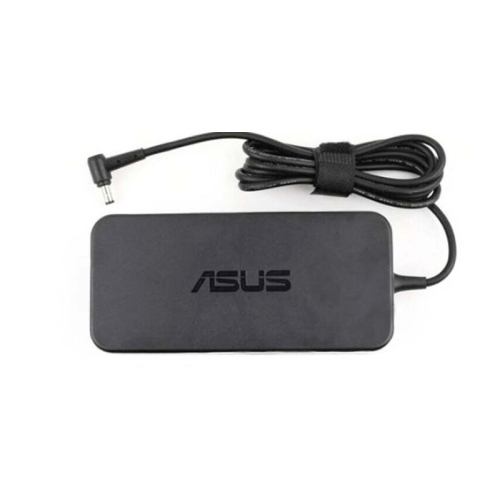
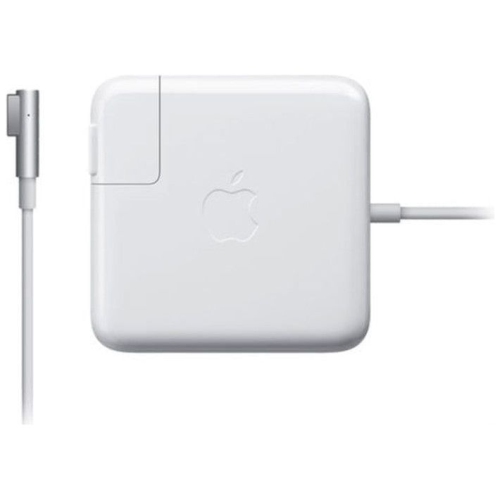
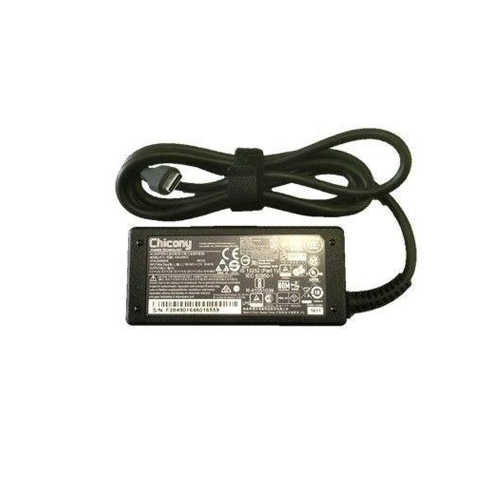
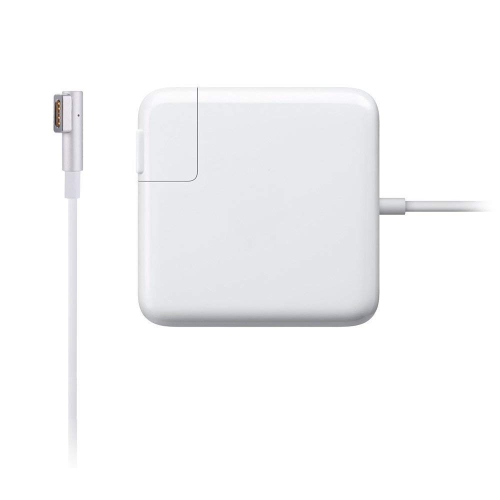
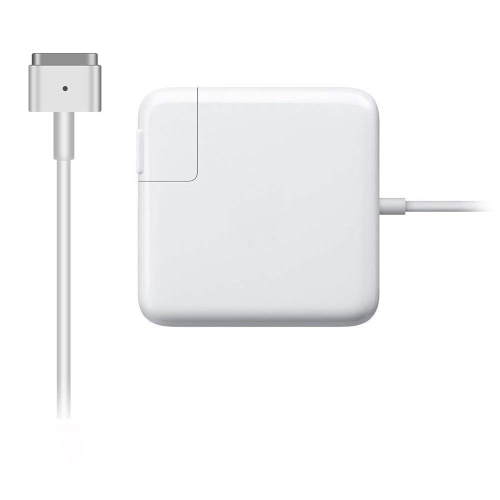
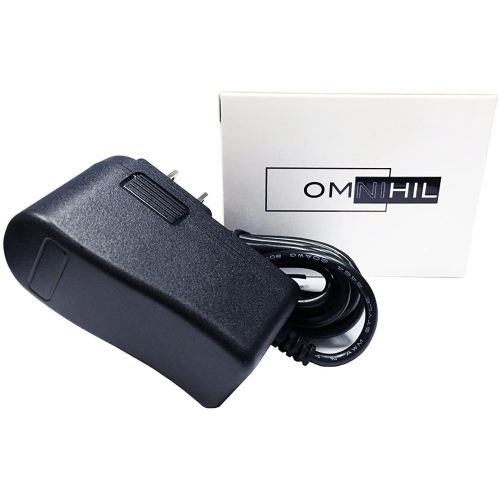
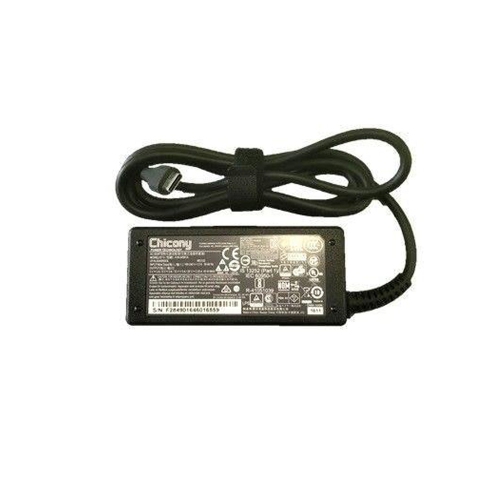
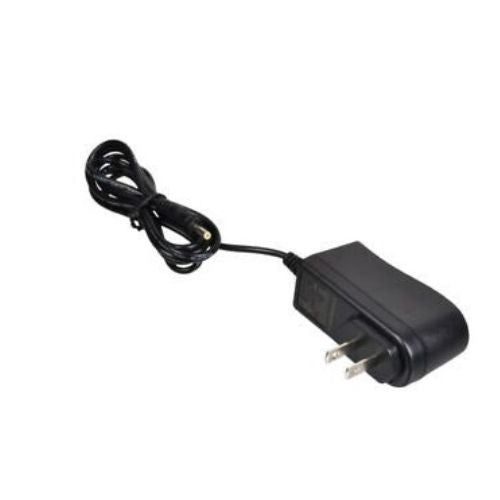
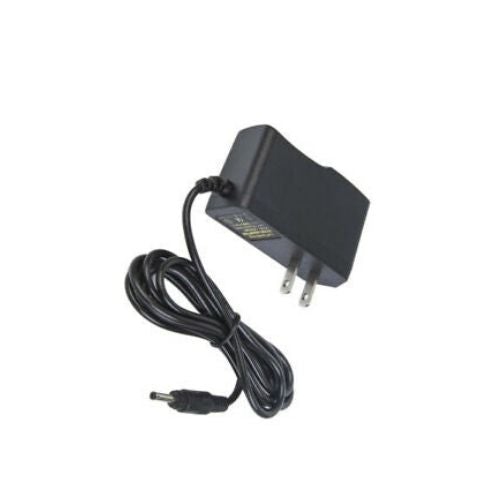
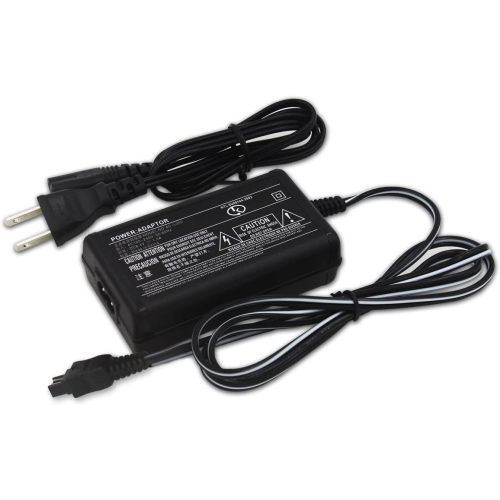
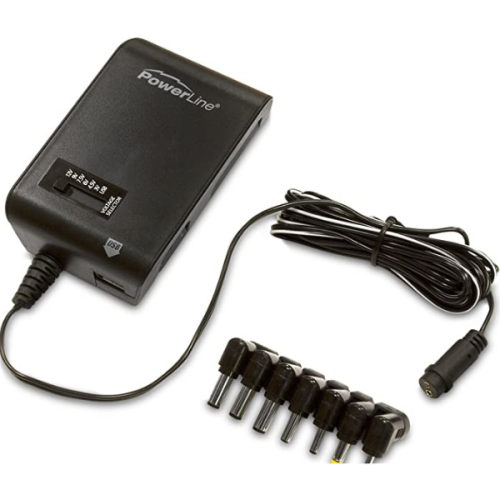
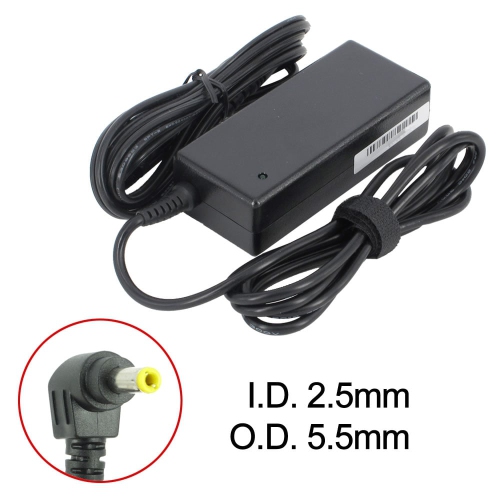

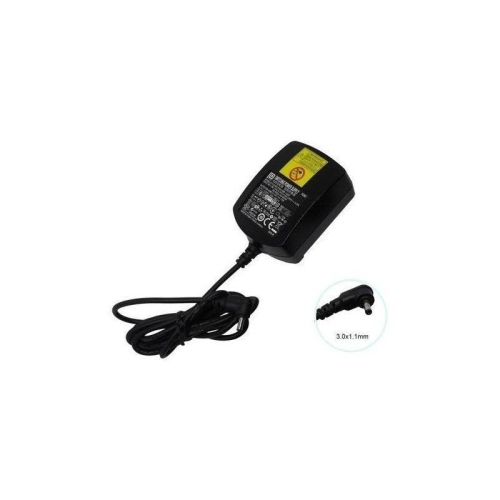
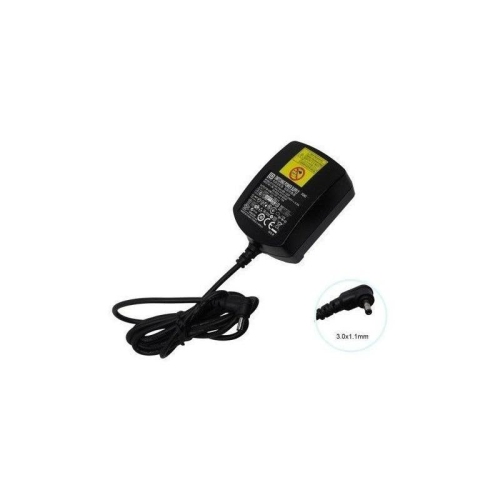
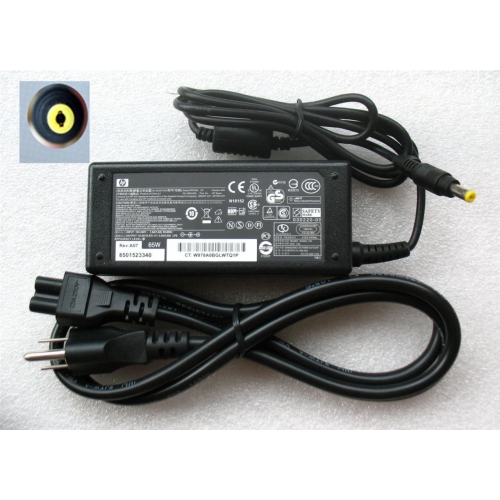
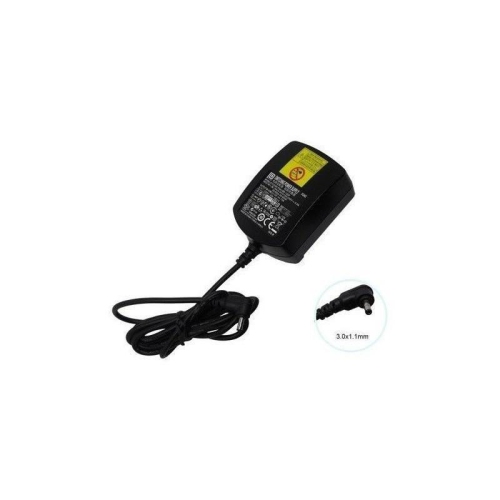
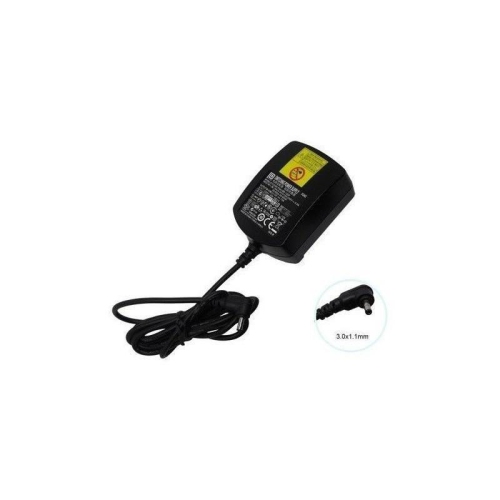
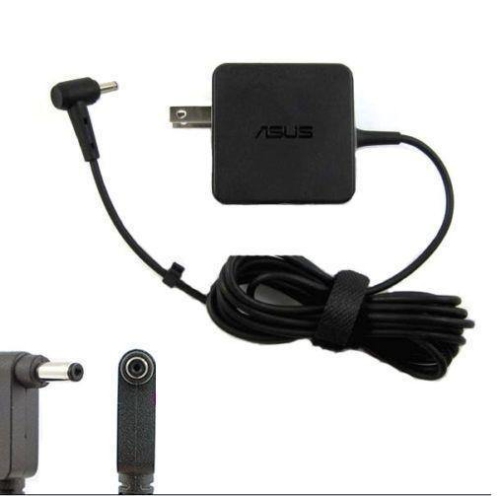
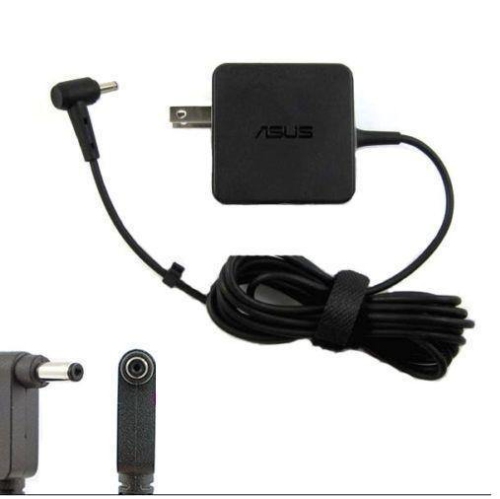
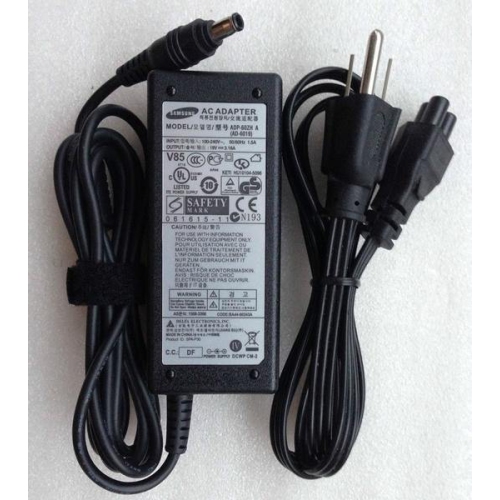
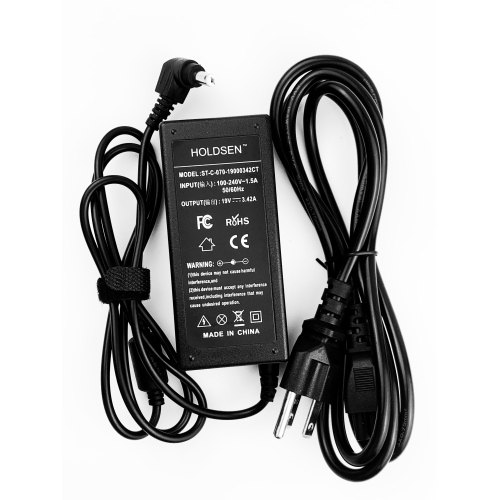
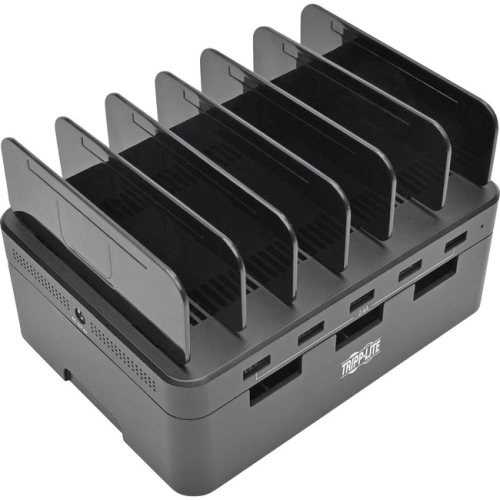
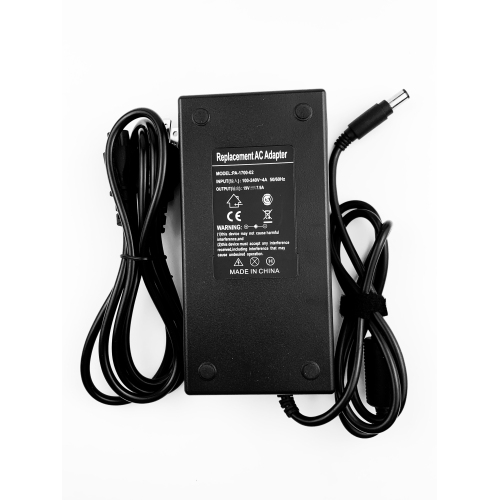
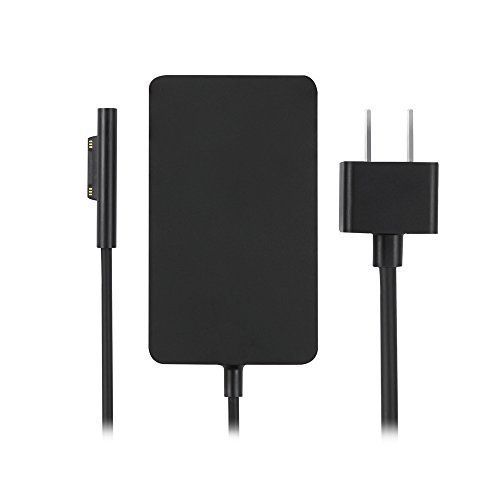
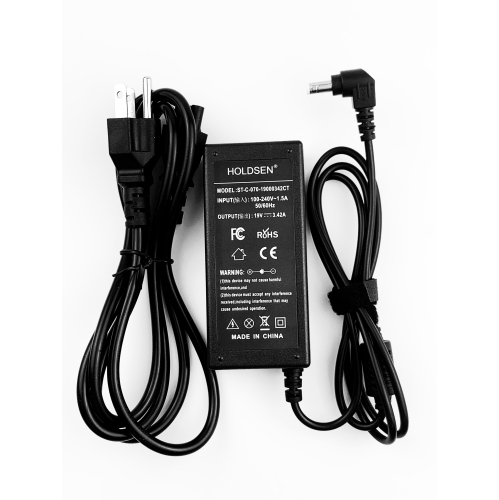
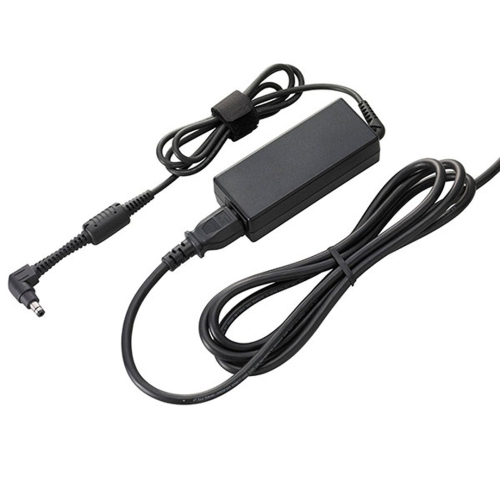
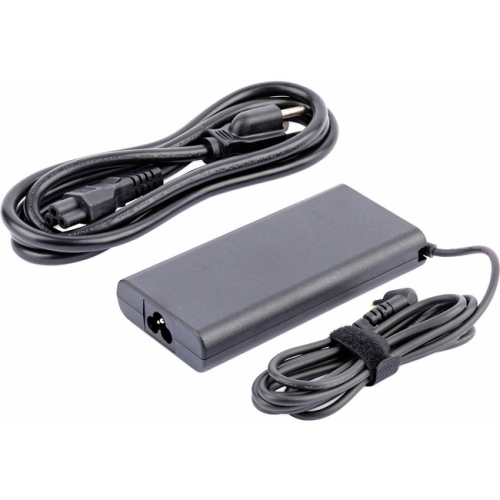
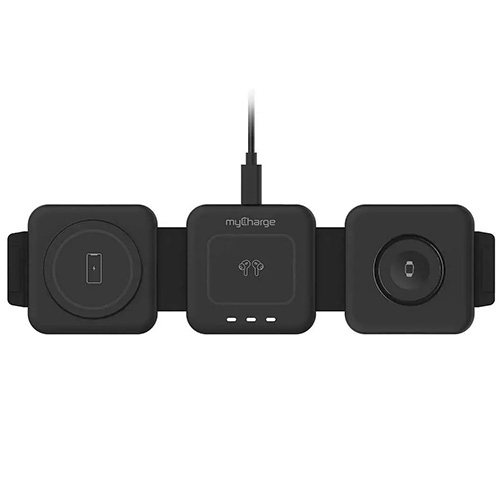
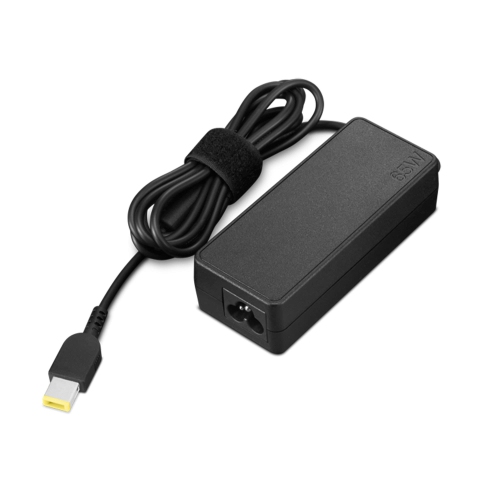
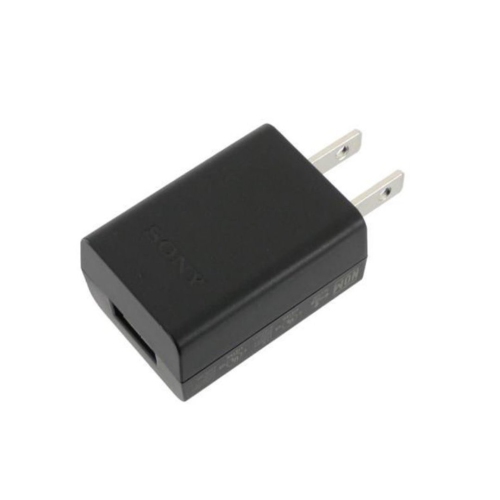
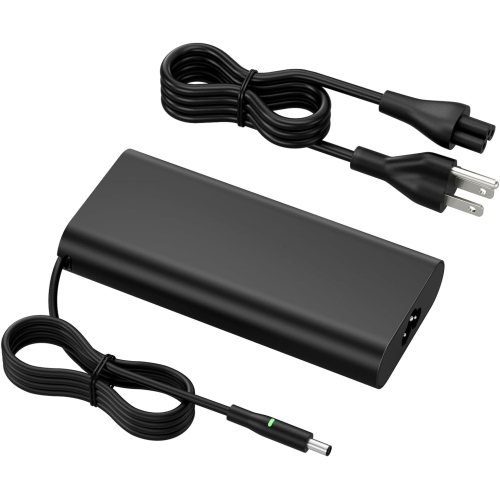
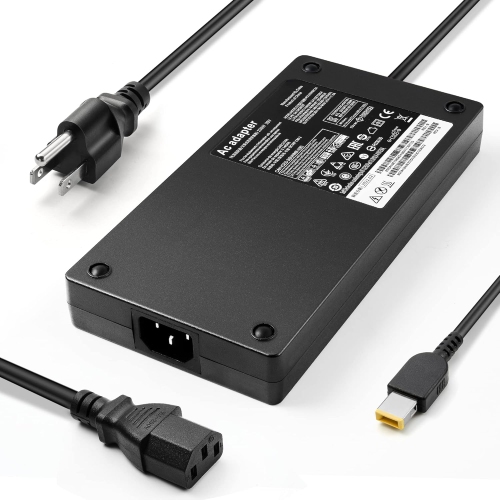
![TTX TECH Gamecube Ac Power Adapter Cable []](https://multimedia.bbycastatic.ca/multimedia/products/500x500/174/17404/17404612.jpeg)

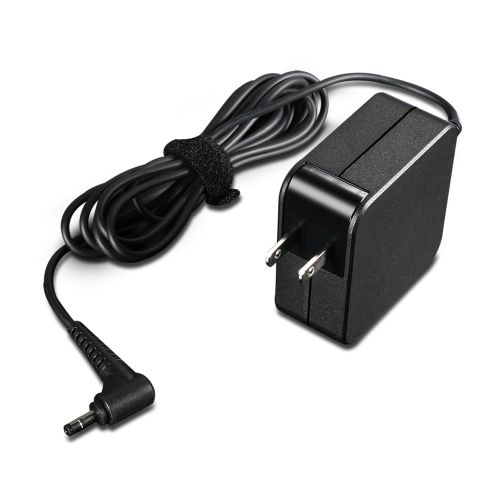
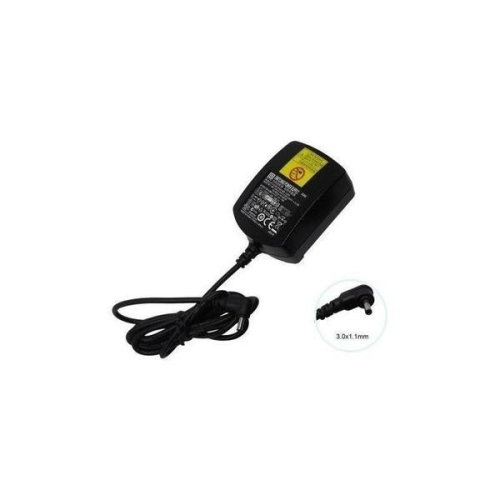
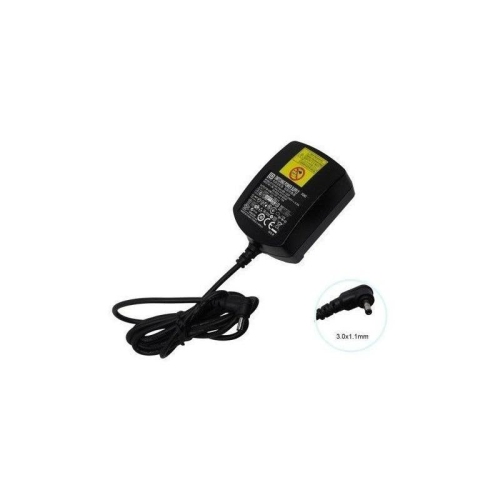
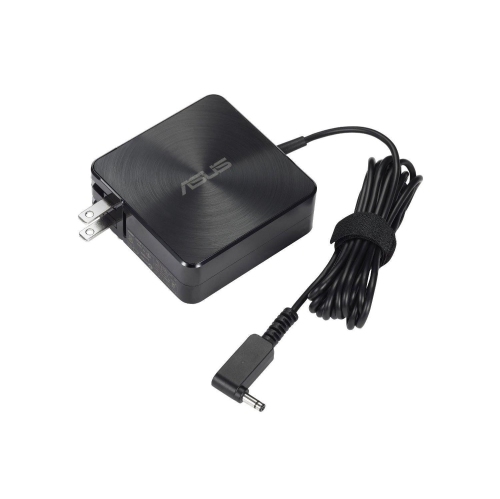
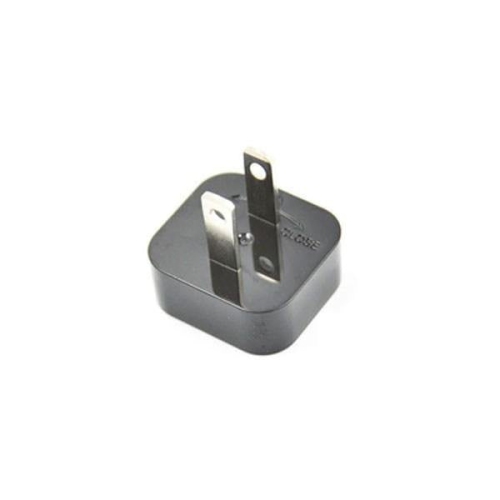
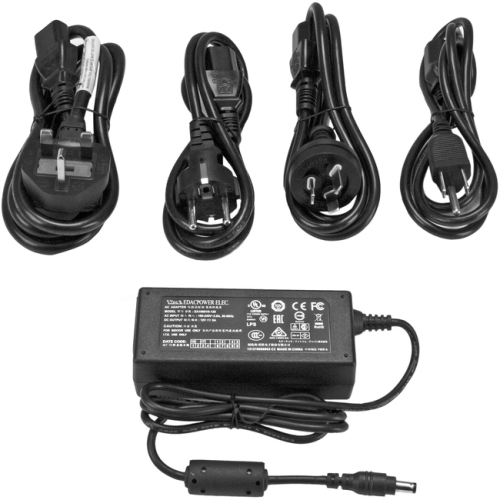
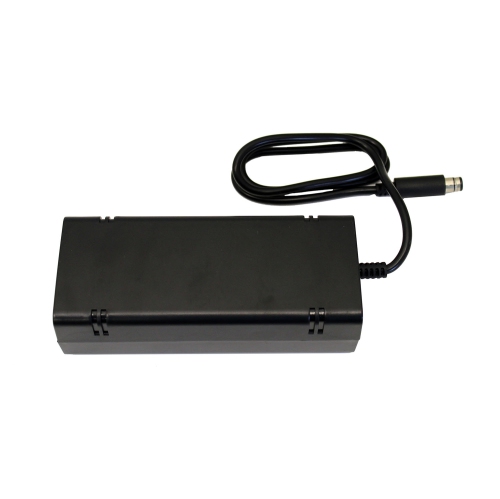
![HYPERKIN Xbox 360 "e" Ac Power Adapter []](https://multimedia.bbycastatic.ca/multimedia/products/500x500/119/11984/11984488.jpeg)
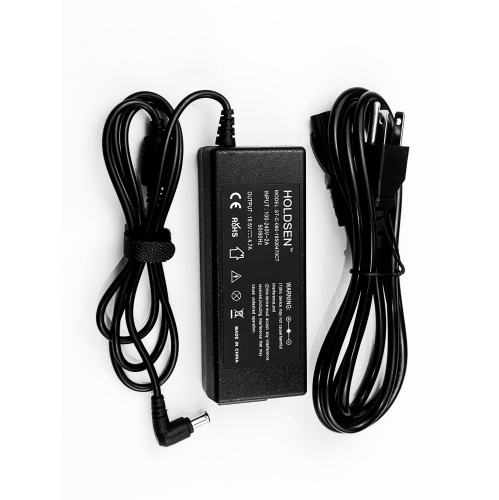
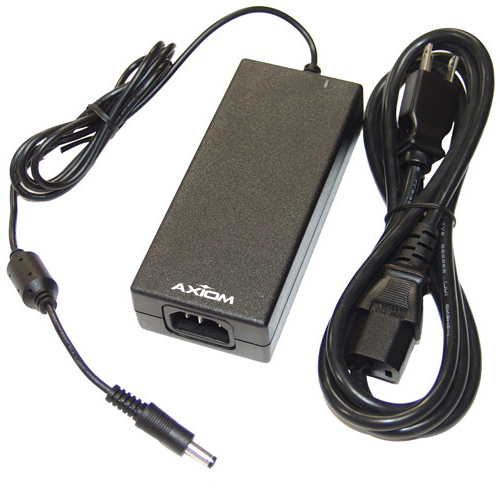
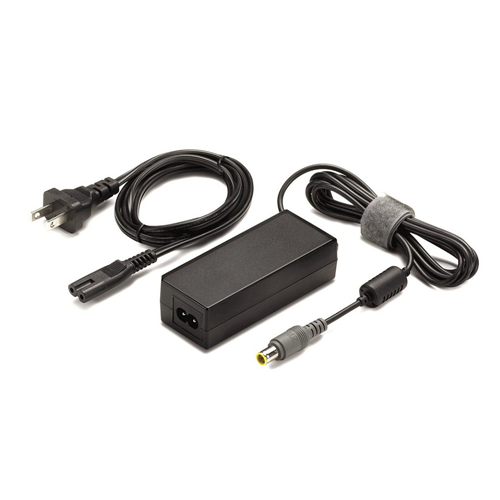
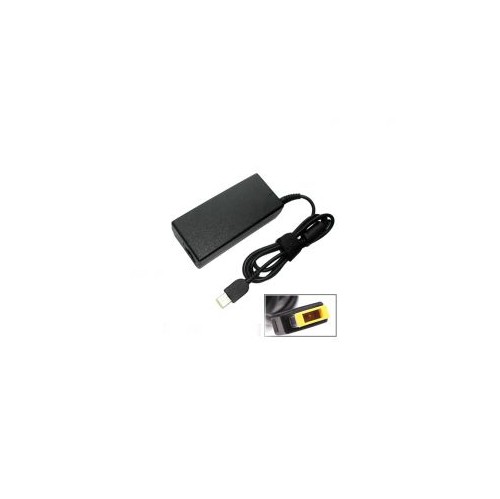

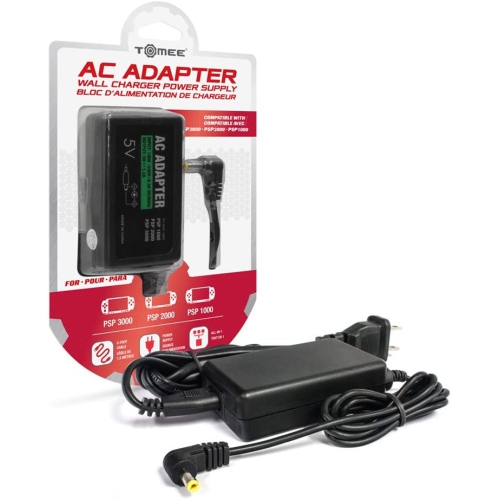
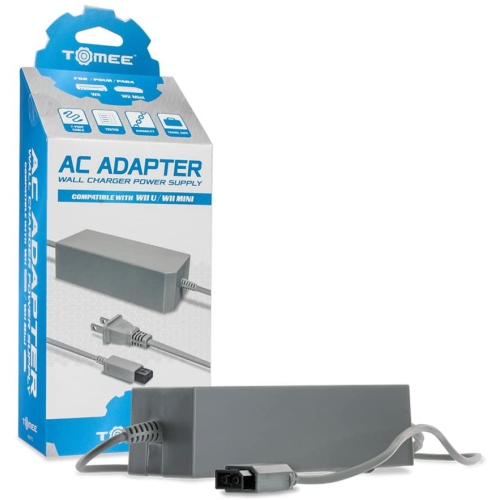
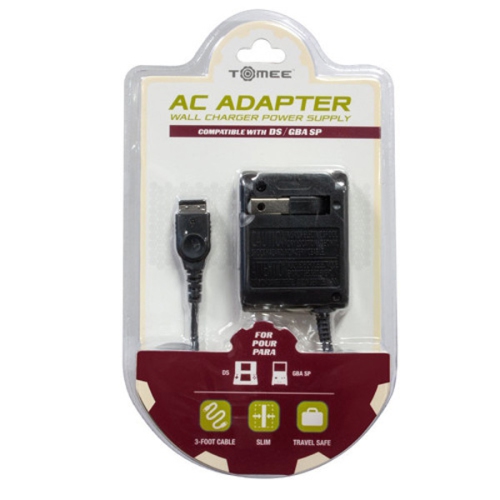
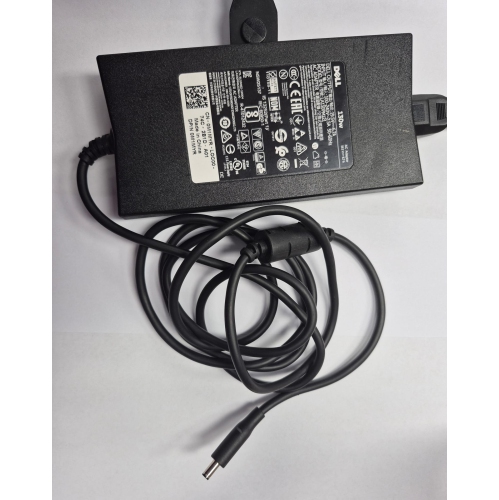
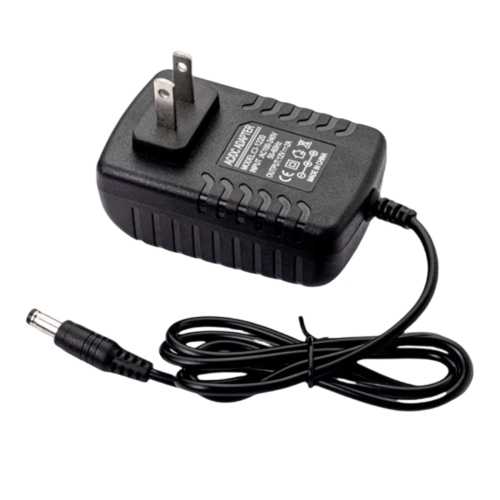
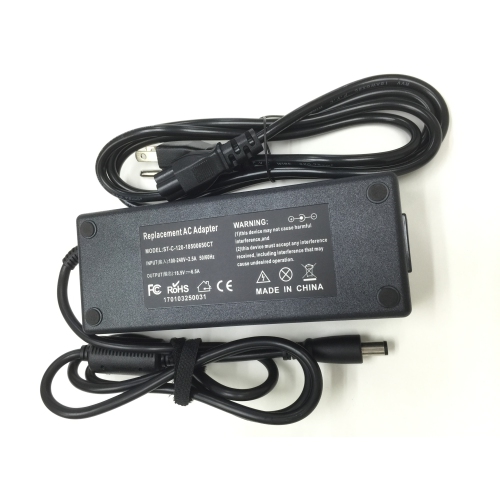
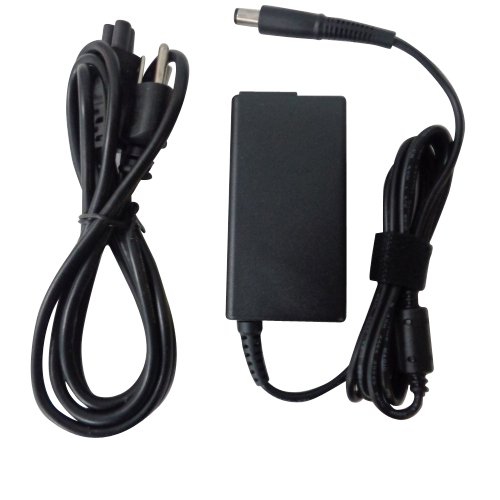
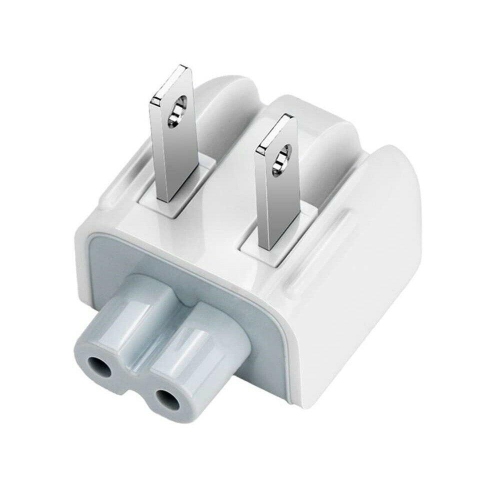
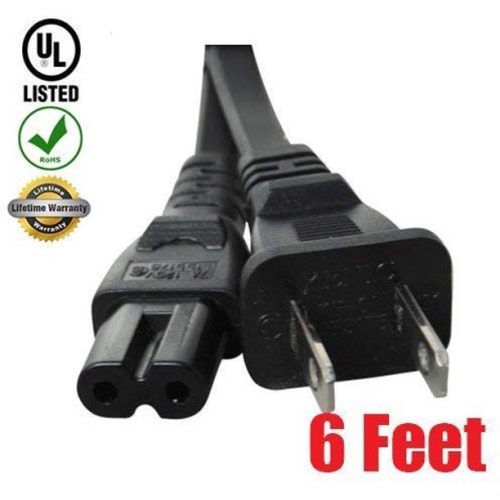

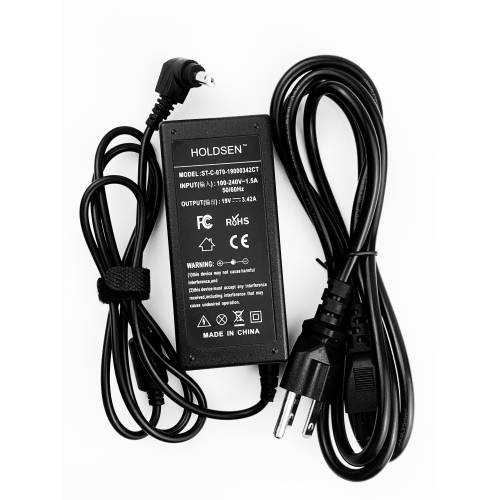
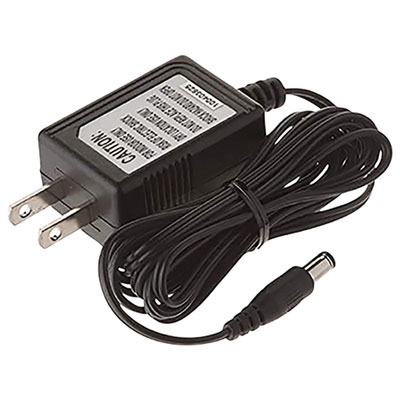
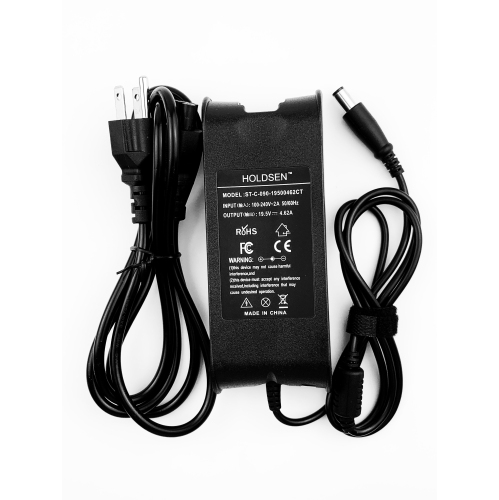
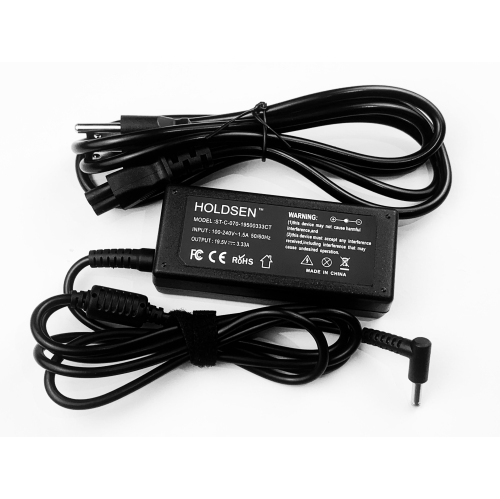
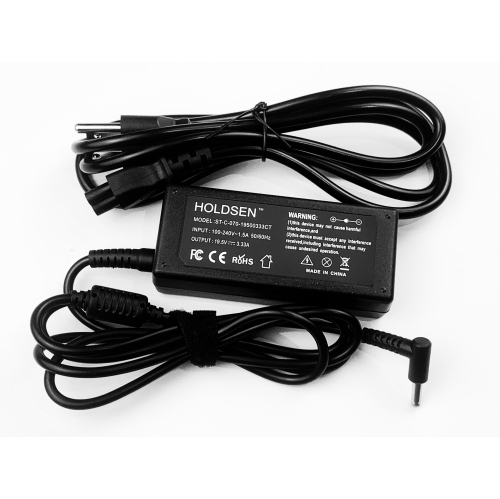
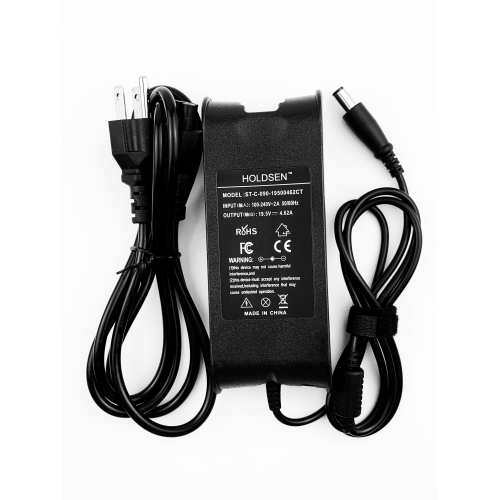
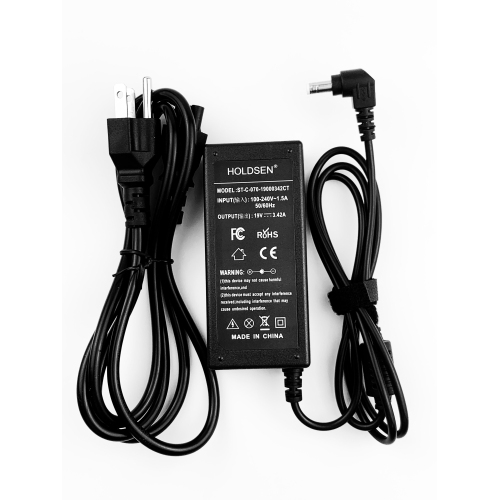
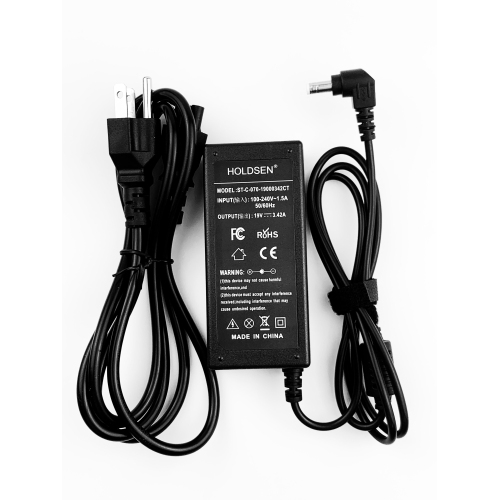
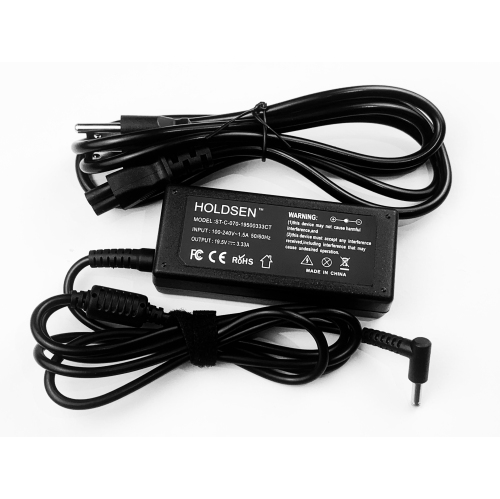

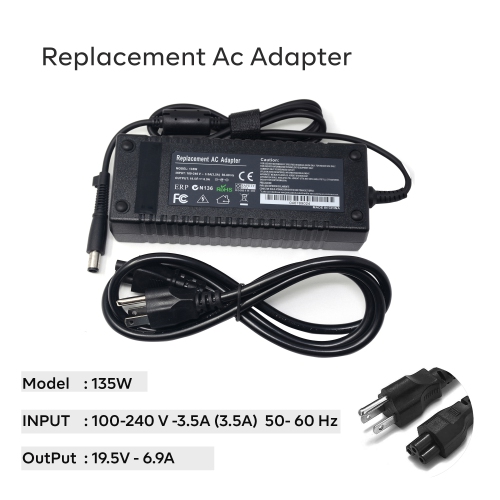
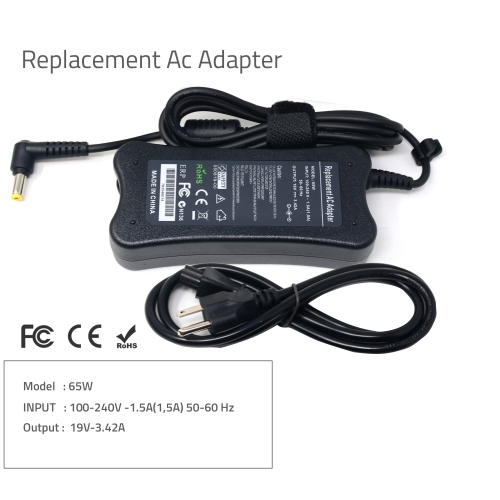
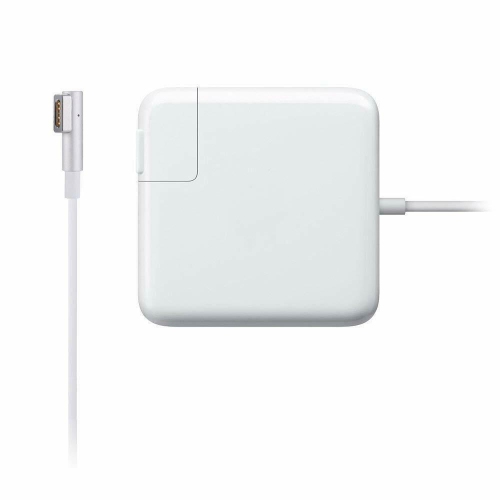
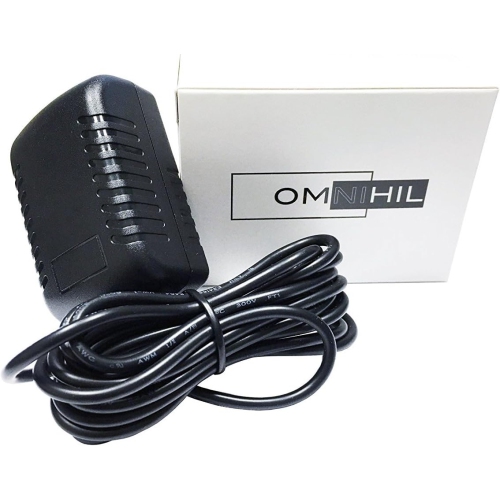
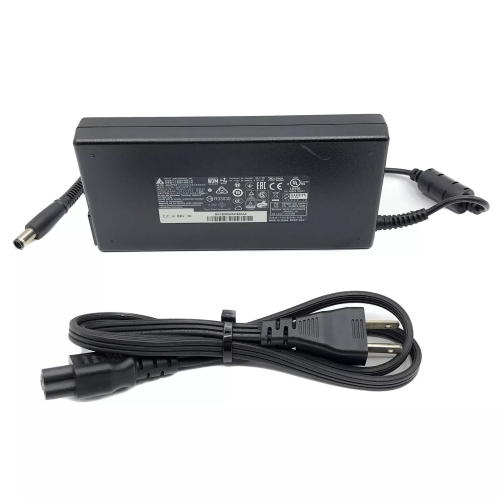
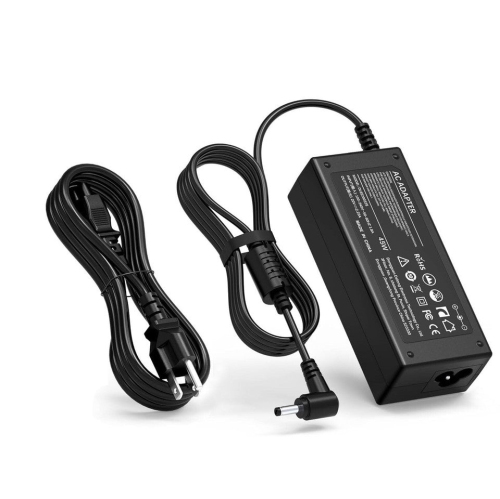
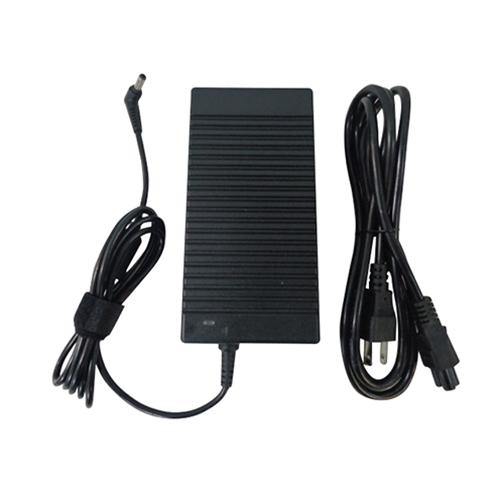
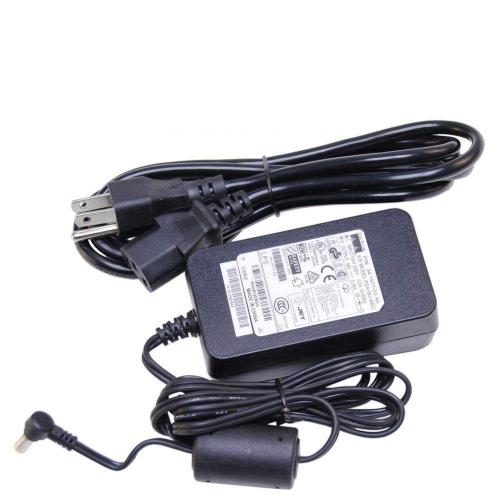
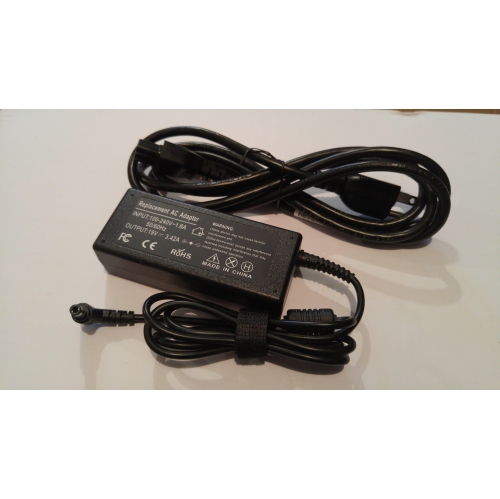
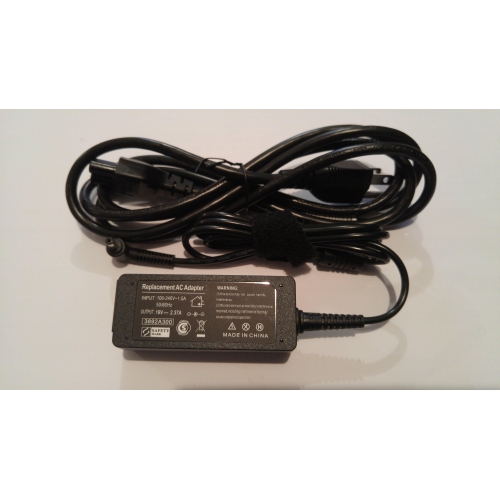
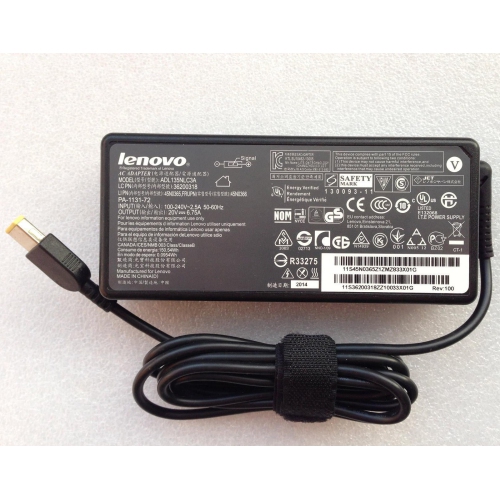
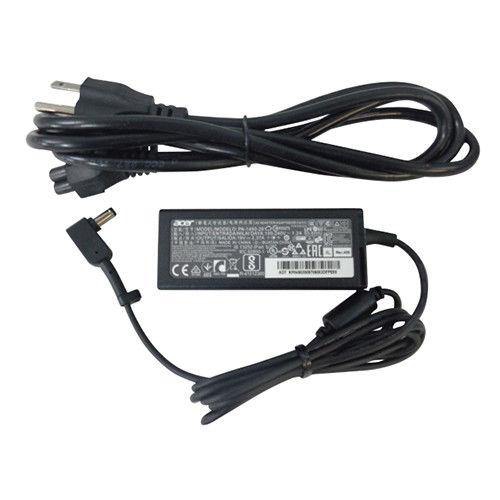
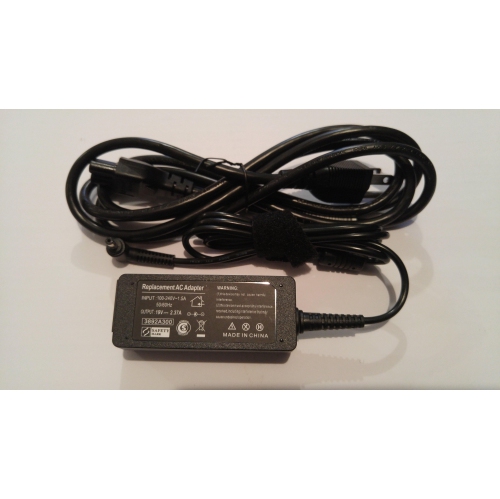
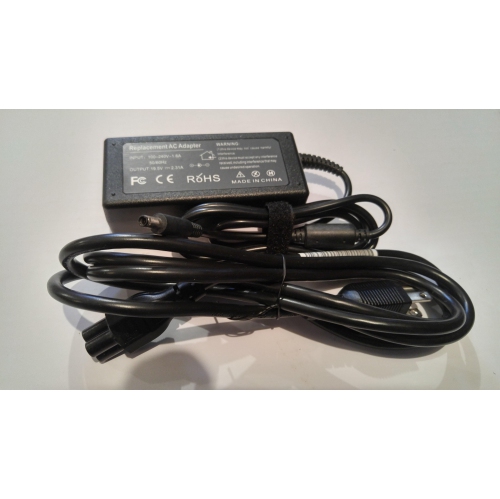
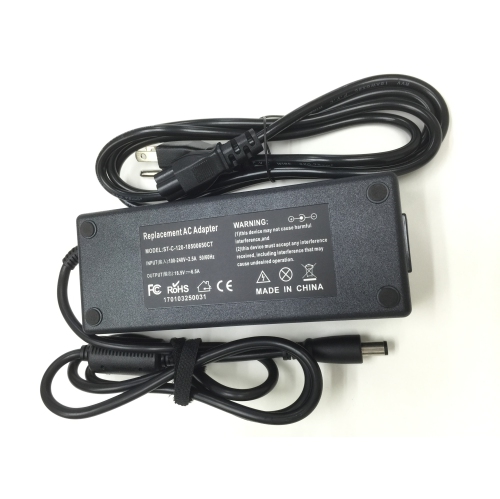
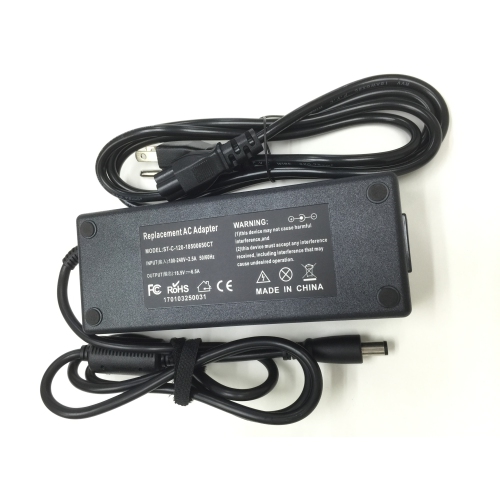
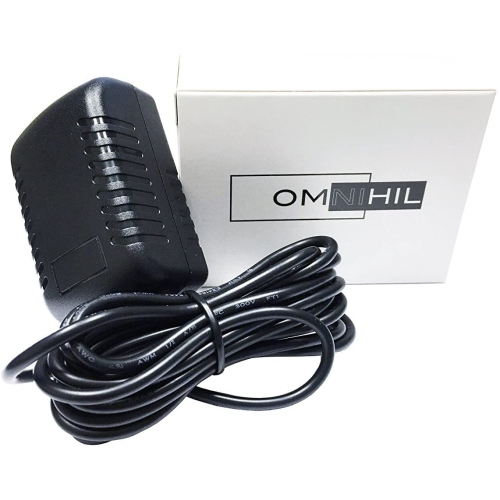
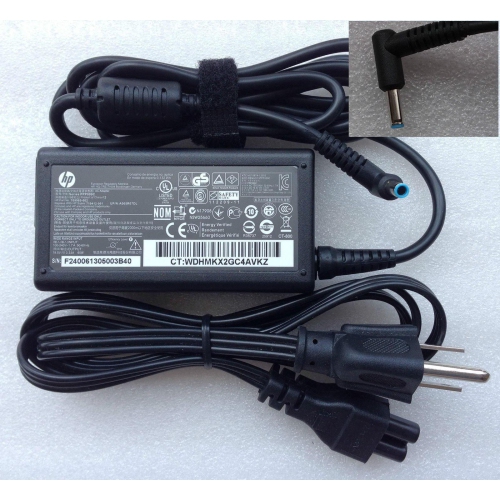
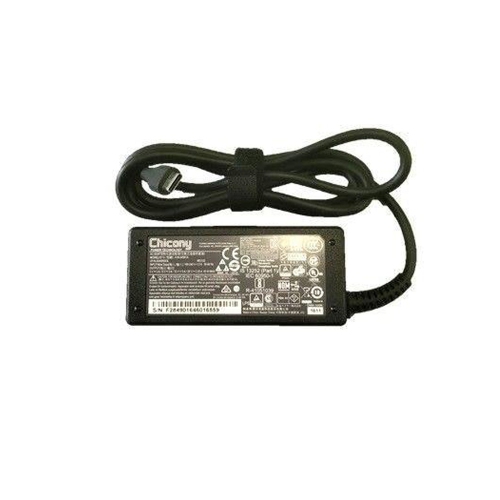
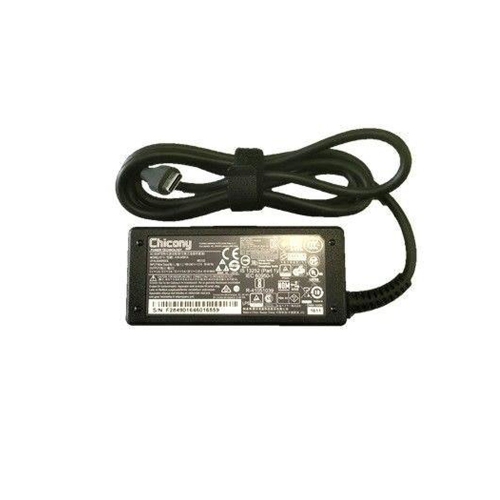
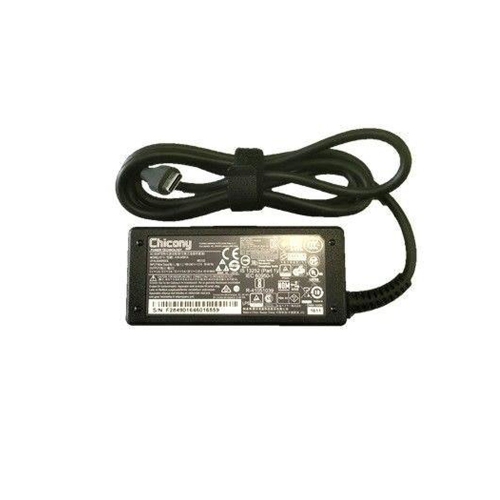

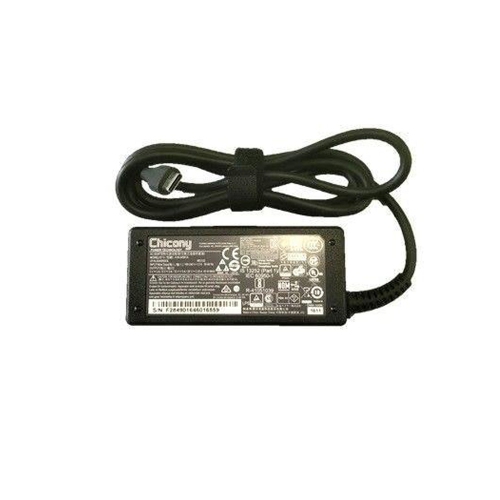
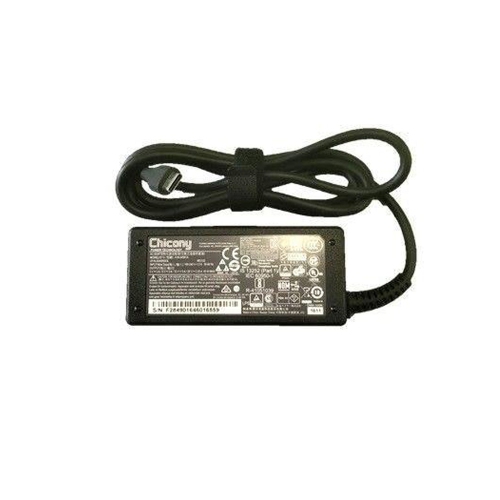
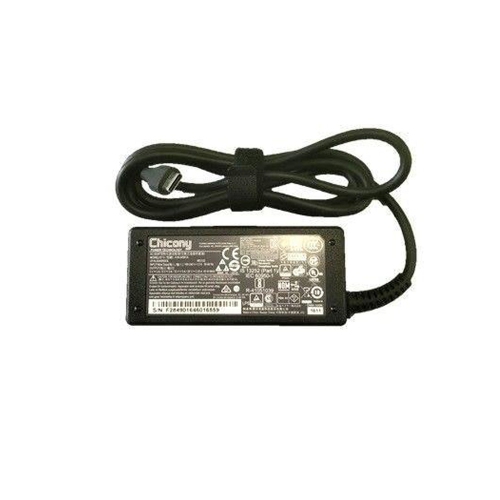
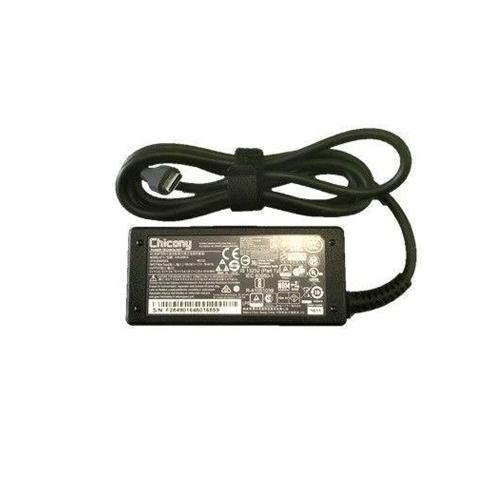
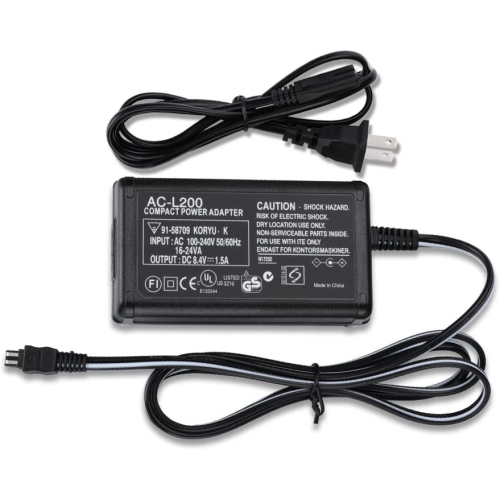
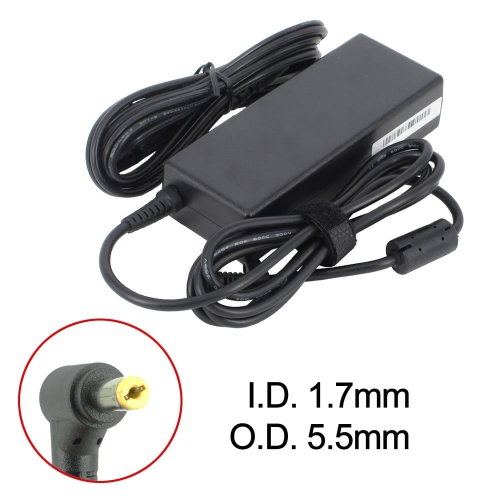
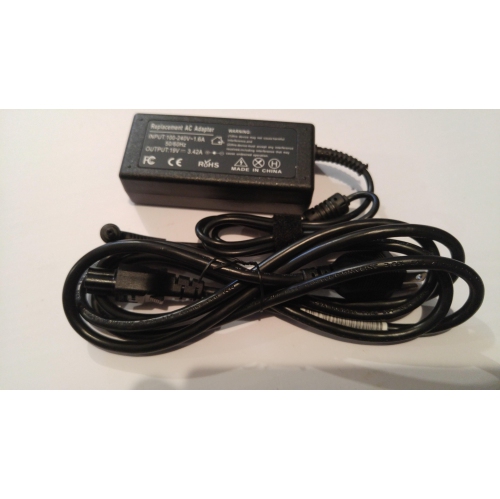
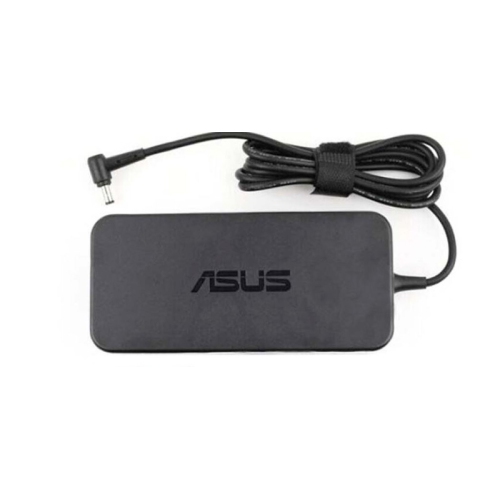
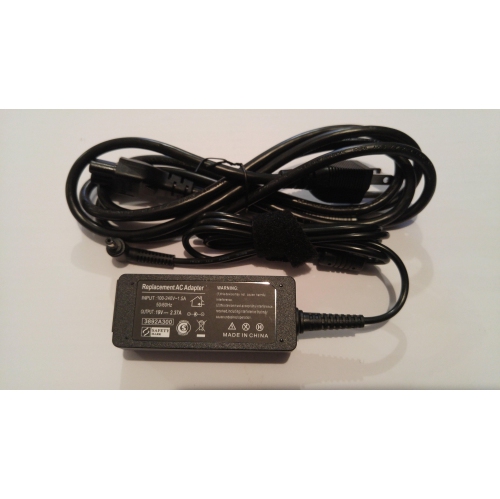
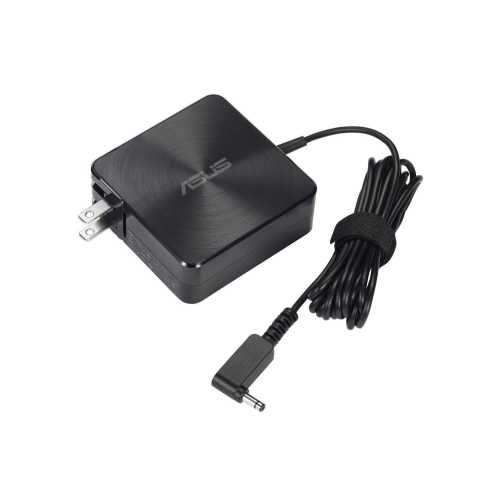
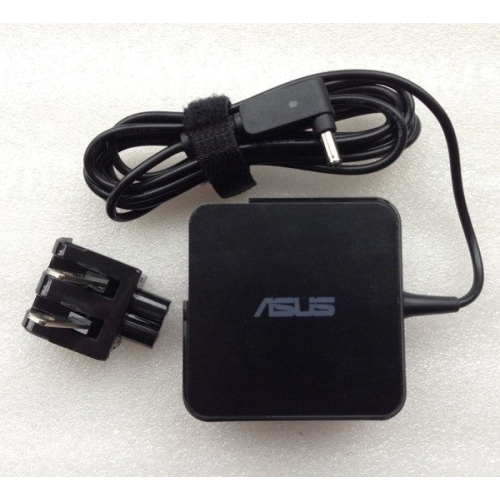
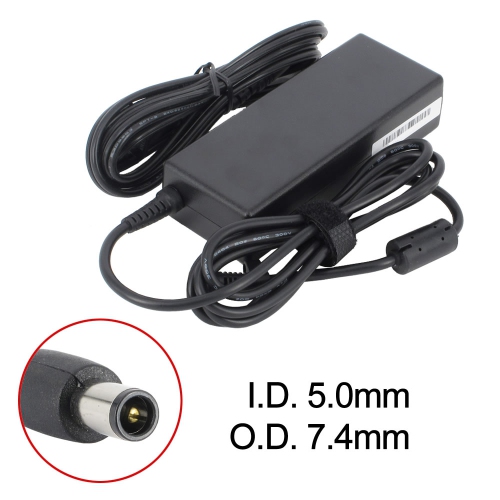
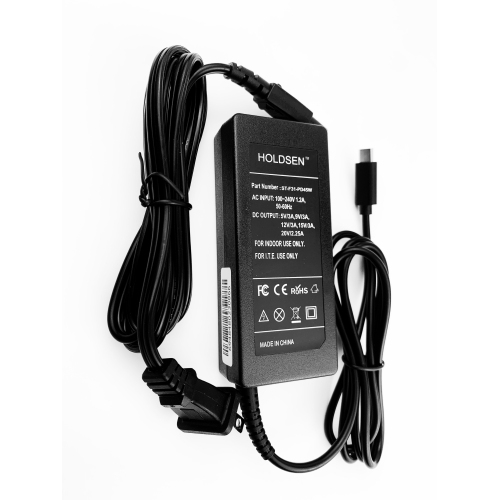
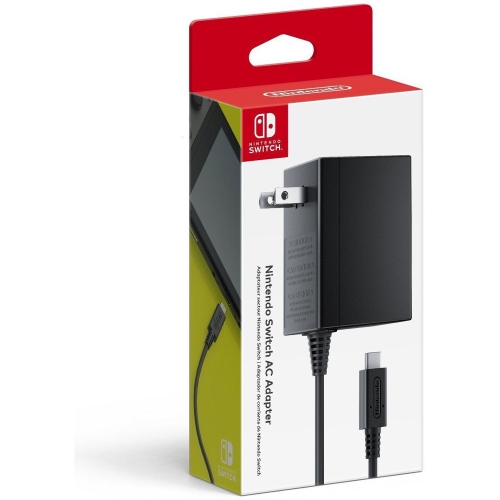
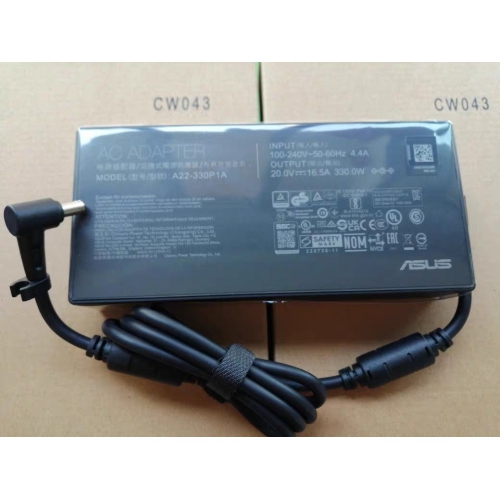
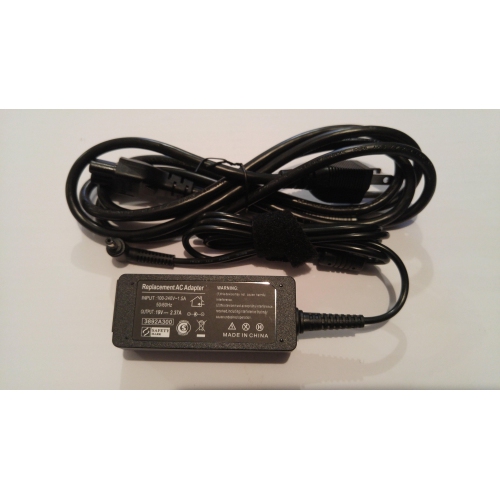
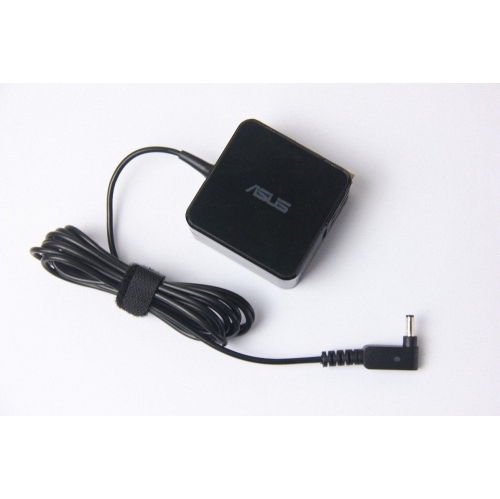
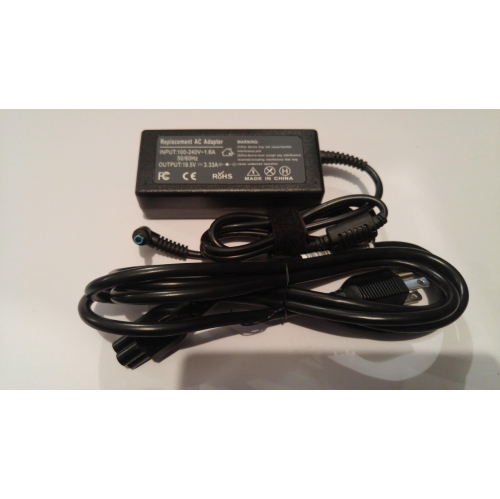
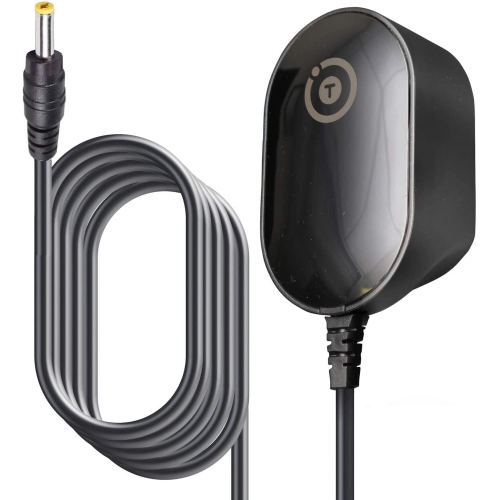
![TTX TECH Wii U Console Ac Adapter []](https://multimedia.bbycastatic.ca/multimedia/products/500x500/175/17550/17550368.jpeg)
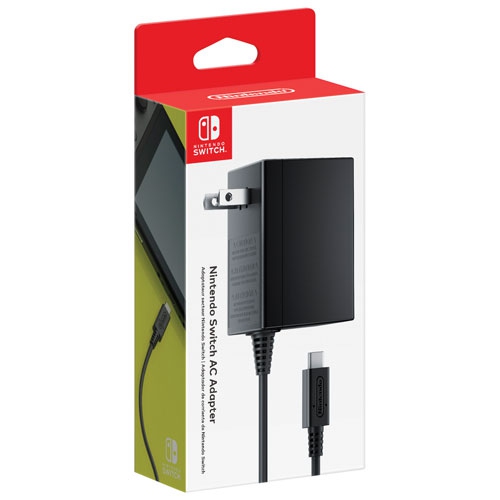

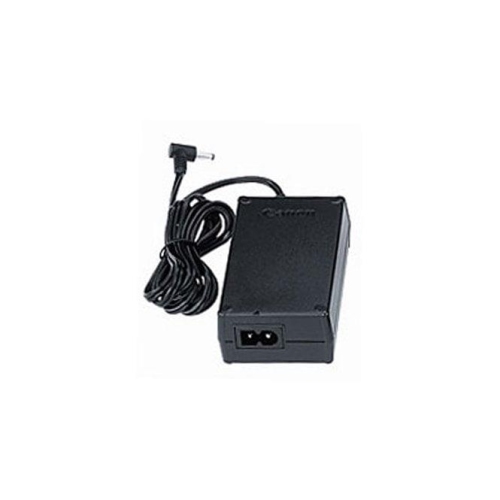
Understanding power conversion and device compatibility
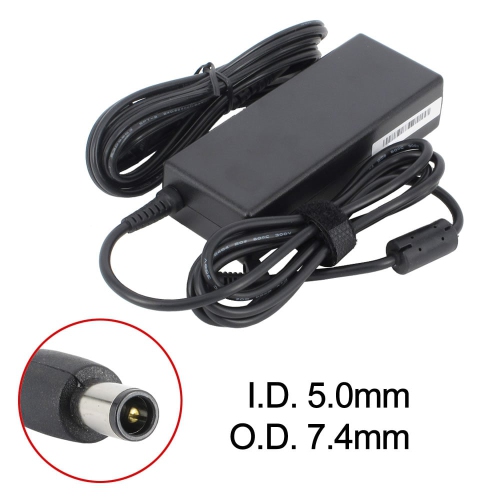
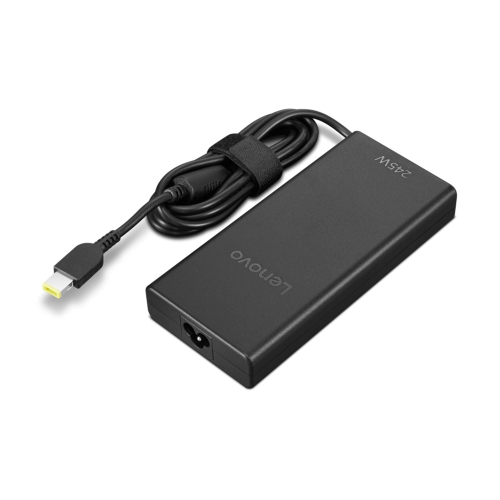
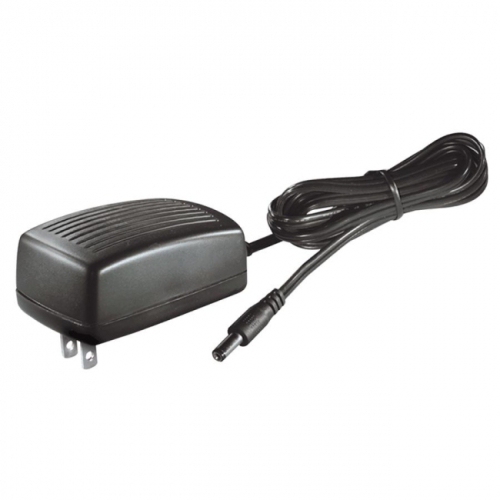
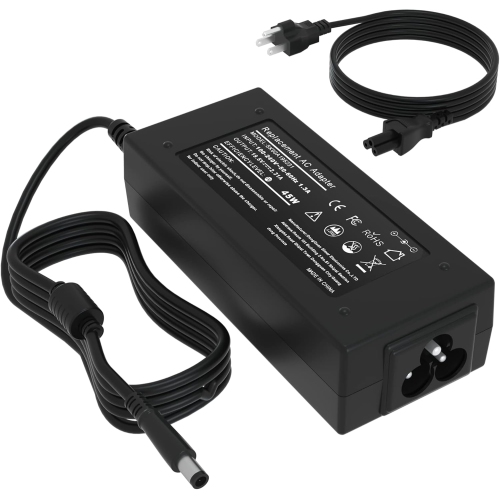
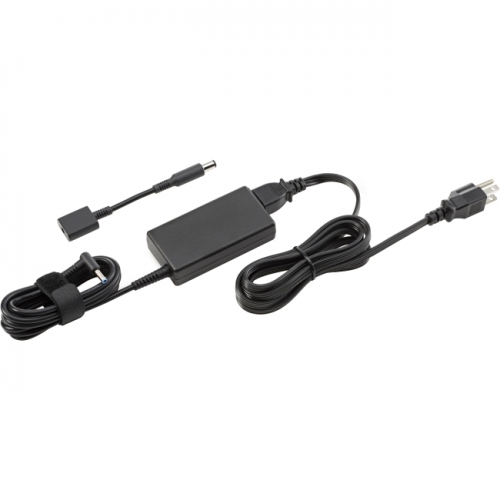
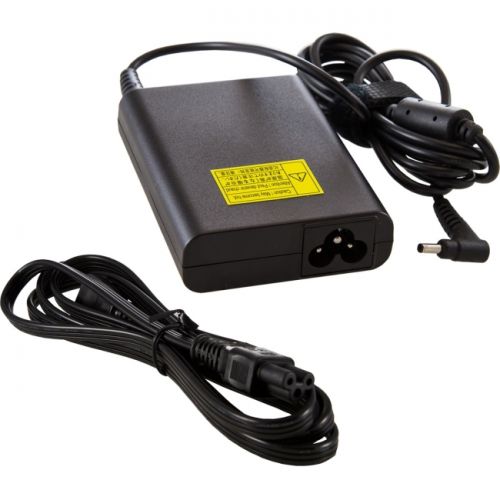
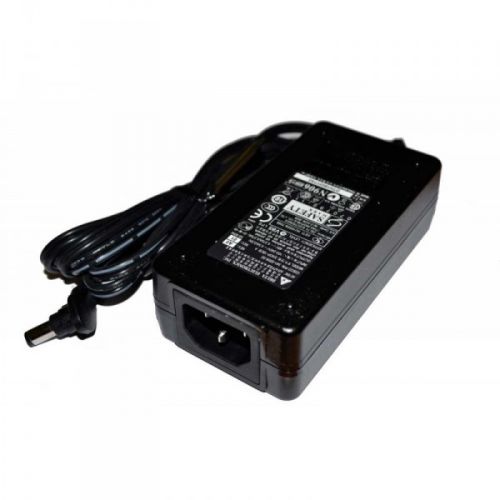
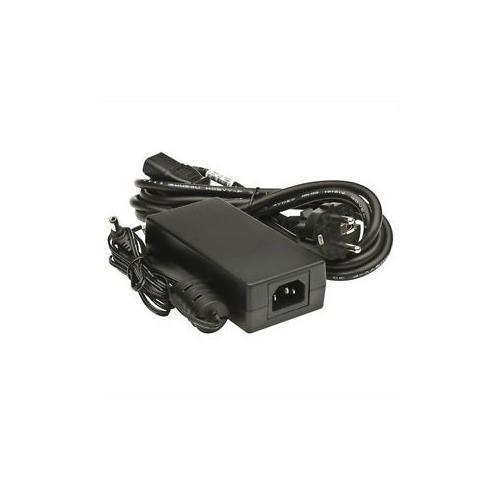
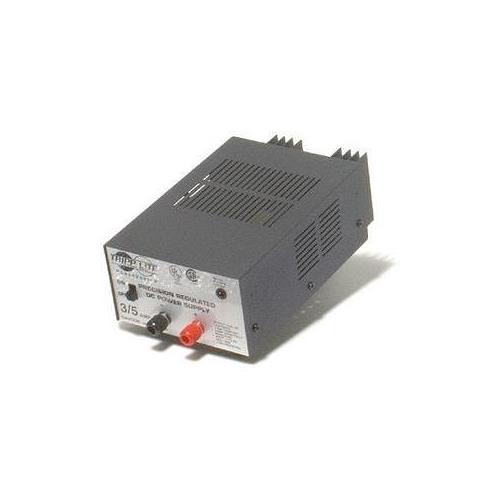
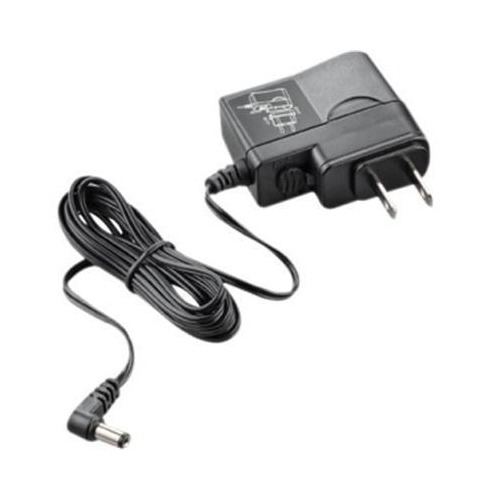
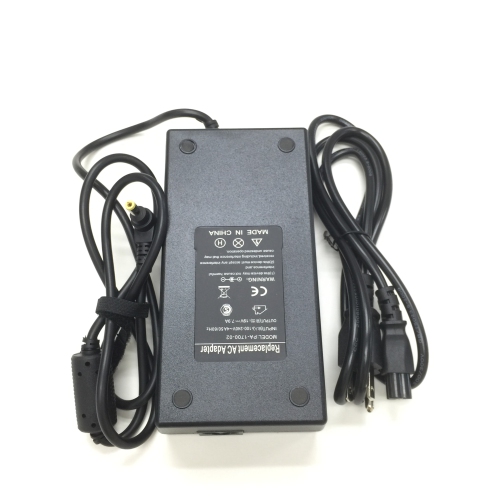
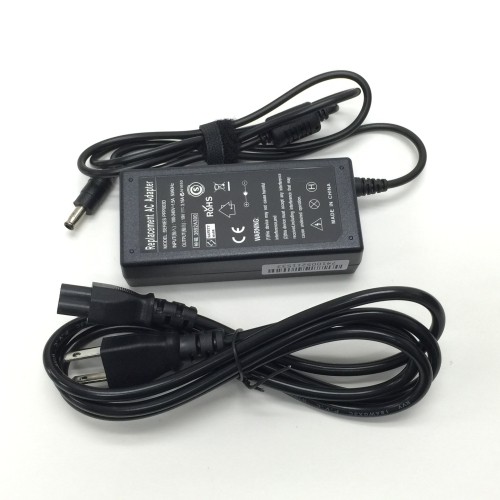
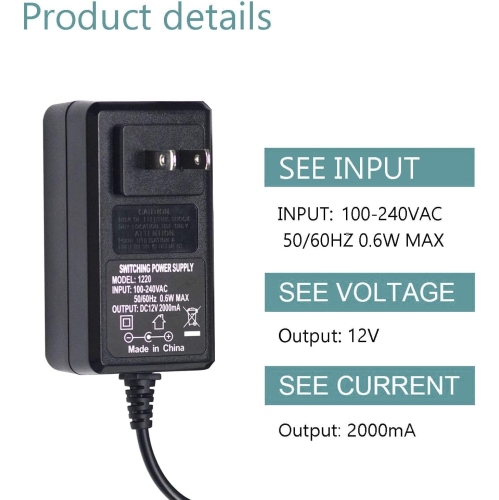
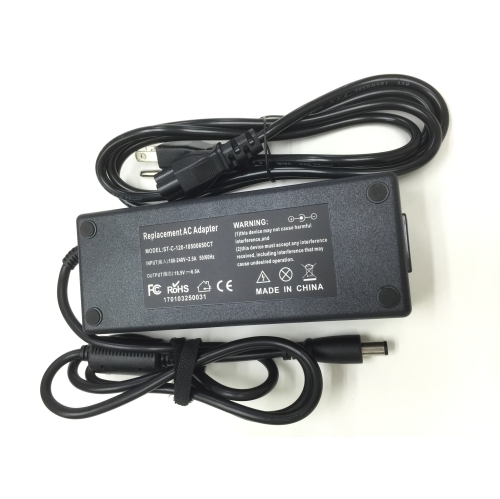
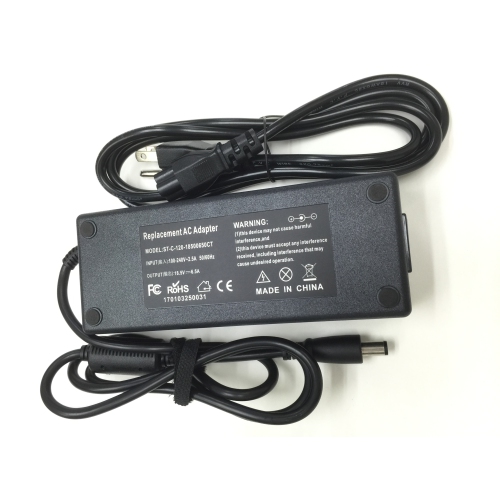
AC adapters provide the connection between a wall outlet and the electronics that rely on a specific type and amount of power. Household outlets deliver alternating current (AC), while many small devices require direct current (DC) at a lower, carefully controlled voltage. An adapter performs that conversion and sends power through a connector that fits the device’s input port. They are commonly used with compact electronics, networking equipment, audio accessories, monitors, lamps, small appliances, game accessories, and other devices that use an external power supply rather than a built-in one. An AC adapter can be especially useful when an original power supply has been misplaced, damaged, or left behind during a move. It can also provide a convenient spare for a home office, workshop, cottage, classroom, or travel bag, helping reduce the need to unplug and carry the same adapter between locations. When comparing options, begin with the information printed on the device, its original adapter, or its user manual. The output voltage, shown in volts (V), should match the device’s required voltage exactly. A voltage that is too high can damage internal components, while an adapter with a lower voltage may not operate the device properly and can place unnecessary strain on the power supply. The current rating, shown in amps (A) or milliamps (mA), should meet or exceed the device’s requirement. A compatible device draws only the current it needs, but an adapter rated below that requirement may run hot, shut down, or fail prematurely. It is also important to distinguish input and output specifications: the adapter’s input refers to the electricity it accepts from the wall, while its output describes what it delivers to the connected device. Reading both labels carefully is one of the simplest ways to narrow the selection before considering connector style or cable length.
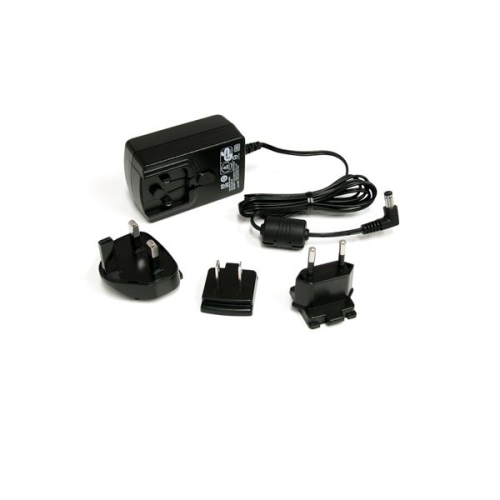
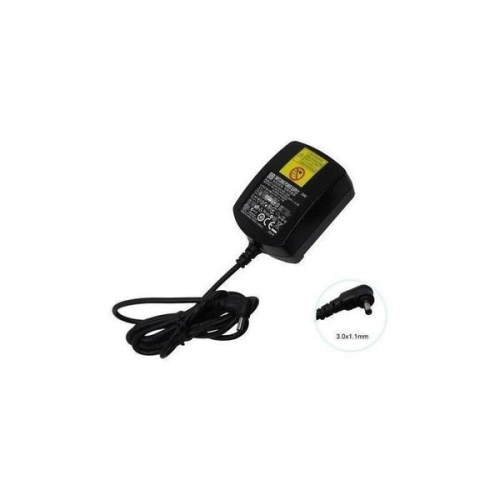
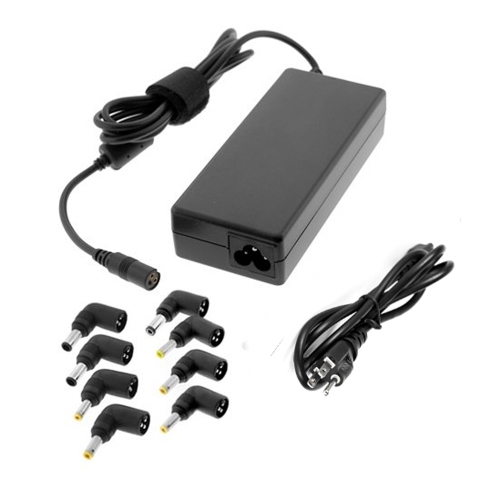
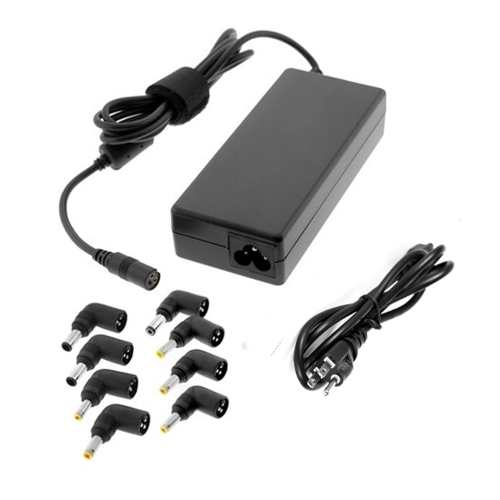
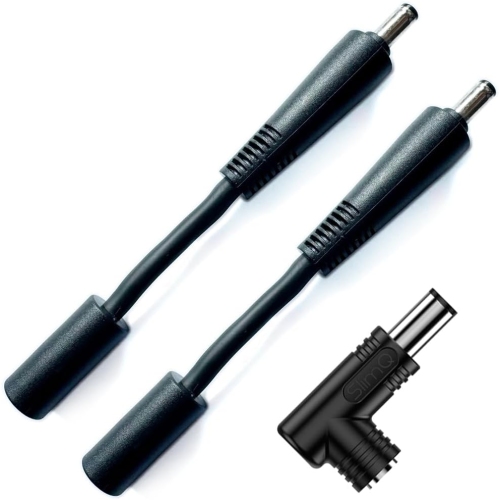
The connector must fit the device’s power port securely, without forcing, wobbling, or relying on an improvised workaround. Small barrel connectors can look nearly identical while differing in diameter, length, or polarity, so matching the physical tip alone is not enough. For DC adapters, check the polarity symbol, which indicates whether the centre pin is positive or negative. The polarity shown on the adapter should match the polarity required by the device. Reversing it can prevent operation or cause permanent damage. USB-powered equipment may use a familiar USB connector, but compatibility still depends on the device’s charging or power requirements, the adapter’s output, and the cable being used. Adjustable or universal AC adapters can offer flexibility for households with several small electronics, particularly when they include interchangeable tips and clearly marked voltage settings. These features can be helpful, but they also make careful setup essential: choose the correct tip, set the exact voltage before connecting the device, confirm polarity when applicable, and store unused tips where they will not be confused. For additional options related to replacement and external power needs, browse Power Supply Adapters. Travel-focused adapters address a different need. A multi-plug travel adapter changes the shape of the plug so it can connect to outlets in different countries, but it does not automatically convert electrical voltage. Travellers should check the voltage range supported by their device and determine whether a separate voltage converter is necessary before plugging in. This distinction is easy to overlook when packing in a hurry, especially with a suitcase full of chargers, camera equipment, grooming tools, and entertainment devices. Keeping each adapter labelled with its intended device can make setup faster in a hotel room or rental accommodation and helps prevent accidental mix-ups.
AC adapters are practical purchases for students setting up a desk, remote workers arranging a second workspace, musicians and hobbyists maintaining equipment, or families replacing a lost power supply for a child’s electronics. They can also make thoughtful gifts for someone moving into a first apartment, building a home office, travelling frequently, or organizing a dedicated craft, gaming, or media area. A spare adapter kept in a drawer can be surprisingly valuable on a busy morning when a device is needed for a presentation, a video call, a recipe, or a long drive. Before ordering, record the device’s make and model, output voltage, current requirement, polarity, and connector measurements from the original label. If the label is worn, check the manufacturer’s documentation rather than guessing from appearance. Look for signs of wear on an existing adapter, including cracked insulation, bent prongs, exposed wires, discolouration, buzzing, or unusual heat, and discontinue use if any of these appear. Place adapters where air can circulate, keep them away from water and heat sources, and avoid covering them with blankets or clothing while connected. A properly matched AC adapter should provide steady, dependable power without requiring constant adjustment or unusual handling. Taking a few minutes to verify the electrical specifications and connector details helps protect the device, supports reliable everyday use, and makes it easier to choose an adapter suited to the way the equipment is used at home, at work, or on the road.
The connector must fit the device’s power port securely, without forcing, wobbling, or relying on an improvised workaround. Small barrel connectors can look nearly identical while differing in diameter, length, or polarity, so matching the physical tip alone is not enough. For DC adapters, check the polarity symbol, which indicates whether the centre pin is positive or negative. The polarity shown on the adapter should match the polarity required by the device. Reversing it can prevent operation or cause permanent damage. USB-powered equipment may use a familiar USB connector, but compatibility still depends on the device’s charging or power requirements, the adapter’s output, and the cable being used. Adjustable or universal AC adapters can offer flexibility for households with several small electronics, particularly when they include interchangeable tips and clearly marked voltage settings. These features can be helpful, but they also make careful setup essential: choose the correct tip, set the exact voltage before connecting the device, confirm polarity when applicable, and store unused tips where they will not be confused. For additional options related to replacement and external power needs, browse Power Supply Adapters. Travel-focused adapters address a different need. A multi-plug travel adapter changes the shape of the plug so it can connect to outlets in different countries, but it does not automatically convert electrical voltage. Travellers should check the voltage range supported by their device and determine whether a separate voltage converter is necessary before plugging in. This distinction is easy to overlook when packing in a hurry, especially with a suitcase full of chargers, camera equipment, grooming tools, and entertainment devices. Keeping each adapter labelled with its intended device can make setup faster in a hotel room or rental accommodation and helps prevent accidental mix-ups.
AC adapters are practical purchases for students setting up a desk, remote workers arranging a second workspace, musicians and hobbyists maintaining equipment, or families replacing a lost power supply for a child’s electronics. They can also make thoughtful gifts for someone moving into a first apartment, building a home office, travelling frequently, or organizing a dedicated craft, gaming, or media area. A spare adapter kept in a drawer can be surprisingly valuable on a busy morning when a device is needed for a presentation, a video call, a recipe, or a long drive. Before ordering, record the device’s make and model, output voltage, current requirement, polarity, and connector measurements from the original label. If the label is worn, check the manufacturer’s documentation rather than guessing from appearance. Look for signs of wear on an existing adapter, including cracked insulation, bent prongs, exposed wires, discolouration, buzzing, or unusual heat, and discontinue use if any of these appear. Place adapters where air can circulate, keep them away from water and heat sources, and avoid covering them with blankets or clothing while connected. A properly matched AC adapter should provide steady, dependable power without requiring constant adjustment or unusual handling. Taking a few minutes to verify the electrical specifications and connector details helps protect the device, supports reliable everyday use, and makes it easier to choose an adapter suited to the way the equipment is used at home, at work, or on the road.
Top selling and popular products
-
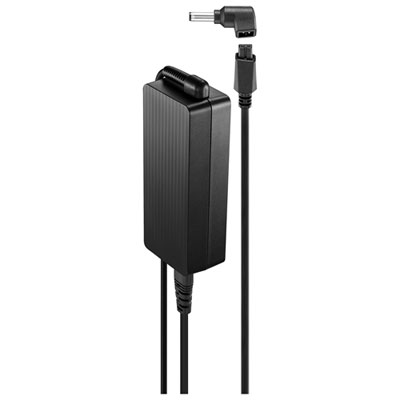 Your price for this item is $69.99
 -
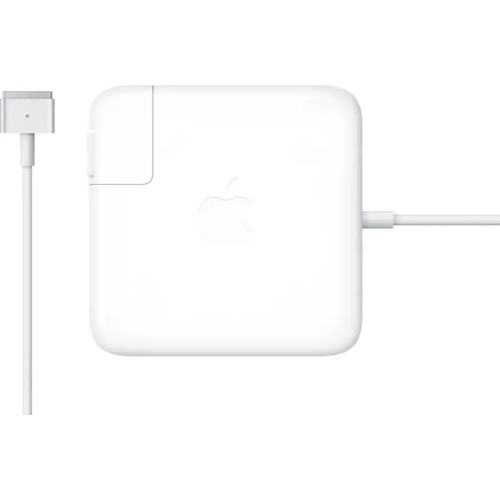 Your price for this item is $135.39
 -
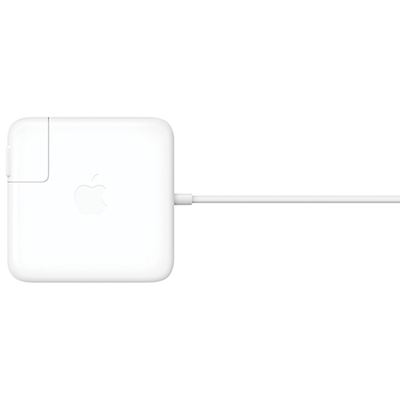 Your price for this item is $95
 -
 Your price for this item is $109.99
 -
 Your price for this item is $49.99
 -
 Your price for this item is $67
 -
 Your price for this item is $71
 -
 Your price for this item is $51.99
Discover more categories related to AC Adapters
Top Collections:
Pokemon Centers, Kindle Devices, Best Budget Office Chairs, Apple iPhones 16, Best Laptops for Writers, iPhone 15 Apple, Canon G7X Cameras, Refurbished Apple Laptops, Alarm Clock, Motorola Razr Phones
Some products may be subject to Environmental Handling Fees
(EHF) depending on your province.
Learn more about EHFs.