Affordable Android Tablets for High School Students
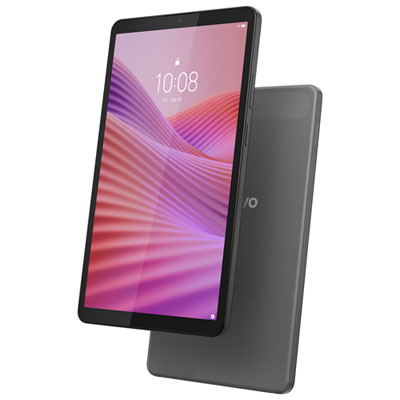
Affordable android tablets for high school students offer a practical solution for staying organized and connected throughout the academic year. These tablets are designed to fit a student’s budget while supporting everyday tasks such as note-taking, research, and communication with classmates. With a variety of models to choose from, finding the right affordable android tablet can help high school students balance their studies and entertainment needs without breaking the bank. Explore options that combine value and versatility, making it easier to keep up with assignments and enjoy downtime.
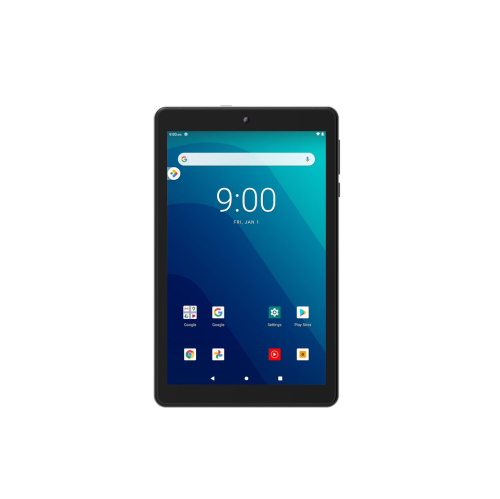
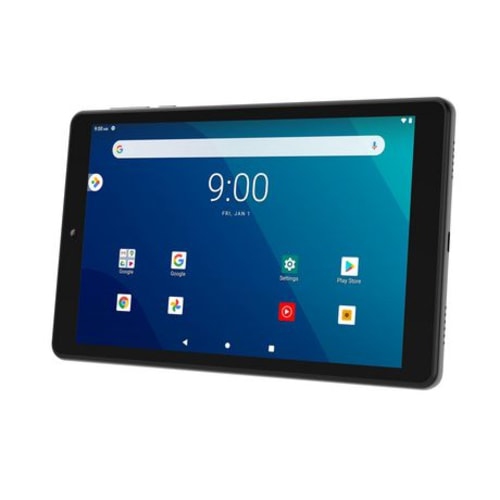
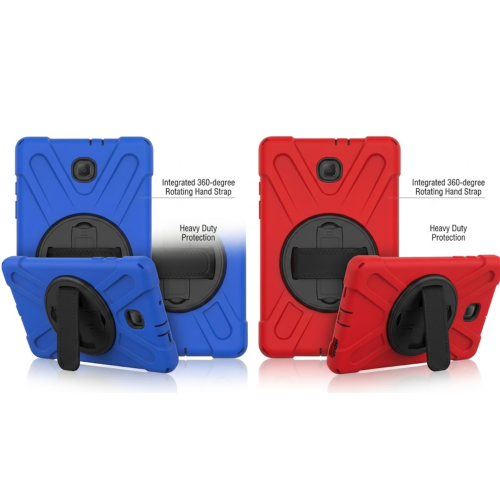
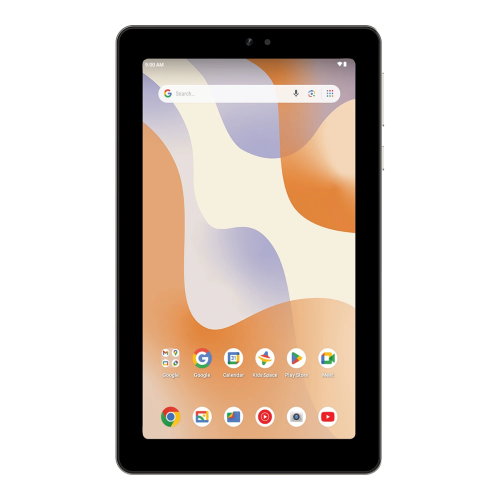
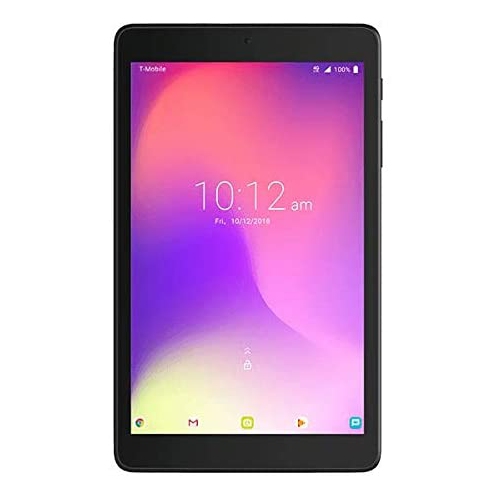
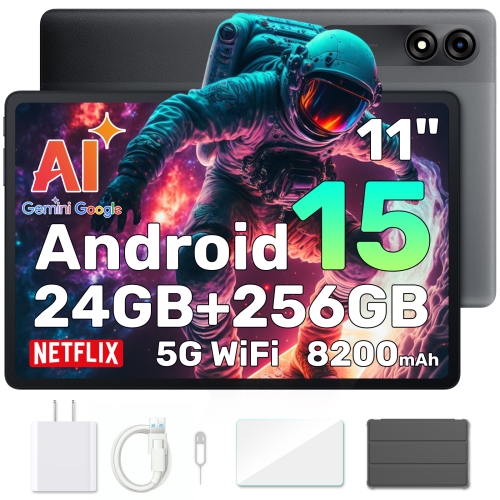

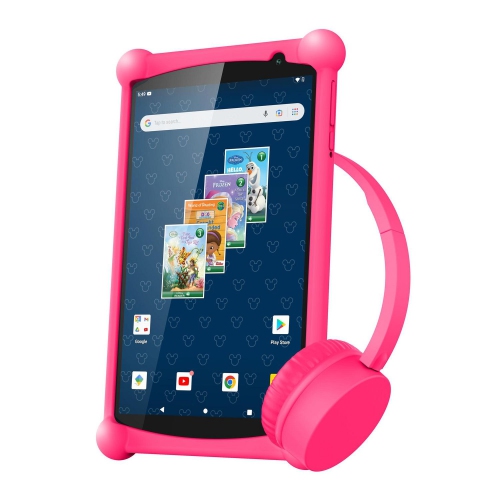
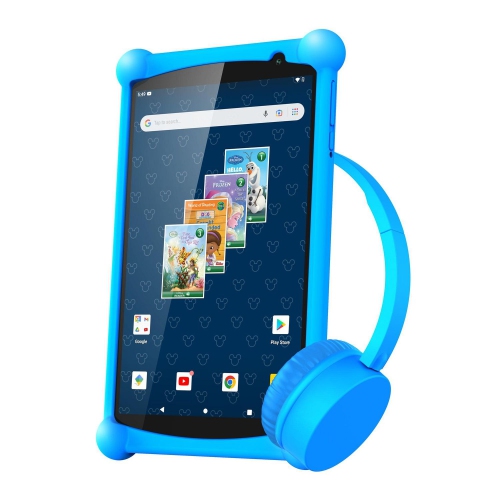
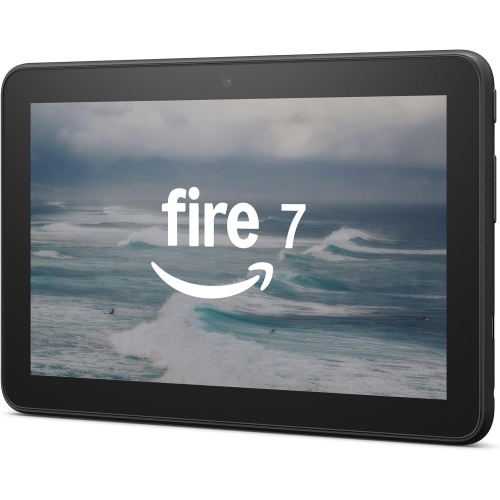
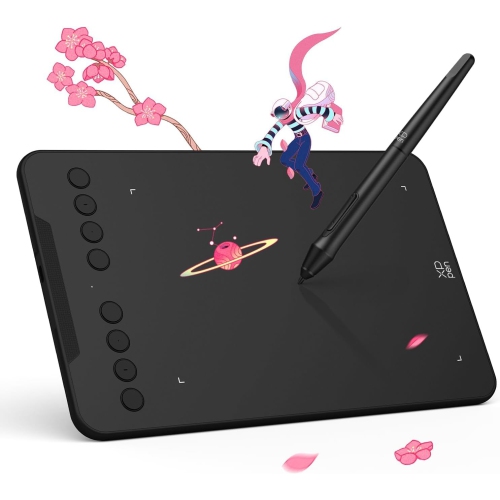
Built for schoolwork, creativity, and connection on the go
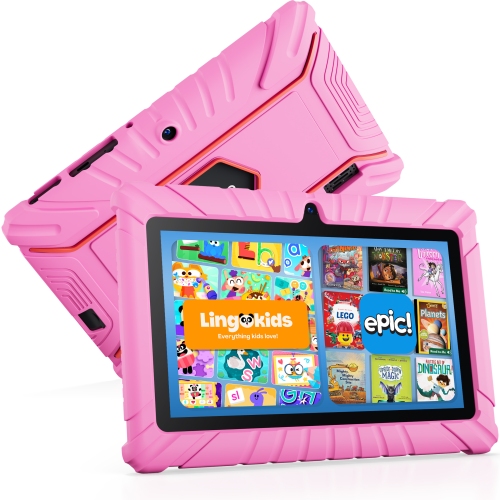
When shopping for a cheap tablet best buy, there are several features to consider to ensure the device meets the demands of a busy student lifestyle. Battery life is a top priority, as students often need their devices to last through a full day of classes, extracurriculars, and homework sessions without frequent charging. Screen size and resolution play a crucial role in reading textbooks, watching educational videos, or even relaxing with a movie after a long day. Storage capacity is another important factor, especially for students who download course materials, save project files, or enjoy mobile gaming in their downtime. Many affordable Android tablets also support expandable storage, which can be a cost-effective way to increase space as academic needs grow. Durability and portability should not be overlooked, as students are likely to transport their tablets between home, school, and other activities. A sturdy build and lightweight design make it easier to carry the device everywhere, while options for protective cases and accessories add an extra layer of security.
Affordable Android tablets are not only practical for studying but also serve as creative outlets and social hubs. With access to a wide range of apps, students can sketch, edit photos, compose music, or collaborate on group projects in real time. Video calling and messaging apps help them stay connected with friends, family, and classmates, whether they’re working on a group assignment or catching up during the slower pace of summer. For those who enjoy reading, tablets can double as e-readers, making it simple to access novels, textbooks, and research articles in one place. As the seasons shift from the long, sunny days of summer to the cooler months of early fall, students will appreciate having a device that supports both independent study and entertainment. If you’re looking to explore more options or want to compare different models tailored to student needs, visit our dedicated page for Android Tablets for Students for a curated selection designed to balance performance, affordability, and everyday convenience.
FAQ
What features should high school students look for in an affordable Android tablet?
High school students should consider tablets with a reliable processor, at least 3GB of RAM, good battery life, and compatibility with educational apps. A clear display and durable build are also important for daily use.
Can affordable Android tablets handle multitasking for schoolwork?
Many budget-friendly Android tablets support basic multitasking, such as running multiple apps or using split-screen mode. However, performance may vary depending on the tablet's hardware specifications.
Are affordable Android tablets suitable for note-taking and digital textbooks?
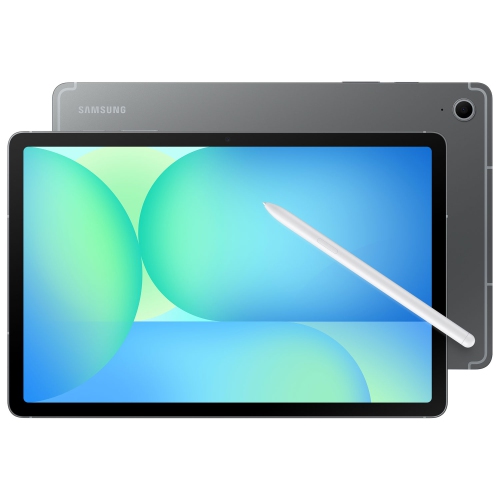
Yes, most affordable Android tablets can be used for note-taking with compatible apps and are great for reading digital textbooks. Some models also support stylus input for handwritten notes.
Do affordable Android tablets support popular educational apps?
Most Android tablets can run a wide range of educational apps available on the Google Play Store, including productivity tools, e-readers, and learning platforms commonly used in schools.
How can high school students maximize the battery life of their Android tablet?
Students can extend battery life by lowering screen brightness, closing unused apps, enabling battery saver mode, and keeping the device's software up to date.
Top selling and popular products
-
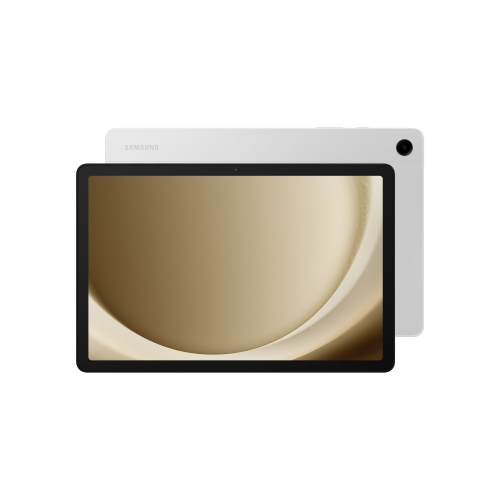 Your price for this item is $499.99
-
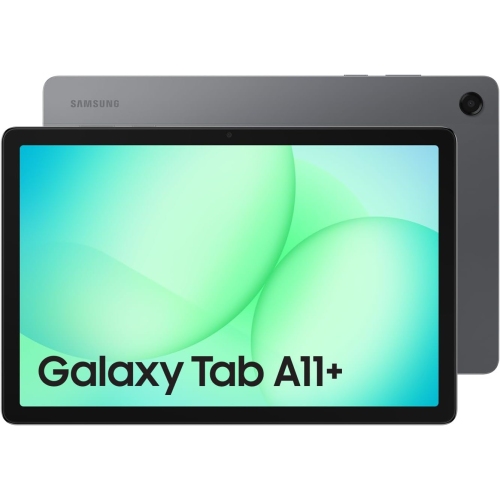 Your price for this item is $350
-
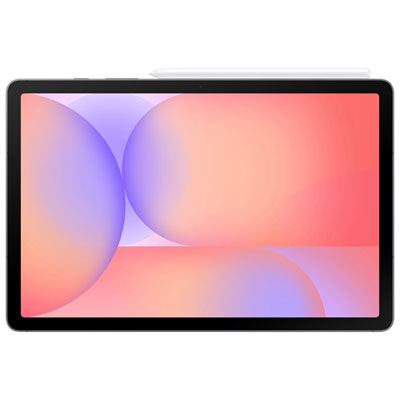 Your price for this item is $399.99
-
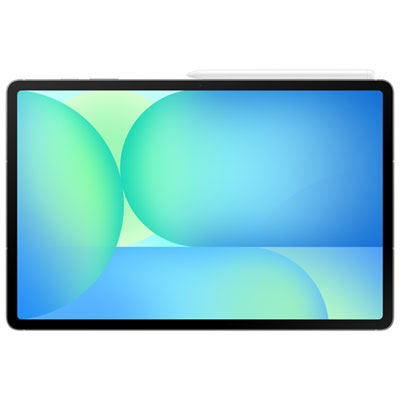 Your price for this item is $979.99
-
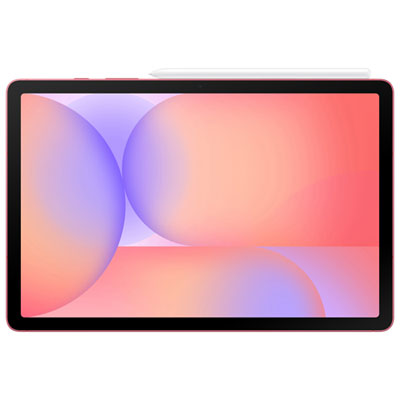 Your price for this item is $399.99
-
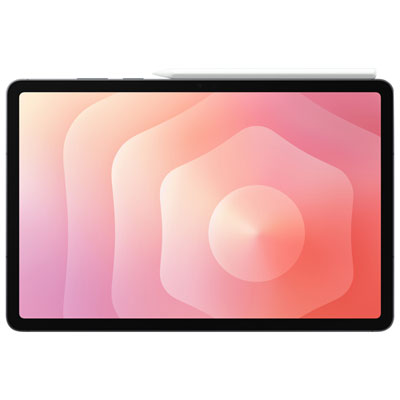 Your price for this item is $1399.99
-
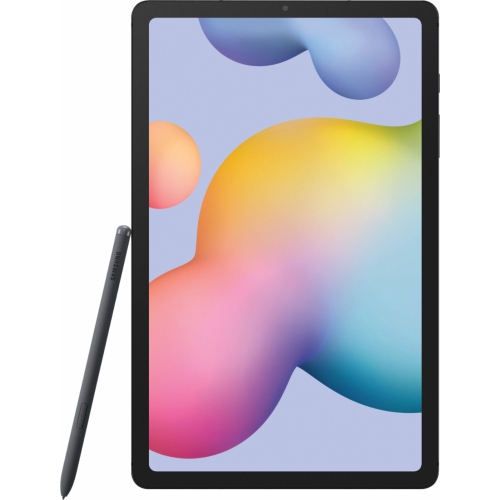 Your price for this item is $699.99
-
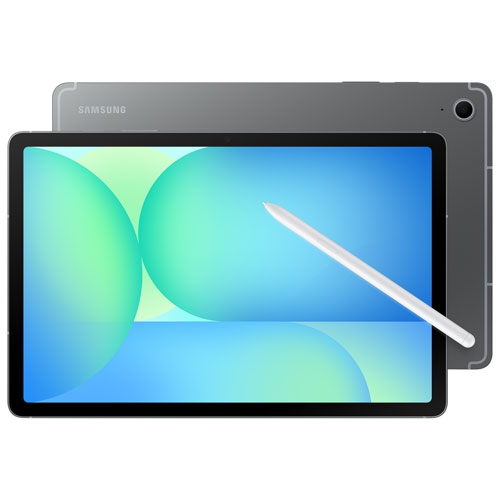 Your price for this item is $664.95