AIO Water Coolers
If you're looking to keep your PC running cool and quiet during intense gaming sessions or demanding work tasks, all-in-one water coolers offer an efficient and effective solution to help regulate your computer's temperature, ensuring optimal performance and longevity. With easy installation and low maintenance, these all-in-one cooling systems provide a sleek and compact alternative to traditional air cooling methods.
Sort

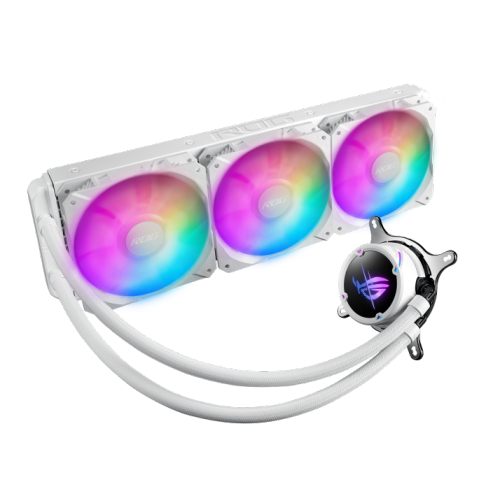
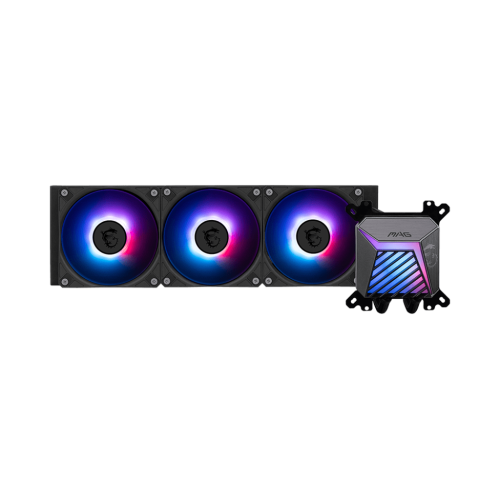
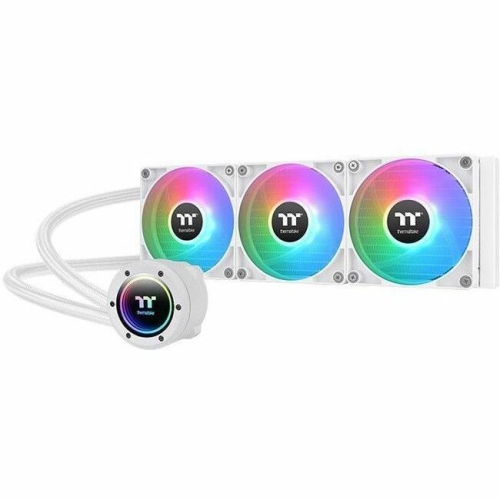
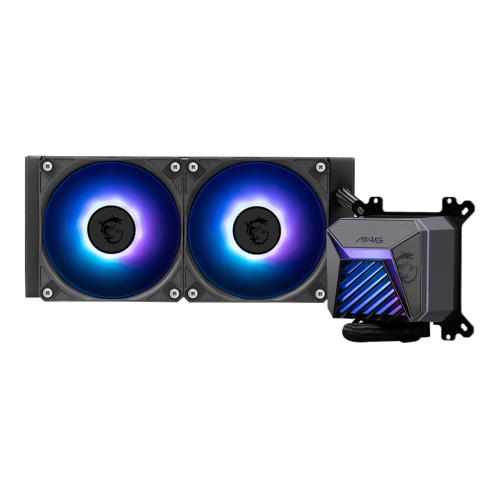


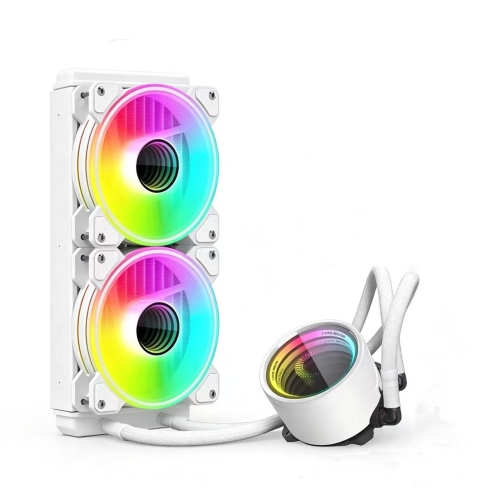
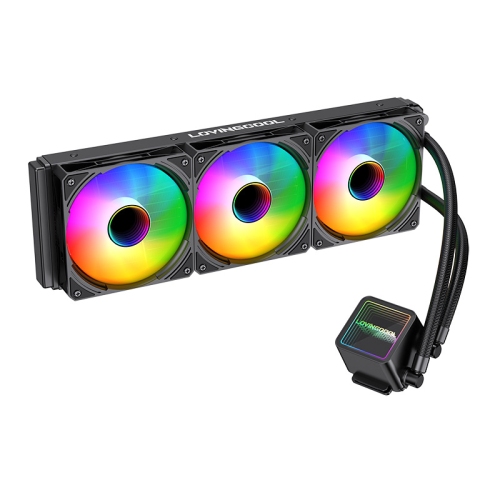
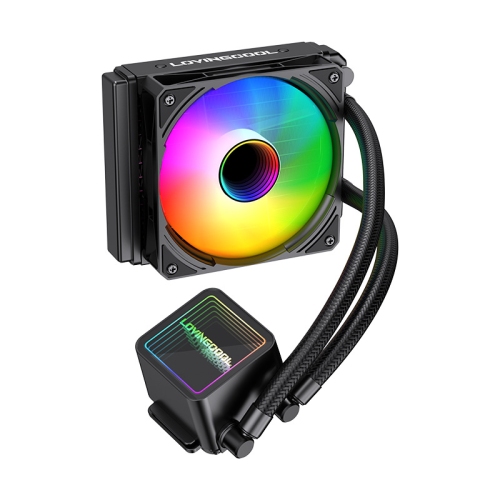
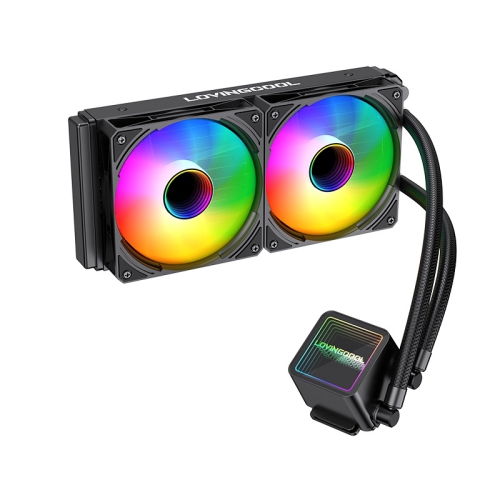

How sealed liquid cooling fits demanding desktop builds
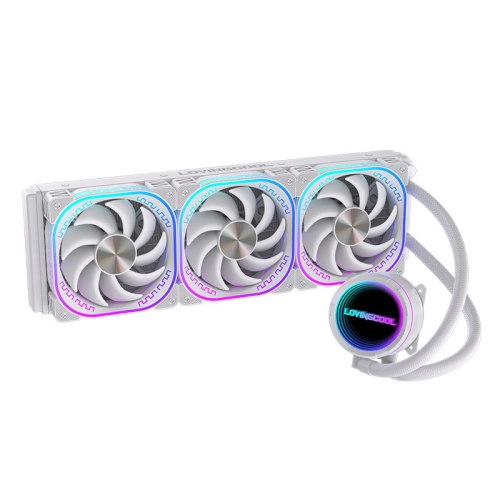
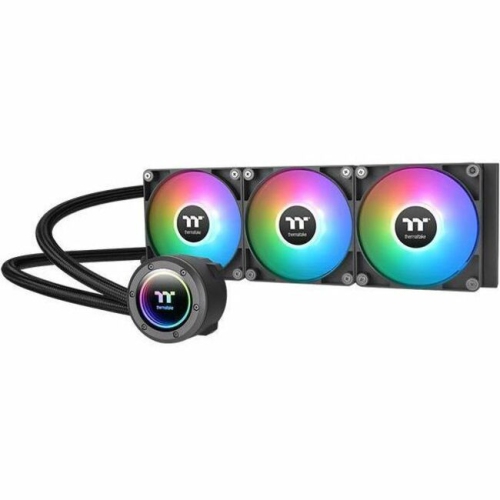
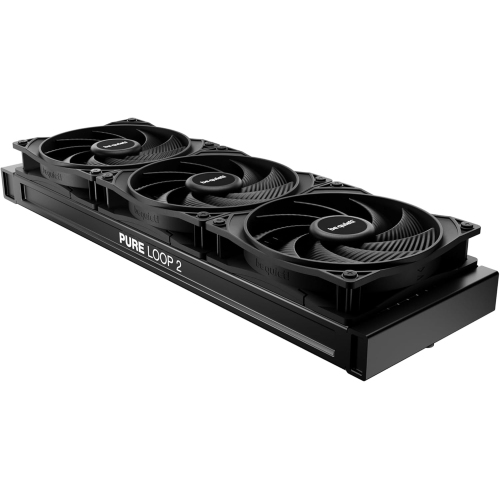
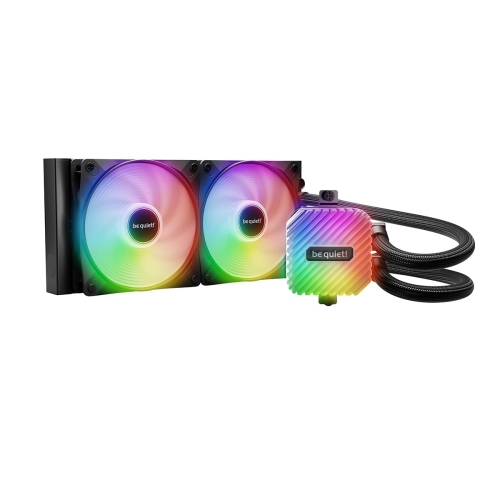
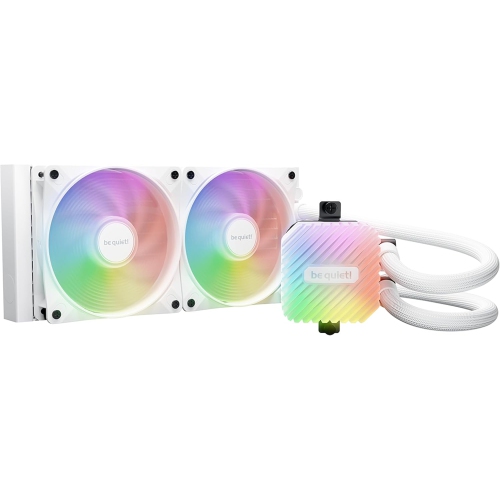
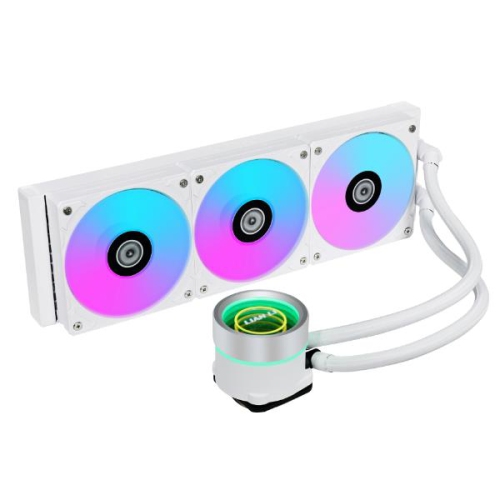
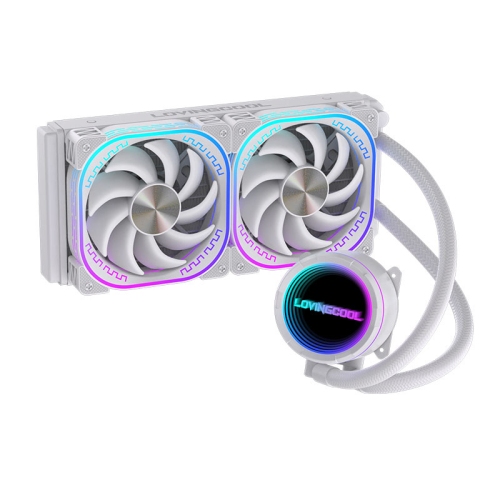
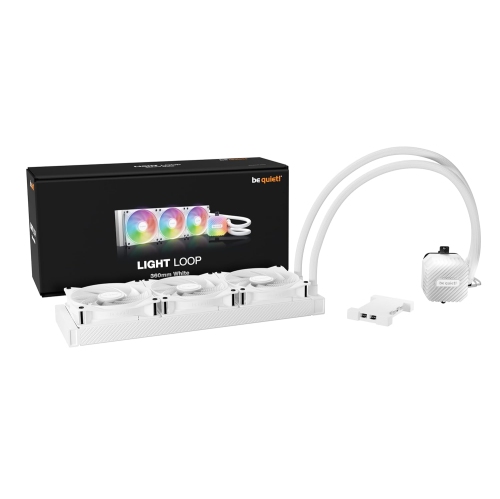
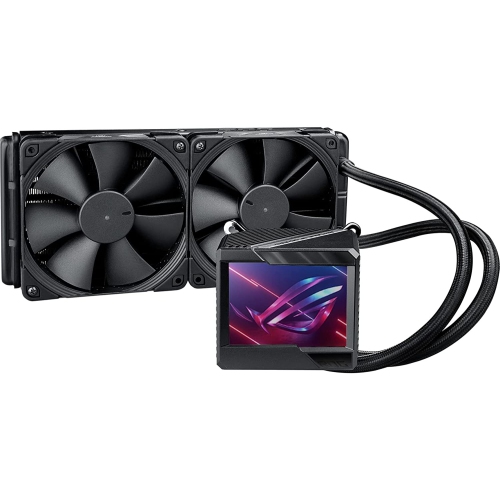
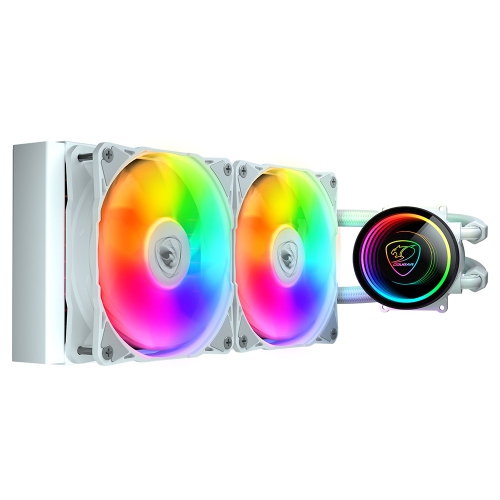
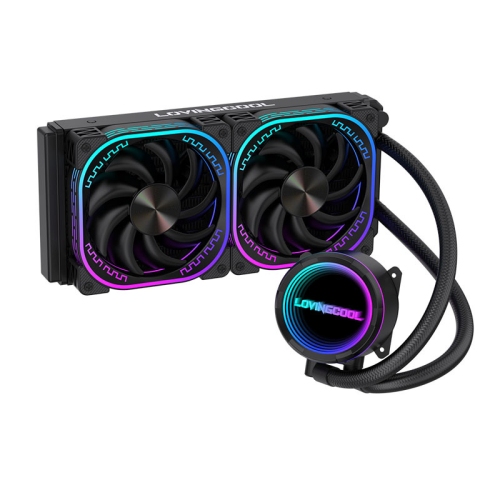
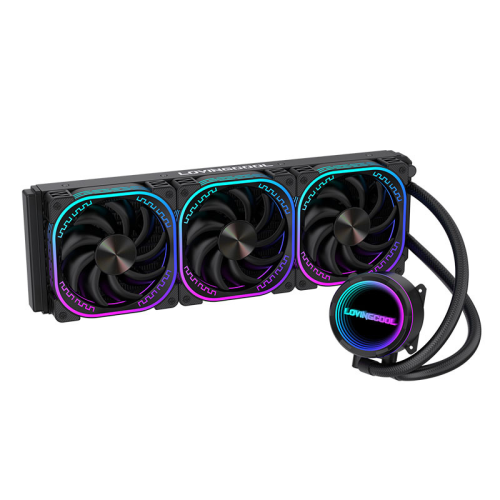
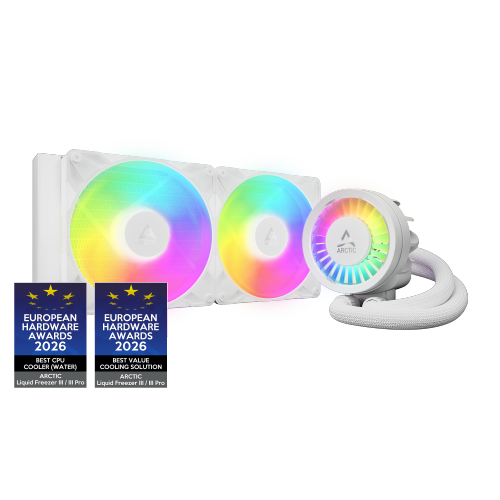
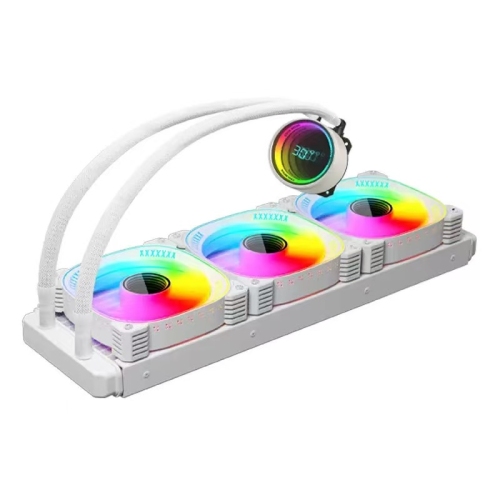
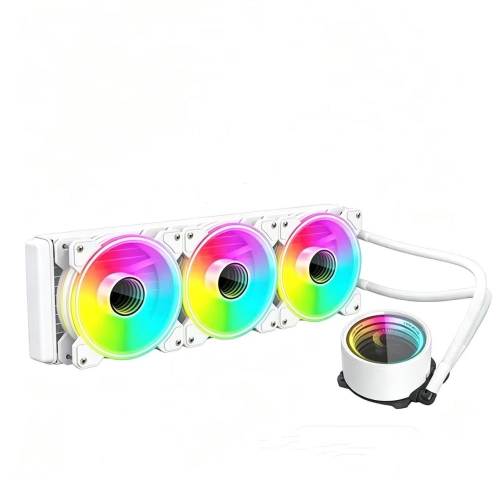
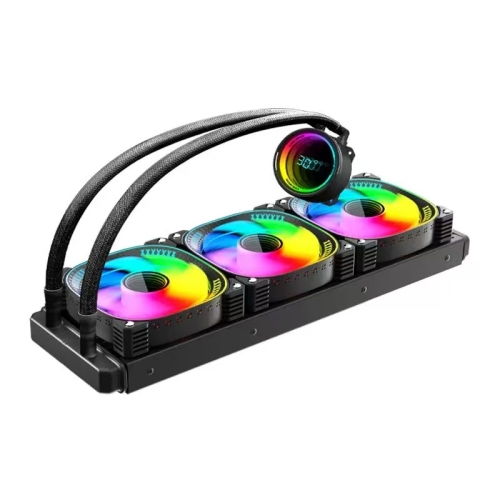
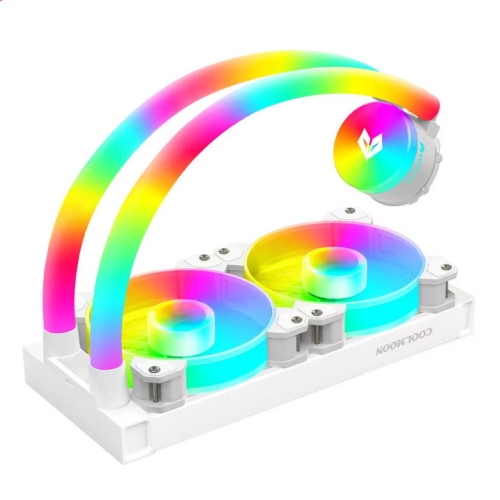
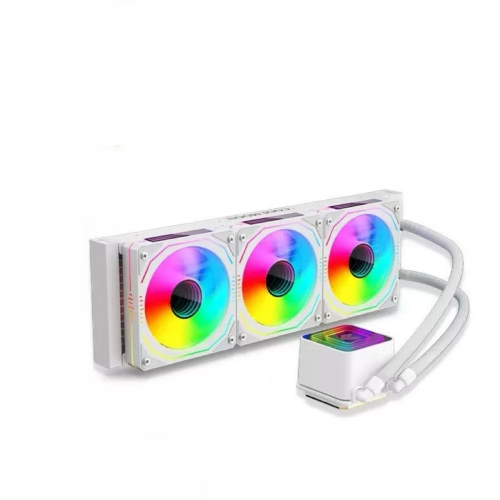
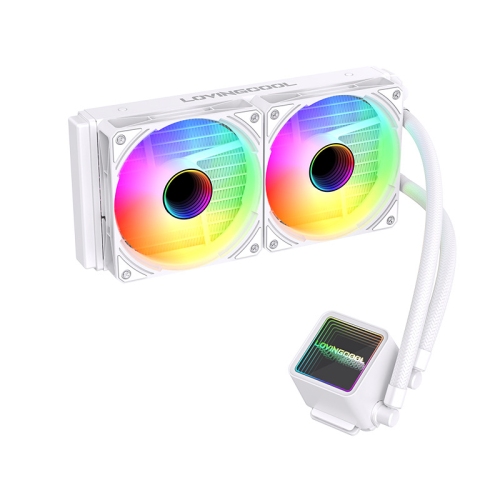
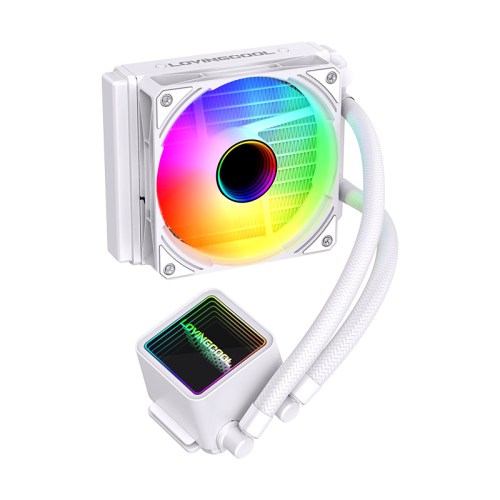
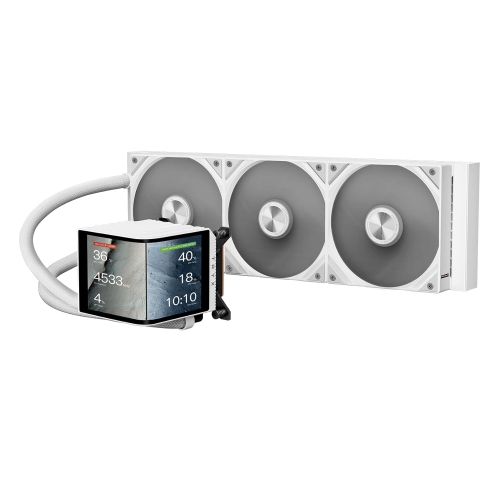
AIO water coolers are all-in-one liquid cooling systems designed to carry heat away from a desktop computer’s processor. Each unit combines a CPU cold plate, a pump, flexible tubing, a radiator, and fans in a pre-filled loop. The cold plate absorbs heat from the processor, the pump circulates coolant through the tubing, and the radiator transfers that heat to air moving through its fins. Unlike a custom liquid cooling loop assembled from separate parts, an AIO arrives with its coolant circuit connected and sealed, so installation does not usually involve filling a reservoir or cutting tubing. Most sealed models are not intended for user refilling, although the fans and radiator still need regular dust removal. These CPU coolers suit gaming desktops, content creation systems, and other computers that spend long stretches handling demanding tasks. Rendering a detailed animation, compiling a large project, or playing a game while streaming can keep a processor busy for extended periods, making sustained cooling performance particularly useful. Effective cooling helps a processor stay within its operating limits and can support sustained boost speeds when power settings and other system conditions allow. It does not guarantee higher frame rates or make every computer silent; results depend on the processor, radiator, fans, pump, case airflow, and workload. For a lightly used desktop, a substantial liquid cooling system may offer more cooling capacity than necessary. For a powerful workstation or a carefully arranged gaming build, its combination of heat handling and layout flexibility can be appealing. Moving the main heat exchanger to a case mounting position also leaves less bulk immediately around the CPU socket than a large tower air cooler. That can create a clearer view through a glass side panel and make nearby components easier to reach, though the tubing, mounting hardware, and radiator still require space. AIO cooling is therefore as much about matching the physical build and intended use as choosing a particular appearance.
Fit begins with both the processor socket and the computer case. An AIO CPU cooler needs mounting hardware explicitly compatible with the motherboard’s socket, along with sufficient clearance around nearby components. Radiator sizes commonly include 120 mm, 240 mm, 280 mm, and 360 mm, but those labels describe fan sizing rather than the radiator’s exact outer dimensions. End tanks, fittings, radiator thickness, and the fans themselves add to the space required. A case that lists support for a certain radiator size may still have restrictions when tall memory modules, large motherboard heatsinks, drive cages, or a long graphics card share that area. For example, a front-mounted radiator can reduce graphics card clearance, while a top-mounted radiator and fan assembly may sit close to the memory or motherboard’s upper edge. Checking the case and cooler specifications together gives a more useful picture than relying on the radiator label alone. Larger radiators generally provide more surface area for heat transfer and may handle a given workload at lower fan speeds, but size is not a guarantee of better performance or lower noise. Fin design, fan characteristics, pump behaviour, and fan settings all matter. Fans designed to maintain airflow against resistance are particularly useful on radiators, where closely spaced fins restrict the path of moving air. Radiator placement also affects how heat travels through the computer: a front intake arrangement supplies the radiator with outside air but sends warmed air into the case, while a top exhaust arrangement often draws case air through the radiator before expelling it. Neither layout is universally best, especially in systems with a graphics card producing substantial heat. Tubing length and flexibility influence which placements are practical, and the tubes should reach without tight bends, twisting, or strain on their fittings. Air within the loop should collect away from the pump wherever the design permits; following the manufacturer’s orientation instructions is important because pump locations vary. For shoppers comparing layouts and features, Best AIO CPU Coolers offers a related starting point for narrowing the options around a particular build.
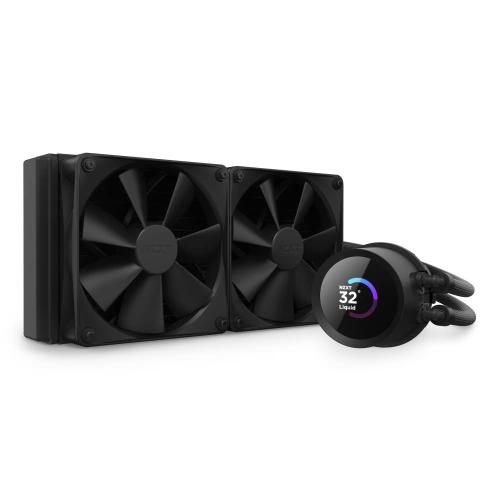
Materials, controls, and ongoing care shape the ownership experience just as much as radiator size. Many AIO coolers pair a copper cold plate with an aluminium radiator, using factory-formulated coolant suited to the materials inside the sealed circuit. Flexible tubing may have an outer sleeve that provides a finished appearance and helps protect its surface, although careful handling remains important around fittings and bends. Installation involves securing the mounting hardware evenly and ensuring proper contact between the cold plate and processor, with thermal paste either pre-applied or supplied separately. Protective film on the contact surface must be removed before use, and the cooler’s instructions determine the correct mounting sequence. Electrical connections deserve attention too: the pump and fans need suitable power and control connections, while lighting or an integrated display may require additional headers, a controller, or software. A visually simple build can benefit from straightforward cabling, whereas a display-focused desktop may favour coordinated lighting, a chosen colour scheme, or an on-block screen. Those extras change presentation and monitoring options rather than automatically improving cooling. Sound is another practical consideration, particularly for a desktop beside a microphone or on a shared work surface. Fan curves that rise gradually with demand can reduce abrupt changes in noise, while pump settings should remain within the manufacturer’s guidance. A sealed loop removes the routine filling associated with many custom systems, but it does not eliminate care or wear. With the computer shut down and disconnected from power, accessible dust can be cleared from filters, fan blades, and radiator fins using suitable methods that avoid bending the fins or letting fans spin freely under compressed air. Changes in pump noise, persistent gurgling, unexpected heat readings, or visible moisture warrant inspection rather than continued heavy use. Pump durability, warranty coverage, and access to replacement mounting hardware are worthwhile considerations for a computer expected to serve through several upgrades. As a gift for a PC enthusiast, an AIO is most useful when the recipient’s socket, case dimensions, and preferred appearance are known, making compatibility more meaningful than an impressive radiator size alone.
Fit begins with both the processor socket and the computer case. An AIO CPU cooler needs mounting hardware explicitly compatible with the motherboard’s socket, along with sufficient clearance around nearby components. Radiator sizes commonly include 120 mm, 240 mm, 280 mm, and 360 mm, but those labels describe fan sizing rather than the radiator’s exact outer dimensions. End tanks, fittings, radiator thickness, and the fans themselves add to the space required. A case that lists support for a certain radiator size may still have restrictions when tall memory modules, large motherboard heatsinks, drive cages, or a long graphics card share that area. For example, a front-mounted radiator can reduce graphics card clearance, while a top-mounted radiator and fan assembly may sit close to the memory or motherboard’s upper edge. Checking the case and cooler specifications together gives a more useful picture than relying on the radiator label alone. Larger radiators generally provide more surface area for heat transfer and may handle a given workload at lower fan speeds, but size is not a guarantee of better performance or lower noise. Fin design, fan characteristics, pump behaviour, and fan settings all matter. Fans designed to maintain airflow against resistance are particularly useful on radiators, where closely spaced fins restrict the path of moving air. Radiator placement also affects how heat travels through the computer: a front intake arrangement supplies the radiator with outside air but sends warmed air into the case, while a top exhaust arrangement often draws case air through the radiator before expelling it. Neither layout is universally best, especially in systems with a graphics card producing substantial heat. Tubing length and flexibility influence which placements are practical, and the tubes should reach without tight bends, twisting, or strain on their fittings. Air within the loop should collect away from the pump wherever the design permits; following the manufacturer’s orientation instructions is important because pump locations vary. For shoppers comparing layouts and features, Best AIO CPU Coolers offers a related starting point for narrowing the options around a particular build.
Materials, controls, and ongoing care shape the ownership experience just as much as radiator size. Many AIO coolers pair a copper cold plate with an aluminium radiator, using factory-formulated coolant suited to the materials inside the sealed circuit. Flexible tubing may have an outer sleeve that provides a finished appearance and helps protect its surface, although careful handling remains important around fittings and bends. Installation involves securing the mounting hardware evenly and ensuring proper contact between the cold plate and processor, with thermal paste either pre-applied or supplied separately. Protective film on the contact surface must be removed before use, and the cooler’s instructions determine the correct mounting sequence. Electrical connections deserve attention too: the pump and fans need suitable power and control connections, while lighting or an integrated display may require additional headers, a controller, or software. A visually simple build can benefit from straightforward cabling, whereas a display-focused desktop may favour coordinated lighting, a chosen colour scheme, or an on-block screen. Those extras change presentation and monitoring options rather than automatically improving cooling. Sound is another practical consideration, particularly for a desktop beside a microphone or on a shared work surface. Fan curves that rise gradually with demand can reduce abrupt changes in noise, while pump settings should remain within the manufacturer’s guidance. A sealed loop removes the routine filling associated with many custom systems, but it does not eliminate care or wear. With the computer shut down and disconnected from power, accessible dust can be cleared from filters, fan blades, and radiator fins using suitable methods that avoid bending the fins or letting fans spin freely under compressed air. Changes in pump noise, persistent gurgling, unexpected heat readings, or visible moisture warrant inspection rather than continued heavy use. Pump durability, warranty coverage, and access to replacement mounting hardware are worthwhile considerations for a computer expected to serve through several upgrades. As a gift for a PC enthusiast, an AIO is most useful when the recipient’s socket, case dimensions, and preferred appearance are known, making compatibility more meaningful than an impressive radiator size alone.
Top selling and popular products
-
 Your price for this item is $29.27
 -
 Your price for this item is $419.68
 -
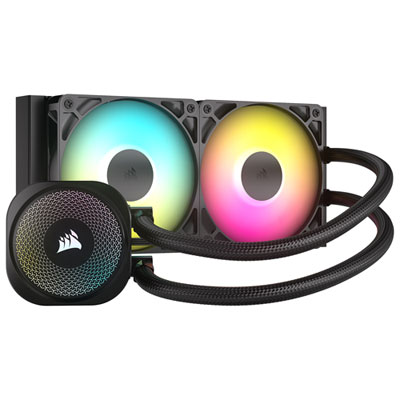 Your price for this item is $114.99
 -
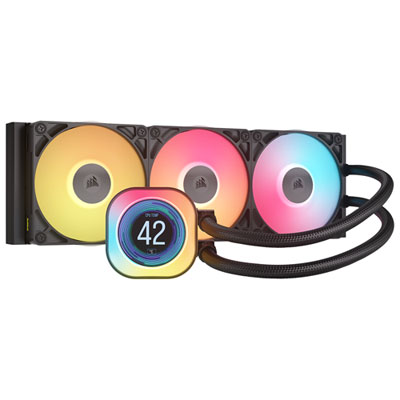 Your price for this item is $244.99
 -
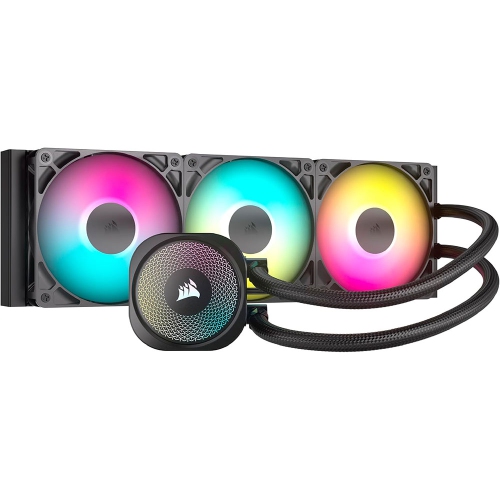 Your price for this item is $179
 -
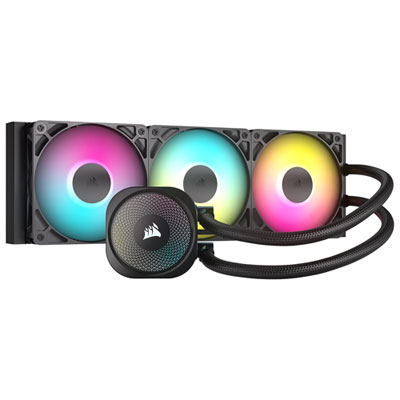 Your price for this item is $134.99
 -
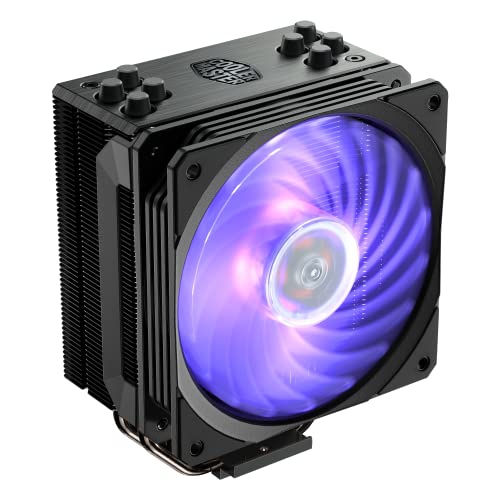 Your price for this item is $60.68
 -
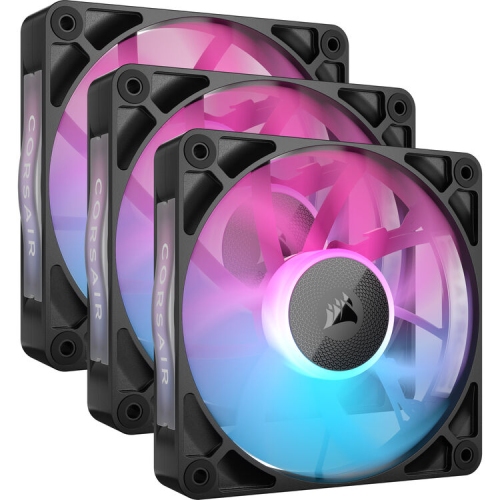 Your price for this item is $151.8
Discover more categories related to AIO Water Coolers

Top Collections:
Pokemon Centers, Kindle Devices, Best Budget Office Chairs, Apple iPhones 16, Best Laptops for Writers, iPhone 15 Apple, Canon G7X Cameras, Refurbished Apple Laptops, Alarm Clock, Motorola Razr Phones
Some products may be subject to Environmental Handling Fees
(EHF) depending on your province.
Learn more about EHFs.