Alienware Aurora R14
Get ready to level up your gaming experience with a selection of Alienware Aurora R14 gaming PCs. These powerhouses of gaming desktops are designed to deliver the ultimate performance, stunning graphics, and seamless gameplay. With their cutting-edge technology and customizable features, these Alienware Aurora R14 PCs are a true game-changer. Whether you're a casual gamer or a hardcore enthusiast, these gaming desktops are sure to take your gaming sessions to new heights.
Sort
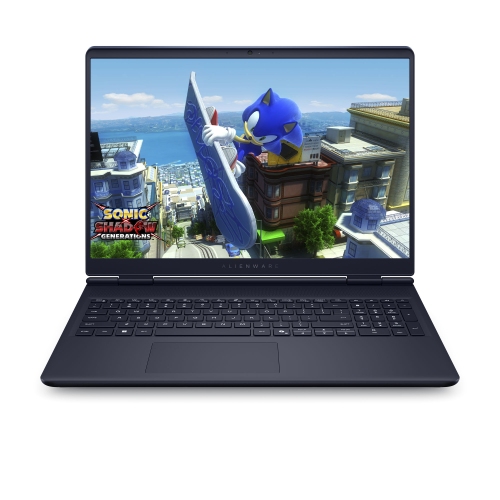
Why gaming tower specifications matter more than appearances
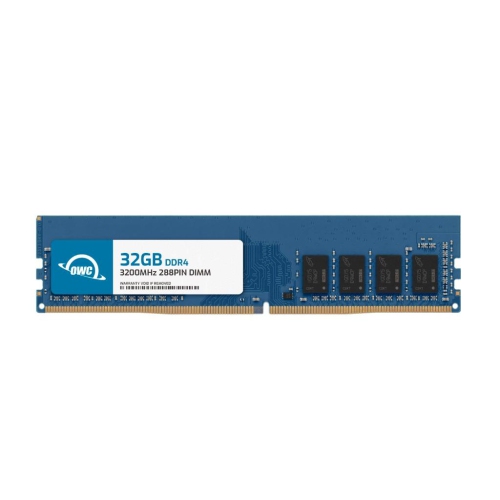
Pre-built gaming desktops bring the processor, graphics card, memory, storage, and cooling together in a tower designed for a dedicated gaming setup. Their appeal is straightforward: a coordinated system without the need to select and assemble every internal component separately. Within the same desktop family, however, configurations can differ substantially, so the individual specifications matter more than the exterior appearance alone. The graphics card has a major influence on gaming performance, especially at higher resolutions or with demanding lighting effects enabled. Its video memory also matters when games use detailed textures, although a larger memory figure does not automatically make one graphics card faster than another. The processor handles game logic, background applications, and many tasks involved in streaming or creating content. A system used for competitive matches while voice chat and recording software run in the background has different demands from one used mainly for relaxed single-player games. For many gaming setups, 16GB of system memory provides a useful starting point, while 32GB can offer more headroom for multitasking, larger creative projects, and memory-intensive games. DDR4 memory remains relevant to desktops from this hardware generation, but supported capacities and speeds depend on the motherboard, processor, and system firmware. An NVMe solid-state drive helps the computer start promptly and reduces loading times in many applications; additional hard drive storage can accommodate large media collections and less frequently used files. Storage capacity deserves attention because several large game installations, downloadable content packs, and recorded gameplay clips can occupy considerable space. These details make gaming towers relevant not only to players but also to students, hobbyist video editors, and people who want one computer for entertainment and everyday work. For a desktop intended as a gift, the recipient’s favourite games, existing monitor, and interest in streaming or creative work provide a more useful starting point than the most eye-catching case.
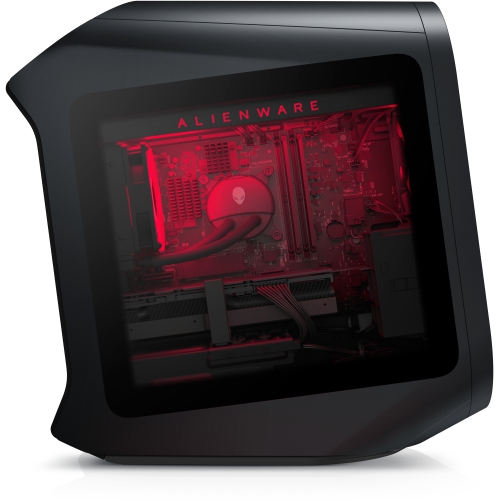
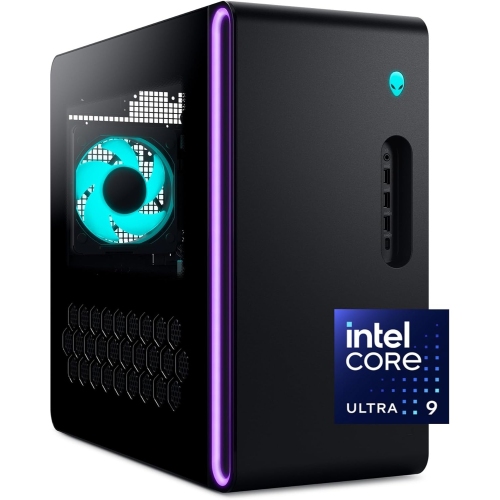
A gaming tower is also a substantial physical addition to a desk or room, and its shape, materials, and cooling layout affect how comfortably it fits into daily life. Sculpted outer panels, a metal internal structure, illuminated accents, and a transparent side panel can give this type of desktop a distinctive appearance, though finishes and panel options vary by configuration. A clear panel puts internal lighting and components on display; a solid panel creates a more understated look. Neither treatment establishes performance on its own. Case dimensions need to account for more than the footprint: rear cables require space, ventilation openings need clearance, and side-panel access matters when the system needs cleaning or servicing. A tower tucked into a tight furniture compartment may look neat but can restrict airflow and make ports difficult to reach. On a desk, its position affects mouse space and how noticeable fan noise becomes during a demanding game. Air cooling and liquid cooling are both used in pre-built gaming desktops, with the exact arrangement depending on the installed components. Liquid cooling does not mean silent operation, since radiator fans and a pump can still produce sound. Cooling quality, fan behaviour, component power requirements, and dust buildup all contribute to the experience under load. Useful exterior details include accessible USB ports for a controller or headset, audio connections suited to the intended accessories, and rear connections that accommodate the monitor and other peripherals. Display connections should be checked on the installed graphics card, including their suitability for the screen’s resolution and refresh rate. Ethernet provides a wired network option, while Wi-Fi and Bluetooth support should be verified in the individual specifications rather than assumed. A high-refresh-rate display can make fast movement appear smoother when the desktop produces enough frames, while a higher-resolution screen places greater demands on graphics performance. The most satisfying setup balances the tower with its display, keyboard, mouse, headset, and available workspace rather than treating the computer as an isolated purchase.
Long-term usefulness depends on both the starting configuration and the practical details of ownership. Pre-built gaming towers may offer access to memory slots, storage connections, and expansion space, but the ability to replace a component is not the same as unrestricted upgrade compatibility. Motherboard layouts, power supply connections, case clearances, firmware support, and cooling capacity can limit which parts fit and function correctly. A longer graphics card, for example, may need more physical clearance and power than the original installation, while a processor that fits the socket may still lack firmware support. Documentation for the exact configuration is therefore important when future upgrades are part of the plan. The same attention helps when considering different desktop generations: a similar case style or family name does not establish equivalent gaming performance, connection options, or internal compatibility. Related desktop listings such as Alienware Aurora R12 provide another point of comparison, with the processor, graphics card, memory, storage, and condition of each configuration supplying the meaningful distinctions. For previously owned or refurbished desktops, the stated cosmetic condition, included accessories, operating system details, and warranty terms help clarify what to expect. Routine care is generally uncomplicated but worthwhile. Keeping ventilation openings clear, following the manufacturer’s cleaning instructions, and shutting down and unplugging the computer before permitted internal maintenance help protect the system during care. Liquids and household cleaning sprays should stay away from ports and internal components, and exterior panels benefit from gentle cleaning with suitable materials rather than abrasive scrubbing. Software maintenance matters as well: operating system updates, appropriate graphics drivers, and regular backups support dependable everyday use without replacing the need for capable hardware. A gaming desktop may spend one evening running a fast-paced match, the next exporting a video project, and the following afternoon handling coursework across several applications. Matching its configuration and physical design to those real routines gives the tower a clear role in the home, whether it becomes the centre of a dedicated gaming station or a shared computer for work, study, and play.
A gaming tower is also a substantial physical addition to a desk or room, and its shape, materials, and cooling layout affect how comfortably it fits into daily life. Sculpted outer panels, a metal internal structure, illuminated accents, and a transparent side panel can give this type of desktop a distinctive appearance, though finishes and panel options vary by configuration. A clear panel puts internal lighting and components on display; a solid panel creates a more understated look. Neither treatment establishes performance on its own. Case dimensions need to account for more than the footprint: rear cables require space, ventilation openings need clearance, and side-panel access matters when the system needs cleaning or servicing. A tower tucked into a tight furniture compartment may look neat but can restrict airflow and make ports difficult to reach. On a desk, its position affects mouse space and how noticeable fan noise becomes during a demanding game. Air cooling and liquid cooling are both used in pre-built gaming desktops, with the exact arrangement depending on the installed components. Liquid cooling does not mean silent operation, since radiator fans and a pump can still produce sound. Cooling quality, fan behaviour, component power requirements, and dust buildup all contribute to the experience under load. Useful exterior details include accessible USB ports for a controller or headset, audio connections suited to the intended accessories, and rear connections that accommodate the monitor and other peripherals. Display connections should be checked on the installed graphics card, including their suitability for the screen’s resolution and refresh rate. Ethernet provides a wired network option, while Wi-Fi and Bluetooth support should be verified in the individual specifications rather than assumed. A high-refresh-rate display can make fast movement appear smoother when the desktop produces enough frames, while a higher-resolution screen places greater demands on graphics performance. The most satisfying setup balances the tower with its display, keyboard, mouse, headset, and available workspace rather than treating the computer as an isolated purchase.
Long-term usefulness depends on both the starting configuration and the practical details of ownership. Pre-built gaming towers may offer access to memory slots, storage connections, and expansion space, but the ability to replace a component is not the same as unrestricted upgrade compatibility. Motherboard layouts, power supply connections, case clearances, firmware support, and cooling capacity can limit which parts fit and function correctly. A longer graphics card, for example, may need more physical clearance and power than the original installation, while a processor that fits the socket may still lack firmware support. Documentation for the exact configuration is therefore important when future upgrades are part of the plan. The same attention helps when considering different desktop generations: a similar case style or family name does not establish equivalent gaming performance, connection options, or internal compatibility. Related desktop listings such as Alienware Aurora R12 provide another point of comparison, with the processor, graphics card, memory, storage, and condition of each configuration supplying the meaningful distinctions. For previously owned or refurbished desktops, the stated cosmetic condition, included accessories, operating system details, and warranty terms help clarify what to expect. Routine care is generally uncomplicated but worthwhile. Keeping ventilation openings clear, following the manufacturer’s cleaning instructions, and shutting down and unplugging the computer before permitted internal maintenance help protect the system during care. Liquids and household cleaning sprays should stay away from ports and internal components, and exterior panels benefit from gentle cleaning with suitable materials rather than abrasive scrubbing. Software maintenance matters as well: operating system updates, appropriate graphics drivers, and regular backups support dependable everyday use without replacing the need for capable hardware. A gaming desktop may spend one evening running a fast-paced match, the next exporting a video project, and the following afternoon handling coursework across several applications. Matching its configuration and physical design to those real routines gives the tower a clear role in the home, whether it becomes the centre of a dedicated gaming station or a shared computer for work, study, and play.
Top selling and popular products
-
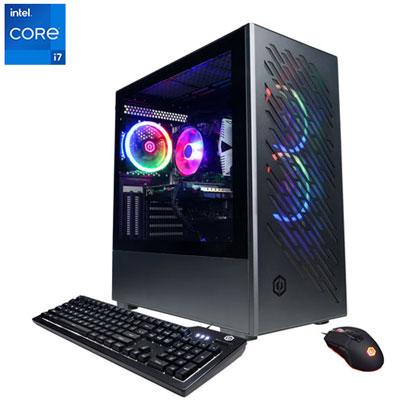 Your price for this item is $1969.99
 -
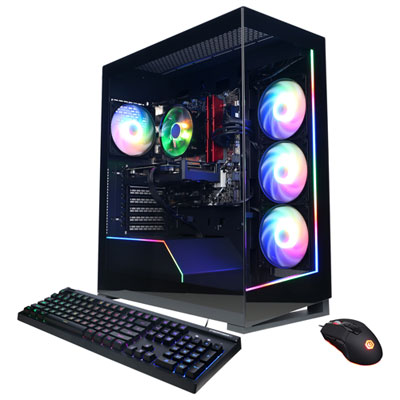 Your price for this item is $1059.99
 -
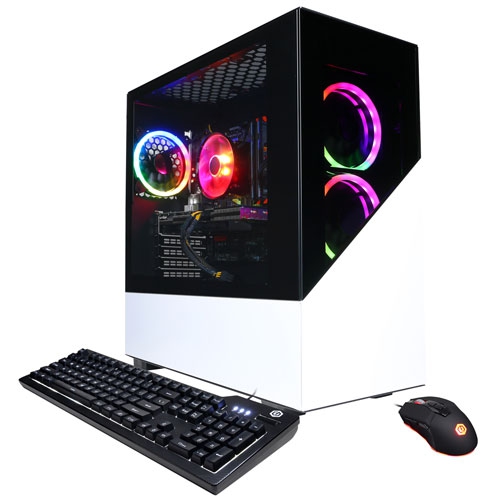 Your price for this item is $1274.97
 -
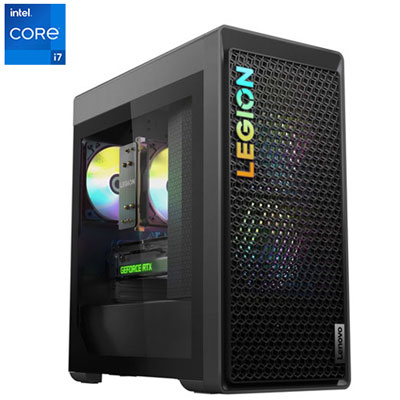 Your price for this item is $2499.95
 -
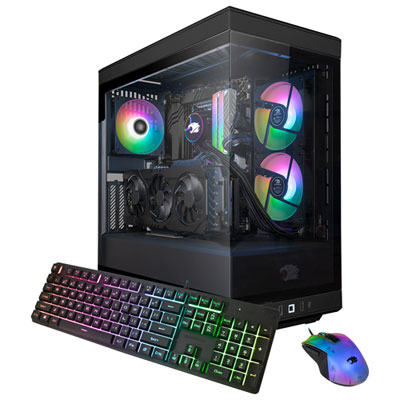 Your price for this item is $2309.99
 -
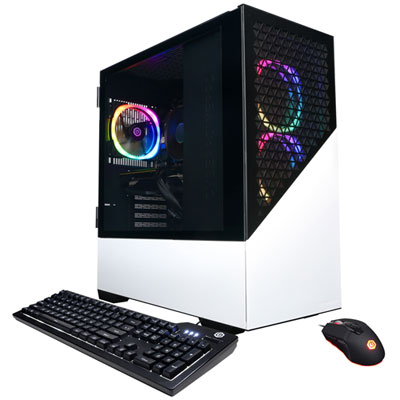 Your price for this item is $1669.99
 -
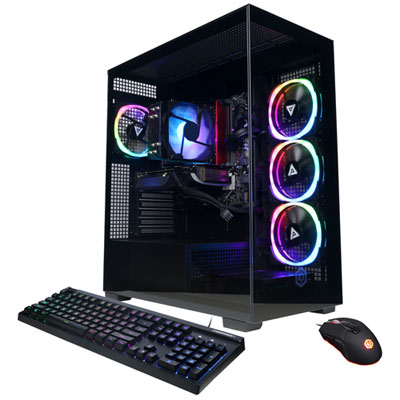 Your price for this item is $1839.99
 -
 Your price for this item is $2399.99
Discover more categories related to Alienware Aurora R14
Top Collections:
Pokemon Centers, Kindle Devices, Best Budget Office Chairs, Apple iPhones 16, Best Laptops for Writers, iPhone 15 Apple, Canon G7X Cameras, Refurbished Apple Laptops, Alarm Clock, Motorola Razr Phones
Some products may be subject to Environmental Handling Fees
(EHF) depending on your province.
Learn more about EHFs.