Alienware M15 R6
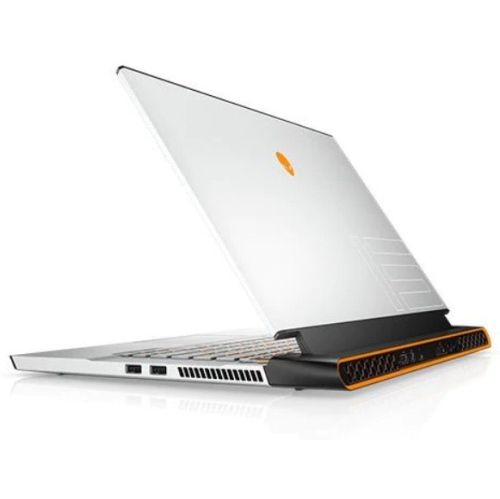
Alienware M15 R6 is a powerhouse of a laptop, designed to meet the demands of modern gamers and tech enthusiasts alike. With cutting-edge technology and sleek design, this laptop offers top-of-the-line performance for all your gaming and multitasking needs. Whether you're diving into the latest AAA titles or tackling intensive work tasks, the Alienware M15 R6 delivers a seamless experience with its impressive features and capabilities. Discover a new level of gaming and productivity with this exceptional laptop.
Sort
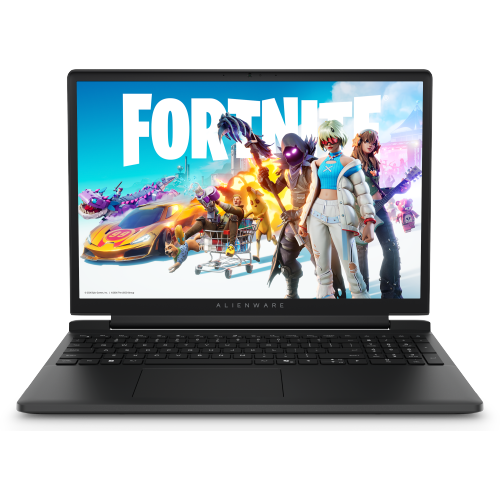
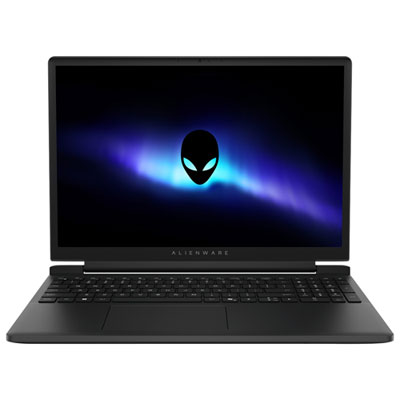
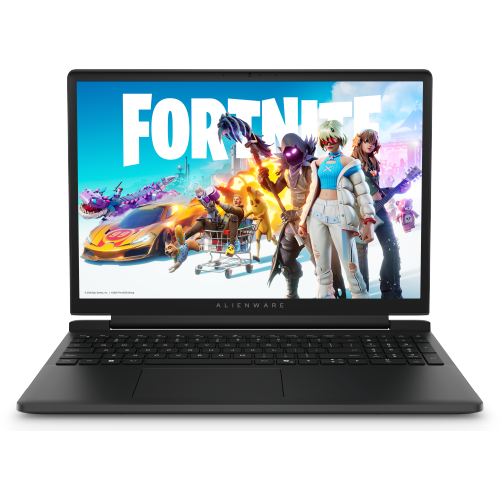
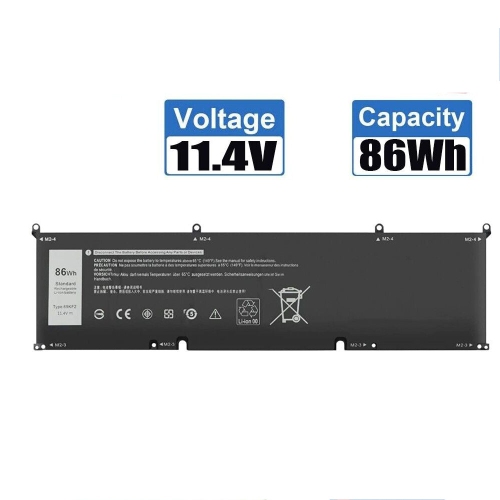
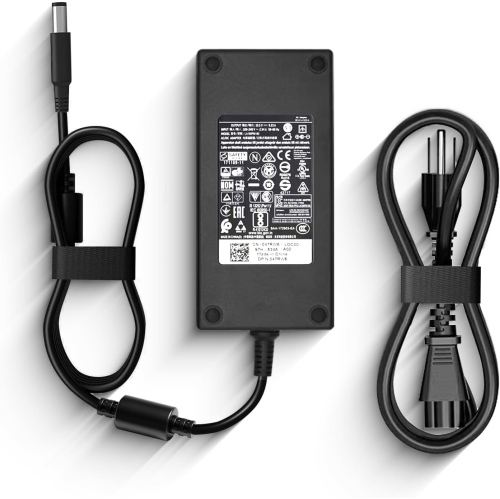
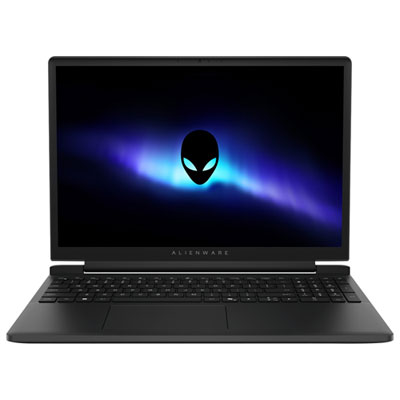
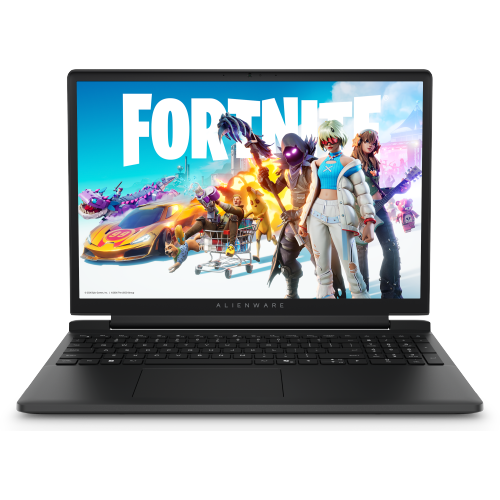
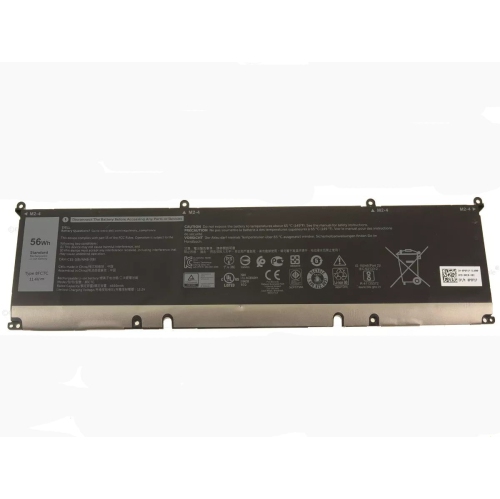
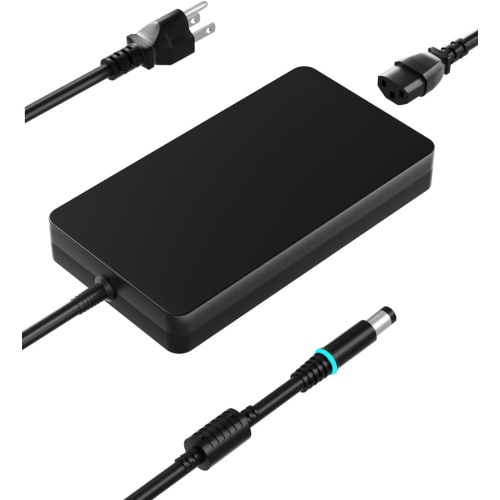
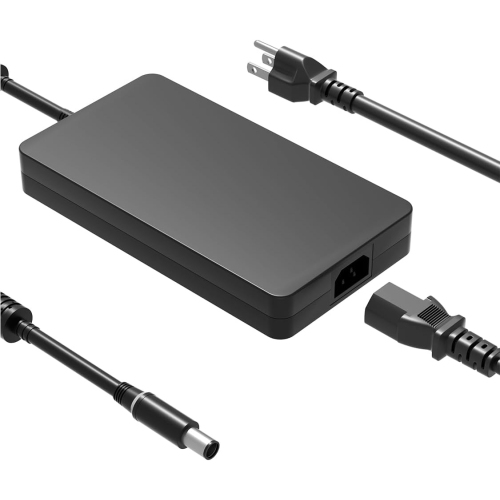
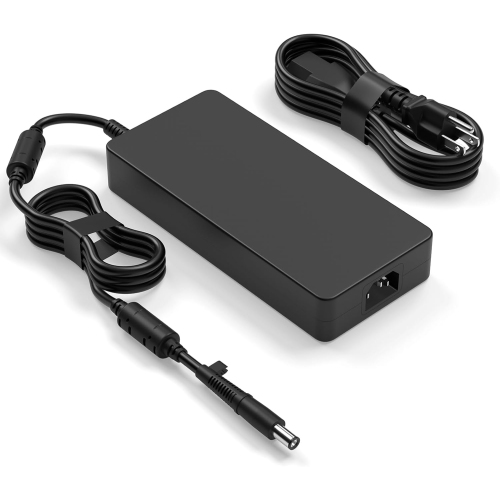
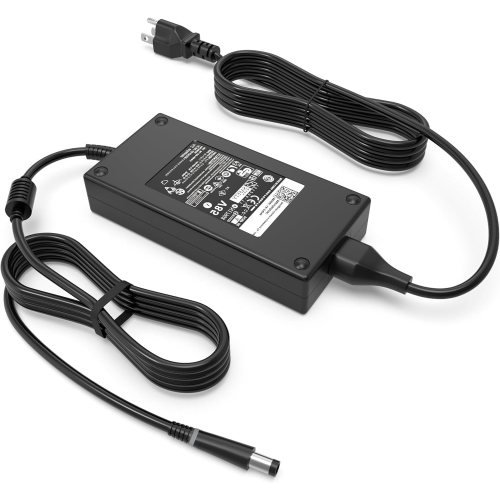
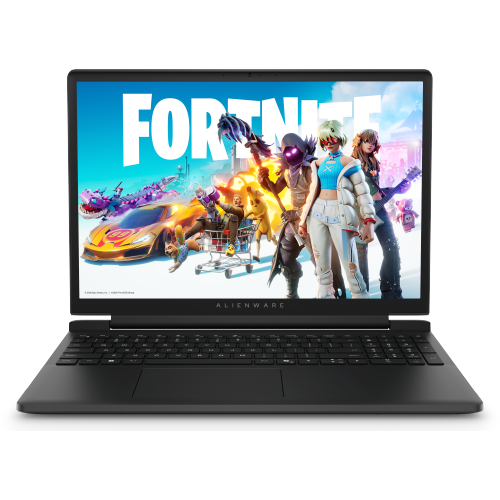
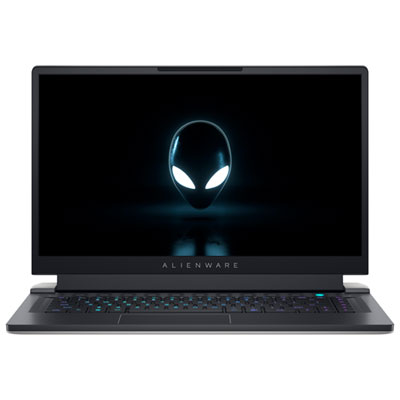

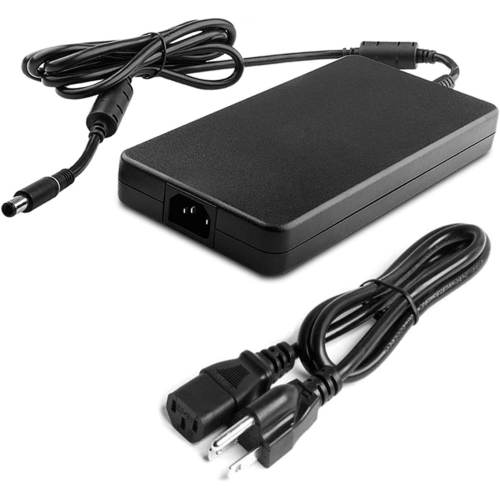
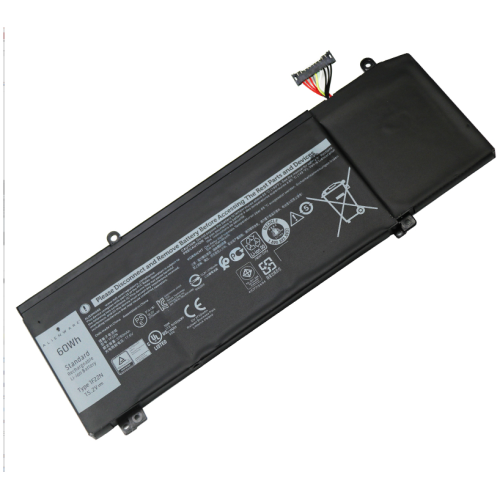
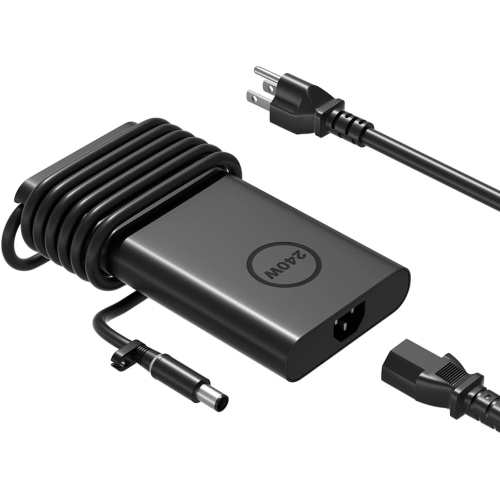
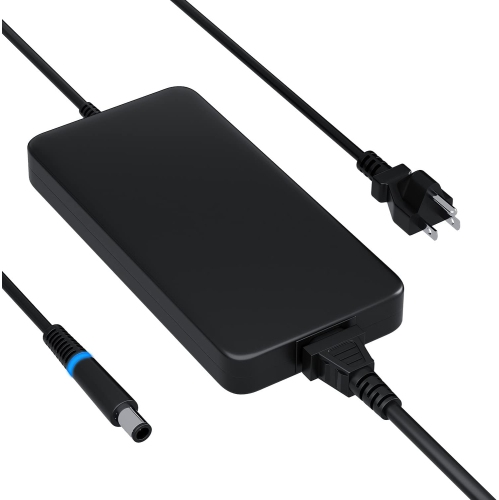
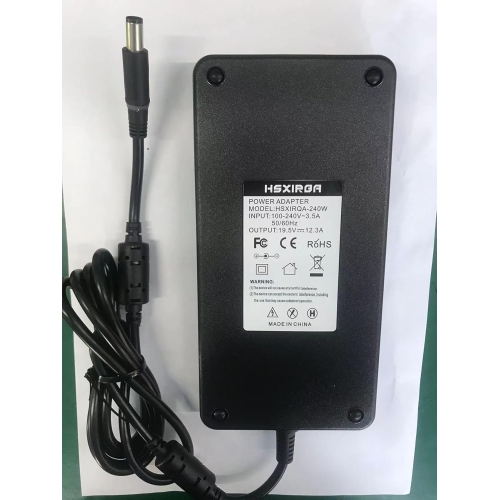
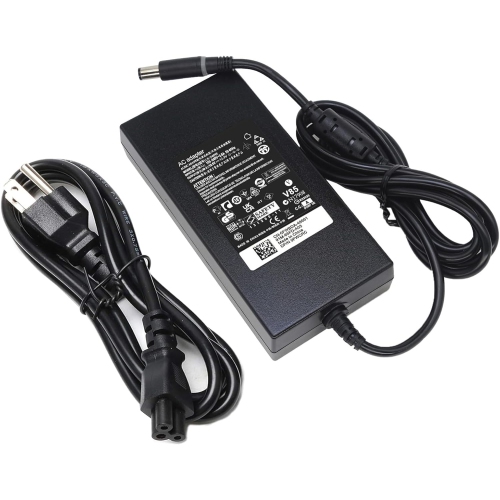
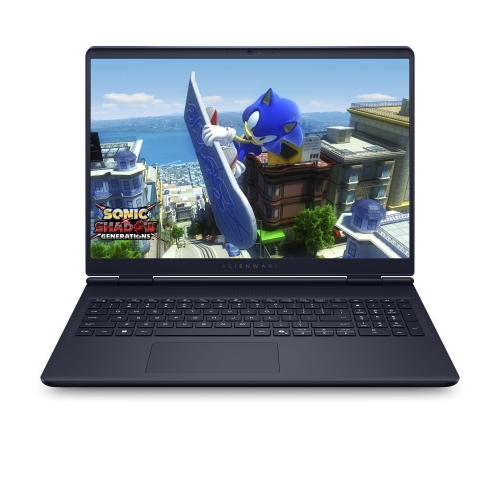
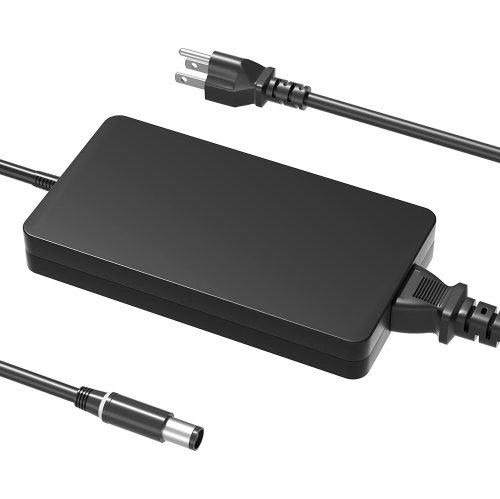
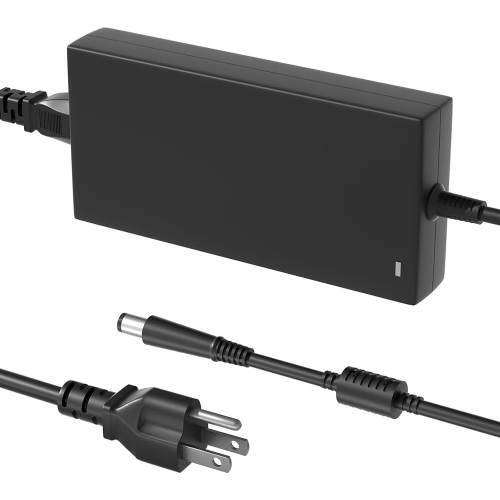
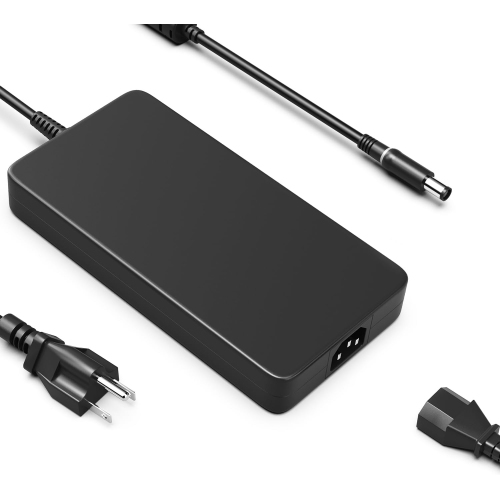
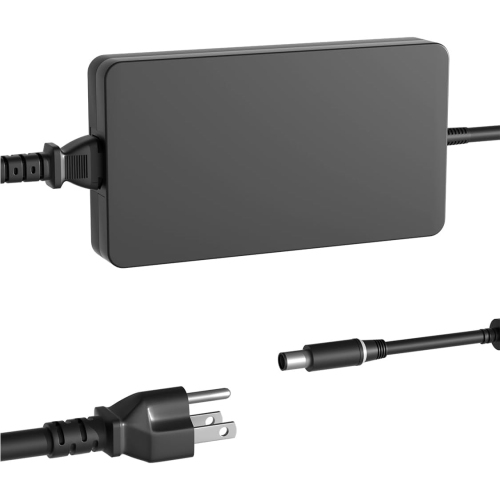
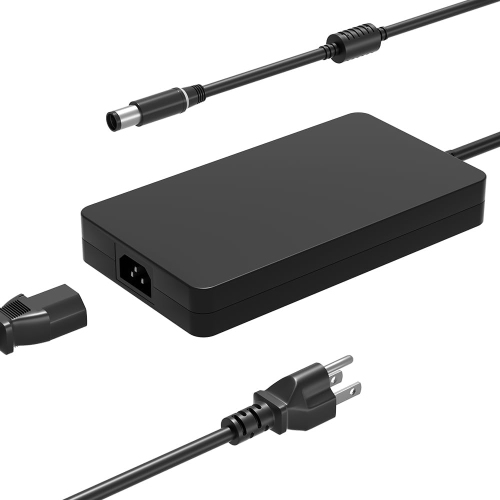
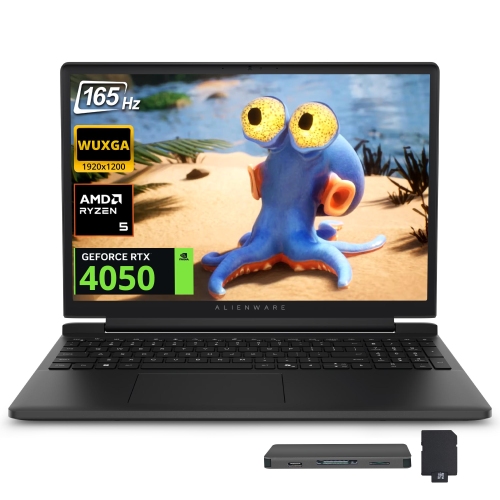


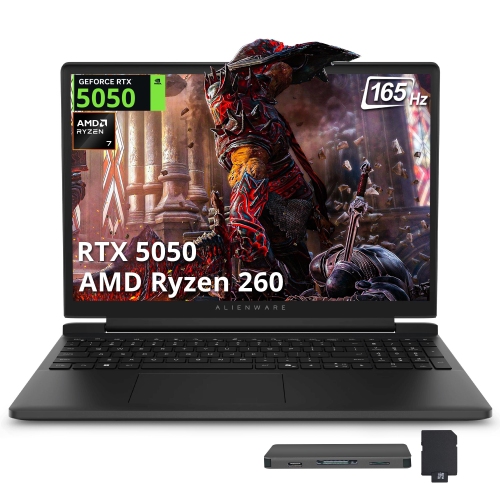
Gaming performance that travels from desk to classroom
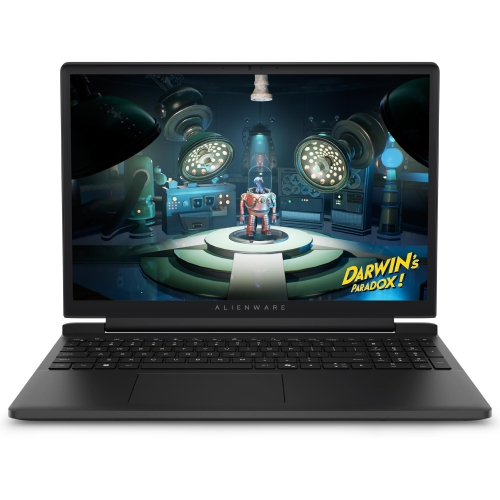
A 15.6-inch gaming laptop brings dedicated graphics, a full desktop operating system, and a built-in display into a format that can move between a desk, a classroom, and a friend’s gaming setup. This size suits players who want room to follow fast action without carrying a larger notebook, while leaving space at home for an external keyboard, mouse, and monitor. Configurations built around 11th-generation processors, dedicated 30-series laptop graphics, and DDR4 memory belong to a generation designed for demanding games and everyday multitasking. Their capabilities still depend on the exact processor, graphics hardware, memory capacity, and cooling design, so the screen size alone does not tell the whole story. Display specifications make a noticeable difference to the experience: Full HD means a resolution of 1920 × 1080, while QHD increases that to 2560 × 1440 for finer detail in game scenery, text, and creative work. Refresh rates such as 165Hz, 240Hz, or 360Hz describe how often the screen can update each second, not the frame rate every game will achieve. A fast-paced competitive game and a richly detailed adventure place different demands on the same hardware, especially when visual settings change. Higher resolutions generally require more graphics performance, and features such as ray tracing can add substantially to that workload. System memory also matters when a game runs alongside voice chat, a browser, or recording software. A configuration with 16GB of memory can suit many gaming and everyday workloads, while 32GB provides additional room for heavier multitasking and some creative applications. Graphics memory serves a separate purpose and should not be confused with system RAM. Solid-state storage helps games and applications load promptly, but capacity deserves equal attention when several large installations share space with coursework, photos, and video projects. An additional internal drive can be useful where the notebook’s design supports it, although slot compatibility and upgrade requirements vary.
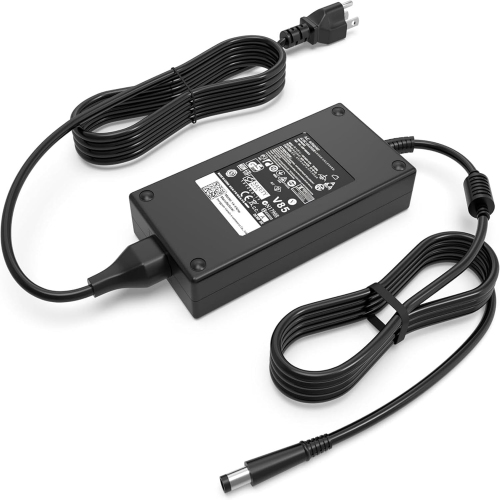
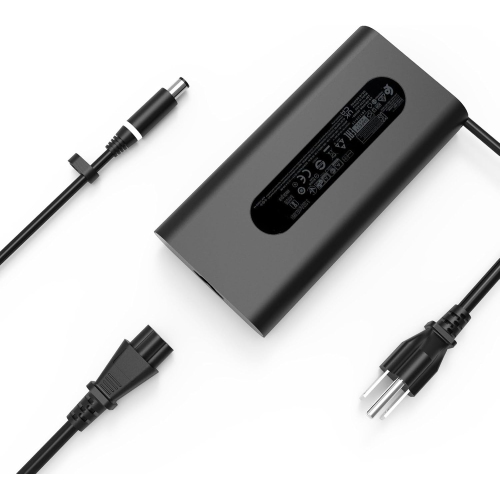
The appeal of a performance notebook is not limited to what happens on screen. Its chassis, keyboard, hinge construction, and cooling layout shape how comfortable it feels through an evening of play or a day of mixed work. Matte finishes can give a gaming laptop a restrained appearance, although darker surfaces may show fingerprints and benefit from regular wiping with a soft microfibre cloth. Metal and rigid plastic components each contribute to the balance of structure, weight, and handling; material names alone do not establish how well a notebook will withstand daily travel. A system weighing around 2.5 kg is portable, but its power adapter, protective sleeve, and accessories add to the load in a backpack. For a comfortable fit, a bag’s laptop compartment needs to accommodate the computer’s actual width, depth, and thickness rather than relying only on a 15.6-inch label. Padding around the corners and a secure closure help reduce knocks during a commute. On a desk, the notebook needs enough clearance for its intake and exhaust vents, particularly when running a demanding game or exporting video. A firm, flat surface supports airflow more effectively than a duvet or upholstered seat, and a stand must leave the ventilation openings unobstructed. Fan noise can become more noticeable under sustained load, making headphones useful for shared rooms or voice chat. Battery operation is convenient for lighter tasks, while demanding gaming generally draws more power and may deliver different performance when unplugged. Keyboard feel, key spacing, and touchpad placement also deserve attention for anyone moving between gaming and writing assignments. Lighting can make keys easier to distinguish in a dim room, but the layout and feel remain important long after the visual effects become familiar. Routine care is straightforward: liquids belong away from the keyboard, screen cleaning should follow the manufacturer’s directions, and dust should not be allowed to build up around accessible vents. Internal cleaning and component changes require the correct procedures to avoid damage.
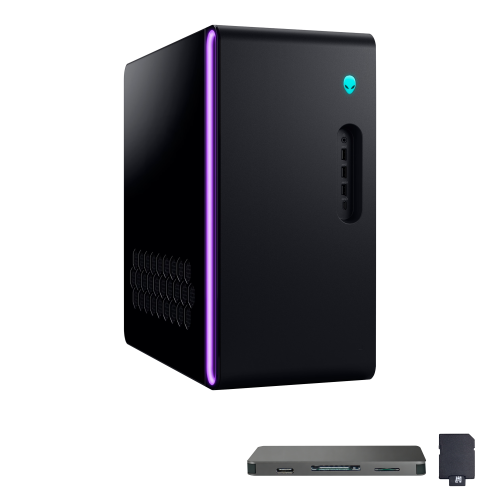
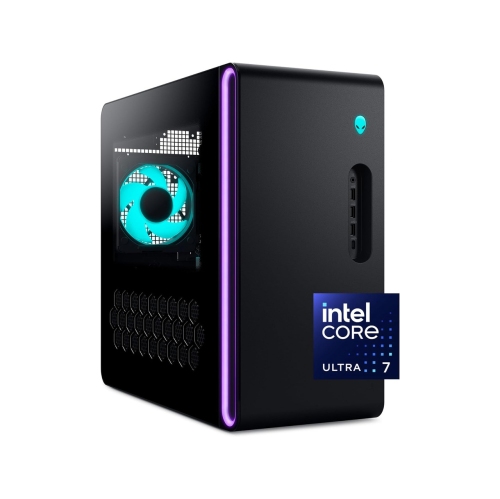
Connections help determine whether a gaming notebook can comfortably serve as the centre of a larger setup. USB-A ports remain useful for familiar mice, keyboards, and external drives, while USB-C capabilities depend on the particular port and computer configuration. A connector’s shape does not, by itself, confirm support for charging, external displays, or Thunderbolt, so those functions need to match the intended accessories. HDMI can provide a straightforward connection to a compatible monitor or television, with the achievable resolution and refresh rate depending on both devices and the cable between them. Wired Ethernet is useful at a permanent desk, particularly when a consistent network connection matters during online matches, while Wi-Fi offers more flexibility elsewhere in the home. A headset connection, microphone quality, and camera capability matter just as much when the same machine handles group projects, remote conversations, and multiplayer sessions. Rear-facing connections can keep some cables away from a mouse area, although they also need clearance behind the screen. For students, a gaming notebook can combine coursework and recreation in one computer, provided its weight, battery expectations, and software compatibility suit the daily routine. For hobbyist editors and creators, dedicated graphics may accelerate supported applications, but display colour coverage and application requirements remain important considerations. As a gift, this type of laptop is best suited to someone whose preferred games, portability needs, and accessory setup are understood; a frequent traveller and a player with a permanent desk may value very different things. A desktop such as the Alienware Aurora R12 represents a different approach for someone who does not need a built-in screen or portable chassis. The practical distinction is whether the computer needs to travel or stay connected to a dedicated gaming space. For a notebook, the strongest fit comes from balancing graphics performance, screen characteristics, carrying weight, and everyday comfort rather than judging the experience by a single specification.
Top selling and popular products
-
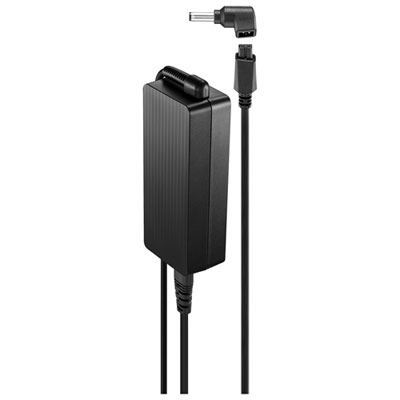 Your price for this item is $69.99
-
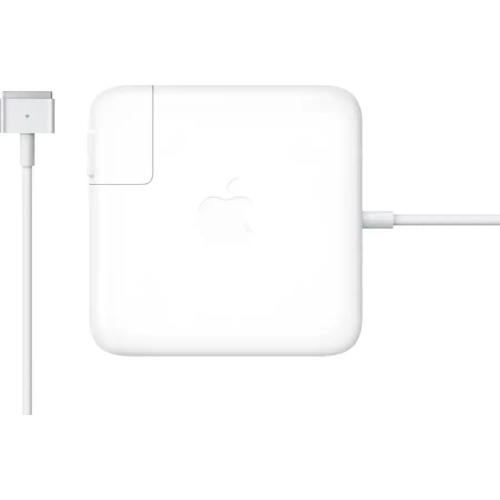 Your price for this item is $127.37
-
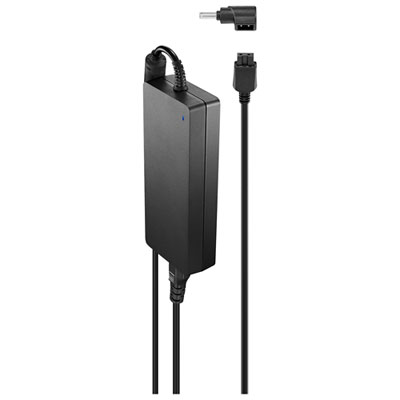 Your price for this item is $109.99
-
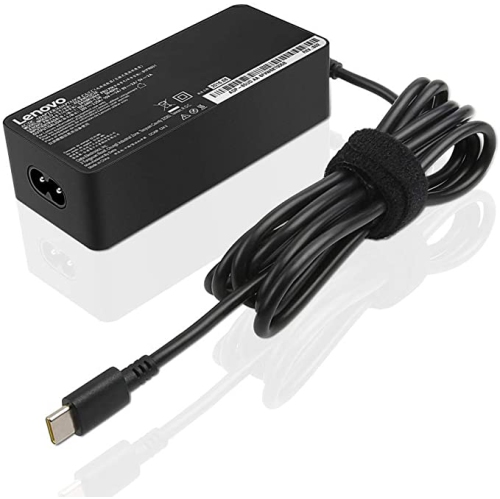 Your price for this item is $67
-
 Your price for this item is $71.99
-
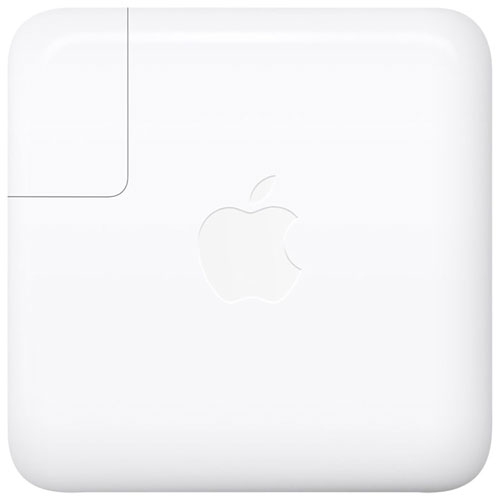 Your price for this item is $71
-
 Your price for this item is $51.99
-
 Your price for this item is $48
Discover more categories related to Alienware M15 R6
Top Collections:
Best Black Friday Deals This Year, Best Black Friday Deals On Electronics, Kindle Devices, Pokemon Centers, Best Black Friday Deals On Apple Products, Best Cameras for Sports Photography, Dyson Airwrap, Pokémon 30th Celebration Cards, Apple iPhone 17 Pro, Canon G7X Cameras
Some products may be subject to Environmental Handling Fees
(EHF) depending on your province.
Learn more about EHFs.