Apple iPad Pro 13
Discover the possibilities with the Apple iPad Pro 13, designed to elevate your everyday tasks, creative projects, and entertainment experiences. Whether you’re working on the go, streaming your favorite shows, or exploring new apps, the Apple iPad Pro 13 offers versatility for every lifestyle. Browse a wide selection of models and configurations to find the perfect fit for your needs. Unlock new ways to stay productive, connected, and inspired with the Apple iPad Pro 13.
Sort

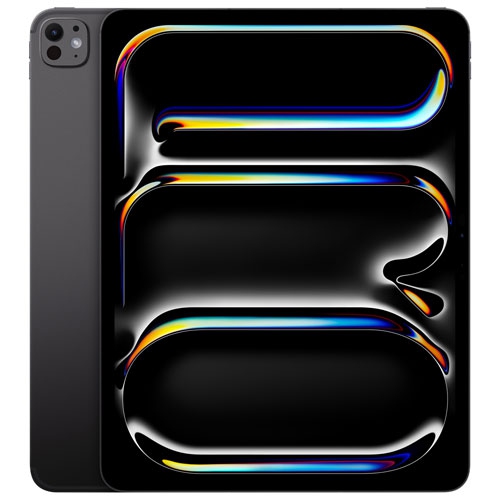


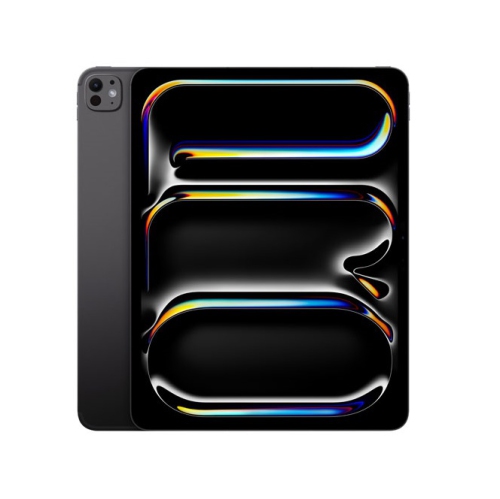


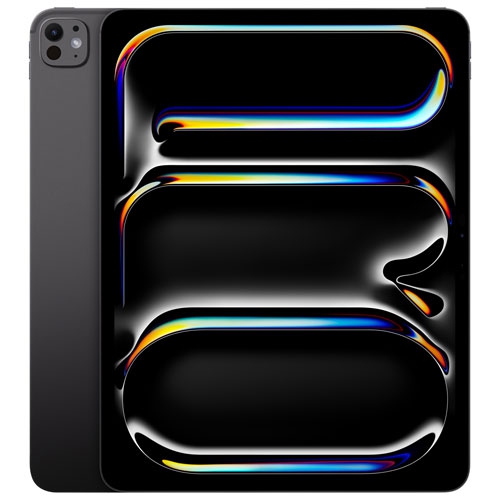


A spacious touchscreen for detailed work beyond the desk
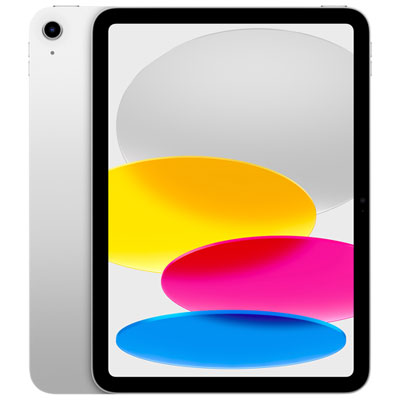
A 13-inch professional tablet offers a spacious touchscreen for detailed creative work, reading, entertainment, and everyday productivity without the fixed setup of a desktop computer. The screen size refers to the display’s diagonal measurement, giving documents, illustrations, and video timelines more room than they have on a smaller tablet. That extra space becomes useful in ordinary moments: reviewing a floor plan with annotations visible, keeping lecture notes beside a textbook, or editing a photograph without repeatedly hiding the controls. Display quality matters as much as size. Resolution affects how sharply text and fine lines appear, while contrast and colour reproduction influence everything from shadow detail in a film to subtle differences between fabric swatches. OLED display technology can deliver deep blacks and strong contrast, and a high refresh rate can make scrolling and compatible stylus input feel more immediate. Brightness, reflections, and viewing angles also affect comfort when moving between a desk, a studio, and a shared workspace. For colour-sensitive work, the display settings, application support, and final output still need to work together; a vivid screen alone does not guarantee an accurate print. A large touchscreen is particularly appealing to illustrators, photographers, designers, students, and people who regularly review visual material with clients or colleagues. It can also suit someone who wants a comfortable screen for sheet music, digital magazines, video calls, or films. Orientation changes the experience: portrait mode gives a document a page-like feel, while landscape mode creates a wider surface for typing, drawing, and working across multiple windows where supported. Screen size also affects handling. A 13-inch tablet is easier to settle on a desk or stand for extended sessions than to hold in one hand throughout a long reading session. The best fit comes from how the screen will be used, not simply from choosing the largest display. Someone marking up architectural drawings has different priorities from someone reading novels on a commute, even when both value crisp text and a responsive touchscreen.
Performance, storage, and software determine how comfortably a professional tablet moves from casual use into demanding work. A capable processor helps with tasks such as adjusting layered artwork, editing high-resolution photographs, handling complex documents, and working with supported video formats. Memory contributes to how applications manage demanding projects, while storage holds applications, downloaded media, and working files; the two serve different purposes. Large illustration files, recorded video, and offline reference libraries can occupy substantial storage, especially when several versions of a project need to stay on the device. Cloud storage can help keep files accessible across devices, but it does not remove the need for local space or a reliable connection. For someone working away from dependable internet access, keeping essential documents, fonts, footage, and reference images downloaded can prevent interruptions. Software compatibility deserves equal attention. A tablet application may offer a different set of tools from its desktop counterpart, and specialized plug-ins, file formats, or workplace systems may require a computer. A detachable keyboard can make long emails and reports more comfortable, but it does not change those software requirements. Supported multitasking features can help with research and drafting, such as placing a source document beside a writing app, although the experience depends on the operating system and applications involved. Wi-Fi connectivity suits use around a home, campus, or office network, while cellular-capable configurations can provide another connection option with an appropriate service plan and network coverage. Wired connections may also support useful workflows involving external storage, displays, or other peripherals, subject to the tablet’s port capabilities and accessory compatibility. For a related large-screen option, the iPad Air 13 256GB provides another point of comparison when considering screen size and storage needs. The distinction that matters most is whether the device supports the actual applications, files, and connections used each day, rather than whether its specifications sound impressive in isolation.
Materials, fit, and everyday care have a lasting effect on the ownership experience of a large professional tablet. A slim metal body can feel solid and travel easily between rooms or appointments, but a thin device still needs protection from drops, concentrated pressure, and loose objects inside a bag. A fitted case can protect corners and provide a steadier position for reading or calls, while a padded compartment helps separate the screen from keys, chargers, and other hard objects. Case fit is specific to the device’s dimensions, camera placement, buttons, and connector layout; the same nominal screen size does not guarantee compatibility. Keyboard covers, styluses, and charging accessories also need to match the relevant generation and supported connections. For drawing, a compatible pressure-sensitive stylus can provide control over line weight and shading in supported applications, and a stable stand can make longer sessions more comfortable. Screen protectors may alter glare, surface texture, or the feel of a stylus, so their effect on the intended work matters as much as scratch protection. Cleaning is usually straightforward with a soft, lint-free cloth and the care method specified for the device, but specialized display finishes can have particular requirements. Excess moisture, abrasive materials, and unapproved cleaning solutions can damage surfaces or coatings. Battery life varies with screen brightness, wireless activity, applications, and workload, making a charging routine useful for anyone relying on the tablet throughout a full day. Regular backups and software updates help protect important work and keep supported features functioning as intended. As a gift, a large professional tablet can suit a student developing a digital note-taking routine, an artist moving from paper to digital illustration, or a family member who values a generous screen for reading and calls. The recipient’s preferred applications, comfort with touch controls, and existing accessories are more useful considerations than novelty alone. A thoughtfully matched setup gives the screen a clear purpose, whether that is sketching concepts at a kitchen table, presenting a portfolio across a desk, or reviewing a finished project before sharing it.
Performance, storage, and software determine how comfortably a professional tablet moves from casual use into demanding work. A capable processor helps with tasks such as adjusting layered artwork, editing high-resolution photographs, handling complex documents, and working with supported video formats. Memory contributes to how applications manage demanding projects, while storage holds applications, downloaded media, and working files; the two serve different purposes. Large illustration files, recorded video, and offline reference libraries can occupy substantial storage, especially when several versions of a project need to stay on the device. Cloud storage can help keep files accessible across devices, but it does not remove the need for local space or a reliable connection. For someone working away from dependable internet access, keeping essential documents, fonts, footage, and reference images downloaded can prevent interruptions. Software compatibility deserves equal attention. A tablet application may offer a different set of tools from its desktop counterpart, and specialized plug-ins, file formats, or workplace systems may require a computer. A detachable keyboard can make long emails and reports more comfortable, but it does not change those software requirements. Supported multitasking features can help with research and drafting, such as placing a source document beside a writing app, although the experience depends on the operating system and applications involved. Wi-Fi connectivity suits use around a home, campus, or office network, while cellular-capable configurations can provide another connection option with an appropriate service plan and network coverage. Wired connections may also support useful workflows involving external storage, displays, or other peripherals, subject to the tablet’s port capabilities and accessory compatibility. For a related large-screen option, the iPad Air 13 256GB provides another point of comparison when considering screen size and storage needs. The distinction that matters most is whether the device supports the actual applications, files, and connections used each day, rather than whether its specifications sound impressive in isolation.
Materials, fit, and everyday care have a lasting effect on the ownership experience of a large professional tablet. A slim metal body can feel solid and travel easily between rooms or appointments, but a thin device still needs protection from drops, concentrated pressure, and loose objects inside a bag. A fitted case can protect corners and provide a steadier position for reading or calls, while a padded compartment helps separate the screen from keys, chargers, and other hard objects. Case fit is specific to the device’s dimensions, camera placement, buttons, and connector layout; the same nominal screen size does not guarantee compatibility. Keyboard covers, styluses, and charging accessories also need to match the relevant generation and supported connections. For drawing, a compatible pressure-sensitive stylus can provide control over line weight and shading in supported applications, and a stable stand can make longer sessions more comfortable. Screen protectors may alter glare, surface texture, or the feel of a stylus, so their effect on the intended work matters as much as scratch protection. Cleaning is usually straightforward with a soft, lint-free cloth and the care method specified for the device, but specialized display finishes can have particular requirements. Excess moisture, abrasive materials, and unapproved cleaning solutions can damage surfaces or coatings. Battery life varies with screen brightness, wireless activity, applications, and workload, making a charging routine useful for anyone relying on the tablet throughout a full day. Regular backups and software updates help protect important work and keep supported features functioning as intended. As a gift, a large professional tablet can suit a student developing a digital note-taking routine, an artist moving from paper to digital illustration, or a family member who values a generous screen for reading and calls. The recipient’s preferred applications, comfort with touch controls, and existing accessories are more useful considerations than novelty alone. A thoughtfully matched setup gives the screen a clear purpose, whether that is sketching concepts at a kitchen table, presenting a portfolio across a desk, or reviewing a finished project before sharing it.
Top selling and popular products
-
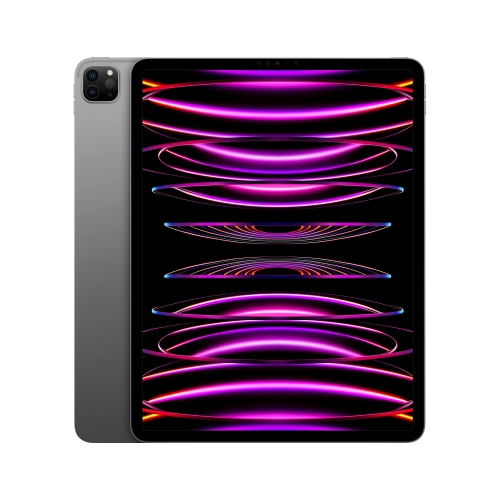 Your price for this item is $1449.99
-
 Your price for this item is $1889.99
-
 Your price for this item is $1419
-
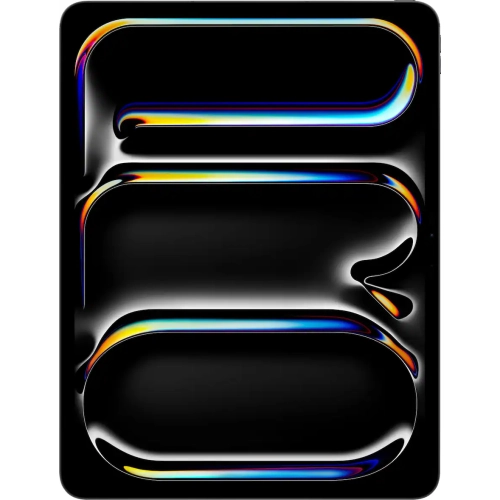 Your price for this item is $1949.99
-
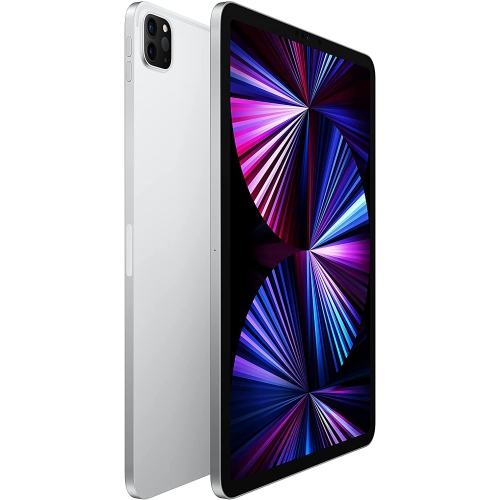 Your price for this item is $1799
-
 Your price for this item is $2099.99
-
 Your price for this item is $1398.99
-
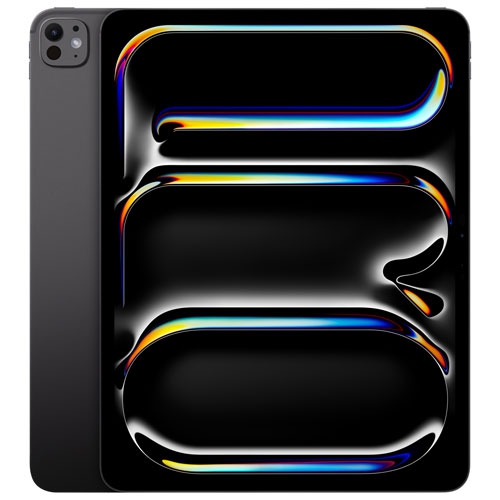 Your price for this item is $1554.95
Discover more categories related to Apple iPad Pro 13

Top Collections:
Best Black Friday Deals This Year, Best Black Friday Deals On Electronics, Kindle Devices, Pokemon Centers, Best Black Friday Deals On Apple Products, Best Cameras for Sports Photography, Dyson Airwrap, Pokémon 30th Celebration Cards, Apple iPhone 17 Pro, Canon G7X Cameras
Some products may be subject to Environmental Handling Fees
(EHF) depending on your province.
Learn more about EHFs.