Asus Laptop VivoBook
Discover the versatility and performance that the asus laptop vivobook lineup brings to your everyday computing needs. Whether you're working, studying, streaming, or staying connected with friends and family, these laptops offer a seamless experience designed to keep up with your busy lifestyle. Explore a range of options to find the perfect fit for your workspace or on-the-go requirements. Shop the latest asus laptop vivobook models and enjoy reliable technology designed for modern living.
Sort
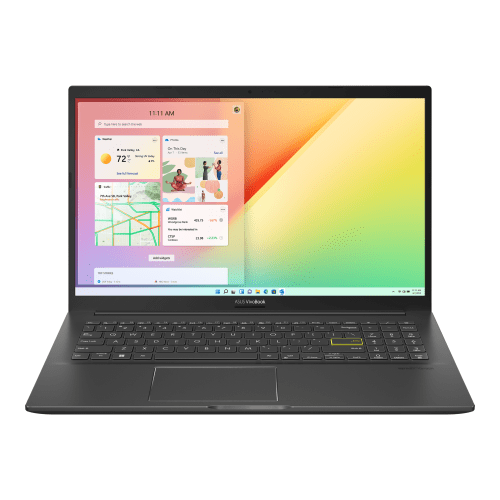
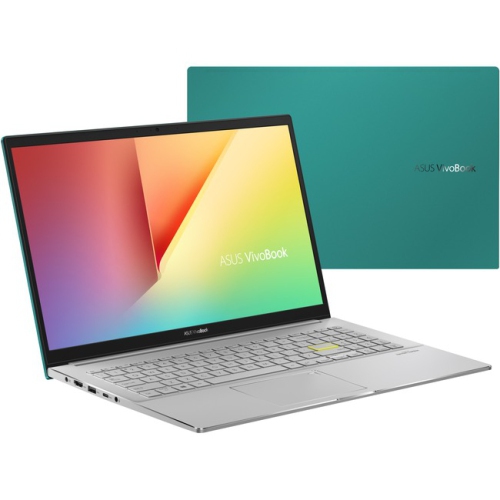
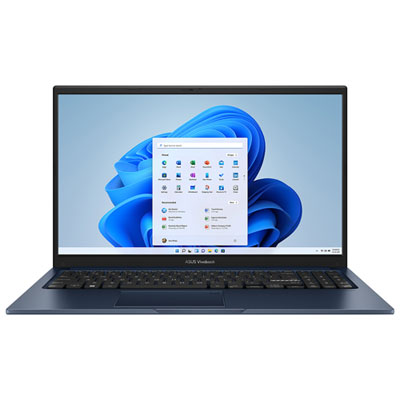
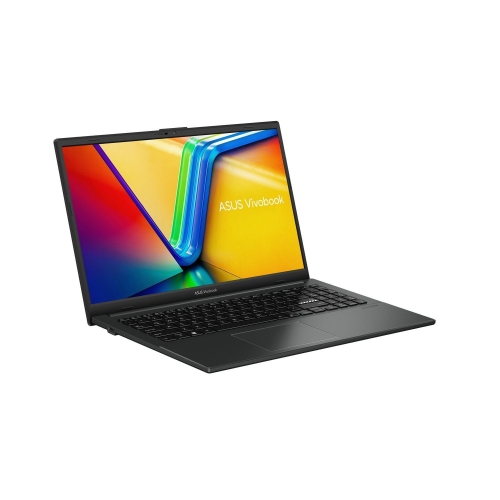

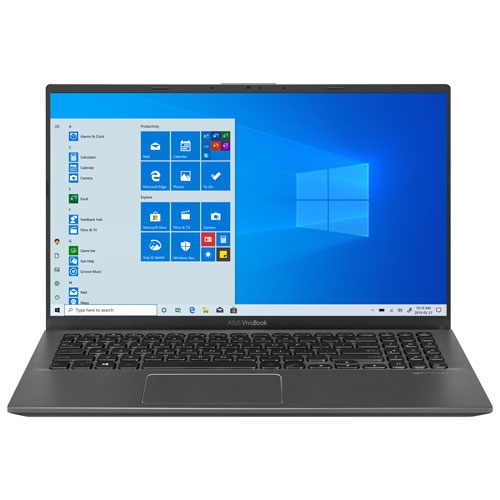
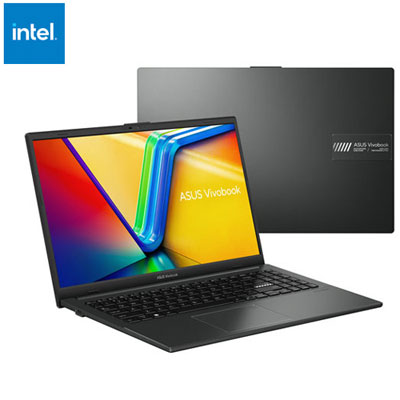
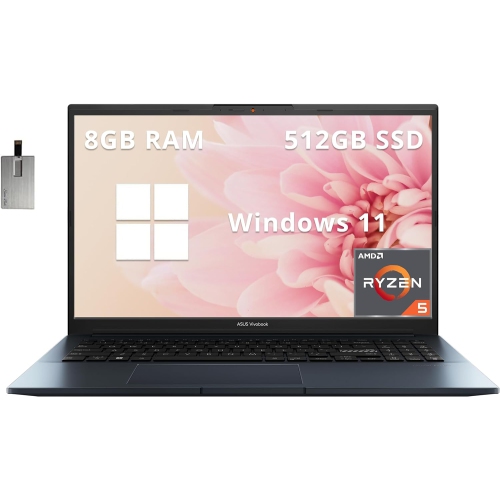
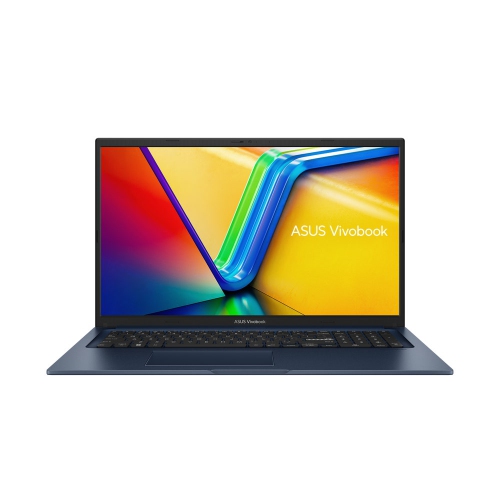
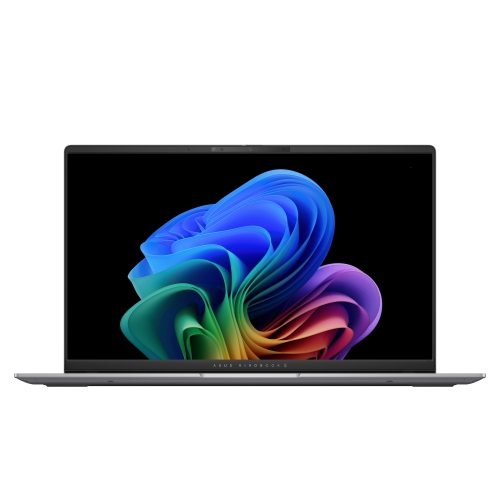
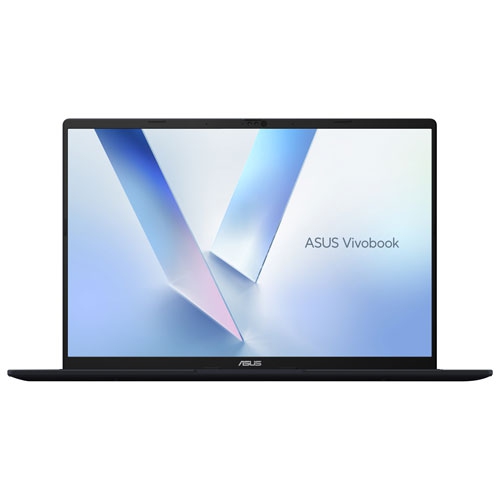
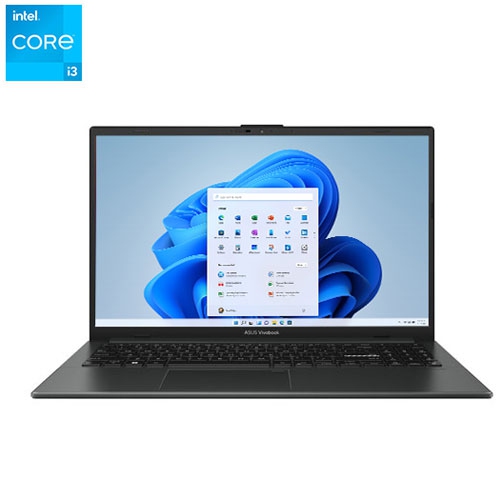
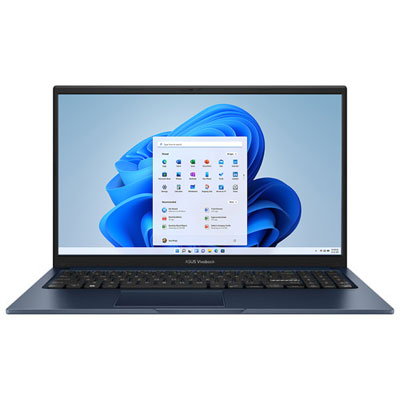
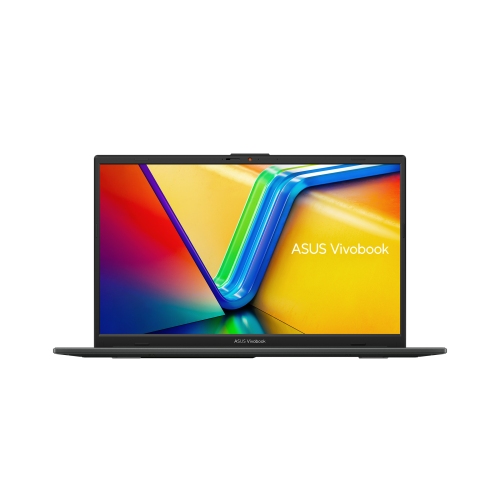
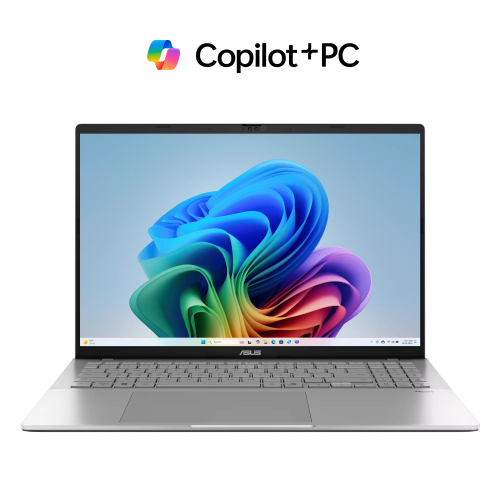
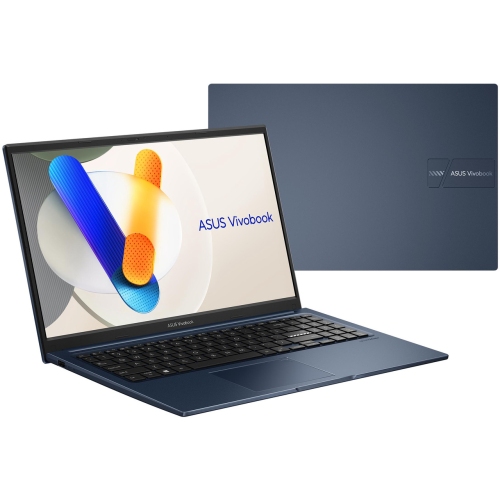
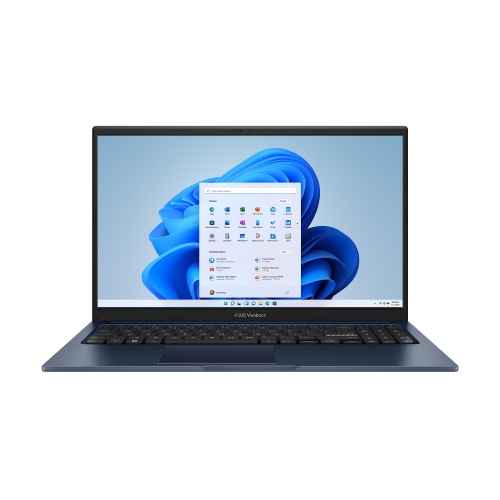
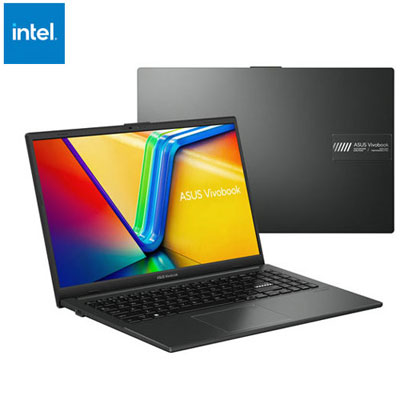
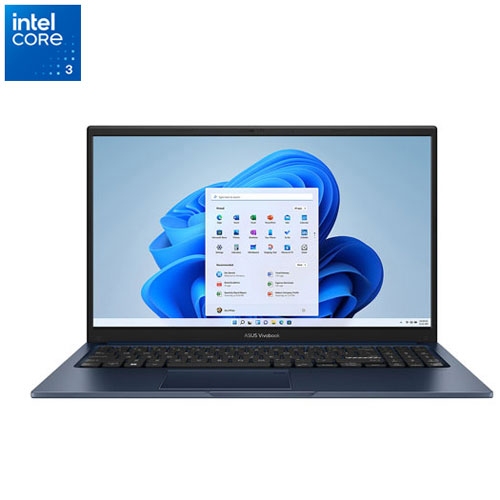
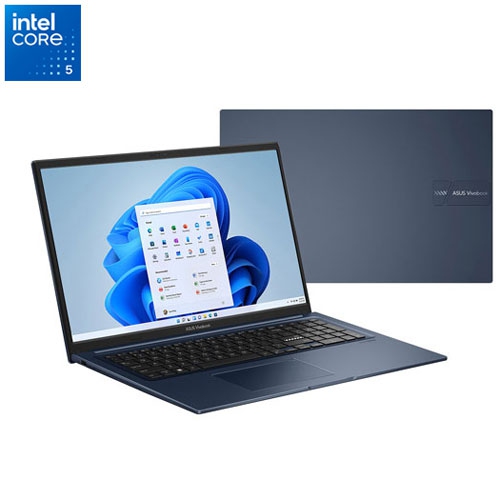
Everyday laptop comfort goes beyond screen size
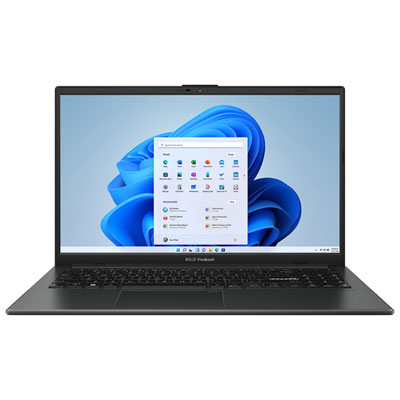
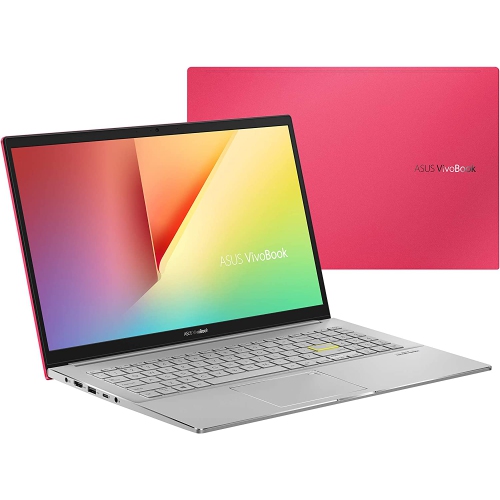
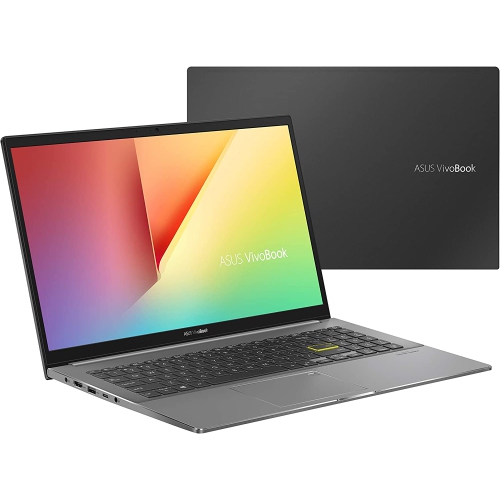
Laptops for everyday work, study, and entertainment bring familiar tasks together in a portable format: writing an assignment at the kitchen table, joining a video call from a home office, or watching a film after the work is finished. The most useful design depends on how often the computer travels and how much room its owner needs to work comfortably. A compact notebook slips more easily into a backpack, while a larger display gives spreadsheets, documents, and side-by-side browser windows more breathing room. Screen measurements describe the diagonal viewing area, not the laptop’s overall footprint, so chassis dimensions and weight matter when matching a computer to a bag or a small desk. A 15.6-inch or 16-inch screen can provide a comfortable everyday workspace, although display resolution, scaling, and aspect ratio also influence how much content fits on screen. A taller screen can show more lines of a document without scrolling; a wider layout may feel familiar for watching video. Matte finishes can help reduce distracting reflections, while glossy displays may appear more reflective under overhead lighting. Some configurations use OLED panels, which can deliver deep blacks and strong contrast, but colour accuracy, brightness, and surface finish remain separate considerations. Keyboard layout makes a practical difference, too. A number pad can be useful for entering expenses or working through calculations, while clearly spaced keys and a comfortable palm rest support longer writing sessions. Backlighting helps make key labels easier to see in dim rooms, where fitted. For students, remote workers, and family members sharing a household computer, these physical details often shape daily comfort as much as the specifications inside. The feel of the hinge, the position of the touchpad, and the ease of opening the lid are small details that become noticeable through repeated use, especially when moving between a desk, a classroom, and a shared living space.
Performance depends on the combination of processor, memory, storage, graphics, and cooling rather than any single specification. Email, document editing, web browsing, and video streaming generally place different demands on a laptop than editing high-resolution photos or assembling a video project. Memory helps keep active applications and browser tabs accessible: 8GB can support lighter routines, while 16GB provides more room for multitasking and larger projects. Requirements vary by application, and particularly demanding work may call for more. Solid-state storage supports responsive start-up and file access, but capacity deserves separate attention. A 512GB drive can accommodate a mix of documents, applications, and personal files, although large video libraries, game installations, and downloaded course materials can use that space quickly. Cloud storage and external drives can supplement local capacity, with access depending on an internet connection or a connected device. Integrated graphics can suit everyday visuals and some lighter creative tasks, while demanding rendering, complex effects, and graphically intensive games may benefit from dedicated graphics hardware. The Asus Vivobook Pro 15 range is a related option for shoppers interested in creative work, with each configuration’s display, processor, and graphics specifications determining its suitability. Software compatibility is equally important, particularly for specialized course applications, workplace tools, and accessories that rely on particular drivers. Some processors include a neural processing unit for supported on-device features, such as certain video-call effects, but that hardware does not improve every task or enable every software feature. Memory and storage expansion also differ between designs; soldered memory and limited internal space can restrict later upgrades. For someone preparing presentations while keeping research tabs and a video meeting open, balanced specifications can matter more than a single standout number. For a casual user mainly checking messages and organizing photos, a simpler configuration may already cover the intended routine without adding capabilities that rarely get used.
Materials, connectivity, and care help determine how comfortably a laptop fits into daily life over time. Chassis construction may use plastic, metal, or a combination of both, and material alone does not establish durability. Panel rigidity, hinge construction, assembly, and careful handling all contribute to how the computer holds up. A padded sleeve protects against light knocks inside a bag, while a separate compartment helps keep chargers and other hard objects from pressing against the lid. Carrying a closed laptop by its base rather than its screen reduces unnecessary strain on the hinge and display assembly. On a desk, a firm, flat surface keeps ventilation openings clear; soft bedding or cushions can obstruct airflow. Cleaning is usually straightforward with a soft microfibre cloth and the manufacturer’s recommended method, avoiding liquid sprayed directly onto the screen or keyboard. Connection options deserve attention before a laptop becomes part of an existing setup. USB-C ports do not all support the same charging, display, or data functions, and connecting an external monitor may require a compatible port, cable, or adapter. Wi-Fi performance depends partly on the router and surrounding network conditions, while a wired headset or external webcam may need an additional connection. Battery runtime varies with screen brightness, workload, wireless activity, and battery condition, so a quoted maximum is not a promise of identical results during every session. Charger size and weight also affect portability for anyone carrying the computer regularly. For extended desk work, an external keyboard and mouse can complement a raised screen position, making the setup easier to adjust for comfortable viewing. Privacy features, where included, may offer a physical webcam cover or convenient sign-in options, alongside regular software updates and secure account settings. As a gift for a student, a family member, or someone starting a new role, a laptop is most useful when its keyboard, screen, software compatibility, and connections match the recipient’s actual routine rather than an assumed need for the largest or most powerful configuration.
Top selling and popular products
-
 Your price for this item is $449
-
 Your price for this item is $3099
-
 Your price for this item is $1800.68
-
 Your price for this item is $664.05
-
 Your price for this item is $869.99
-
 Your price for this item is $2960.48
-
 Your price for this item is $489.7
-
 Your price for this item is $1199
Discover more categories related to Asus Laptop VivoBook
Top Collections:
Best Black Friday Deals This Year, Best Black Friday Deals On Electronics, Kindle Devices, Best Black Friday Deals On Apple Products, Best Budget Office Chairs, Best Cameras for Sports Photography, Dyson Airwrap, Canon G7X Cameras, Best Laptops for Writers, Samsung Galaxy Phones
Some products may be subject to Environmental Handling Fees
(EHF) depending on your province.
Learn more about EHFs.