ASUS Laptops for Students
Asus laptops for students are designed to support learning, productivity, and everyday tasks, making them a reliable choice for schoolwork and beyond. Whether you’re attending classes, working on assignments, or staying connected with friends and family, these laptops offer the versatility needed for a busy student lifestyle. Explore a range of options to find the right balance of performance and portability in asus laptops for students.
Sort
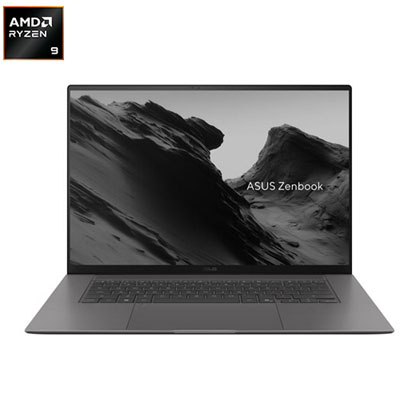
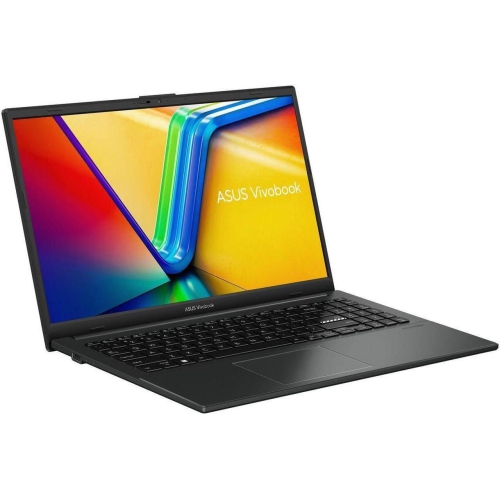
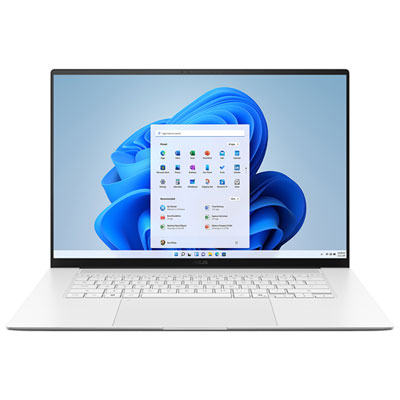
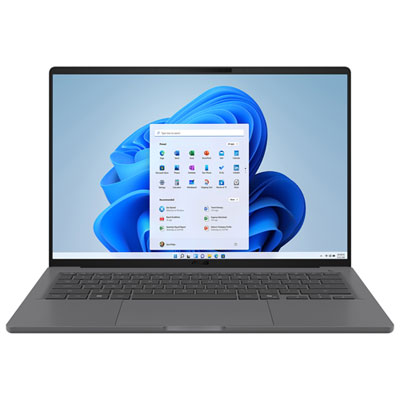
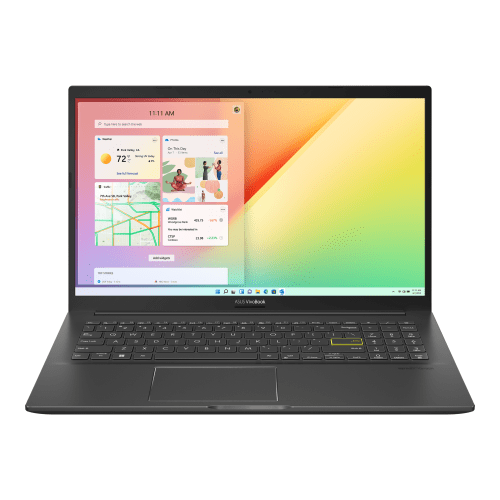
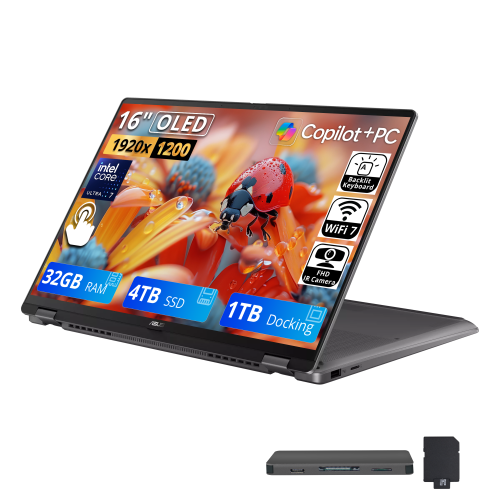
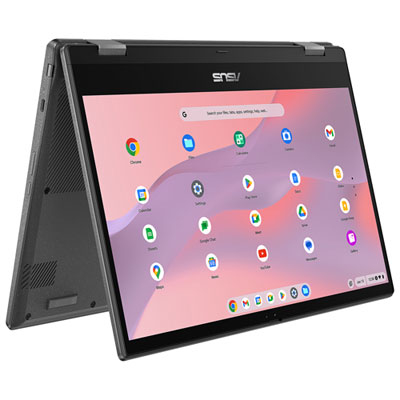
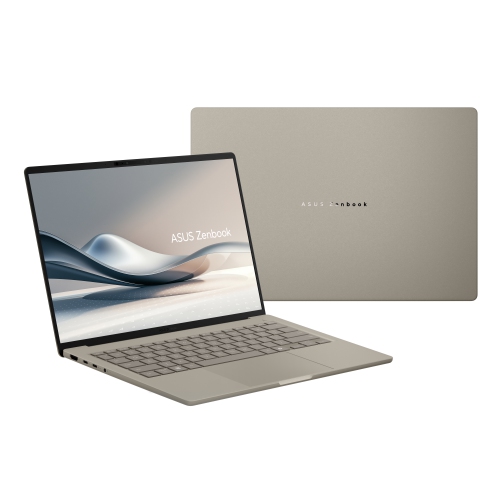
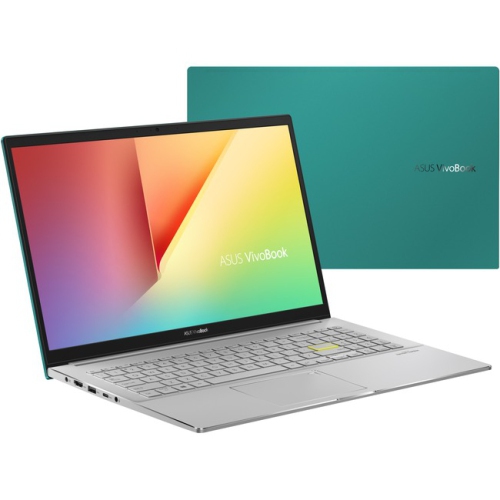
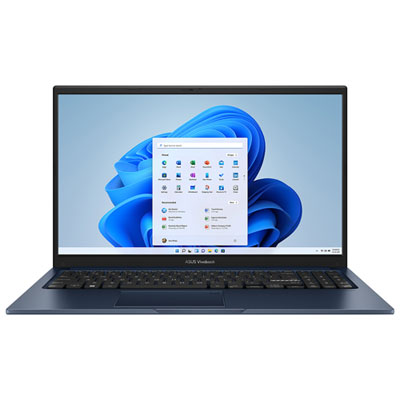
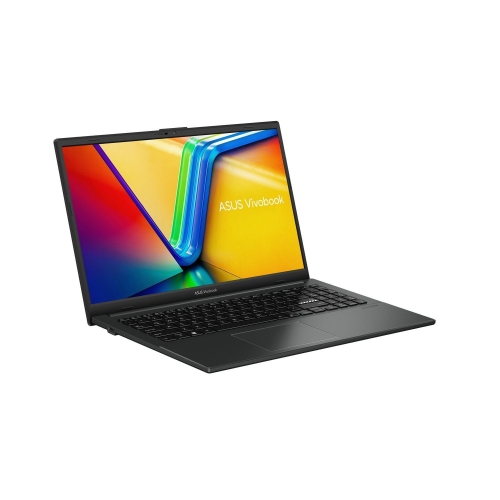
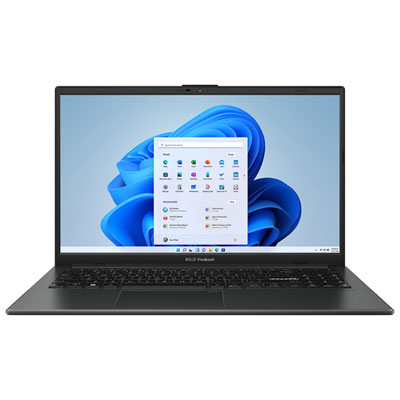
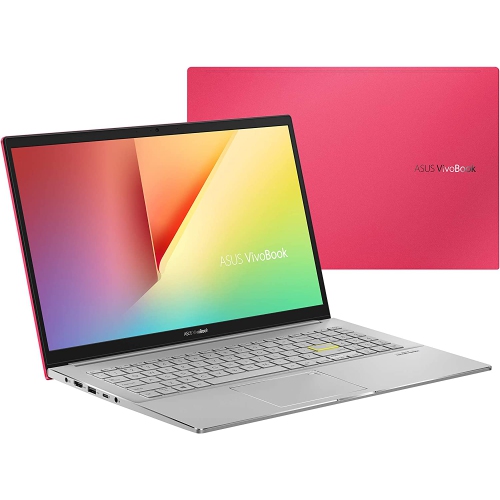
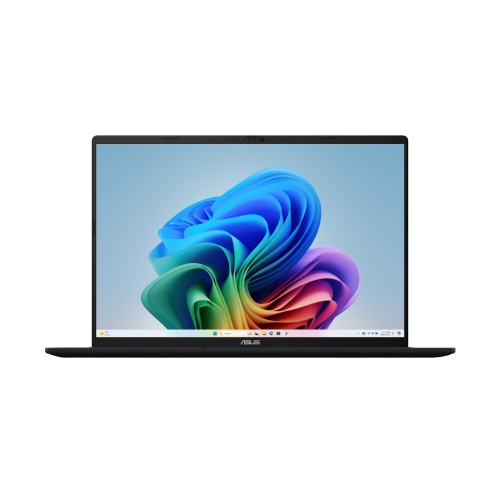
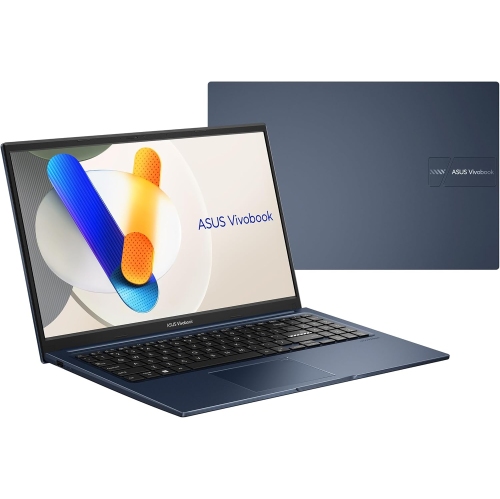
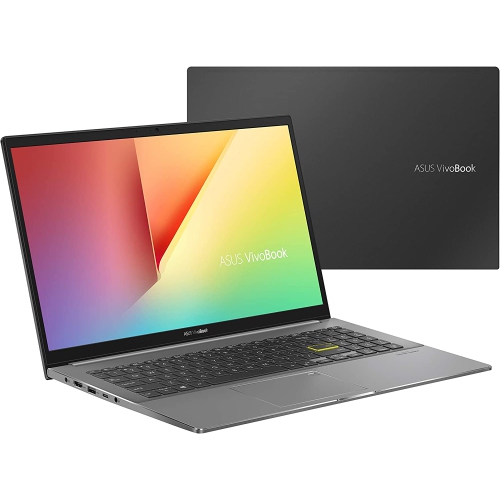
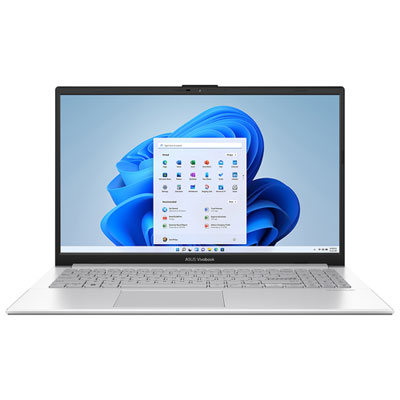
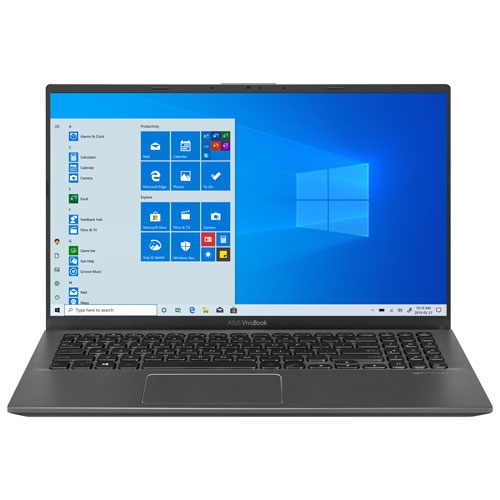
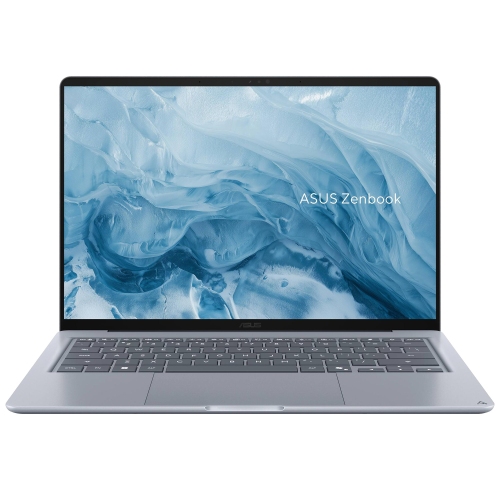
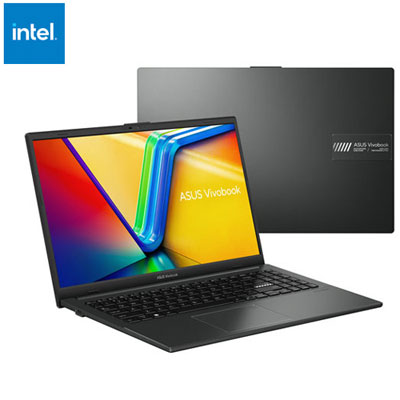
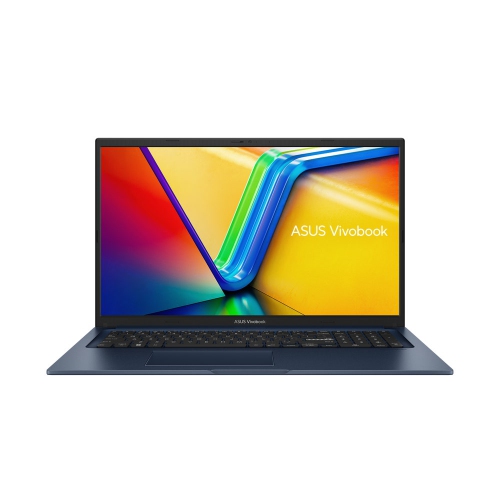
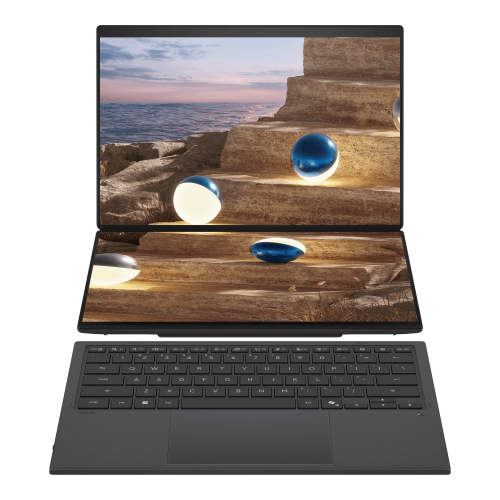
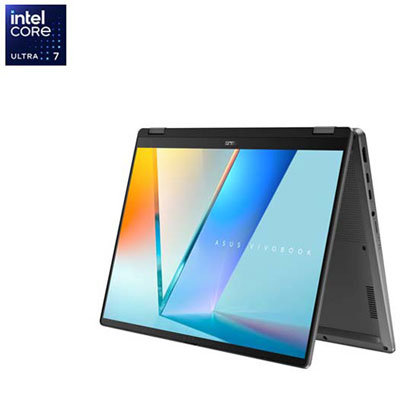
What your coursework demands from a student laptop
A student laptop supports research, written assignments, online classes, and the software used throughout a school or post-secondary program. The right fit depends less on a student's grade level alone than on what the computer needs to run each day. Browser-based assignments, shared documents, and video lessons place different demands on a laptop than engineering software, large design files, or video editing. For younger students, a straightforward interface, comfortable keyboard, and sturdy construction can matter more than advanced performance features. College and university students may need enough processing power and memory to move between lecture recordings, reference documents, spreadsheets, and several browser tabs without interrupting their work. Memory helps keep those tasks running together: 8GB can suit lighter everyday use, while 16GB provides more room for multitasking and demanding coursework. Specialized programs may require more, so a school's published hardware and operating system requirements are an important starting point. Software compatibility deserves particular attention when a course involves coding tools, laboratory applications, architectural drawing, or proctored exams. A browser-focused laptop can be practical for web-based learning, but it may not support an application that must be installed locally. Storage needs also vary. A solid-state drive helps applications launch and files open promptly, while its capacity determines how much work can stay on the laptop. A 256GB drive may suit documents and lighter file collections; 512GB provides additional space for downloaded lectures, project folders, and larger applications. Photography, animation, and media courses can call for substantially more storage. Cloud storage can make assignments easier to access across devices, although local copies remain useful when an internet connection is unavailable. For students comparing everyday study options, ASUS VivoBook Laptops for Students offers a related selection to explore alongside the requirements of a particular course or program. Matching the computer to actual assignments helps distinguish useful capabilities from features that may see little use.
The physical fit of a laptop becomes noticeable during a full day of classes, especially when it shares a backpack with textbooks, lunch, and a charger. A 13-inch or 14-inch screen can make a computer easier to carry between classrooms and use on a compact lecture-hall desk. A 15-inch or 16-inch screen offers more space for side-by-side documents, detailed spreadsheets, or a recorded lesson beside a page of notes, though the overall dimensions and weight still depend on the design. Screen resolution affects how clearly text and diagrams appear, while brightness and surface finish influence readability under classroom lighting. A matte screen can help reduce distracting reflections; a glossy screen may show more noticeable reflections near a window or overhead light. Students working with photography or visual design may also need to consider colour accuracy rather than judging a display by size alone. Keyboard layout is equally personal. Clearly spaced keys, a responsive touchpad, and a comfortable palm rest can make long essays and timed assignments easier to manage. A dedicated number pad may be useful for accounting or data entry, while a backlit keyboard can help make key labels more visible in a dim lecture theatre. A touchscreen or convertible hinge can support handwritten annotations and diagram work when the device and its software support those functions; pen compatibility should be checked separately. Connection options affect everyday convenience, too. USB ports can accommodate a mouse or external drive, a display connection can support presentations or a desktop monitor, and a compatible headset connection can help with online discussions. Not every USB-C port supports charging or video output, so the port specifications matter. Reliable Wi-Fi supports access to learning platforms, while webcam placement, microphone clarity, and accessible audio controls contribute to smoother remote classes and group meetings. At a desk, an external keyboard and a raised screen can provide a more comfortable arrangement for extended work.
Construction, battery use, and basic care all influence how well a laptop fits student life over time. Plastic and metal housings each appear in portable designs, but the material alone does not establish durability. Hinge stability, lid rigidity, the fit of the casing, and any stated testing or protection features provide more useful context. A reinforced design may suit frequent handling, but no laptop should be assumed to withstand drops or spills unless its specifications explicitly describe that protection. A padded sleeve helps separate the computer from loose cables and other objects in a bag, while a properly sized compartment limits movement during a commute. Keeping drinks away from the keyboard, carrying the laptop with the lid closed, and avoiding pressure against the screen can prevent common damage. Vents should remain clear, including during work at home; a hard, flat surface allows better airflow than bedding or a cushion. Cleaning calls for a soft cloth and the methods specified by the manufacturer, with liquid kept away from openings. Battery expectations should reflect actual schoolwork rather than a single advertised figure. Screen brightness, video calls, wireless activity, and demanding applications can all affect how long a charge lasts. Students moving between classes may value a lighter charger and compatible charging options, while those running intensive software may need regular access to an outlet. Sleep settings, sensible brightness adjustments, and closing unused applications can help manage power during the day. Keeping software updated, protecting sign-in details, and maintaining a separate backup of important assignments are useful habits throughout a program. For a parent, caregiver, or relative choosing a laptop as a graduation or education gift, the most helpful details are often the student's required software, preferred screen size, and daily travel routine. Those practical considerations support a computer that feels manageable in class, comfortable at home, and suited to the work it is expected to handle.
Top selling and popular products
-
 Your price for this item is $449
-
 Your price for this item is $3099
-
 Your price for this item is $1800.68
-
 Your price for this item is $664.05
-
 Your price for this item is $869.99
-
 Your price for this item is $2960.48
-
 Your price for this item is $489.7
-
 Your price for this item is $1199
Discover more categories related to ASUS Laptops for Students
Top Collections:
Best Black Friday Deals This Year, Best Black Friday Deals On Electronics, Kindle Devices, Best Black Friday Deals On Apple Products, Best Budget Office Chairs, Best Cameras for Sports Photography, Dyson Airwrap, Canon G7X Cameras, Best Laptops for Writers, Samsung Galaxy Phones
Some products may be subject to Environmental Handling Fees
(EHF) depending on your province.
Learn more about EHFs.