Asus Power Supplies
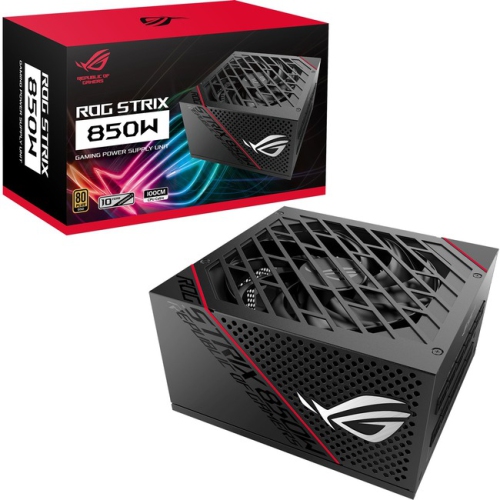
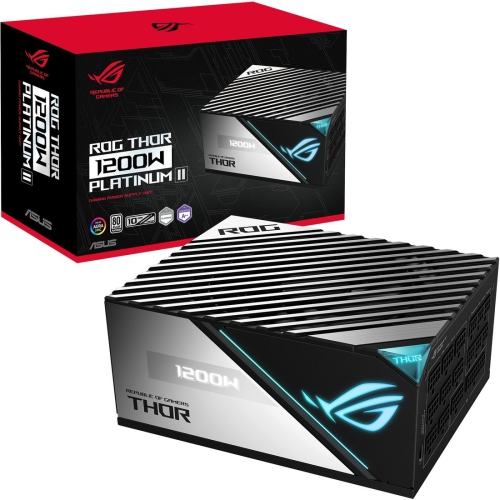
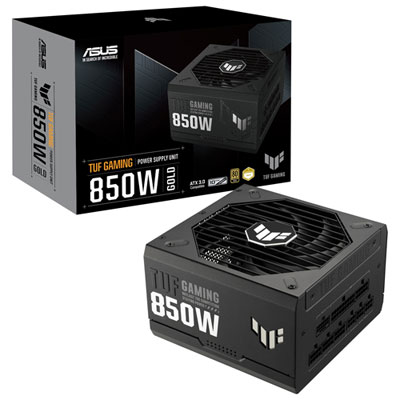
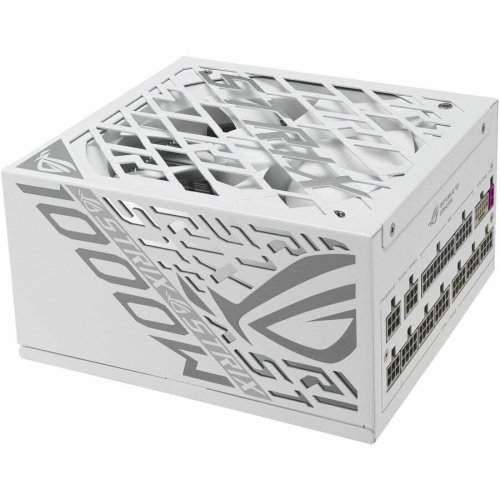
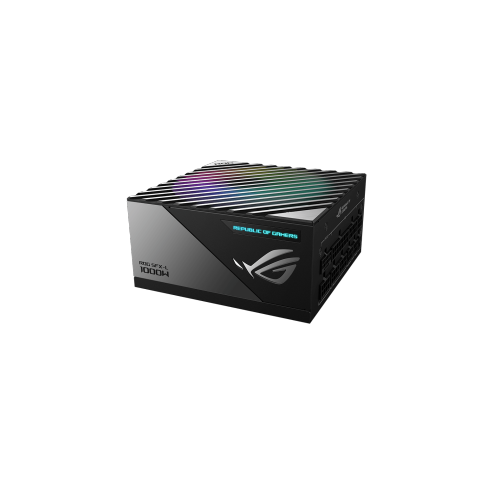
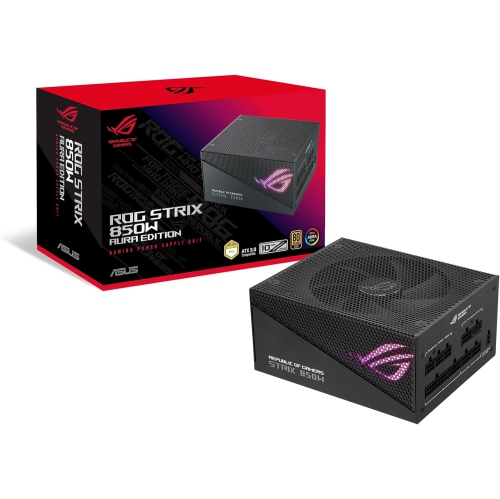
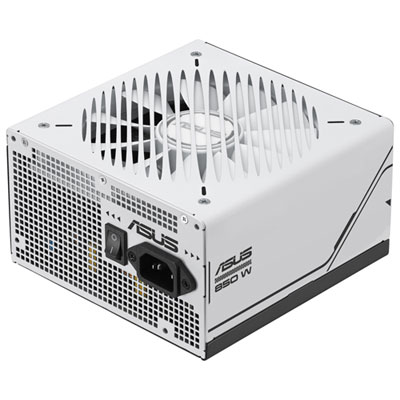
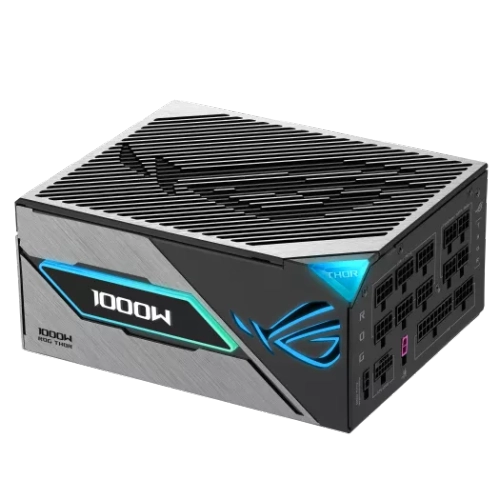
Looking for reliable power supplies to keep your devices running smoothly? Our selection of power supplies offers high-quality performance and efficiency to meet your electronic needs. Whether you're building a new computer system or upgrading your current setup, these power supplies are designed to deliver consistent power output for optimal performance. Explore our range of power supplies with various wattages and features to find the perfect match for your requirements.
Sort
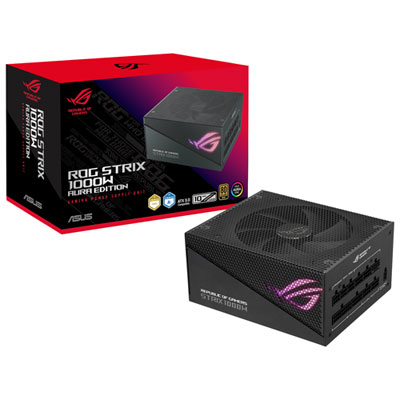
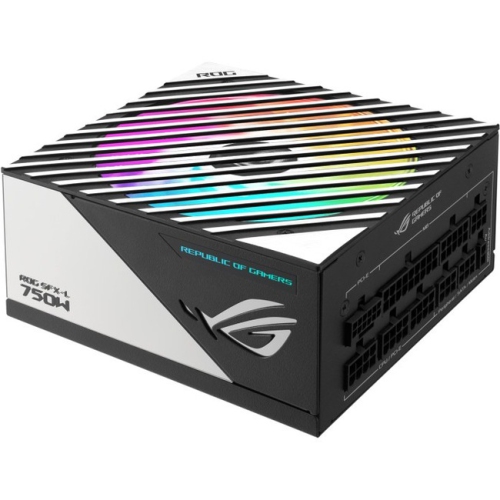
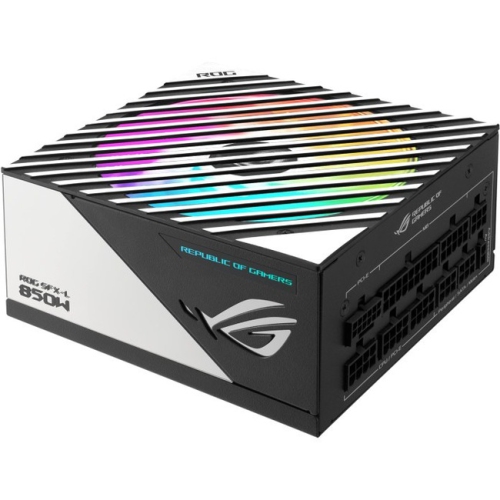
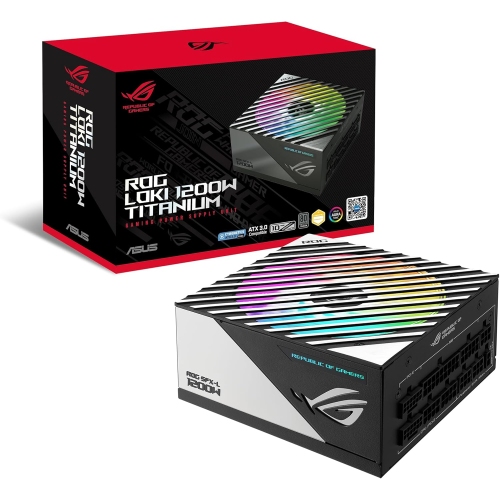

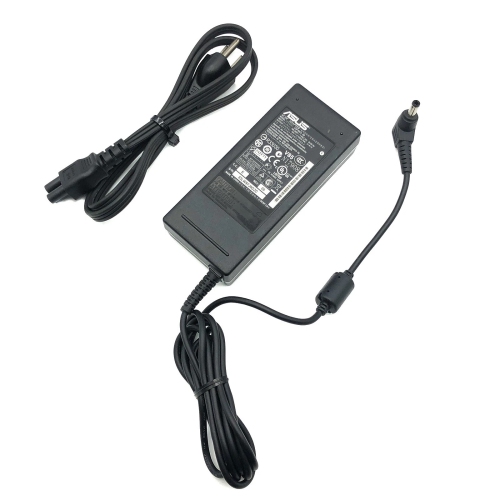
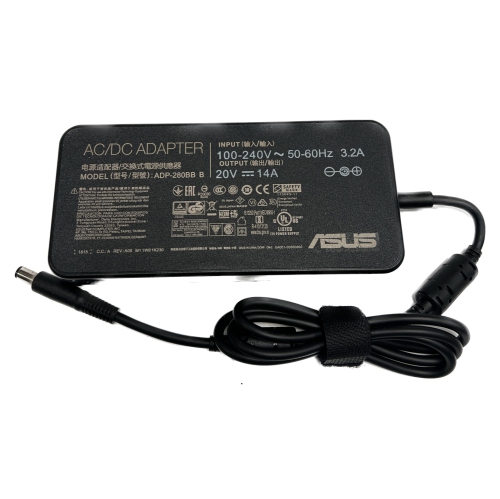
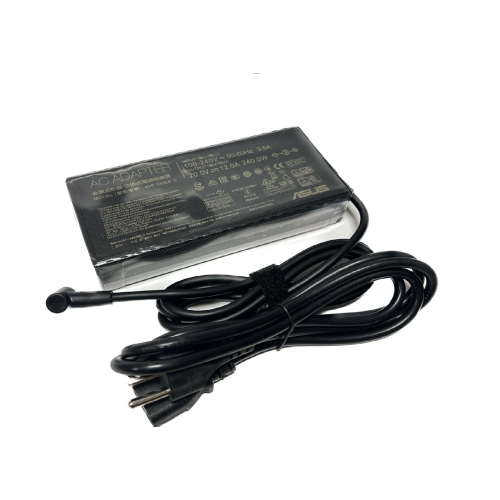
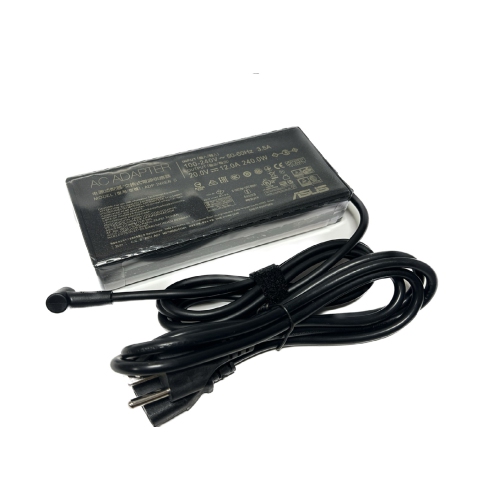
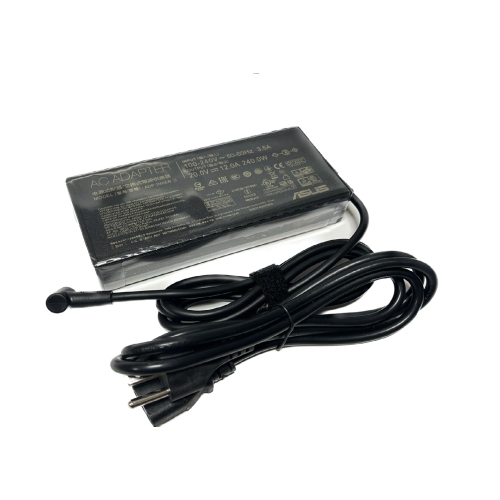
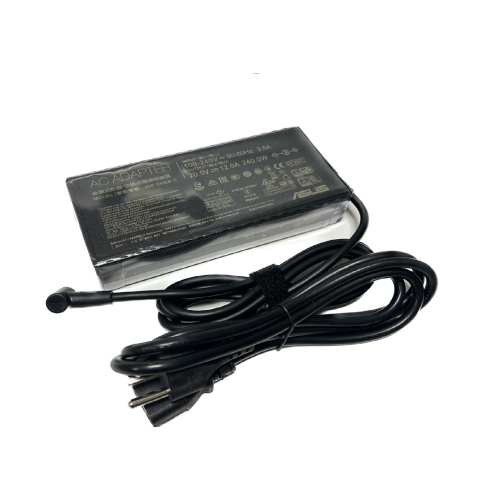
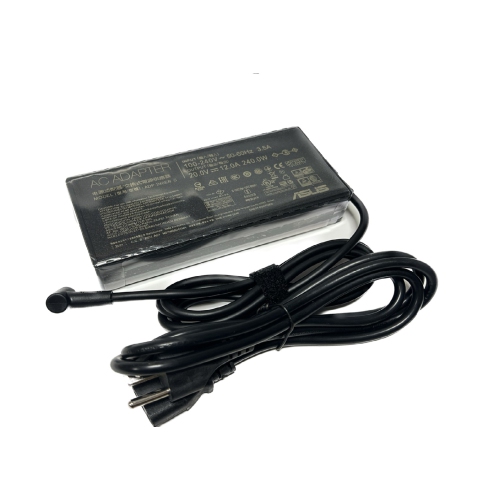
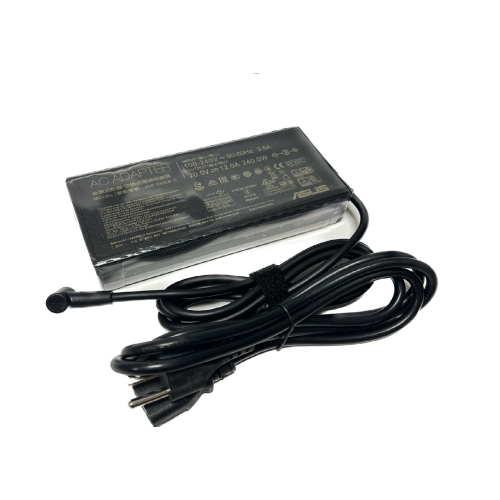
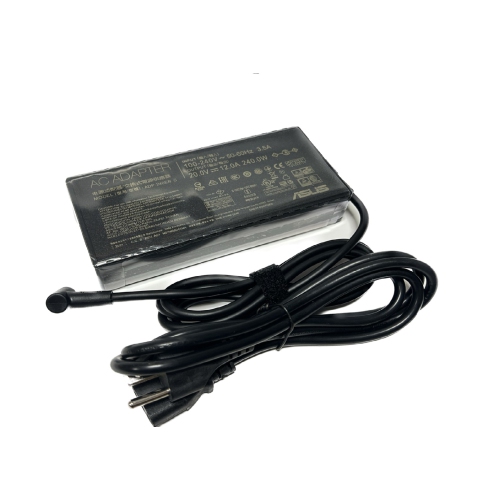

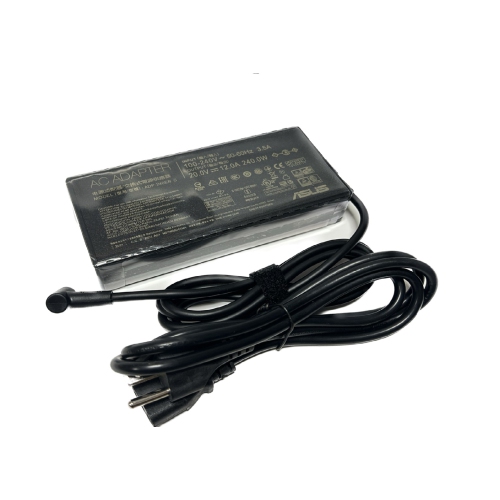
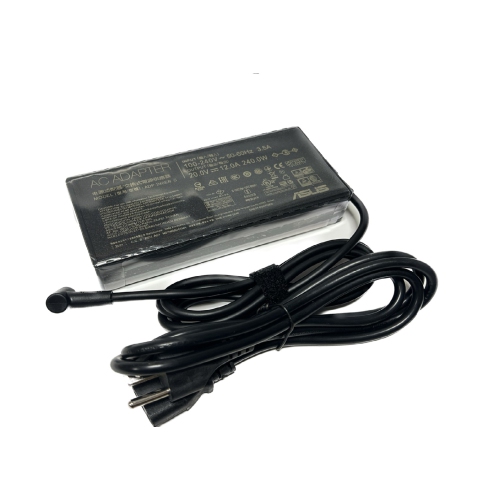
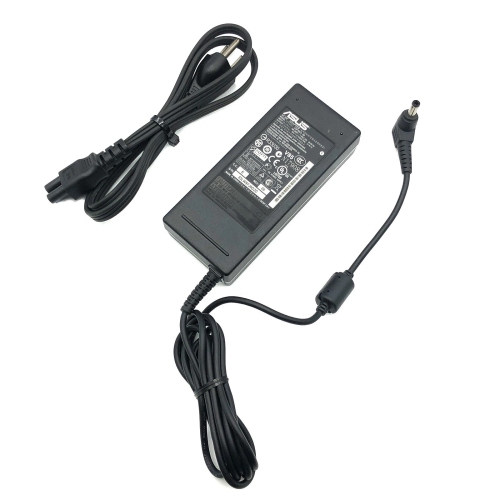
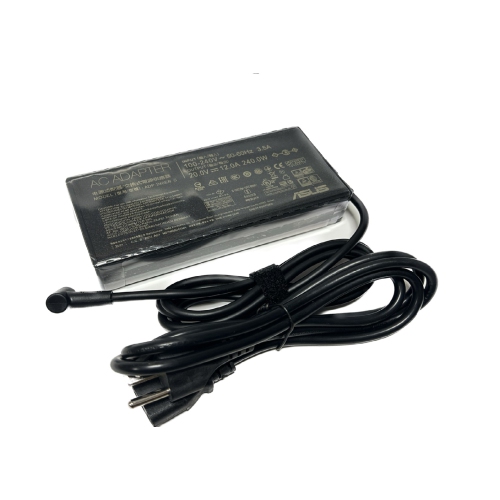
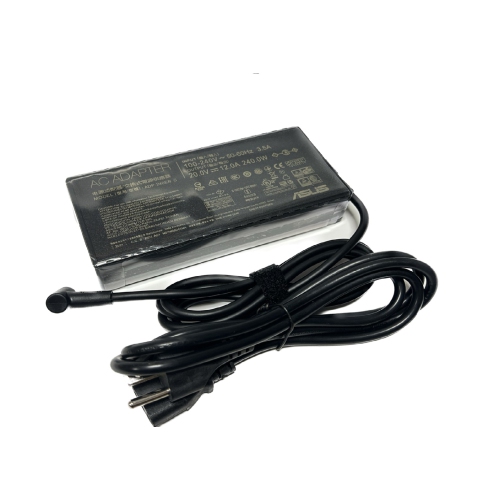
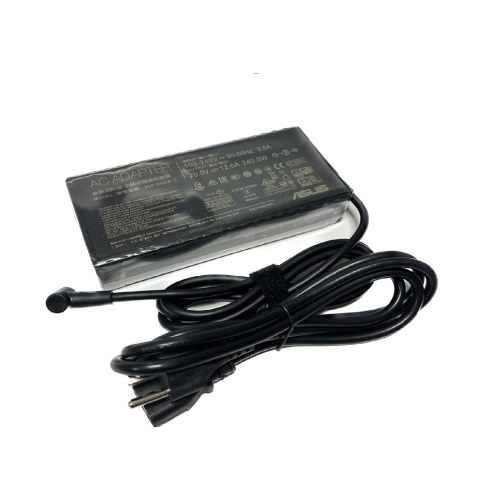
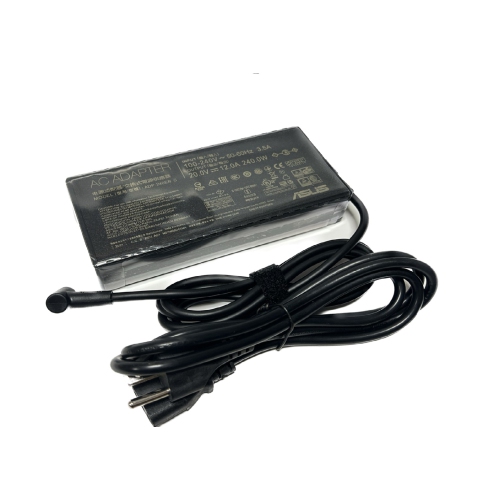
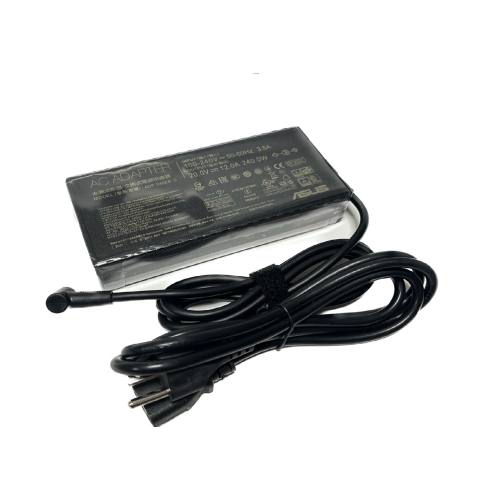
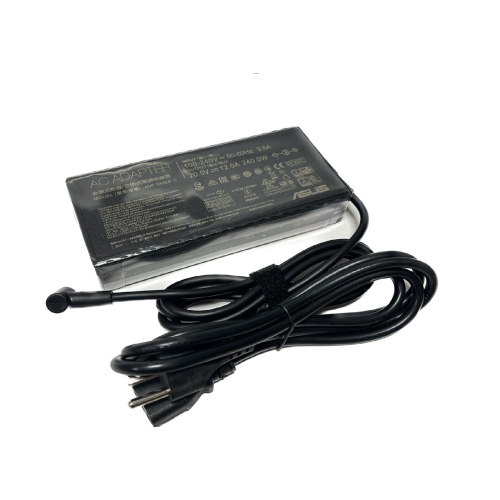
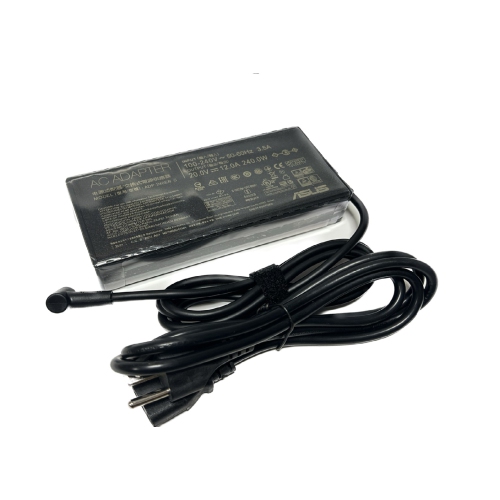
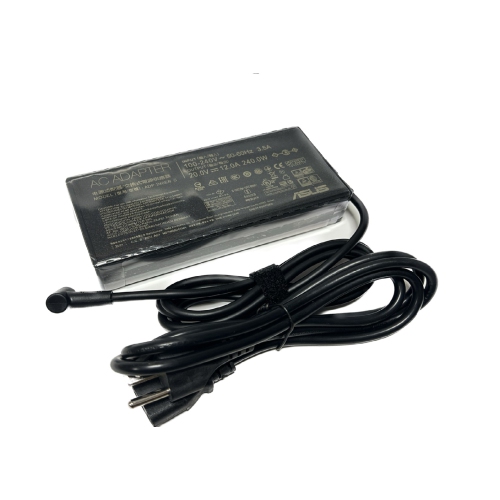
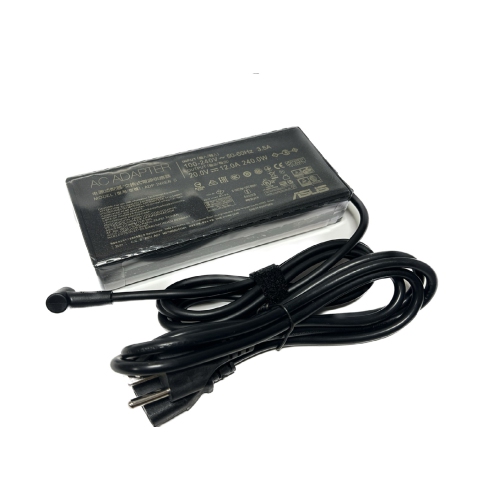
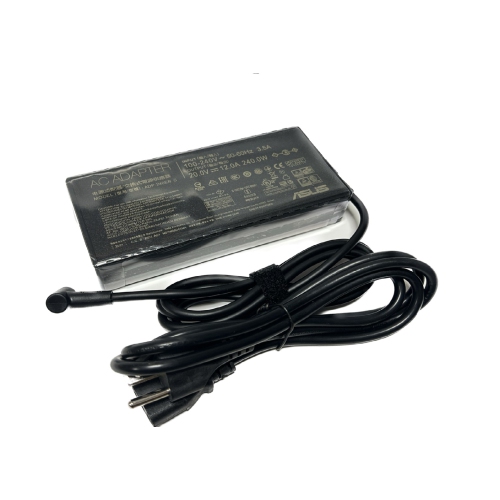
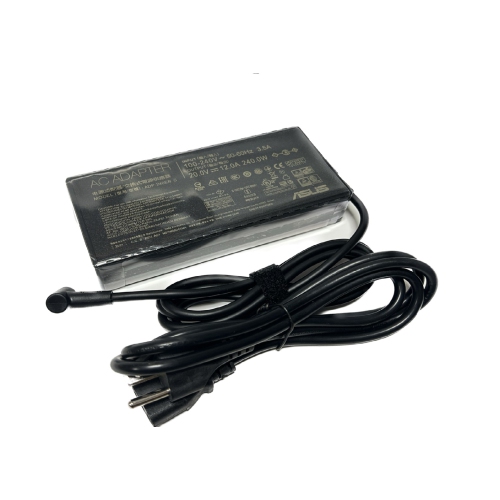
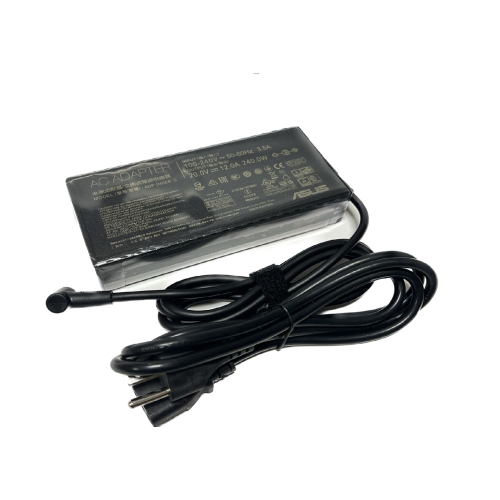
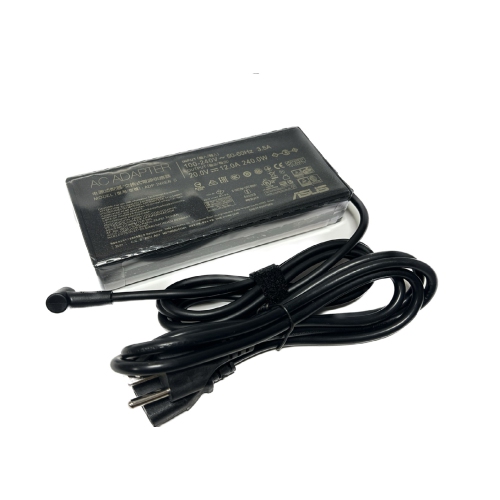
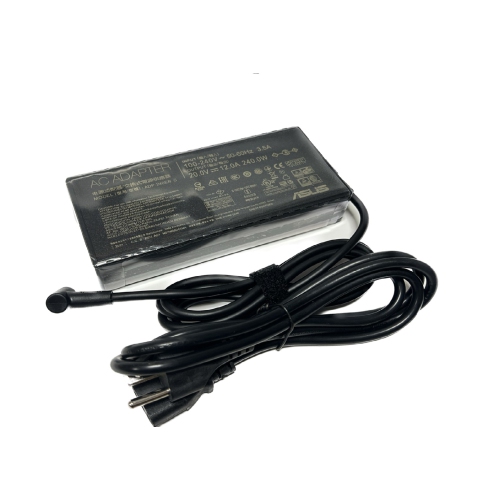
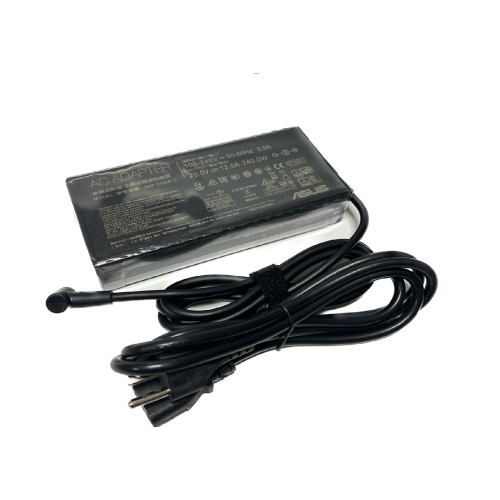
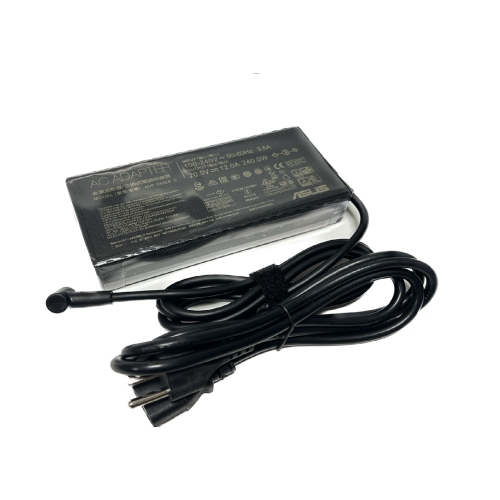
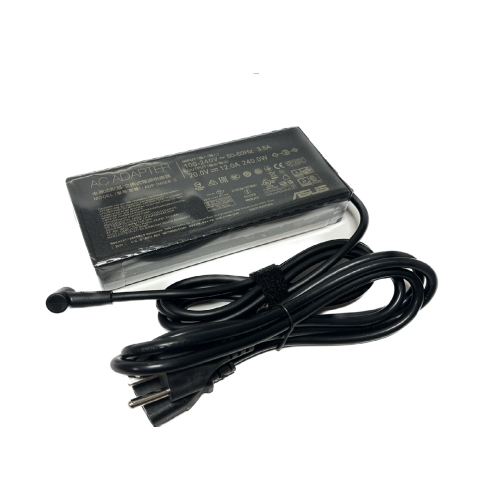
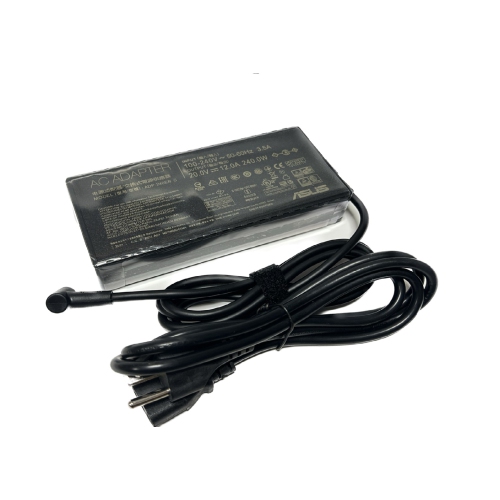
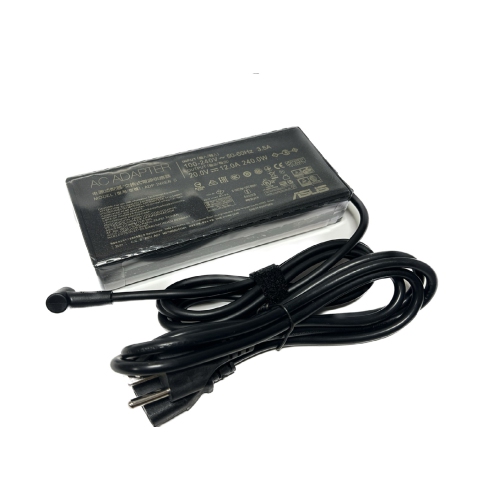
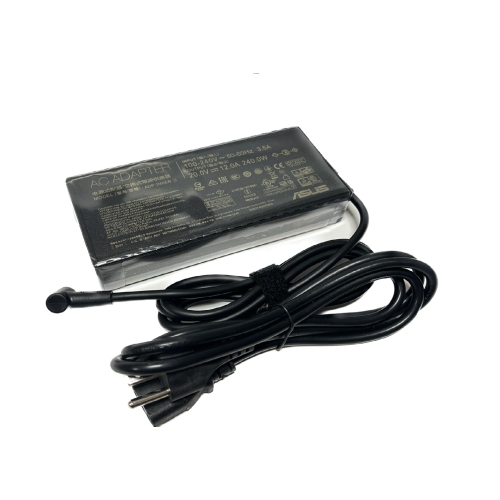
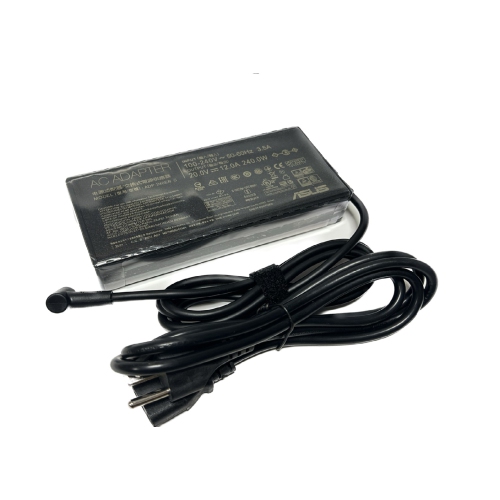
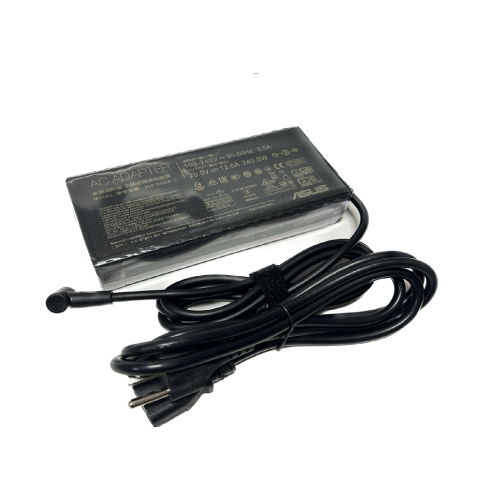
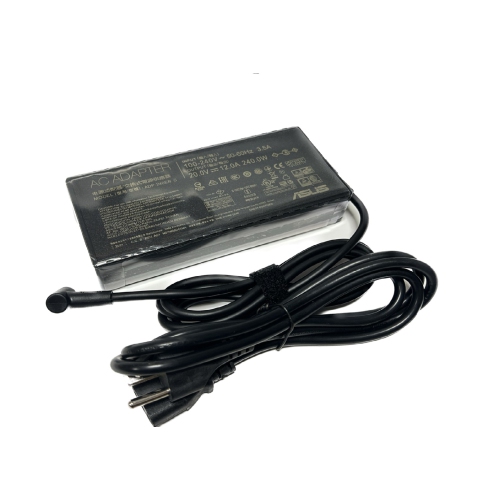
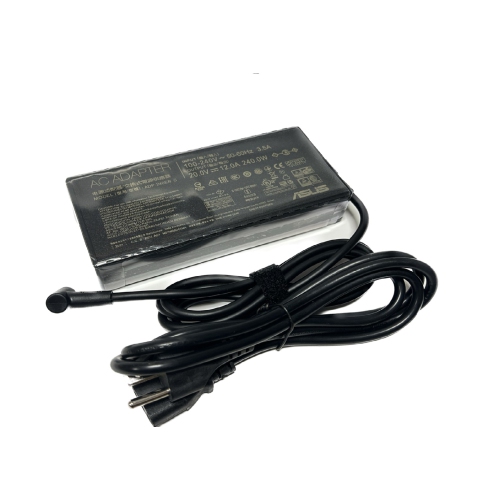
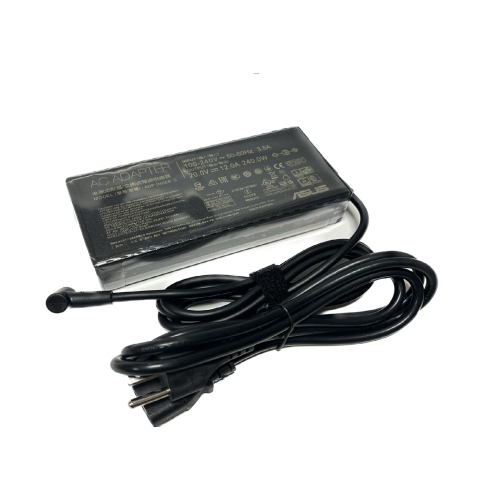
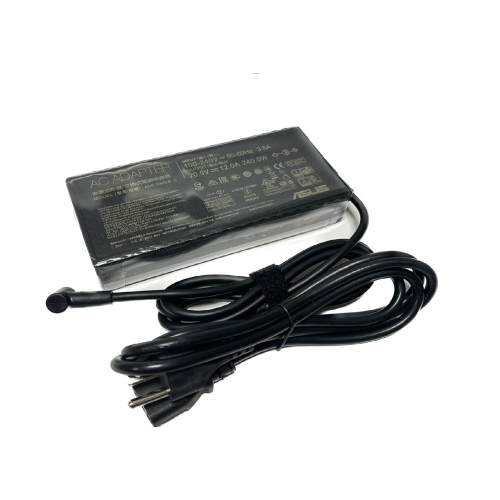
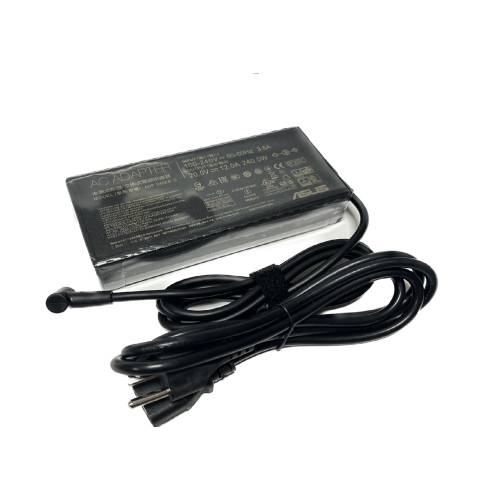
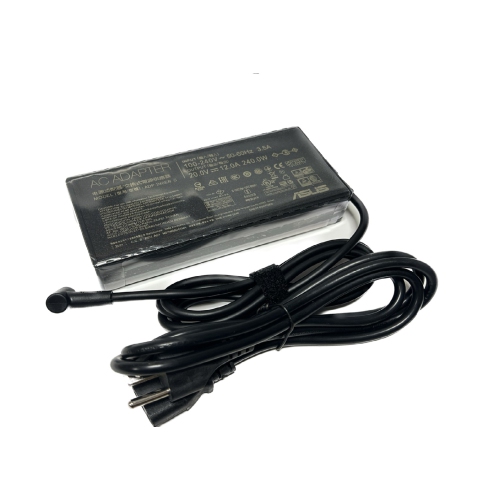
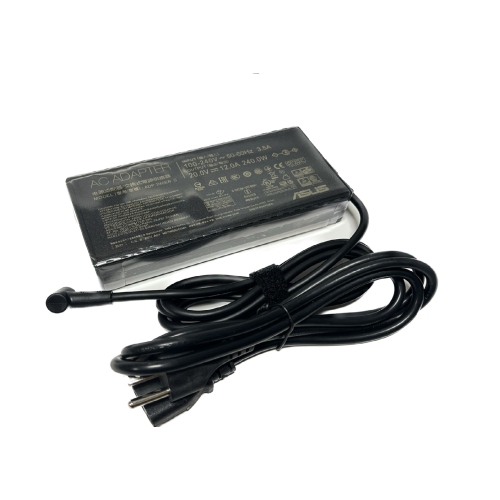
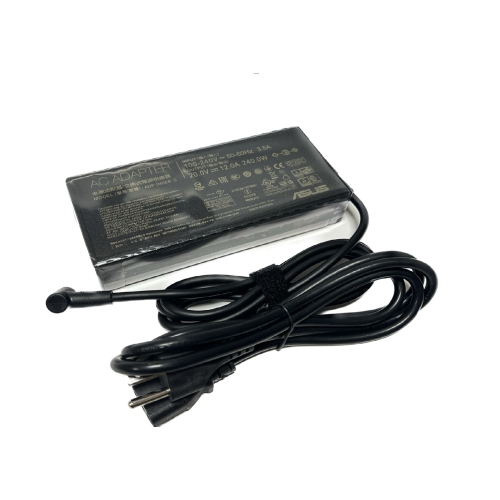
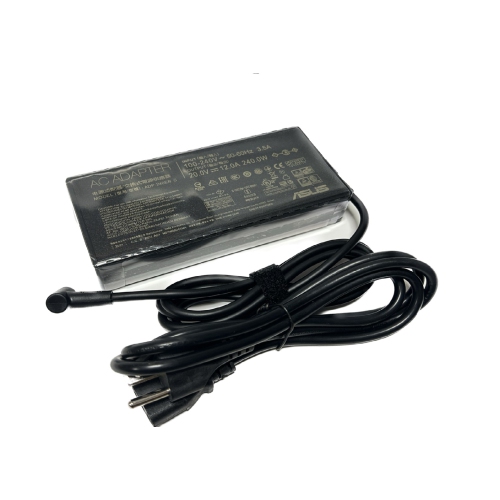
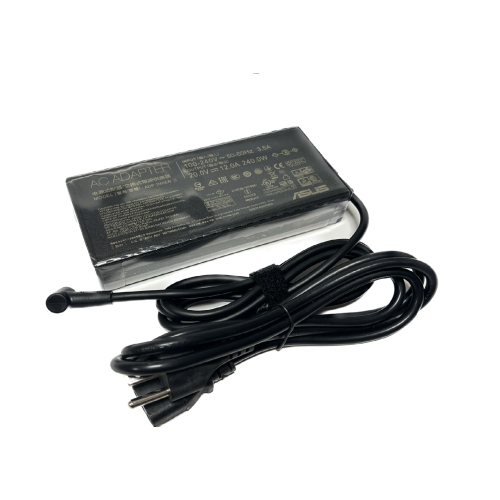
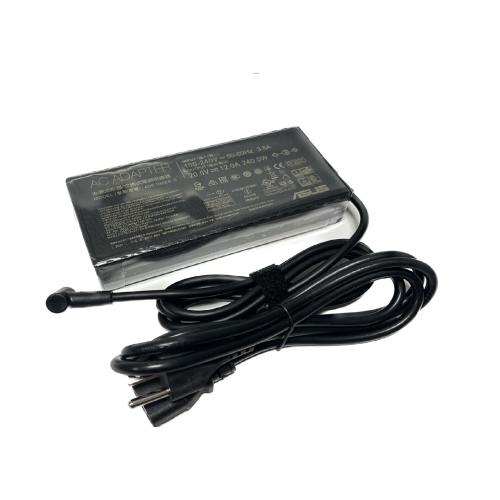
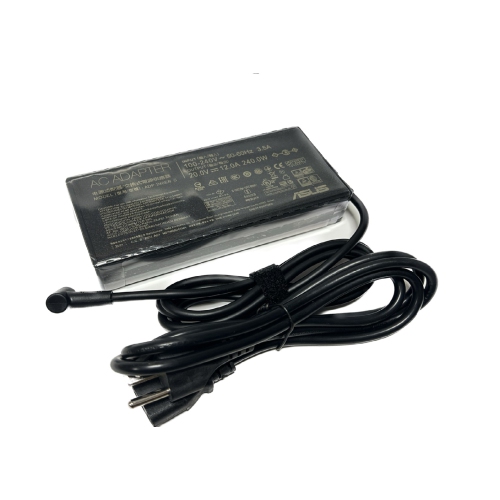
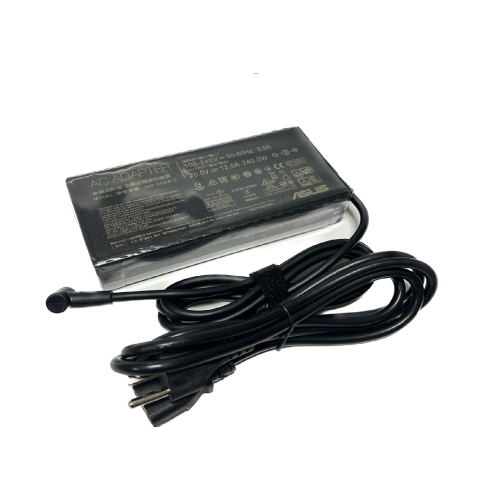
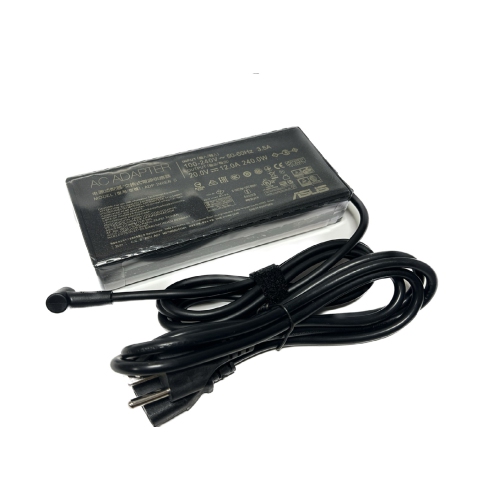
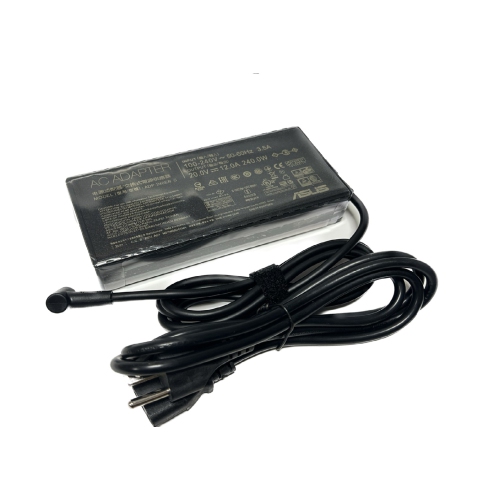
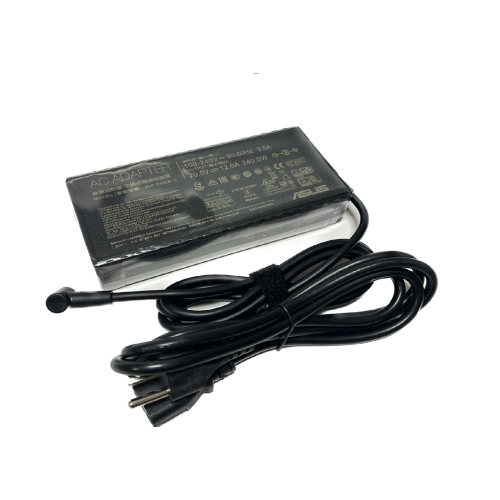
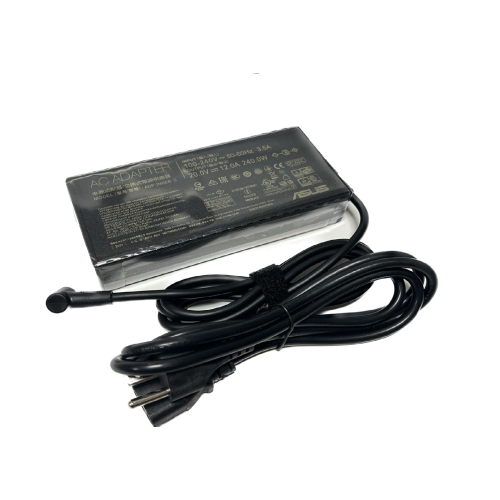
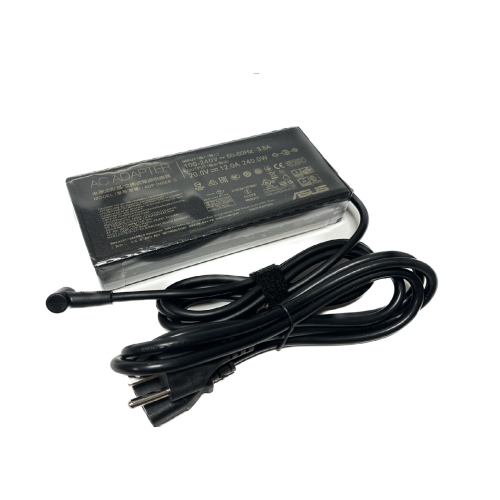
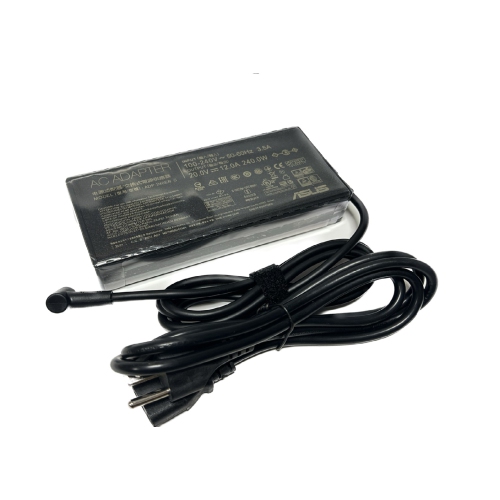
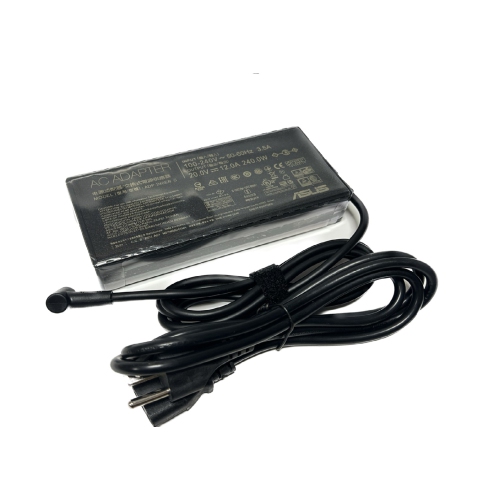
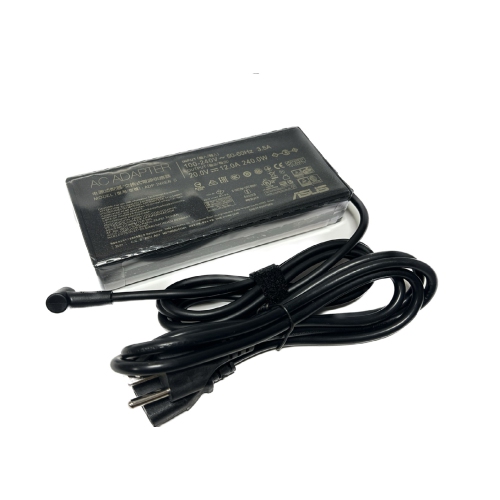
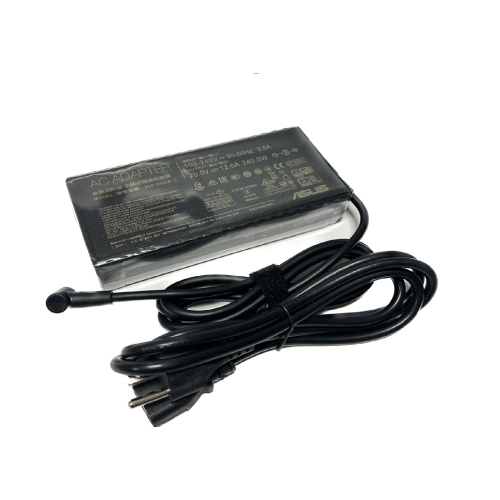
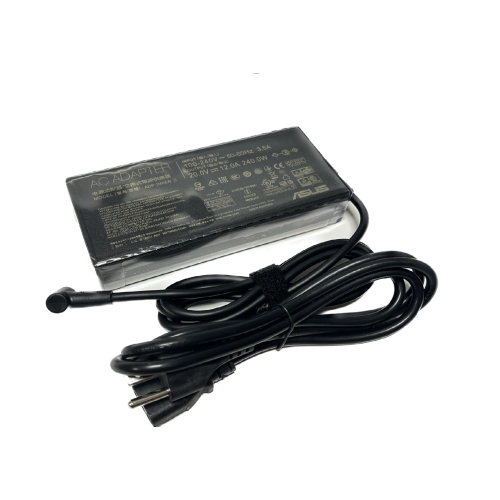
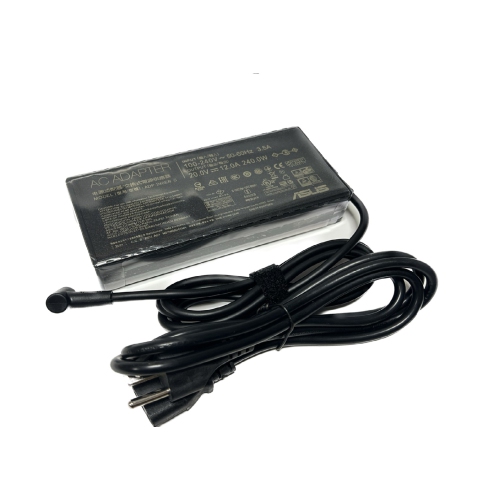
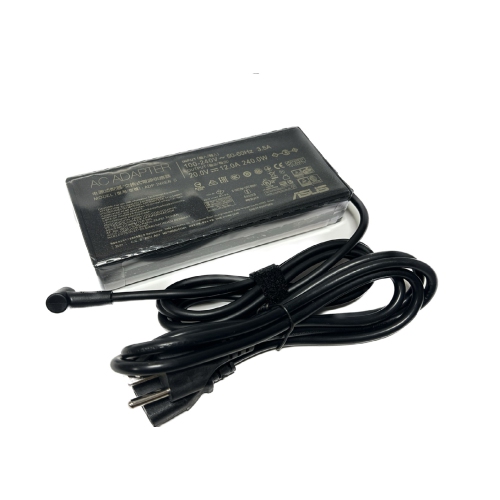
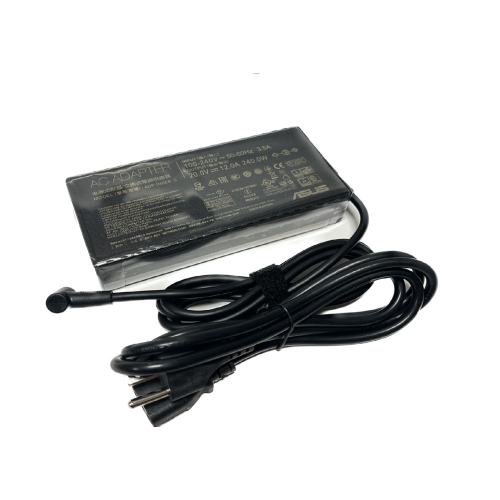
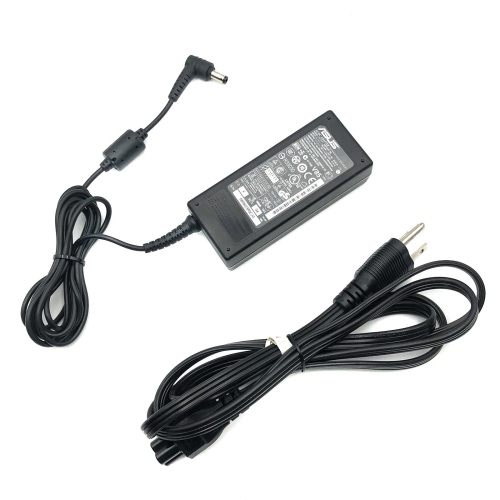
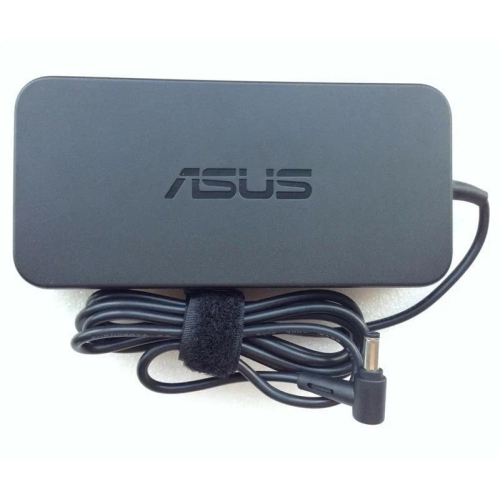
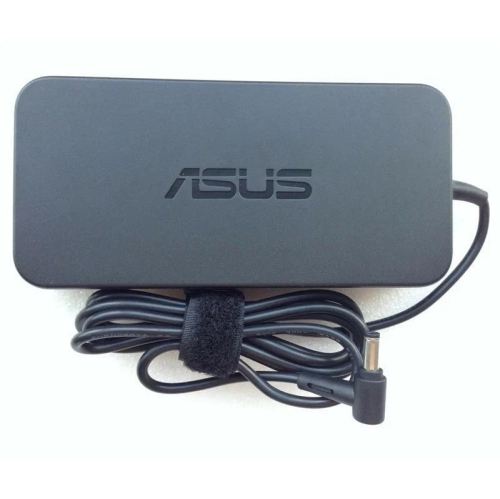
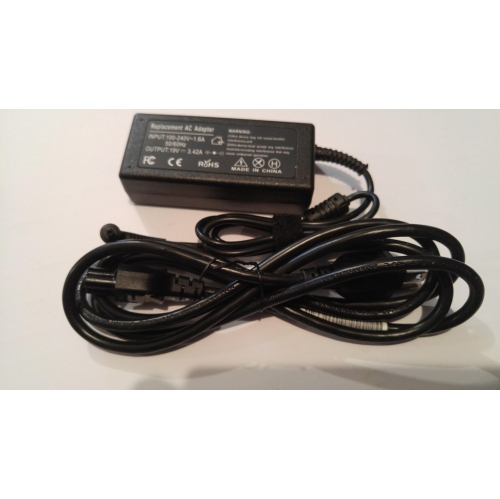
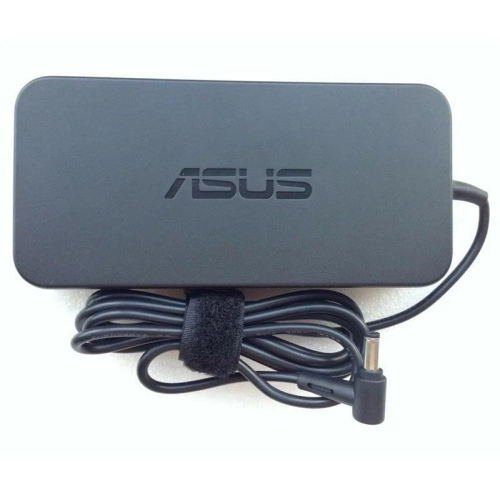
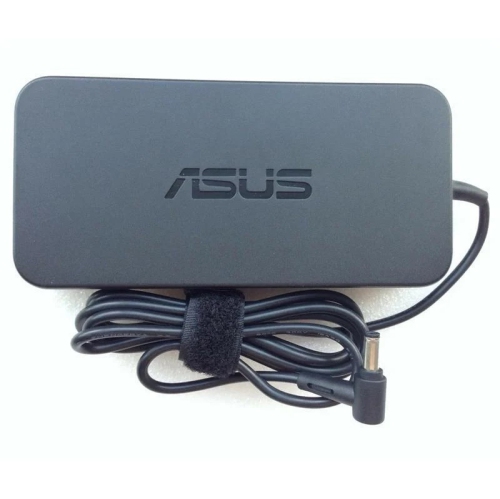
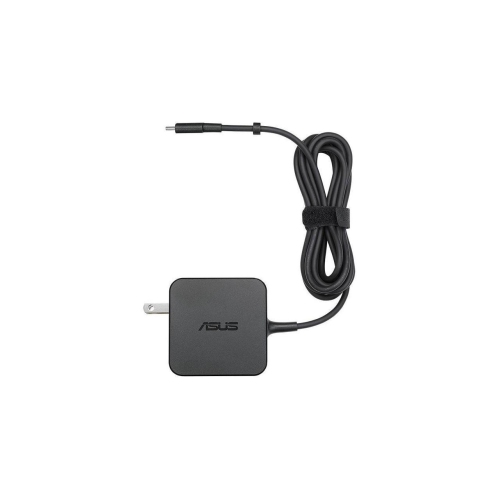
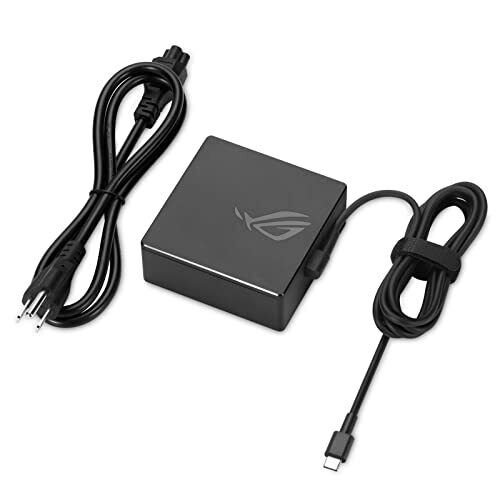
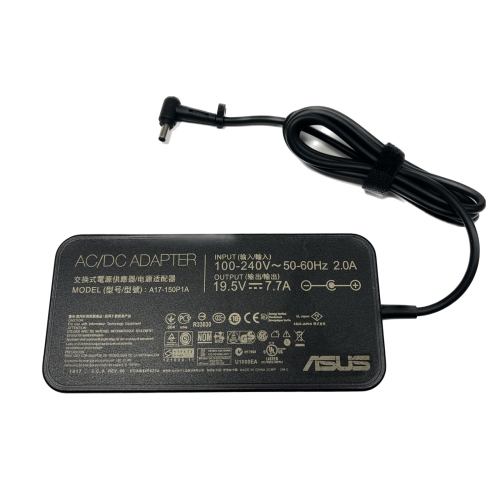
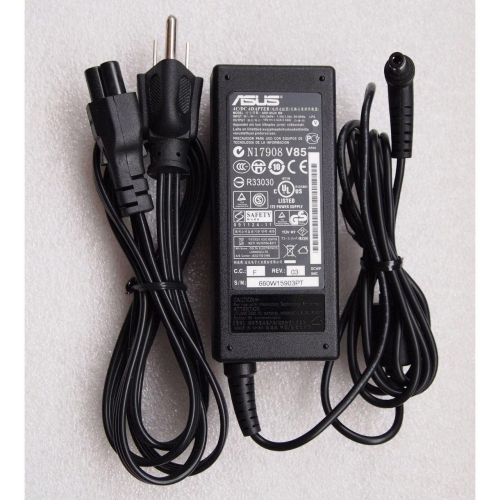
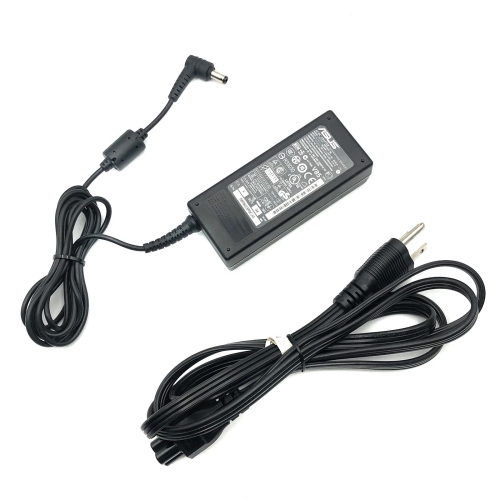
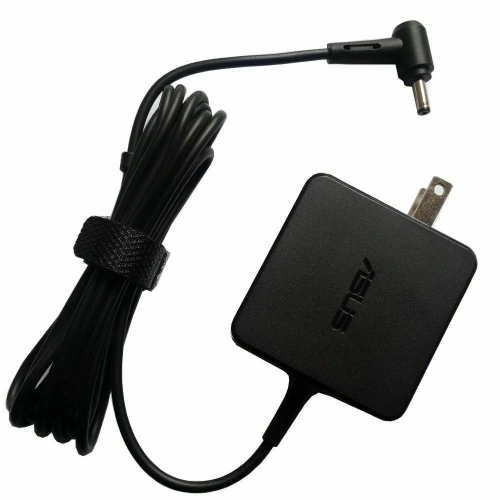
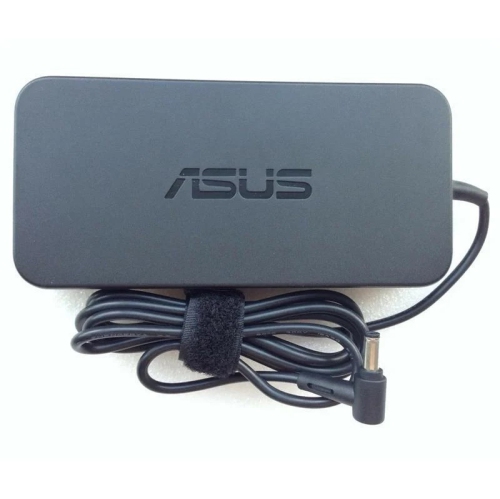
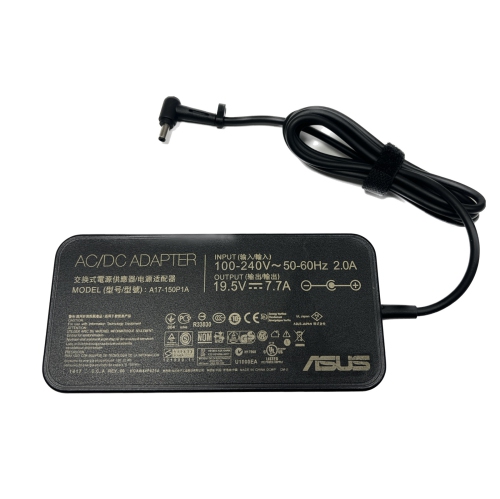
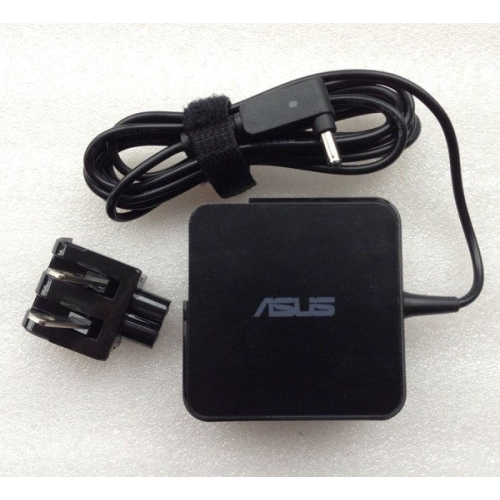
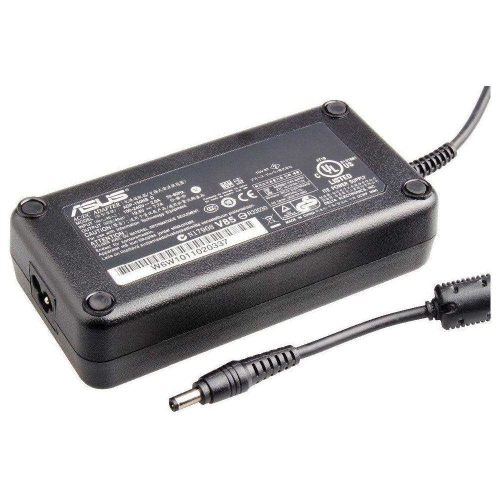
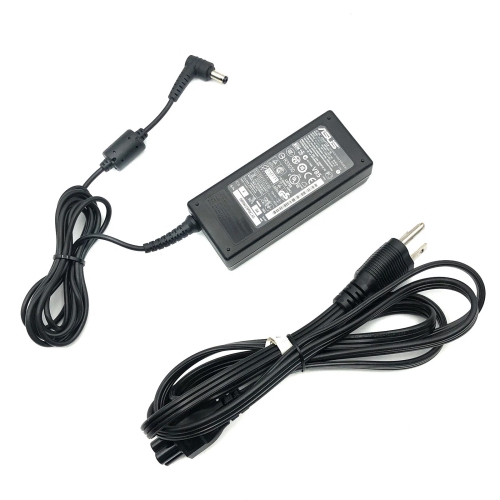
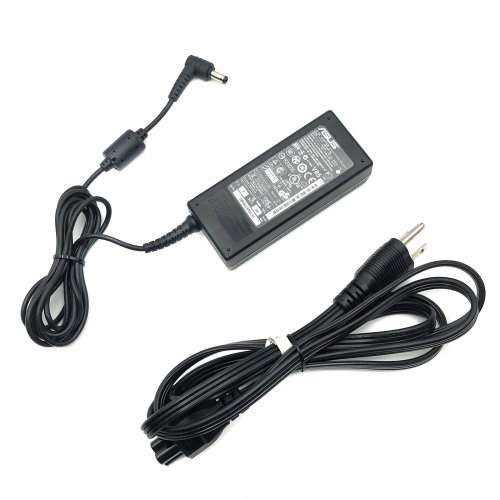
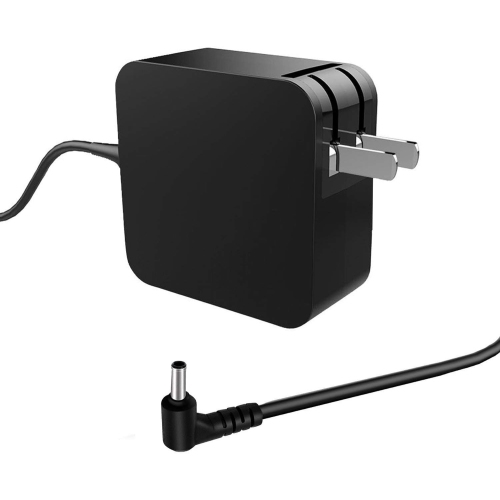
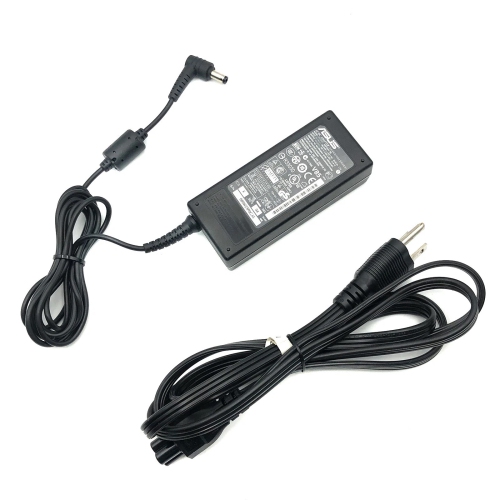
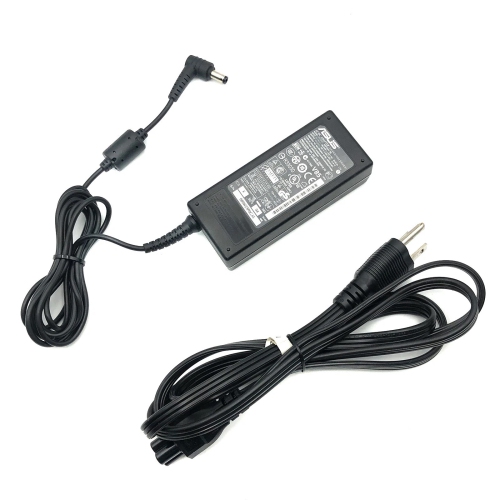
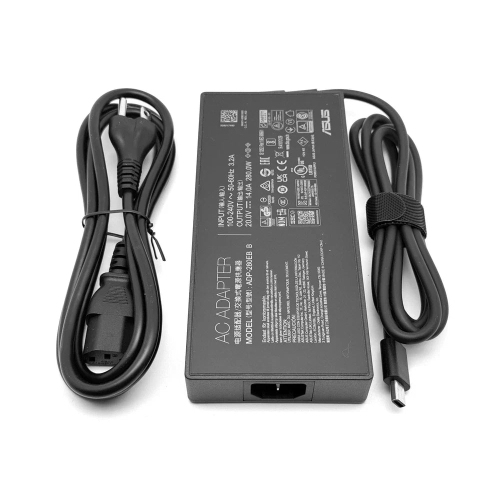
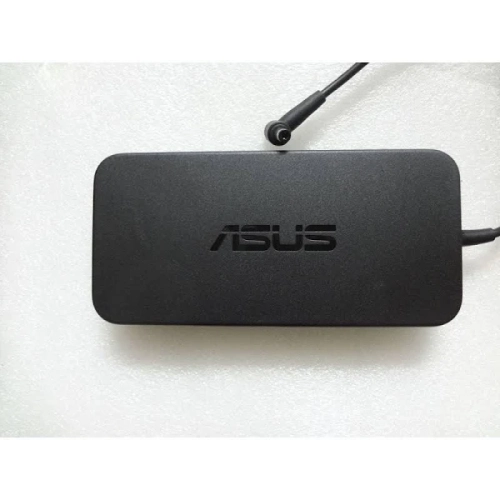
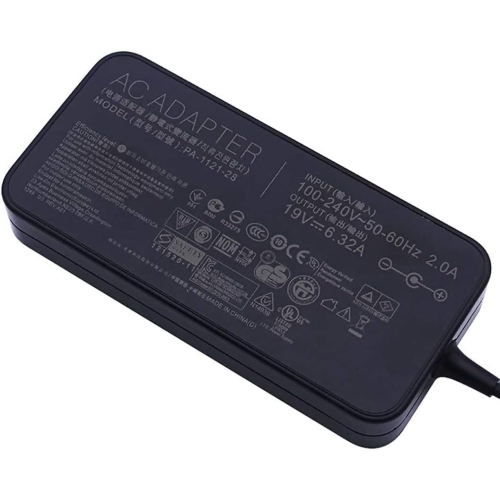
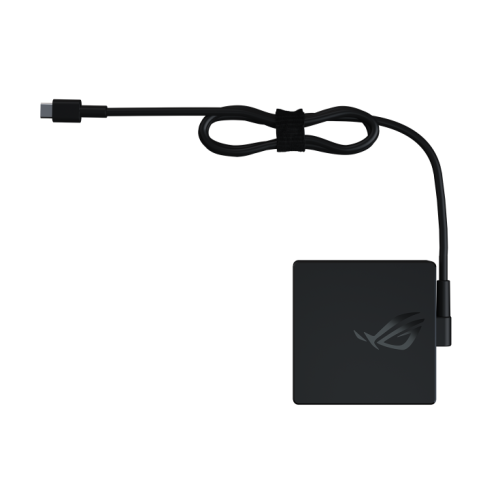
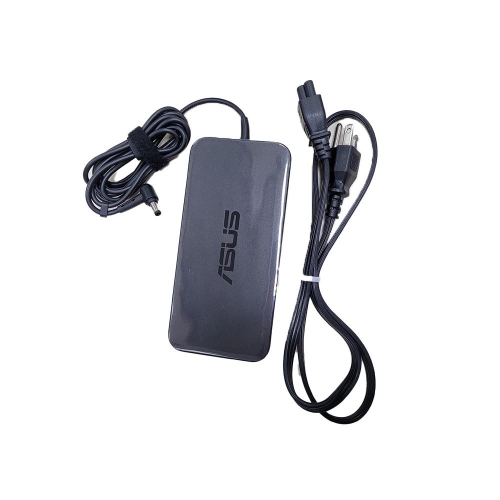
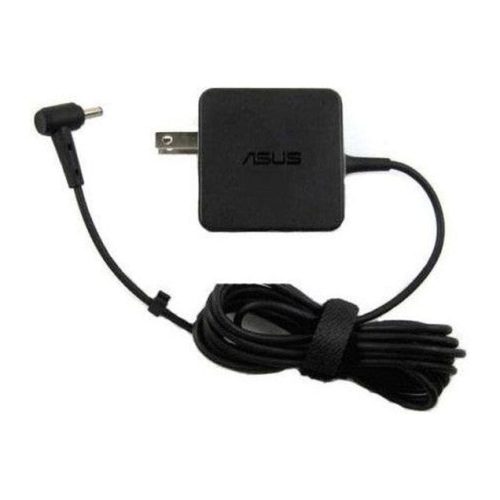
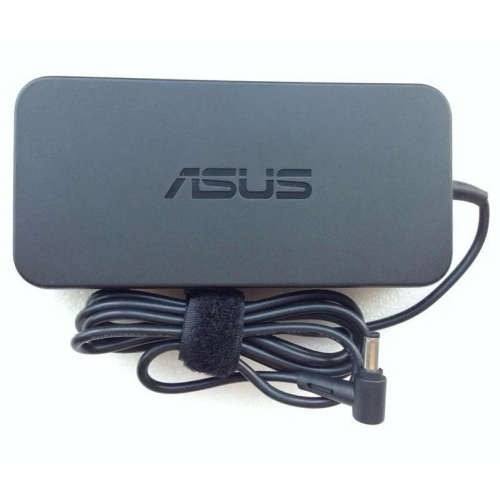
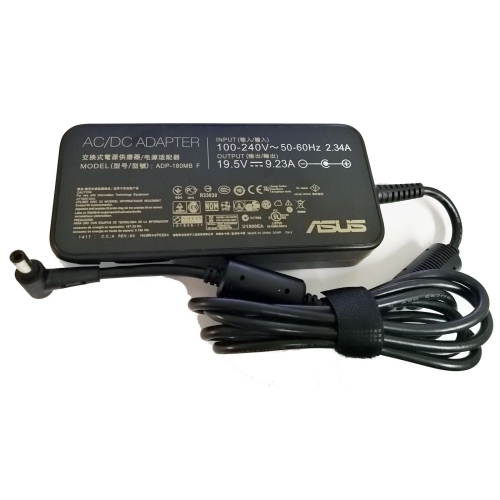
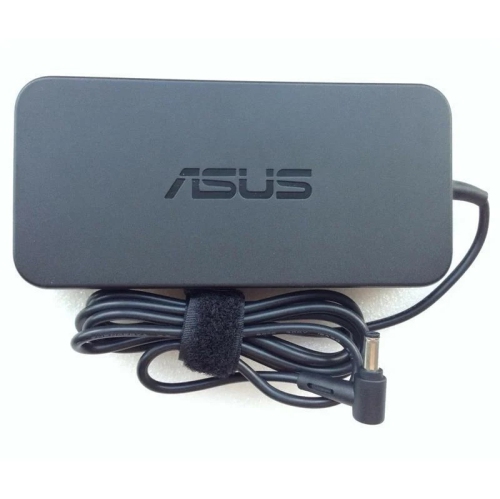
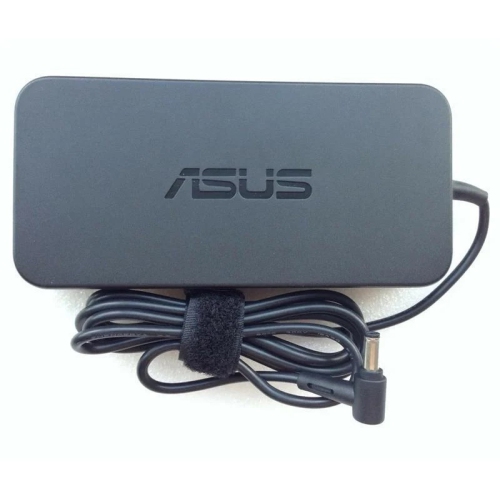
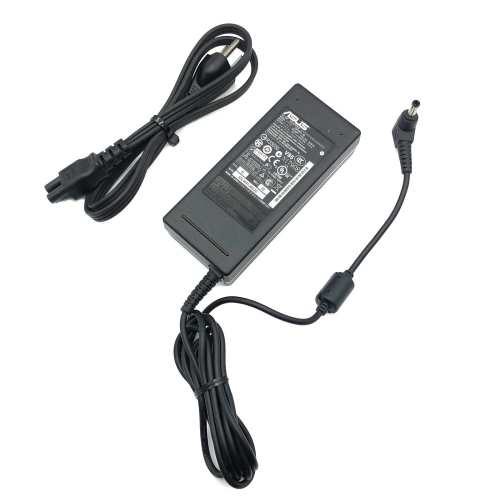
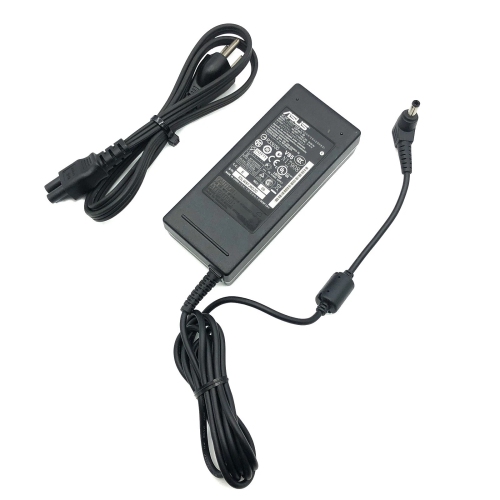
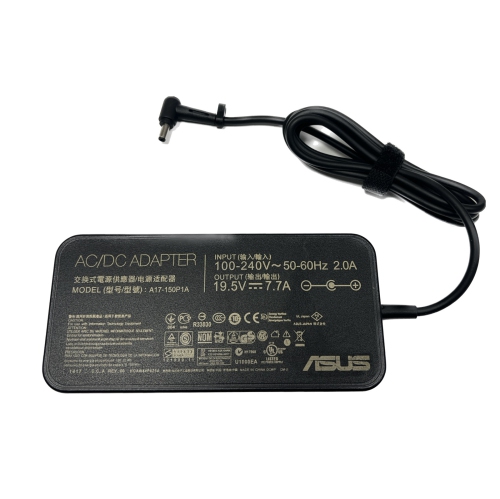
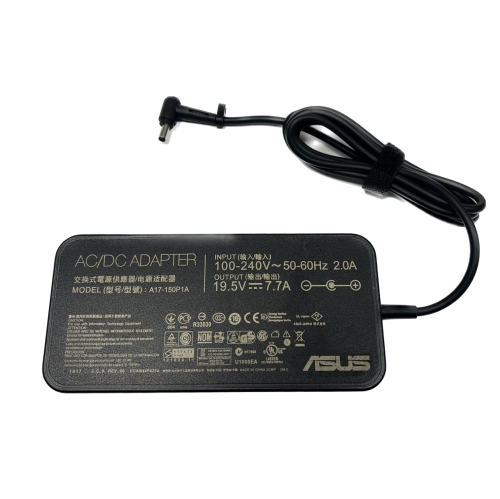
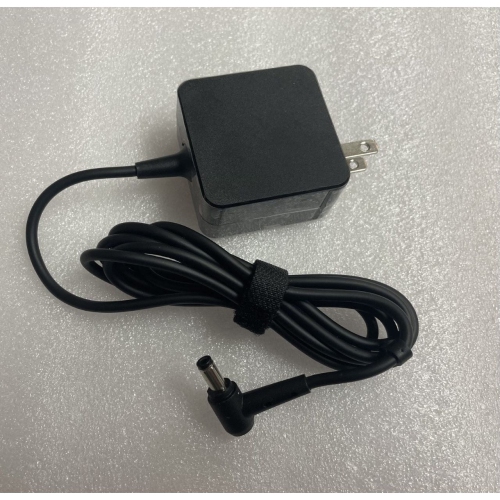
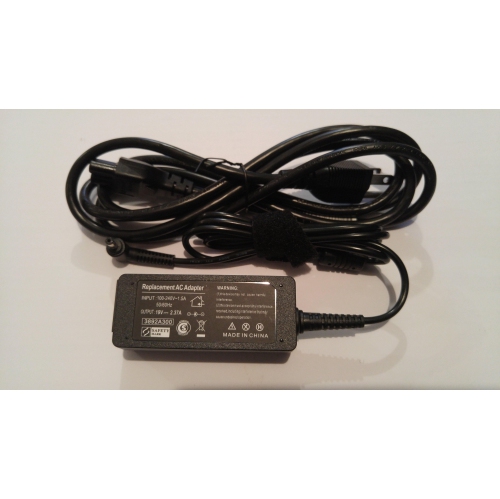
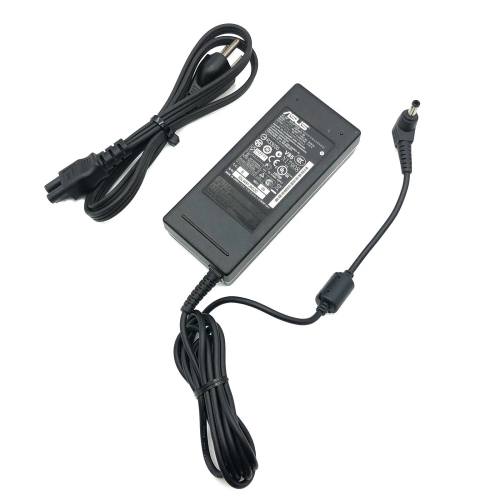
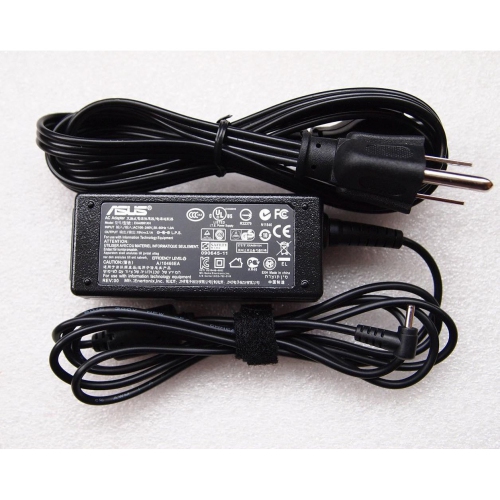
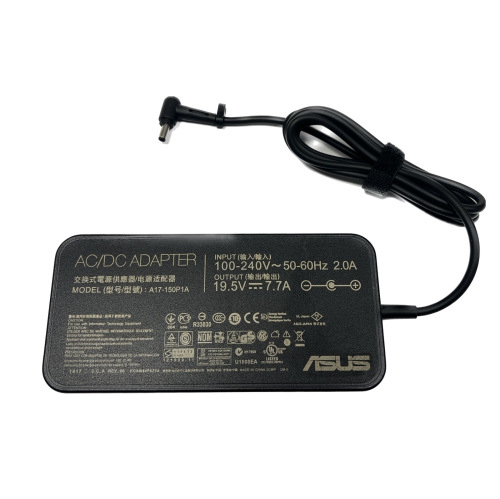
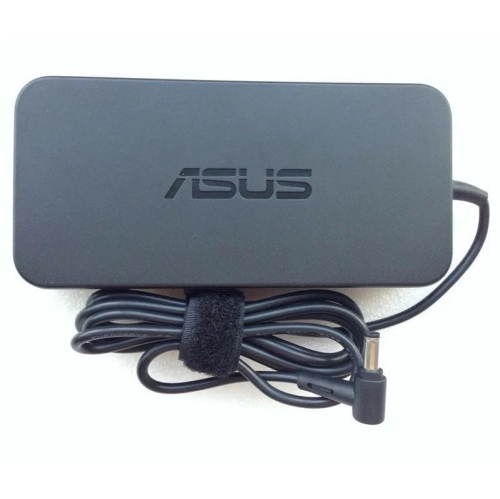
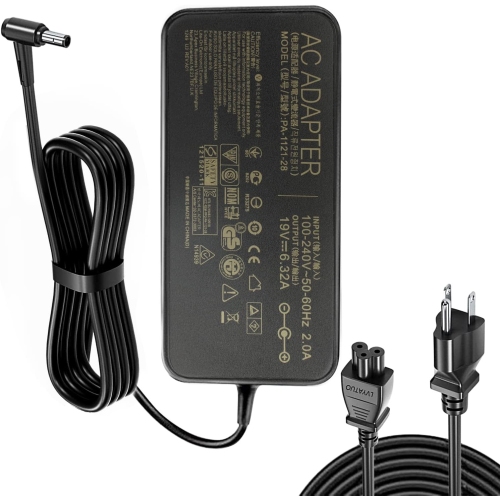
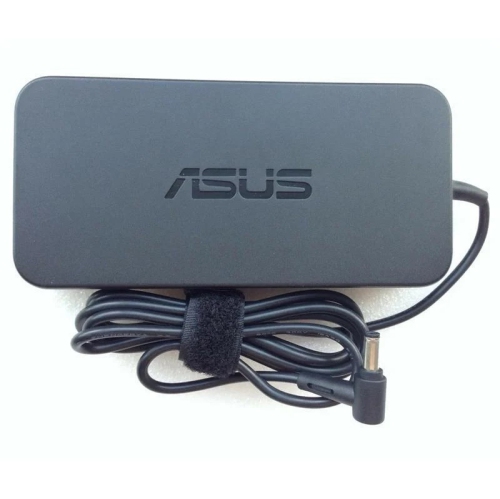
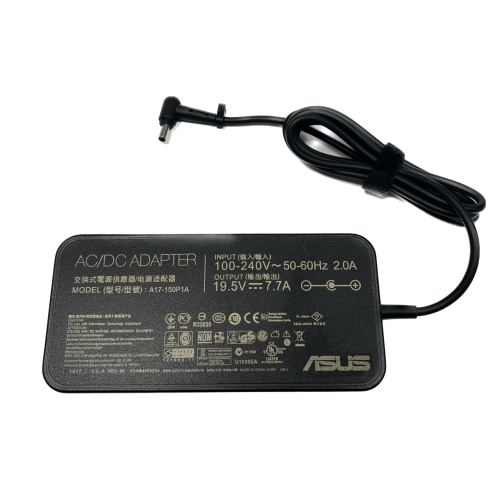
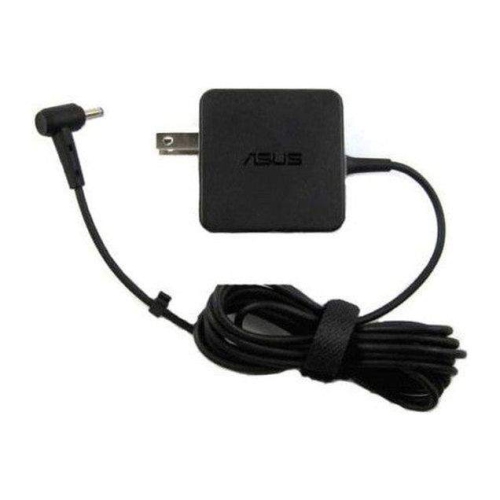
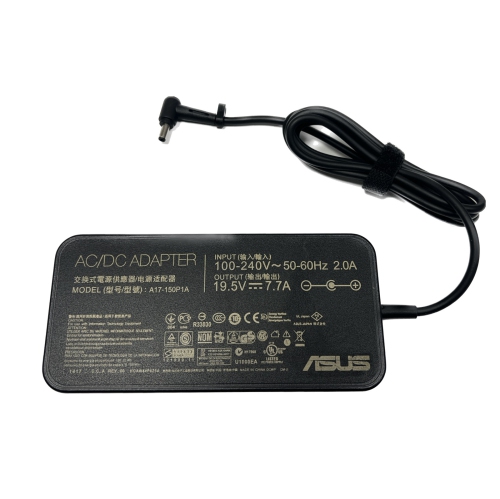
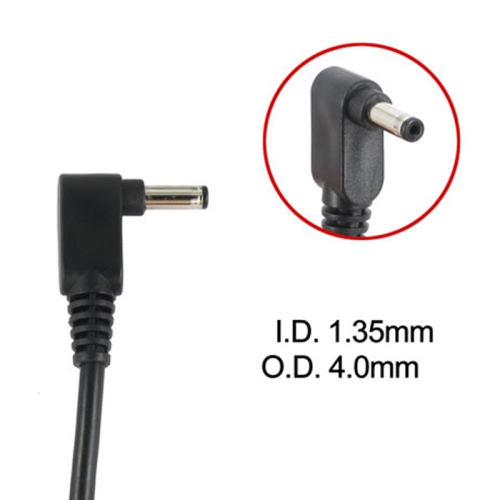
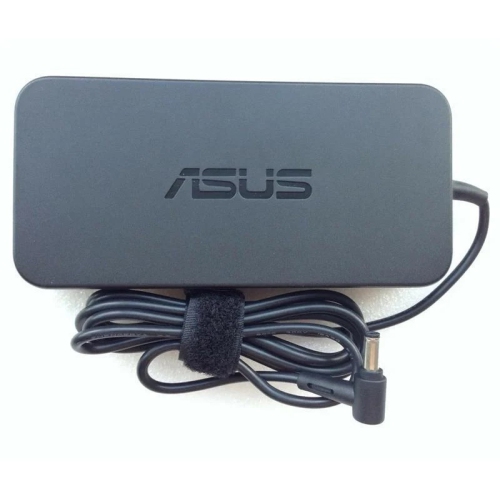
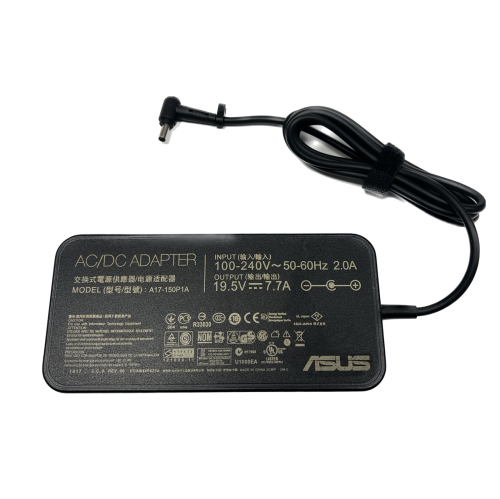
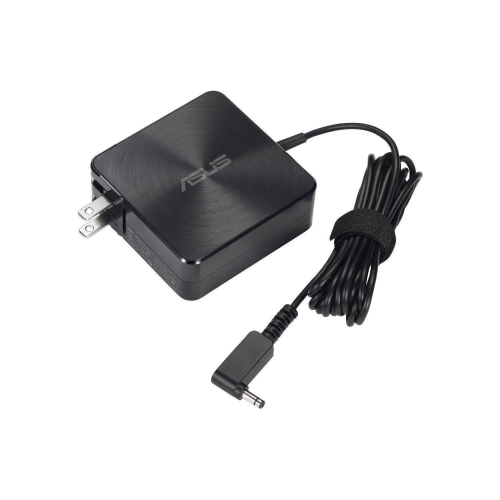
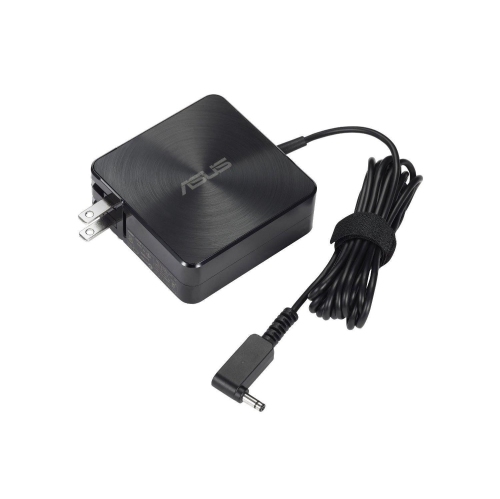
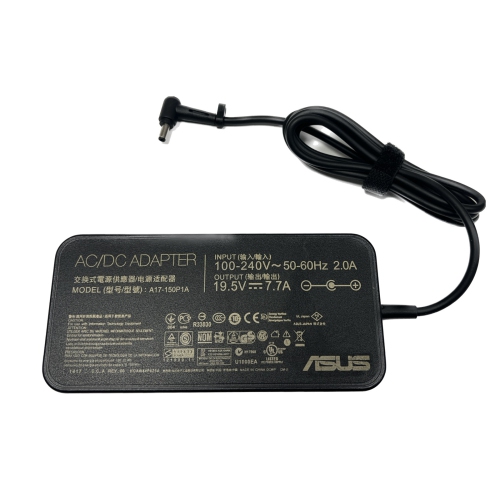
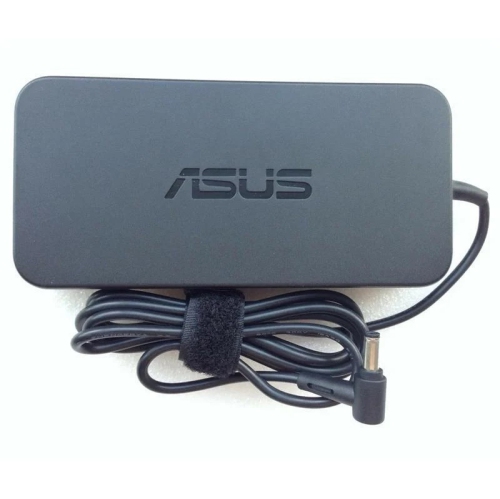
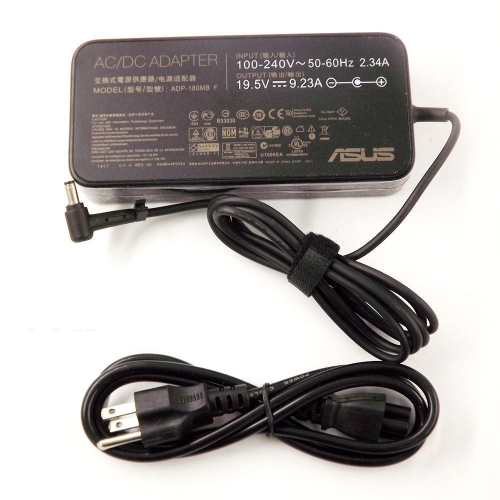
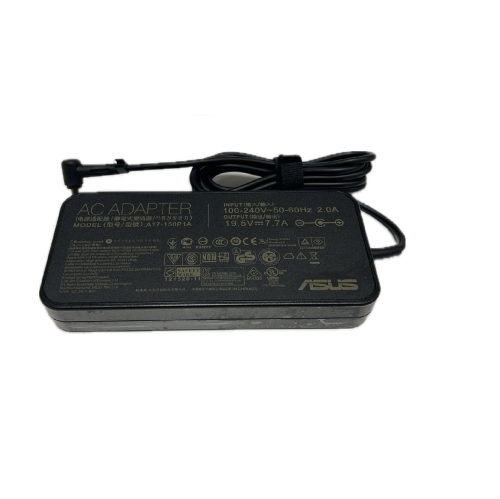
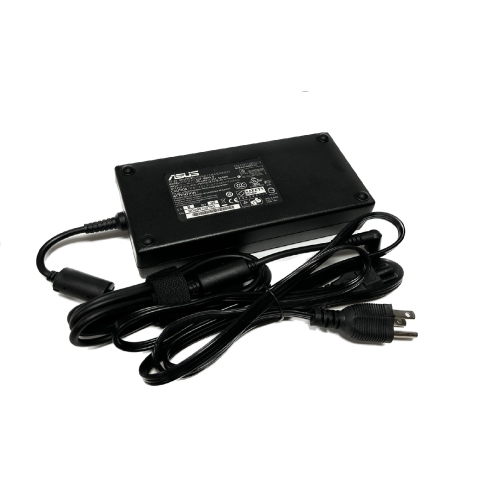
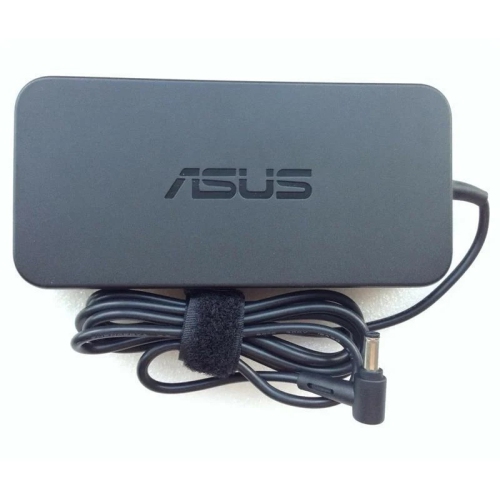
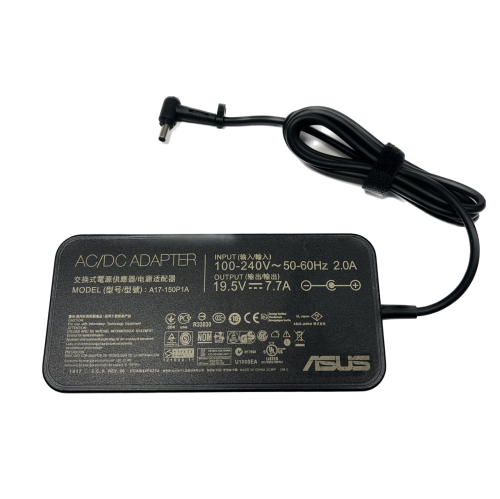
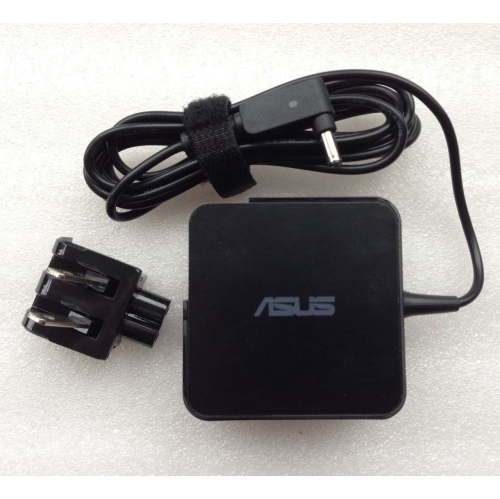
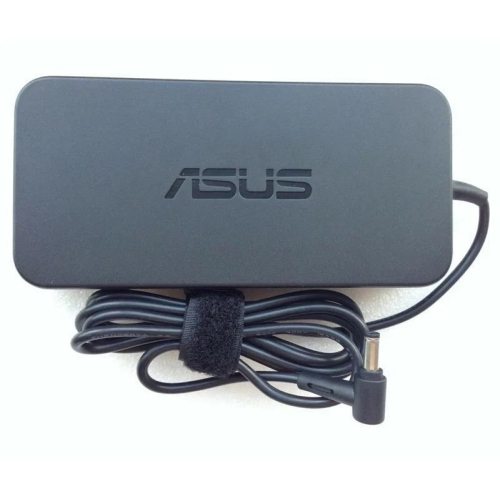
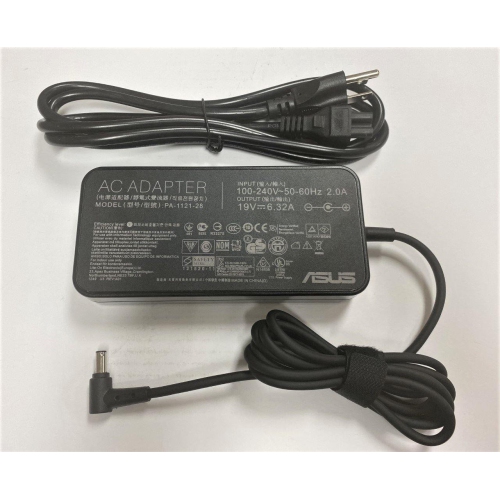
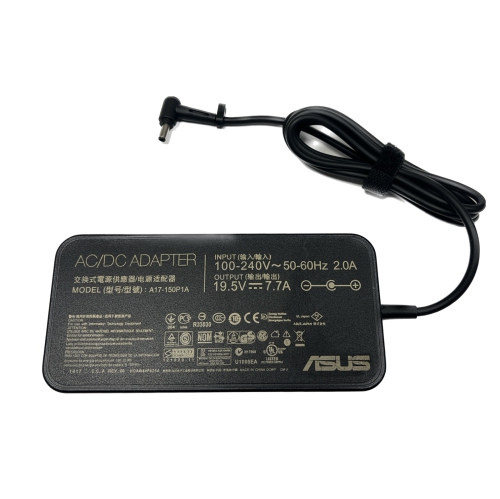
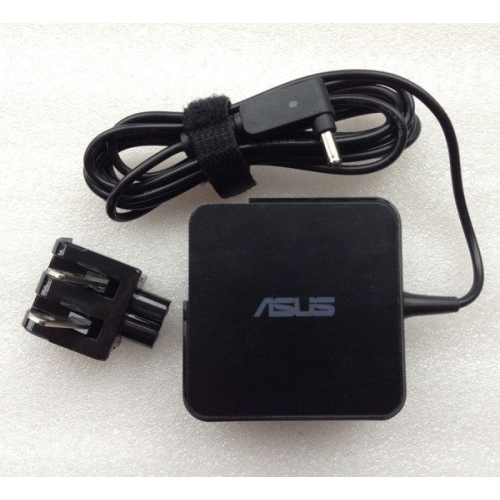
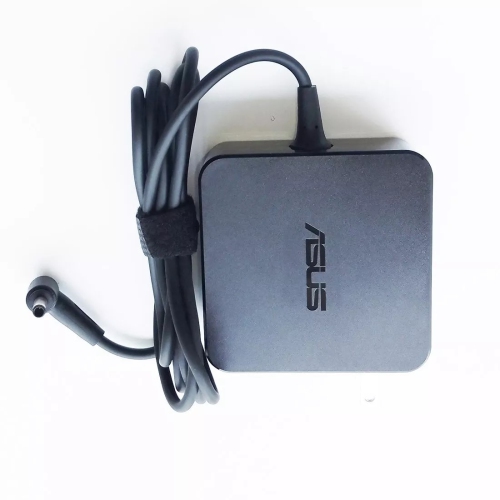
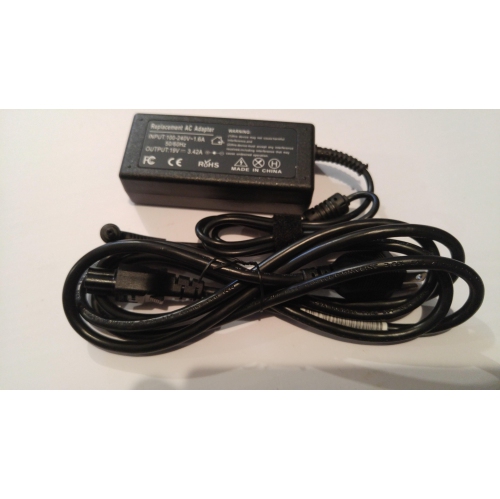
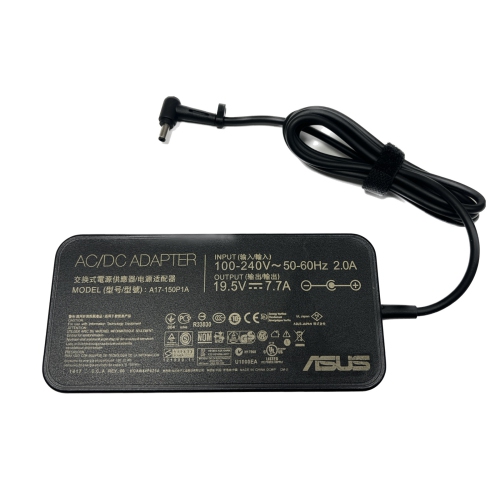
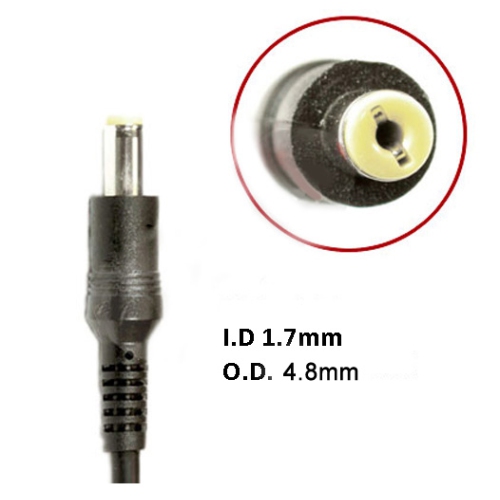
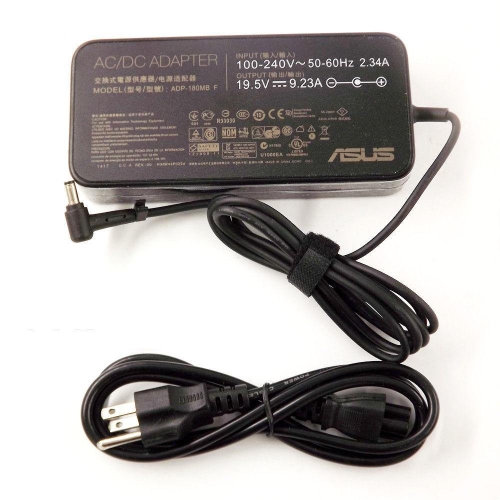
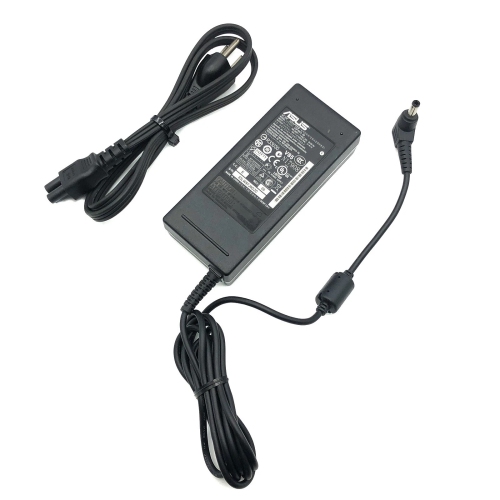
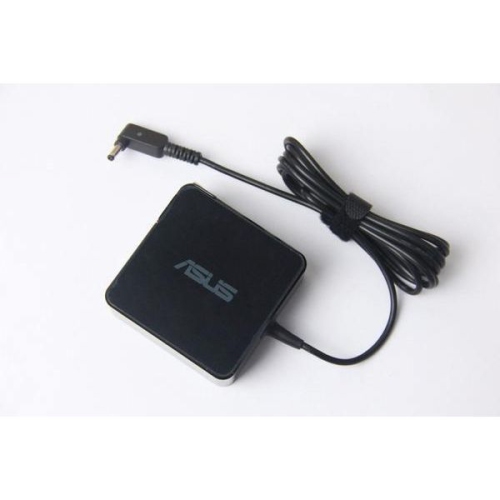
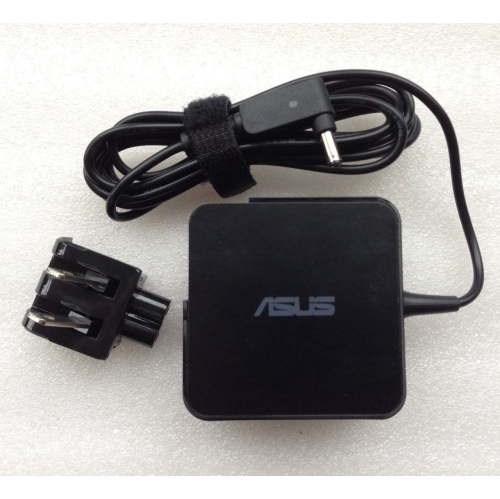
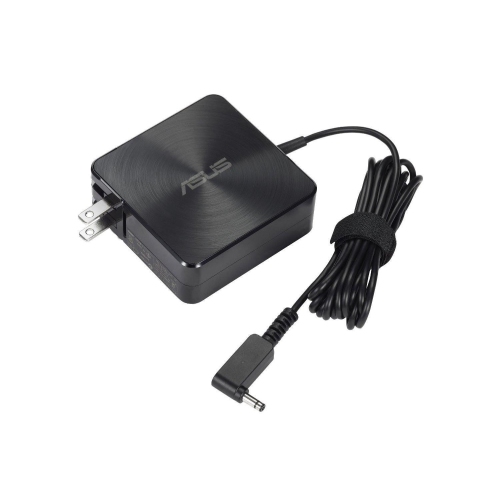
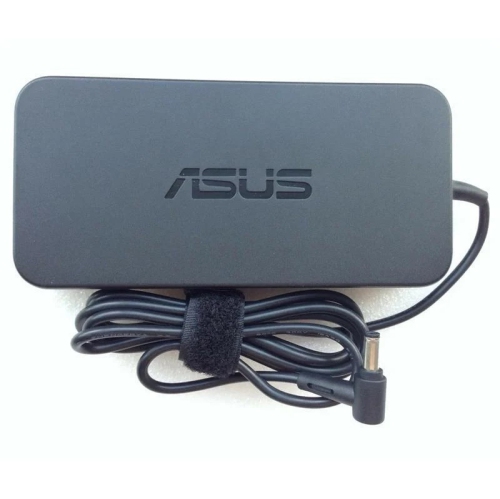
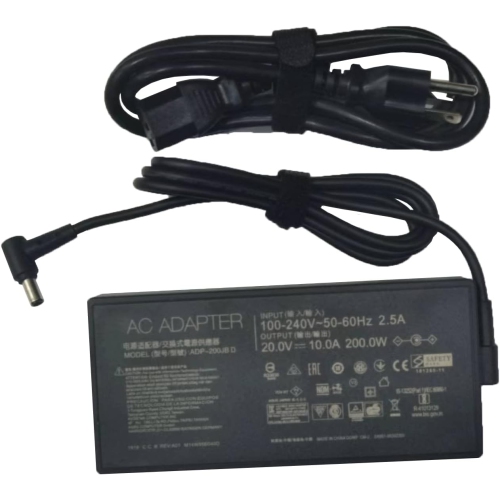
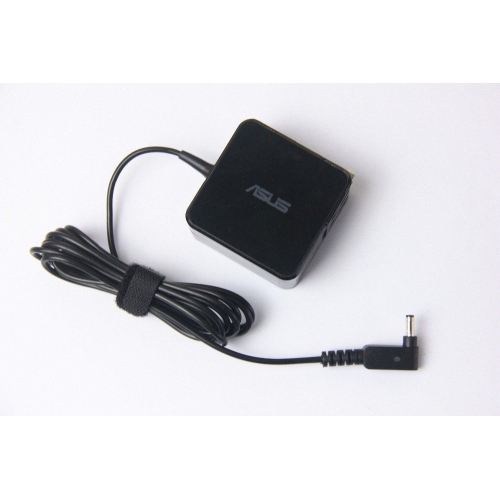
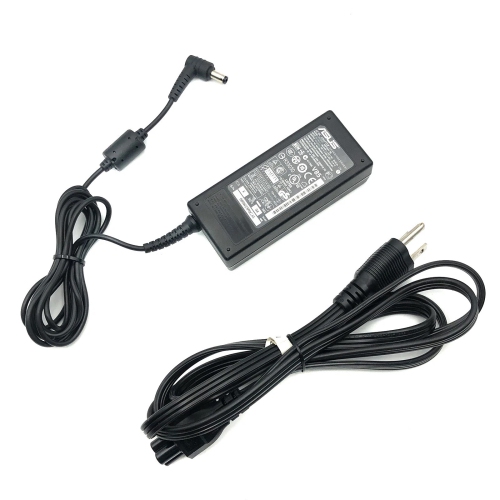
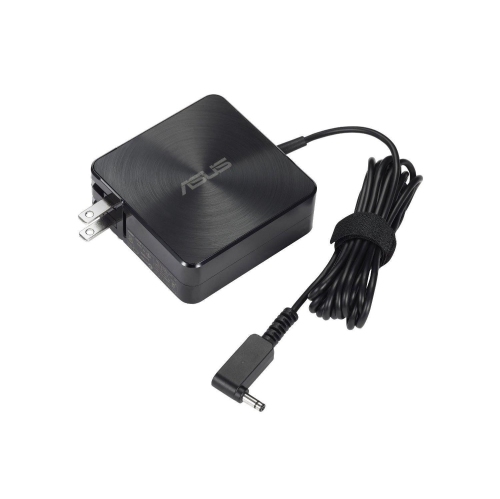
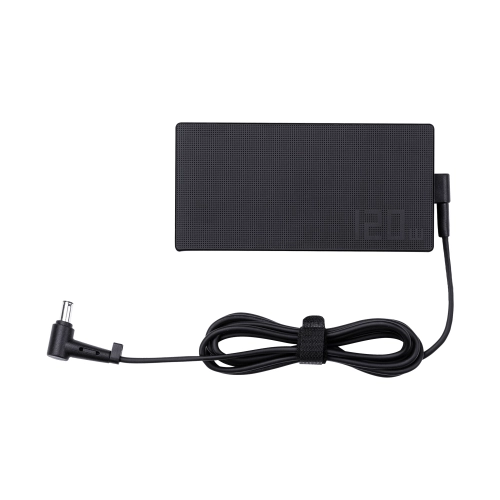
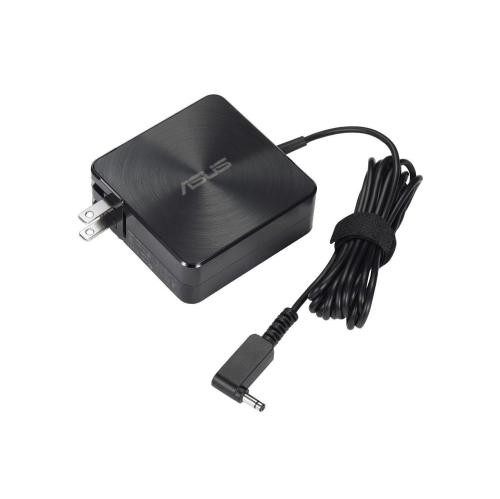
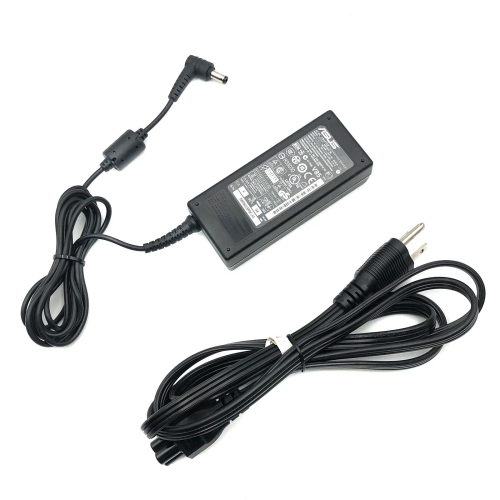
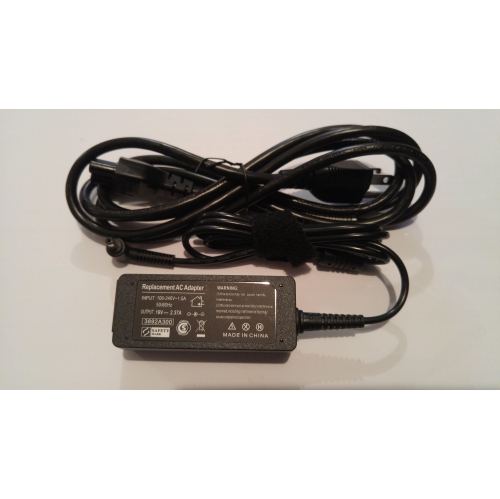
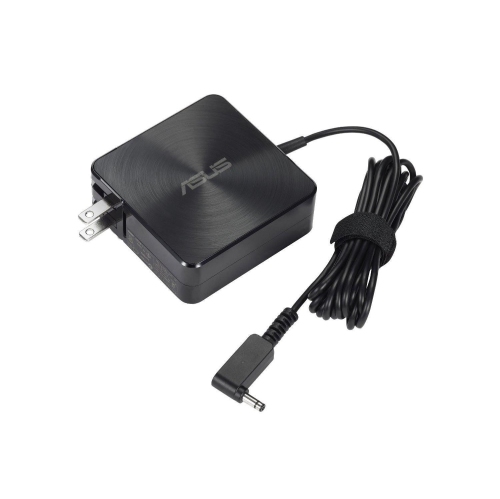
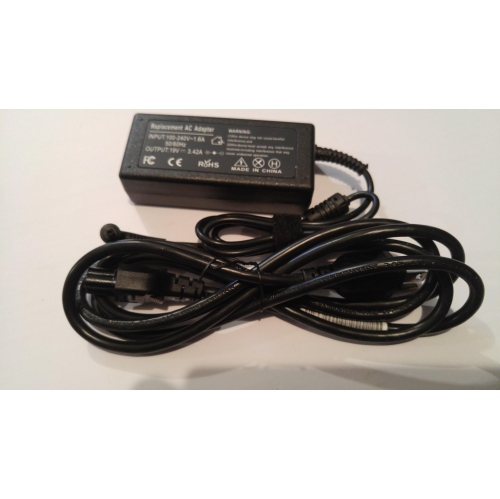
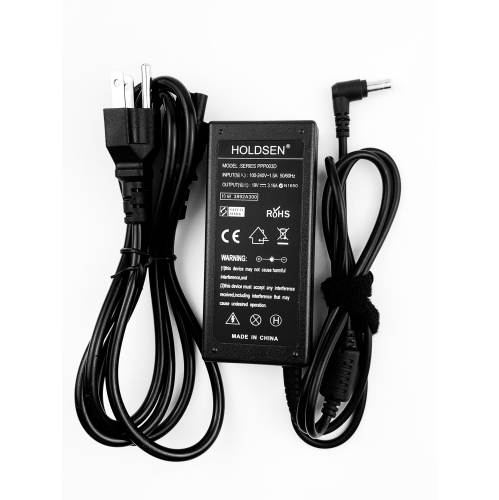
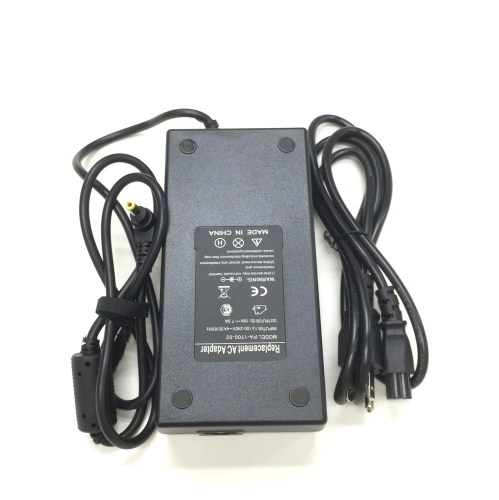
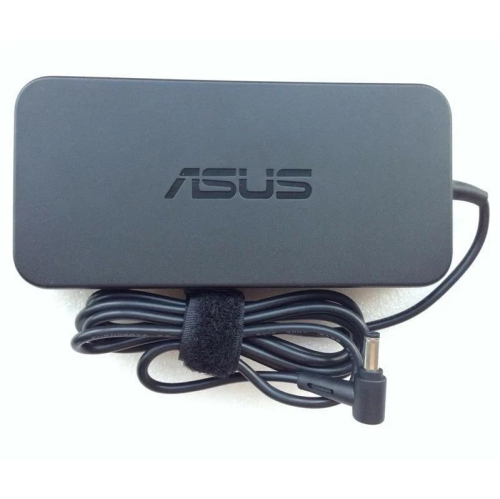
![MS TECH Asus Asuspro B8230Ua Series Charger Power Supply Ac Adapter (3.0 X 4.5Mm) [19V 6.32A 120W] - Compatible Adapter](https://multimedia.bbycastatic.ca/multimedia/products/500x500/198/19881/19881326.png)
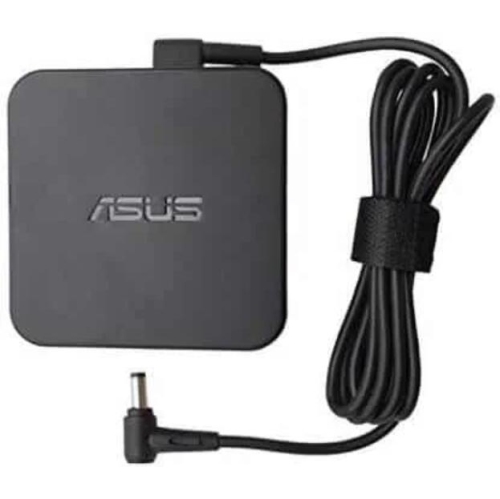
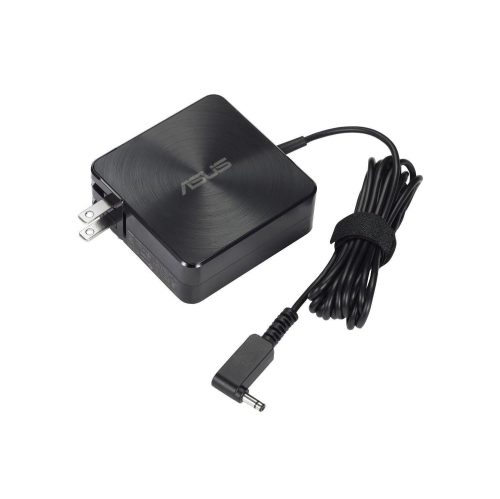

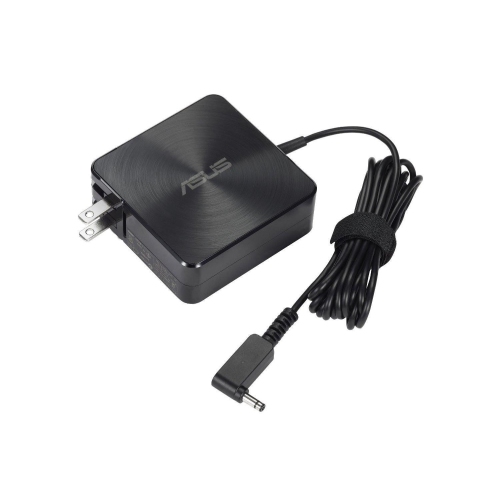
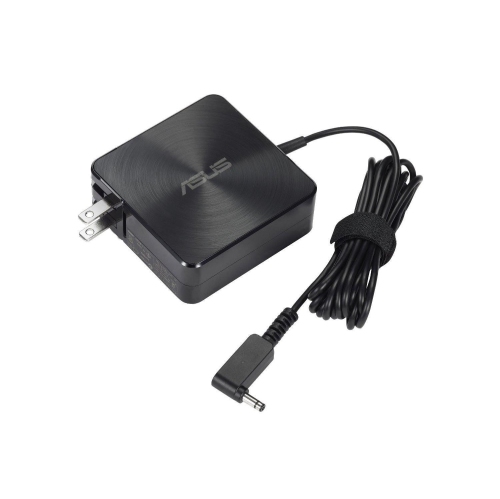
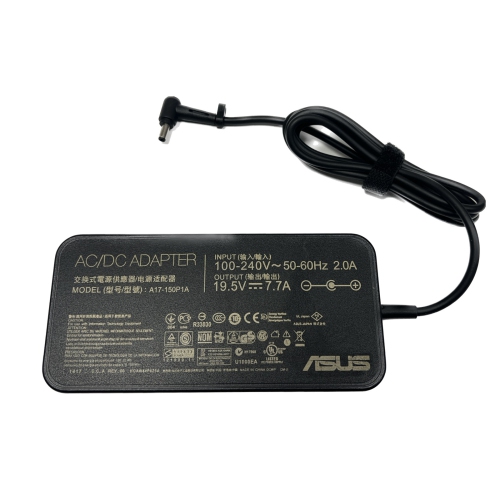
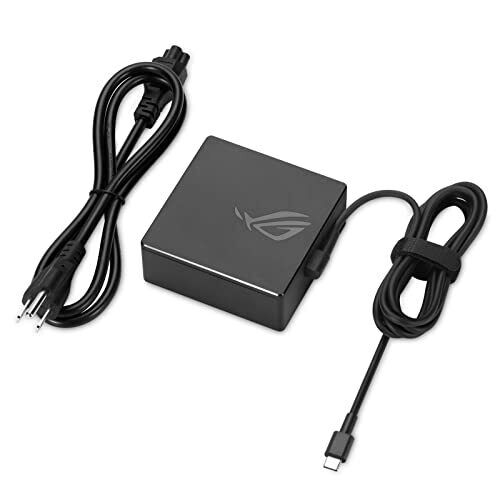
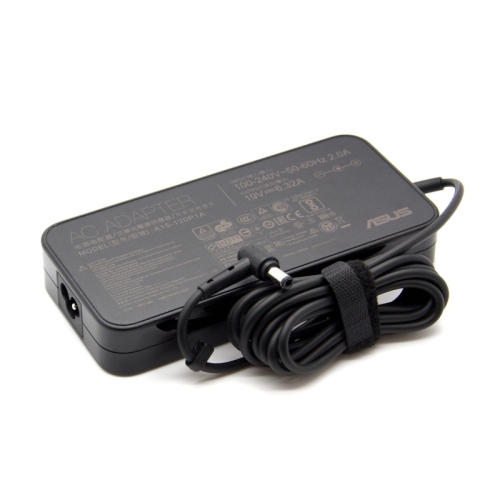
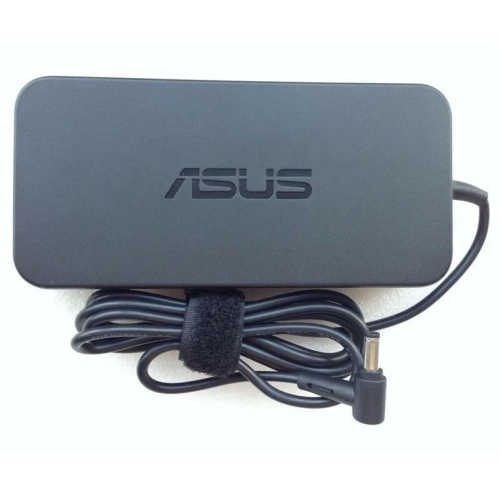
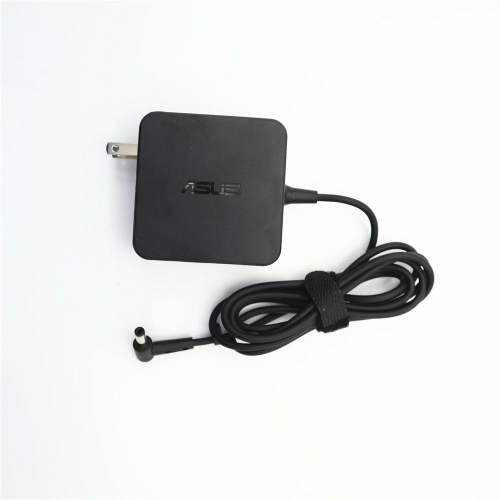
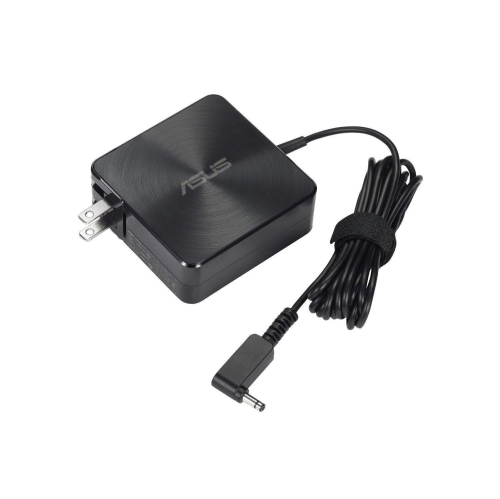
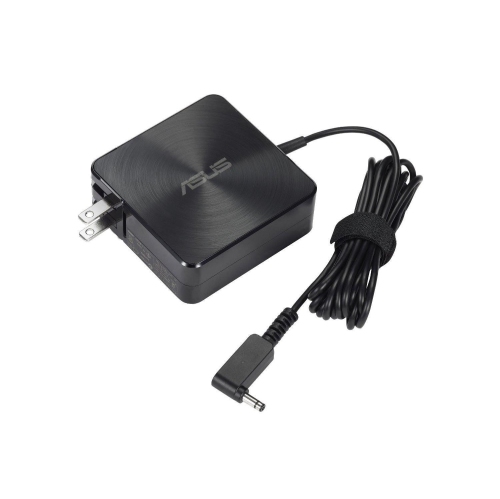
![MS TECH Asus Asuspro P2530U Series Charger Power Supply Ac Adapter (3.0 X 4.5Mm) [19V 6.32A 120W] - Compatible Adapter](https://multimedia.bbycastatic.ca/multimedia/products/500x500/198/19881/19881331.png)


The details behind a dependable desktop power supply upgrade
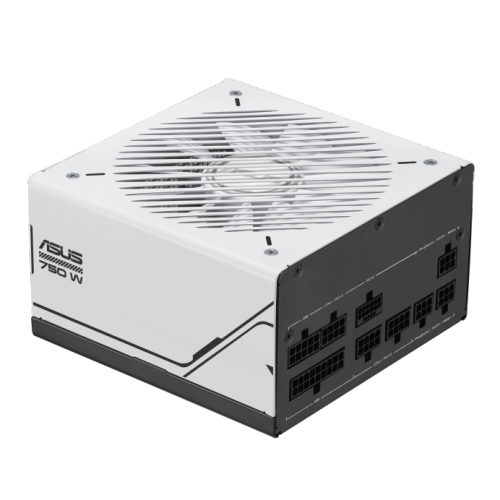
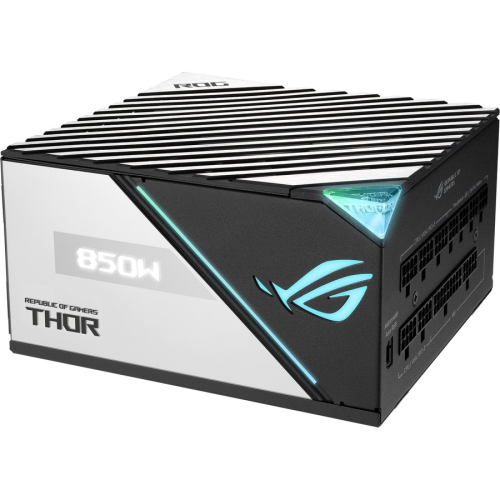
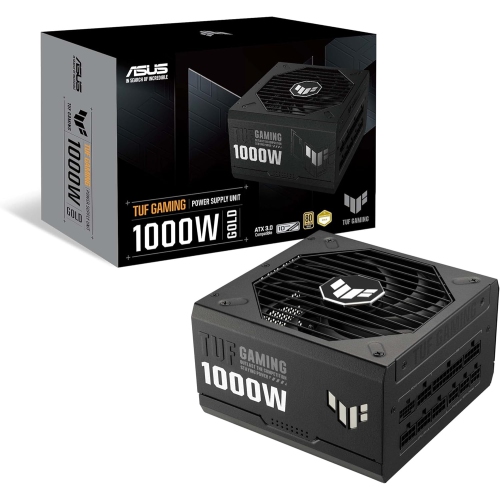
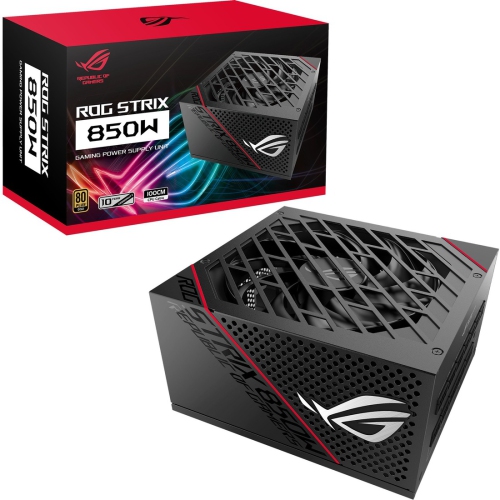
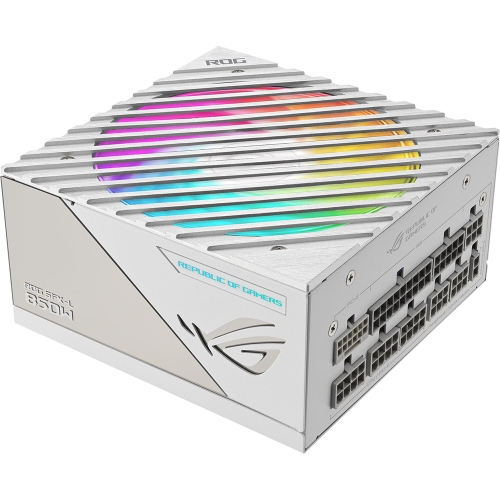
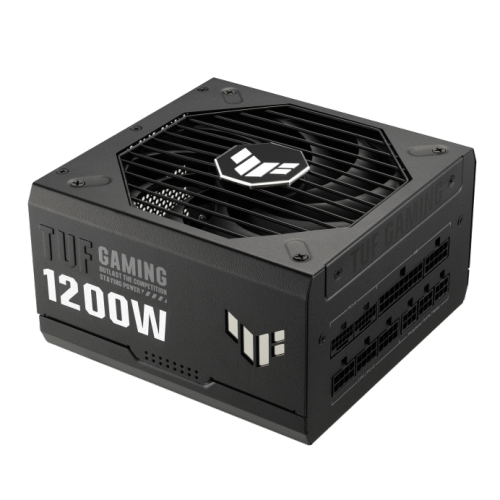
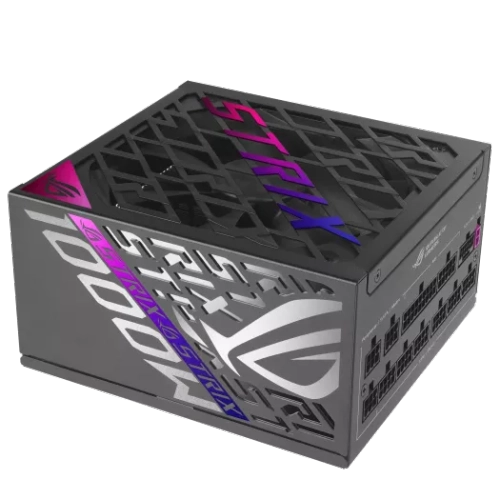
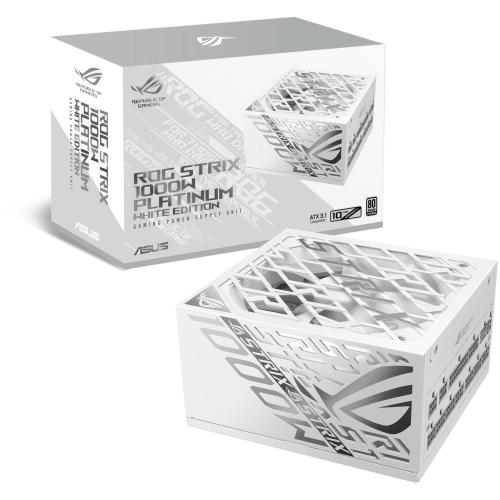
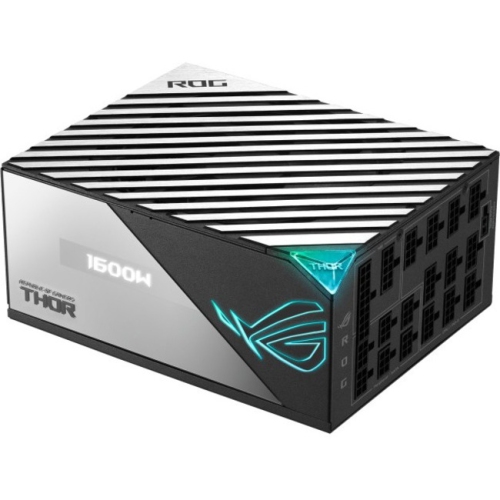
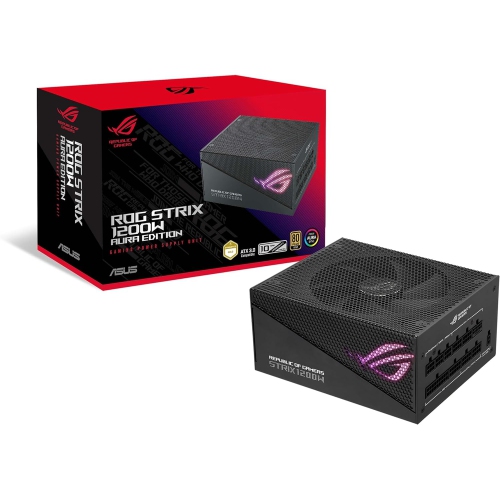
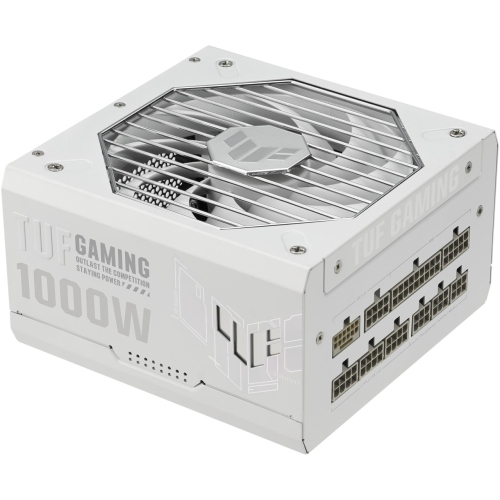
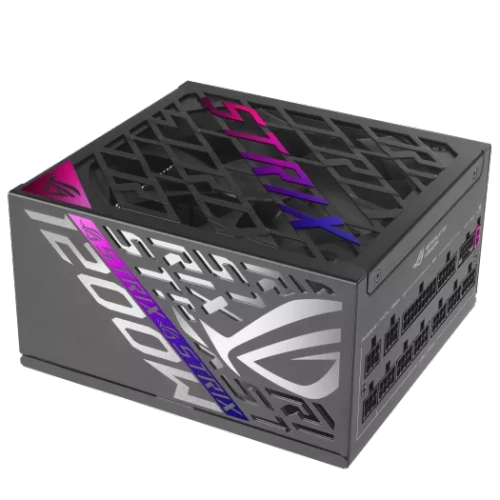
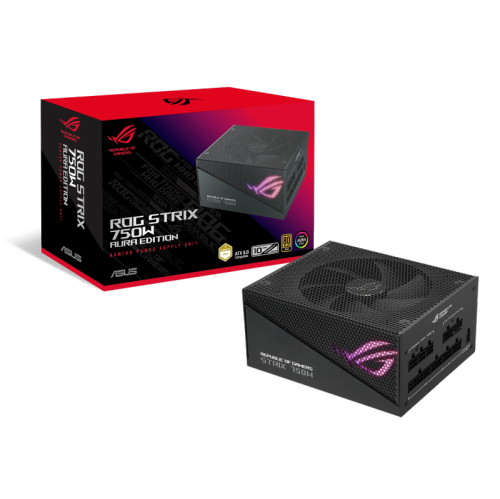
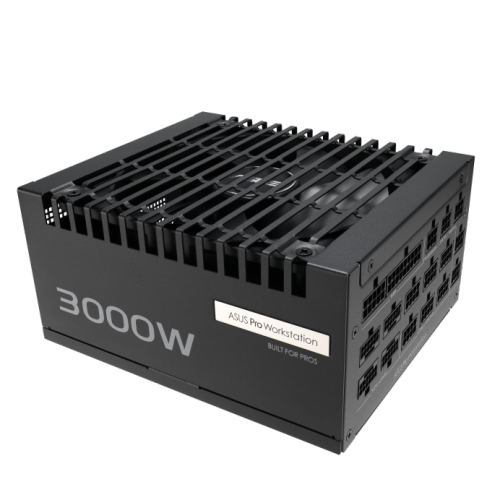
A dependable power supply is the quiet foundation of a desktop computer. It takes electricity from a wall outlet and converts it into the stable, usable power required by the motherboard, processor, graphics card, storage drives, cooling fans, lighting, and other internal components. Unlike parts that are easy to see through a glass side panel, a power supply usually works unnoticed inside the case, but its role becomes obvious when a computer shuts down during a demanding game, restarts while rendering a video, or refuses to turn on after an upgrade. An appropriate replacement or upgrade can help create a more dependable setup for gaming, schoolwork, creative projects, home offices, and everyday computing. When browsing power supplies, begin by considering the total power needs of the computer rather than choosing based on the processor or graphics card alone. The motherboard, memory, drives, cooling system, USB accessories, and future upgrades all contribute to the overall load. A small office desktop may need far less capacity than a high-performance gaming tower, while a computer used for 3D design, streaming, or photo and video production may benefit from additional headroom. Checking the recommended wattage for the installed components is a useful starting point, and leaving room above that minimum can help accommodate brief power spikes and later additions. It is also important to confirm that the unit fits the computer case, since compact systems often require a different physical size than standard mid-tower or full-tower builds. Measuring the available space before ordering can prevent an otherwise frustrating installation, especially when cable clearance is tight behind the motherboard tray or beside a large graphics card.
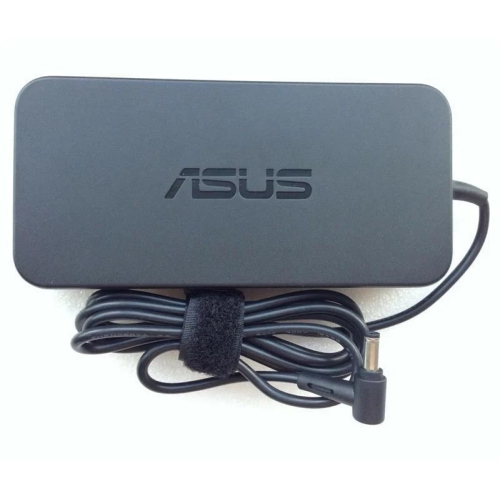
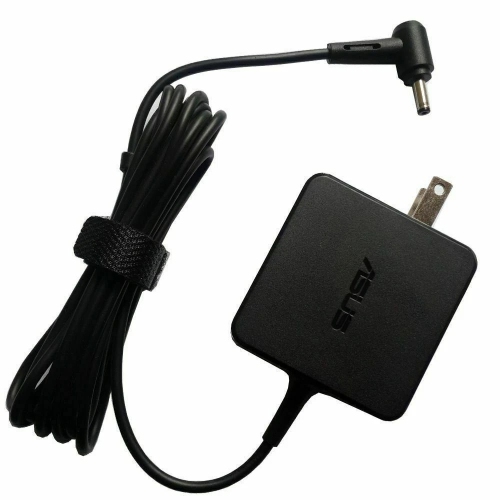
Connections are just as important as wattage. A power supply may include the main motherboard connection, processor power connections, graphics card connections, and plugs for storage drives or accessories, but not every computer uses the same combination. Before making a purchase, compare the required connectors with the cables included and consider the layout of the case. Modular designs allow unused cables to be detached, which can make it easier to route only what the build requires and leave more room around the airflow path. Non-modular designs can be a practical choice when a system uses most of the available connections, while semi-modular options offer a balance between fixed essential cables and removable extras. Cable length matters as well: a full-size case with a power supply mounted at the bottom may need longer runs to reach the processor connection at the top of the motherboard. A clean installation is not only easier to inspect; it can also reduce the tangle of cables around fans and make future maintenance less awkward. For replacement projects, take a clear photograph of the existing connections before removing anything, then disconnect the old unit completely rather than reusing detachable cables from another power supply. Cable connectors can look similar while carrying different wiring, and mixing cables between units can damage expensive computer components. If the system uses an external power brick or a specialised connector, verify that the replacement is intended for that configuration instead of assuming that a standard internal model will work. For related accessories and replacement leads, shoppers can also browse Asus Power Cables.
The right power supply can be useful for several types of shoppers. Someone assembling a first desktop may appreciate a straightforward model with clearly labelled cables and enough capacity for the selected parts, while an experienced builder may focus on connector availability, physical dimensions, fan behaviour, and additional room for a future graphics card or storage expansion. It can also be a thoughtful practical gift for a person who enjoys building computers, troubleshooting family technology, or upgrading an older gaming system, particularly when paired with knowledge of the recipient’s case and internal components. A power supply is not a universal gift that can be chosen by appearance alone, so checking the computer’s specifications first is essential. For a computer that has begun producing unexplained restarts, clicking noises, intermittent failures, or a faint electrical smell, stop using it and seek qualified assistance rather than treating a new unit as a guaranteed fix. Similar symptoms can come from the motherboard, graphics card, wall outlet, or another internal component. In a healthy system, however, selecting a well-matched power supply can provide a solid base for years of regular use. Consider the computer’s present demands, the likely direction of future upgrades, available connectors, case measurements, and the manufacturer’s technical documentation. During the cooler months, when many households spend more time indoors gaming, studying, creating, and working at a desk, a reliable desktop setup becomes especially valuable. With the correct capacity and connections, a power supply can remain in the background where it belongs, delivering steady power while the rest of the computer handles everything from quiet browsing to demanding workloads.
Connections are just as important as wattage. A power supply may include the main motherboard connection, processor power connections, graphics card connections, and plugs for storage drives or accessories, but not every computer uses the same combination. Before making a purchase, compare the required connectors with the cables included and consider the layout of the case. Modular designs allow unused cables to be detached, which can make it easier to route only what the build requires and leave more room around the airflow path. Non-modular designs can be a practical choice when a system uses most of the available connections, while semi-modular options offer a balance between fixed essential cables and removable extras. Cable length matters as well: a full-size case with a power supply mounted at the bottom may need longer runs to reach the processor connection at the top of the motherboard. A clean installation is not only easier to inspect; it can also reduce the tangle of cables around fans and make future maintenance less awkward. For replacement projects, take a clear photograph of the existing connections before removing anything, then disconnect the old unit completely rather than reusing detachable cables from another power supply. Cable connectors can look similar while carrying different wiring, and mixing cables between units can damage expensive computer components. If the system uses an external power brick or a specialised connector, verify that the replacement is intended for that configuration instead of assuming that a standard internal model will work. For related accessories and replacement leads, shoppers can also browse Asus Power Cables.
The right power supply can be useful for several types of shoppers. Someone assembling a first desktop may appreciate a straightforward model with clearly labelled cables and enough capacity for the selected parts, while an experienced builder may focus on connector availability, physical dimensions, fan behaviour, and additional room for a future graphics card or storage expansion. It can also be a thoughtful practical gift for a person who enjoys building computers, troubleshooting family technology, or upgrading an older gaming system, particularly when paired with knowledge of the recipient’s case and internal components. A power supply is not a universal gift that can be chosen by appearance alone, so checking the computer’s specifications first is essential. For a computer that has begun producing unexplained restarts, clicking noises, intermittent failures, or a faint electrical smell, stop using it and seek qualified assistance rather than treating a new unit as a guaranteed fix. Similar symptoms can come from the motherboard, graphics card, wall outlet, or another internal component. In a healthy system, however, selecting a well-matched power supply can provide a solid base for years of regular use. Consider the computer’s present demands, the likely direction of future upgrades, available connectors, case measurements, and the manufacturer’s technical documentation. During the cooler months, when many households spend more time indoors gaming, studying, creating, and working at a desk, a reliable desktop setup becomes especially valuable. With the correct capacity and connections, a power supply can remain in the background where it belongs, delivering steady power while the rest of the computer handles everything from quiet browsing to demanding workloads.
Top selling and popular products
-
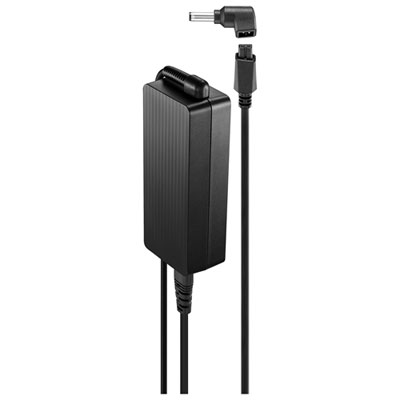 Your price for this item is $69.99
 -
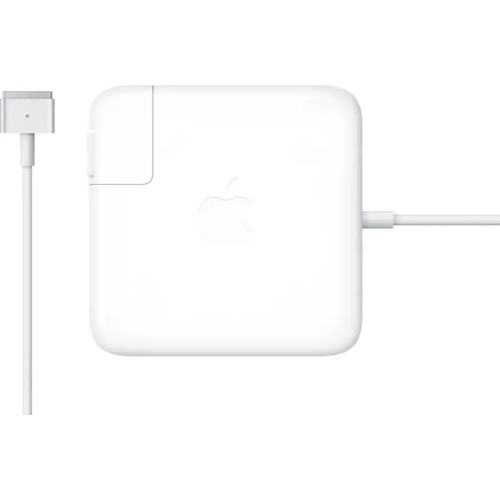 Your price for this item is $133.58
 -
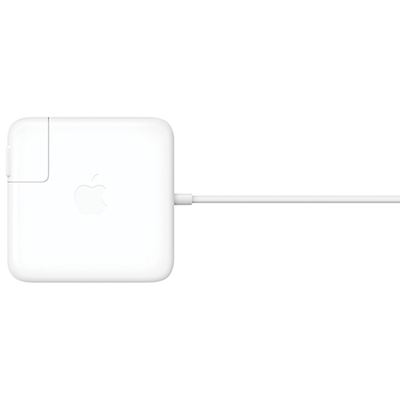 Your price for this item is $95
 -
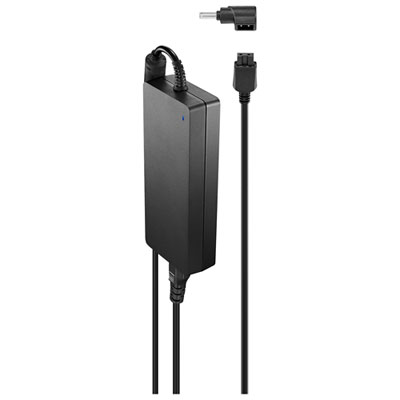 Your price for this item is $109.99
 -
 Your price for this item is $71.99
 -
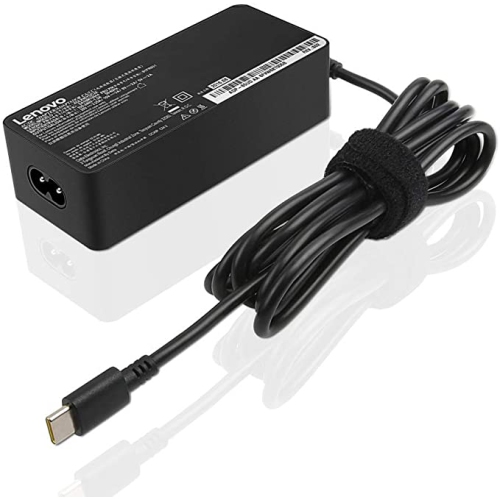 Your price for this item is $67
 -
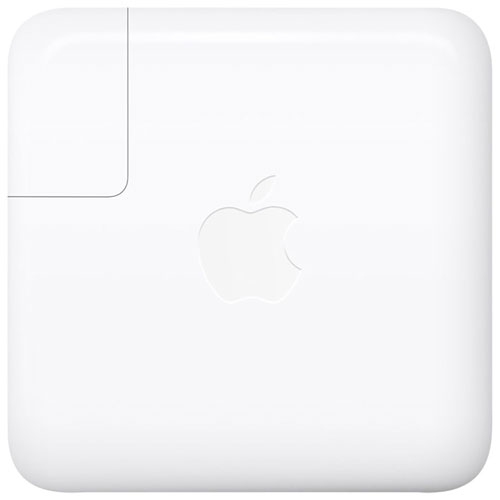 Your price for this item is $71
 -
 Your price for this item is $33.99
Discover more categories related to Asus Power Supplies
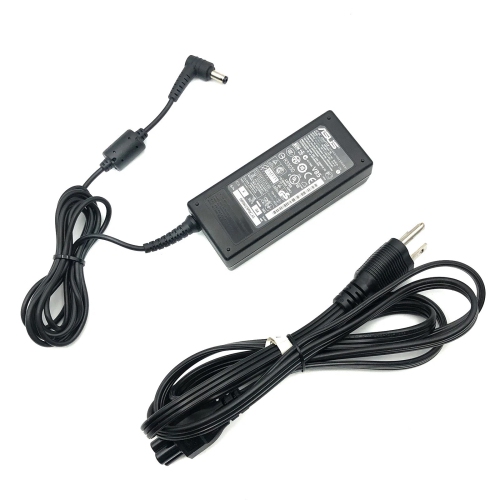
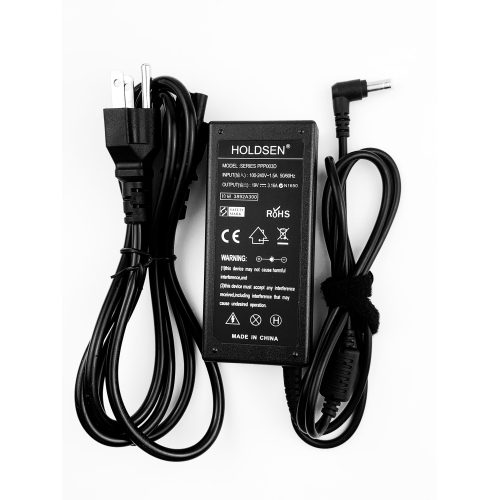
Top Collections:
Pokemon Centers, Kindle Devices, Best Budget Office Chairs, Canon G7X Cameras, Apple iPhones 16, Samsung Galaxy Phones, Refurbished Apple Laptops, Laptops for Students, iPhone 15 Apple, Budget Smartphones
Some products may be subject to Environmental Handling Fees
(EHF) depending on your province.
Learn more about EHFs.