Asus Zenbook Chargers
Find the perfect charging solution for your Asus Zenbook with our selection of high-quality chargers. Keep your laptop powered up and ready to go with our range of chargers designed to provide efficient and reliable charging performance. Whether you need a replacement charger or an extra one for on-the-go convenience, we have the right options to meet your needs. Explore our assortment of chargers that are compatible with various Asus Zenbook models and ensure you never run out of power when you need it most.
Sort
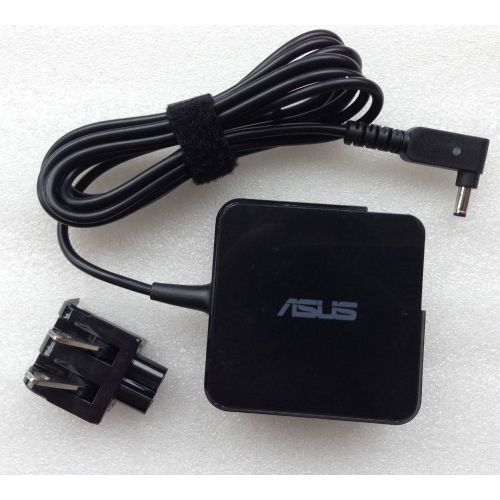
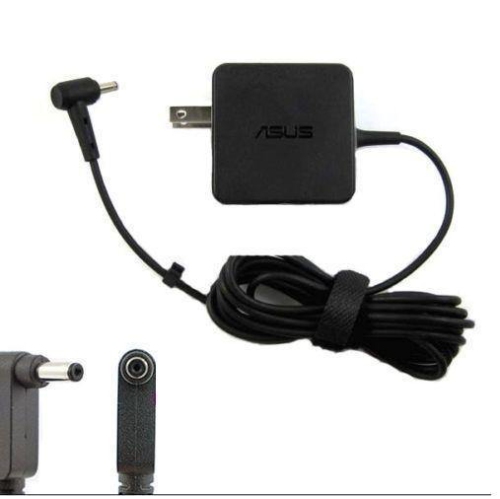
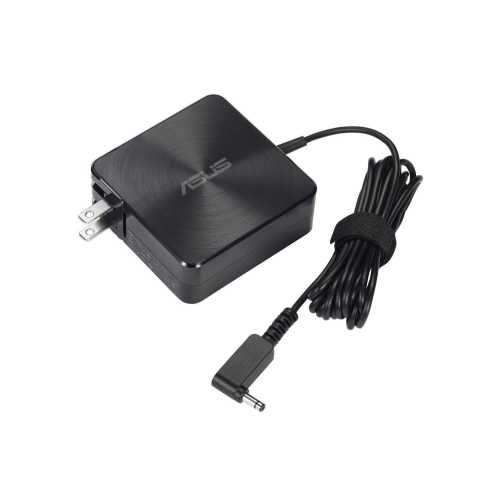
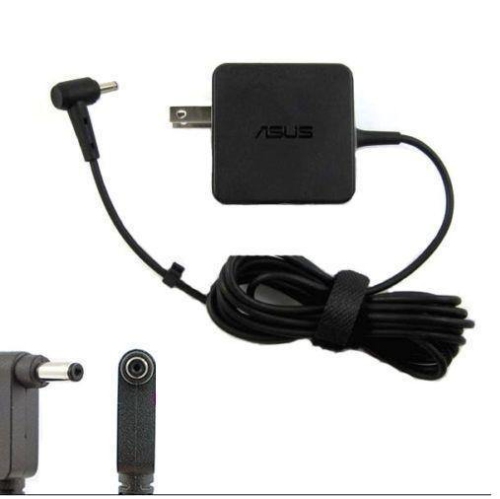

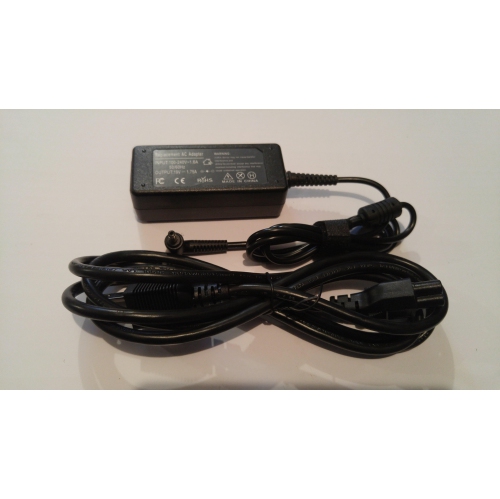
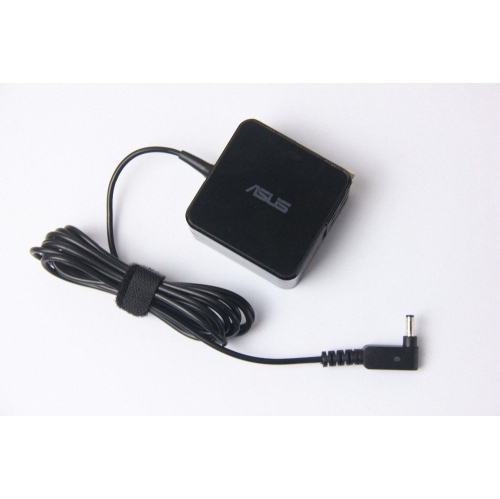
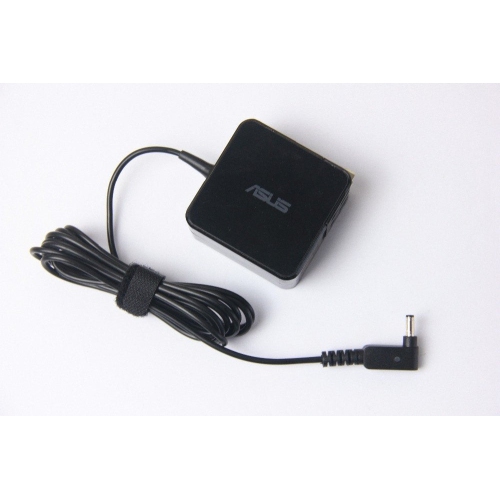
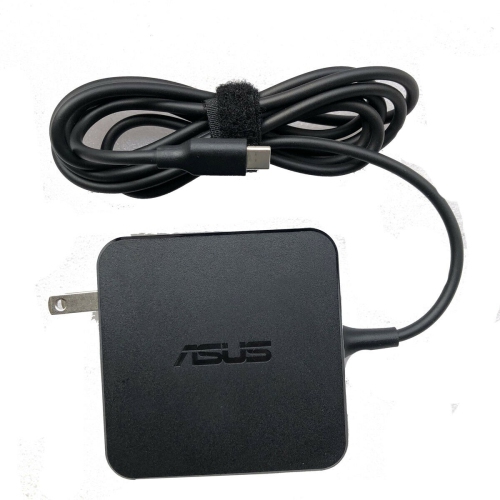
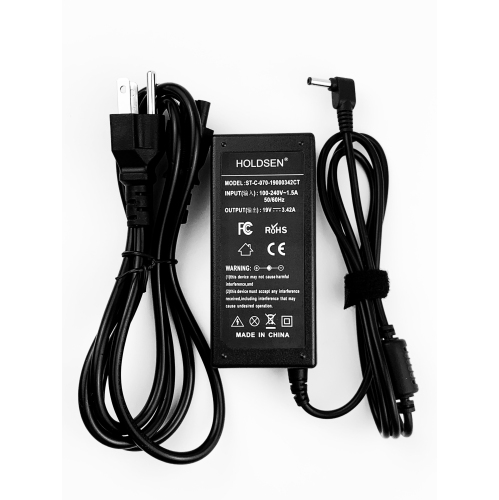
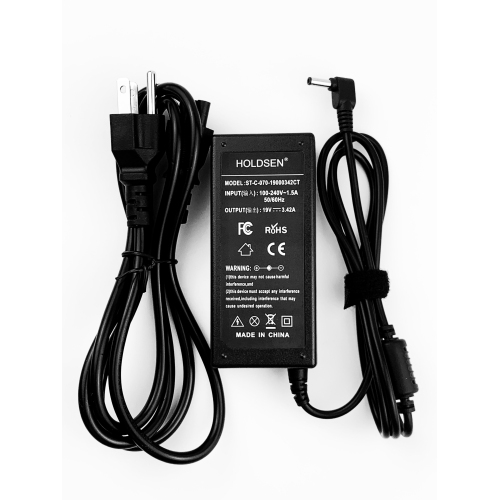
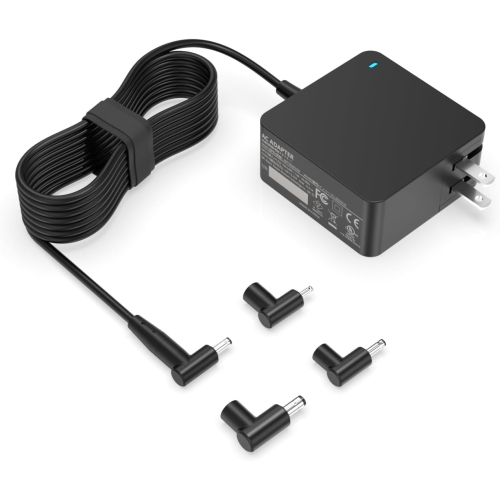
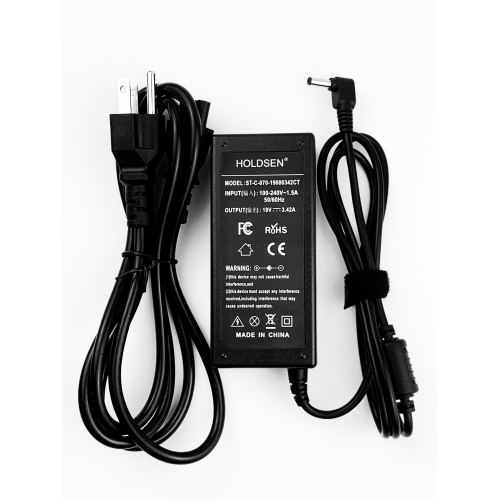
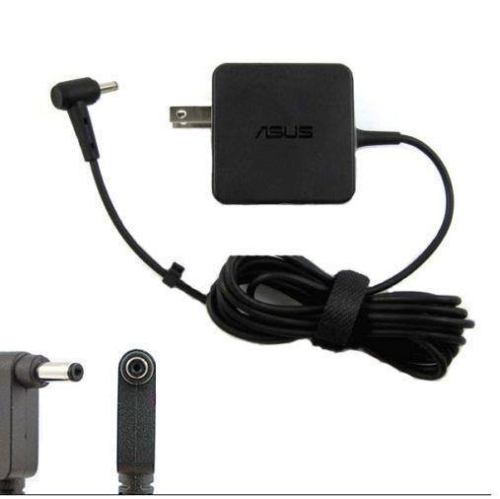
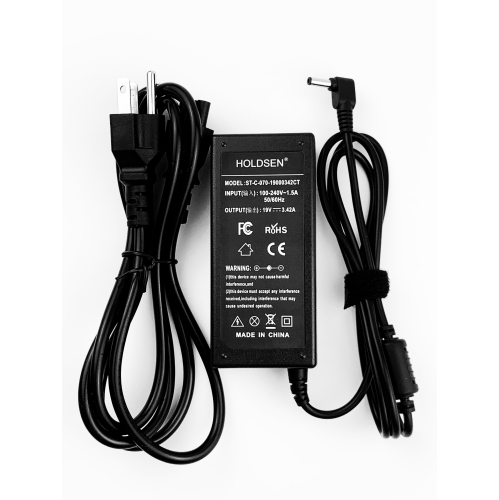
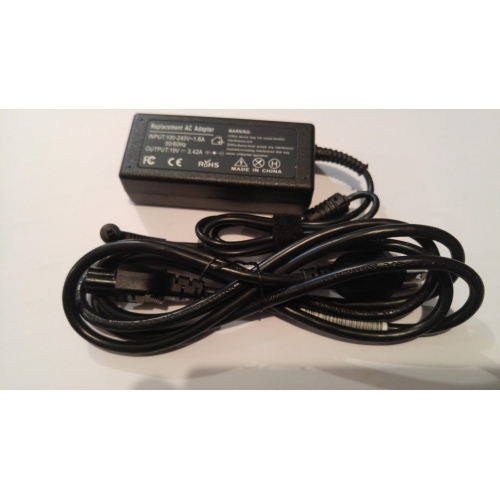
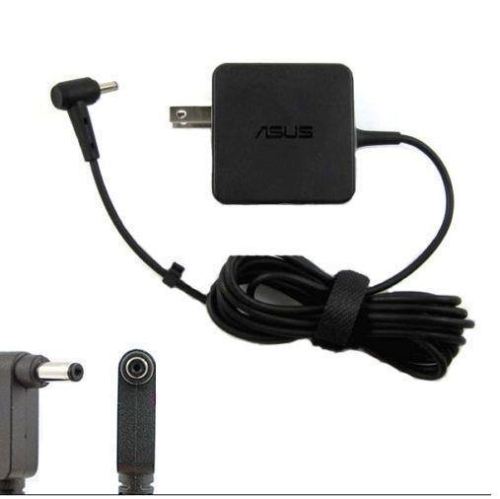

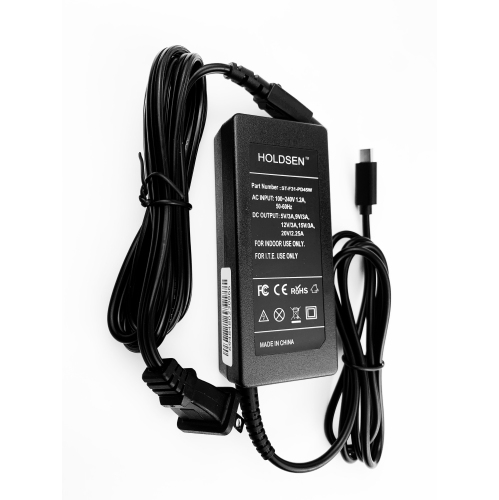
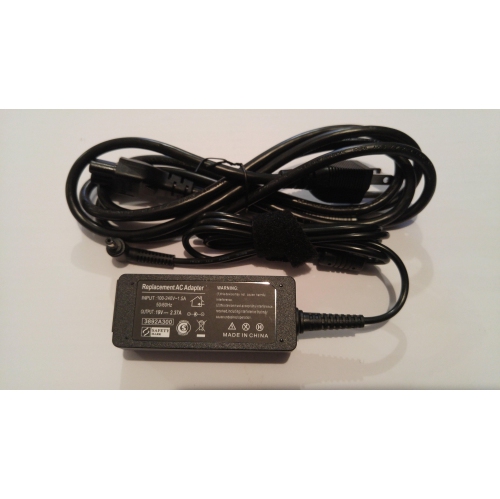
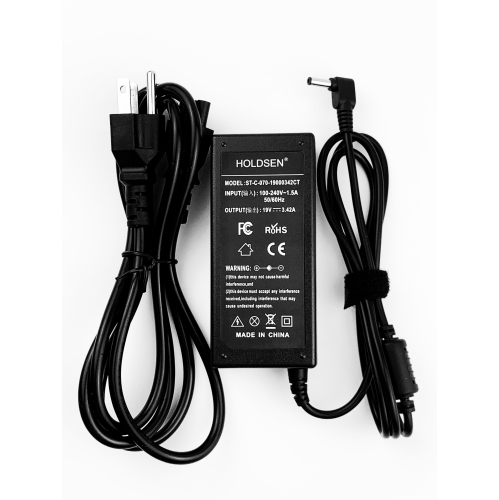
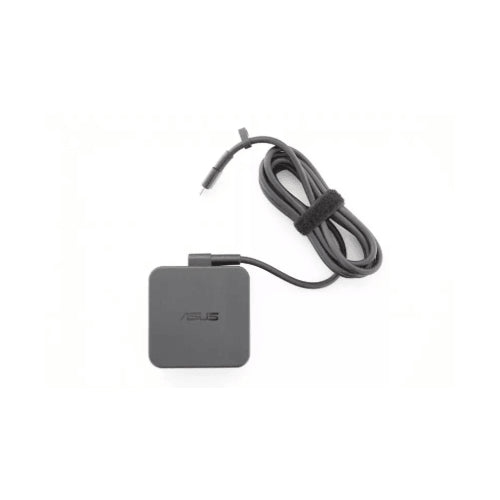
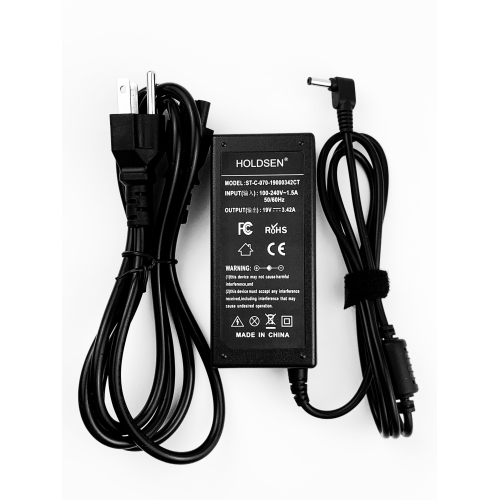
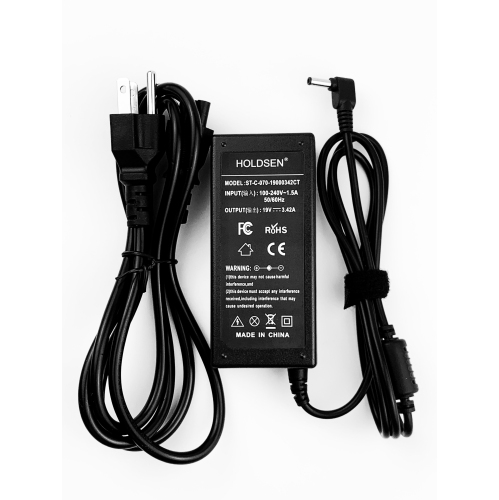
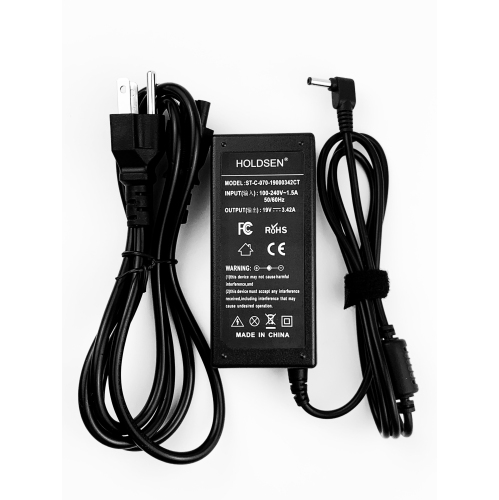
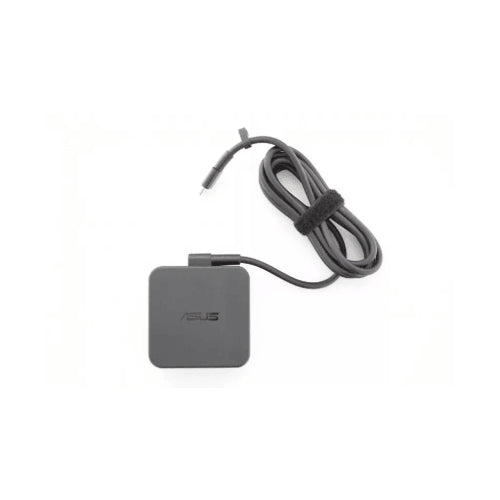
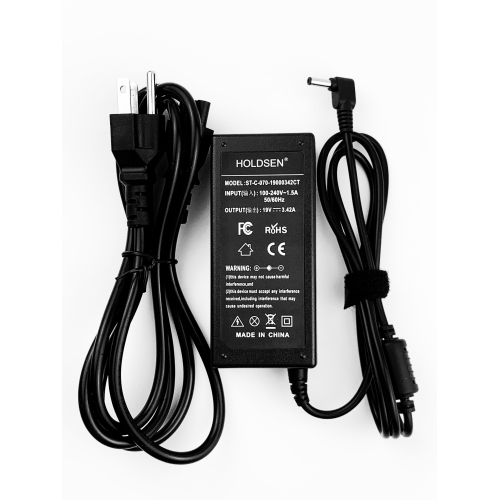
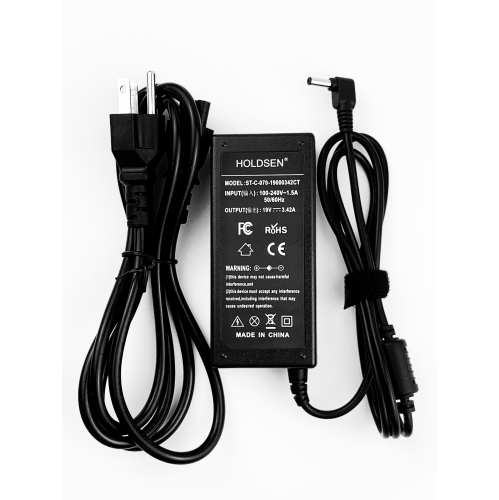
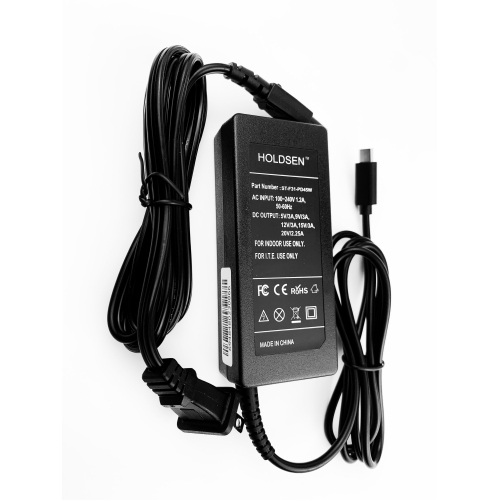
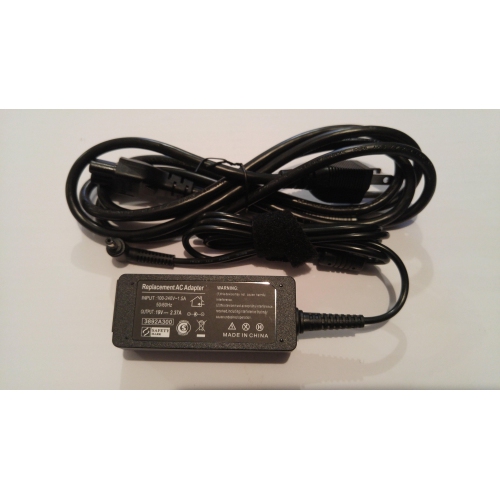
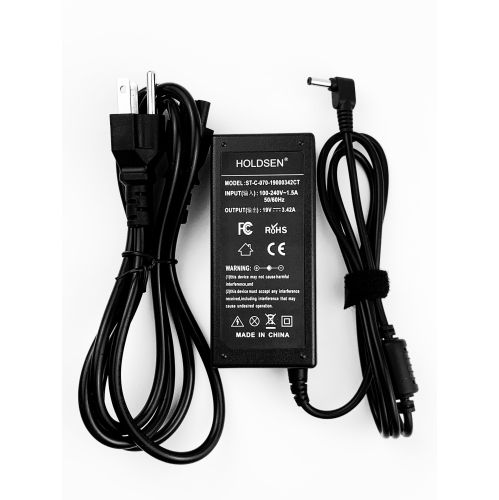
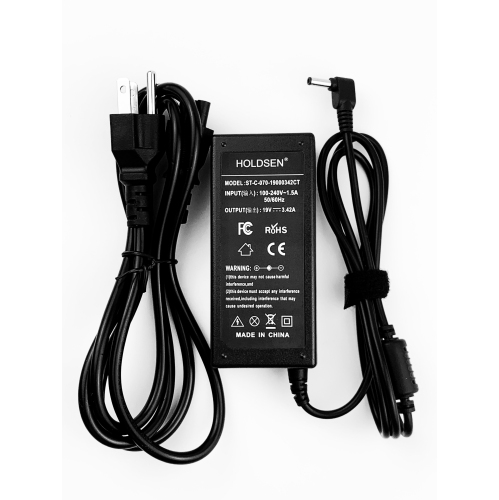
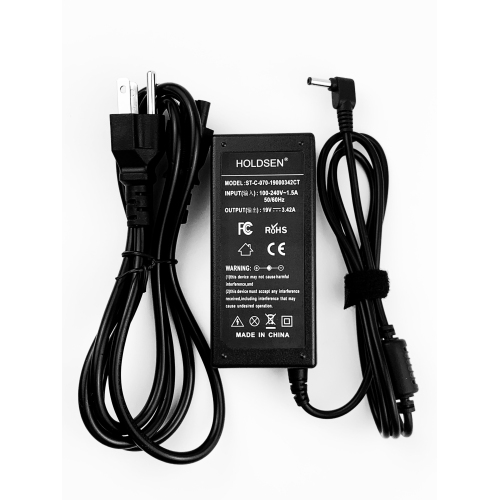
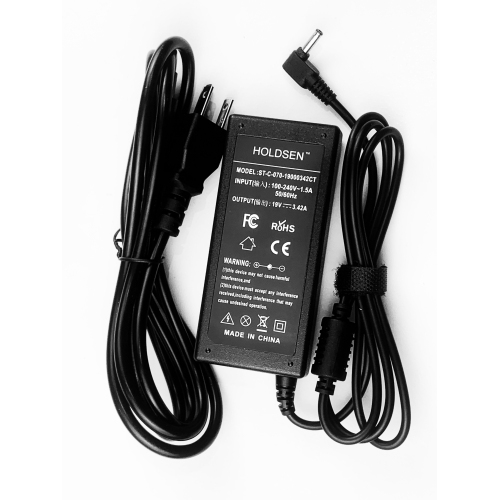

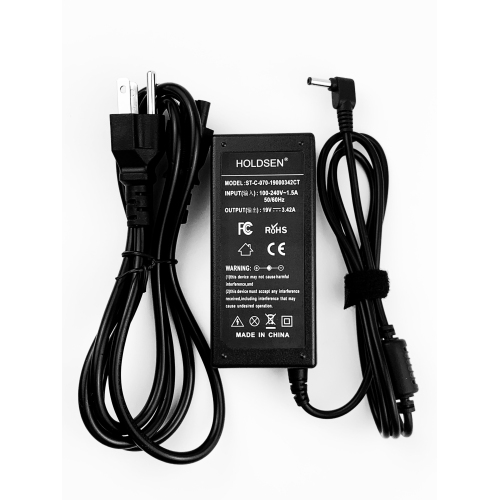
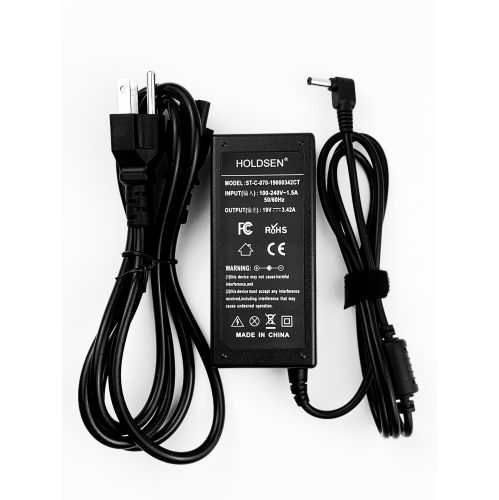
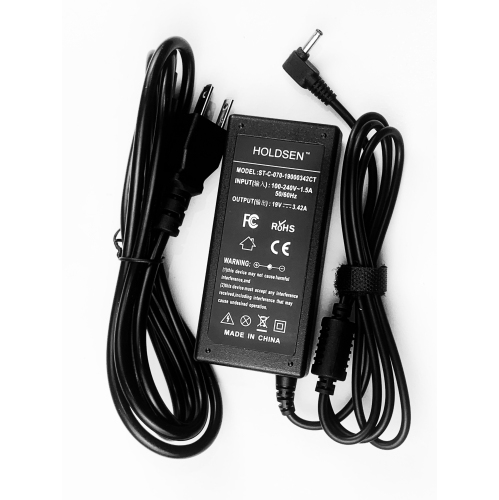
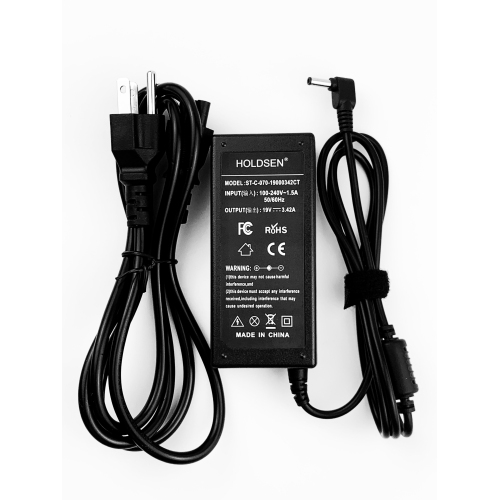
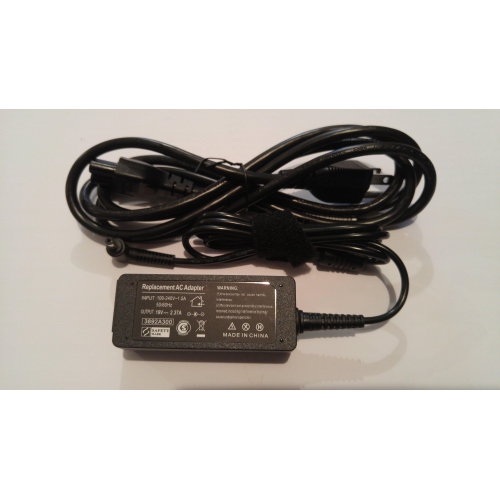
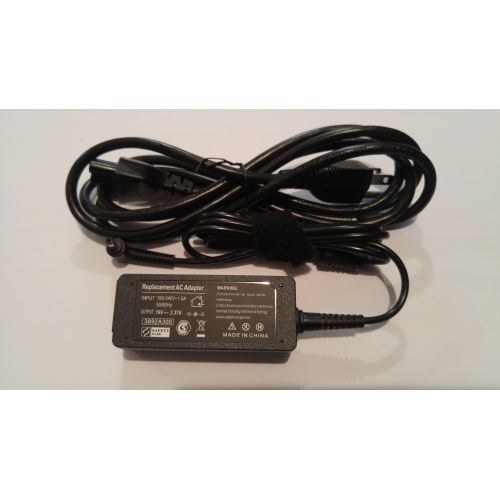
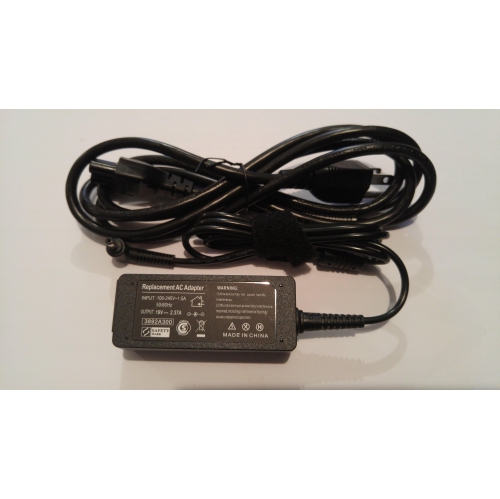

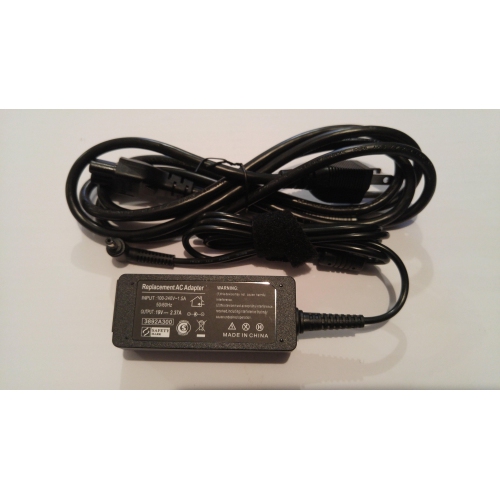
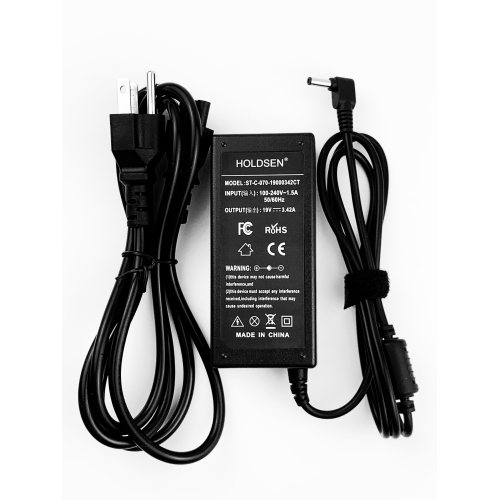
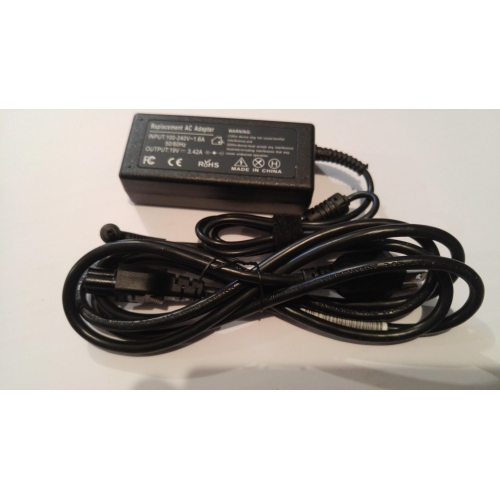
![DOLAER 20V 6A 120W [4.5X3.0Mm] Ac Charger Adp-120CD B Compatible w Asus Zenbook A17-120P2A Q537Fd Q537 Q546Fd Q546F Q547F Q547Fd Ux534Ft Ac Adapter](https://multimedia.bbycastatic.ca/multimedia/products/500x500/185/18593/18593862.jpeg)

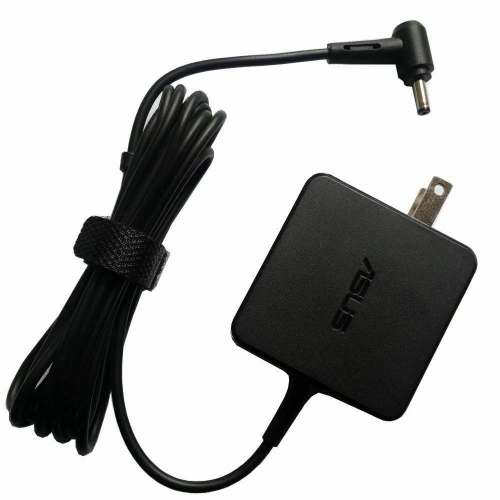
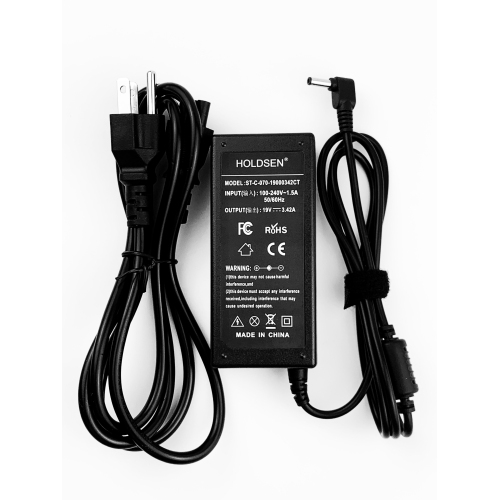
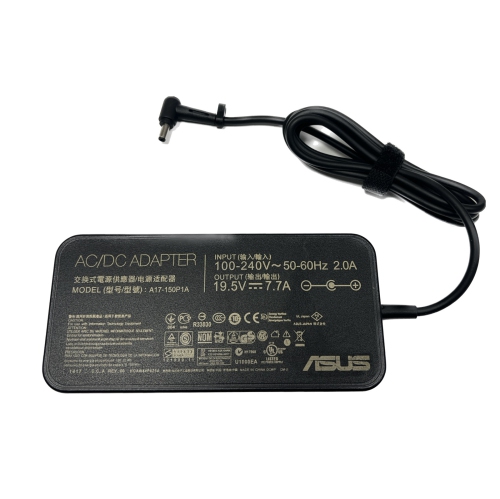
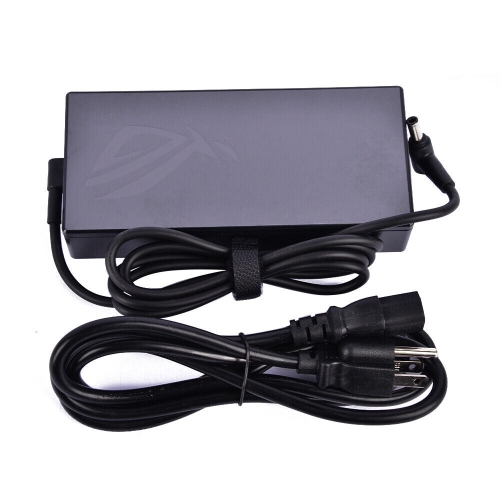
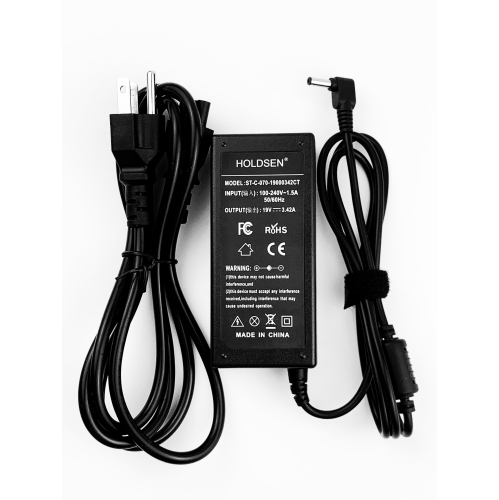
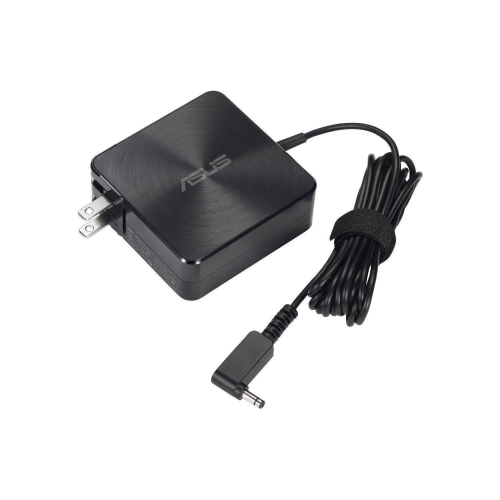
Why exact wattage and connector compatibility matter
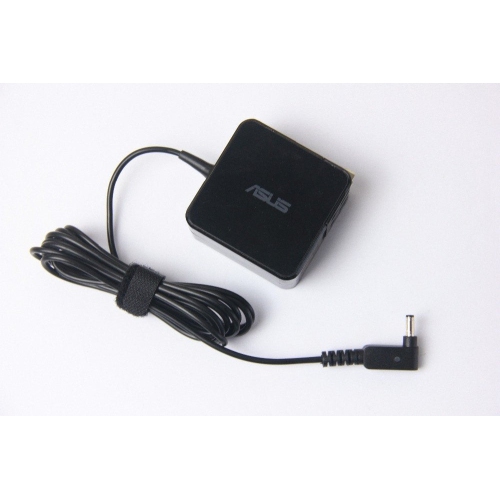
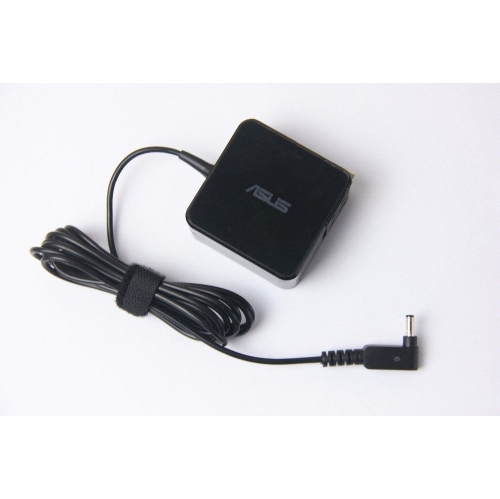
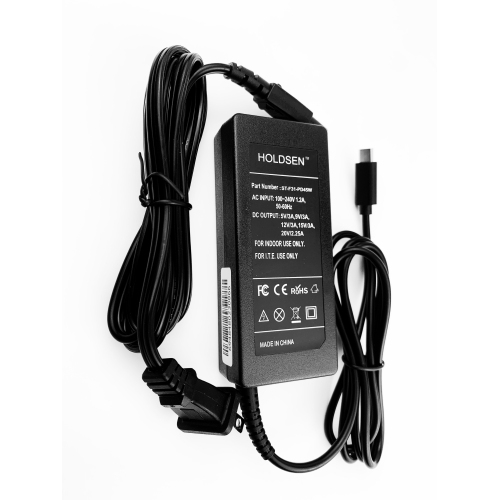
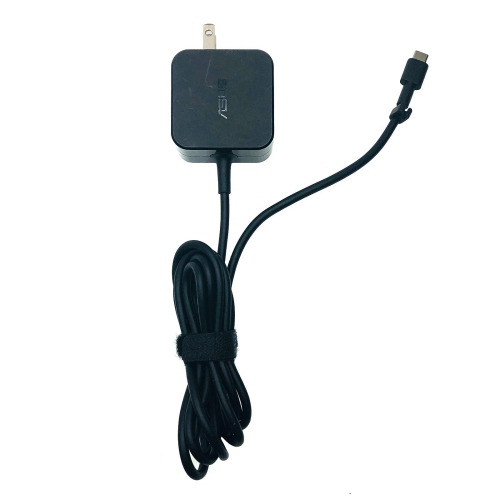
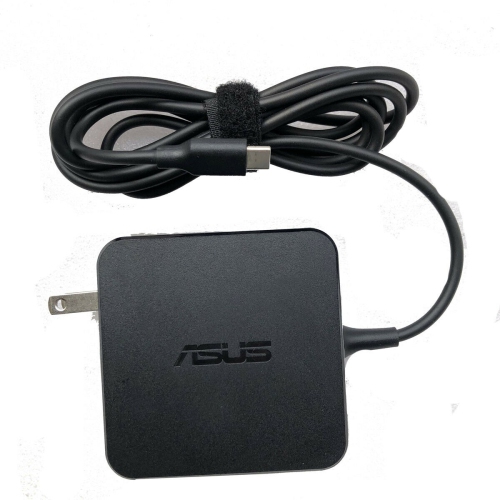
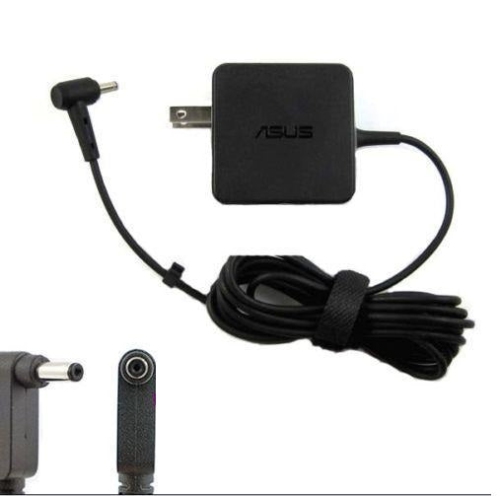
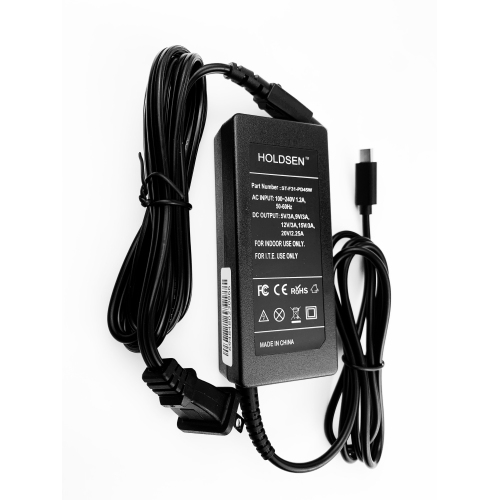
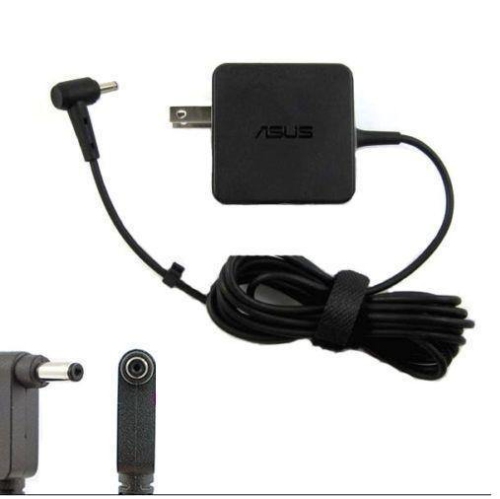
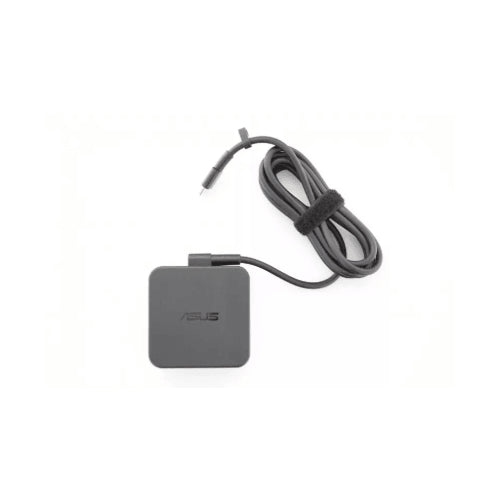
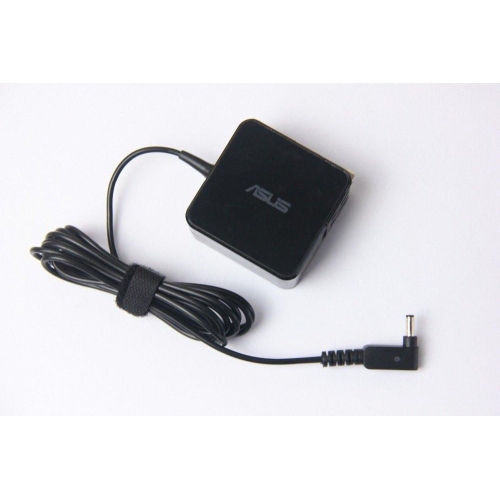
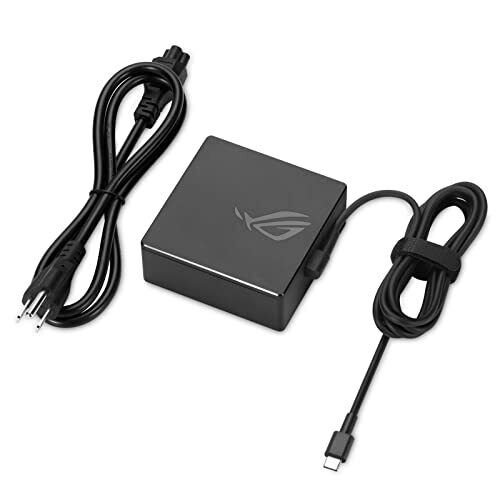
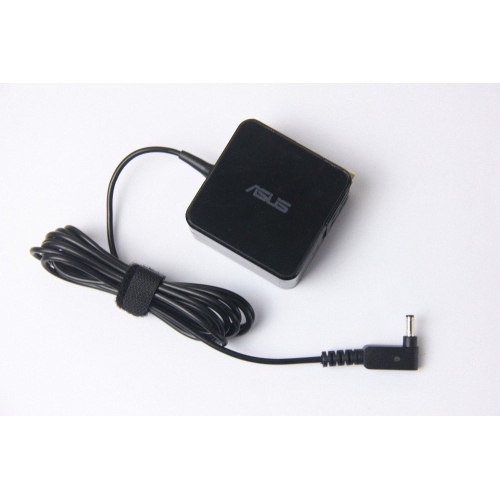
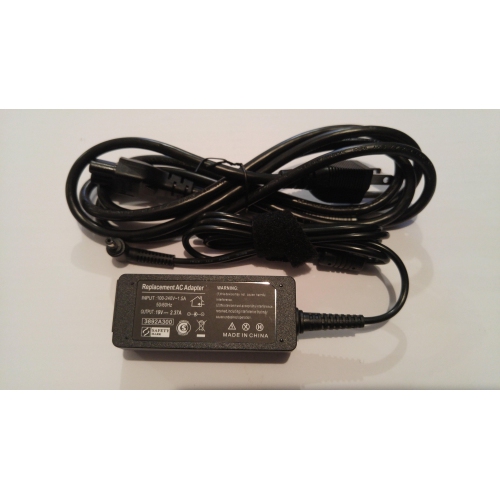
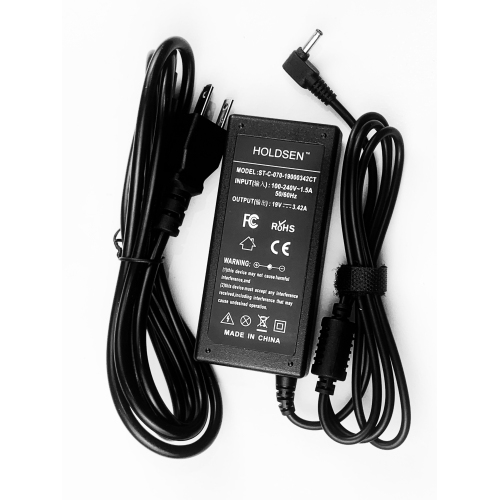
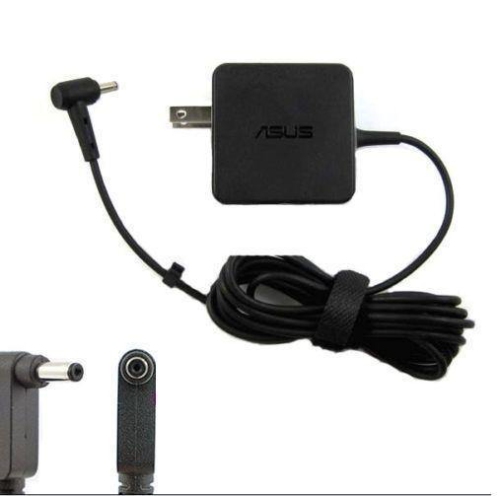
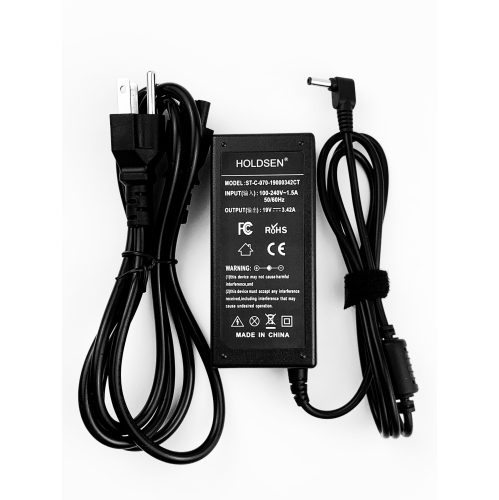
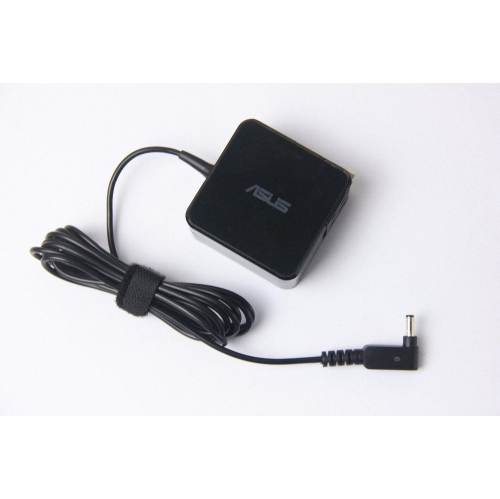
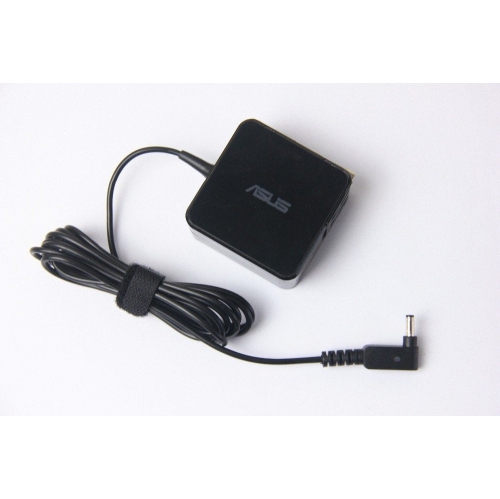
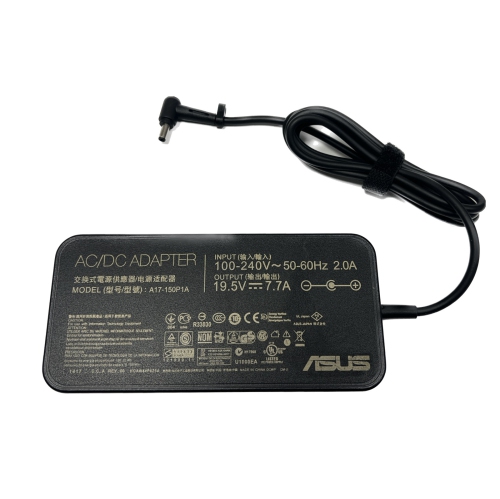
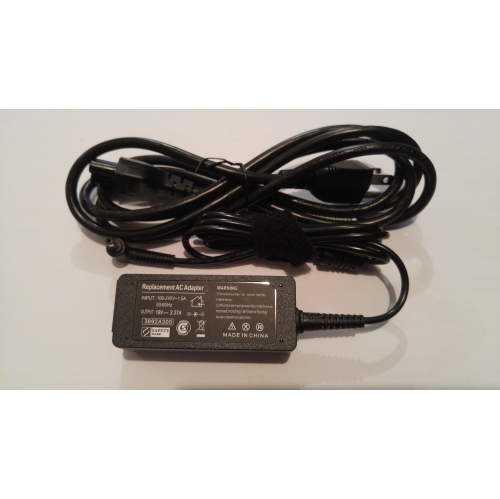
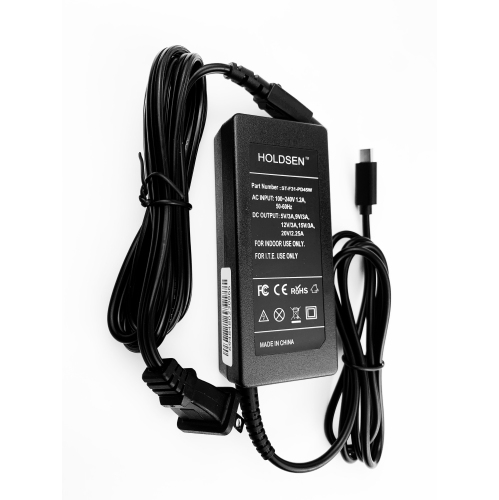
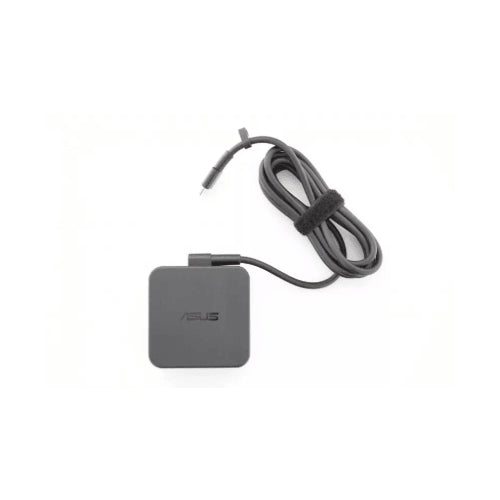
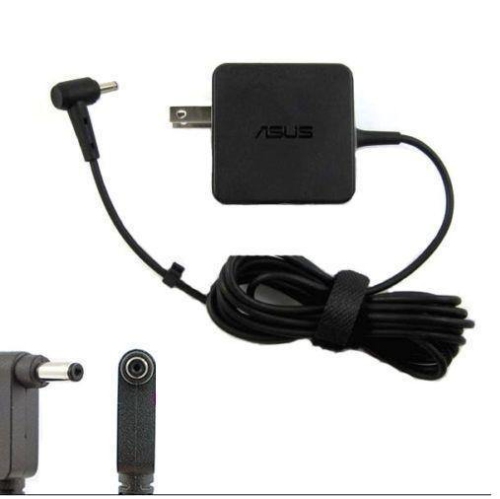
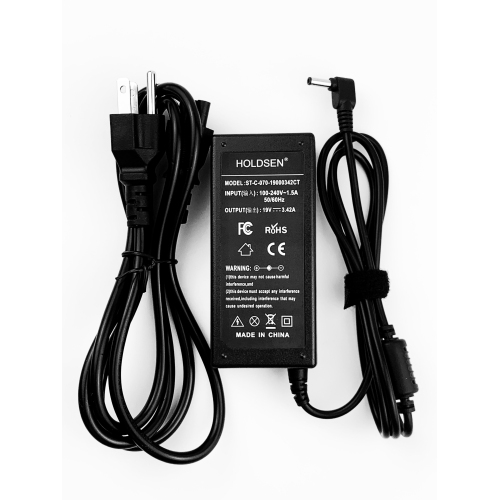
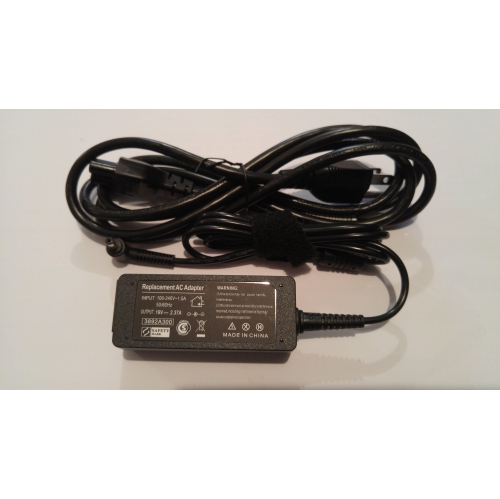
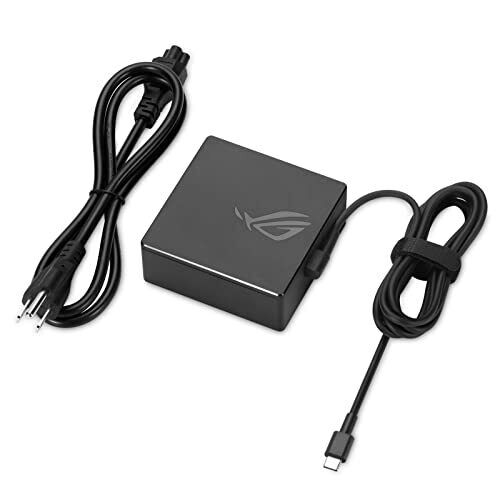
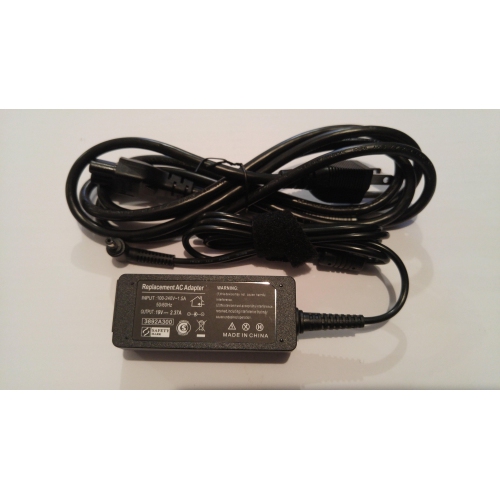
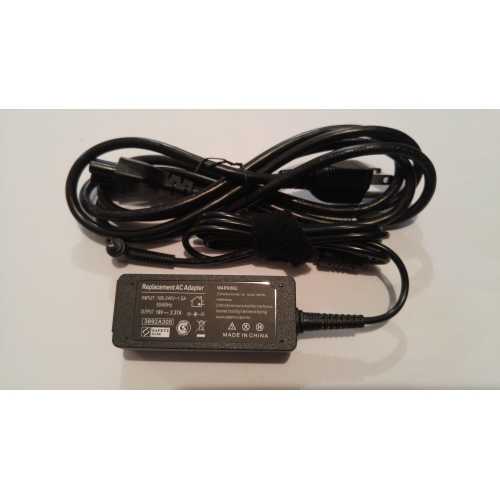
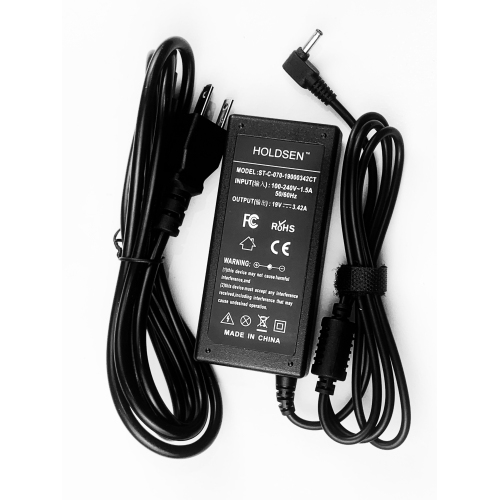
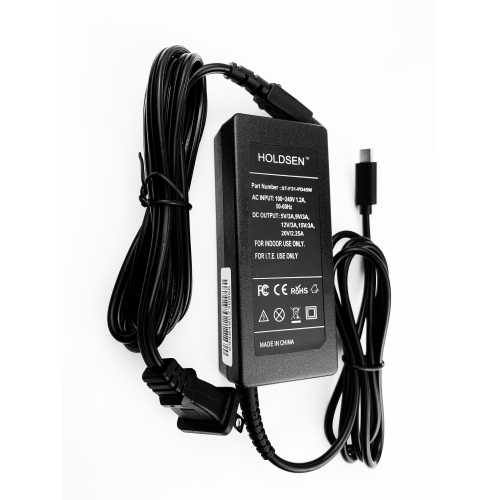
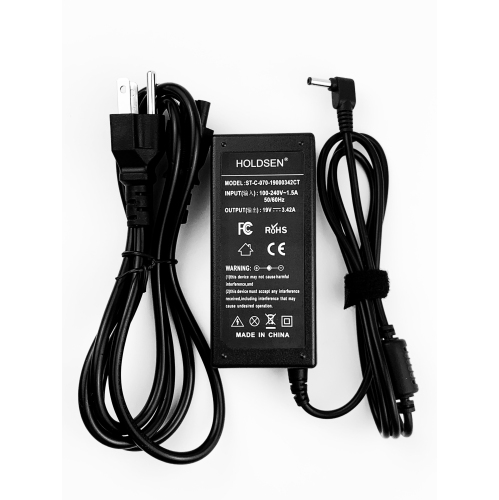
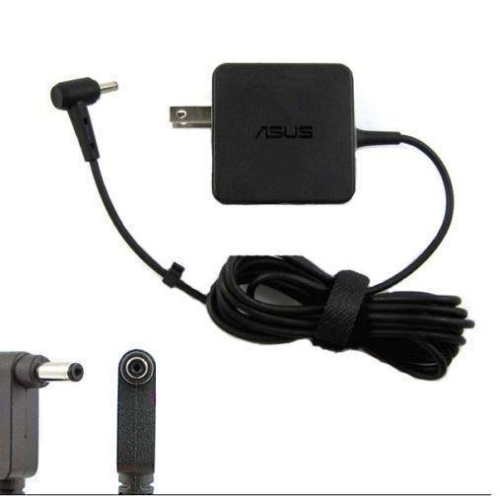
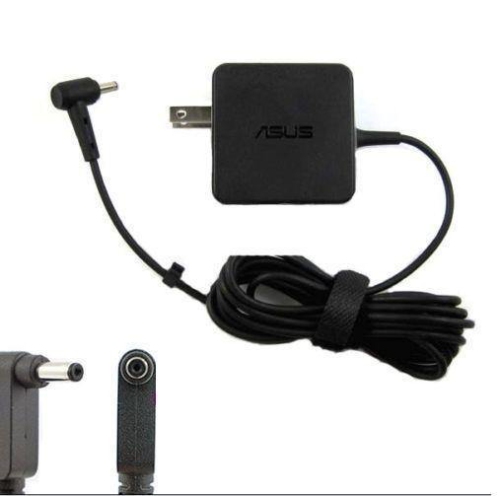
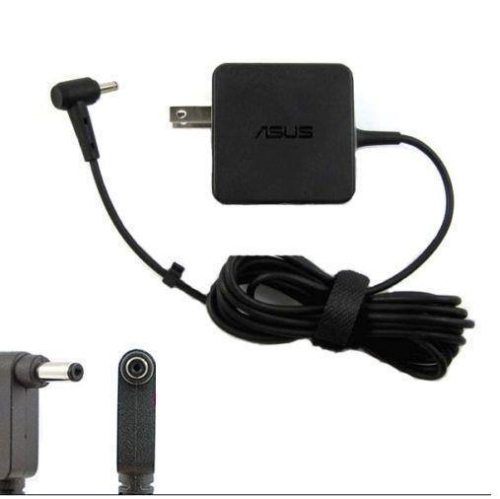
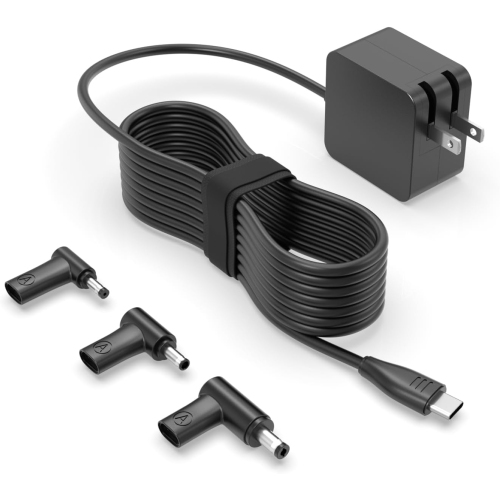
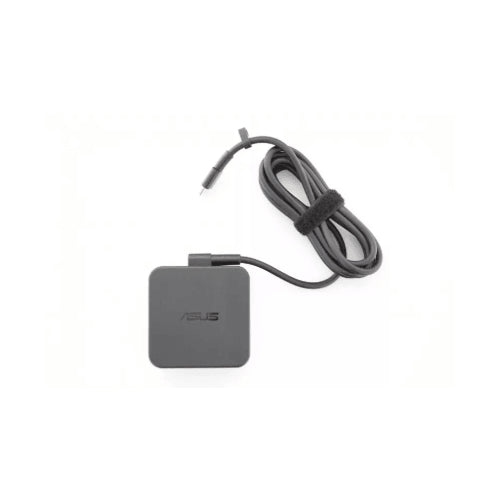
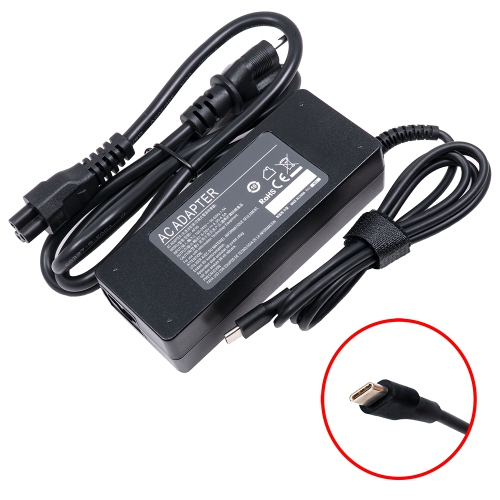
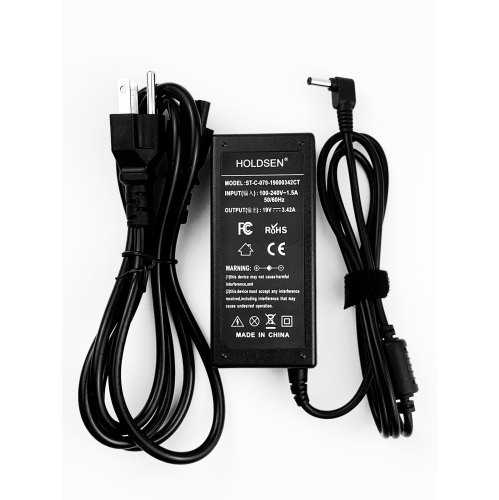
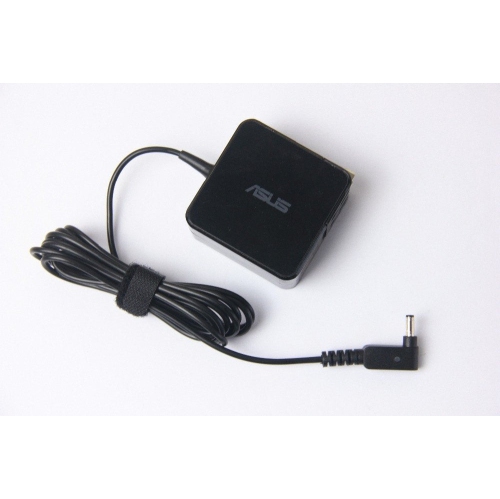
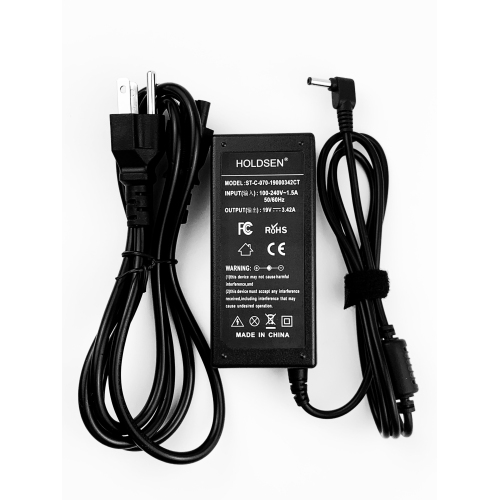
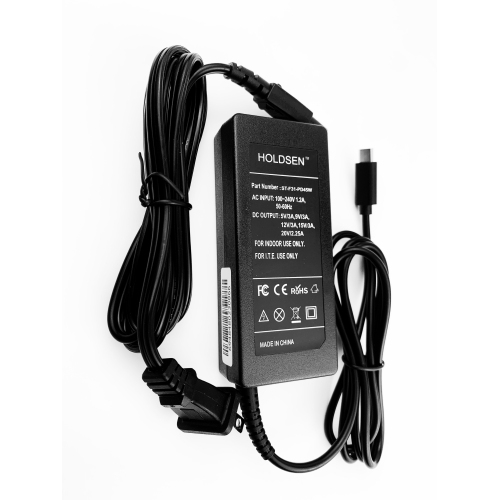
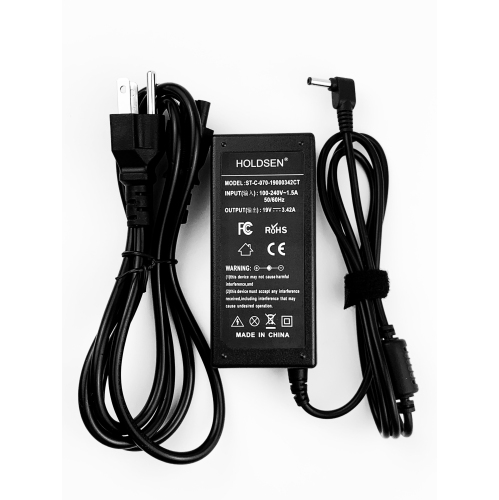
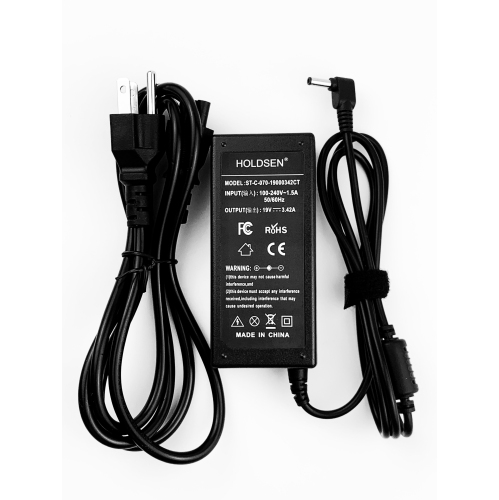
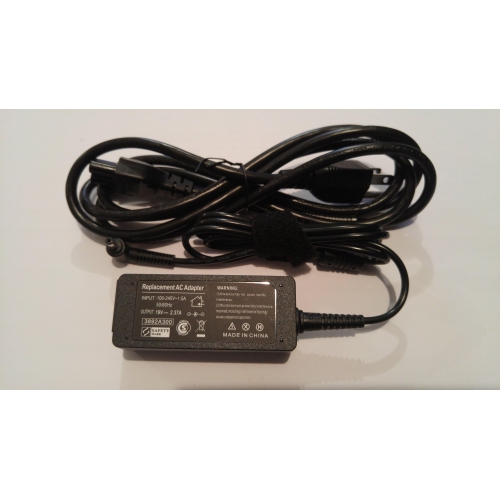
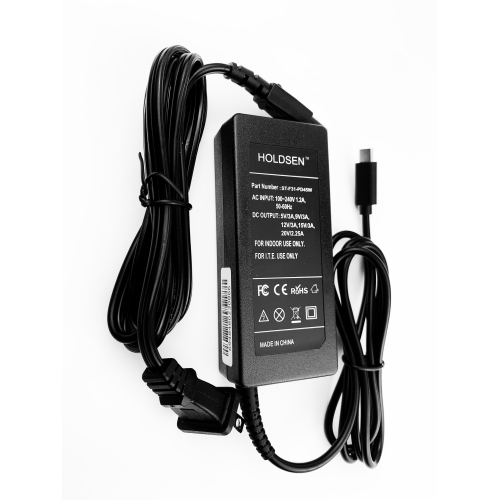
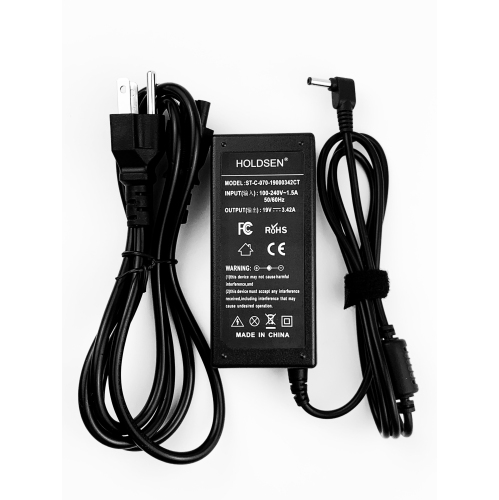
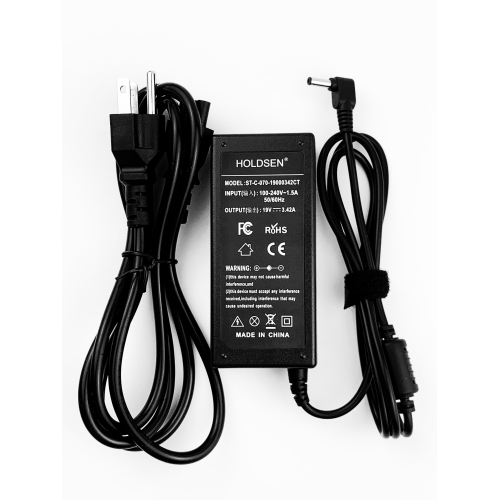
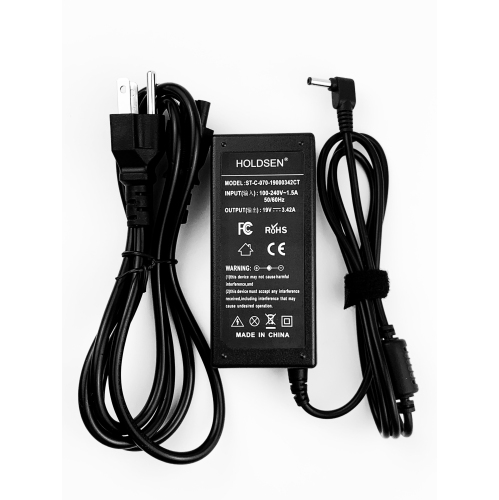
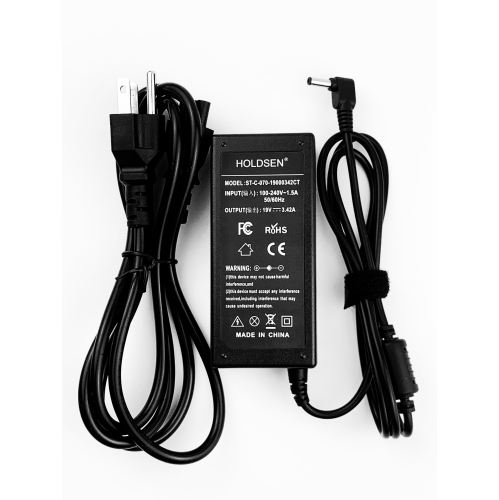
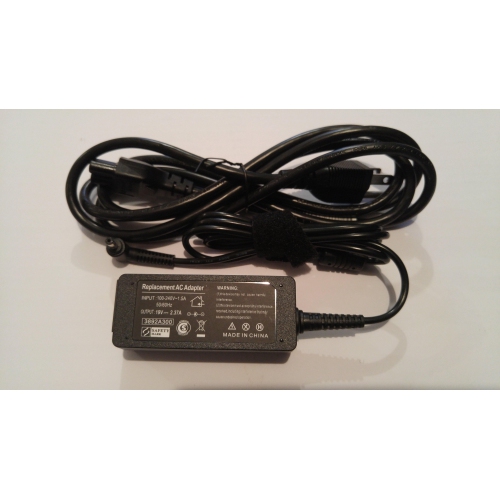
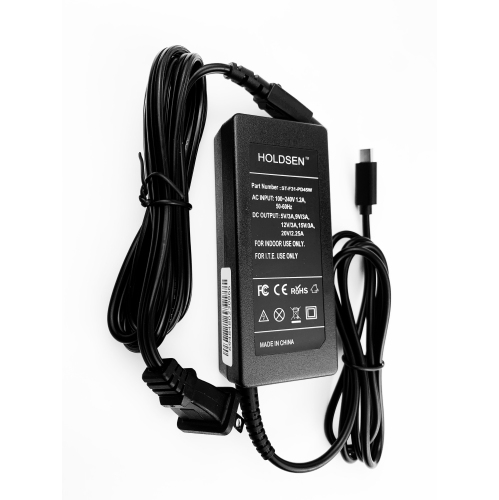
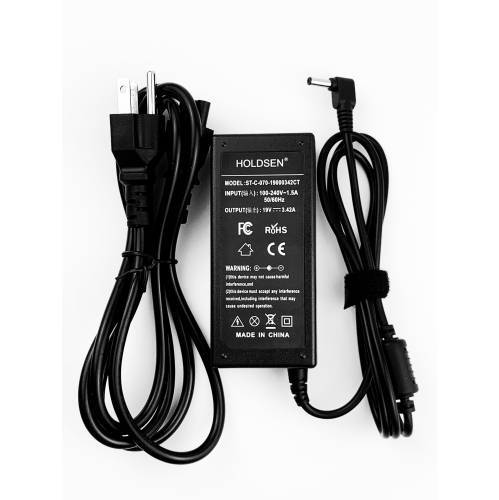
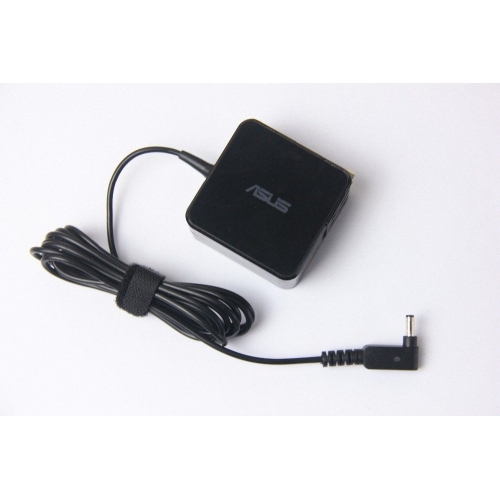
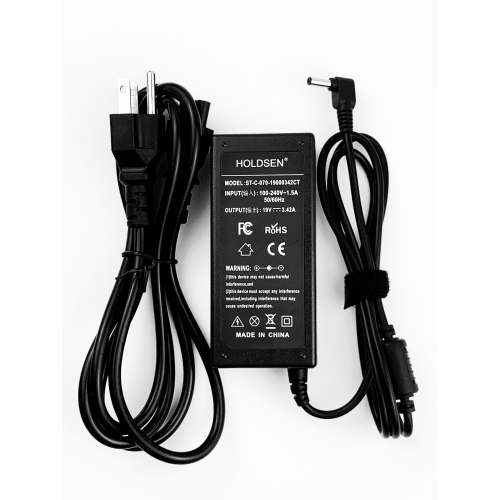
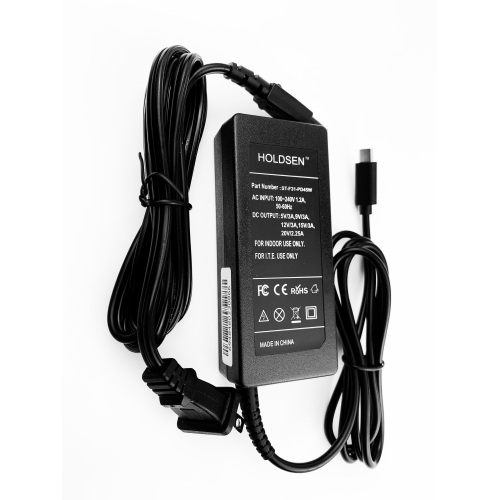
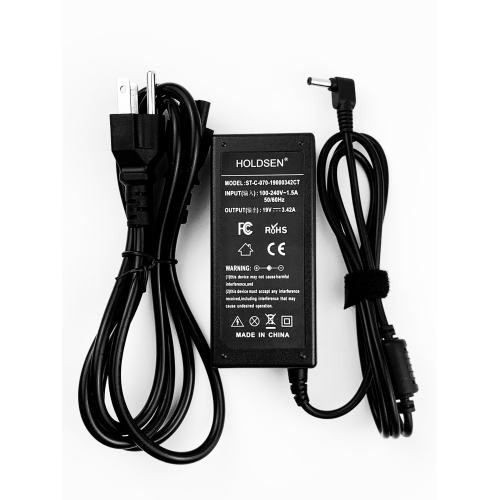
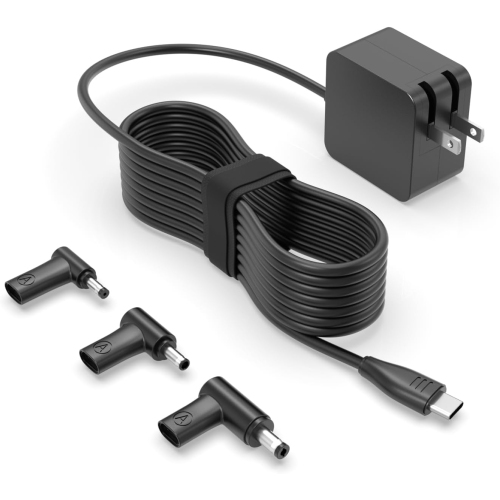
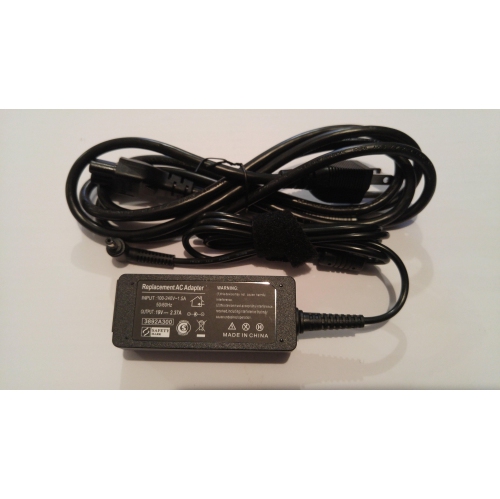
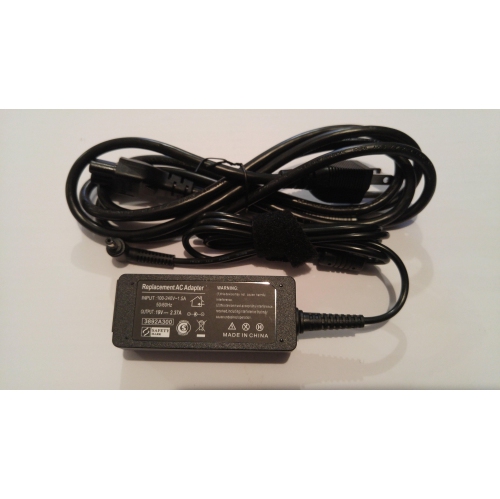
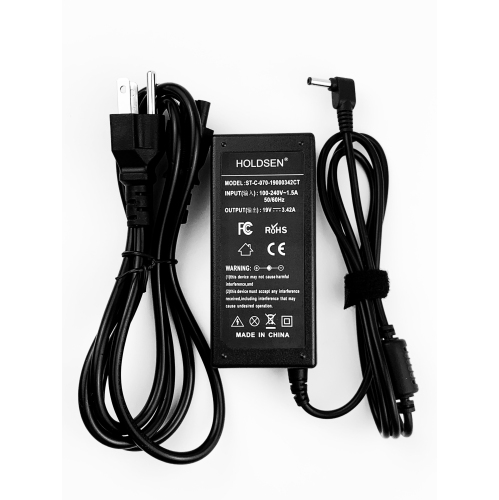
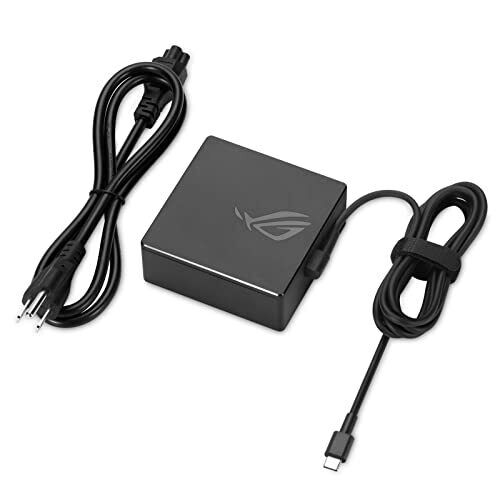
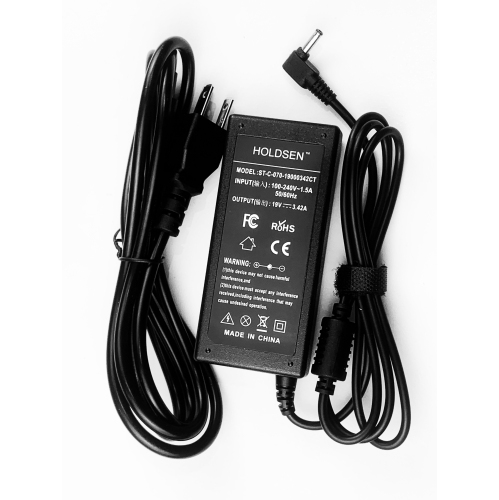
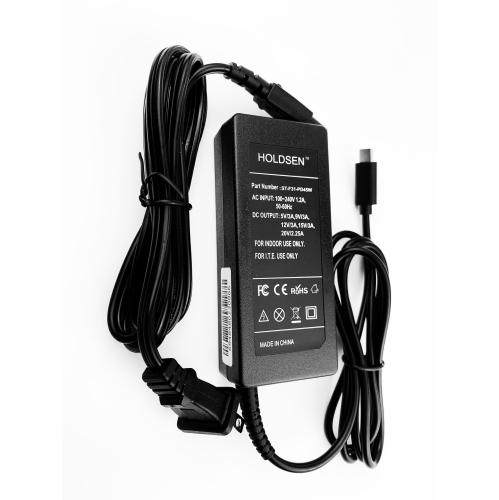
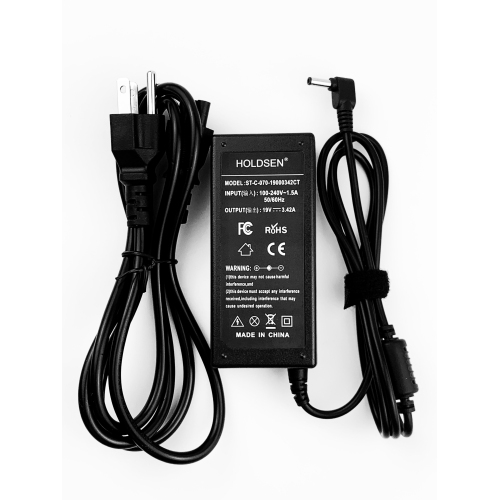
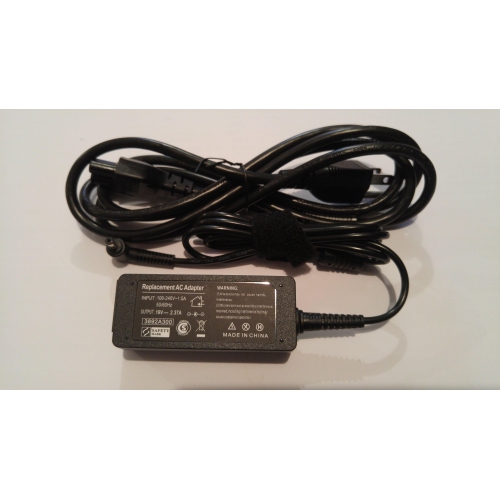
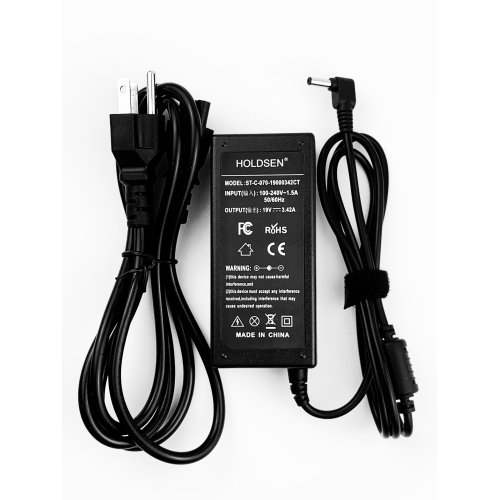
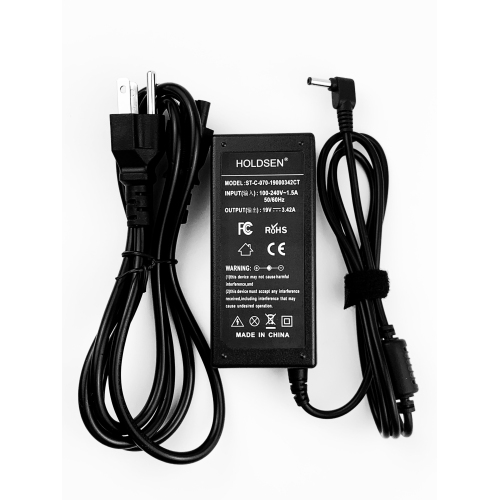
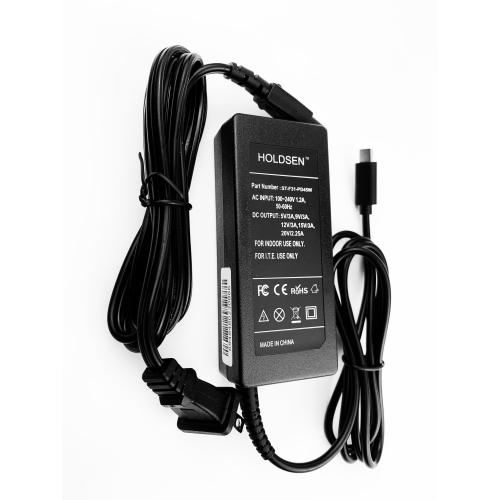
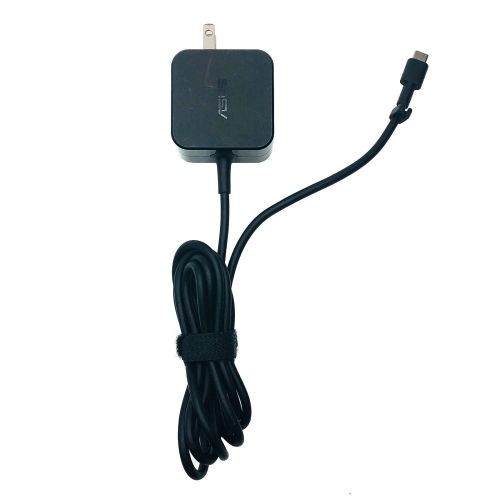
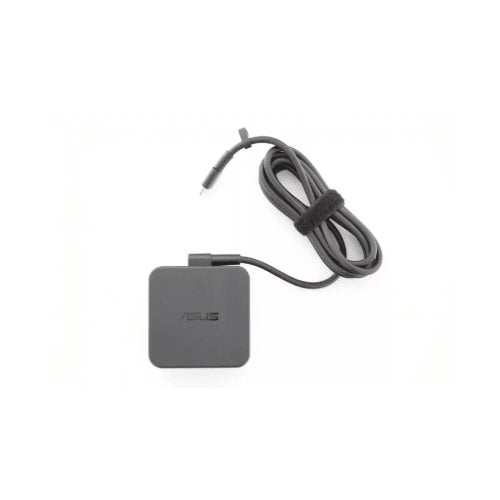
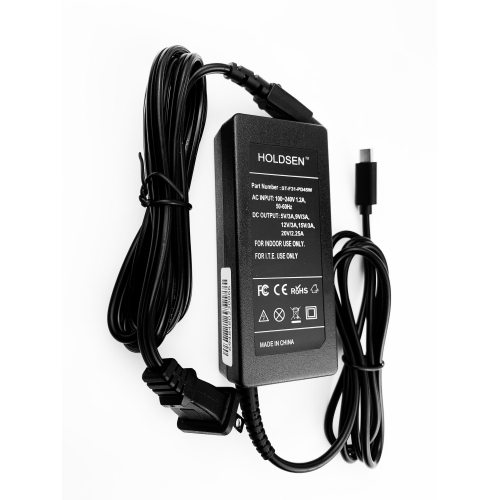
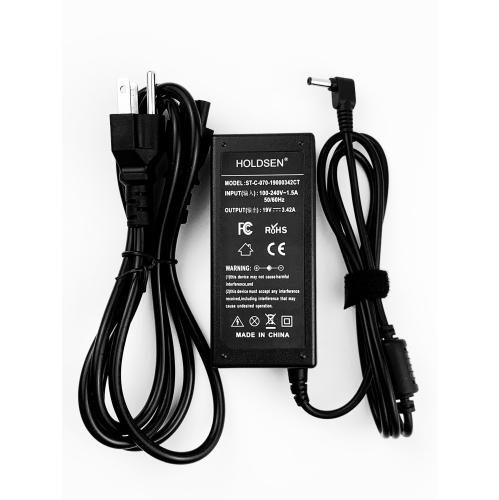
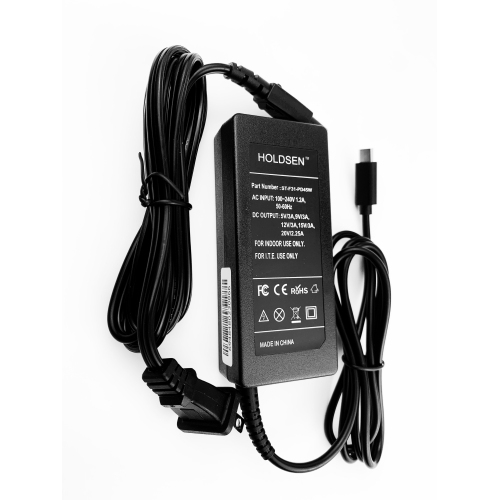
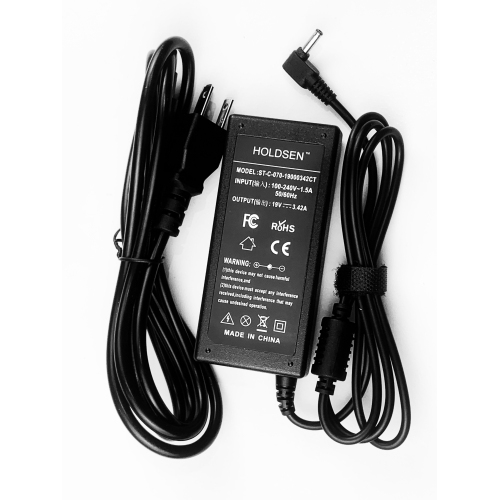
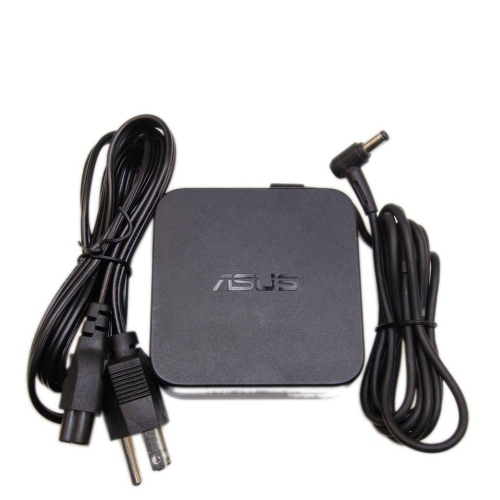
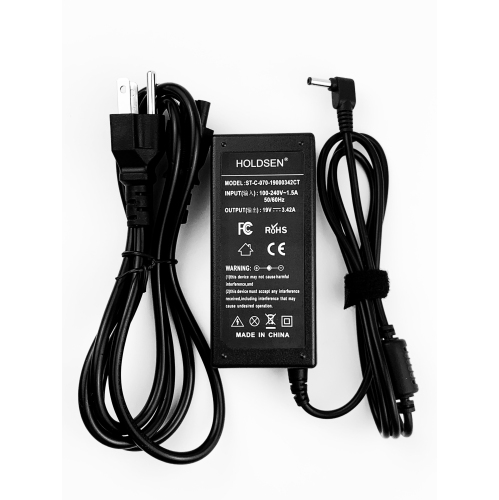
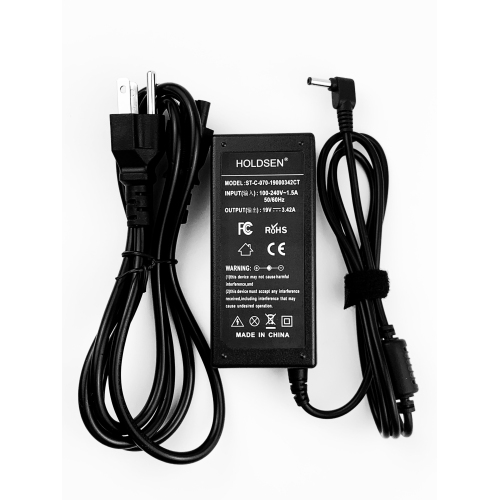
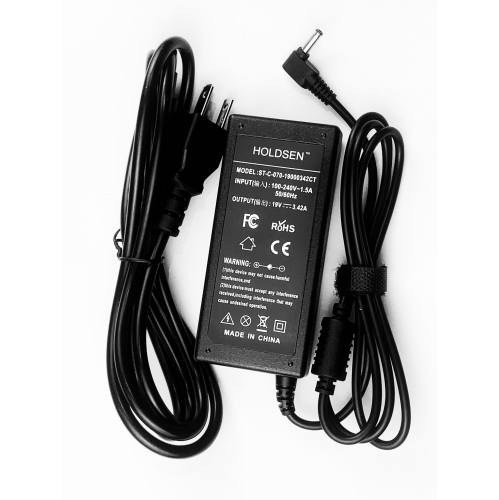
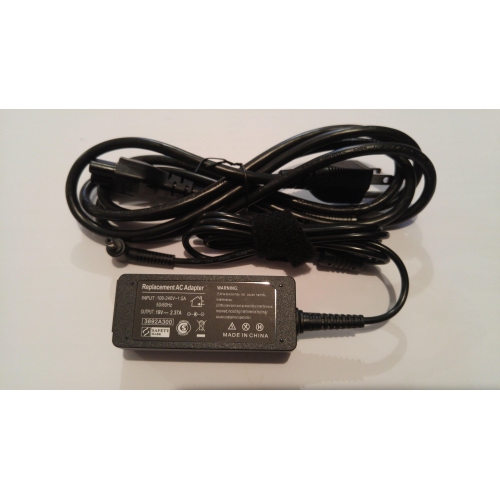
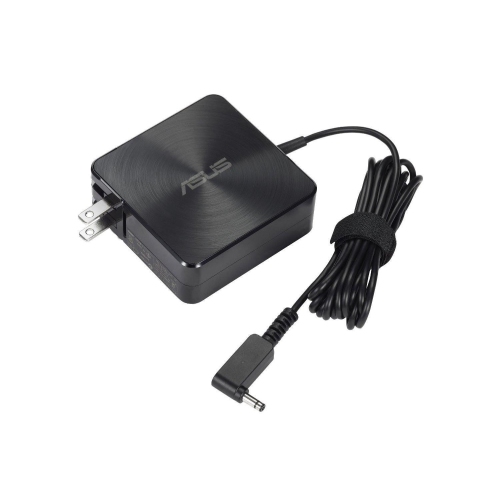
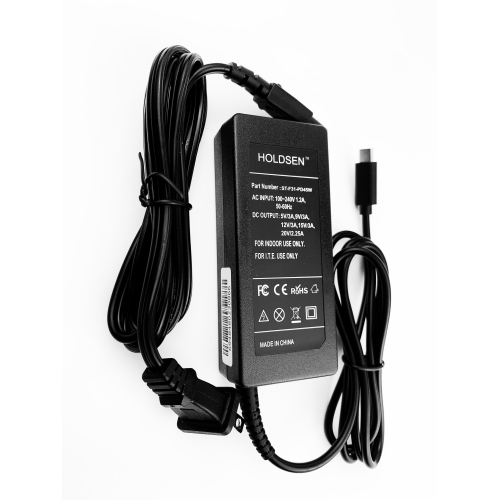
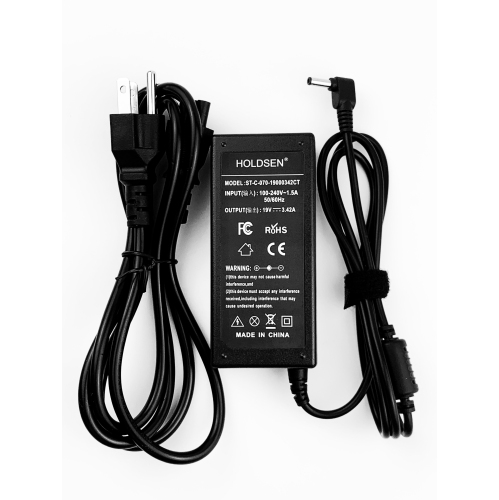
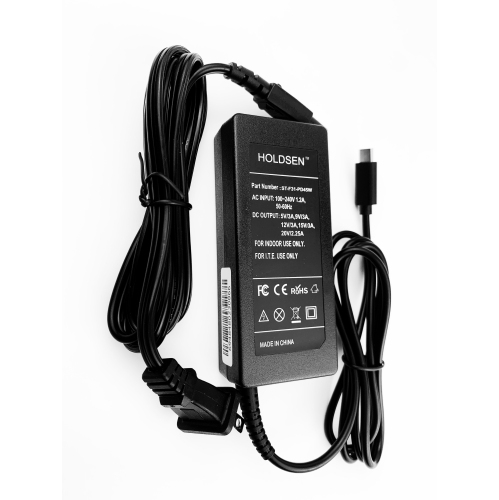
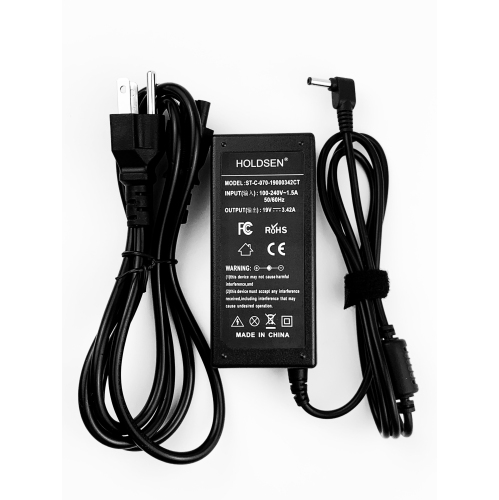
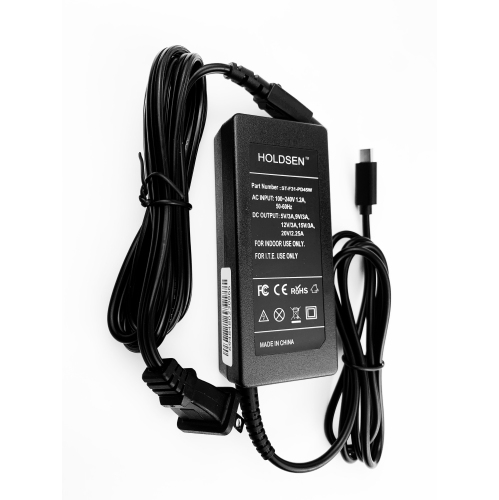
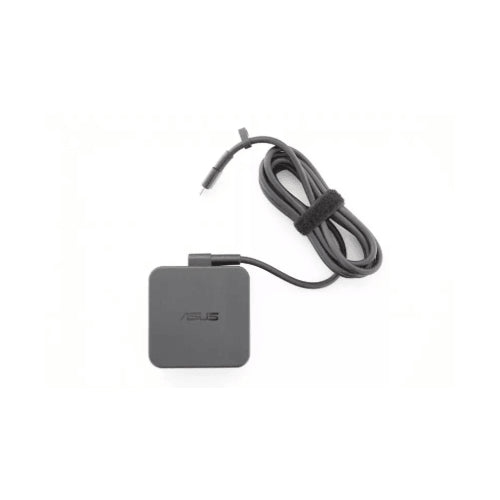
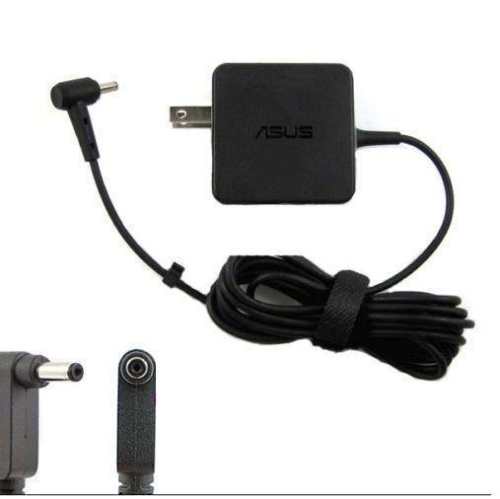
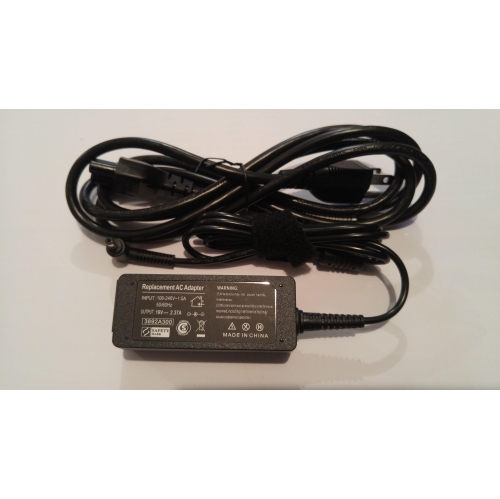
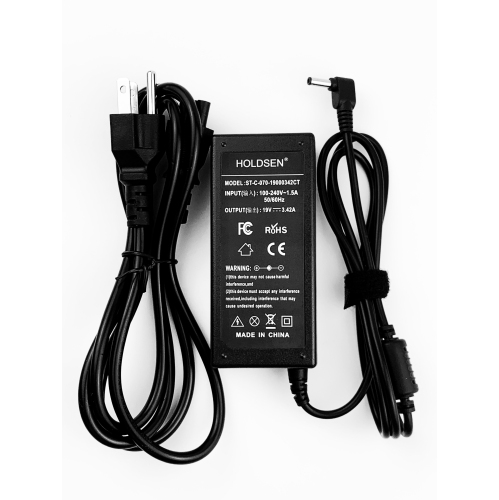
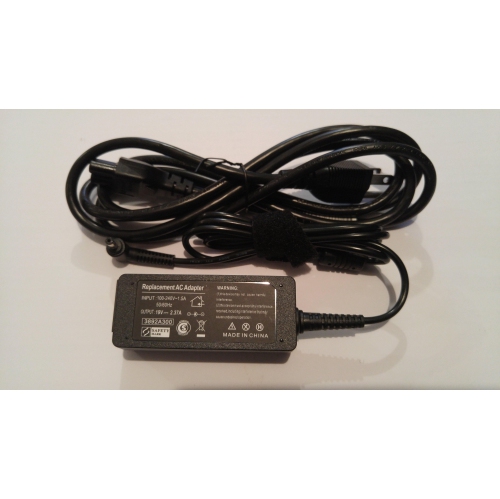
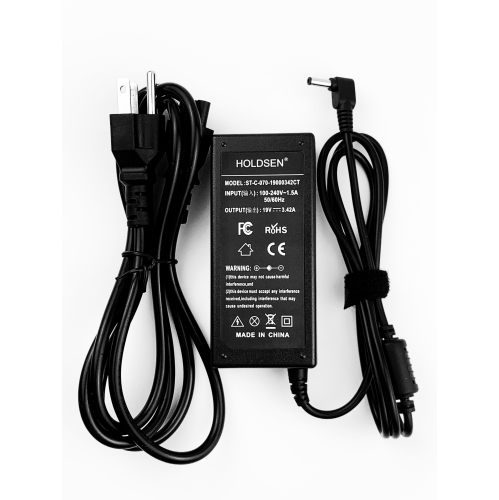
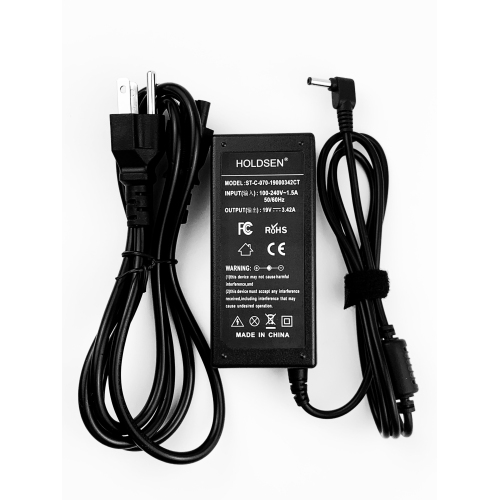
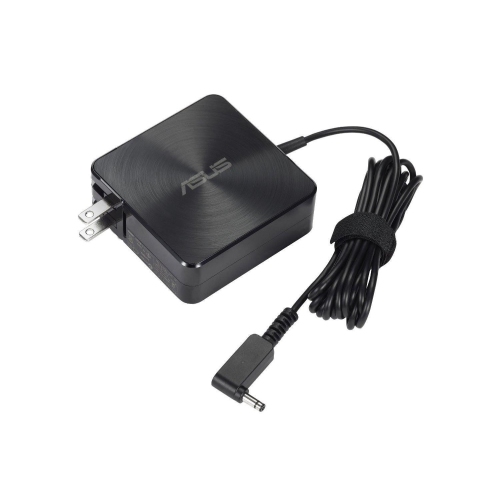
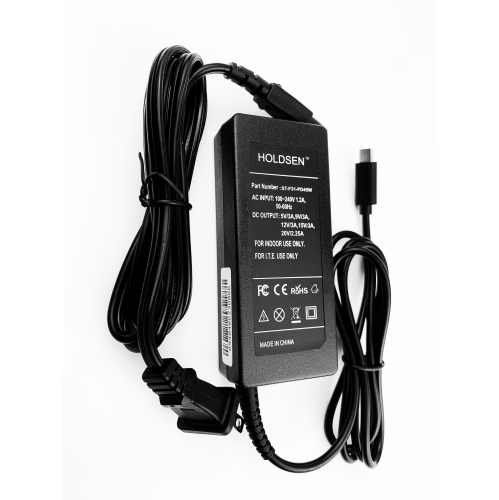
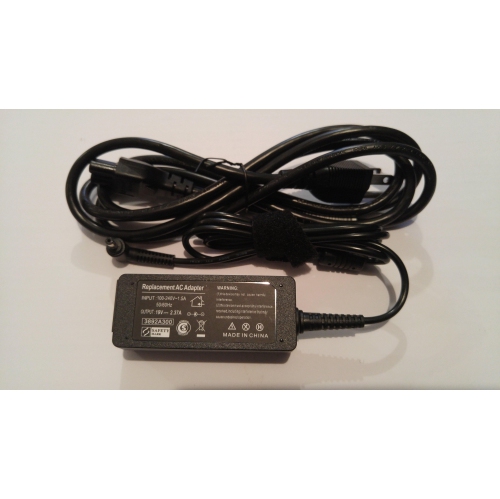
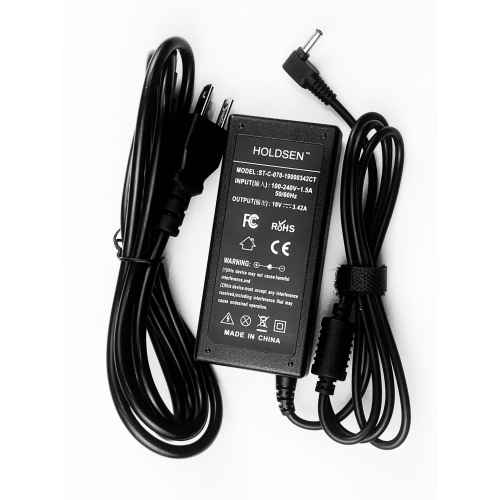
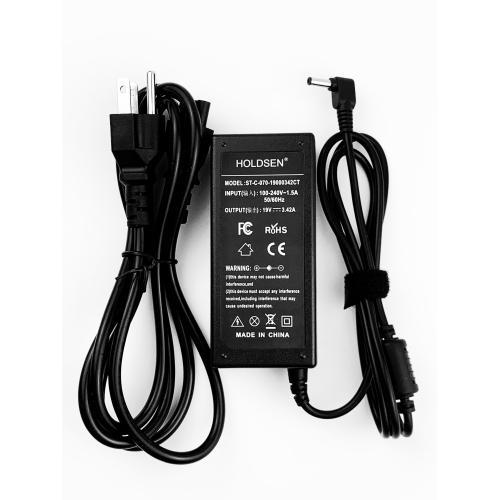
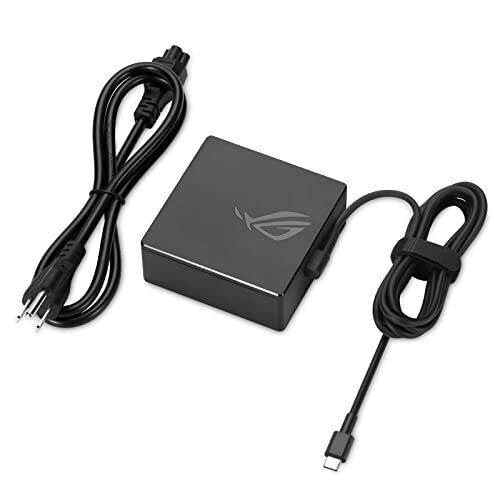
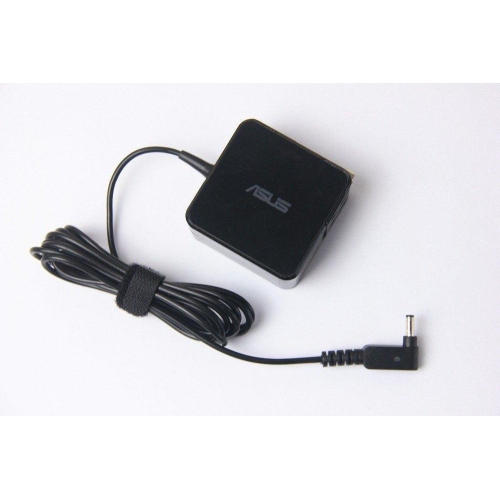
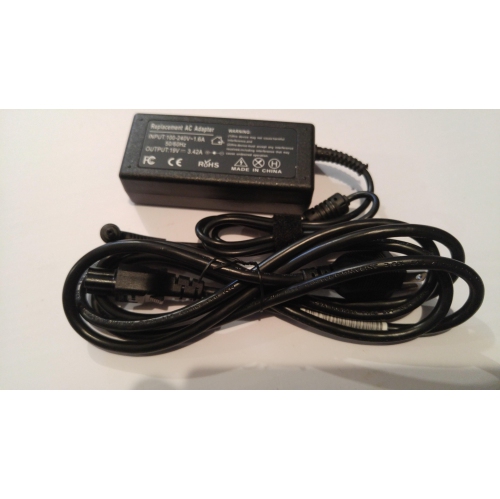
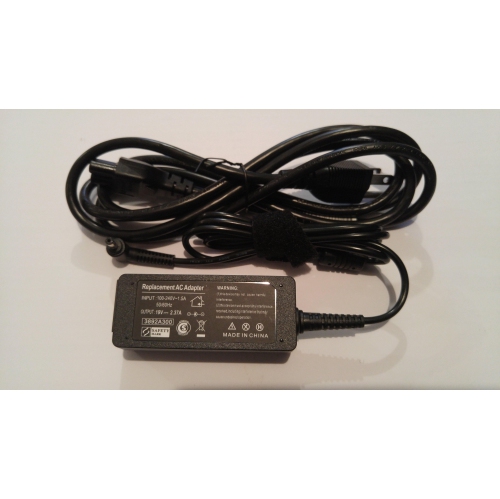
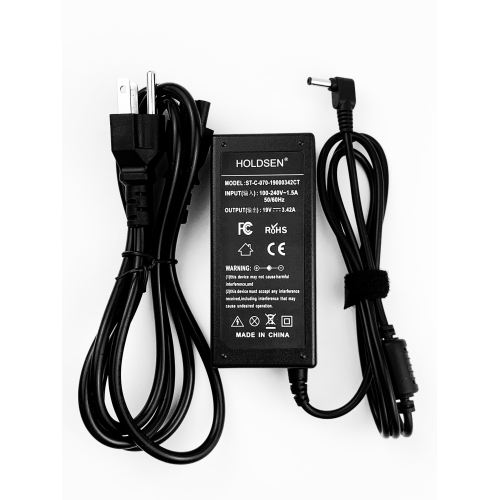
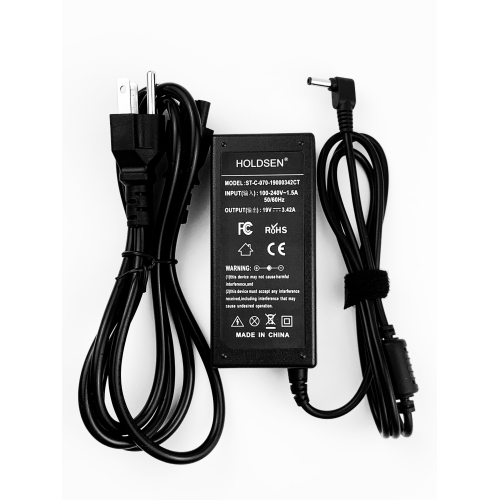
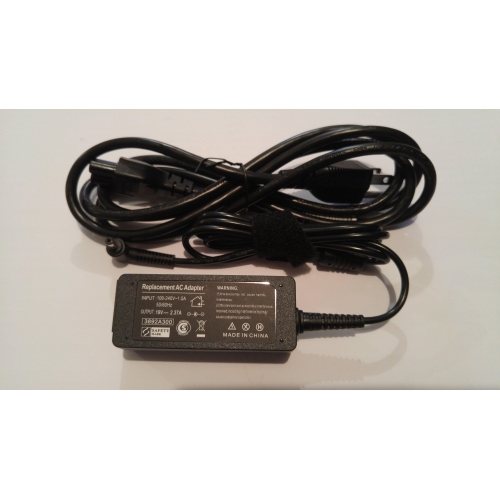
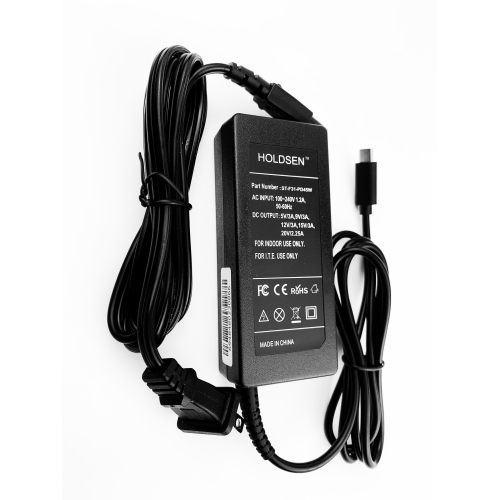
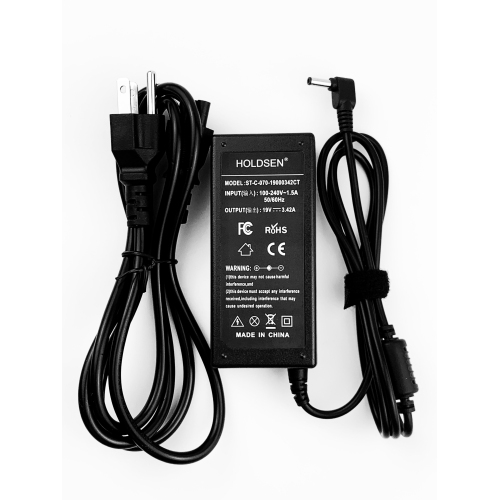
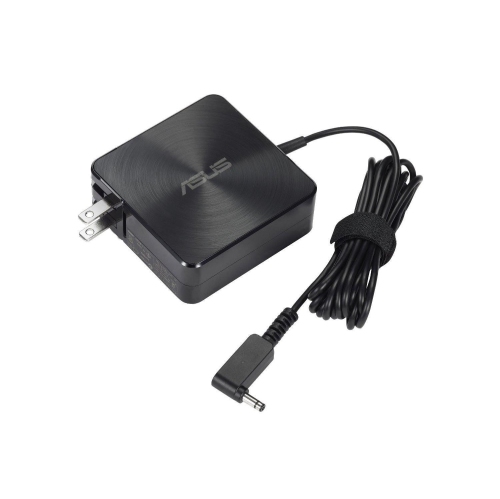
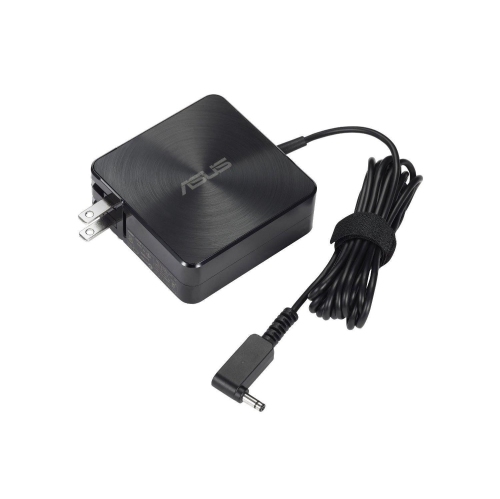
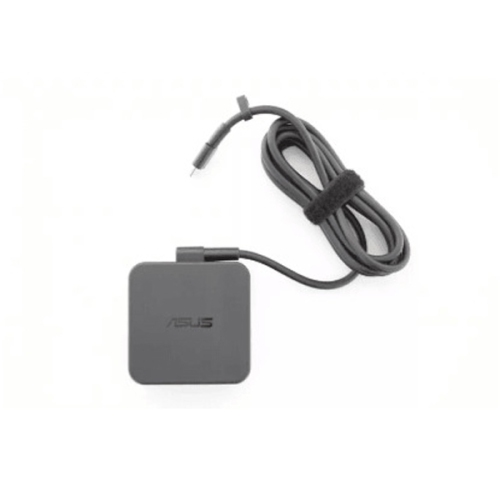
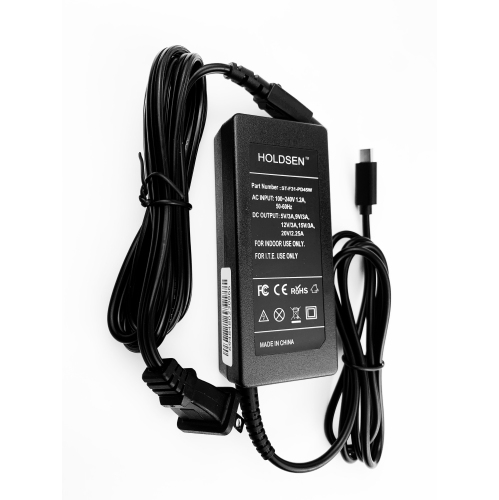
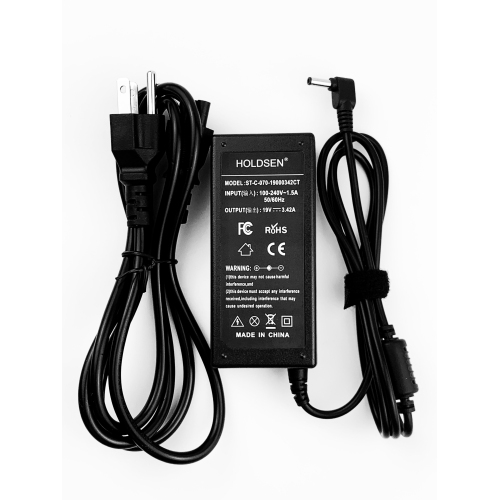
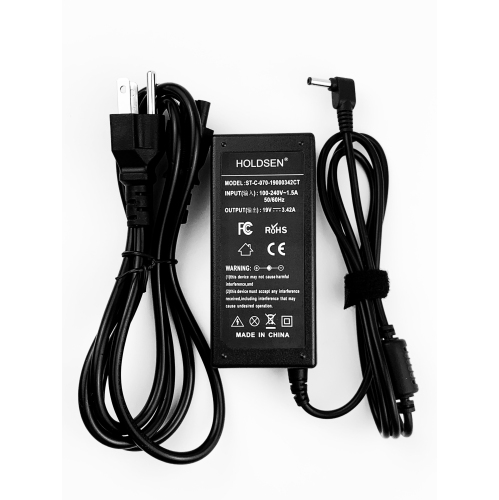
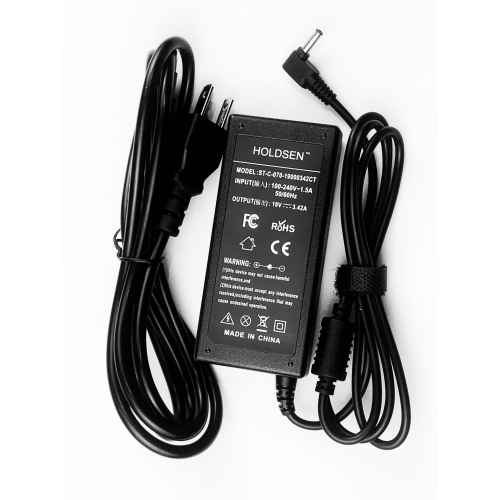
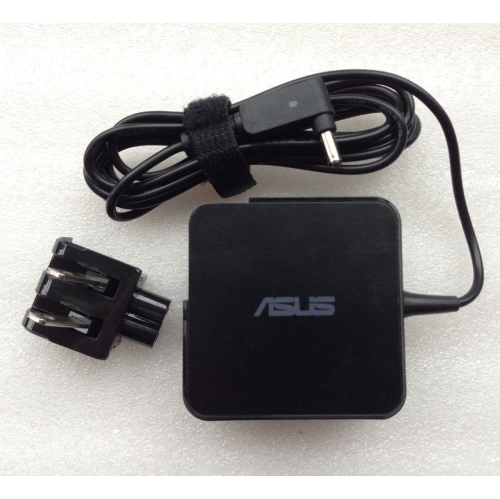
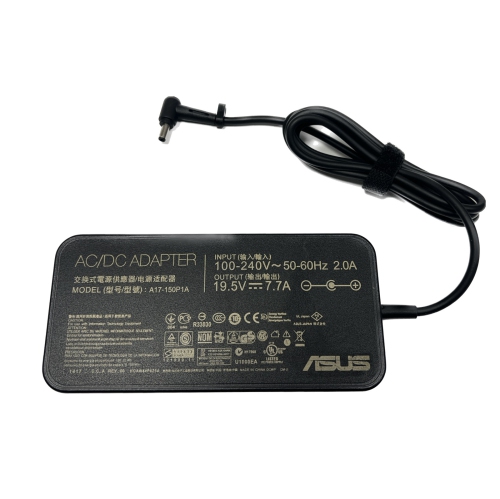
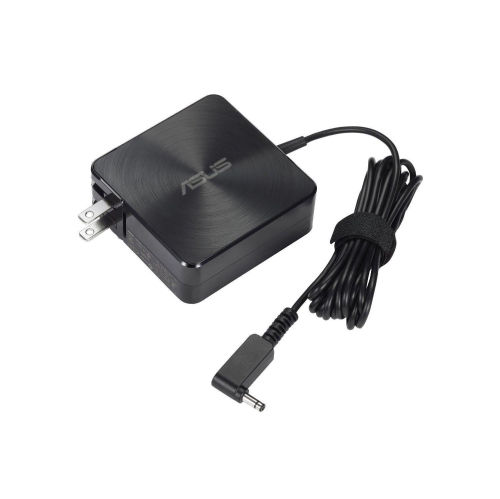
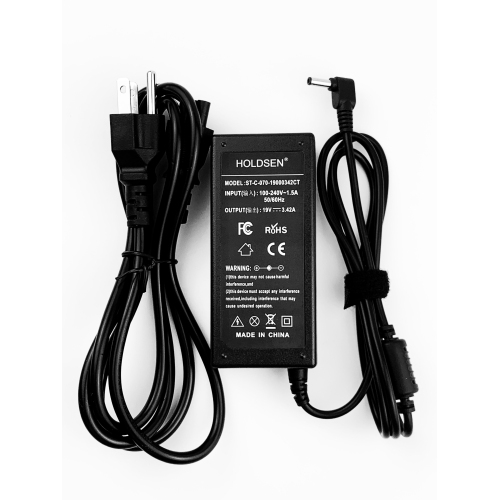
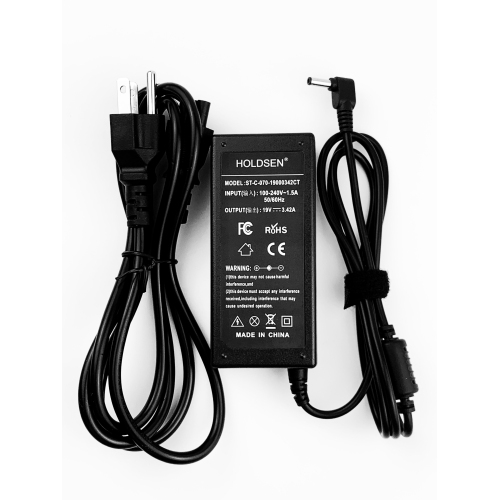
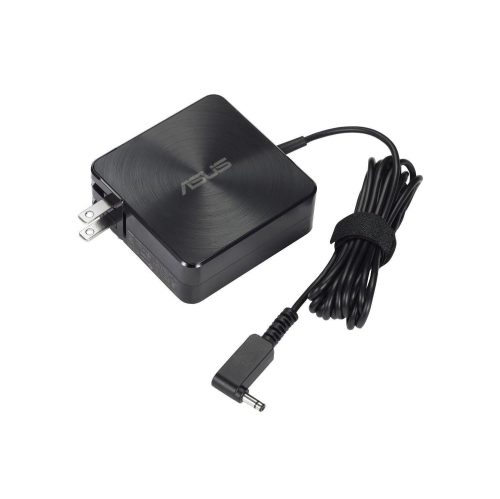
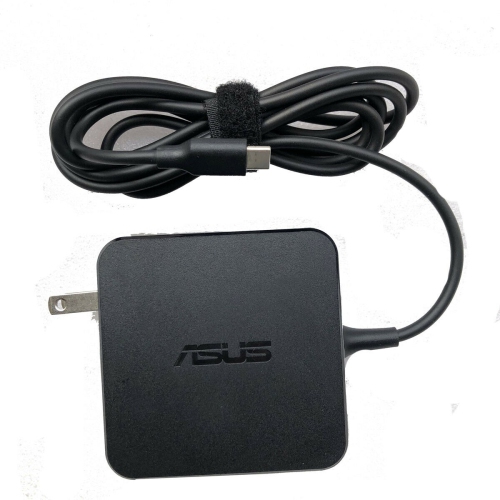
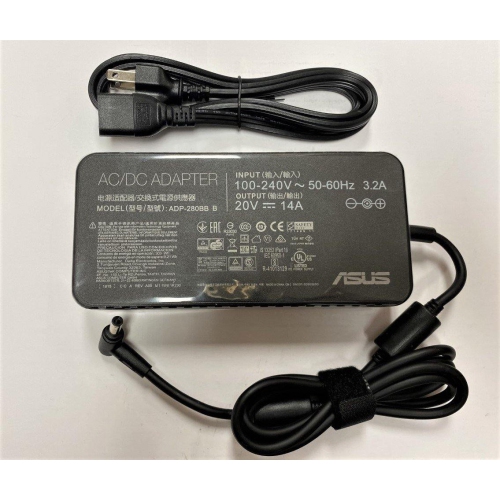
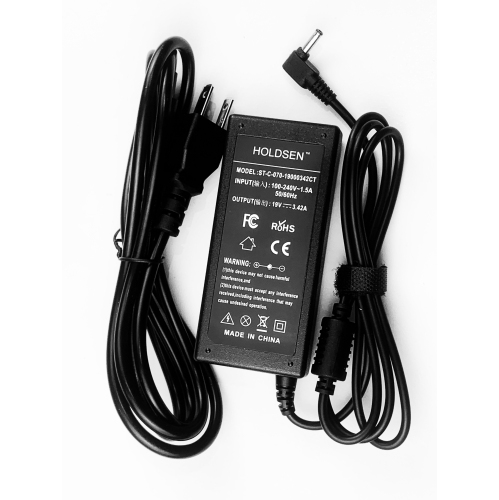
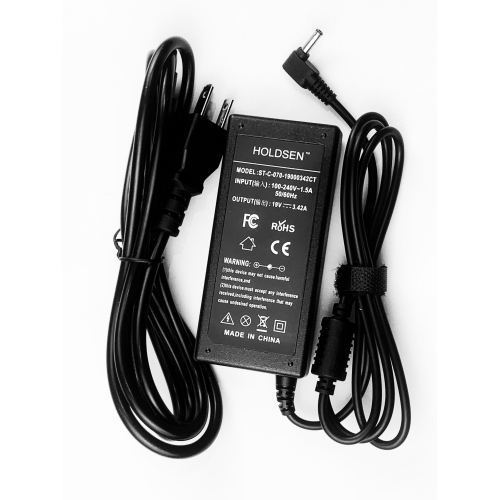
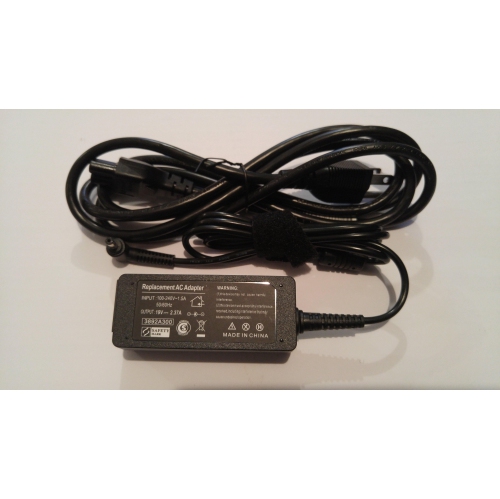
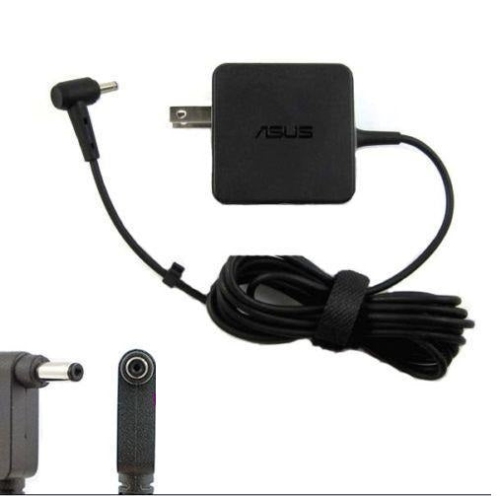
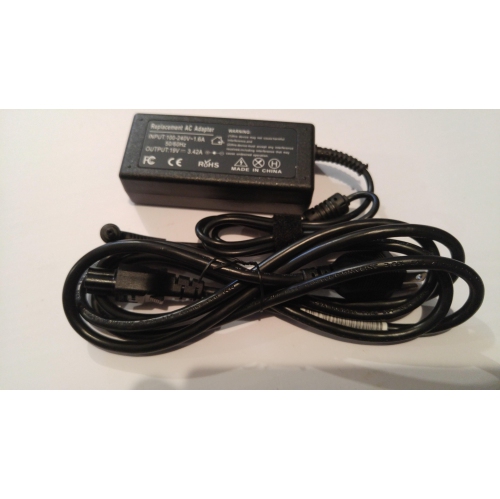
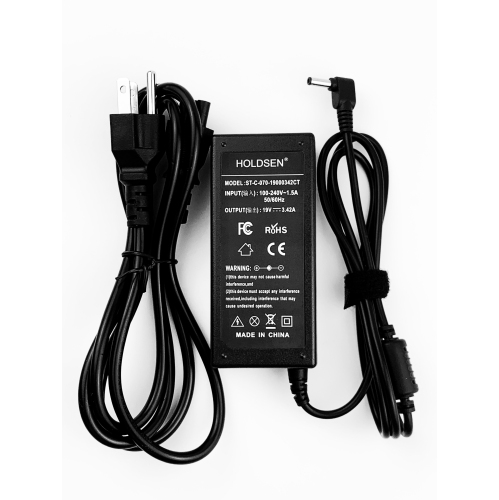
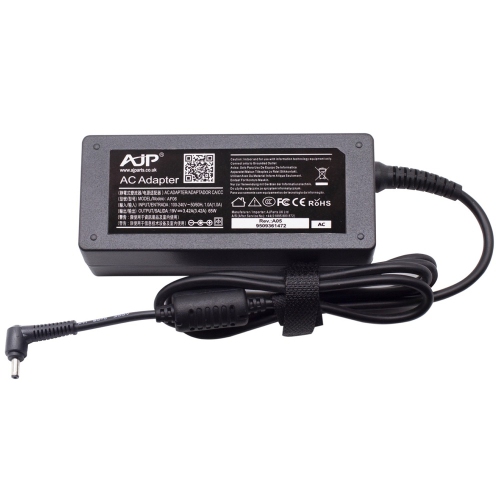
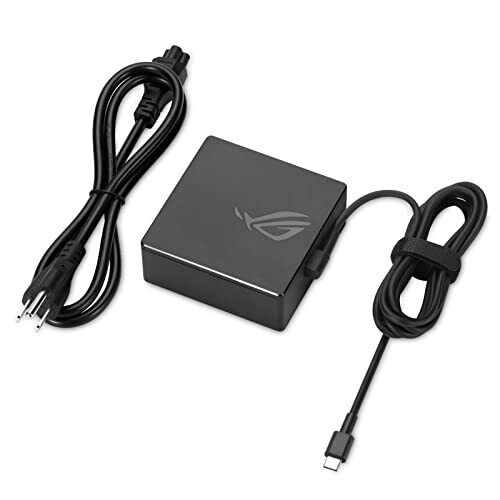
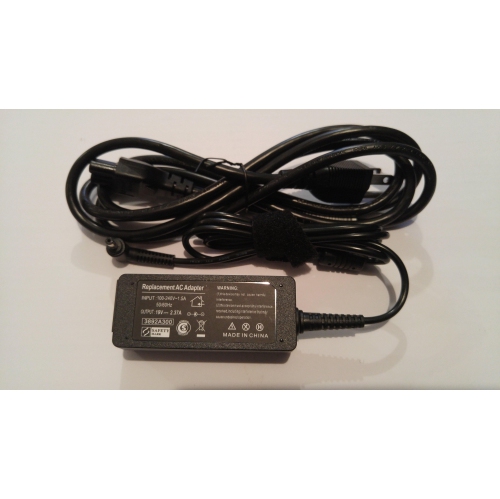
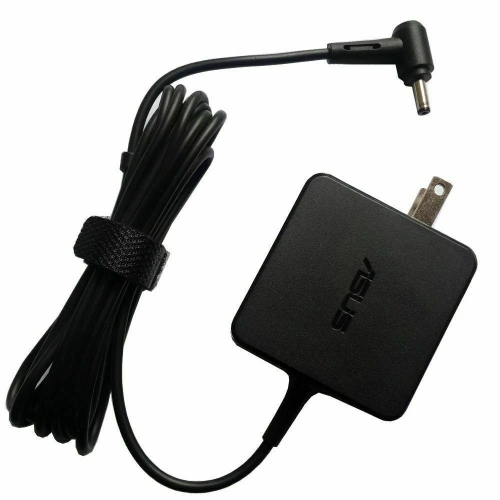
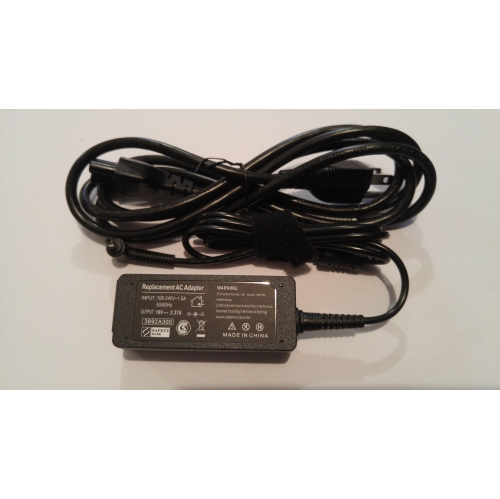
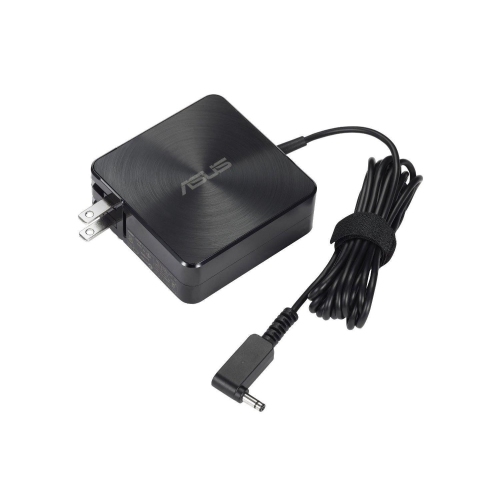
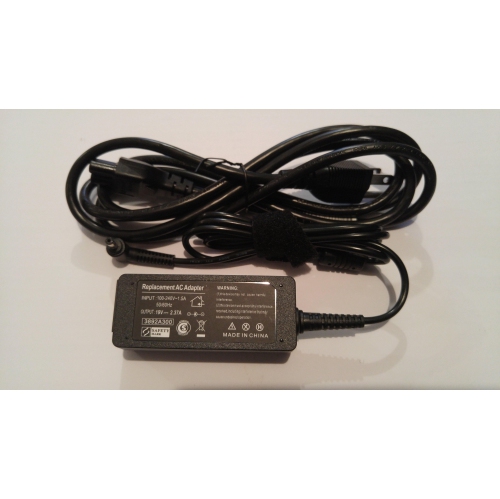
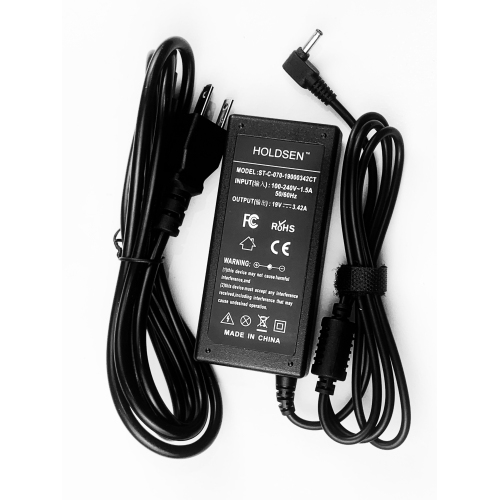
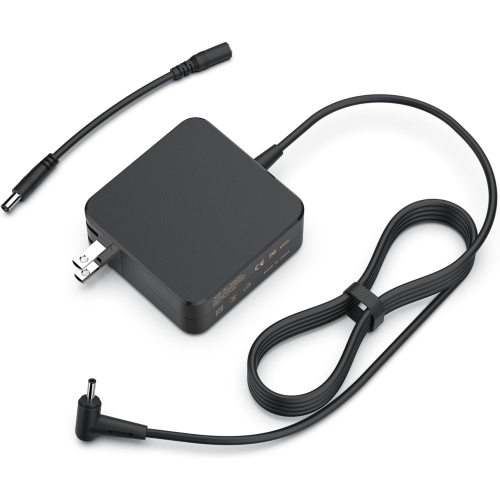
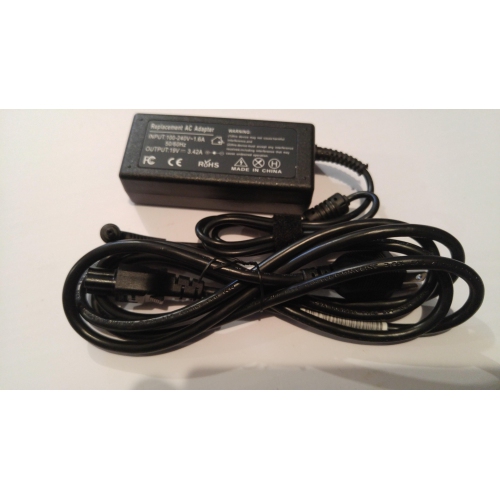
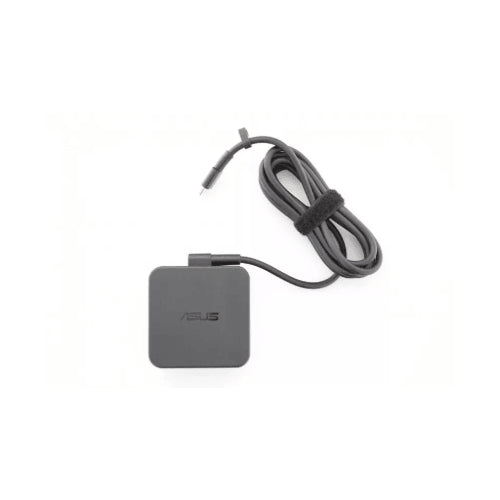
Finding the right Asus Zenbook charger starts with matching the charger to the exact laptop model, connector type, and power requirement. Although many newer Asus Zenbook laptops charge through USB-C, not every USB-C charger is suitable for every computer. A compatible charger must support USB-C Power Delivery (USB-C PD) and provide enough wattage for the laptop to charge reliably during everyday use. Some older Zenbook computers use a traditional barrel-style connector instead, so checking the port on the laptop is an important first step. The model number is usually printed on a label on the underside of the computer, near the hinge, or in the system information menu. The original charger brick may also list the required output, such as 45W or 65W, along with voltage and amperage details. This information is more useful than choosing a charger based only on the shape of the plug. A charger that physically connects but does not meet the laptop’s electrical requirements may charge slowly, fail to charge while the computer is in use, or be incompatible altogether. For shoppers comparing options, Asus Power Cables can be a useful place to explore compatible charging and power accessories. Keeping the original adapter nearby while comparing the replacement’s output specifications, connector style, and compatibility notes can make the process much simpler.
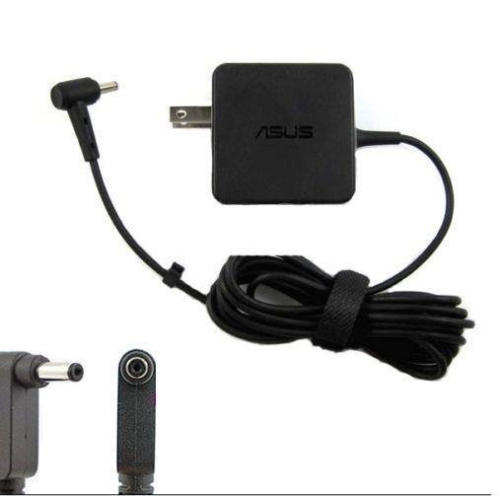
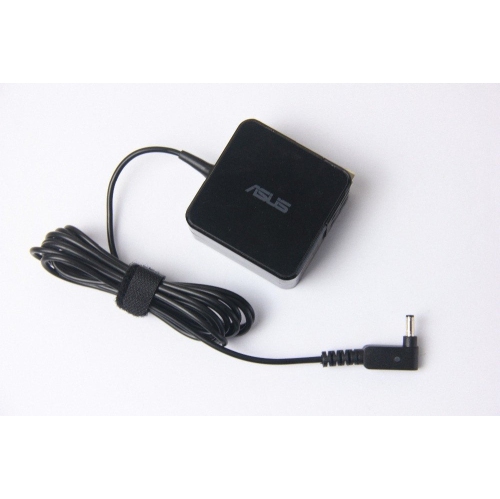
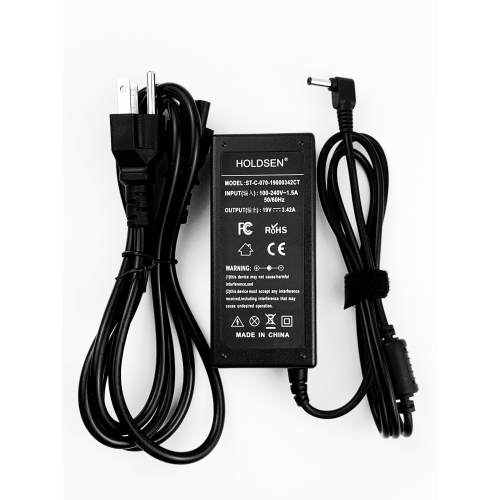
Wattage is one of the most important details when choosing an Asus Zenbook charger. A 45W USB-C Power Delivery adapter is commonly suited to compact, lower-power Zenbook configurations, while a 65W adapter is often needed for models with higher performance requirements or for charging during demanding tasks. The correct choice depends on the laptop’s specifications rather than the charger’s physical size. A higher-wattage USB-C PD charger may be suitable when it supports the required charging standards, but it is still important to confirm compatibility before purchasing. The charger should also be rated for the voltage range specified by the computer and include the appropriate cable if one is not already available. USB-C cables can look almost identical while having different power capabilities, and a cable designed primarily for phones or smaller accessories may not support the full output needed by a laptop. For barrel-style chargers, the tip dimensions and polarity must match precisely; a plug that appears close but is not an exact fit can create charging problems. Read the technical information on the original power brick, consult the laptop’s specifications through the manufacturer’s support resources, and compare the listed output with the replacement charger before checkout. Price can vary by wattage, cable inclusion, seller, and certification, with basic replacement options often falling in the approximate $30 to $35 range, but the lowest price should not outweigh confirmed compatibility. A properly matched charger can help keep a laptop ready for email, coursework, video calls, travel planning, creative work, and entertainment without relying on a worn or misplaced original adapter.
An extra Asus Zenbook charger can be especially useful for people who move between a home office, classroom, workplace, library, or shared family space. Leaving one adapter at a desk and keeping another in a laptop bag reduces the familiar end-of-day routine of searching behind furniture or unpacking a workstation just to recharge. It can also be a thoughtful practical gift for a student heading into a new term, a remote worker who has created a second work area, or a frequent traveller who wants a spare power option in a carry-on. During the cooler months, when laptops may be used more often indoors for study, work, streaming, and staying connected, a dependable charger can be a small accessory that makes daily routines feel noticeably easier. A compact USB-C adapter may be convenient for travel, while a longer cable can help when wall outlets are positioned behind a desk, beside a sofa, or near a bed. Before giving a charger as a gift, confirm the recipient’s exact Zenbook model and whether it uses USB-C or a barrel connector. It is also helpful to check whether their existing cable is detachable, whether they need a replacement cable as well as the power brick, and whether the charger will be used in Canada or taken abroad. A spare adapter should be stored in a dry place with the cable loosely coiled rather than tightly wrapped around the brick, and the connector should be kept free from dust and bending. With the right wattage, connector, and charging standard, an Asus Zenbook charger can provide a straightforward replacement or convenient backup for everyday computing.
Wattage is one of the most important details when choosing an Asus Zenbook charger. A 45W USB-C Power Delivery adapter is commonly suited to compact, lower-power Zenbook configurations, while a 65W adapter is often needed for models with higher performance requirements or for charging during demanding tasks. The correct choice depends on the laptop’s specifications rather than the charger’s physical size. A higher-wattage USB-C PD charger may be suitable when it supports the required charging standards, but it is still important to confirm compatibility before purchasing. The charger should also be rated for the voltage range specified by the computer and include the appropriate cable if one is not already available. USB-C cables can look almost identical while having different power capabilities, and a cable designed primarily for phones or smaller accessories may not support the full output needed by a laptop. For barrel-style chargers, the tip dimensions and polarity must match precisely; a plug that appears close but is not an exact fit can create charging problems. Read the technical information on the original power brick, consult the laptop’s specifications through the manufacturer’s support resources, and compare the listed output with the replacement charger before checkout. Price can vary by wattage, cable inclusion, seller, and certification, with basic replacement options often falling in the approximate $30 to $35 range, but the lowest price should not outweigh confirmed compatibility. A properly matched charger can help keep a laptop ready for email, coursework, video calls, travel planning, creative work, and entertainment without relying on a worn or misplaced original adapter.
An extra Asus Zenbook charger can be especially useful for people who move between a home office, classroom, workplace, library, or shared family space. Leaving one adapter at a desk and keeping another in a laptop bag reduces the familiar end-of-day routine of searching behind furniture or unpacking a workstation just to recharge. It can also be a thoughtful practical gift for a student heading into a new term, a remote worker who has created a second work area, or a frequent traveller who wants a spare power option in a carry-on. During the cooler months, when laptops may be used more often indoors for study, work, streaming, and staying connected, a dependable charger can be a small accessory that makes daily routines feel noticeably easier. A compact USB-C adapter may be convenient for travel, while a longer cable can help when wall outlets are positioned behind a desk, beside a sofa, or near a bed. Before giving a charger as a gift, confirm the recipient’s exact Zenbook model and whether it uses USB-C or a barrel connector. It is also helpful to check whether their existing cable is detachable, whether they need a replacement cable as well as the power brick, and whether the charger will be used in Canada or taken abroad. A spare adapter should be stored in a dry place with the cable loosely coiled rather than tightly wrapped around the brick, and the connector should be kept free from dust and bending. With the right wattage, connector, and charging standard, an Asus Zenbook charger can provide a straightforward replacement or convenient backup for everyday computing.
Top selling and popular products
-
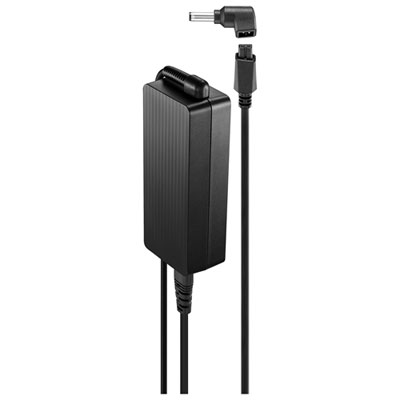 Your price for this item is $69.99
 -
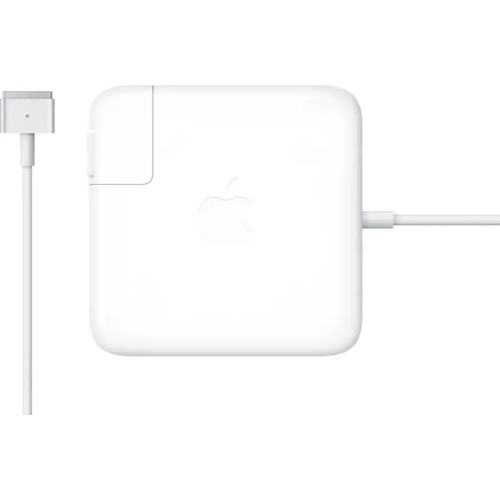 Your price for this item is $133.58
 -
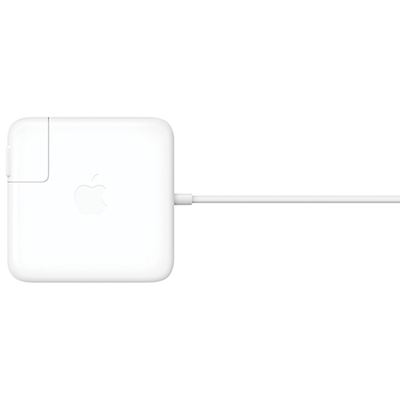 Your price for this item is $95
 -
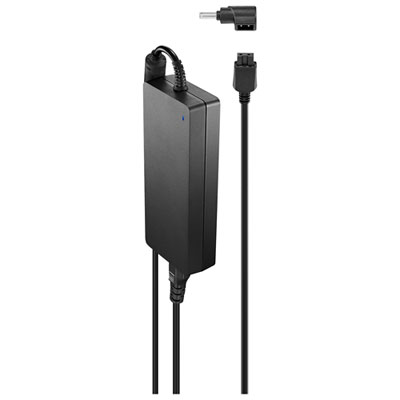 Your price for this item is $109.99
 -
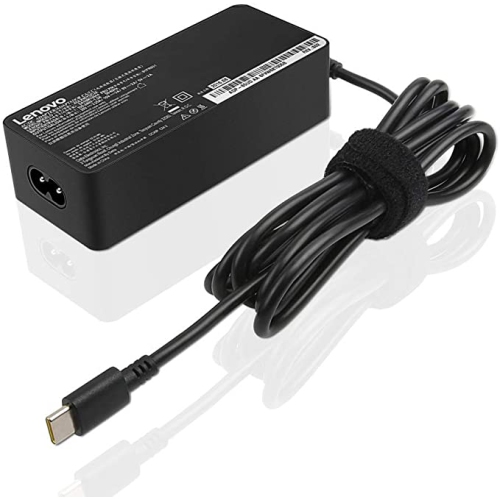 Your price for this item is $67
 -
 Your price for this item is $49.99
 -
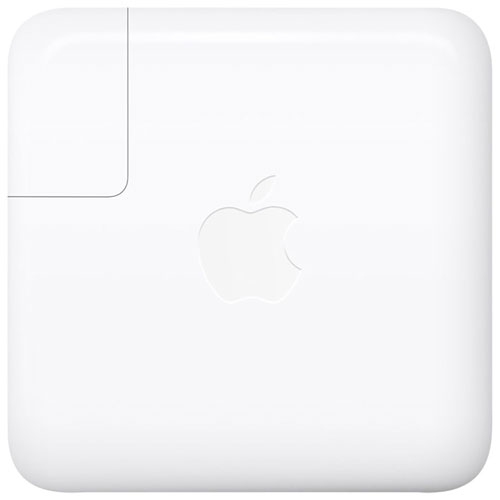 Your price for this item is $71
 -
 Your price for this item is $51.99
Discover more categories related to Asus Zenbook Chargers
Top Collections:
Pokemon Centers, Best Cameras for Sports Photography, Kindle Devices, Samsung Galaxy Phones, Canon G7X Cameras, Pokémon 30th Celebration Cards, Refurbished Apple Laptops, iPhone 15 Apple, Laptops for Students, Budget Smartphones
Some products may be subject to Environmental Handling Fees
(EHF) depending on your province.
Learn more about EHFs.