Asus Z790
Looking for a high-performance, feature-packed motherboard to take your computing experience to the next level? Look no further than our selection of cutting-edge motherboards that are designed to meet the demands of modern technology enthusiasts. Whether you're a seasoned gamer, a content creator, or a power user looking to build a state-of-the-art PC, our range of motherboards offers the latest in connectivity, performance, and customization options to help you achieve your computing goals with ease.
Sort
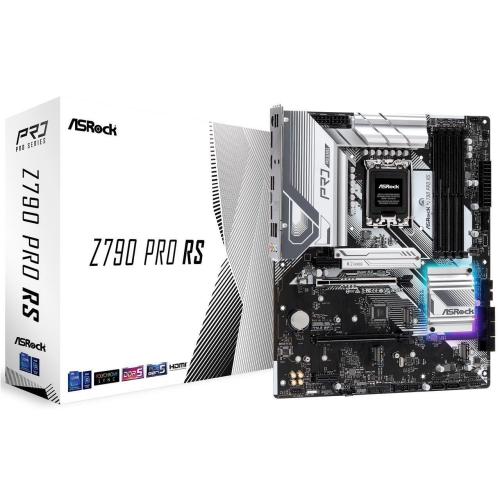
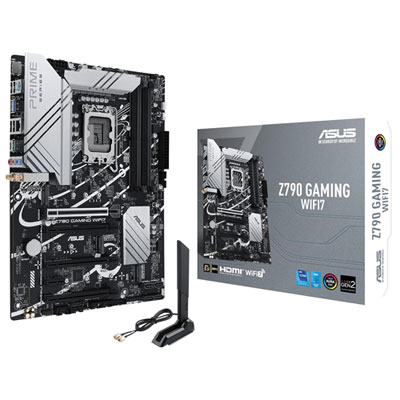
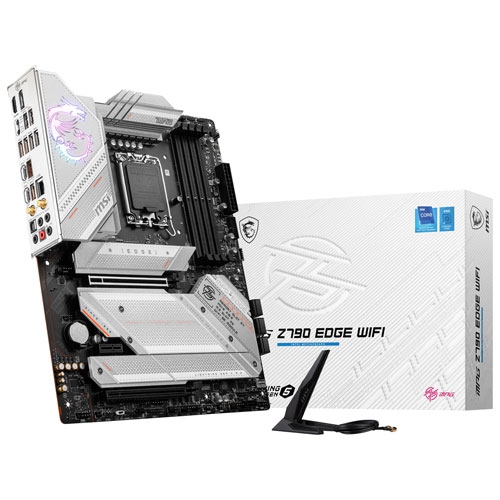
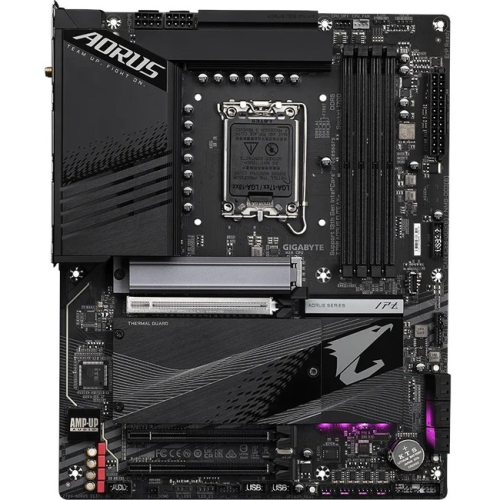
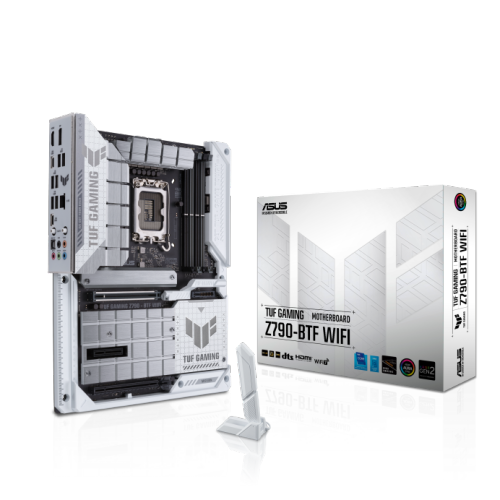
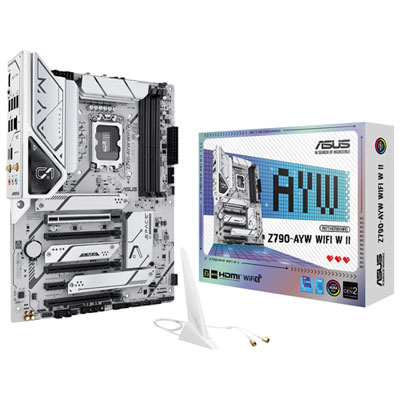
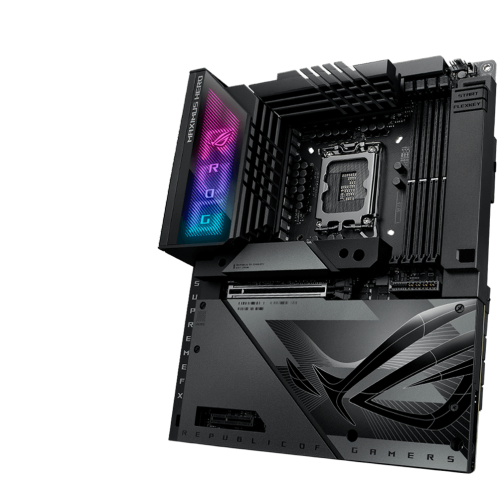
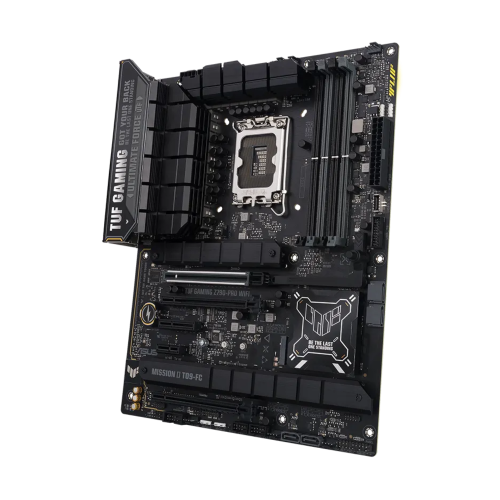
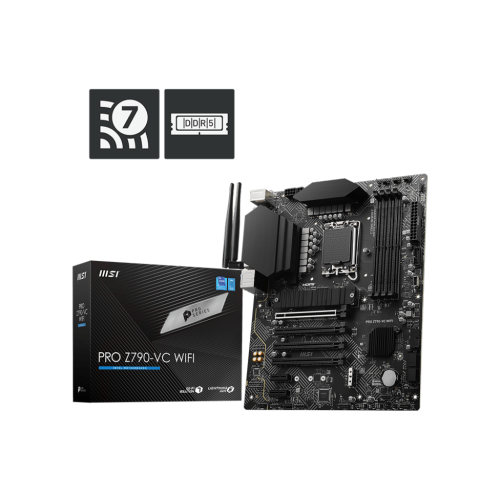
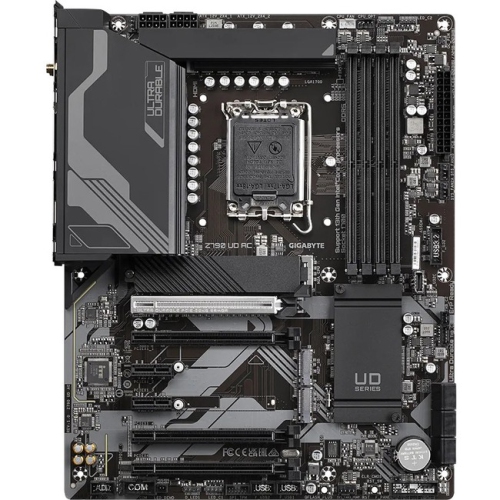
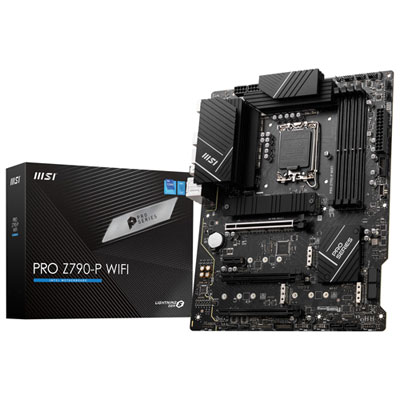
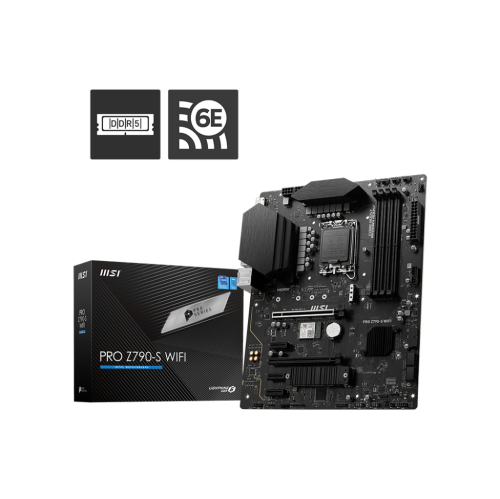
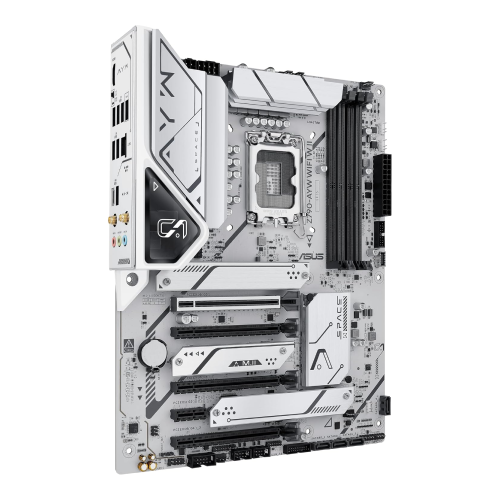
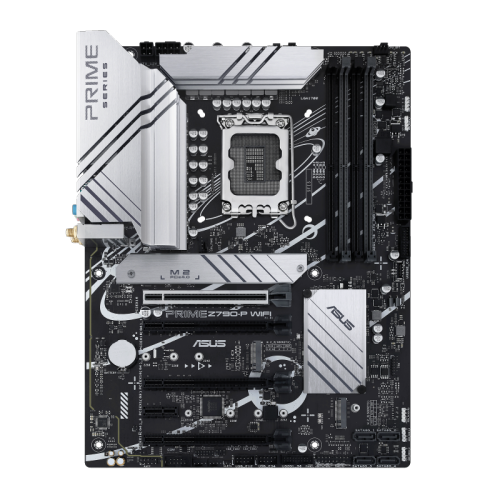
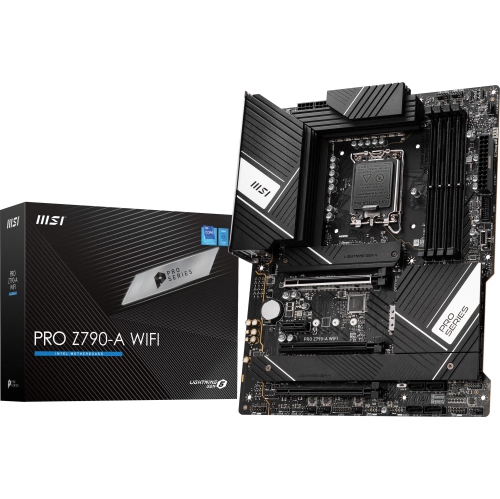
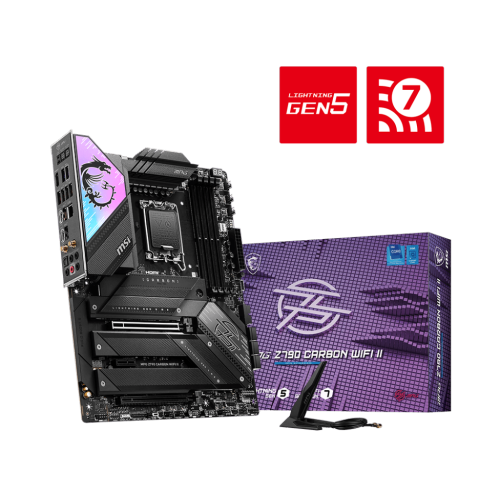
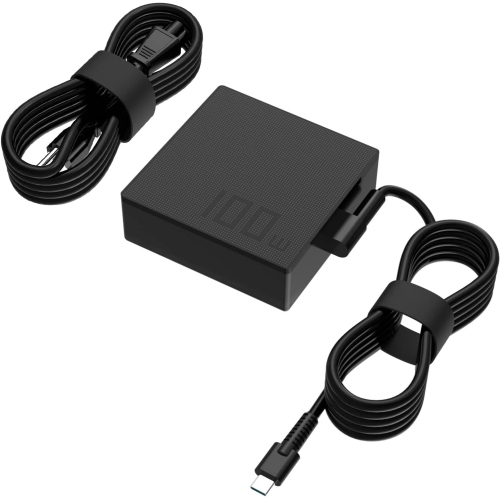
Powerful connectivity and expansion for demanding desktop builds
ASUS Z790 motherboards provide a capable foundation for building or upgrading a high-performance desktop computer. Designed for compatible 12th, 13th, and 14th Gen desktop processors, this platform is well suited to demanding gaming, content creation, multitasking, and everyday productivity. A motherboard is the central connection point inside a desktop, linking the processor, memory, graphics card, storage, cooling system, power supply, and external devices. Choosing the right one can make the entire build feel more cohesive, much like selecting the right foundation before framing a house. Z790 options are especially appealing to people who want room to expand, strong power delivery for high-core-count processors, and modern connections that can remain useful through several upgrade cycles. Depending on the configuration, shoppers may find support for fast DDR5 memory, PCIe 5.0 expansion, multiple M.2 solid-state drive slots, high-speed USB connections, and built-in Wi-Fi. Some boards also offer advanced wired networking, Bluetooth, or support for high-bandwidth external devices through Thunderbolt or USB4 compatibility. These features can be useful for anyone moving large video files, managing a photo library, running virtual machines, connecting several displays, or keeping a large game library readily available. For a first-time builder, the range of specifications can seem extensive, but the main priorities are straightforward: confirm processor compatibility, choose the memory type supported by the board, check that the available expansion slots suit the graphics card and other add-in components, and make certain the board fits the selected computer case. Reviewing the rear input and output panel is also worthwhile, since it shows whether the connections needed for monitors, keyboards, wired networking, audio equipment, and external storage are built in.
A strong power design is one of the most important advantages associated with this class of motherboard. High-quality voltage regulation and substantial power connectors help deliver steady power to the processor, which is valuable during long gaming sessions, demanding rendering work, or heavy multitasking. Extra cooling around the power circuitry can help maintain dependable operation when the system is working hard, while several fan headers make it easier to create balanced airflow through the case. Many ASUS Z790 boards include detailed fan controls accessible through firmware settings or desktop software, allowing users to adjust fan behaviour according to temperature and workload. That can mean a quiet desktop while browsing and a more assertive cooling profile when a game launches or a lengthy export begins. Storage flexibility is another key consideration. Multiple M.2 slots can support fast solid-state drives without occupying traditional drive bays or adding extra cables, and convenient installation features can make it easier to secure a drive during a build. PCIe 5.0 support may also appeal to enthusiasts planning for newer expansion hardware, although the practical benefit depends on the graphics card, storage device, and other components being used. Memory support deserves equal attention. A system intended for modern games and general use may be comfortable with a moderate amount of RAM, while creative applications, software development, large spreadsheets, and frequent multitasking can benefit from additional capacity. Buyers should check the supported memory speed and maximum capacity rather than assuming every kit will operate at its advertised rating. Clear firmware menus, diagnostic indicators, reinforced slots, and simplified connectors can be especially helpful for people assembling a desktop at home. For experienced builders, these details save time; for newcomers, they can turn a potentially frustrating afternoon of tiny cables and careful adjustments into a more manageable project. Anyone comparing the wider selection can also browse ASUS Motherboards to review other form factors and feature combinations.
The best ASUS Z790 motherboard depends on how the finished computer will be used and which components are being installed alongside it. A gaming-focused build may place greater emphasis on a full-speed graphics slot, fast networking, responsive Wi-Fi, ample M.2 storage, and lighting or fan-control options that complement the rest of the system. A desktop for video editing, music production, design, or software development may benefit more from plentiful USB connections, dependable wired networking, support for several storage drives, and room for additional expansion cards. Someone upgrading an older desktop should measure the case, verify the power supply, and check the clearances around the processor cooler and graphics card before ordering. It is also worth confirming whether the chosen board includes built-in Wi-Fi or requires a separate adapter, particularly if the computer will be placed in a room without a nearby network cable. Wi-Fi 6E and Wi-Fi 7 support can provide modern wireless capabilities when paired with a compatible router and suitable network conditions, while wired Ethernet remains a practical choice for low-latency gaming and large file transfers. For a gift, a motherboard is usually best suited to a computer enthusiast, student in a technical field, home office upgrader, or family member planning a custom desktop, especially when the recipient already knows which processor and memory they want to use. It can also be a thoughtful component for someone preparing a new workstation during the cooler months, when indoor projects and weekend builds have extra appeal. Before choosing, compare the board’s socket, chipset features, memory support, storage layout, connectivity, dimensions, and warranty information with the rest of the planned build. Paying attention to these details helps prevent mismatched parts and leaves useful room for future upgrades, whether that means adding more storage, increasing memory, installing a faster graphics card, or connecting new peripherals as needs change.
A strong power design is one of the most important advantages associated with this class of motherboard. High-quality voltage regulation and substantial power connectors help deliver steady power to the processor, which is valuable during long gaming sessions, demanding rendering work, or heavy multitasking. Extra cooling around the power circuitry can help maintain dependable operation when the system is working hard, while several fan headers make it easier to create balanced airflow through the case. Many ASUS Z790 boards include detailed fan controls accessible through firmware settings or desktop software, allowing users to adjust fan behaviour according to temperature and workload. That can mean a quiet desktop while browsing and a more assertive cooling profile when a game launches or a lengthy export begins. Storage flexibility is another key consideration. Multiple M.2 slots can support fast solid-state drives without occupying traditional drive bays or adding extra cables, and convenient installation features can make it easier to secure a drive during a build. PCIe 5.0 support may also appeal to enthusiasts planning for newer expansion hardware, although the practical benefit depends on the graphics card, storage device, and other components being used. Memory support deserves equal attention. A system intended for modern games and general use may be comfortable with a moderate amount of RAM, while creative applications, software development, large spreadsheets, and frequent multitasking can benefit from additional capacity. Buyers should check the supported memory speed and maximum capacity rather than assuming every kit will operate at its advertised rating. Clear firmware menus, diagnostic indicators, reinforced slots, and simplified connectors can be especially helpful for people assembling a desktop at home. For experienced builders, these details save time; for newcomers, they can turn a potentially frustrating afternoon of tiny cables and careful adjustments into a more manageable project. Anyone comparing the wider selection can also browse ASUS Motherboards to review other form factors and feature combinations.
The best ASUS Z790 motherboard depends on how the finished computer will be used and which components are being installed alongside it. A gaming-focused build may place greater emphasis on a full-speed graphics slot, fast networking, responsive Wi-Fi, ample M.2 storage, and lighting or fan-control options that complement the rest of the system. A desktop for video editing, music production, design, or software development may benefit more from plentiful USB connections, dependable wired networking, support for several storage drives, and room for additional expansion cards. Someone upgrading an older desktop should measure the case, verify the power supply, and check the clearances around the processor cooler and graphics card before ordering. It is also worth confirming whether the chosen board includes built-in Wi-Fi or requires a separate adapter, particularly if the computer will be placed in a room without a nearby network cable. Wi-Fi 6E and Wi-Fi 7 support can provide modern wireless capabilities when paired with a compatible router and suitable network conditions, while wired Ethernet remains a practical choice for low-latency gaming and large file transfers. For a gift, a motherboard is usually best suited to a computer enthusiast, student in a technical field, home office upgrader, or family member planning a custom desktop, especially when the recipient already knows which processor and memory they want to use. It can also be a thoughtful component for someone preparing a new workstation during the cooler months, when indoor projects and weekend builds have extra appeal. Before choosing, compare the board’s socket, chipset features, memory support, storage layout, connectivity, dimensions, and warranty information with the rest of the planned build. Paying attention to these details helps prevent mismatched parts and leaves useful room for future upgrades, whether that means adding more storage, increasing memory, installing a faster graphics card, or connecting new peripherals as needs change.
Top selling and popular products
-
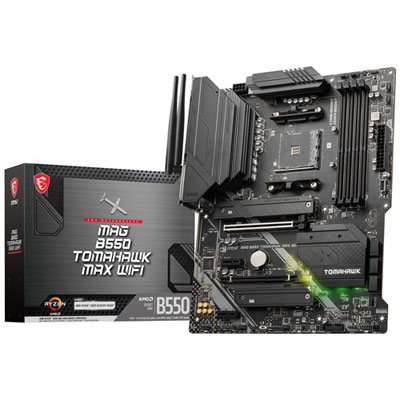 Your price for this item is $224.99
 -
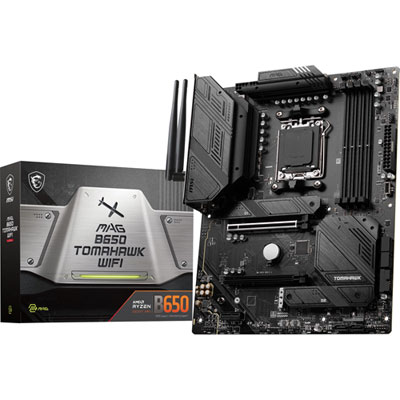 Your price for this item is $239.99
 -
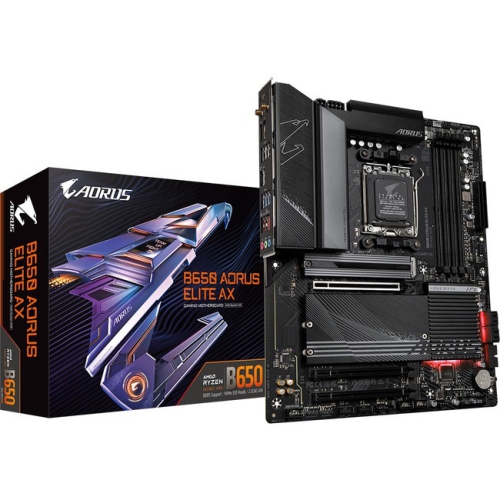 Your price for this item is $286.68
 -
 Your price for this item is $349.99
 -
 Your price for this item is $361
 -
 Your price for this item is $209.99
 -
 Your price for this item is $350
 -
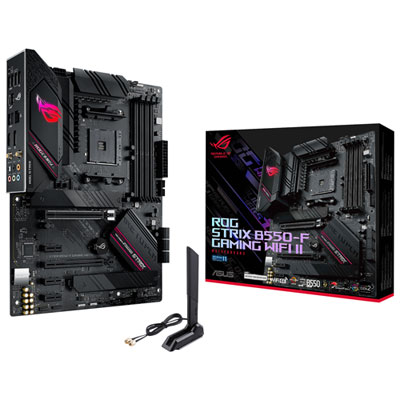 Your price for this item is $259.99
Discover more categories related to Asus Z790
Top Collections:
Pokemon Centers, Kindle Devices, Best Budget Office Chairs, Apple iPhones 16, Best Laptops for Writers, iPhone 15 Apple, Canon G7X Cameras, Refurbished Apple Laptops, Alarm Clock, Motorola Razr Phones
Some products may be subject to Environmental Handling Fees
(EHF) depending on your province.
Learn more about EHFs.