Z690 Motherboard
Upgrade your PC build with a Z690 Motherboard, designed to deliver impressive performance and compatibility for the latest processors. Explore a wide selection of options that cater to gaming enthusiasts, content creators, and power users alike. Find the right Z690 Motherboard to support high-speed connectivity, advanced expansion capabilities, and reliable operation for your desktop setup. Discover models that fit a variety of form factors and requirements, making it easy to customize your system for both current needs and future upgrades.
Sort
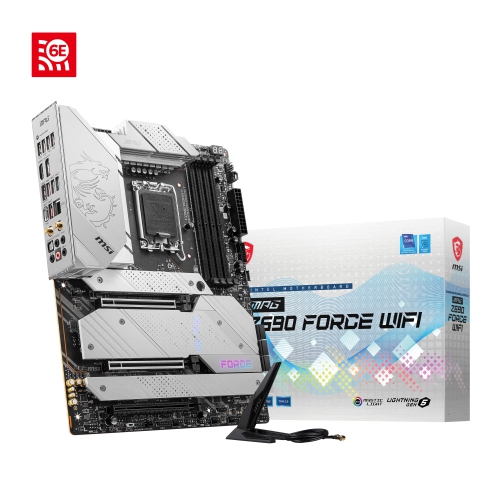
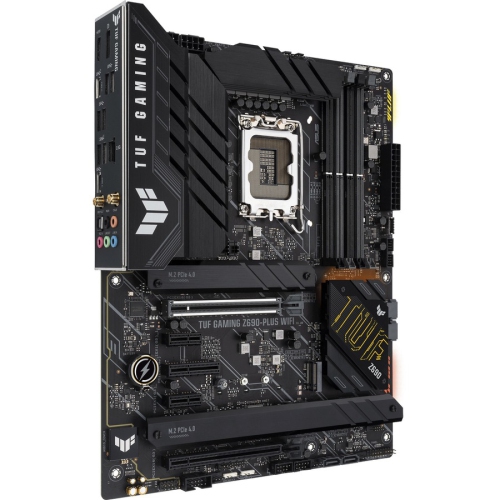
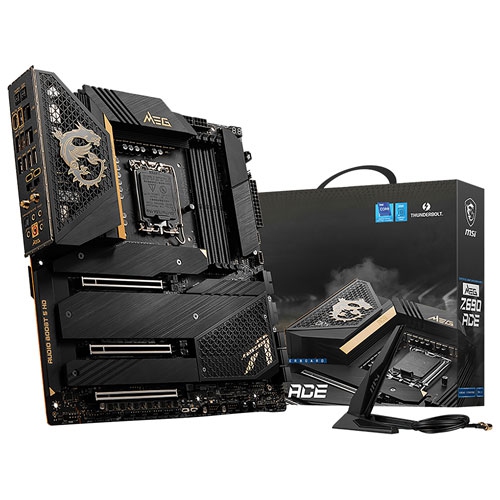
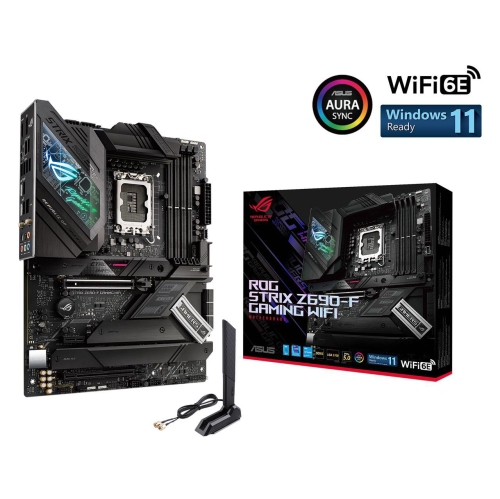
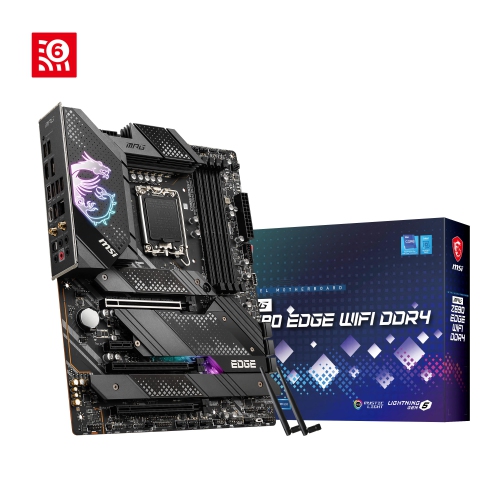
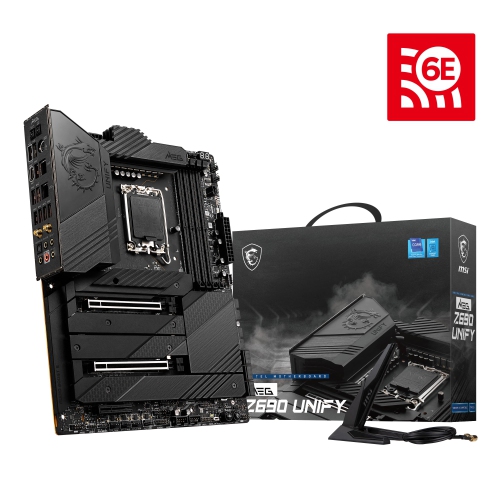
Processor, memory, and expansion determine your build’s path
A Z690 motherboard is the foundation for a high-performance desktop built around an LGA 1700 processor socket. Designed primarily for 12th-generation desktop processors, many Z690 motherboards can also support 13th- and 14th-generation processors after a compatible BIOS update. This makes the platform appealing to shoppers who are planning a new computer build, upgrading an older desktop, or assembling a system for demanding games, creative applications, streaming, software development, and everyday multitasking. One of the most important decisions is choosing between DDR4 and DDR5 memory support. These are separate motherboard variants, and a board designed for one memory type cannot use the other, so it is worth checking the memory already on hand—or the memory being purchased for the build—before placing an order. DDR4 can be a practical choice for reusing existing components, while DDR5 offers access to newer memory kits and bandwidth improvements that may suit a fresh build intended to remain capable for years. Z690 also introduced PCIe 5.0 support, providing a high-bandwidth connection for compatible future expansion hardware, while PCIe 4.0 and earlier devices remain useful for many graphics cards, solid-state drives, capture cards, and other accessories. Since features vary widely across the range, a motherboard’s specifications should be compared with the rest of the planned computer rather than judged by the chipset name alone. A first-time builder may appreciate a clear layout, labelled headers, built-in troubleshooting lights, and a straightforward setup utility, while an experienced enthusiast may place greater importance on power delivery, firmware controls, memory tuning, and cooling options.
When selecting a Z690 motherboard, begin with the processor and case, then work outward to memory, storage, graphics, and connectivity. The board’s form factor must fit the case, with ATX, microATX, and compact formats offering different balances of expansion room and interior space. A larger board may provide more PCIe slots, memory slots, fan headers, M.2 sockets, and rear connections, whereas a smaller board can be a better fit for a compact desk setup or a computer that needs to occupy less space. Power delivery deserves attention when pairing the motherboard with a high-performance processor, especially if the system will handle long gaming sessions, video production, 3D rendering, or other sustained workloads. Look for suitable heatsinks around the power circuitry and enough fan or pump headers to support the planned cooling system. Storage needs are another useful checkpoint: multiple M.2 sockets can make it easier to install a fast primary drive alongside additional game, project, or media storage, while SATA connections remain helpful for larger conventional drives. Check the rear input and output panel for the ports that matter most, such as USB-A, USB-C, digital display connections, audio jacks, and networking. Built-in Wi-Fi can simplify a room where running an Ethernet cable is inconvenient, while wired networking may be preferred for a fixed workstation, competitive gaming, or moving large files. Some boards include convenient firmware recovery features that can help with a processor upgrade, even when the installed firmware needs updating. That detail can be especially valuable when buying parts at different times or giving a motherboard to someone who is building a computer gradually. Reviewing the manufacturer’s processor support list and minimum BIOS version before installation helps avoid compatibility surprises.
A Z690 motherboard can suit a broad range of builders, from someone creating a first serious gaming computer to a family member replacing an ageing desktop used for school, work, photo organization, or home entertainment. It may also be a thoughtful component for a PC enthusiast who enjoys selecting each part, routing cables neatly, tuning performance, and watching a system come together from an empty case into a responsive everyday machine. For a gift, it is best treated as part of a larger build plan rather than a standalone purchase, since the recipient will need a compatible processor, memory type, case, power supply, cooling solution, storage, and operating system. A motherboard with several expansion options can leave room for future upgrades, but unnecessary features can add cost without improving the experience for a simpler setup. Consider the intended display resolution and applications as well: a computer used for office work and light creative tasks may not need every available slot, while a workstation for editing, streaming, virtual machines, or large software projects can benefit from plentiful memory capacity, fast storage connections, strong networking, and additional expansion room. Before installing the board, it is helpful to read the manual, confirm the correct standoff positions in the case, and place the processor, memory, and primary storage carefully. After the first startup, check that all components are detected, enable the desired memory profile if supported, and confirm that temperatures and fan speeds look normal under load. Firmware updates can improve processor compatibility and stability, but they should be performed according to the board’s instructions and with steady power. Shoppers comparing this platform with newer motherboard generations can also review the broader selection of Z890 Motherboard options, particularly when planning a new build around a different processor socket or the latest connectivity standards.
When selecting a Z690 motherboard, begin with the processor and case, then work outward to memory, storage, graphics, and connectivity. The board’s form factor must fit the case, with ATX, microATX, and compact formats offering different balances of expansion room and interior space. A larger board may provide more PCIe slots, memory slots, fan headers, M.2 sockets, and rear connections, whereas a smaller board can be a better fit for a compact desk setup or a computer that needs to occupy less space. Power delivery deserves attention when pairing the motherboard with a high-performance processor, especially if the system will handle long gaming sessions, video production, 3D rendering, or other sustained workloads. Look for suitable heatsinks around the power circuitry and enough fan or pump headers to support the planned cooling system. Storage needs are another useful checkpoint: multiple M.2 sockets can make it easier to install a fast primary drive alongside additional game, project, or media storage, while SATA connections remain helpful for larger conventional drives. Check the rear input and output panel for the ports that matter most, such as USB-A, USB-C, digital display connections, audio jacks, and networking. Built-in Wi-Fi can simplify a room where running an Ethernet cable is inconvenient, while wired networking may be preferred for a fixed workstation, competitive gaming, or moving large files. Some boards include convenient firmware recovery features that can help with a processor upgrade, even when the installed firmware needs updating. That detail can be especially valuable when buying parts at different times or giving a motherboard to someone who is building a computer gradually. Reviewing the manufacturer’s processor support list and minimum BIOS version before installation helps avoid compatibility surprises.
A Z690 motherboard can suit a broad range of builders, from someone creating a first serious gaming computer to a family member replacing an ageing desktop used for school, work, photo organization, or home entertainment. It may also be a thoughtful component for a PC enthusiast who enjoys selecting each part, routing cables neatly, tuning performance, and watching a system come together from an empty case into a responsive everyday machine. For a gift, it is best treated as part of a larger build plan rather than a standalone purchase, since the recipient will need a compatible processor, memory type, case, power supply, cooling solution, storage, and operating system. A motherboard with several expansion options can leave room for future upgrades, but unnecessary features can add cost without improving the experience for a simpler setup. Consider the intended display resolution and applications as well: a computer used for office work and light creative tasks may not need every available slot, while a workstation for editing, streaming, virtual machines, or large software projects can benefit from plentiful memory capacity, fast storage connections, strong networking, and additional expansion room. Before installing the board, it is helpful to read the manual, confirm the correct standoff positions in the case, and place the processor, memory, and primary storage carefully. After the first startup, check that all components are detected, enable the desired memory profile if supported, and confirm that temperatures and fan speeds look normal under load. Firmware updates can improve processor compatibility and stability, but they should be performed according to the board’s instructions and with steady power. Shoppers comparing this platform with newer motherboard generations can also review the broader selection of Z890 Motherboard options, particularly when planning a new build around a different processor socket or the latest connectivity standards.
Top selling and popular products
-
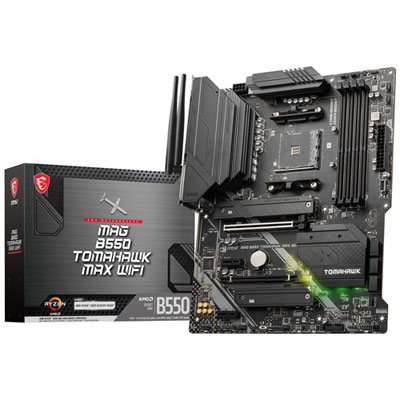 Your price for this item is $224.99
 -
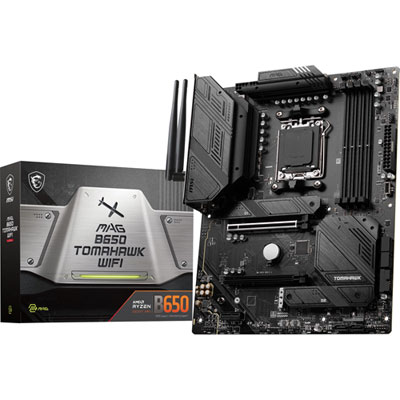 Your price for this item is $239.99
 -
 Your price for this item is $286.68
 -
 Your price for this item is $349.99
 -
 Your price for this item is $361
 -
 Your price for this item is $209.99
 -
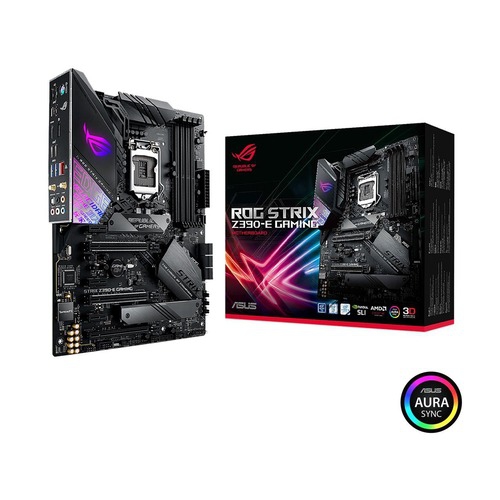 Your price for this item is $350
 -
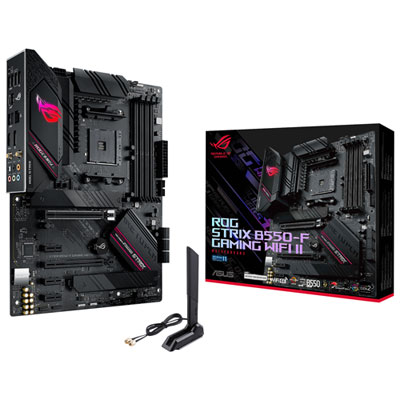 Your price for this item is $259.99
Discover more categories related to Z690 Motherboard
Top Collections:
Pokemon Centers, Kindle Devices, Best Budget Office Chairs, Apple iPhones 16, Best Laptops for Writers, iPhone 15 Apple, Canon G7X Cameras, Refurbished Apple Laptops, Alarm Clock, Motorola Razr Phones
Some products may be subject to Environmental Handling Fees
(EHF) depending on your province.
Learn more about EHFs.