Asus ZenBook S 16 OLED
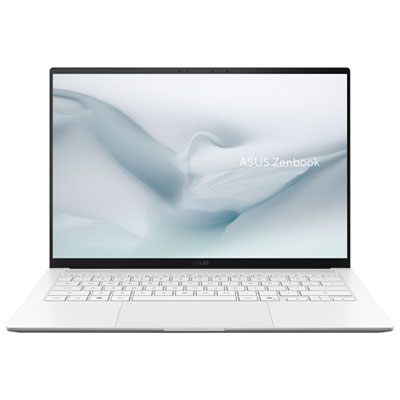
Discover the Asus ZenBook S 16 OLED and elevate your computing experience with a laptop designed for both productivity and style. Perfect for work, entertainment, or creativity on the go, the Asus ZenBook S 16 OLED combines advanced technology with a sleek design to meet your everyday needs. Explore options that deliver impressive performance and visual brilliance, making it easy to find the right fit for your lifestyle.
Sort
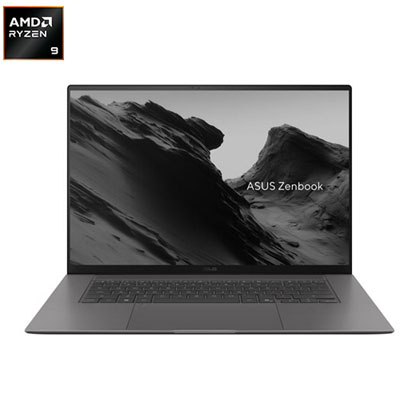
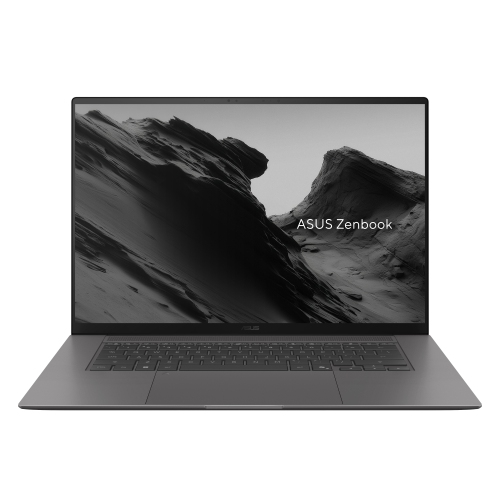
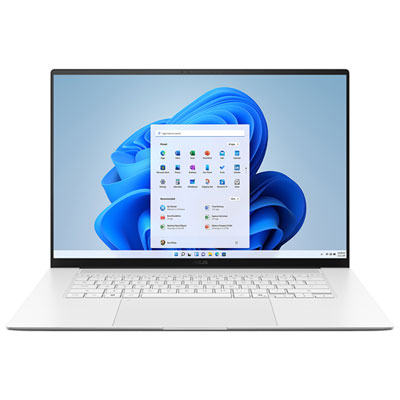
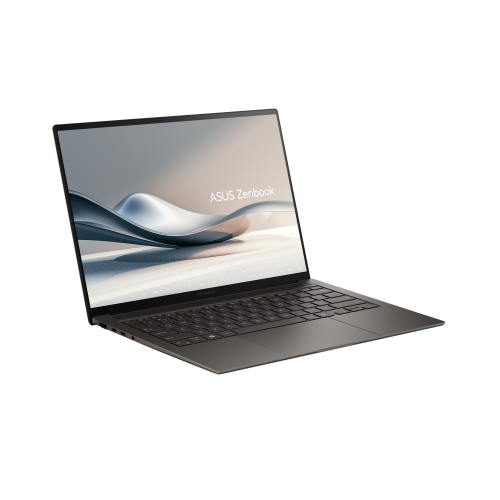
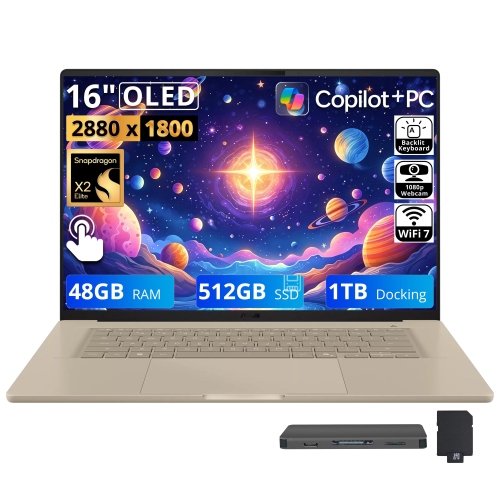
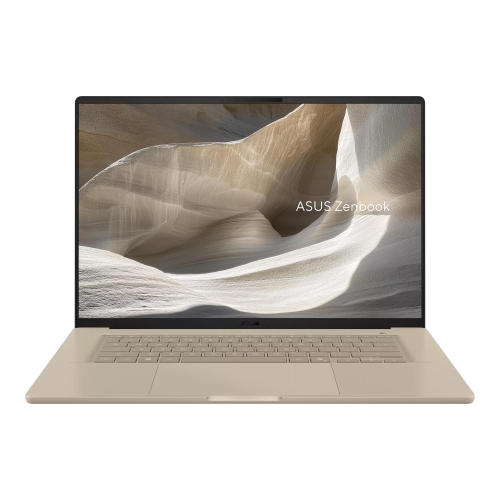
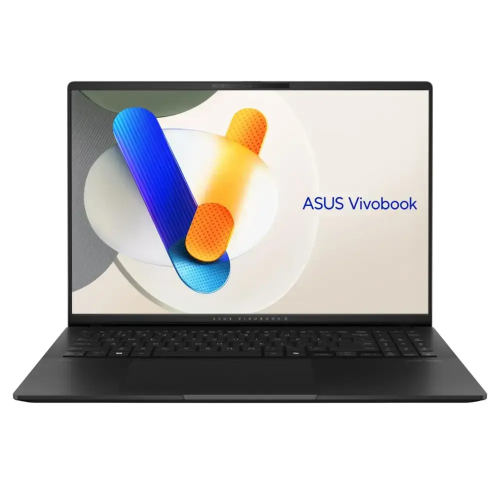
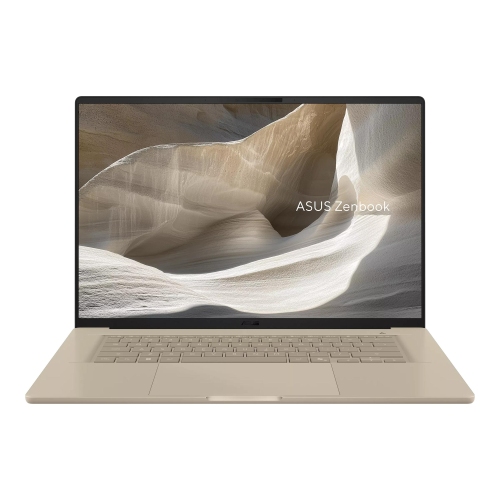
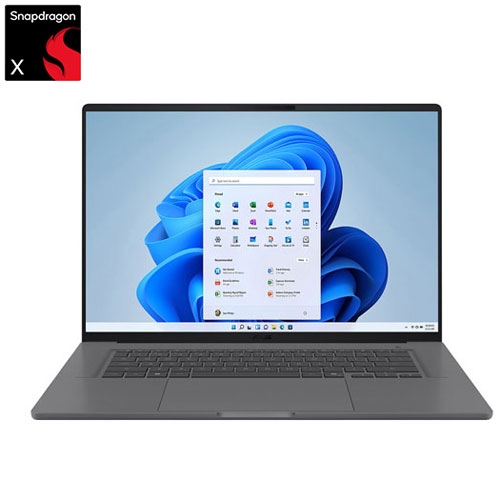
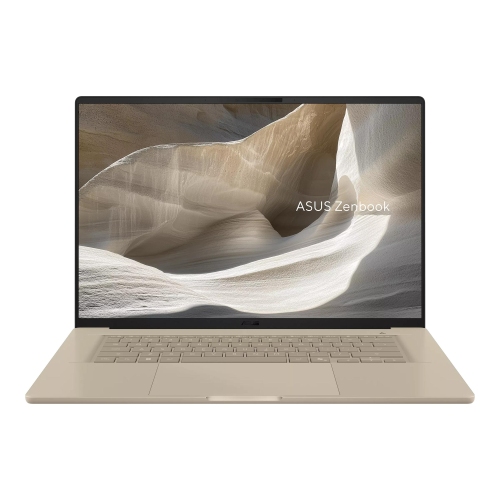
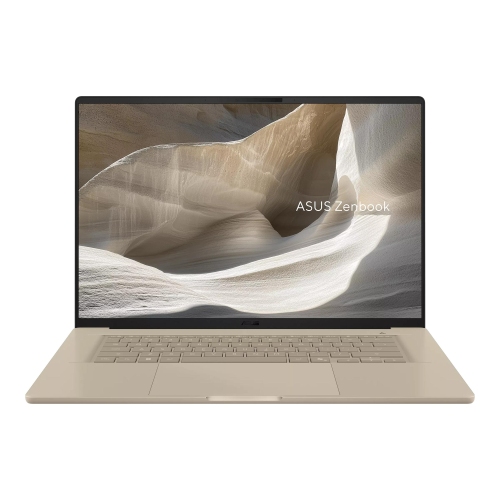
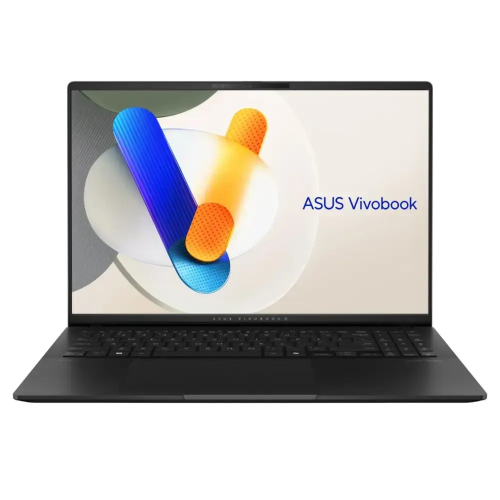
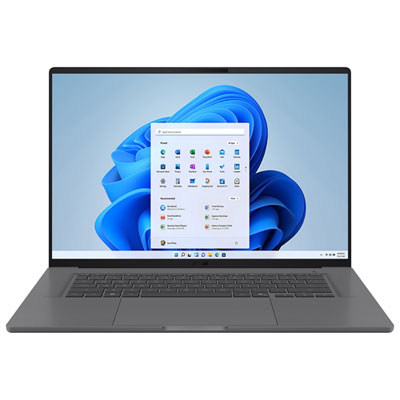
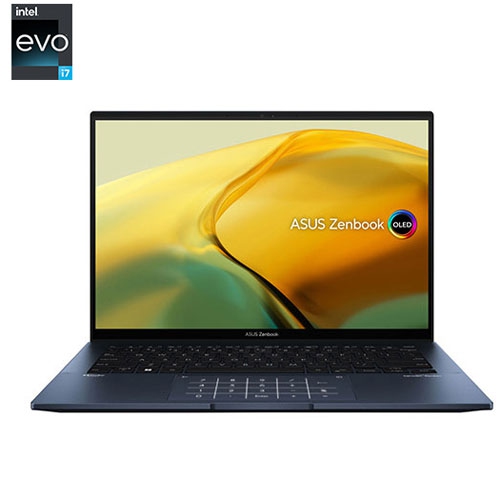
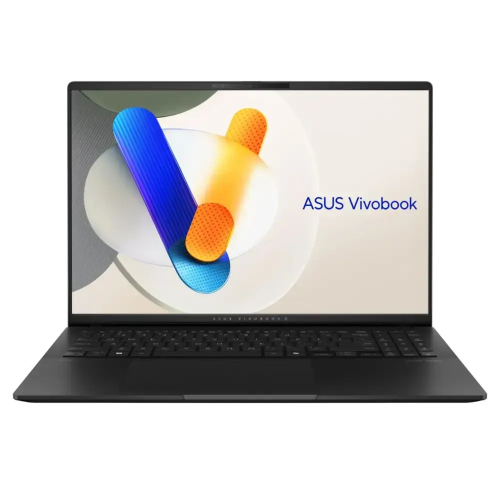
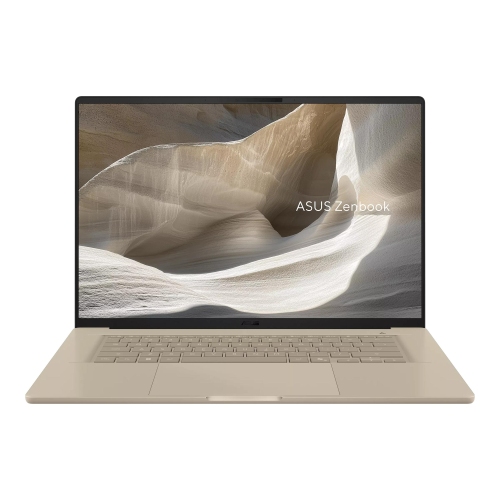
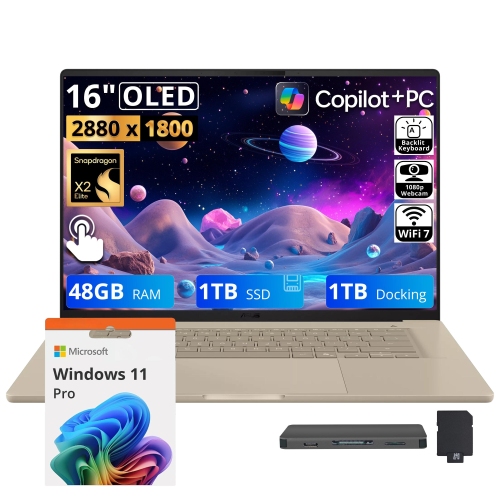
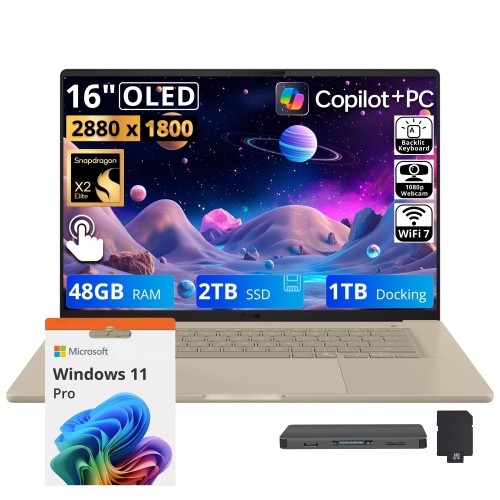
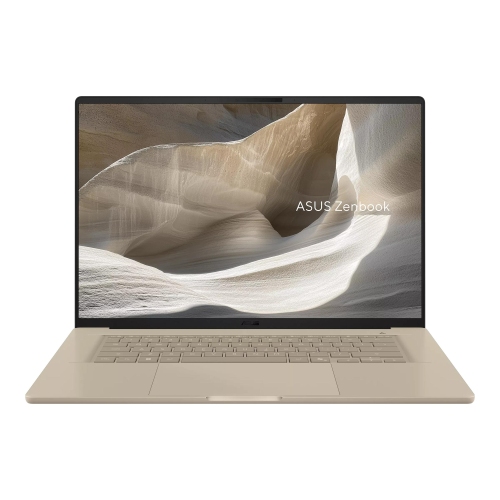
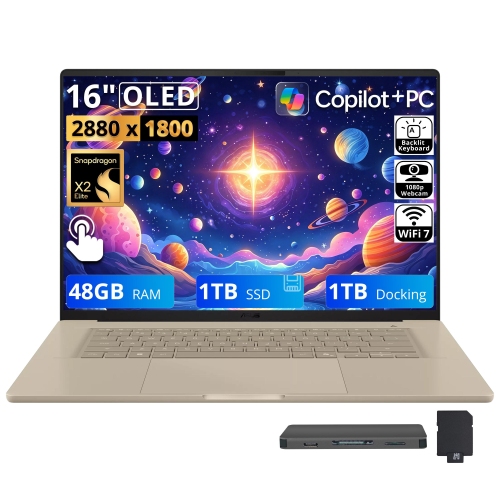
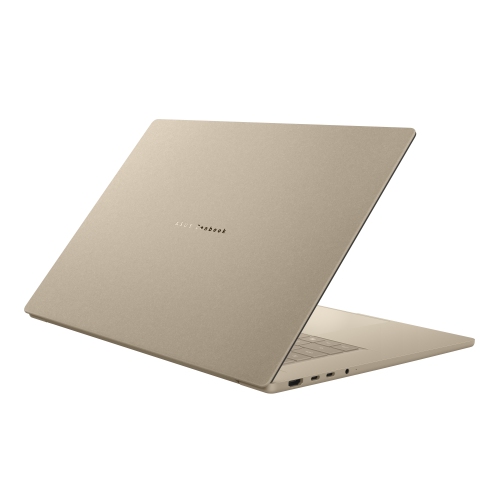
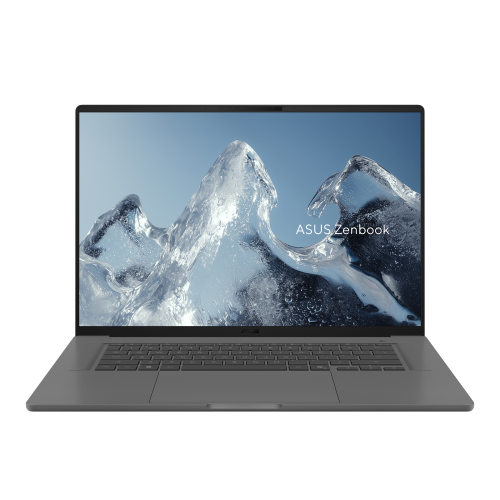
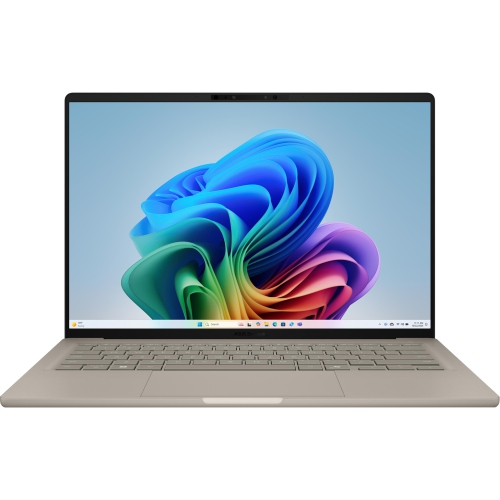
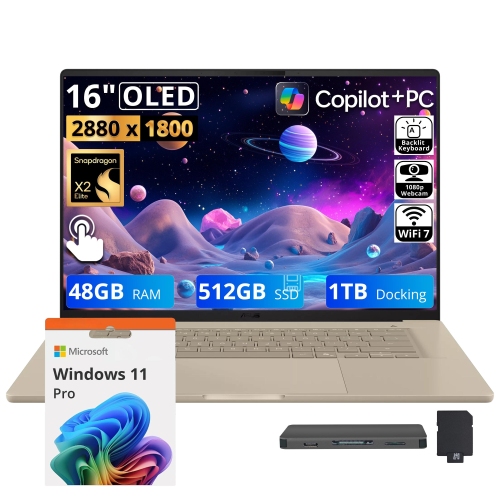
A spacious OLED display without the everyday bulk
Ultra-slim 16-inch OLED laptops bring a spacious display to a portable computer designed for work, study, entertainment, and creative projects. The larger screen gives documents, spreadsheets, and editing tools room to breathe, while a slim chassis makes the computer easier to carry between a desk, a meeting room, and a comfortable spot at home. OLED technology uses individually lit pixels rather than a separate backlight, allowing dark areas of an image to appear deeply black beside brighter details. That contrast can make a film scene feel more dimensional and help photographs retain subtle differences between light and shadow. Screen resolution, brightness, colour accuracy, and refresh rate remain important distinctions, however; an OLED panel alone does not describe the whole viewing experience. A high-resolution display can render fine text and detailed images clearly, while a faster refresh rate can make scrolling and motion look smoother. For photography, illustration, or video work, colour coverage and suitable display settings matter more than simply choosing the most vivid picture mode. Accurate colour helps when adjusting skin tones, preparing a presentation, or reviewing images intended for print. Screen finish also affects everyday comfort. Reflections can be noticeable under overhead lighting or beside a bright window, so display brightness and desk placement both influence how comfortable a laptop feels over a long session. A 16-inch screen is particularly useful for someone who keeps reference material beside a working document or needs a broad view of a project timeline. It can also reduce the need for an external monitor when working away from a regular desk, though a separate display may still suit a permanent workspace. Touch input, display proportions, and resolution vary by configuration, making the complete screen specification more useful than the diagonal measurement alone. For reading, writing, watching, and creating, the appeal is a combination of generous working space and rich image quality in a computer that remains practical to move around.
The balance between portability and capability depends on more than screen size. Thin laptops often use metal construction to provide rigidity without the bulk of a heavier chassis, and some premium designs feature ceramic-treated aluminum surfaces with a distinctive texture. These finishes can influence how the lid feels in the hand and how visible fingerprints become, but no surface treatment makes a computer immune to scratches or impact. Hinge stability, keyboard support, and the strength of the base all contribute to the impression of a well-built machine. A comfortable keyboard and a generously sized touchpad are especially valuable for people who write reports, organize coursework, or spend hours navigating large documents. Performance comes from the processor, memory, storage, graphics hardware, and cooling design working together. Enough memory helps maintain a responsive workspace when a browser, a video call, and several office applications are open at once. Solid-state storage provides space for software and files, with capacity becoming particularly important for large photo libraries and video projects. Graphics requirements vary considerably: everyday office work places different demands on a laptop than complex animation, detailed three-dimensional modelling, or demanding games. Some thin computers also include a neural processing unit, a dedicated component that can support compatible AI-assisted features such as certain camera effects or other accelerated tasks. Those capabilities depend on the hardware, operating system, and application, and some features may require an internet connection or an account. Battery runtime likewise changes with screen brightness, video calls, background applications, and the intensity of the workload; a larger battery does not guarantee the same experience for every person. Port selection can be just as consequential as processor performance. Connections for an external display, storage, headphones, and charging help determine whether a laptop fits an existing setup or needs adapters. Wi-Fi capabilities, webcam quality, microphone clarity, and speaker placement round out the experience, particularly for anyone who moves frequently between focused work and online conversations.
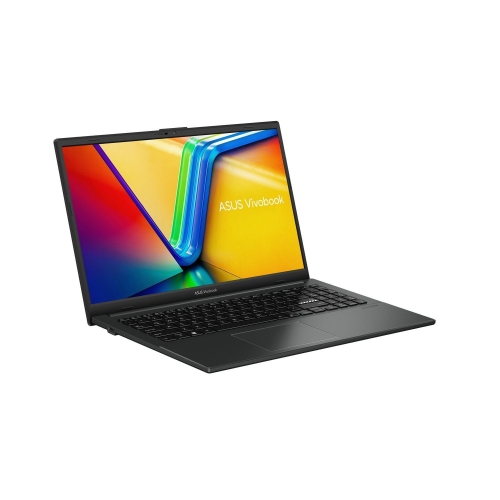
A slim 16-inch OLED laptop can suit a university student who wants room for research notes, a professional preparing presentations, or a creative hobbyist sorting photographs after a trip. It also works well as a shared household computer when a larger display makes reading, browsing, and video calls more comfortable. The best fit depends on where it will spend most of its time. Someone carrying a laptop every day may notice the combined weight of the computer, charger, sleeve, and accessories more than the laptop’s weight alone. Someone working mainly at a desk may place greater value on a full-size view of a spreadsheet, a comfortable typing position, and straightforward connections to a monitor and keyboard. For a gift recipient, preferred software, portability needs, and familiarity with the operating system are more useful starting points than appearance alone. Physical fit deserves attention, too: a bag labelled for a 16-inch laptop may still need its internal measurements checked against the computer’s width, depth, and thickness. A padded compartment helps protect the lid and corners, while keeping chargers and other hard objects separate reduces the chance of pressure against the screen. Everyday care is straightforward. A soft, clean microfibre cloth is suitable for routine wiping, with any cleaning solution used according to the manufacturer’s directions rather than sprayed directly onto the display. Clear ventilation openings and a firm working surface help the cooling system operate as intended. For OLED screens, built-in panel-care features, sensible brightness settings, and allowing the display to sleep when unused can help limit prolonged exposure to static images. Regular backups add another layer of protection for coursework, photographs, and personal files. A different screen size may also suit the same everyday tasks; the Asus Vivobook Go 15 OLED provides a related option to consider alongside larger-screen designs. The right choice brings display quality, physical comfort, and everyday capability together in a size that fits naturally into the recipient’s routine.
Top selling and popular products
-
 Your price for this item is $449
-
 Your price for this item is $3099
-
 Your price for this item is $1800.68
-
 Your price for this item is $664.05
-
 Your price for this item is $869.99
-
 Your price for this item is $2960.48
-
 Your price for this item is $489.7
-
 Your price for this item is $1199
Discover more categories related to Asus ZenBook S 16 OLED
Top Collections:
Best Black Friday Deals This Year, Best Black Friday Deals On Electronics, Kindle Devices, Best Black Friday Deals On Apple Products, Best Budget Office Chairs, Best Cameras for Sports Photography, Dyson Airwrap, Canon G7X Cameras, Best Laptops for Writers, Samsung Galaxy Phones
Some products may be subject to Environmental Handling Fees
(EHF) depending on your province.
Learn more about EHFs.