Automatic Document Scanners
Whether you're a busy professional seeking a convenient way to handle paperwork or a small business owner looking to improve efficiency, our automatic document scanners are the perfect solution. With their advanced features and user-friendly interfaces, you'll be able to scan, store, and retrieve documents with just a few clicks. Say goodbye to bulky file cabinets and hello to a more organized and efficient workflow with our range of automatic document scanners.
Sort



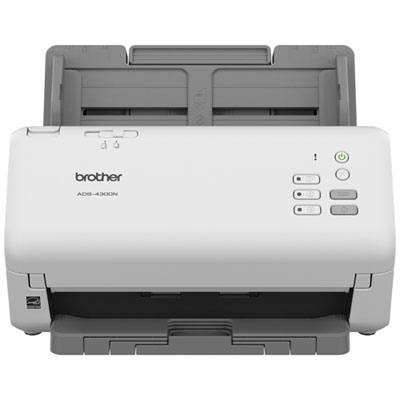
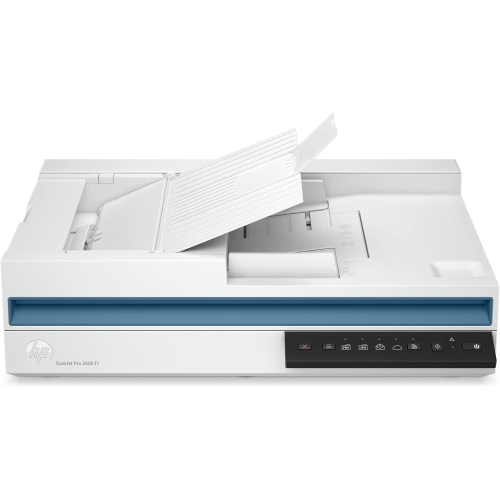
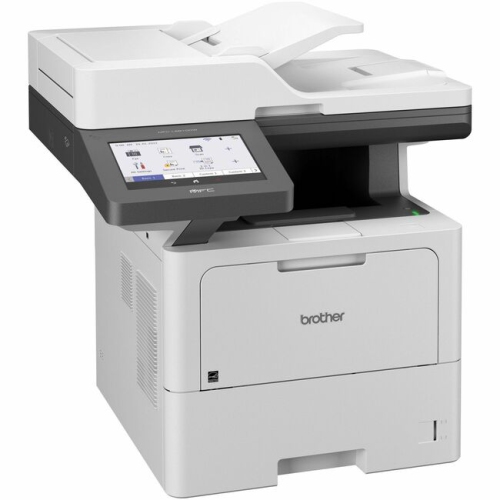
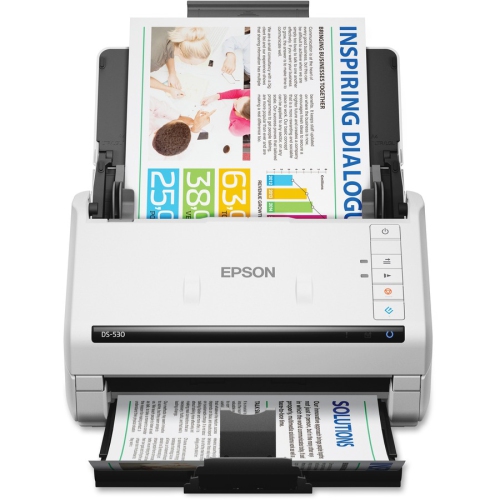
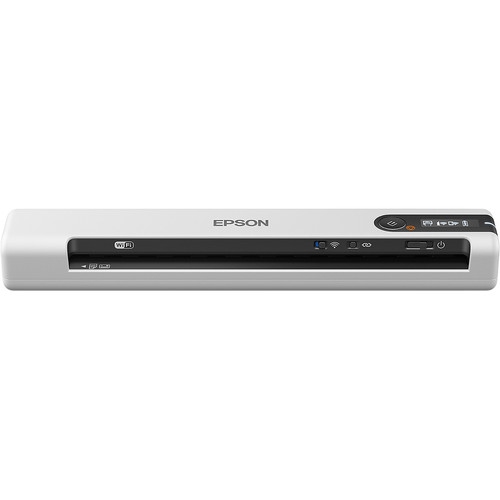
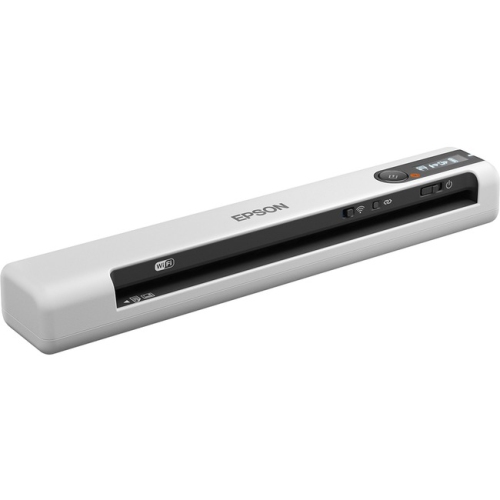
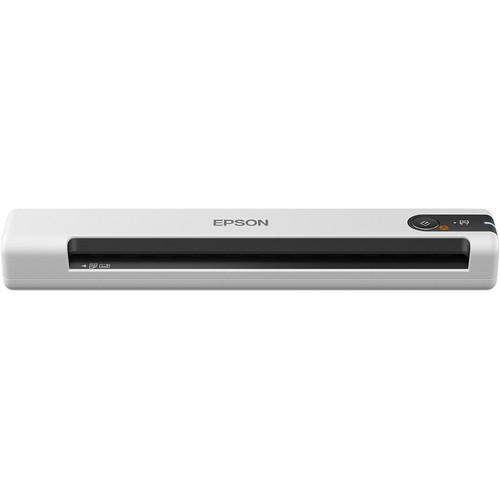
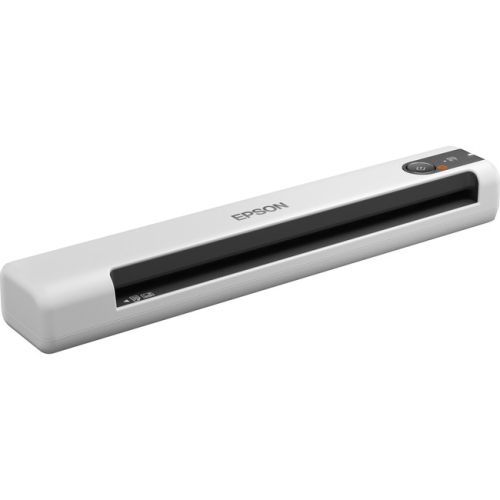
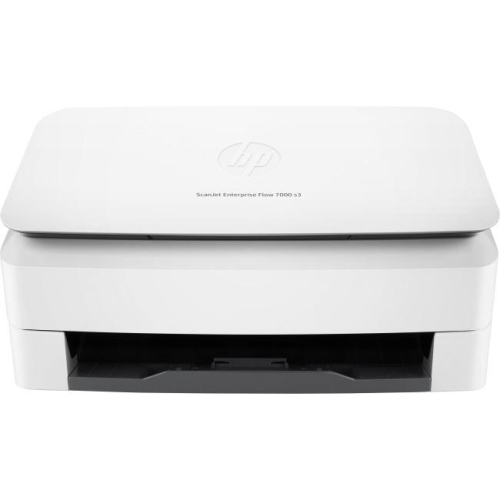

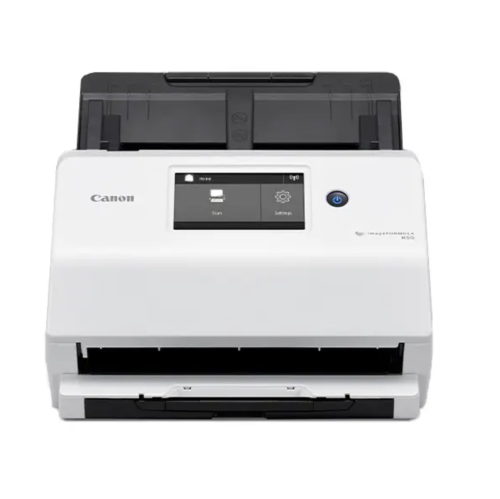
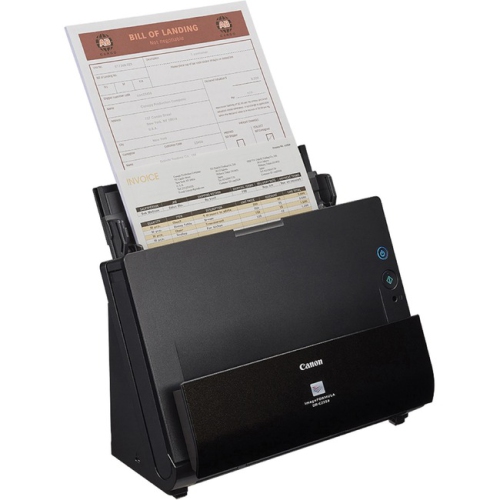
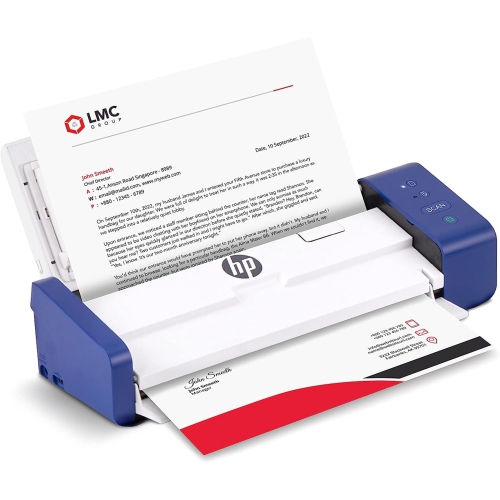
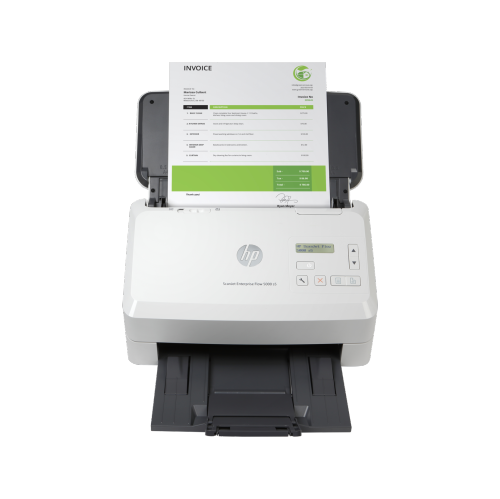
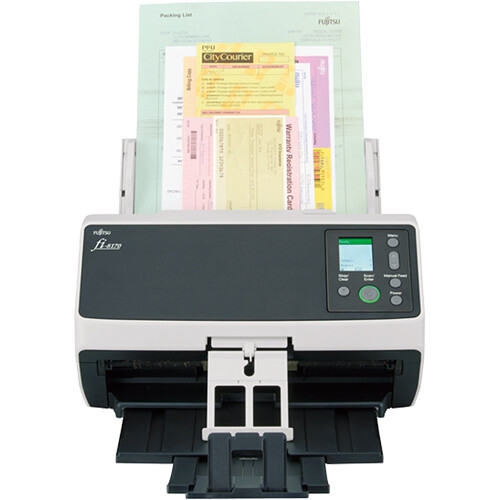
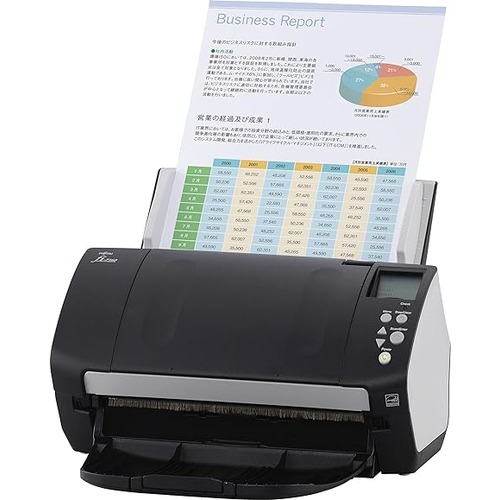
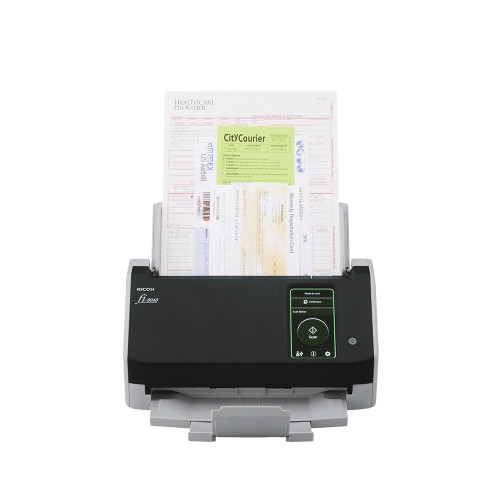
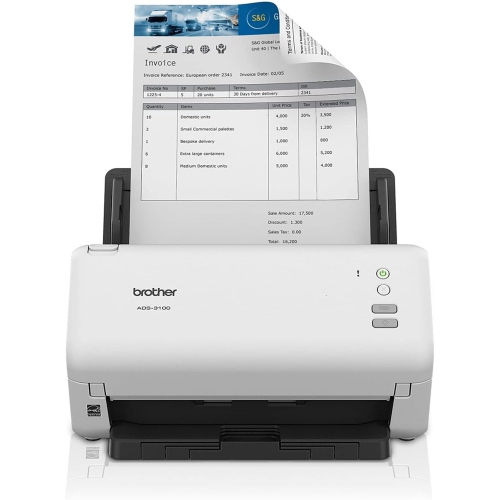
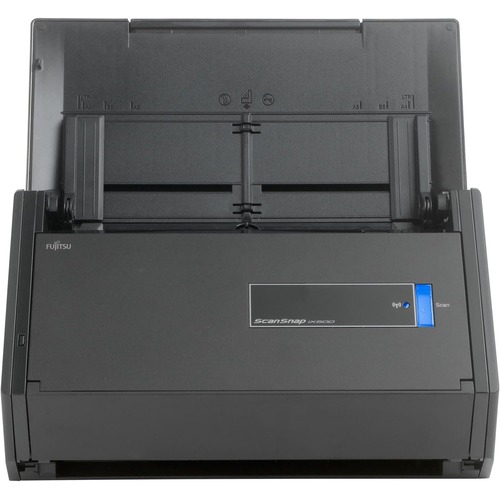
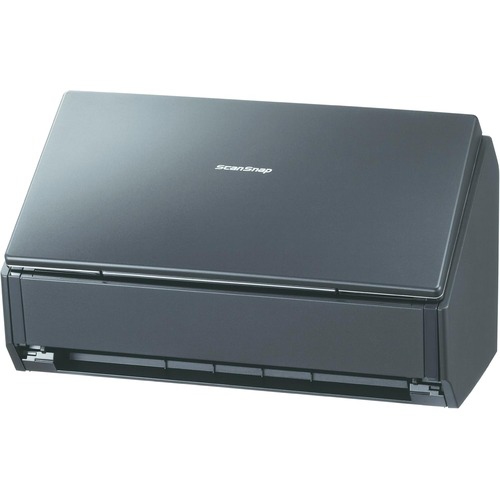
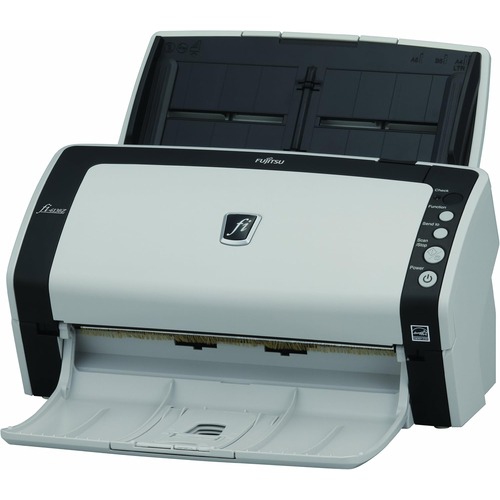
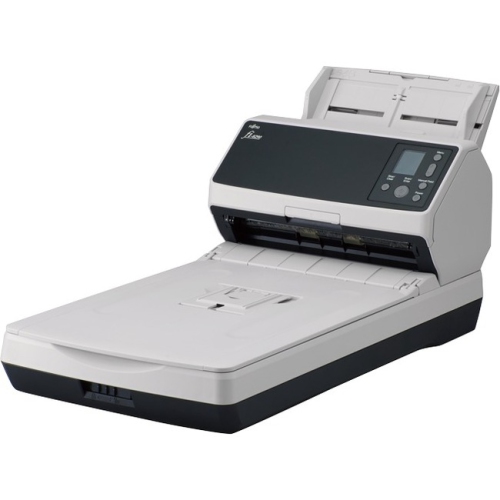
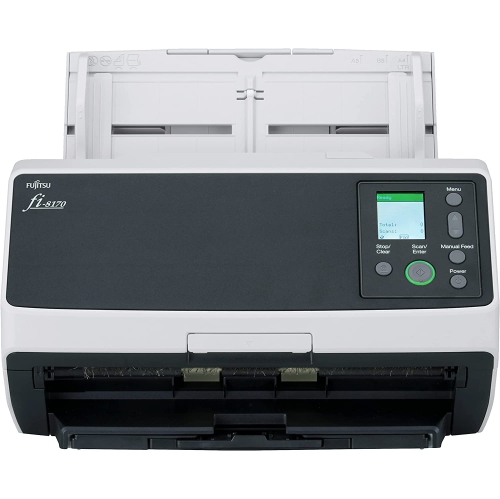
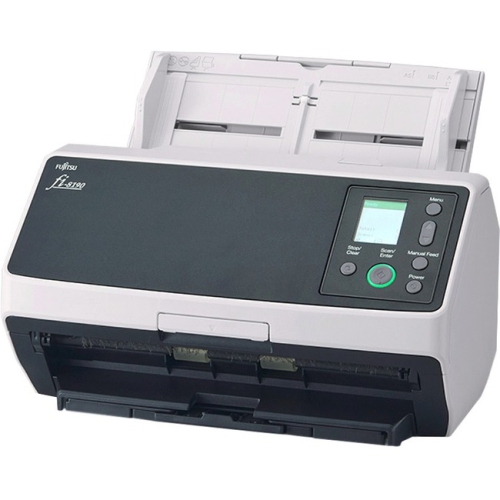
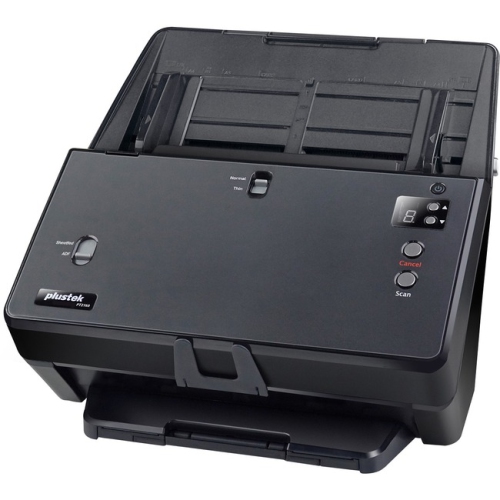
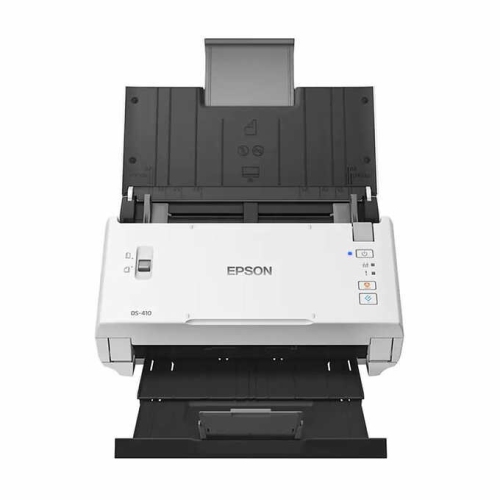

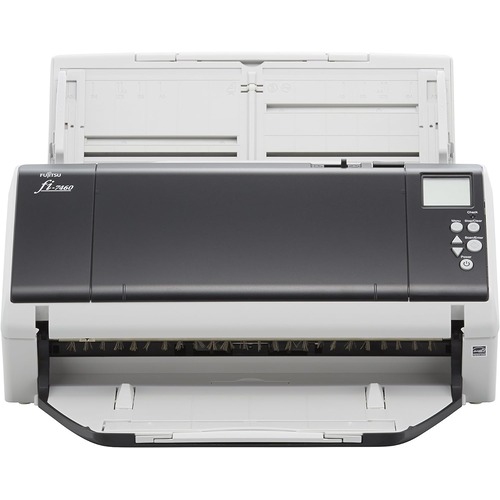
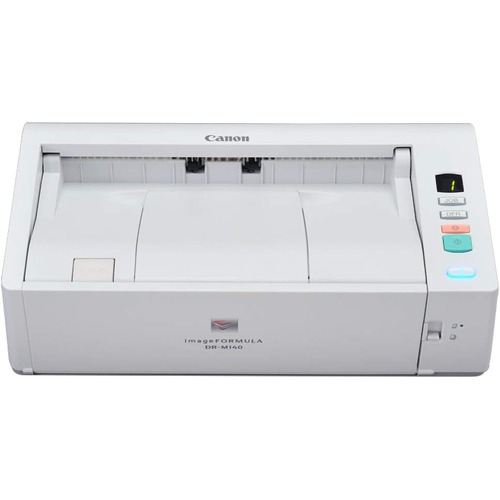
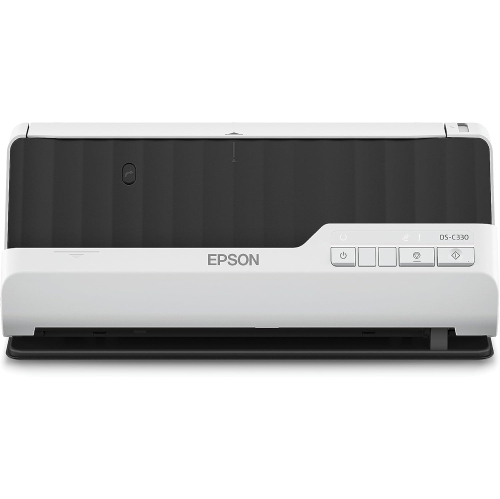
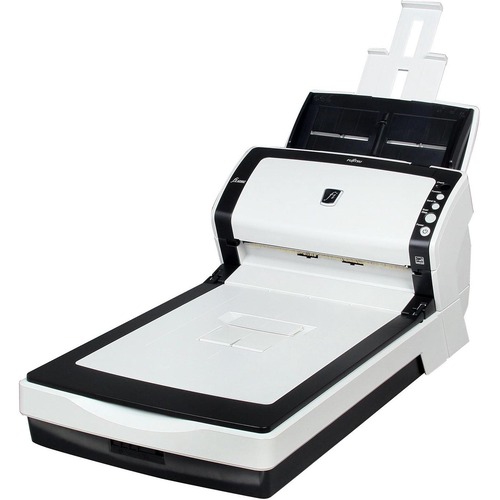

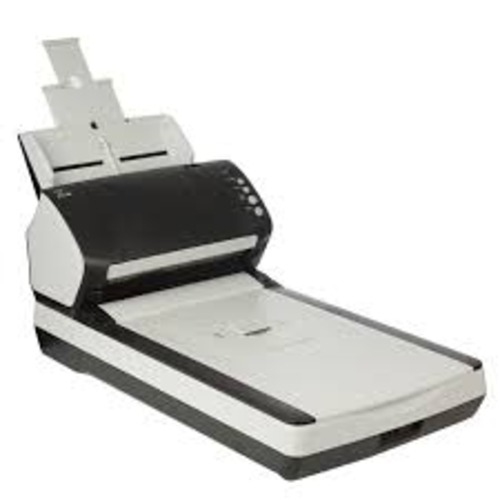
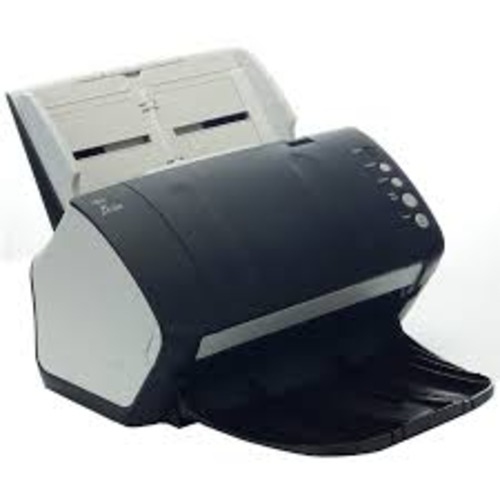
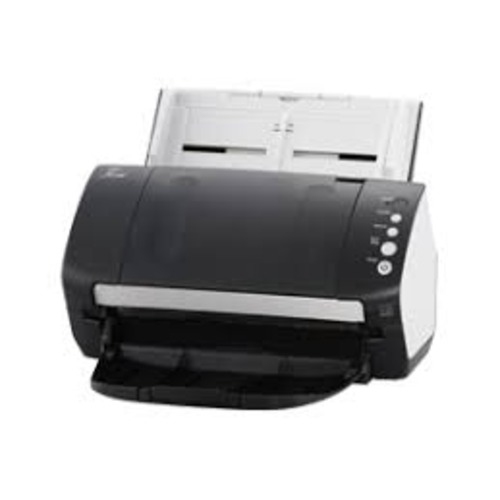

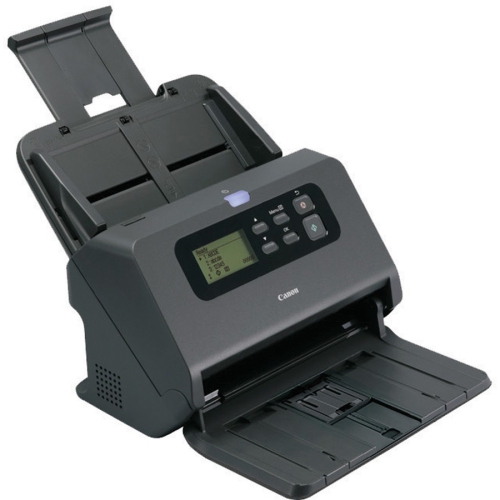
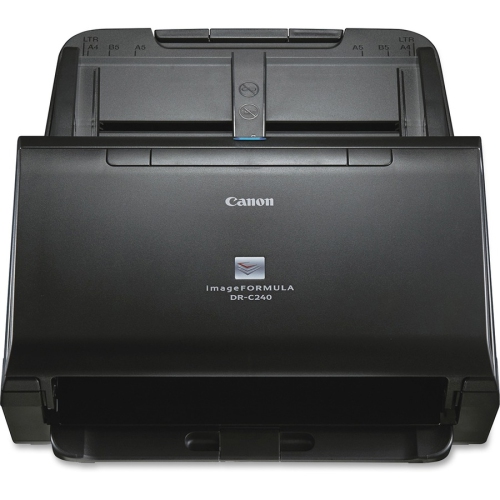
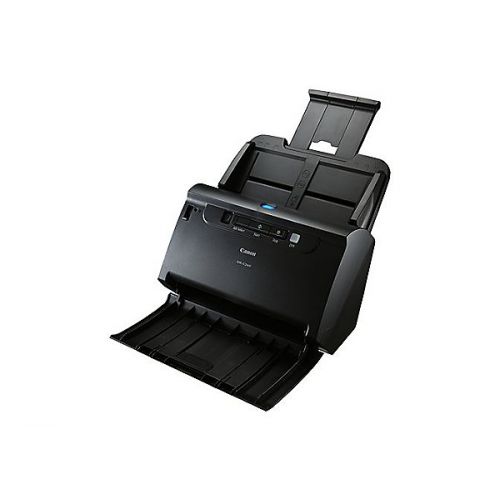
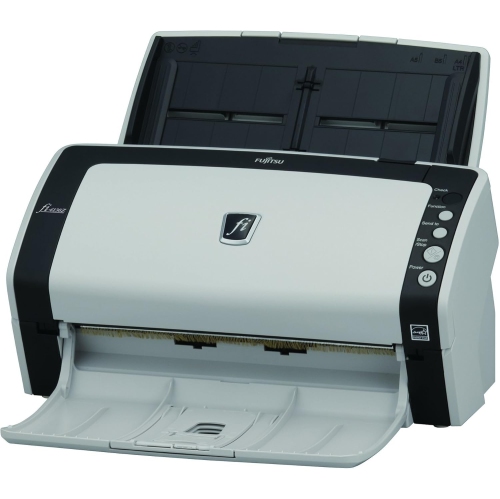
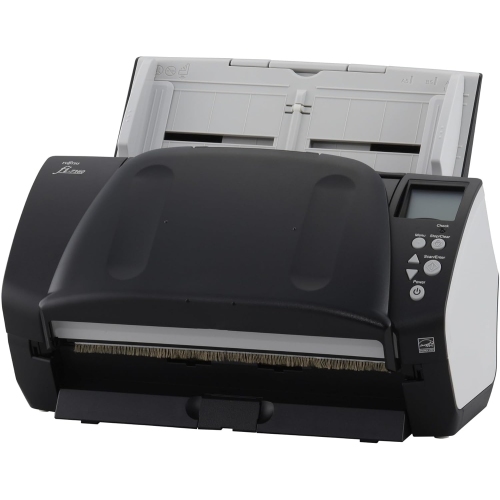
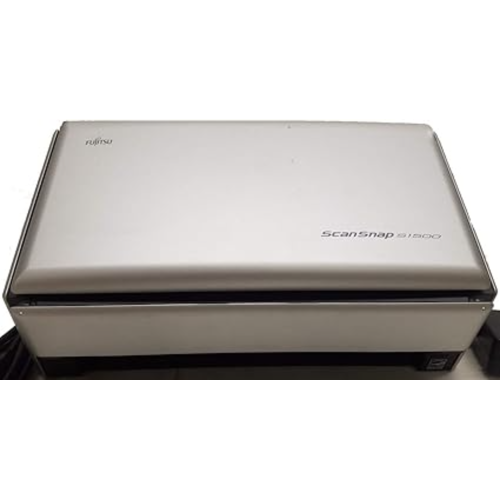
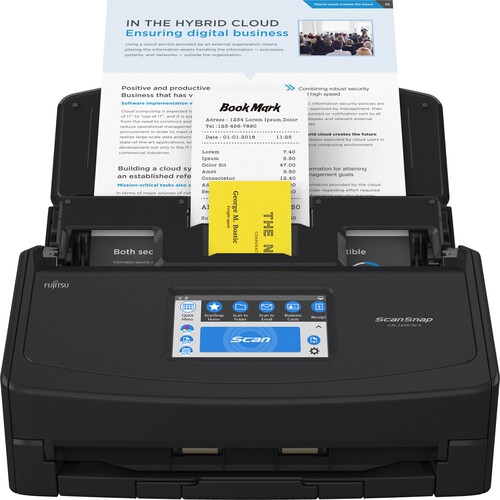
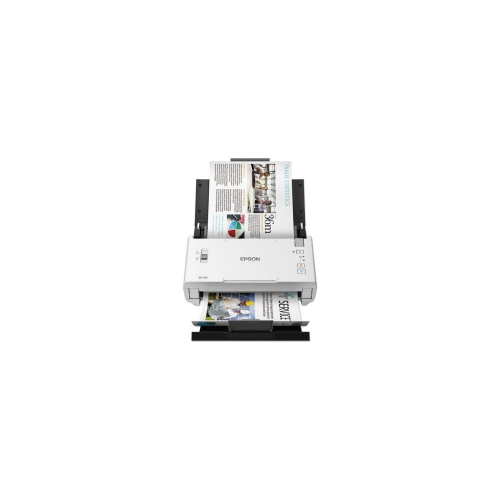

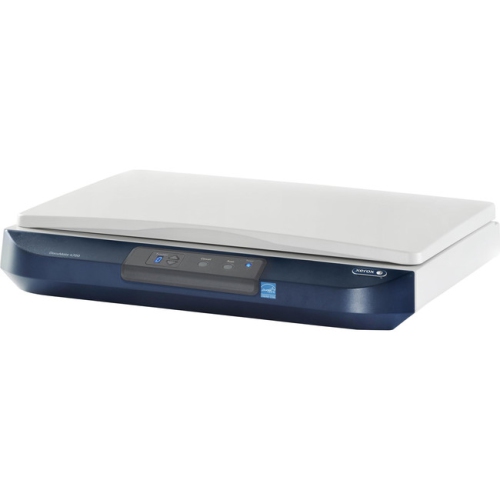
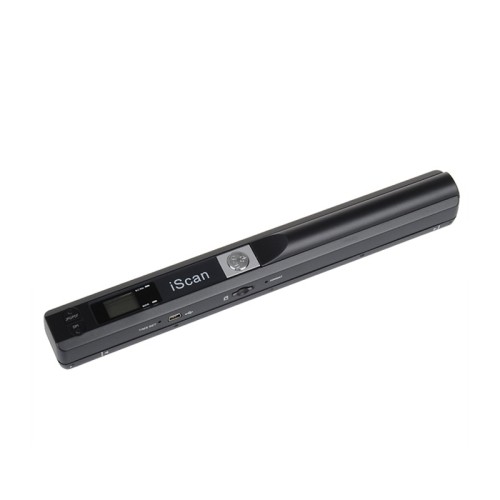
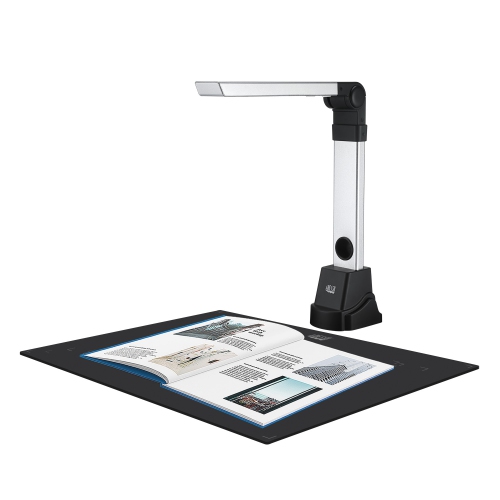
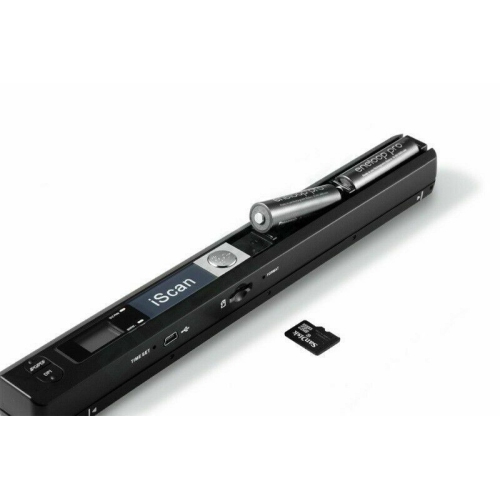
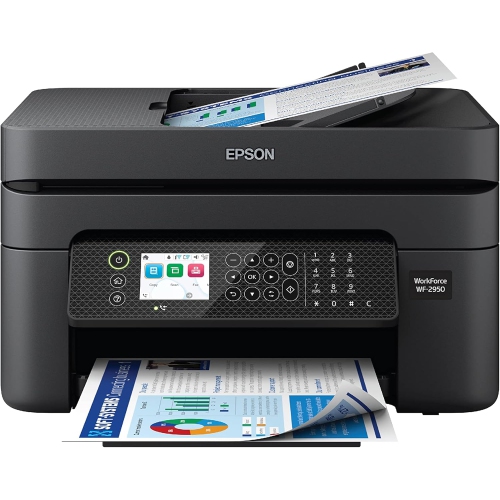
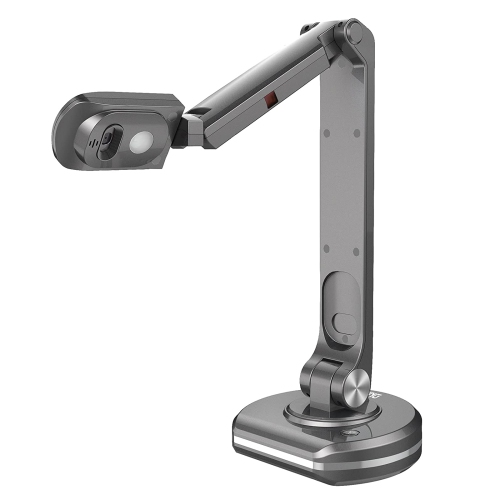
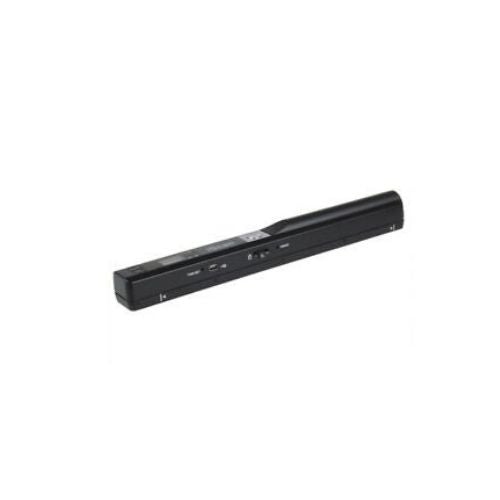

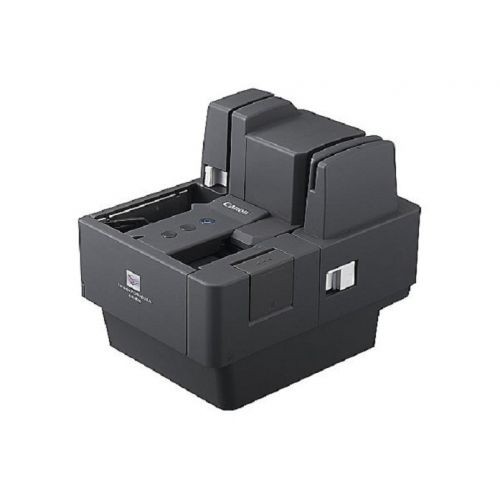
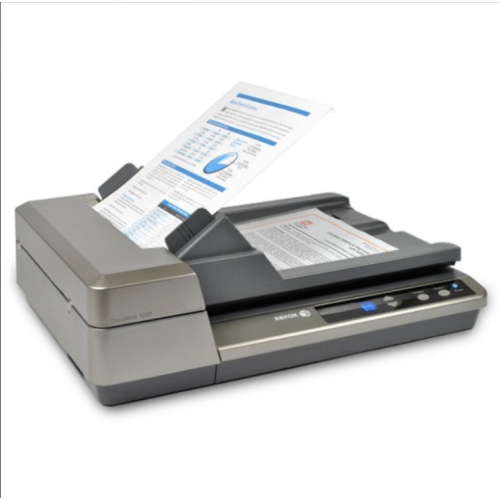
Faster filing starts with smarter paper-to-digital workflows
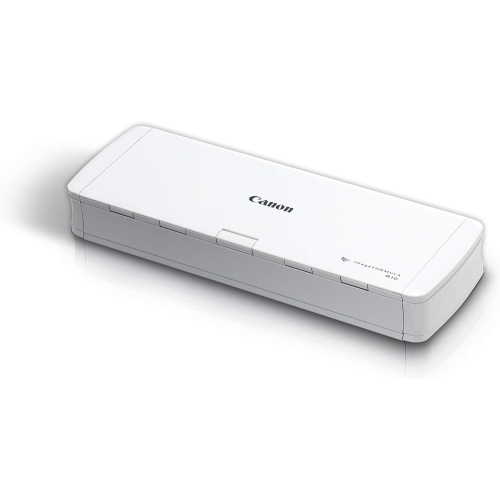
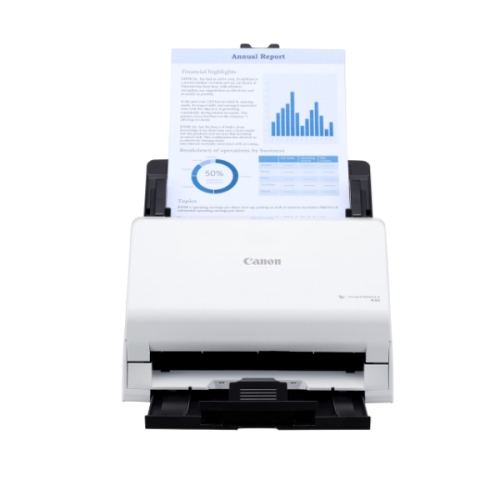
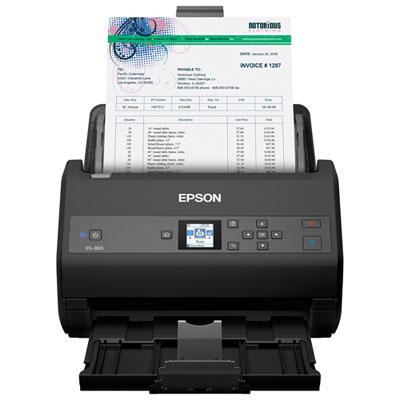
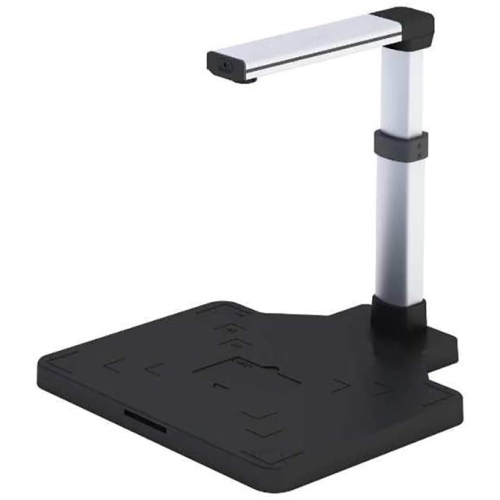
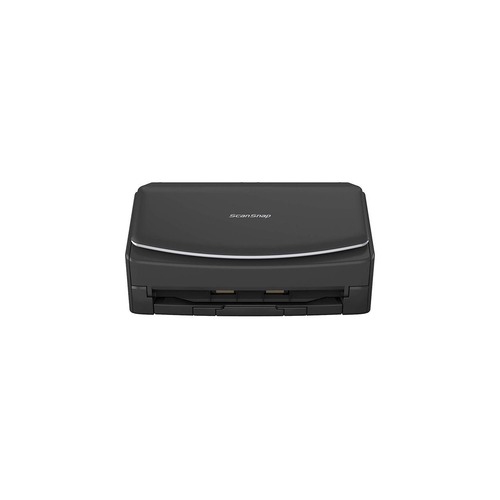
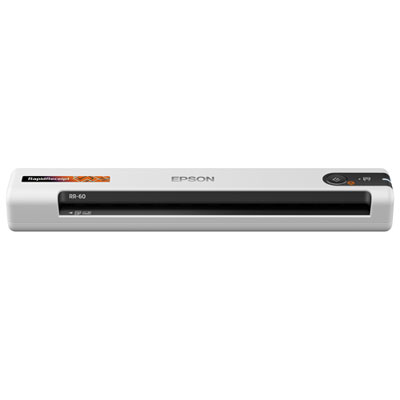
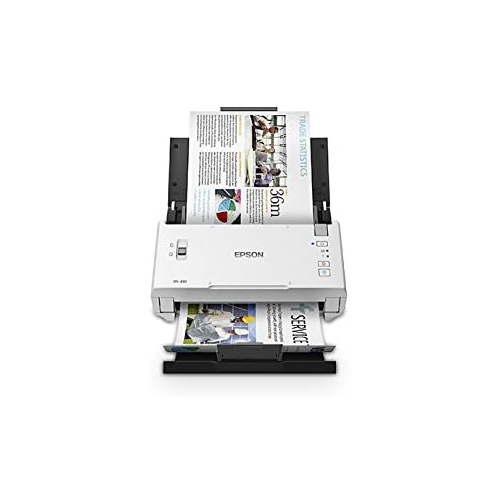
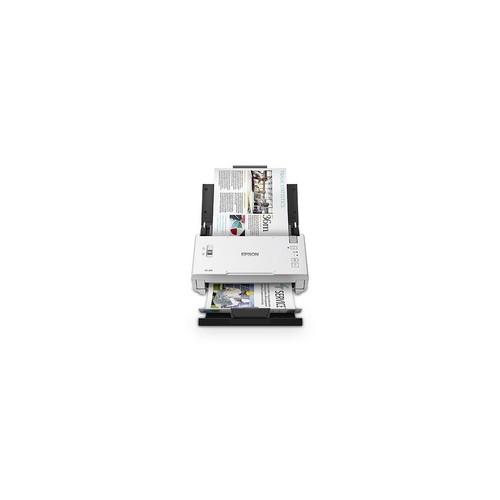
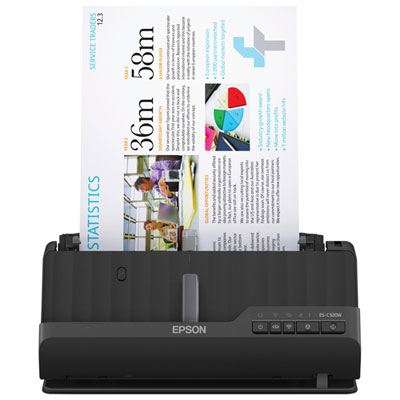
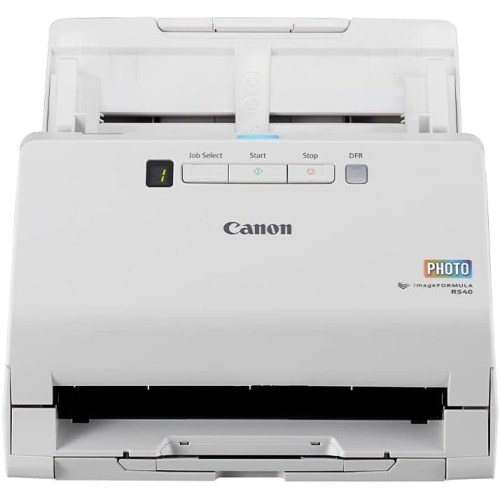
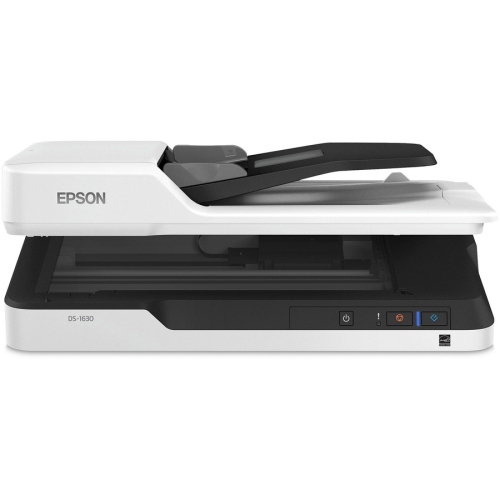
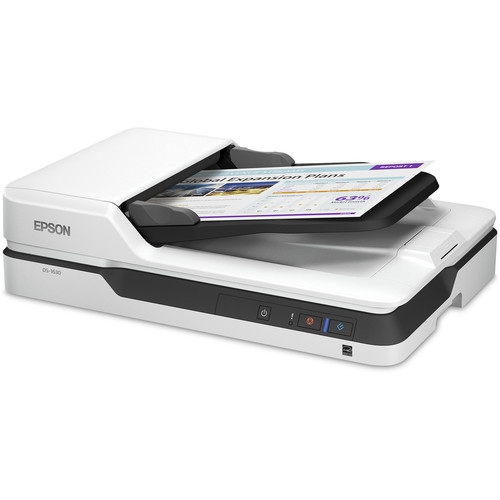
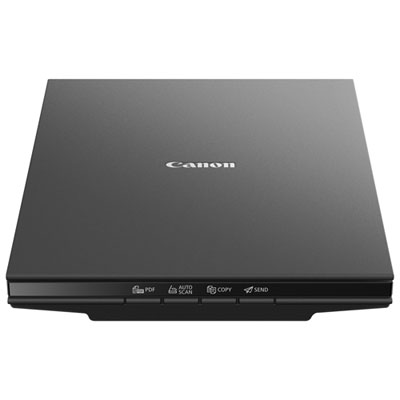
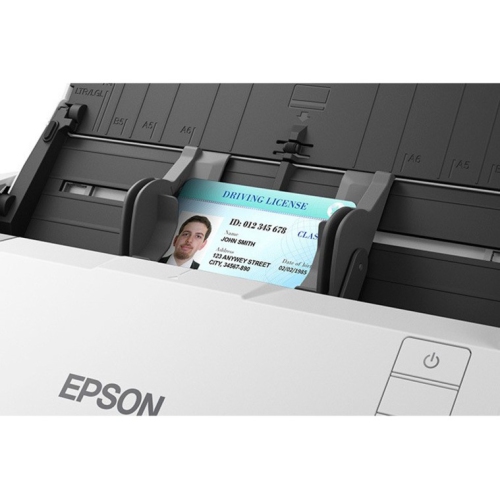
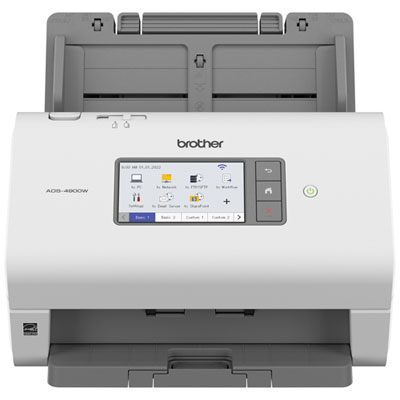
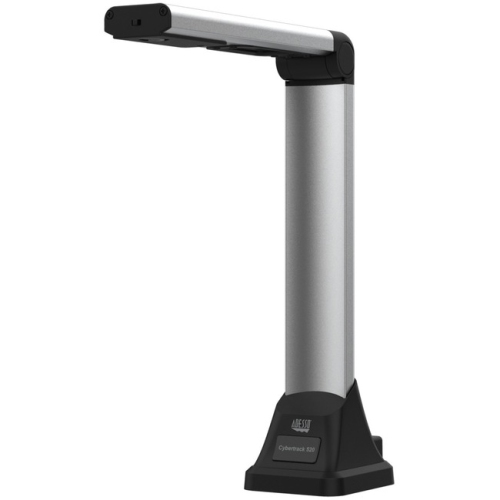
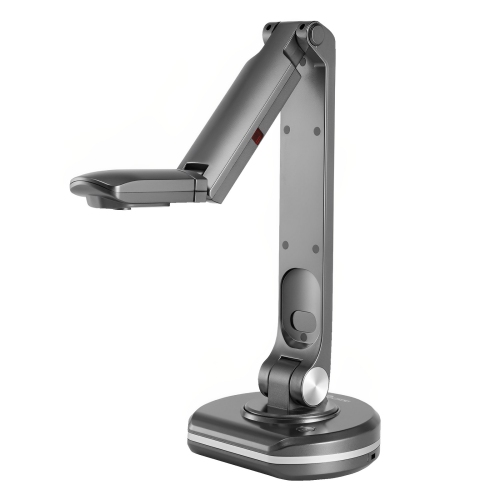
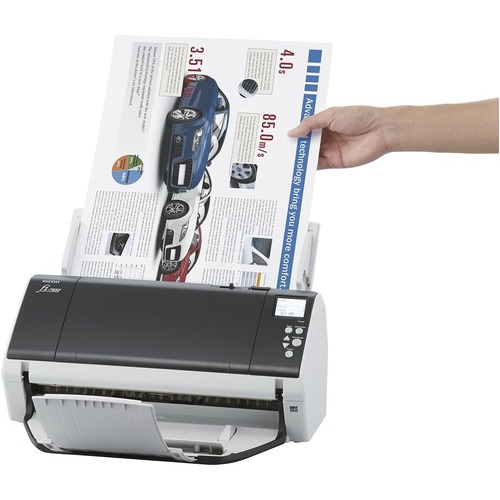
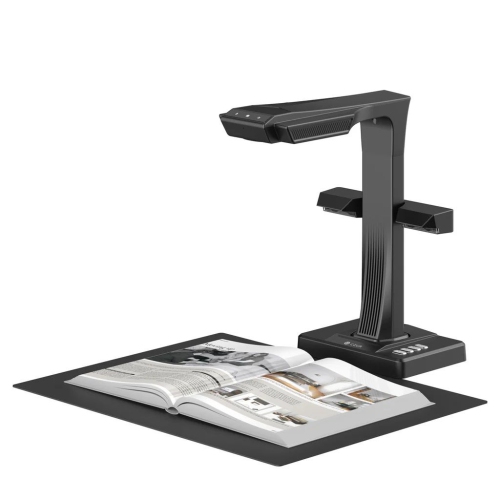
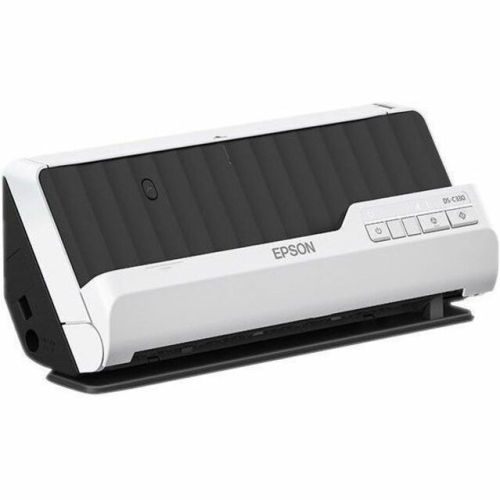
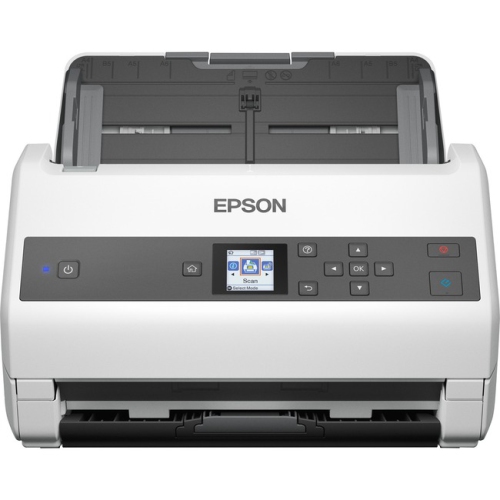
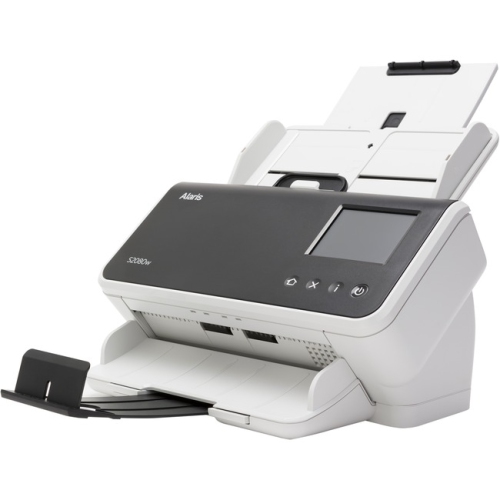
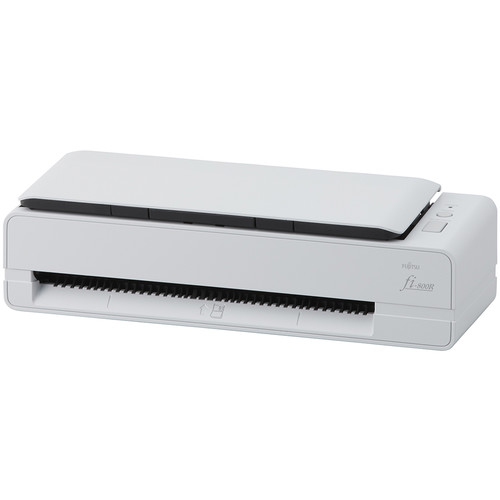
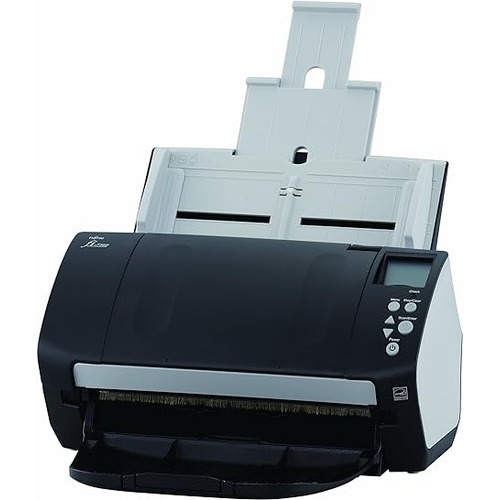
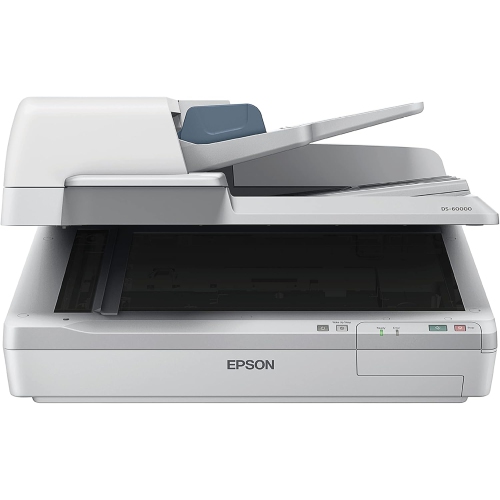
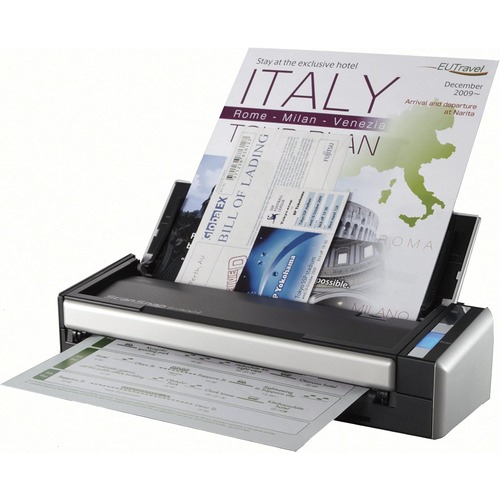
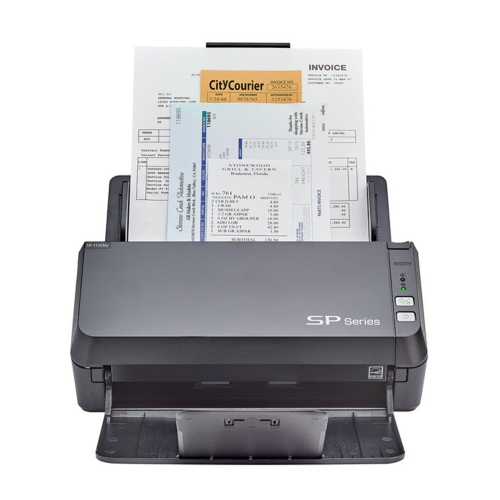
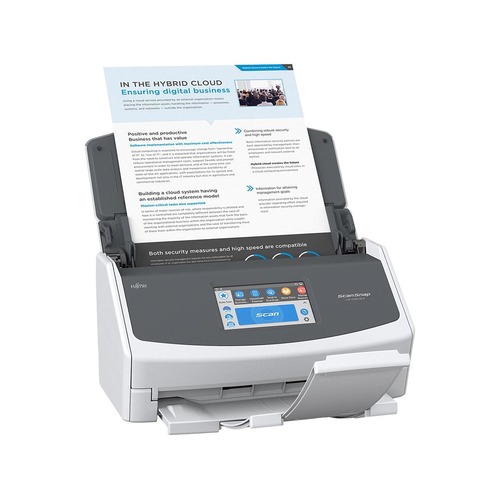
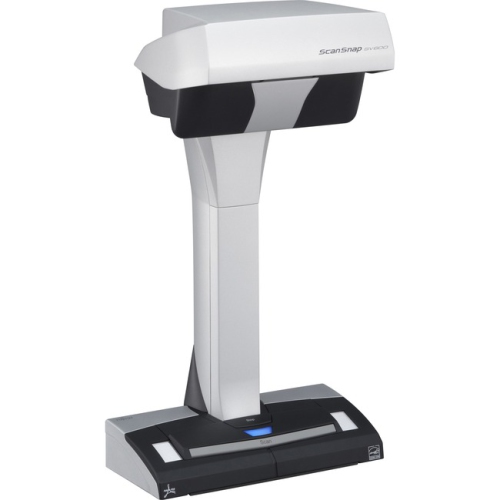
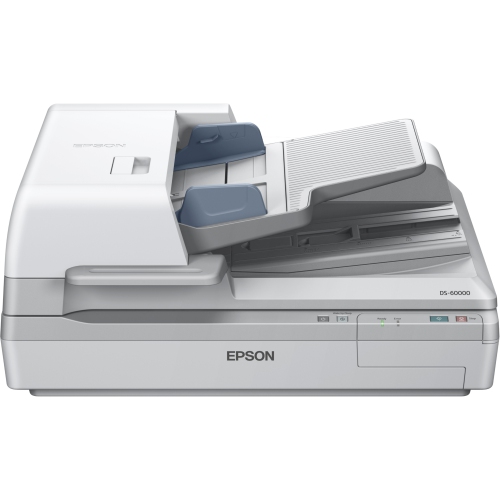
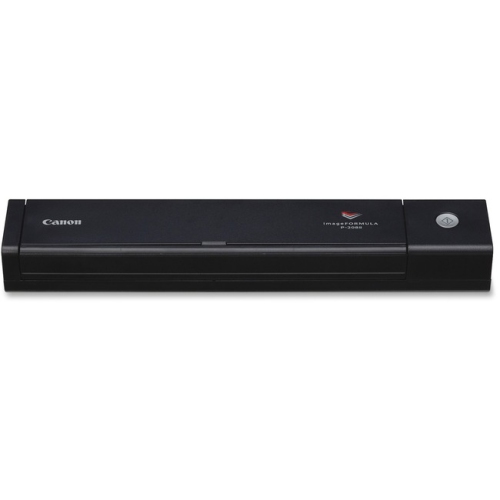
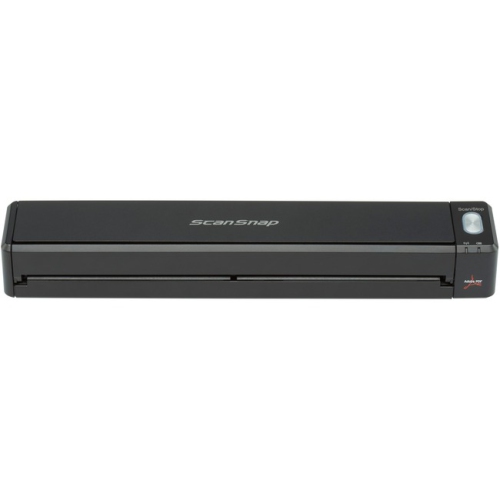
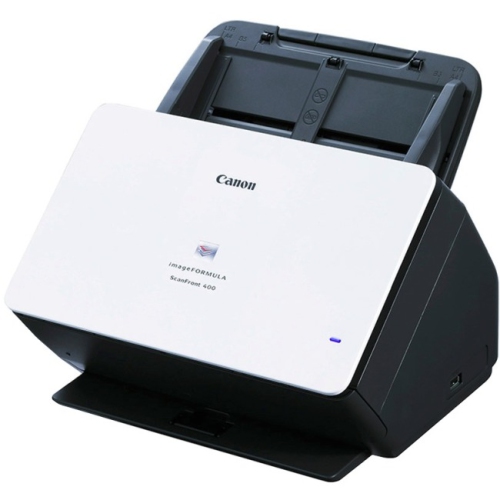
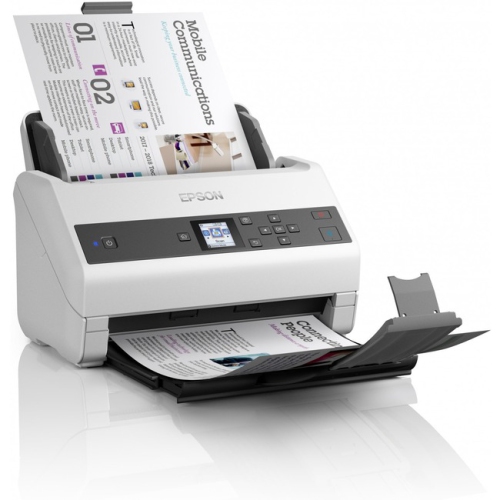
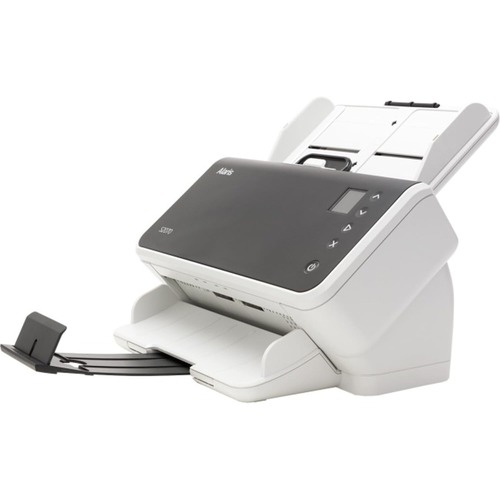
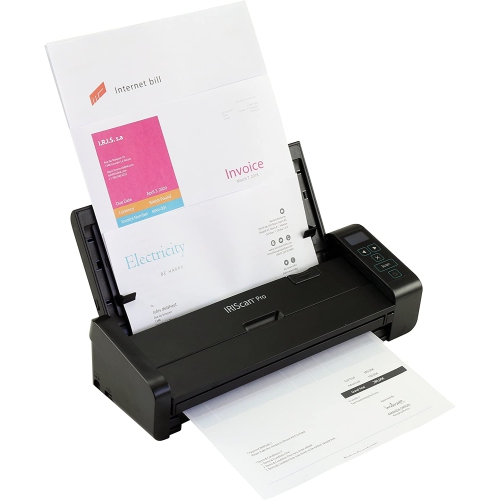
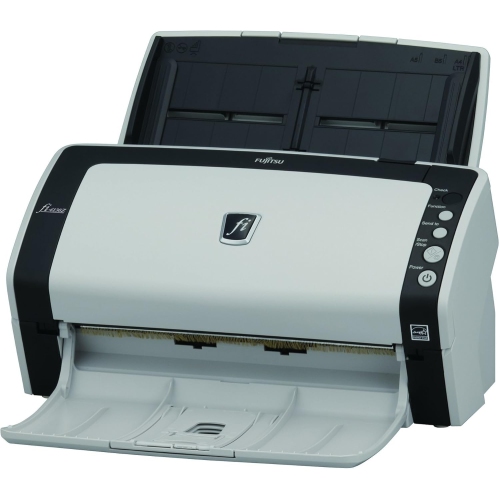
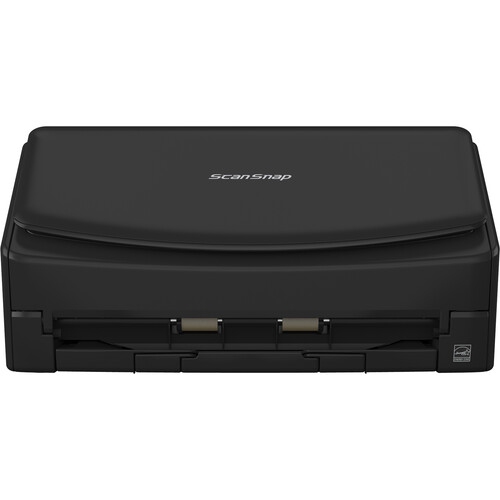
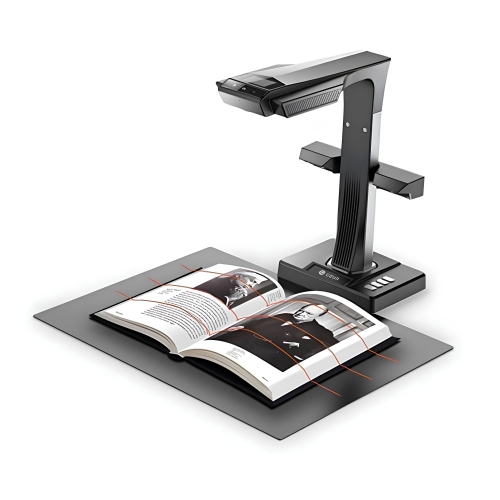
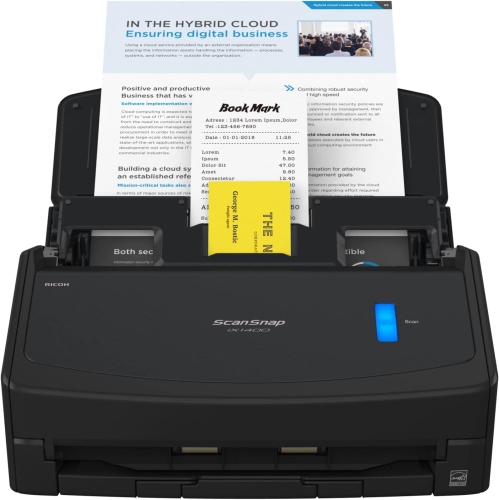
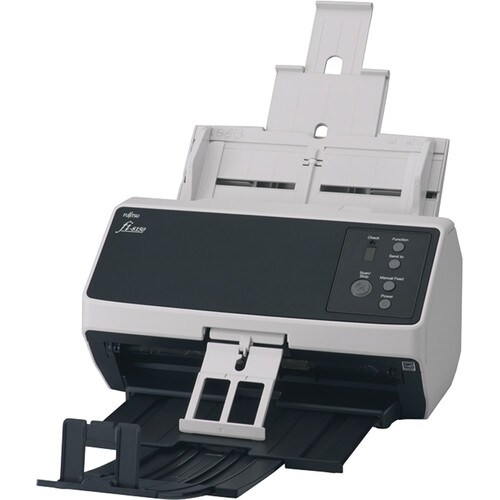
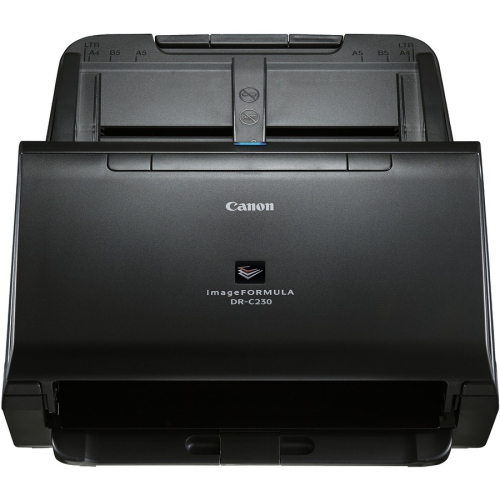
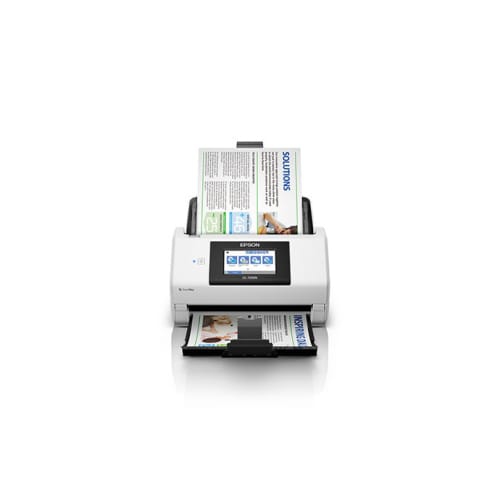
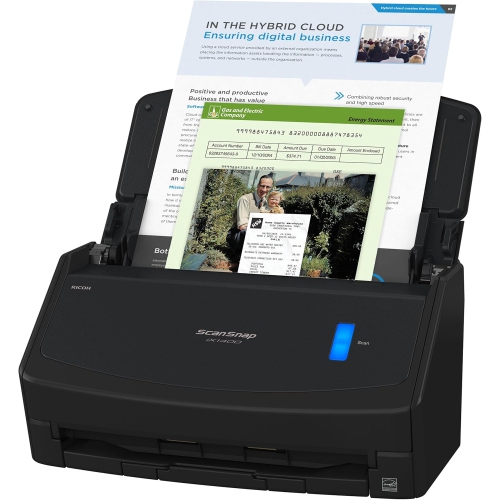
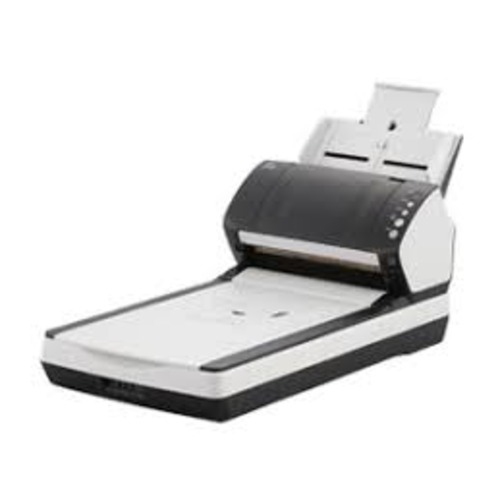
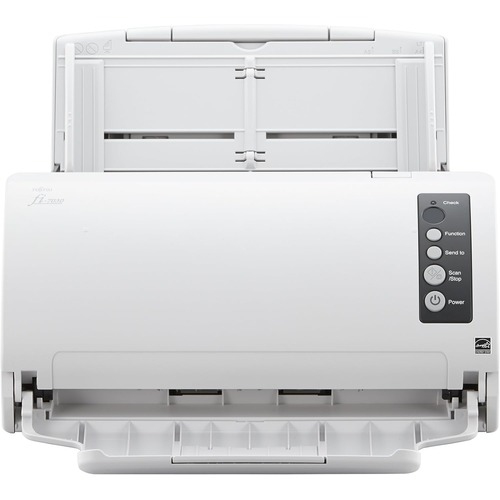
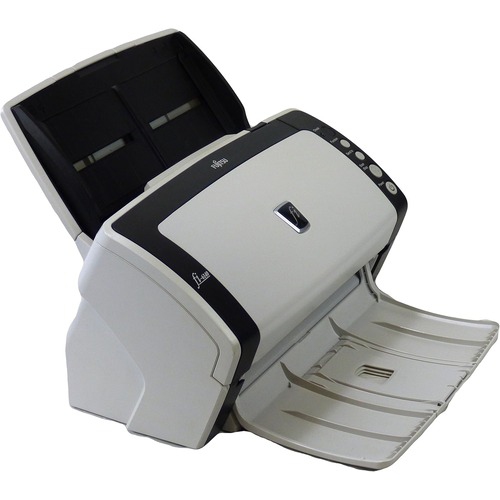
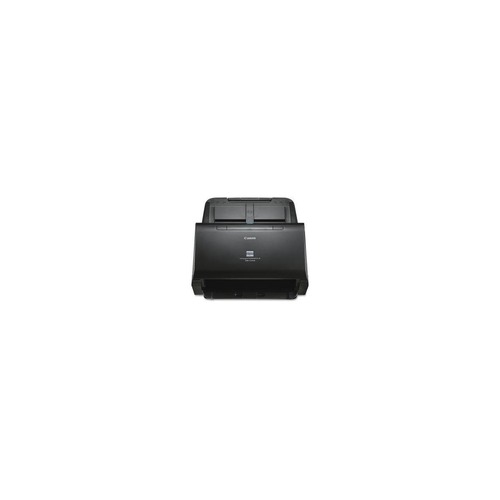
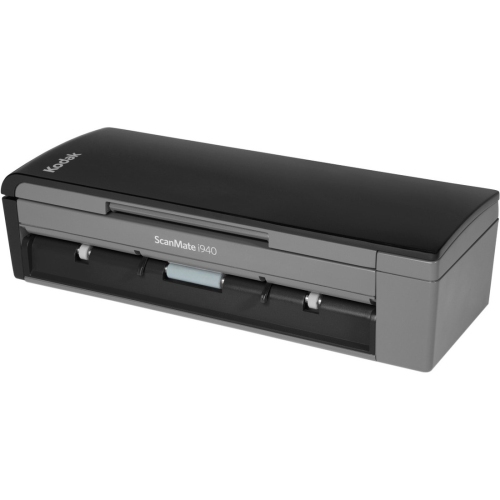
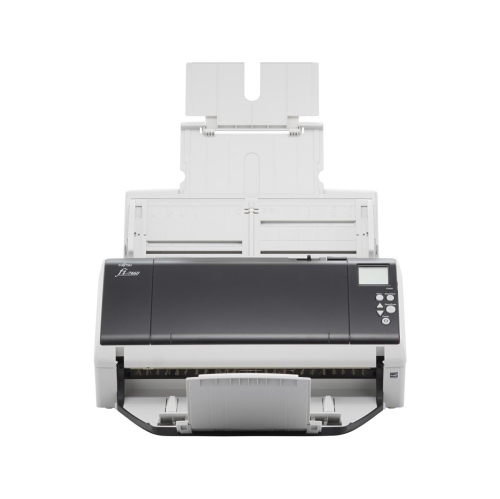
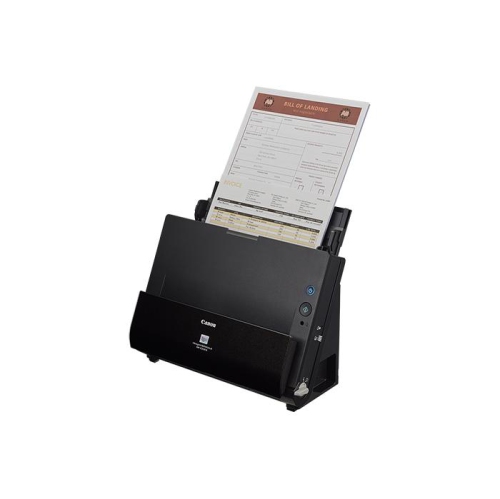
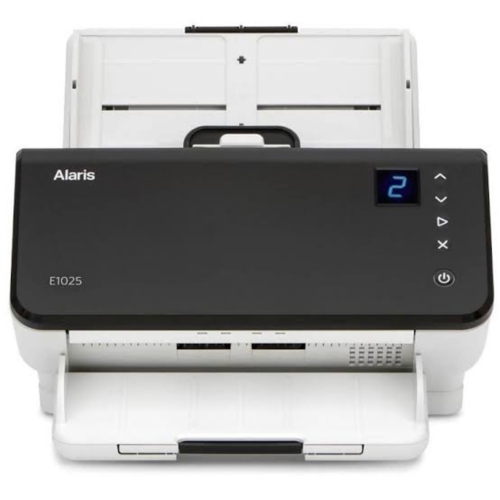
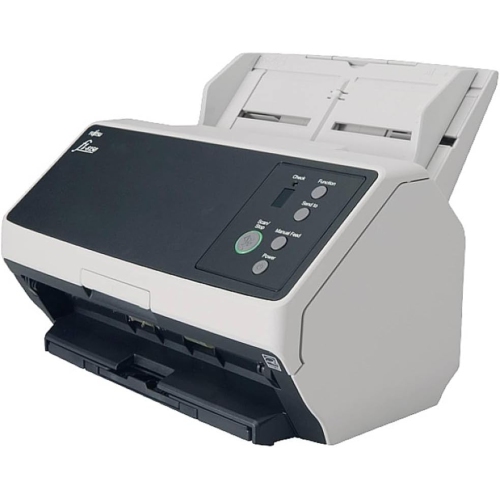
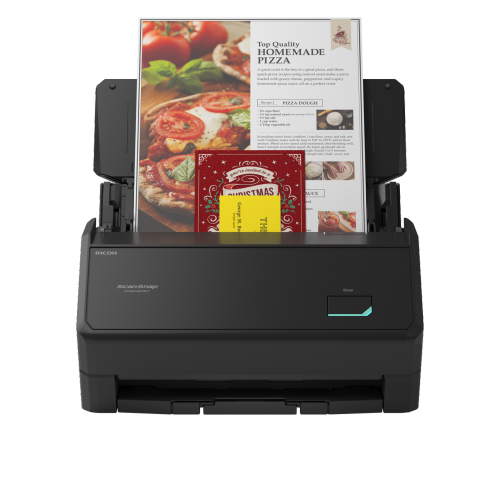
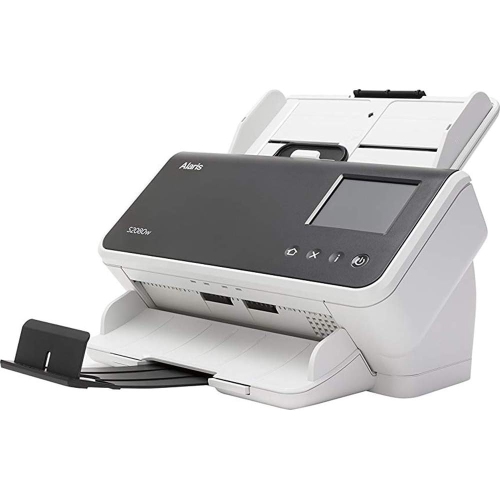
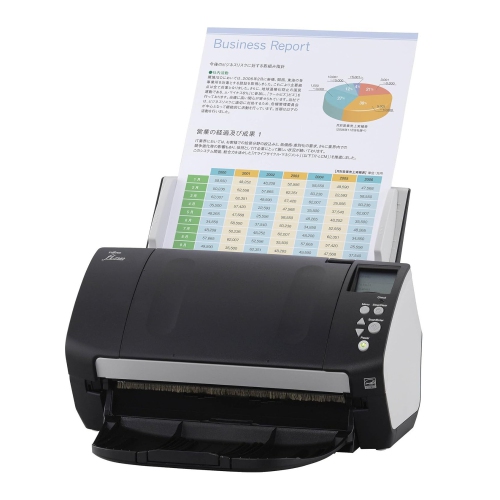
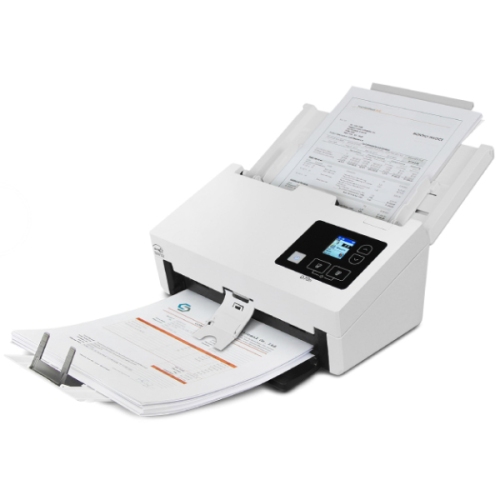
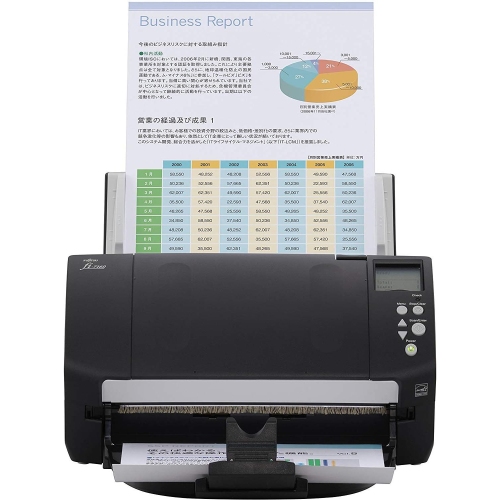
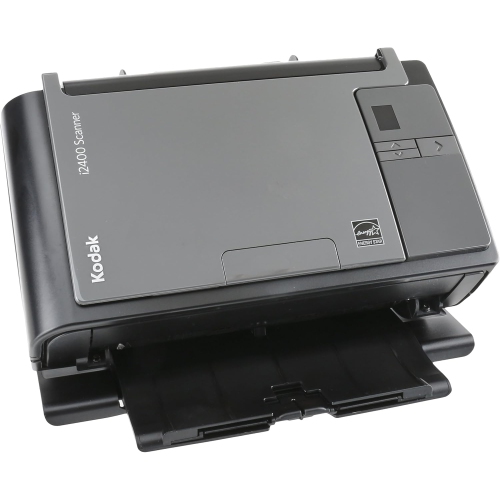
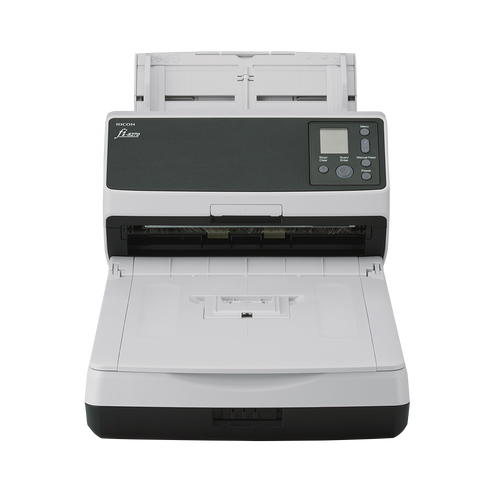
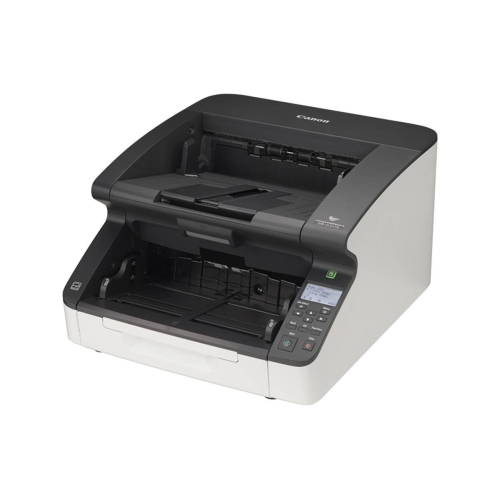
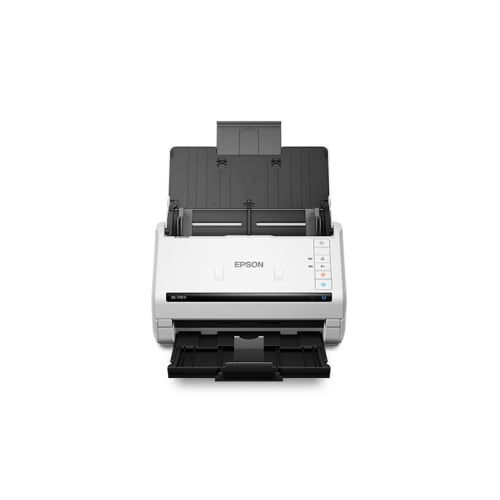
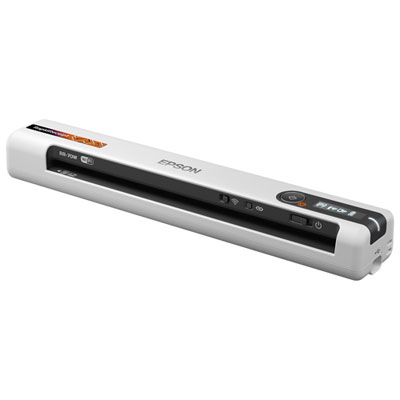
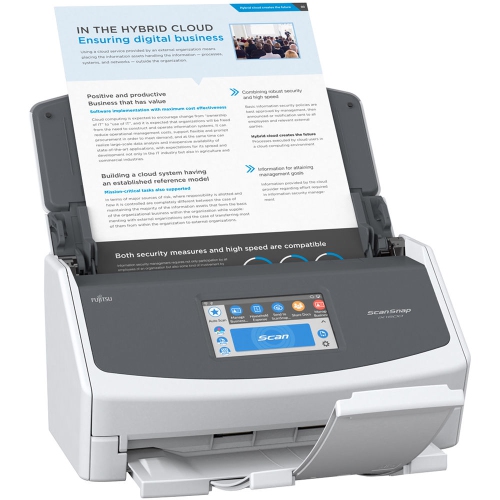
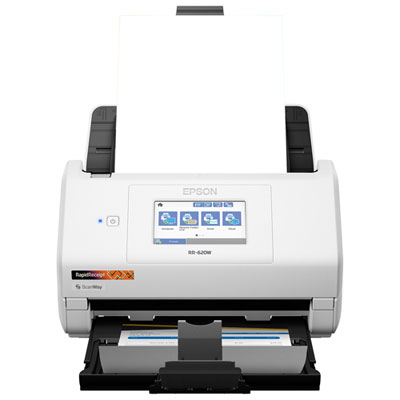
Automatic document scanners are designed to make large paper-to-digital tasks faster and more consistent. Unlike a basic flatbed scanner that requires each page to be placed by hand, an automatic document scanner uses an automatic document feeder (ADF) to pull in a stack of pages, helping you digitize invoices, receipts, forms, contracts, school records, meeting notes, and other paperwork with less interruption. Many models can scan both sides of a page in a single pass through duplex scanning, which is particularly useful for double-sided forms, loan documents, identification paperwork, and office records. A compact scanner with a smaller feeder capacity can suit a home office, apartment workspace, or occasional filing project, while a higher-capacity feeder is more practical for a busy office, shared work area, or anyone working through several boxes of paperwork. Speed is another important consideration. Scanner speeds are commonly listed in pages per minute (ppm), although real-world performance can also depend on page size, colour settings, resolution, document condition, and whether the scanner is processing one or both sides. A touchscreen or simple control panel can make everyday scanning easier, while a desktop footprint that fits comfortably beside a monitor or printer helps keep the device accessible rather than tucked away in storage. For a broader selection of space-saving office scanning equipment, explore Desktop Document Scanners.
When comparing automatic document scanners, start by considering the type and volume of paper you plan to scan. A 20-sheet ADF may be sufficient for occasional household records or a few pages at a time, whereas a 50-, 60-, or 100-sheet feeder can reduce the need to reload the tray during large filing projects. Look for a feeder designed to handle the paper sizes and weights you use most often, including standard letter pages, legal-size documents, envelopes, or thinner receipts where supported. Duplex scanning is a useful time-saver because it captures both sides automatically instead of requiring a second pass or manual page turning. Optical resolution also matters, although the highest available setting is not always necessary for everyday documents; moderate settings can create clear, manageable files, while higher resolution may be helpful for fine print, detailed forms, photographs, or archival material. Software features can make an equally noticeable difference. Blank-page removal can keep files tidy when only one side of a sheet contains information, deskewing can straighten pages that enter at a slight angle, and automatic rotation can improve readability. Optical character recognition (OCR) converts the printed words in a scan into searchable and selectable text, making it easier to find a specific name, date, invoice number, or phrase later. Some scanners can create searchable PDFs, separate batches into individual files, or send scans to email, network folders, cloud storage, or a connected computer. Wireless connectivity may be convenient when the scanner is shared between several devices, while USB connectivity can provide a straightforward setup for a dedicated workstation. Consider the software compatibility of the scanner as well, particularly if you use a mix of Windows, macOS, mobile devices, or cloud-based filing tools. A scanner that fits naturally into your existing workflow is more likely to be used regularly than one that requires several manual steps for every document.
Automatic document scanners can be useful for home users, students, professionals, small businesses, and families organizing years of paper. A self-employed worker might scan receipts and client forms at the end of each day, while a small office could use one to organize purchase orders, signed agreements, or customer records. Students can digitize notes and handouts before clearing a crowded desk, and families can create searchable folders for medical records, warranties, tax documents, school paperwork, and household information. They can also make a thoughtful gift for someone setting up a home office, moving into a new role that involves paperwork, or taking on the long-delayed task of organizing filing cabinets and storage boxes. Before scanning, prepare the stack by removing staples, paper clips, sticky notes, and folded corners, then smooth out creases and arrange pages in a consistent direction. Mixing heavily curled, torn, or unusually thick sheets with regular paper can increase the chance of a jam, so delicate pages may be better handled separately or placed on a flatbed scanner if one is available. Keep the feeder and rollers clean according to the manufacturer’s instructions, especially when scanning receipts or older documents that may leave behind dust and paper fibres. It is also helpful to decide on a file naming system before beginning, such as including the document type, date, and account or project name, and to save important files in an organized folder structure. During the cooler months, an automatic scanner can be a practical way to bring order to paperwork that has accumulated during a busy season, whether it is a home filing project or a growing business archive. With the right feeder capacity, duplex support, connectivity, and smart processing features, it can turn an unwieldy stack of paper into clear, searchable digital files with far less hands-on effort.
When comparing automatic document scanners, start by considering the type and volume of paper you plan to scan. A 20-sheet ADF may be sufficient for occasional household records or a few pages at a time, whereas a 50-, 60-, or 100-sheet feeder can reduce the need to reload the tray during large filing projects. Look for a feeder designed to handle the paper sizes and weights you use most often, including standard letter pages, legal-size documents, envelopes, or thinner receipts where supported. Duplex scanning is a useful time-saver because it captures both sides automatically instead of requiring a second pass or manual page turning. Optical resolution also matters, although the highest available setting is not always necessary for everyday documents; moderate settings can create clear, manageable files, while higher resolution may be helpful for fine print, detailed forms, photographs, or archival material. Software features can make an equally noticeable difference. Blank-page removal can keep files tidy when only one side of a sheet contains information, deskewing can straighten pages that enter at a slight angle, and automatic rotation can improve readability. Optical character recognition (OCR) converts the printed words in a scan into searchable and selectable text, making it easier to find a specific name, date, invoice number, or phrase later. Some scanners can create searchable PDFs, separate batches into individual files, or send scans to email, network folders, cloud storage, or a connected computer. Wireless connectivity may be convenient when the scanner is shared between several devices, while USB connectivity can provide a straightforward setup for a dedicated workstation. Consider the software compatibility of the scanner as well, particularly if you use a mix of Windows, macOS, mobile devices, or cloud-based filing tools. A scanner that fits naturally into your existing workflow is more likely to be used regularly than one that requires several manual steps for every document.
Automatic document scanners can be useful for home users, students, professionals, small businesses, and families organizing years of paper. A self-employed worker might scan receipts and client forms at the end of each day, while a small office could use one to organize purchase orders, signed agreements, or customer records. Students can digitize notes and handouts before clearing a crowded desk, and families can create searchable folders for medical records, warranties, tax documents, school paperwork, and household information. They can also make a thoughtful gift for someone setting up a home office, moving into a new role that involves paperwork, or taking on the long-delayed task of organizing filing cabinets and storage boxes. Before scanning, prepare the stack by removing staples, paper clips, sticky notes, and folded corners, then smooth out creases and arrange pages in a consistent direction. Mixing heavily curled, torn, or unusually thick sheets with regular paper can increase the chance of a jam, so delicate pages may be better handled separately or placed on a flatbed scanner if one is available. Keep the feeder and rollers clean according to the manufacturer’s instructions, especially when scanning receipts or older documents that may leave behind dust and paper fibres. It is also helpful to decide on a file naming system before beginning, such as including the document type, date, and account or project name, and to save important files in an organized folder structure. During the cooler months, an automatic scanner can be a practical way to bring order to paperwork that has accumulated during a busy season, whether it is a home filing project or a growing business archive. With the right feeder capacity, duplex support, connectivity, and smart processing features, it can turn an unwieldy stack of paper into clear, searchable digital files with far less hands-on effort.
Top selling and popular products
-
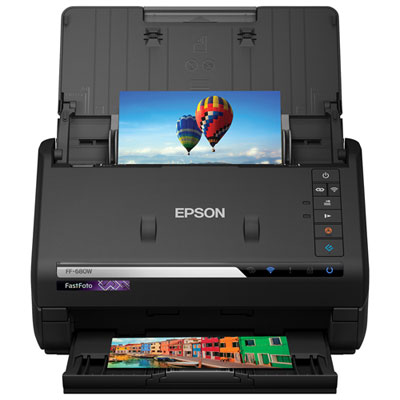 Your price for this item is $849.99
 -
 Your price for this item is $107.99
 -
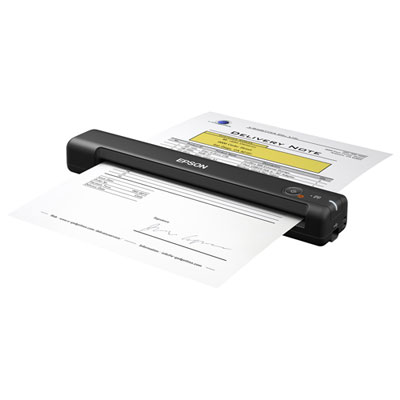 Your price for this item is $149.99
 -
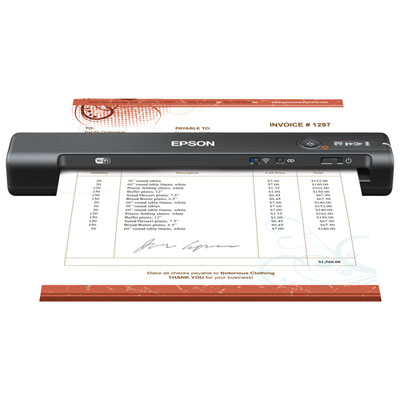 Your price for this item is $239.99
 -
 Your price for this item is $369.99
 -
 Your price for this item is $129.99
 -
 Your price for this item is $228.99
 -
 Your price for this item is $804
Discover more categories related to Automatic Document Scanners
Top Collections:
Pokemon Centers, Kindle Devices, Best Budget Office Chairs, Apple iPhones 16, Best Laptops for Writers, iPhone 15 Apple, Canon G7X Cameras, Refurbished Apple Laptops, Alarm Clock, Motorola Razr Phones
Some products may be subject to Environmental Handling Fees
(EHF) depending on your province.
Learn more about EHFs.