USB Barcode Readers
If you're looking for a convenient and efficient way to streamline your business operations, look no further than these USB barcode readers. These versatile devices are designed to make the process of scanning barcodes quick and effortless, allowing you to track inventory, manage sales, and improve overall productivity. Whether you're in retail, logistics, or almost any other industry that requires barcode scanning, these USB barcode readers are sure to meet your needs. From handheld scanners to hands-free options, we have a wide range of choices available to help you find the perfect solution for your business.
Sort
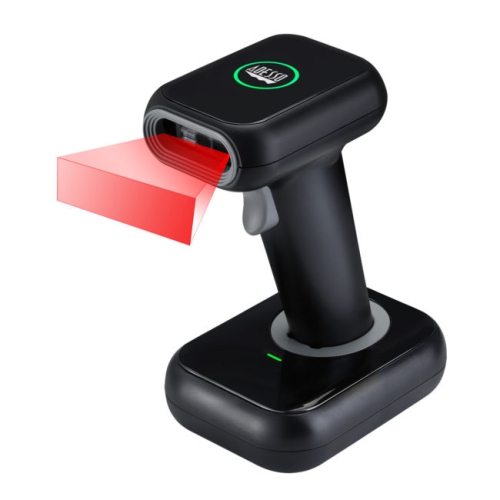
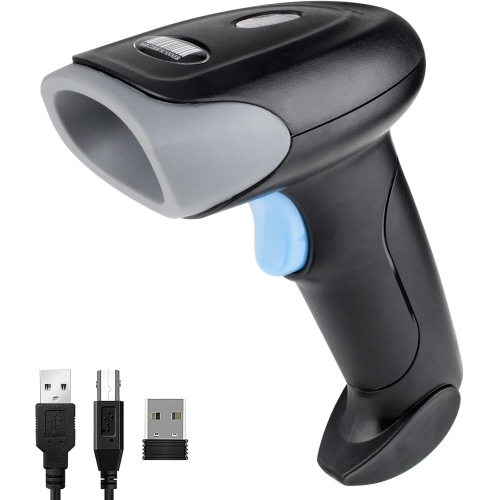
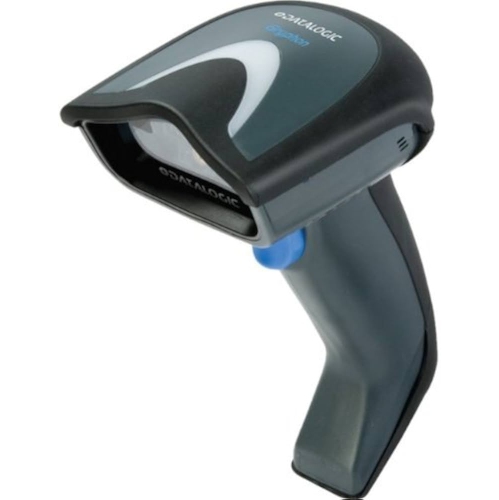

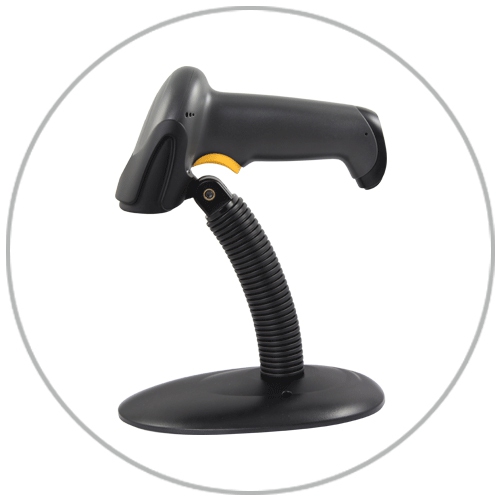

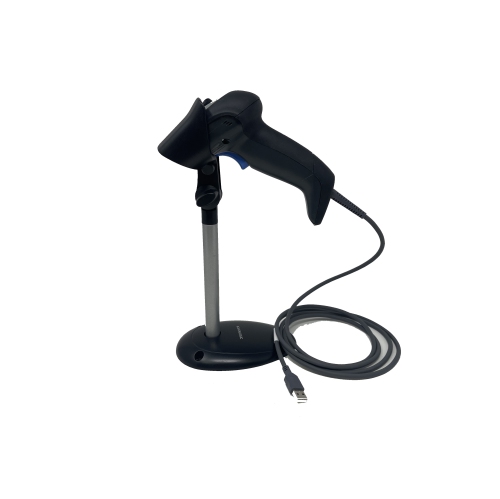

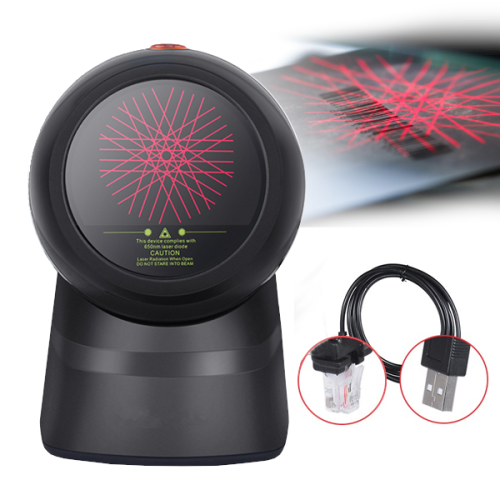
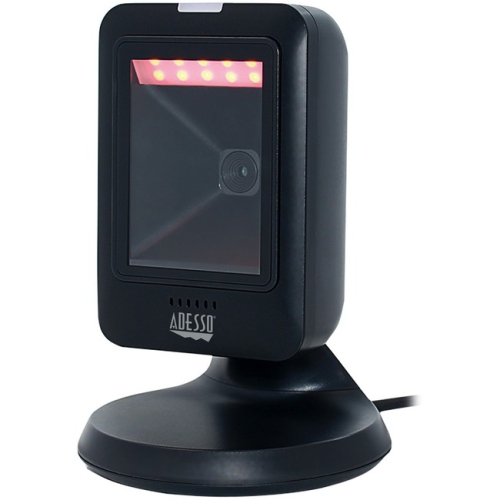
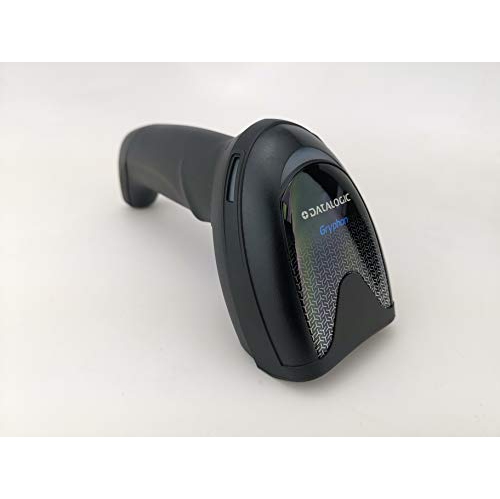
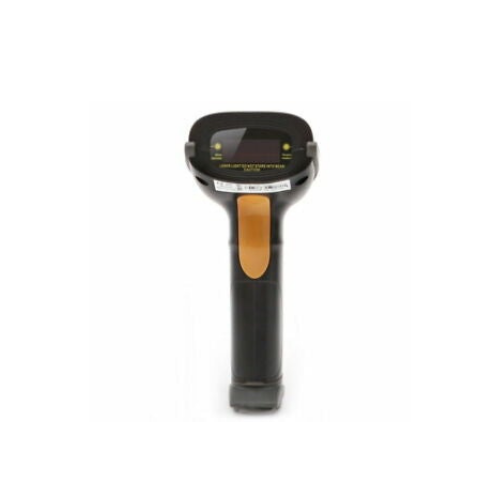
From barcode labels to data in the right field
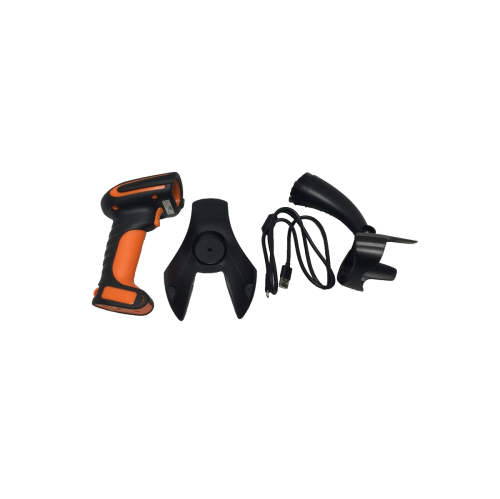
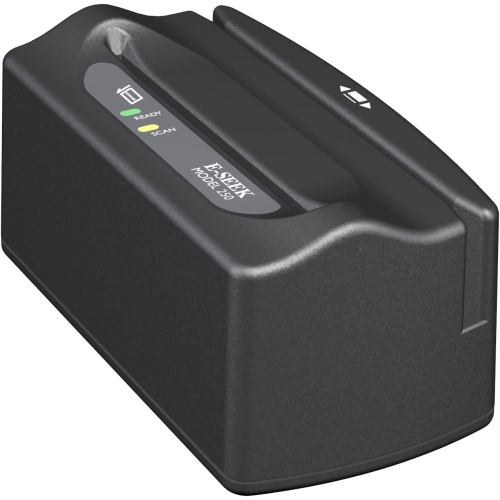
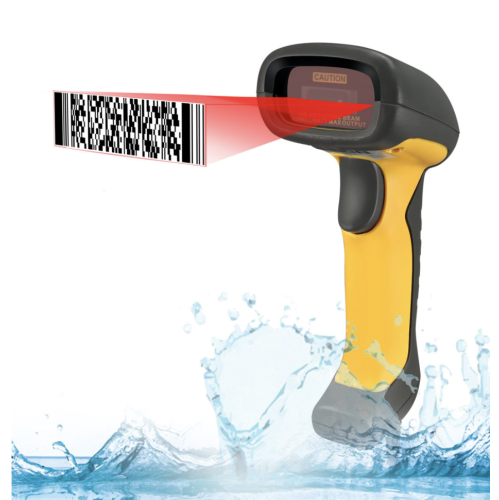
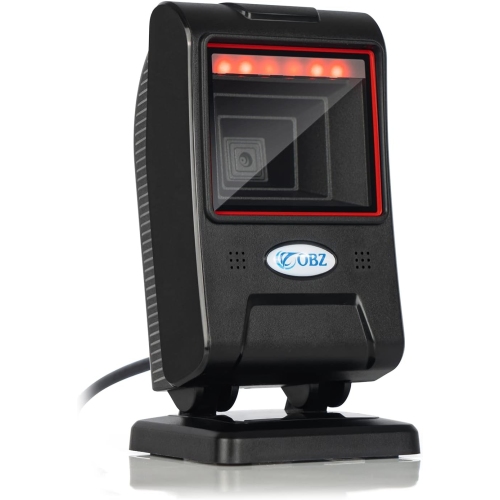
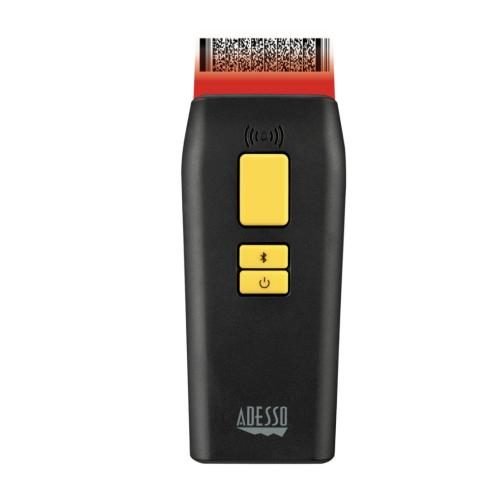
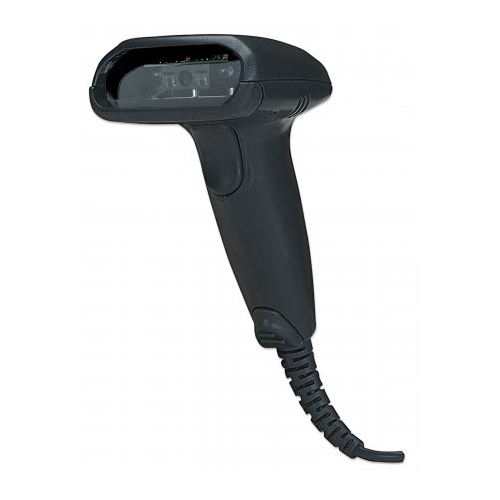
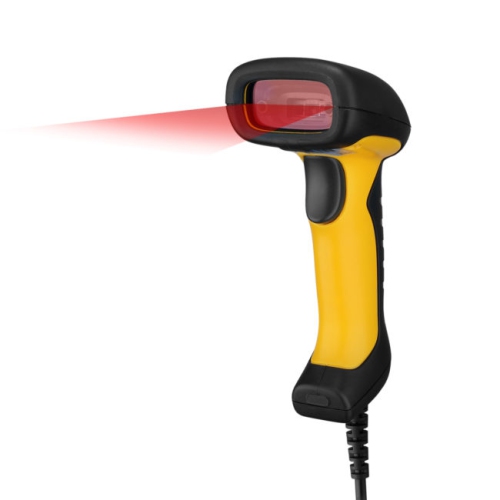
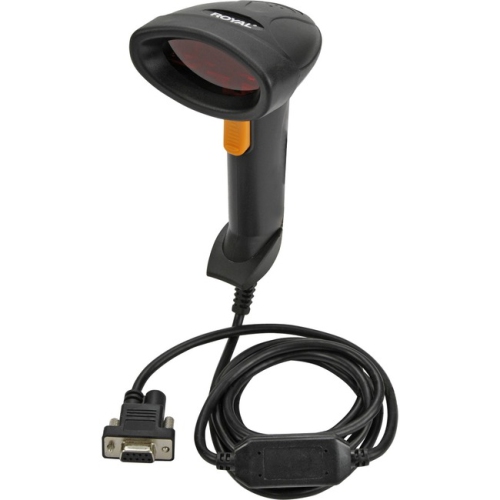
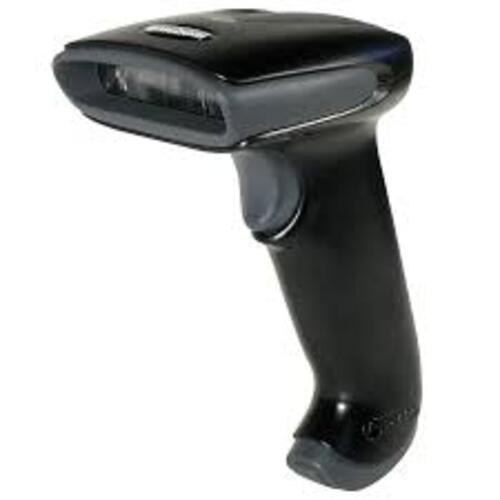
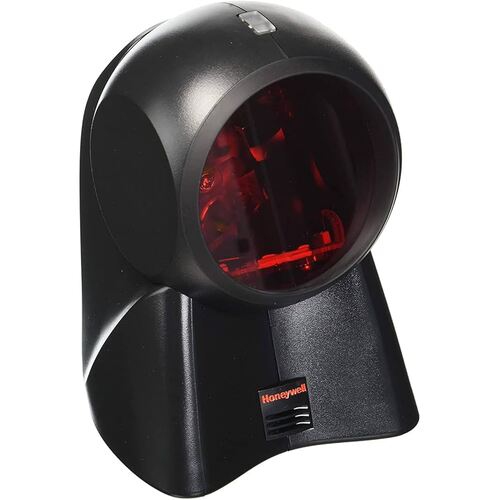
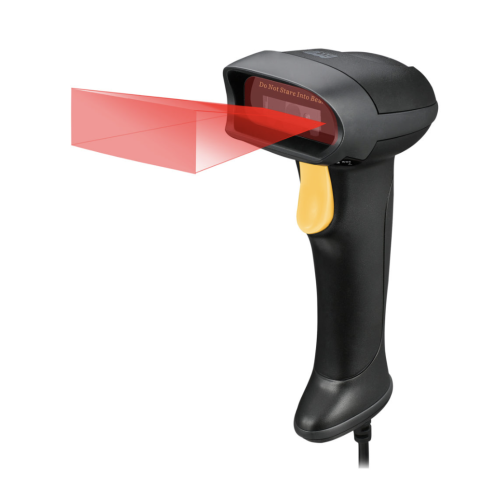
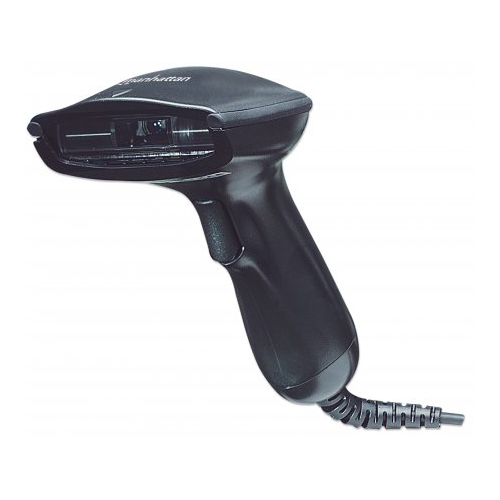
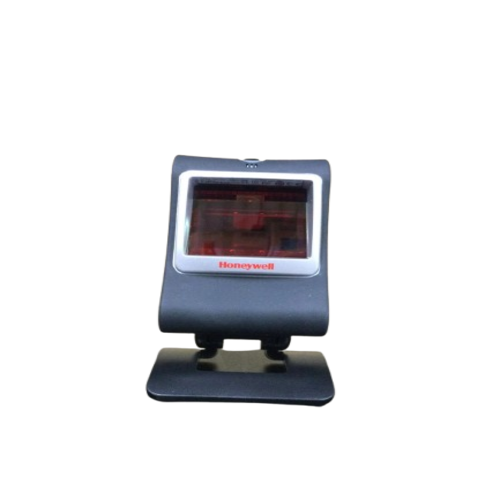
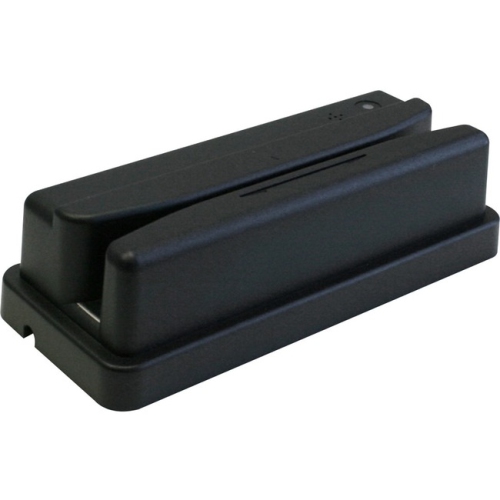
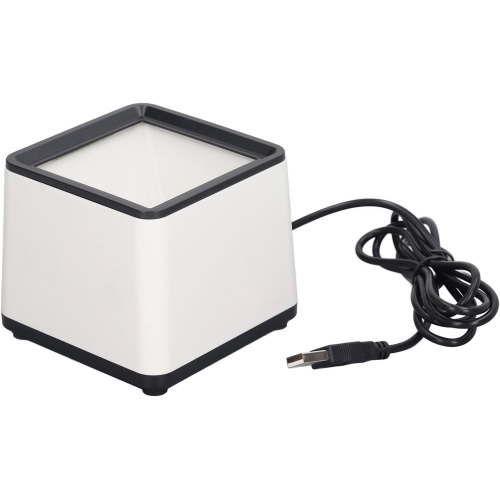
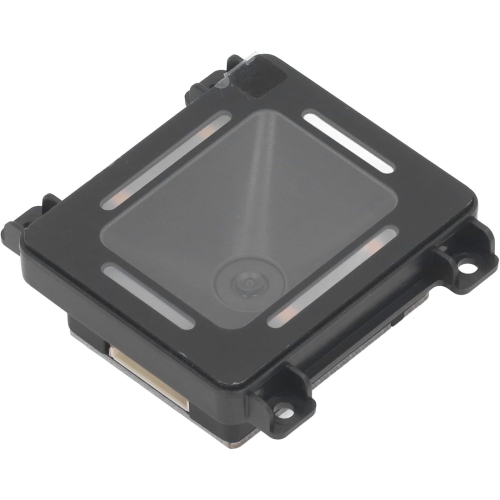
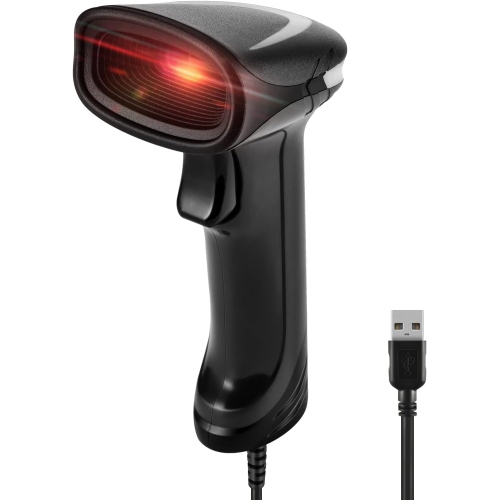
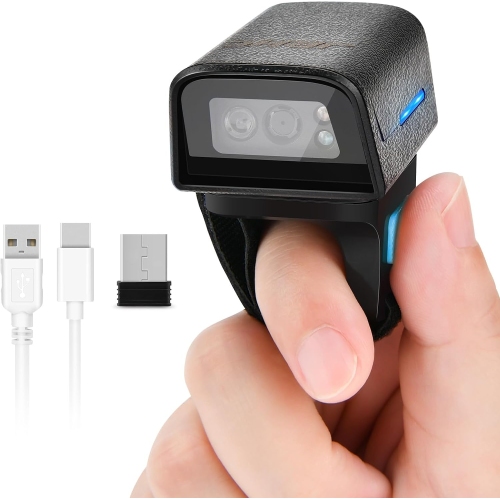
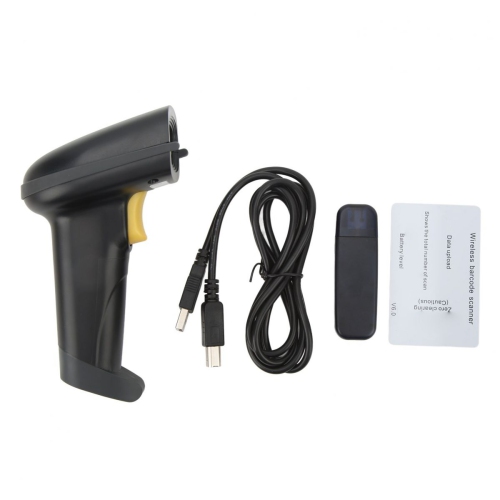
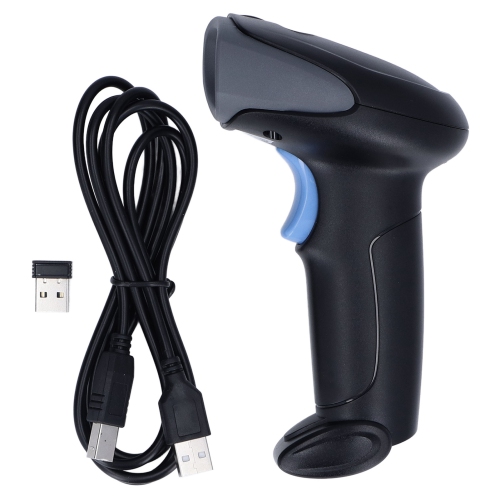
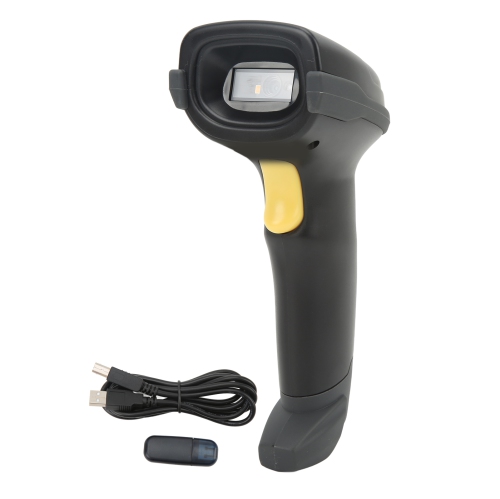
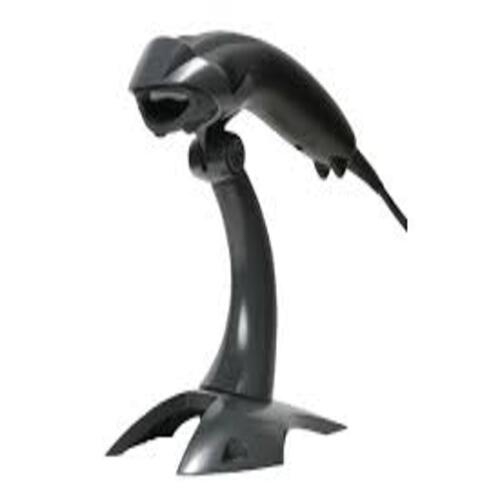
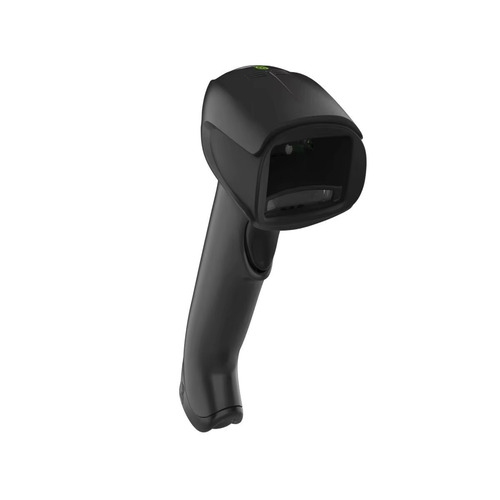
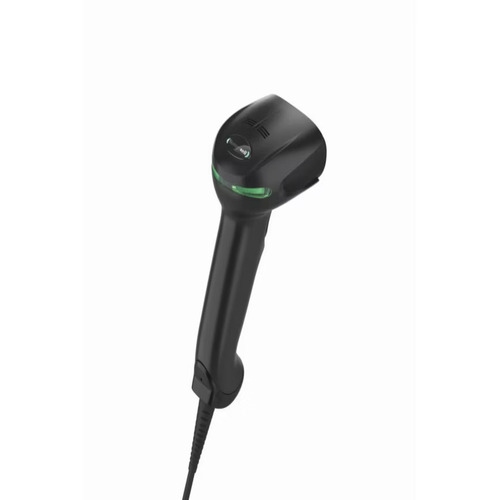
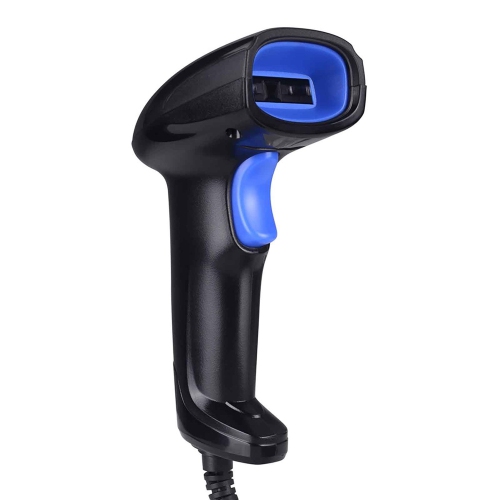
USB barcode readers are scanning devices that connect to a computer or compatible terminal through a USB port and translate barcode patterns into data that software can use. They are commonly used at checkout counters, library desks, packing stations, and office workspaces where typing a long sequence of numbers would slow down a repetitive task. A quick scan of a book label or parcel can enter an identifier with fewer opportunities for typing errors, although the receiving software still needs to interpret that identifier correctly. Many USB barcode scanners support a keyboard-style input mode, often called USB HID, which sends scanned characters to the active text field much like a keyboard. This can make them practical for spreadsheets, forms, and business applications without requiring a separate data-entry interface. Other readers support connection modes that need drivers or software configuration, so compatibility with the operating system and intended application matters as much as the physical plug. The barcode formats a reader supports are another important distinction. A 1D scanner reads linear barcodes made of parallel bars, including common UPC and EAN formats, while a compatible 2D imager can also read supported matrix formats such as QR codes and Data Matrix. Not every device supports every format, and reading a code does not automatically open a webpage or retrieve a database record; those actions depend on the connected software. For a small business owner processing transactions, an administrator logging equipment, or a librarian handling circulation, the right fit is a reader that matches the codes already in use and places their contents into the correct workflow. A direct USB connection suits fixed workstations particularly well, with many wired readers drawing power from the connected device and avoiding the need to manage a separate battery. The result is a straightforward setup for repeated scanning at a desk or counter, provided the cable, connection, and software all suit the task.
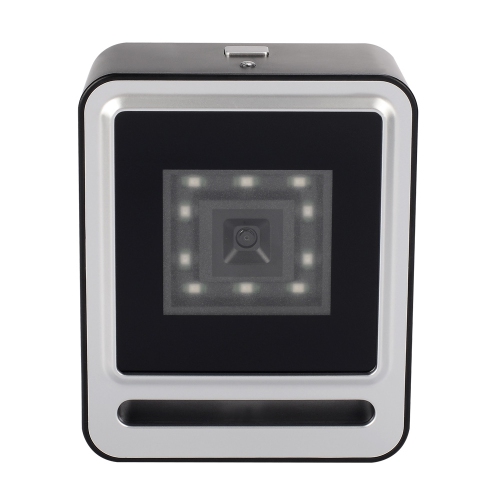
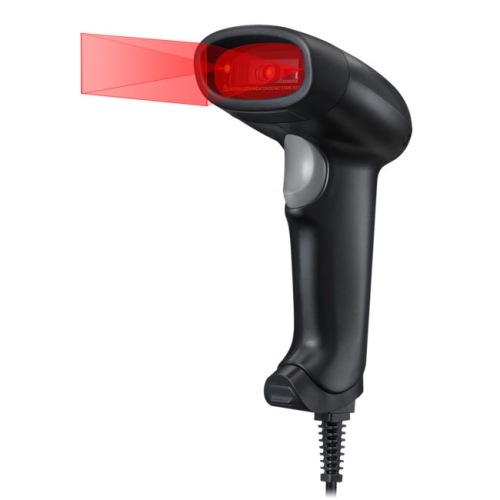
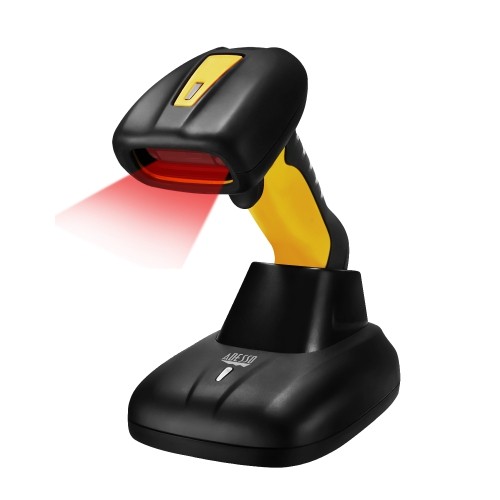
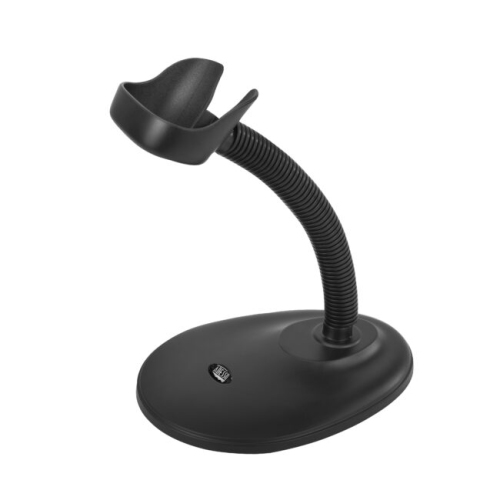
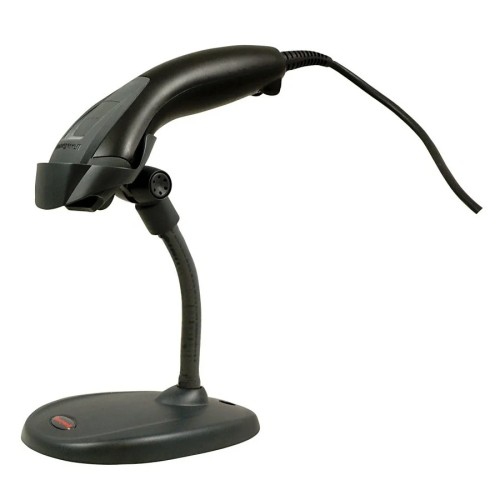
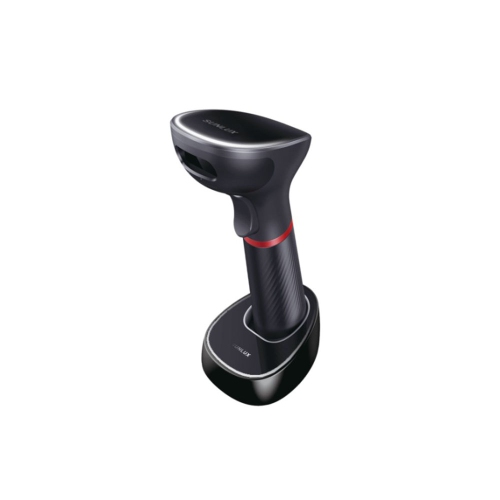
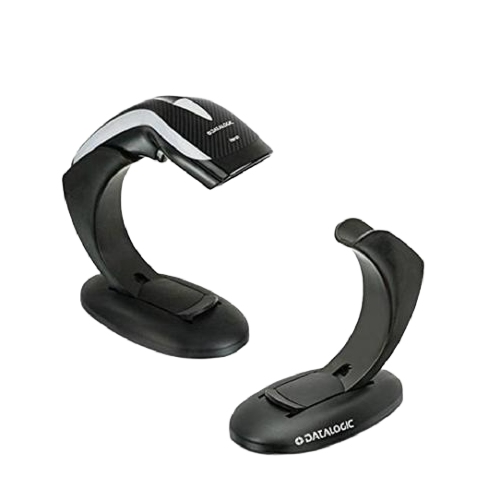
The way barcodes are presented has a noticeable effect on which USB barcode reader feels easiest to use. A handheld scanner lets the operator bring the reading window towards a label on a large carton or a folder lying flat on a desk. A presentation-style reader stays in place while labels pass in front of it, leaving both hands free to handle documents or packages. Some handheld designs also support automatic scanning in a compatible stand, making it possible to switch between a fixed position and handheld use. For checkout-focused setups, POS Barcode Scanners are a related category where compatibility with the transaction system deserves particular attention. Beyond the shape of the reader, scan distance, barcode size, and label condition all influence performance. A small code on a narrow asset tag presents a different challenge from a broad shipping label, and a barcode wrapped around a curved container may require a more deliberate angle. Faded printing, wrinkles, glossy surfaces, and damaged labels can make decoding harder, even when the barcode format is supported. Some imagers can read compatible codes displayed on phones or monitors, while other scanning technologies are intended mainly for printed labels. Screen-reading support is worth confirming when digital tickets, membership passes, or mobile coupons are part of the task. A visible aiming pattern can help isolate one barcode among several, and an audible tone or indicator light can signal a successful read. Adjustable feedback is useful at a quiet reception desk or a busy workstation where a subtle beep might be missed. Programmable prefixes and suffixes can also simplify repeated entry: adding an Enter or Tab after each scan may move a form along without an extra keystroke. These settings need to match the application, since the same automatic action that helps in one screen can put data in the wrong place in another.
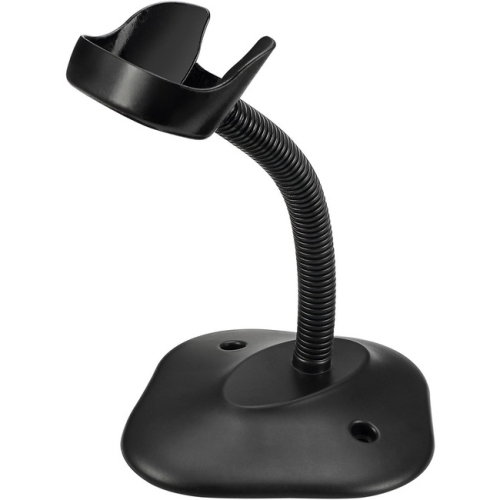
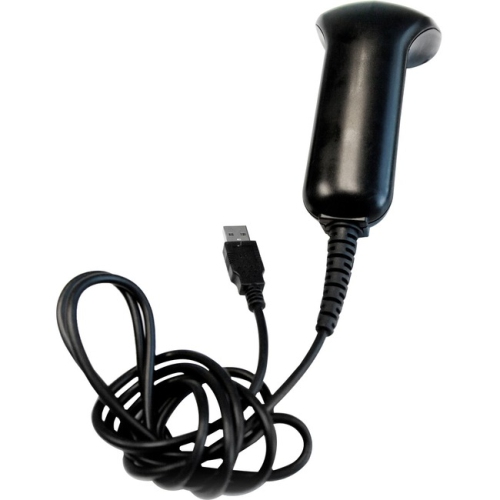
Comfort, construction, and cable management become especially noticeable when a USB barcode scanner is handled throughout the day. A balanced grip, an accessible trigger, and a manageable weight can make repeated scans less awkward, particularly when the operator alternates between scanning and typing. A stand should sit securely without crowding the keyboard or blocking the path used to move packages across the work surface. Cable length needs to provide enough reach for normal tasks without leaving loose loops where hands, chair wheels, or moving cartons can catch them. The connector type matters too: a USB-A plug will not fit directly into a USB-C-only computer, and an adapter or hub must support data transfer rather than charging alone. Tablet use also depends on the tablet’s USB host capability, power support, and application compatibility. Many reader housings use moulded plastic, with some designs adding rubberized sections to improve grip or help cushion everyday knocks. Where accidental drops are a realistic concern, stated drop-test specifications provide a more useful comparison than appearance alone. An ingress protection rating, when provided, describes tested resistance to dust and water under defined conditions; it should not be treated as permission to immerse the reader or wash it under a tap. Routine care generally centres on keeping the scanning window clear of fingerprints, dust, and adhesive residue, following the manufacturer’s cleaning directions and using only approved cleaning agents. Spraying liquid directly onto the reading window or connectors can cause damage. In shared workspaces, a housing rated for the required cleaning process can be particularly useful. Before putting a reader into regular use, a practical test involves scanning representative labels into the actual application and checking that leading zeros, punctuation, and field changes appear correctly. Keyboard language settings can affect certain characters, so a successful beep alone is not enough to confirm accurate entry. For everyday users, dependable performance comes from matching the reader to the full task: the barcode, the surface carrying it, the software receiving it, and the person holding the scanner.
The way barcodes are presented has a noticeable effect on which USB barcode reader feels easiest to use. A handheld scanner lets the operator bring the reading window towards a label on a large carton or a folder lying flat on a desk. A presentation-style reader stays in place while labels pass in front of it, leaving both hands free to handle documents or packages. Some handheld designs also support automatic scanning in a compatible stand, making it possible to switch between a fixed position and handheld use. For checkout-focused setups, POS Barcode Scanners are a related category where compatibility with the transaction system deserves particular attention. Beyond the shape of the reader, scan distance, barcode size, and label condition all influence performance. A small code on a narrow asset tag presents a different challenge from a broad shipping label, and a barcode wrapped around a curved container may require a more deliberate angle. Faded printing, wrinkles, glossy surfaces, and damaged labels can make decoding harder, even when the barcode format is supported. Some imagers can read compatible codes displayed on phones or monitors, while other scanning technologies are intended mainly for printed labels. Screen-reading support is worth confirming when digital tickets, membership passes, or mobile coupons are part of the task. A visible aiming pattern can help isolate one barcode among several, and an audible tone or indicator light can signal a successful read. Adjustable feedback is useful at a quiet reception desk or a busy workstation where a subtle beep might be missed. Programmable prefixes and suffixes can also simplify repeated entry: adding an Enter or Tab after each scan may move a form along without an extra keystroke. These settings need to match the application, since the same automatic action that helps in one screen can put data in the wrong place in another.
Comfort, construction, and cable management become especially noticeable when a USB barcode scanner is handled throughout the day. A balanced grip, an accessible trigger, and a manageable weight can make repeated scans less awkward, particularly when the operator alternates between scanning and typing. A stand should sit securely without crowding the keyboard or blocking the path used to move packages across the work surface. Cable length needs to provide enough reach for normal tasks without leaving loose loops where hands, chair wheels, or moving cartons can catch them. The connector type matters too: a USB-A plug will not fit directly into a USB-C-only computer, and an adapter or hub must support data transfer rather than charging alone. Tablet use also depends on the tablet’s USB host capability, power support, and application compatibility. Many reader housings use moulded plastic, with some designs adding rubberized sections to improve grip or help cushion everyday knocks. Where accidental drops are a realistic concern, stated drop-test specifications provide a more useful comparison than appearance alone. An ingress protection rating, when provided, describes tested resistance to dust and water under defined conditions; it should not be treated as permission to immerse the reader or wash it under a tap. Routine care generally centres on keeping the scanning window clear of fingerprints, dust, and adhesive residue, following the manufacturer’s cleaning directions and using only approved cleaning agents. Spraying liquid directly onto the reading window or connectors can cause damage. In shared workspaces, a housing rated for the required cleaning process can be particularly useful. Before putting a reader into regular use, a practical test involves scanning representative labels into the actual application and checking that leading zeros, punctuation, and field changes appear correctly. Keyboard language settings can affect certain characters, so a successful beep alone is not enough to confirm accurate entry. For everyday users, dependable performance comes from matching the reader to the full task: the barcode, the surface carrying it, the software receiving it, and the person holding the scanner.
Top selling and popular products
-
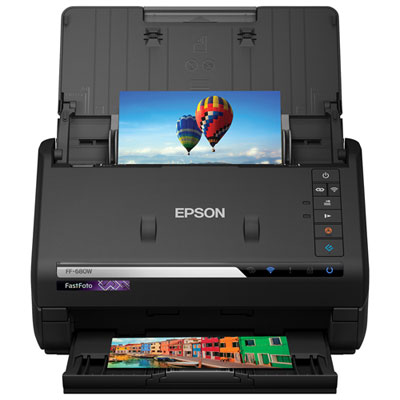 Your price for this item is $849.99
 -
 Your price for this item is $107.99
 -
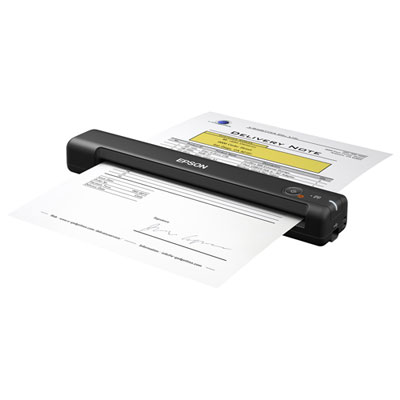 Your price for this item is $149.99
 -
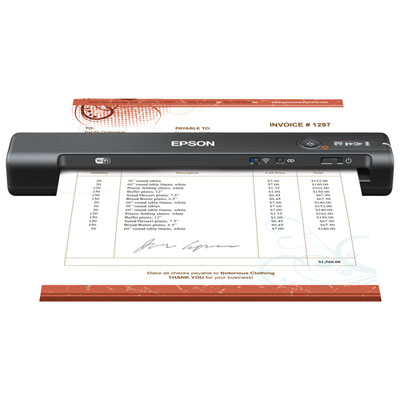 Your price for this item is $239.99
 -
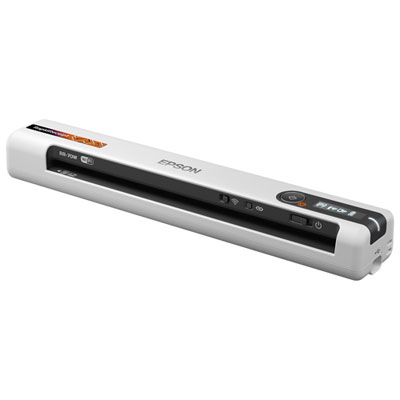 Your price for this item is $369.99
 -
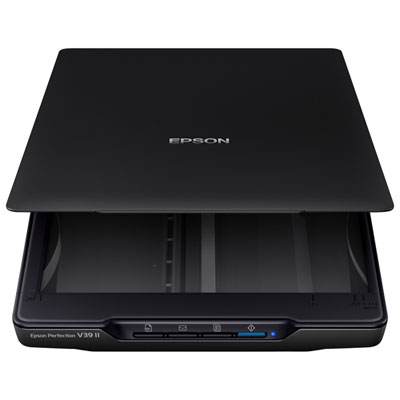 Your price for this item is $129.99
 -
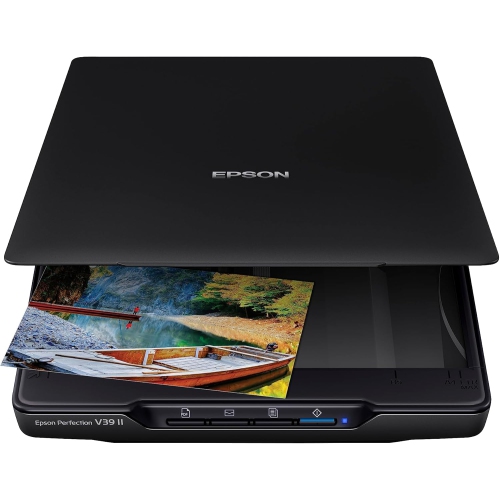 Your price for this item is $228.99
 -
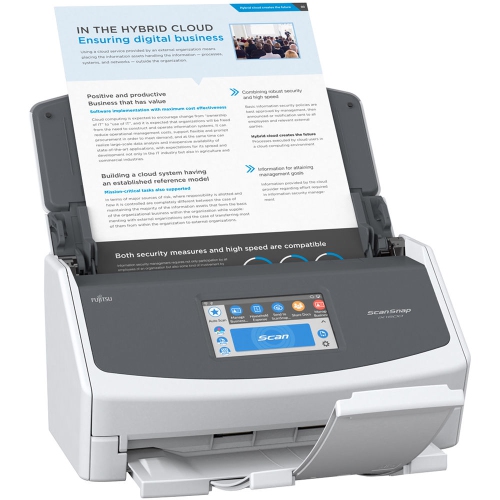 Your price for this item is $804
Discover more categories related to USB Barcode Readers
Top Collections:
Pokemon Centers, Kindle Devices, Best Budget Office Chairs, Apple iPhones 16, Best Laptops for Writers, iPhone 15 Apple, Canon G7X Cameras, Refurbished Apple Laptops, Alarm Clock, Motorola Razr Phones
Some products may be subject to Environmental Handling Fees
(EHF) depending on your province.
Learn more about EHFs.