Back To School Adjustable Monitor Arms For Study Desks
Get your study desk ready for back to school with adjustable monitor arms that help you position your screen and free up desktop space. Browse monitor mounts with adjustable positioning, and compare screen-size compatibility, weight capacity, and desk attachment requirements to find an option that fits your monitor and workspace.
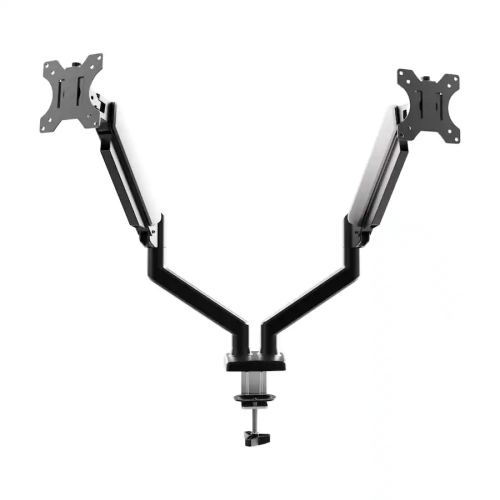
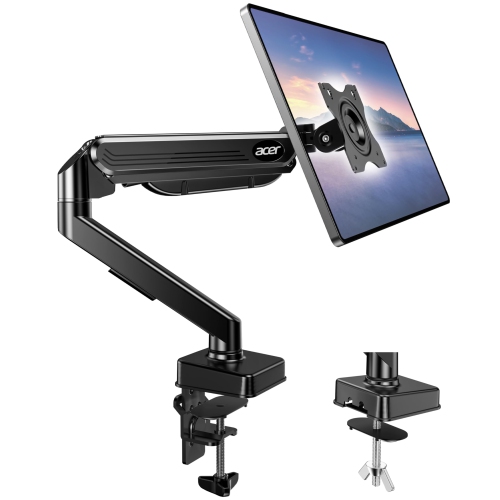
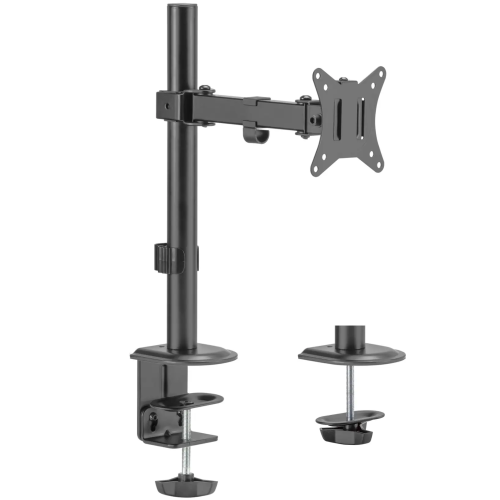
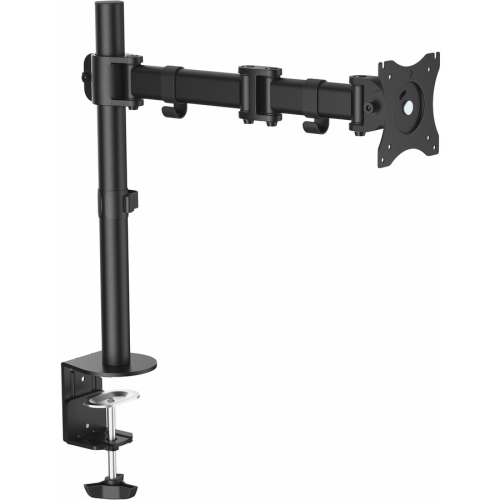
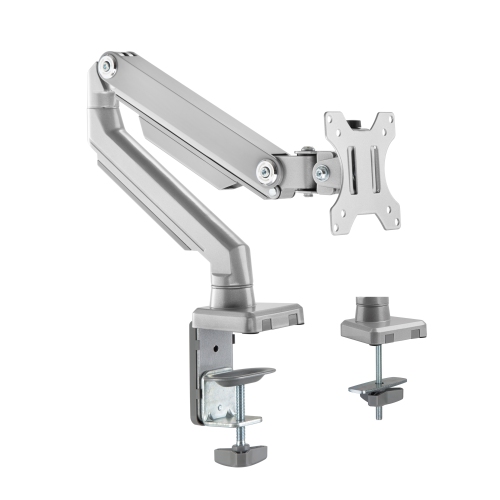

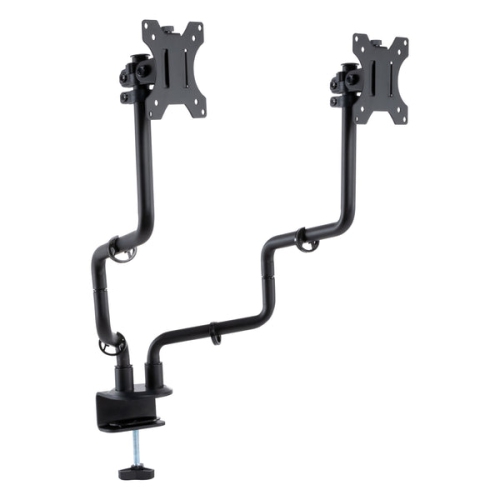
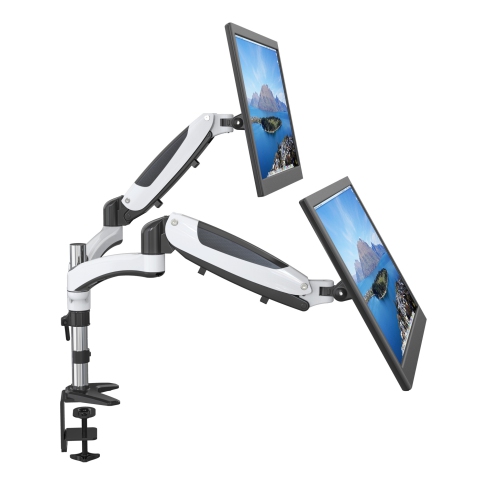
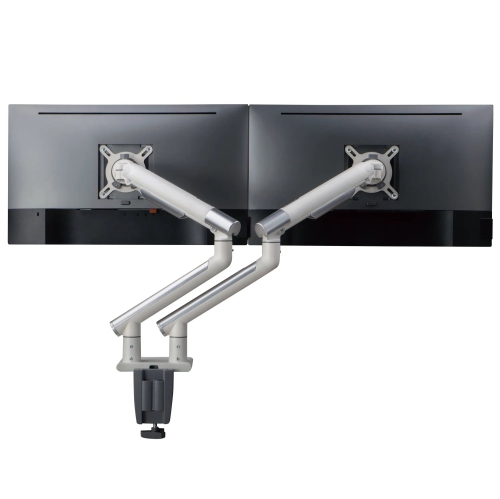
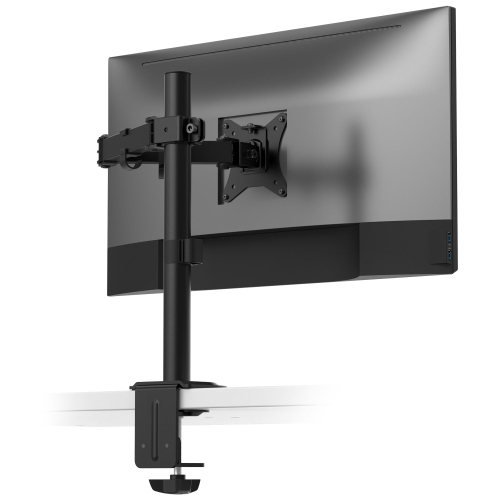
![AMER MOUNTS Dual Articulating Spring Monitor Arm [Arctic Edition] for 17"-32" Monitors 9Kg Max Weight Per Screen - Clamp And Grommet Base Mount Works for desks with and without grommet](https://multimedia.bbycastatic.ca/multimedia/products/500x500/160/16039/16039938.jpeg)
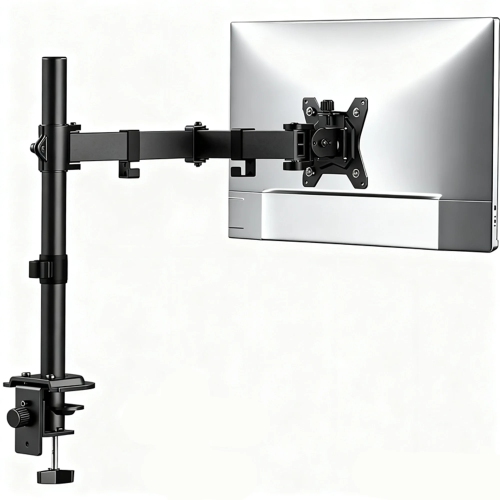
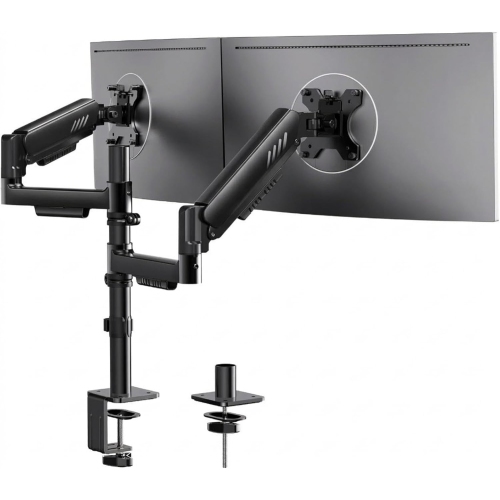
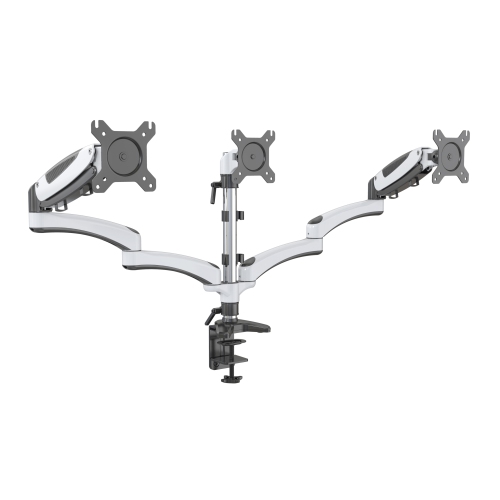
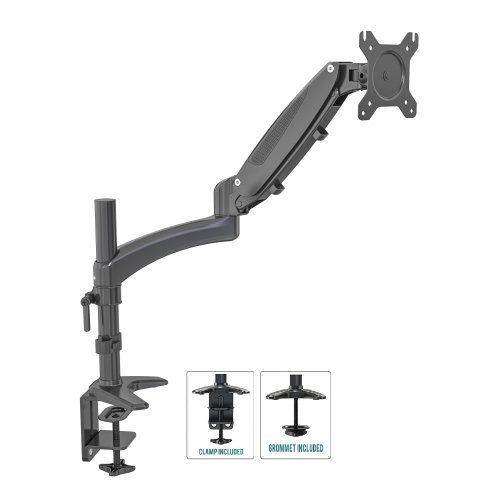

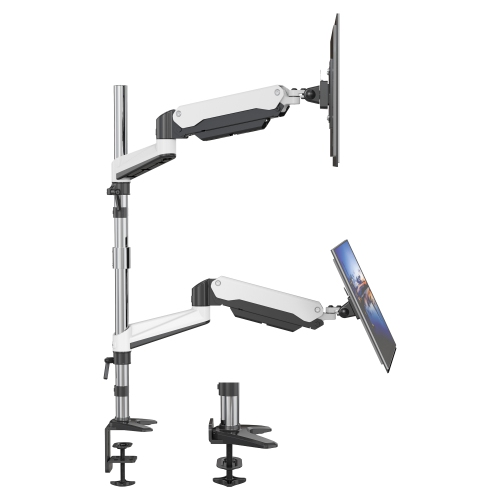
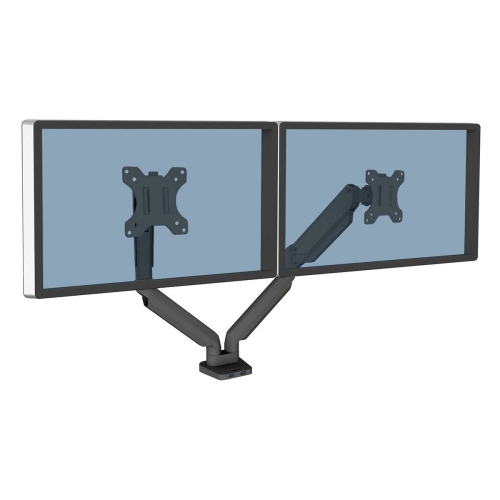
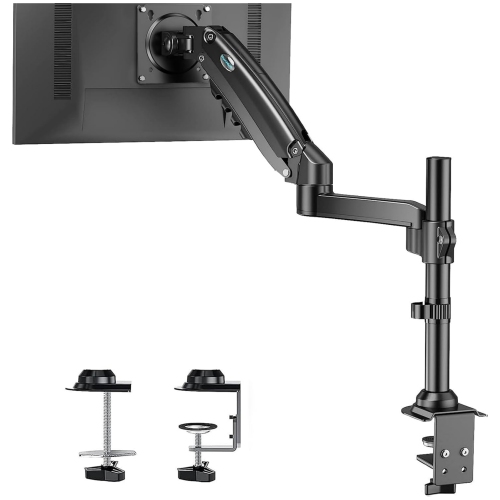
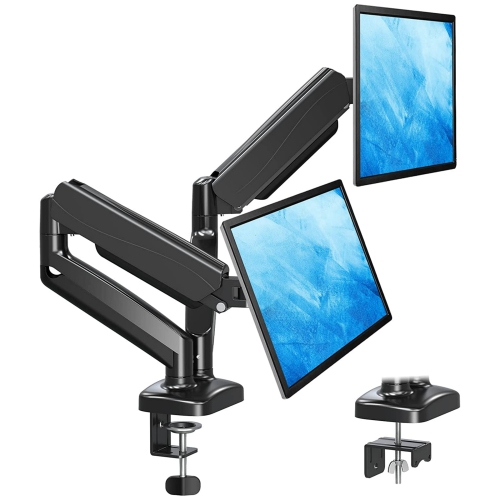
FAQ
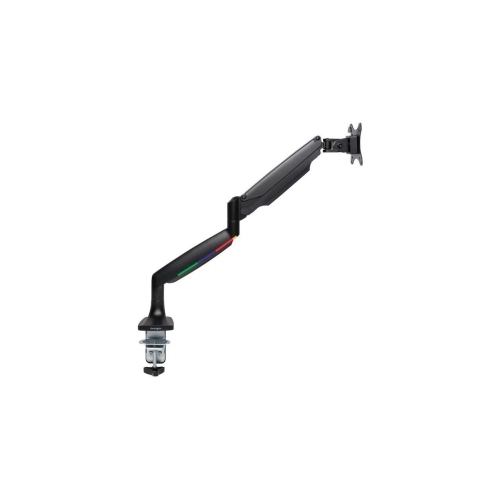
Adjustable monitor arms may offer tilt, swivel, rotation and height adjustment. Some use gas-spring mechanisms for repositioning, while others use mechanical joints or adjustment knobs. Available movements vary by design.
A clamp mount attaches to the edge of a desk, while a grommet mount secures through an opening in the desktop. When choosing a mounting style, check the desk’s construction and the monitor arm’s installation requirements.
Many monitor arms include clips, channels or removable covers that route display and power cables along the arm. These features keep cables grouped together. Leave enough slack for the arm’s intended range of movement.
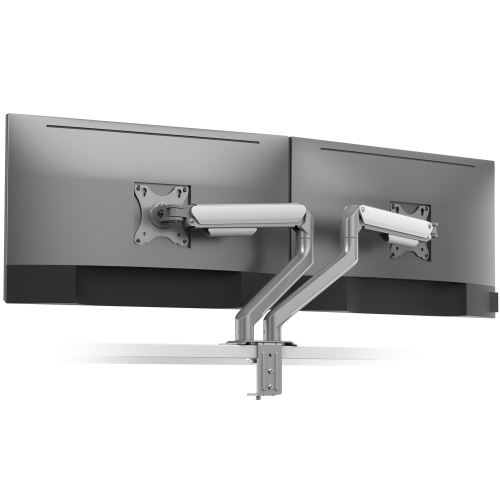
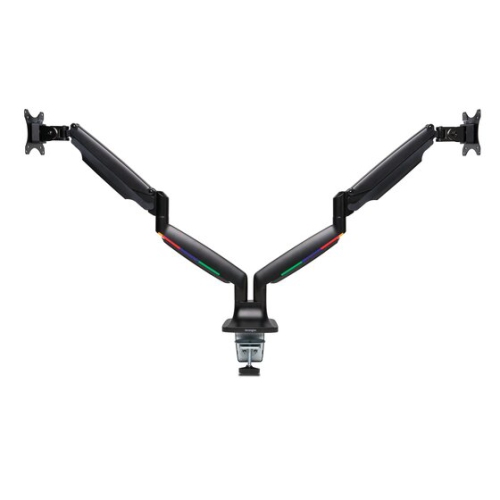
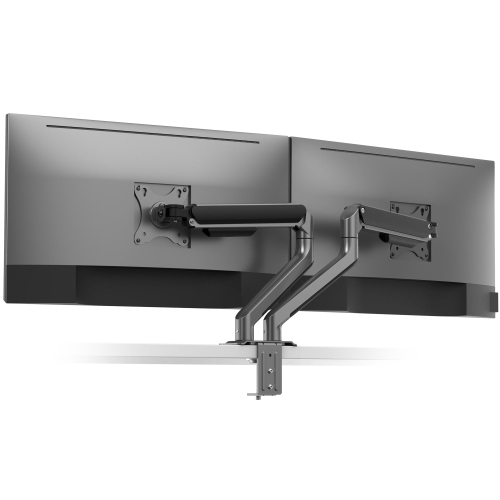
A single monitor arm holds one display, while a dual monitor arm holds two displays on a shared mounting system. Dual-arm designs may offer independent adjustment for each monitor, allowing different positions for notes, coursework and other open windows.
Monitor arms with a rotating display mount can support portrait and landscape positioning, provided the monitor and mounting setup are compatible. After rotating the monitor, you may also need to change the display orientation in your computer’s settings.
Top selling and popular products
Discover more categories related to Back To School Adjustable Monitor Arms For Study Desks

Some products may be subject to Environmental Handling Fees (EHF) depending on your province. Learn more about EHFs.