Back To School Deals On Samsung Devices
Explore back-to-school deals on Samsung devices for studying, managing assignments and staying connected. Compare screen sizes, storage options and connectivity, and check compatibility with your required school apps to find a device that fits your coursework and budget.






FAQ
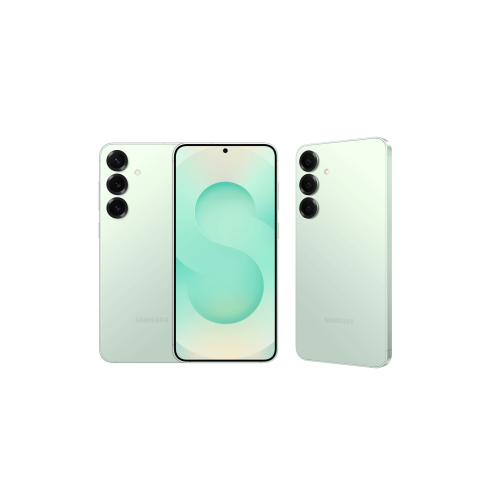
Samsung laptops, tablets, smartphones and earbuds offer different features for student life. Laptops support desktop applications and document creation, while tablets offer touchscreen navigation, digital reading and handwritten notes on compatible models. Smartphones provide calendars and messaging, and earbuds offer audio for lectures and study playlists.
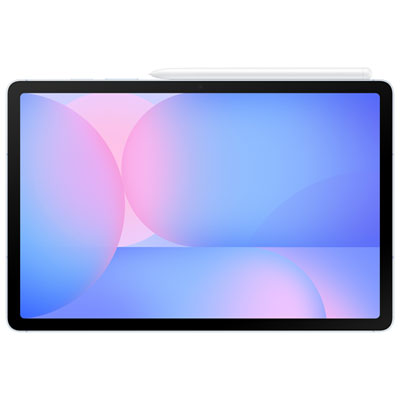
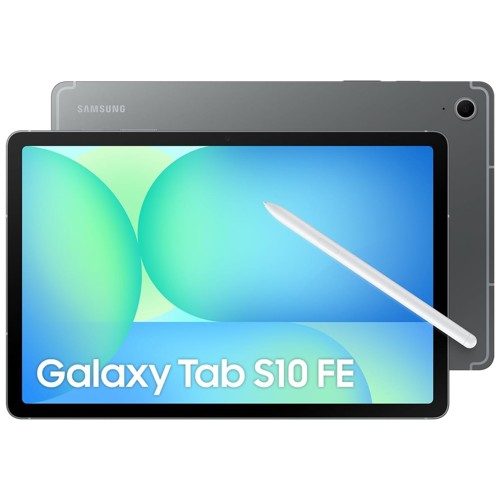
Start with your course software requirements. A laptop typically offers a desktop operating system and a built-in keyboard, while a tablet uses mobile apps and touch controls. Some Samsung tablets support keyboard accessories and stylus input, but check whether your school's required applications support the device's operating system.
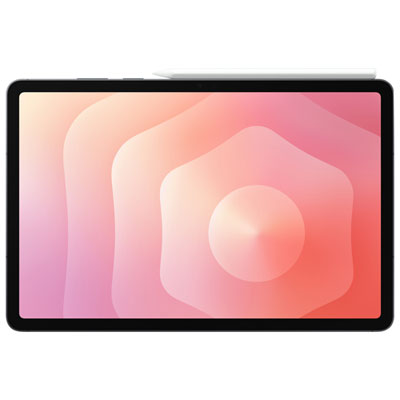
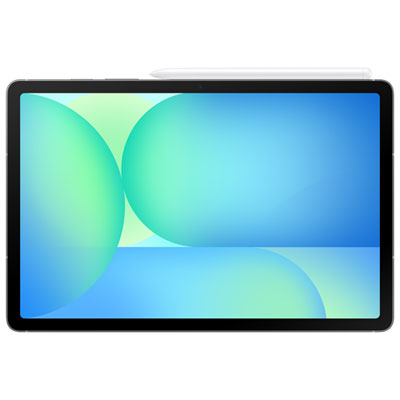
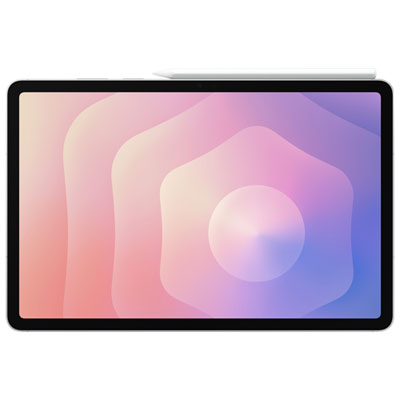
Depending on the device and app, students can type notes, annotate PDFs, organize digital notebooks and add images to course materials. Compatible Samsung tablets also support handwritten notes with an S Pen. Stylus support and included accessories vary by model.
Compatible devices can share files through Quick Share, cloud storage services or USB connections. Some apps also sync notes and documents across devices when signed in to the same account. Available sharing options depend on the operating system, device compatibility and account settings.
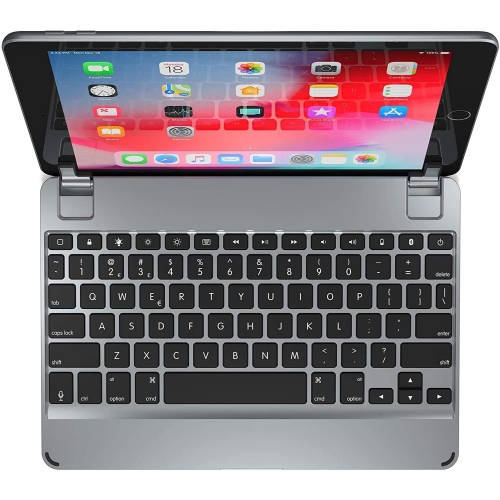
Common options include keyboard covers for typing, compatible styluses for handwritten notes, cases with stands for reading, and headphones for course audio. USB hubs and external monitors can add connection options to supported laptops and tablets. Check the device's ports and accessory compatibility before choosing.
Top selling and popular products
Discover more categories related to Back To School Deals On Samsung Devices


Some products may be subject to Environmental Handling Fees (EHF) depending on your province. Learn more about EHFs.