Back To School Ergonomic Mice For Long Study Hours
Find back-to-school ergonomic mice for long study hours, with shapes designed to support a comfortable grip while you take notes, research, and work on assignments. Compare mouse size, hand orientation, and connection type to find an option that suits your laptop or desktop setup and feels comfortable through extended study sessions.


FAQ
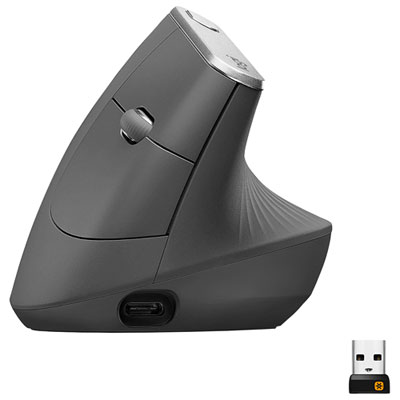
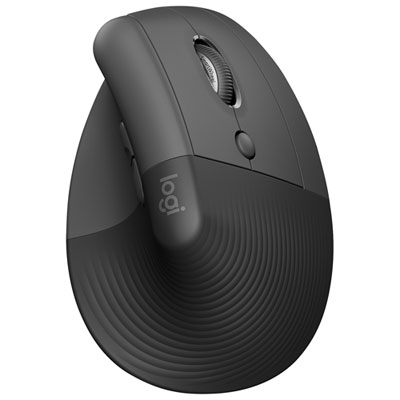
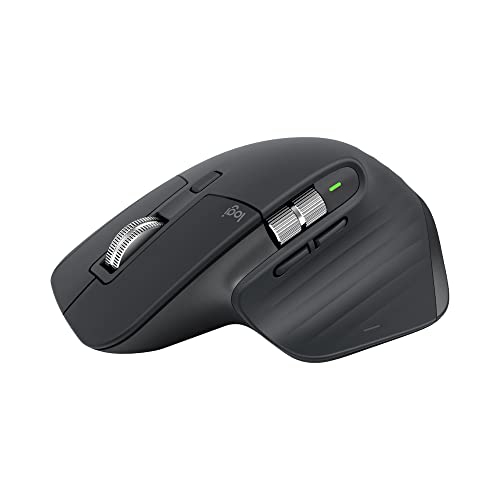
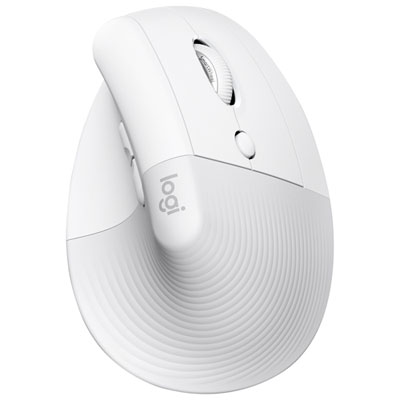
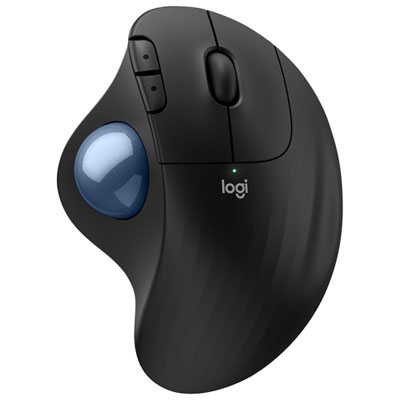
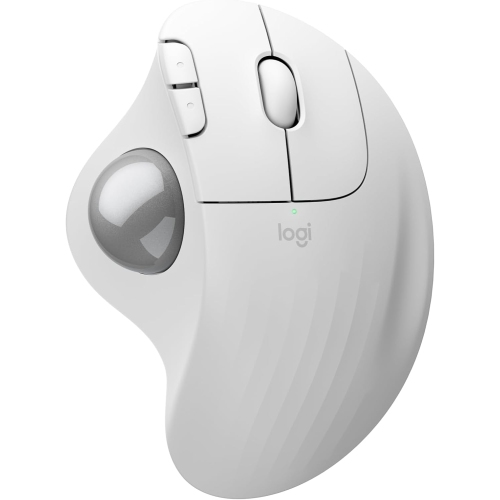
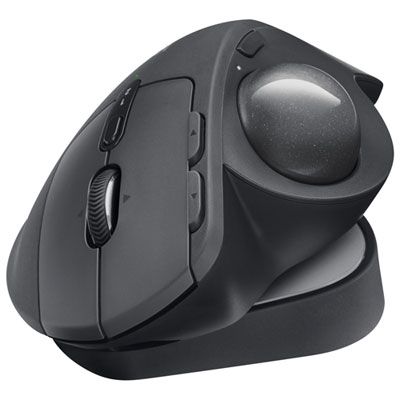
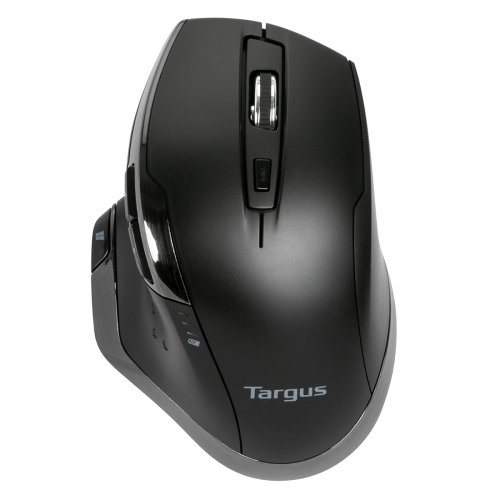
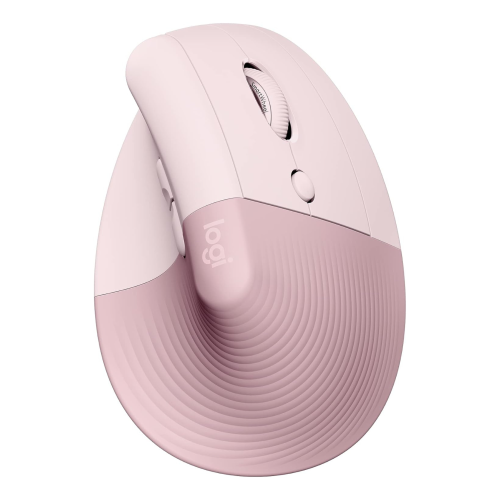
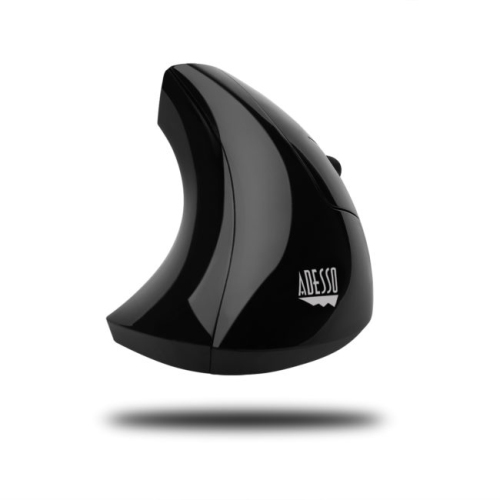
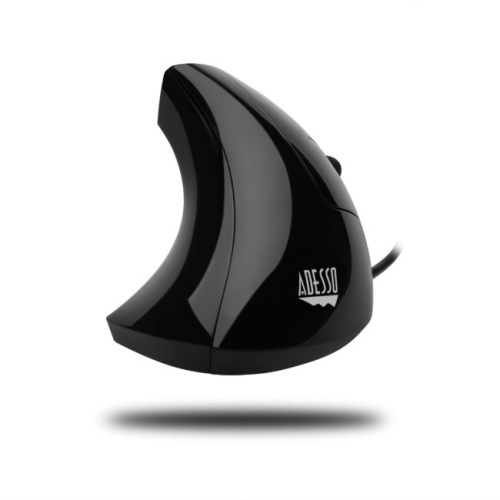
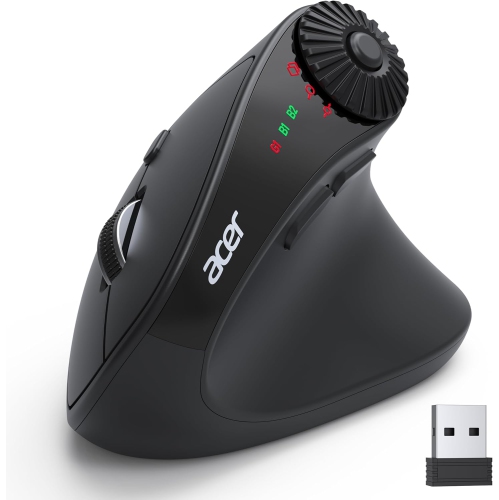
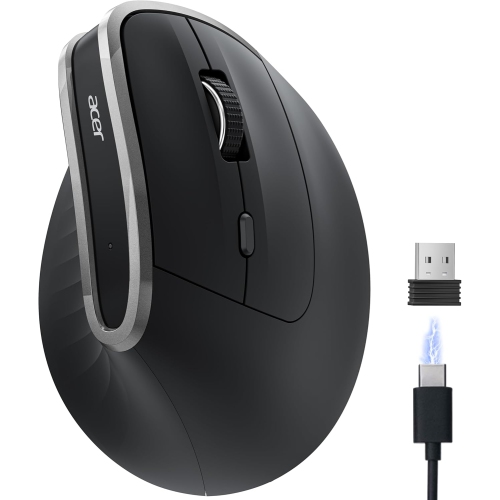
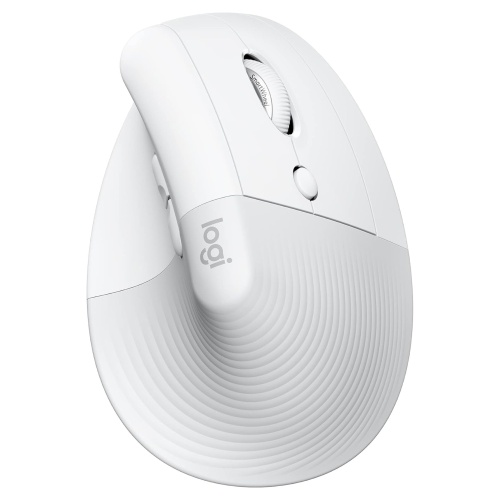
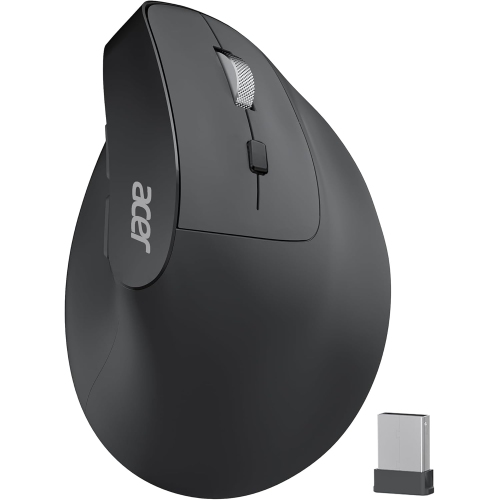
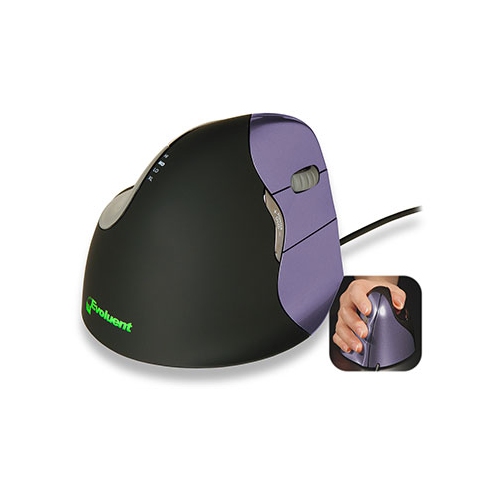
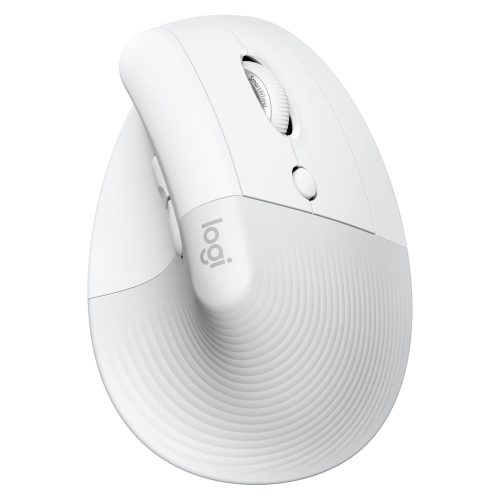
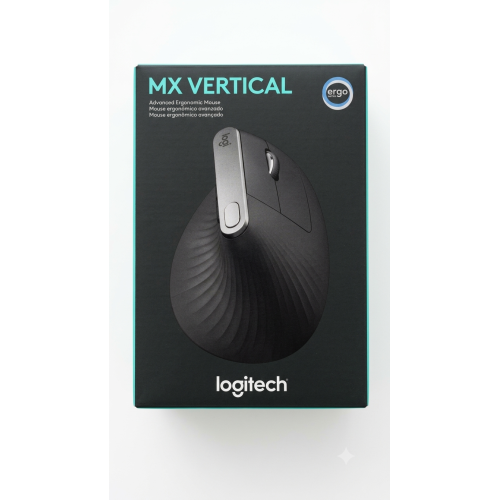
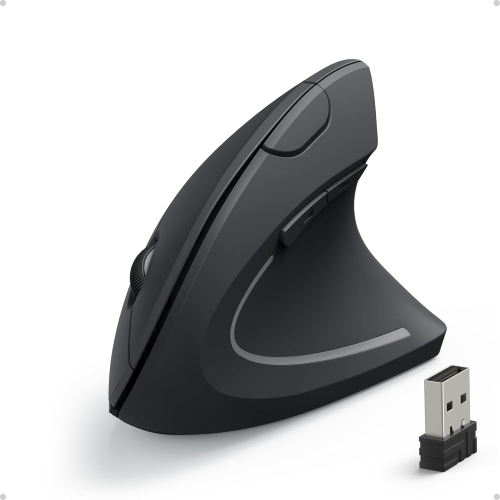
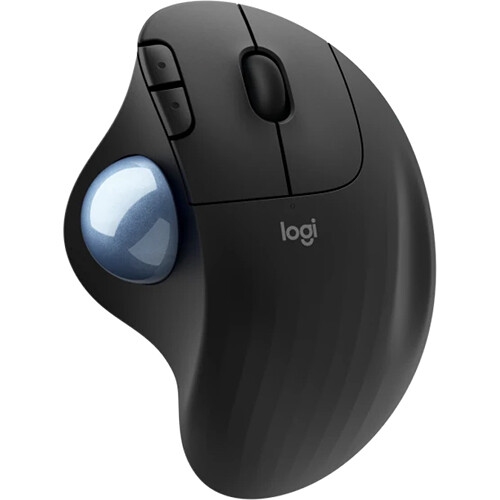
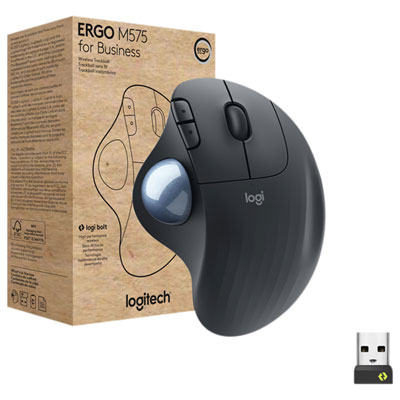
Common styles include contoured mice, vertical mice and trackball mice. Contoured models have sculpted shapes, vertical models place the buttons at an upright angle, and trackball models let you move the pointer by rotating a ball while the mouse stays stationary.
Ergonomic mice can connect through a wired USB cable, a USB wireless receiver or Bluetooth. Some models offer multiple connection options. Check which ports your computer has and whether it supports Bluetooth before choosing a connection type.
Compatibility varies by model. Many ergonomic mice support basic pointing, clicking and scrolling on Windows, macOS or ChromeOS, but software for custom button assignments may support fewer operating systems. Check both the mouse and its companion software requirements for your school computer.
Programmable buttons can be assigned to commands such as copy, paste, browser navigation or switching applications, depending on the model and software. Some mice also support separate button profiles for different programs, such as a web browser or document editor.
Yes. Ergonomic mice are available in left-handed, right-handed and ambidextrous designs. Look at the stated hand orientation and button layout, especially for vertical and trackball models. Switching the primary click button in your computer settings does not change the mouse’s physical shape.
Top selling and popular products
Discover more categories related to Back To School Ergonomic Mice For Long Study Hours


Some products may be subject to Environmental Handling Fees (EHF) depending on your province. Learn more about EHFs.