Back To School Fast Performance Routers
Find fast-performance routers for back to school to help keep online classes, research, and study sessions running smoothly. Compare Wi-Fi routers by speed, coverage, and device capacity to find an option that suits your space and supports laptops, tablets, and other connected devices.

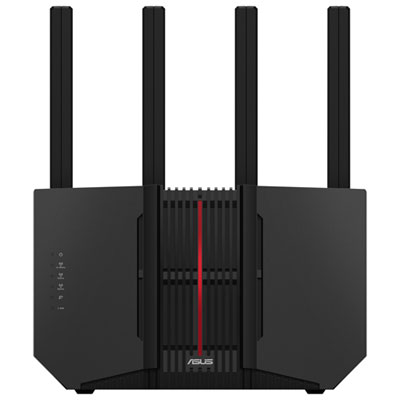
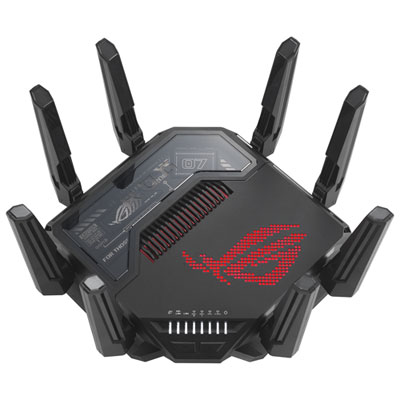
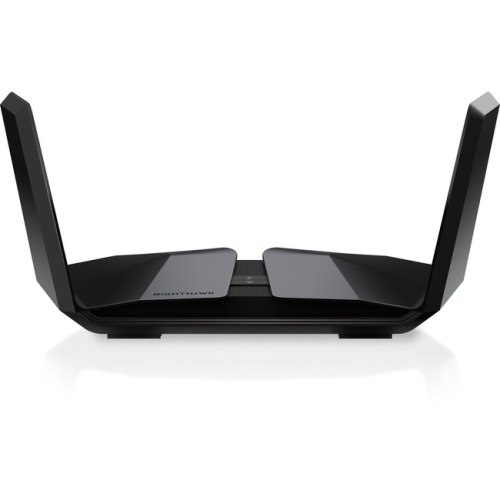

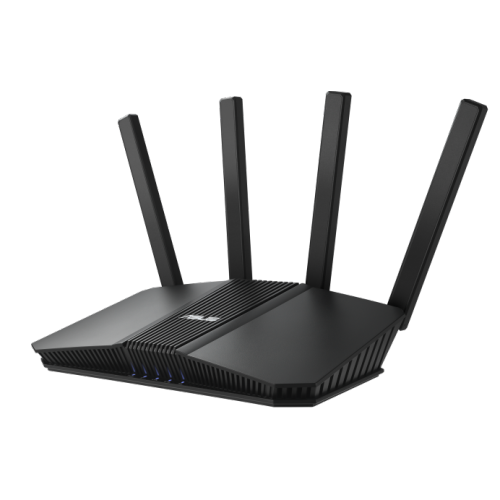
FAQ
These names identify generations of Wi-Fi technology. Wi-Fi 6 uses the 2.4 GHz and 5 GHz bands, while Wi-Fi 6E adds access to the 6 GHz band. Wi-Fi 7 introduces newer features, including Multi-Link Operation on compatible devices. Your laptop, tablet or phone must support a feature to use it.
Dual-band routers typically offer 2.4 GHz and 5 GHz networks. Tri-band routers add a third band, which may be another 5 GHz band or a 6 GHz band, depending on the model. Check the listed bands rather than assuming every tri-band router includes 6 GHz.
A modem connects to your internet provider through services such as cable or DSL, while a router connects your household devices to that internet connection. Fibre service typically uses an optical network terminal instead of a modem. Some providers supply a gateway that combines modem and router functions, so check your existing equipment before adding a separate router.
The WAN or internet port usually connects the router to a modem, optical network terminal or provider gateway. LAN ports connect wired devices such as desktop computers, printers and docking stations. For a school laptop without an Ethernet port, a compatible USB-to-Ethernet adapter or dock can provide a wired connection.
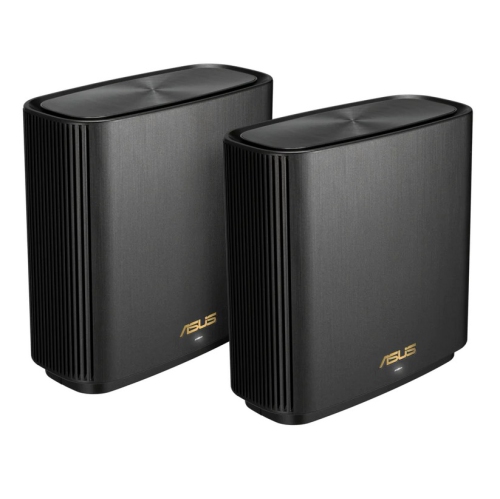
A standalone router provides Wi-Fi from one unit. A mesh system uses a main router and additional nodes placed around the home, usually managed through one app or interface under a shared network name. Some systems support Ethernet connections between nodes, while others connect them wirelessly.
Top selling and popular products
Discover more categories related to Back To School Fast Performance Routers
Some products may be subject to Environmental Handling Fees (EHF) depending on your province. Learn more about EHFs.