Back To School iPad Accessories
Find back-to-school iPad accessories to help with note-taking, coursework, and carrying your tablet between classes. Explore options such as keyboard cases, styluses, screen protectors, and chargers, and check compatibility with your iPad model before choosing the right accessories for your school day.




FAQ
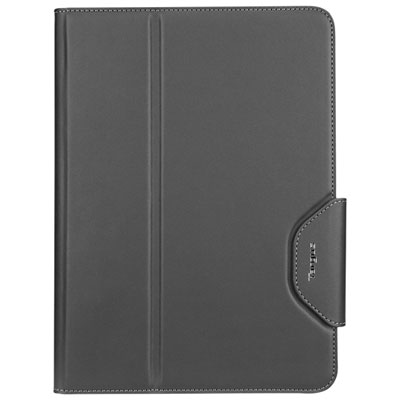
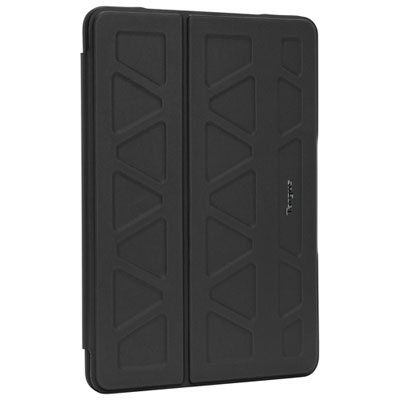
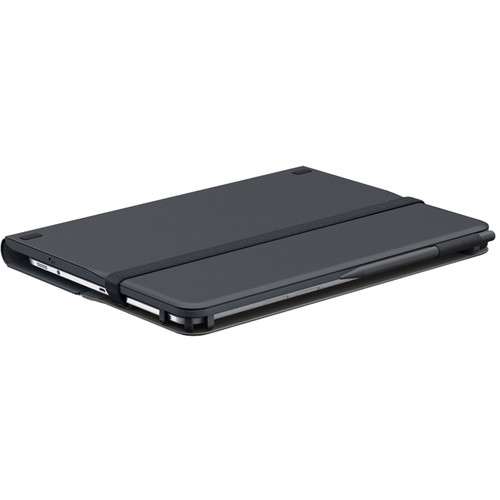
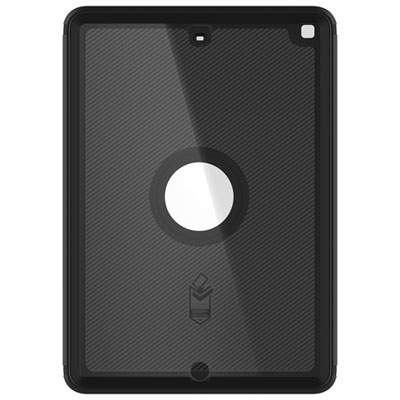
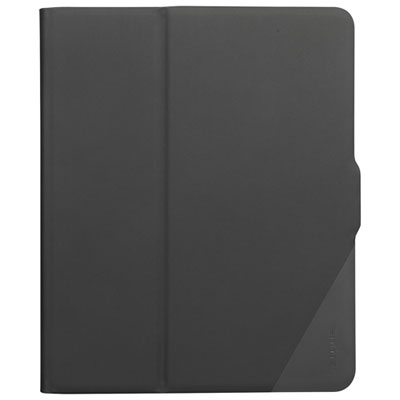
Common back-to-school iPad accessories include a keyboard for typing assignments, a stylus for handwritten notes, a case for carrying between classes, and a stand for desk use. Headphones, charging cables, and USB-C hubs can also support everyday study tasks, depending on your iPad model.
Find your iPad’s model name and model number under Settings > General > About, then compare those details with the accessory’s compatibility list. Check connection requirements as well, since accessories may use USB-C, Lightning, Bluetooth, or a Smart Connector. Stylus compatibility also varies by iPad model and generation.
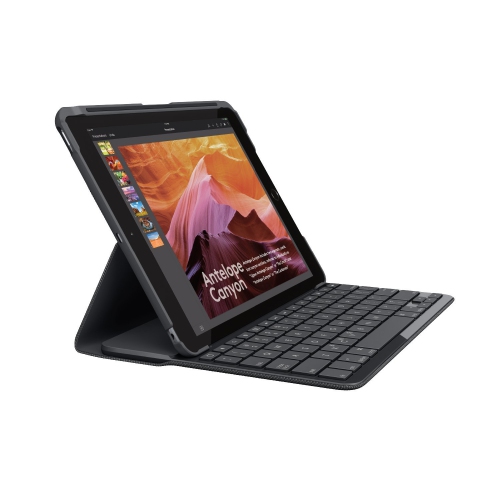
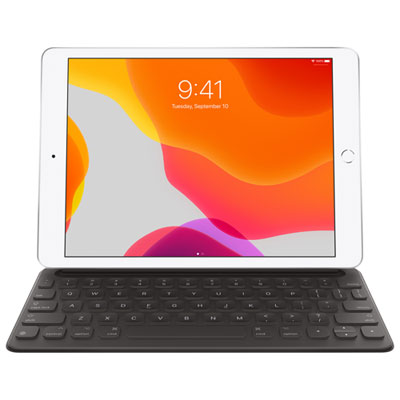
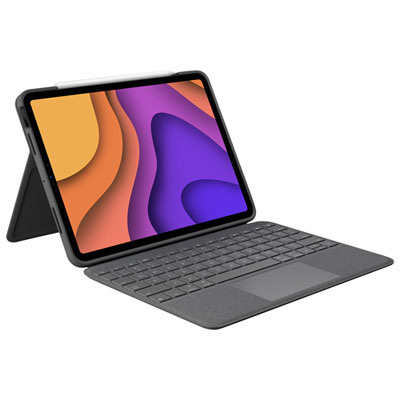
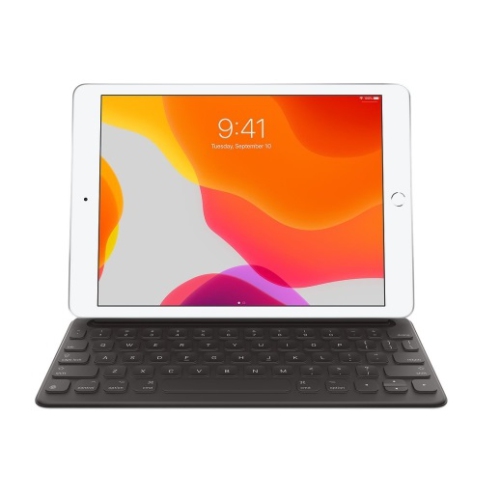
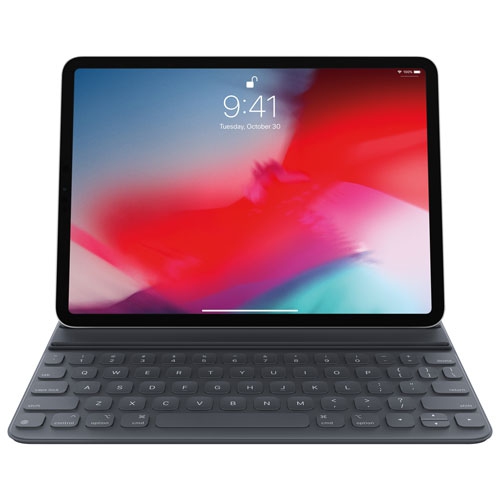
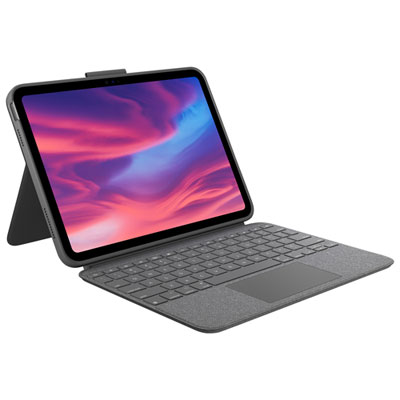
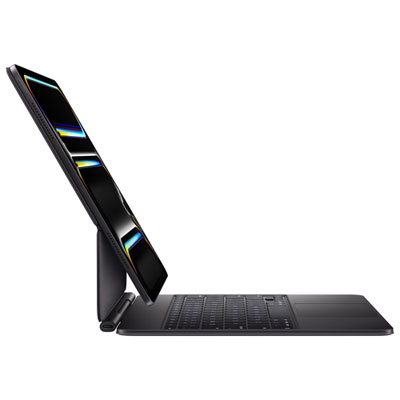
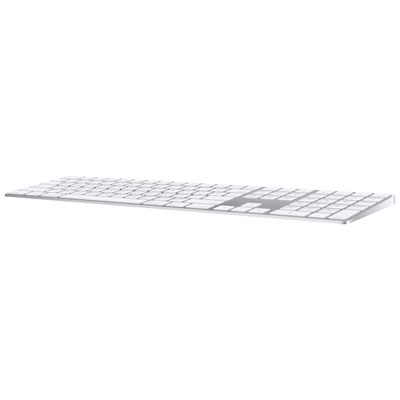
Consider the keyboard layout, connection type, and whether you prefer a separate keyboard or one integrated into a case. Shortcut keys, backlit keys, and a built-in trackpad are other features to compare. Bluetooth keyboards may need separate charging, while compatible Smart Connector keyboards draw power from the iPad.
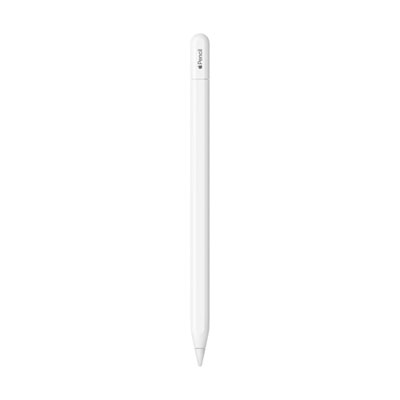
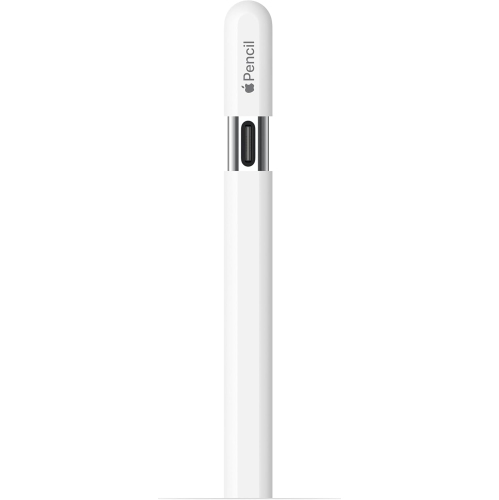
Depending on the stylus, iPad, and app, features may include palm rejection, pressure sensitivity, tilt support, and shortcut controls. Some models also offer magnetic attachment or wireless charging with compatible iPads. Check that the stylus supports the features you want in your preferred note-taking or drawing apps.
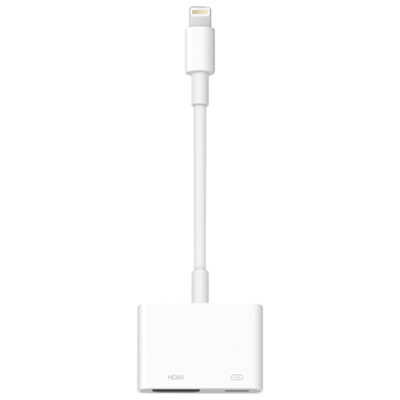
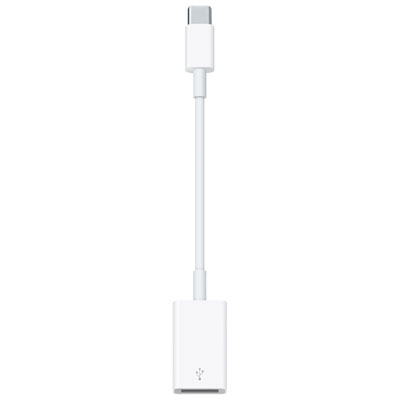
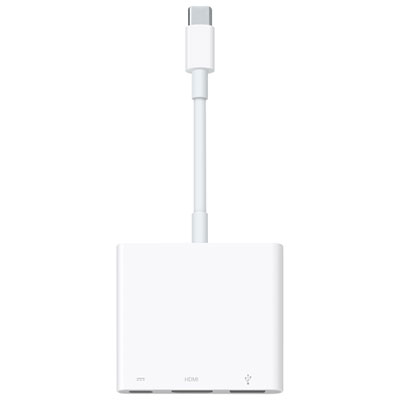
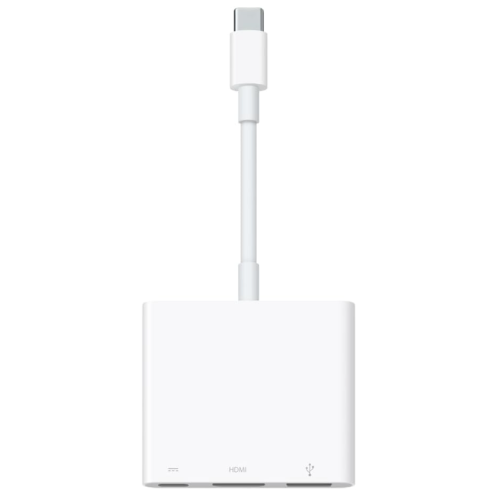
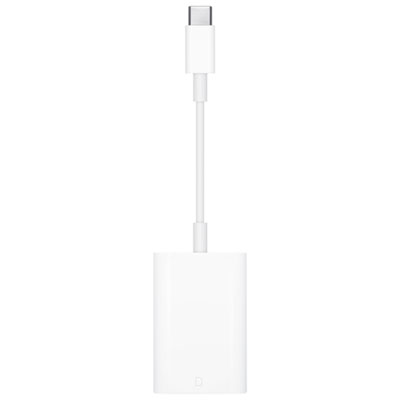
A compatible hub or adapter can provide connections for peripherals such as keyboards, external storage, or displays. Available functions depend on your iPad’s port, the hub or adapter, and iPadOS support. For presentations, check the display connection requirements; for file transfers, confirm that the storage device’s format is supported.
Top selling and popular products
Discover more categories related to Back To School iPad Accessories


Some products may be subject to Environmental Handling Fees (EHF) depending on your province. Learn more about EHFs.