Back To School Laptop Privacy Screen Filters
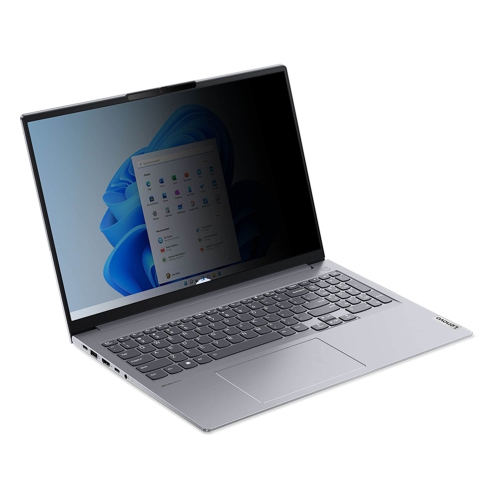
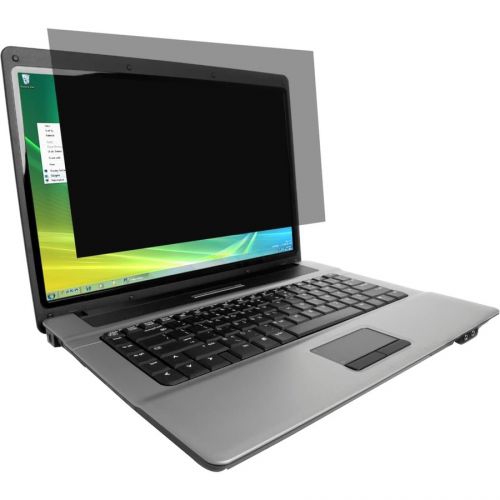
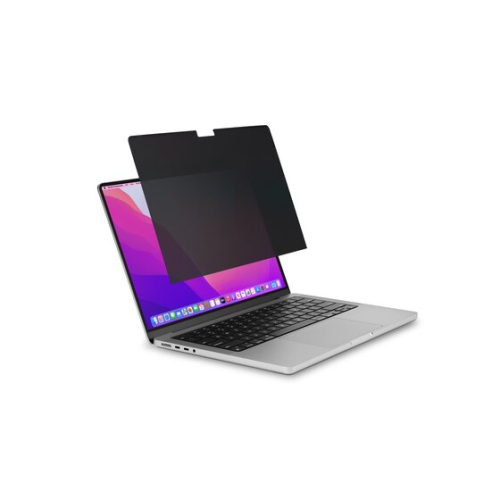
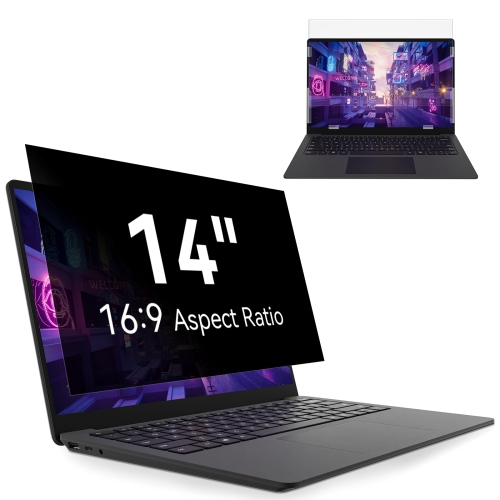
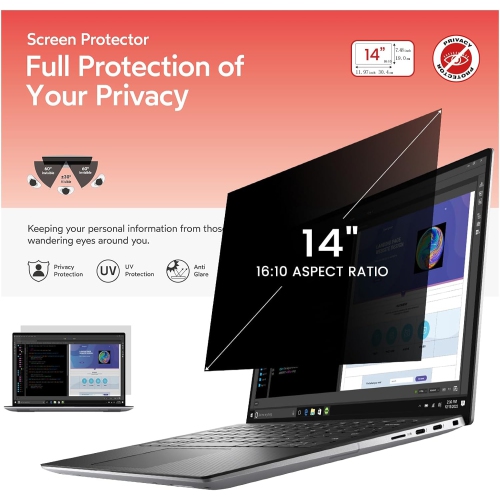
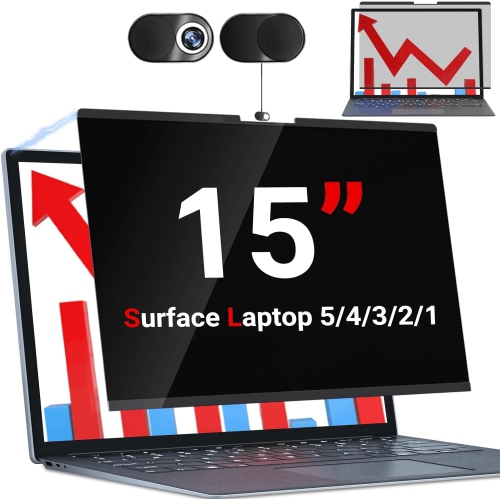
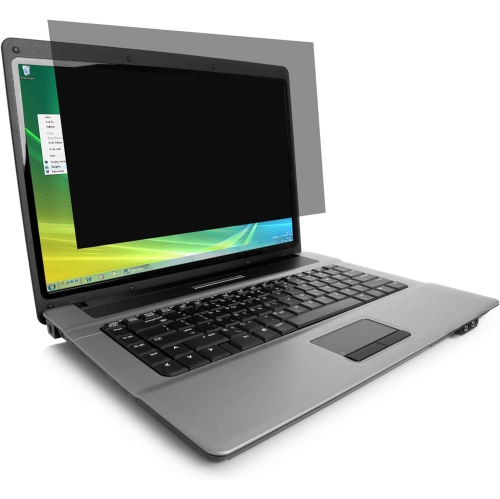
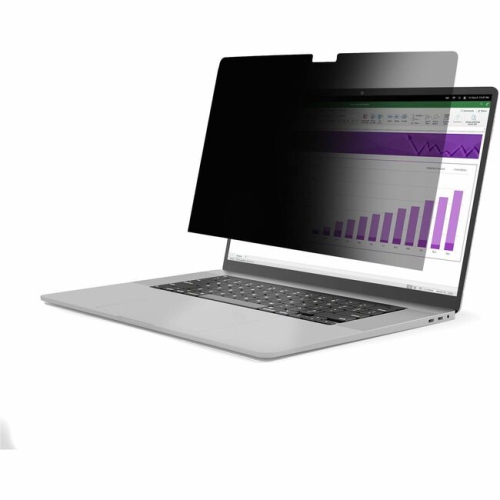
Back-to-school laptop privacy screen filters help limit side-angle viewing when you’re studying in shared spaces such as classrooms, libraries, and campus cafés. Browse laptop privacy filters with your screen size and aspect ratio in mind, and check compatibility and attachment options to find a suitable fit.

FAQ
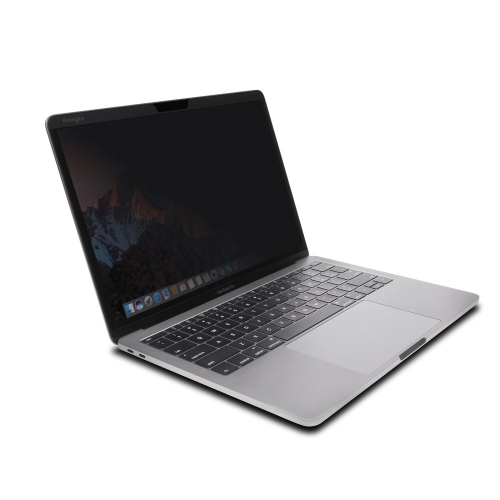
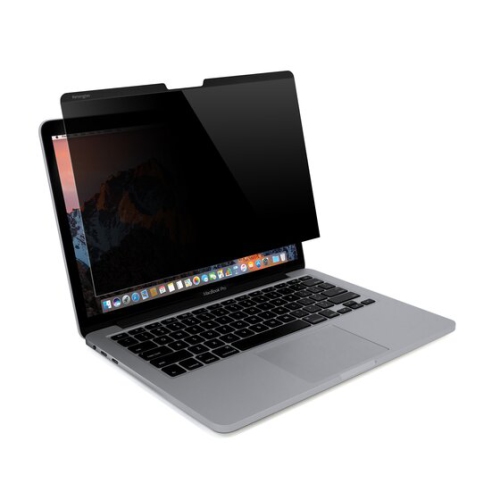
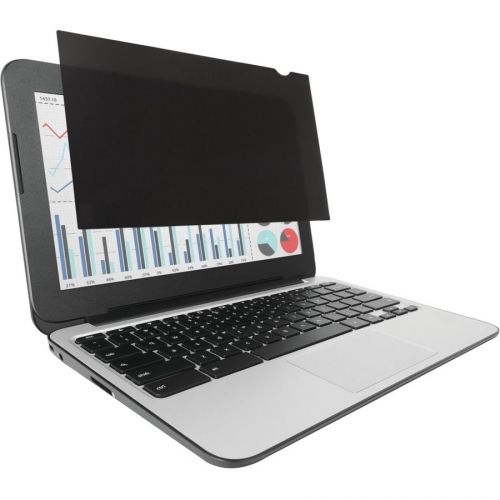
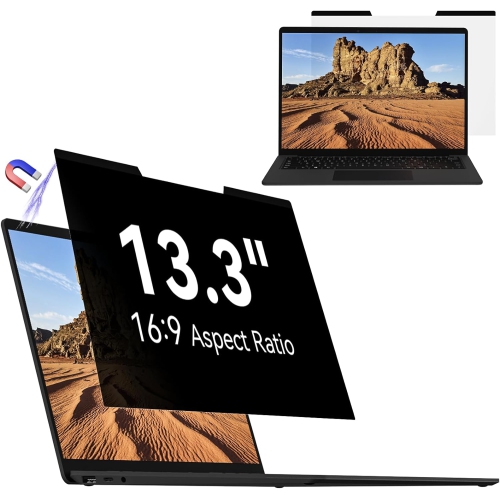
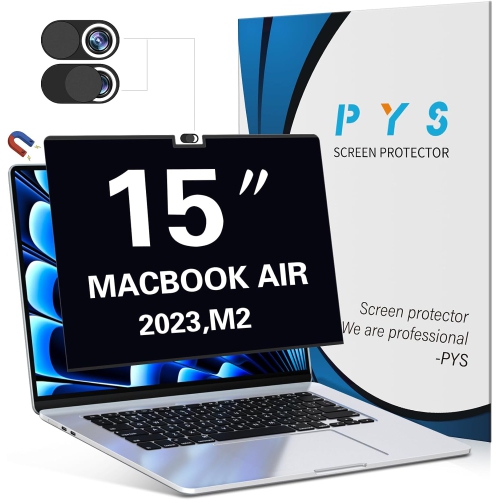
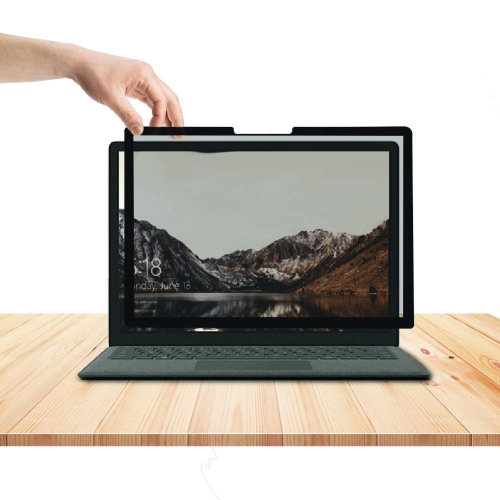
Common attachment options include magnetic mounts, adhesive strips and slide-in tabs. Magnetic and slide-in designs are typically removable, while adhesive attachment methods vary by filter. Check which mounting method your laptop supports before choosing a filter.
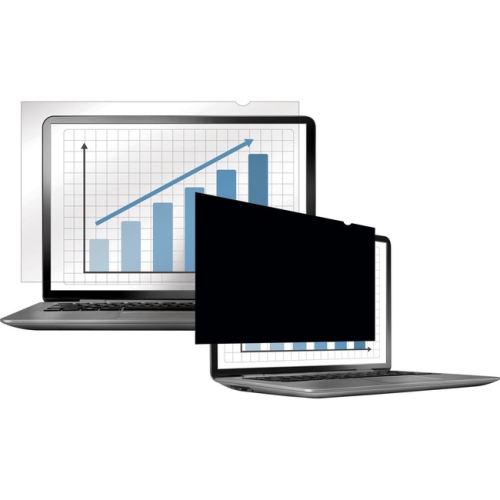
Privacy screen filters commonly come in matte or glossy finishes. Matte finishes have a lightly textured appearance, while glossy finishes have a smooth, shiny appearance. Some filters are reversible, giving students a choice of finish.
Touchscreen compatibility varies by filter. Students using a touchscreen laptop should look for a filter explicitly listed as touch-compatible. If you use a stylus for class notes, check for stylus compatibility as well.
Follow the filter manufacturer's cleaning instructions. A soft microfibre cloth is commonly used to remove dust and fingerprints. Use cleaning liquids only if the manufacturer permits them, and avoid abrasive cloths or household cleaners.
Place the filter in its supplied sleeve or a dedicated flat storage pocket when it is not attached to your laptop. Keep it flat rather than folding or rolling it, and store any removable mounting accessories with it.
Top selling and popular products
Discover more categories related to Back To School Laptop Privacy Screen Filters
Some products may be subject to Environmental Handling Fees (EHF) depending on your province. Learn more about EHFs.