Back To School Privacy Screen Filters For Student Laptops
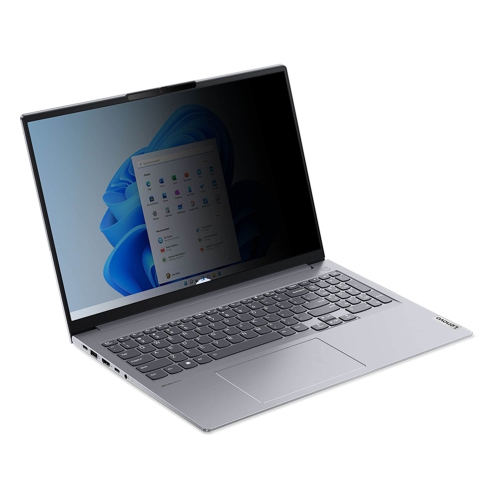
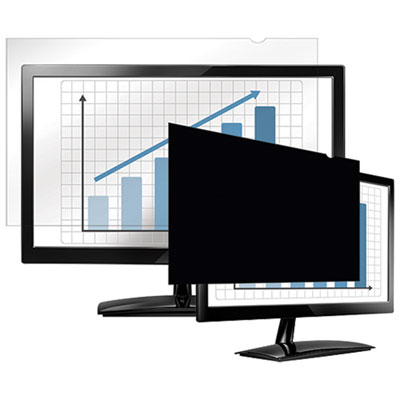
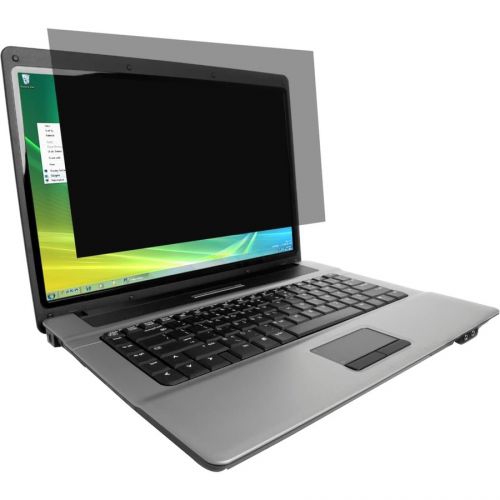
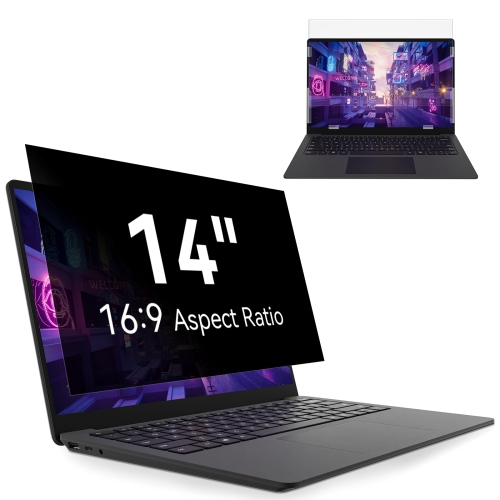
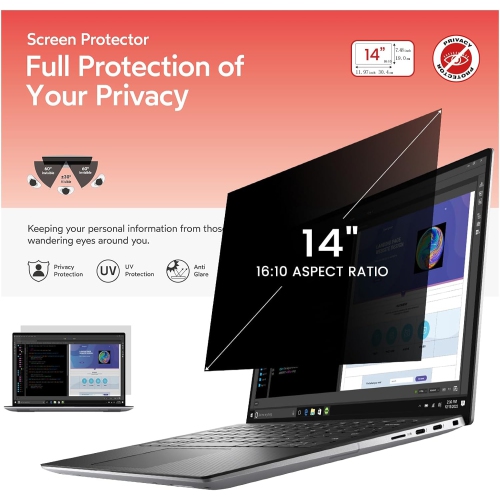
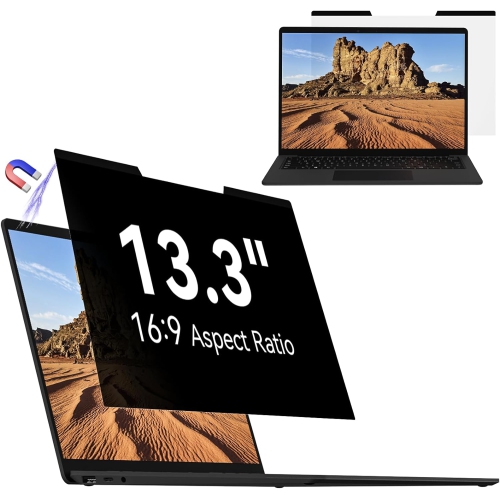
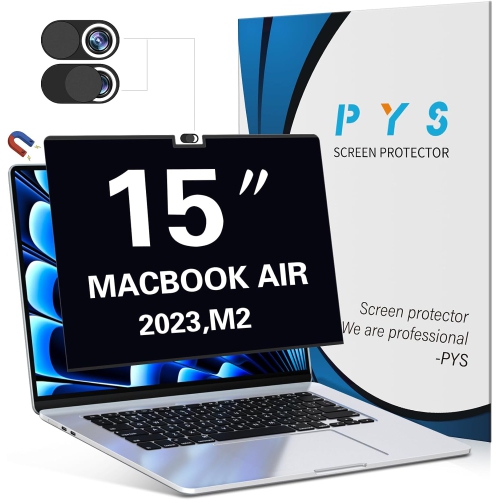
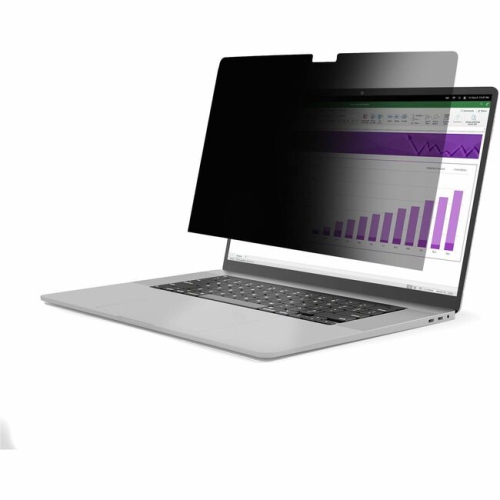
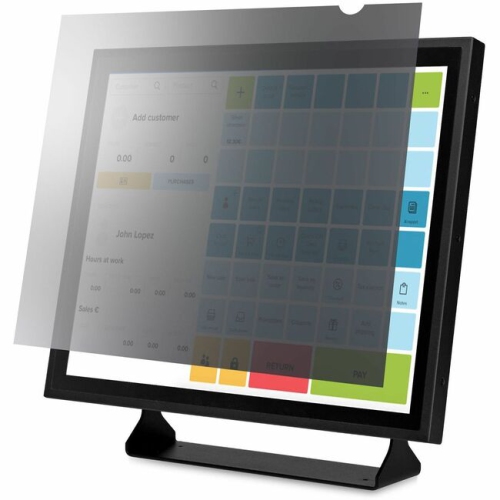
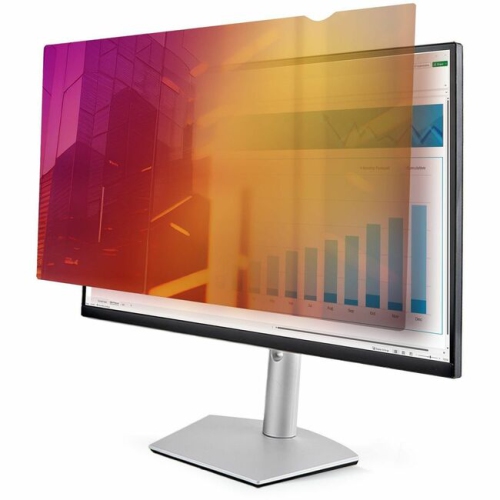
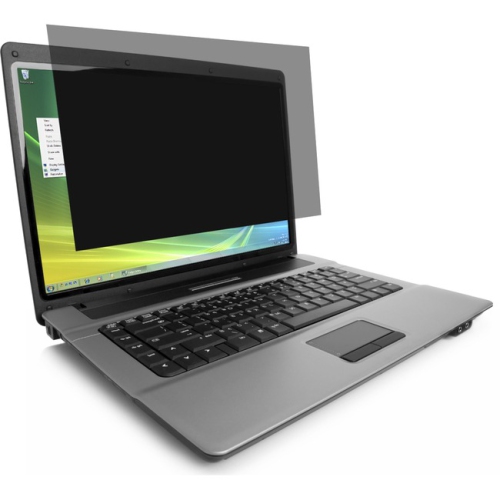
Back-to-school privacy screen filters for student laptops help limit side-angle views of your display while you work in classrooms, libraries, or shared study spaces. Browse laptop privacy filters with your screen size, aspect ratio, and device compatibility in mind to find a suitable fit for keeping coursework and personal information more private.


FAQ
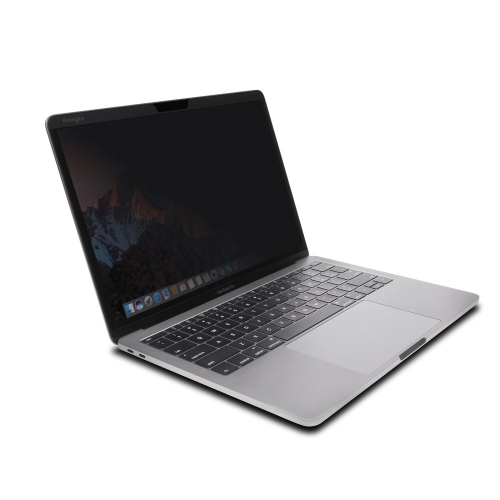
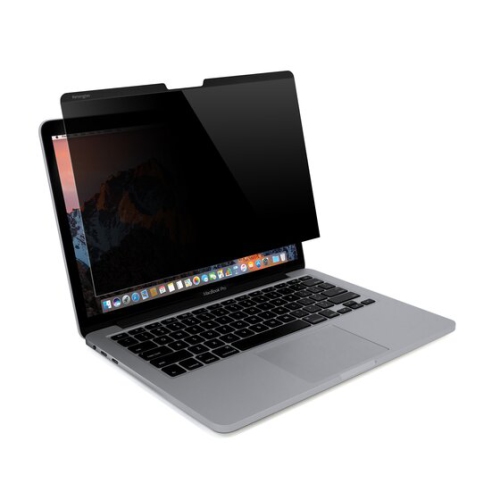
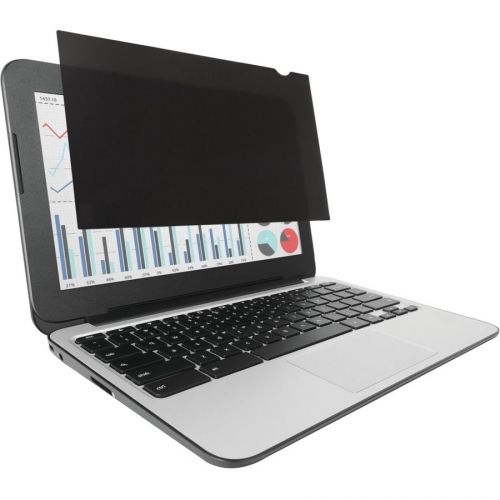
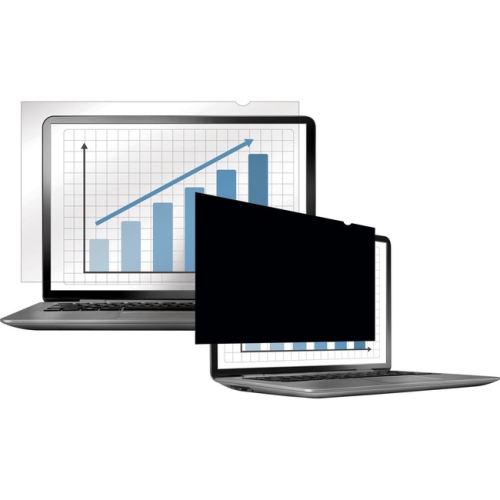
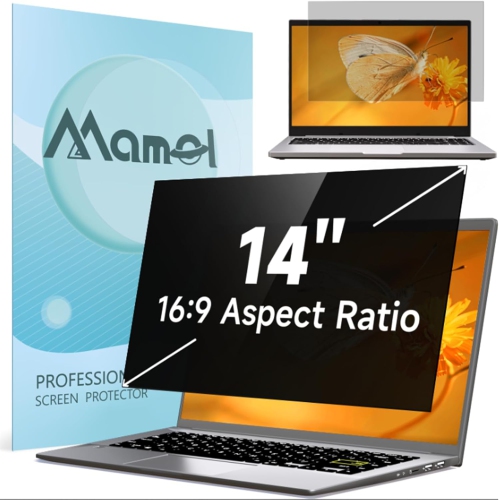
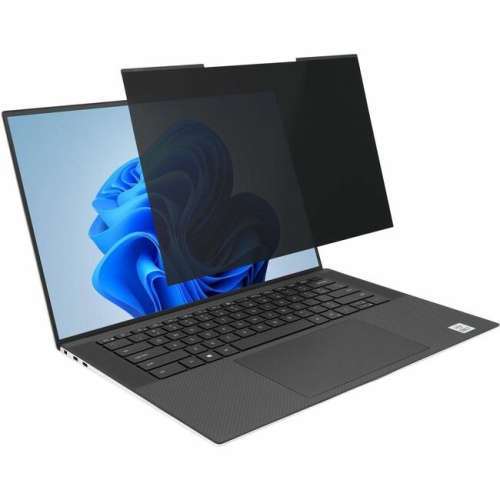
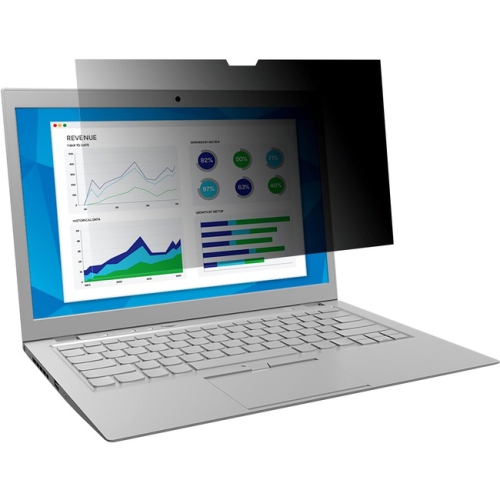
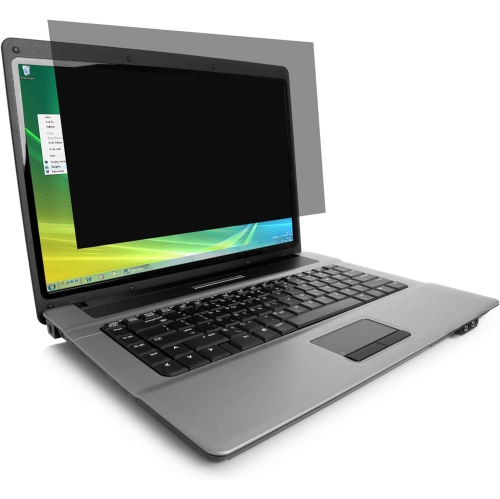
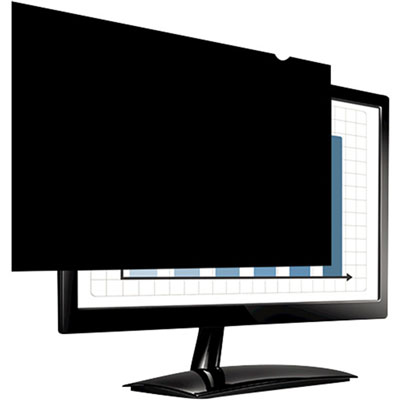
A laptop privacy screen filter is an accessory placed over a laptop display to restrict viewing from side angles. Students may use one while studying in shared spaces such as libraries, lecture halls or campus cafés. It is a physical screen accessory, not a replacement for passwords or other digital privacy tools.
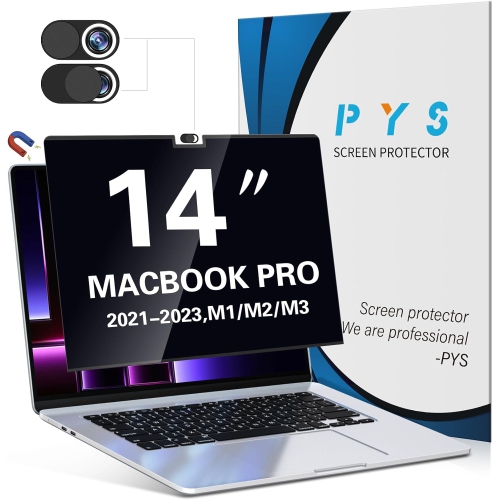
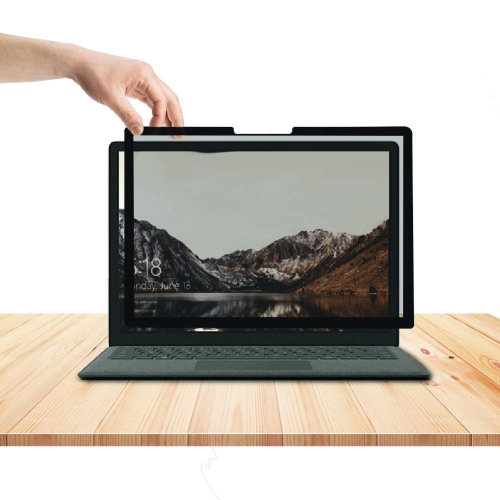
Common attachment options include magnetic mounts, slide-in tabs and adhesive strips. Magnetic mounts and slide-in tabs typically allow frequent removal, while adhesive options vary in how they attach and whether they can be reused. Check the filter’s attachment requirements and laptop compatibility before choosing.
Privacy screen filters commonly come with matte or glossy finishes. Matte surfaces have a less reflective appearance, while glossy surfaces have a smoother, shinier look. Some filters are reversible, giving students a choice of finishes on the same accessory.
Follow the filter manufacturer’s care instructions. Routine care generally involves gently wiping the surface with a clean, soft microfibre cloth. Use a cleaning solution only if it is approved for the filter, and avoid rough materials or abrasive cleaners.
Place the filter in its supplied sleeve or a dedicated flat storage pocket when it is not attached to the laptop. Keep any removable mounting pieces together, and avoid folding the filter or placing heavy textbooks on it. A separate compartment in a laptop bag can help keep it organised.
Top selling and popular products
Discover more categories related to Back To School Privacy Screen Filters For Student Laptops
Some products may be subject to Environmental Handling Fees (EHF) depending on your province. Learn more about EHFs.