Back To School Laptop Sale Canada
Shop back-to-school laptop deals in Canada and compare options for taking notes, researching assignments, and joining online classes. Consider battery life, weight, storage, and compatibility with your course software to find a laptop that fits your schoolwork and budget.









FAQ
Start with your school’s technology requirements and the software used in your courses. Then consider the operating system, keyboard layout, connectivity options and whether you want a traditional laptop or a 2-in-1 with a touchscreen.
Windows, macOS and ChromeOS are common choices. Windows and macOS support a broad range of desktop applications, while ChromeOS centres on browser-based tools and compatible apps. Check your program’s requirements, as some courses require software that works only with certain operating systems.
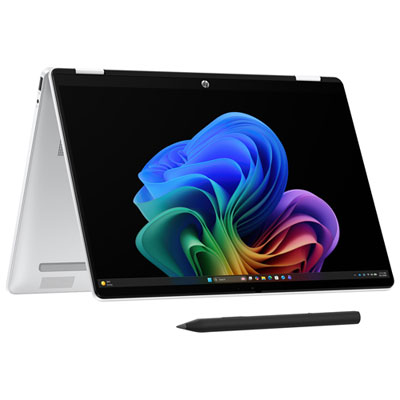
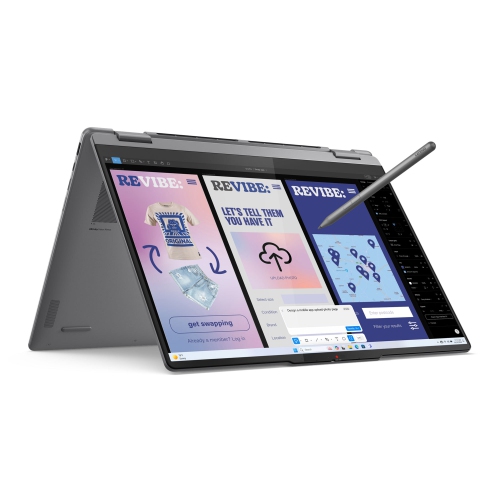
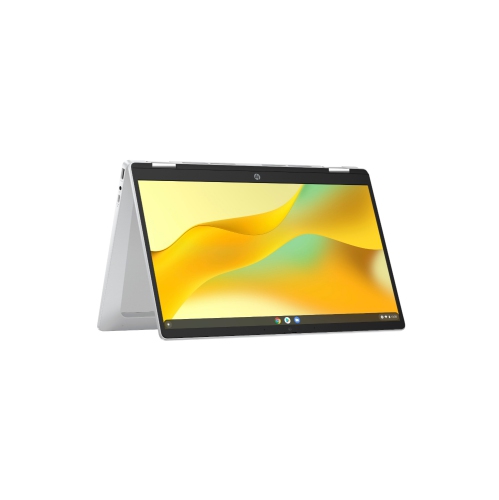
A traditional laptop has a keyboard attached to a hinged display. A 2-in-1 adds a touchscreen and either a folding hinge or a detachable keyboard for tablet-style use. Some 2-in-1 laptops also support a compatible stylus for handwritten notes and annotations.
Common connections include USB-A for accessories, USB-C for compatible devices and HDMI for external displays. A headphone jack or memory card reader may also be relevant to your coursework. Wi-Fi and Bluetooth support wireless connections, while USB-C charging and display support vary by laptop.
Memory, also called RAM, holds data that open applications are actively using. Storage holds your operating system, installed applications and saved files. When comparing laptops for school, check both against your course software requirements and consider whether memory or storage can be upgraded later.
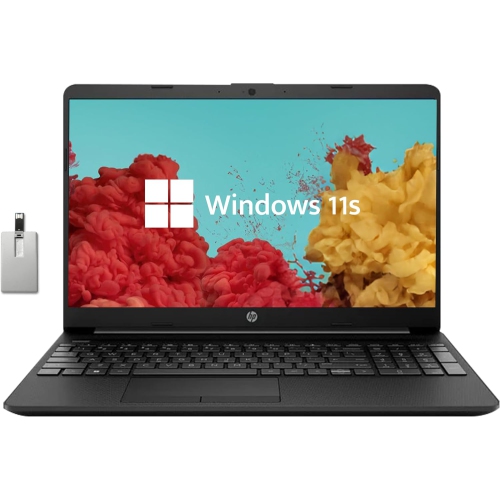
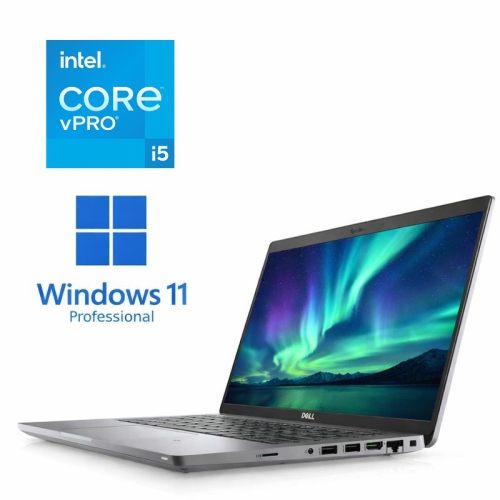
Top selling and popular products
Discover more categories related to Back To School Laptop Sale Canada
Some products may be subject to Environmental Handling Fees (EHF) depending on your province. Learn more about EHFs.