Best Back To School Laptop Deals Under $500 Canada
Get ready for the school year with some of the best back-to-school laptop deals under $500 in Canada. Ranked by customer review ratings, this selection makes it easy to compare budget-friendly options for taking notes, researching assignments, and keeping coursework organized. Find a laptop that fits your study needs without stretching your budget.
What to look for in back-to-school laptops under $500 in Canada
1. Performance for Schoolwork
2. Operating System and Compatibility
3. Portability and Battery Life
4. Storage and Overall Value
-
1
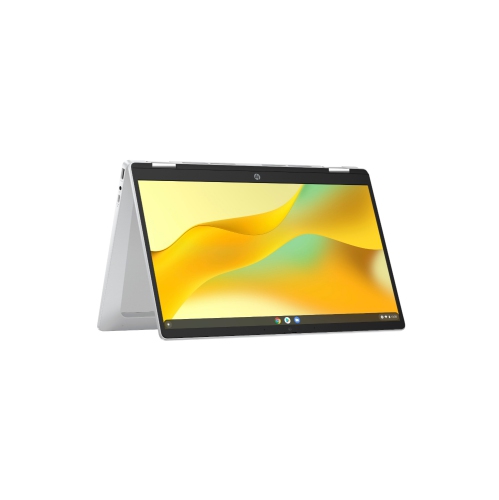
HP Chromebook X360 14" Fhd Touchscreen 2-In-1 Chromebook - Intel N100 - 4GB - 128GB Flash - Chromeos - Glacier In Silver
About this product
A versatile 2-in-1 Chromebook with a 14" Full HD touchscreen for seamless productivity and entertainment.
What customers like
(66)$465.89Your price for this item is $465.89SAVE $60 -
2
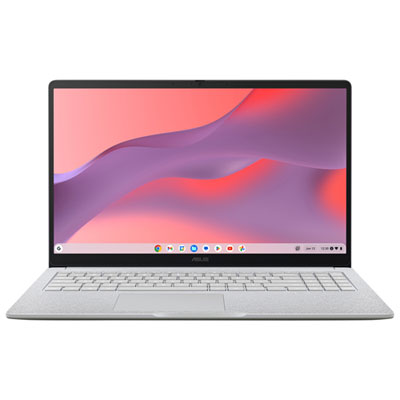
ASUS CX15 15.6" Chromebook, - Intel N50 - 8GB LPDDR5 - 128GB eMMC - ChromeOS - Pure Grey
About this product
A pure grey Chromebook featuring an Intel N50 processor, 8GB RAM, and a Full HD anti-glare display.
What customers like
(189)$379.99Your price for this item is $379.99SAVE $70 -
3

ASUS Chromebook C403 14" HD - Intel Celeron N3350 - 4GB Ram - 32GB Flash - Chrome Os - Dark In Gray
About this product
A durable gray Chromebook featuring a 14" HD display, Intel Celeron processor, 4GB RAM, and 32GB storage.
(3)$399.88Your price for this item is $399.88SAVE $300 -
4
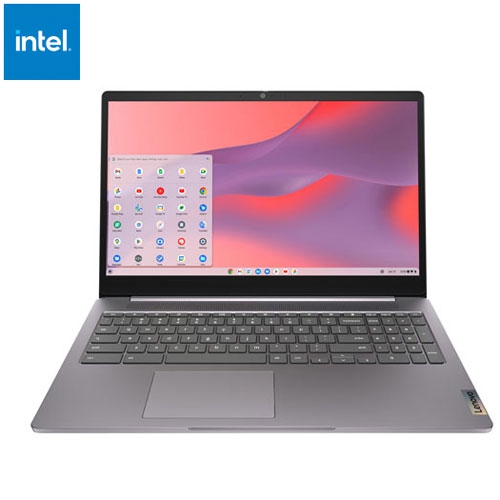
LENOVO Refurbished (Excellent) - Ideapad 3I 15.6" Chromebook - Intel Celeron N4500 - 4GB Lpddr4X - 64GB Emmc - Chromeos - Arctic In Grey
About this product
A refurbished grey laptop featuring an Intel Celeron processor, 4GB RAM, 64GB storage, and Chrome OS.
(2)$284.95Your price for this item is $284.95SAVE $95 -
5
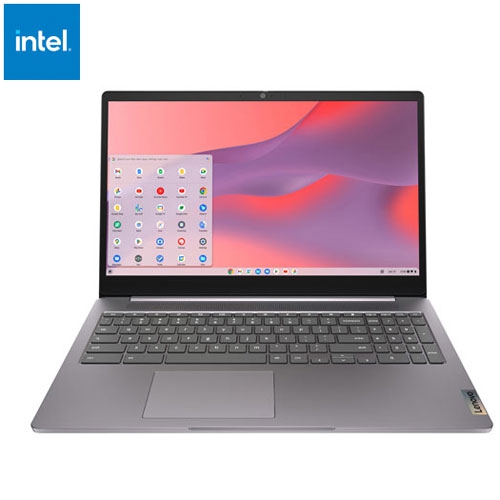
LENOVO Refurbished (Fair) - Ideapad 3I 15.6" Chromebook - Intel Celeron N4500 - 4GB Ram - 64GB Emmc - Chromeos - Arctic In Grey
About this product
A refurbished grey laptop featuring an Intel Celeron processor, 4GB RAM, 64GB storage, and Chrome OS.
$254.95Your price for this item is $254.95SAVE $125 -
6
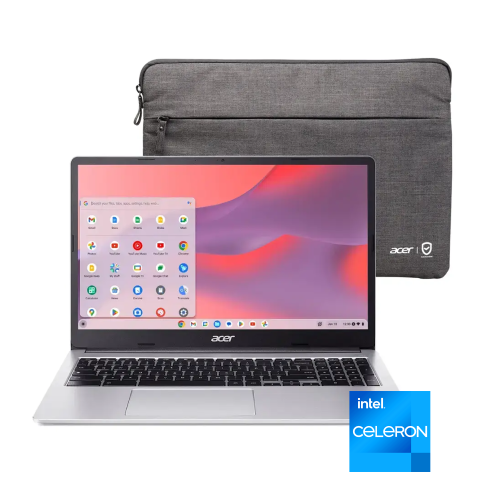
ACER Chromebook 315 15.6" HD - Intel Pentium N6000 - 4GB Lpddr4X - 128GB Emmc - Intel Uhd Graphics - Chrome Os - In Silver
About this product
A sleek silver laptop with a 15.6" HD display and Intel Pentium N6000 processor.
$349.00Your price for this item is $349SAVE $150 -
7
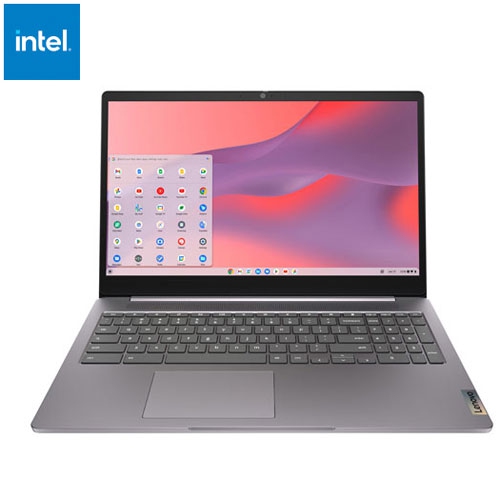
LENOVO Refurbished (Good) - Ideapad 3I 15.6" Chromebook - Intel Celeron N4500 - 4GB Lpddr4X - 64GB Emmc - Chromeos - Arctic In Grey
About this product
A grey Chromebook featuring an Intel Celeron processor, 4GB RAM, 64GB storage, and immersive 15.6" display.
$269.95Your price for this item is $269.95SAVE $110 -
8
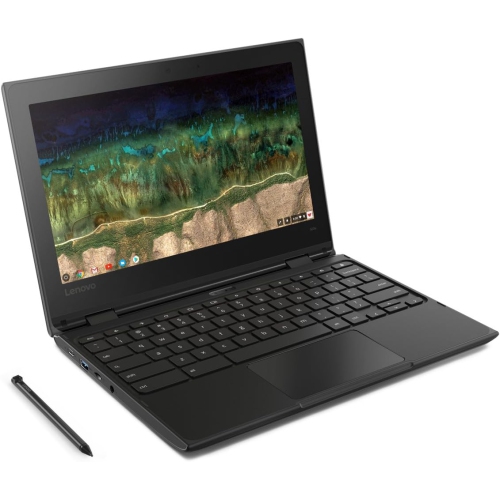
LENOVO Refurbished (Good) - Chromebook 500E 11.6" HD Touchscreen 2-In-1 - Intel Celeron N3450U - 4GB - 32GB Emmc - Chromeos - In Black
About this product
A versatile black 2-in-1 Chromebook with 11.6" HD touchscreen, Intel Celeron, 4GB RAM, and Chrome OS.
$189.99Your price for this item is $189.99SAVE $109 -
9
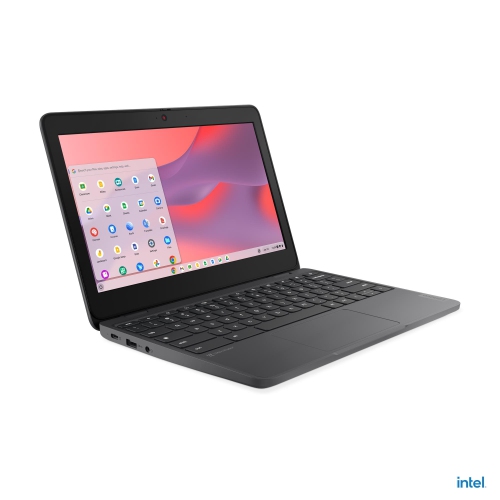
LENOVO 100E Chromebook Gen 4 11.6" - Intel N100 - 4GB Ram - 32GB SSD - Chromeos - Graphite In Grey
About this product
A compact grey Chromebook featuring an Intel N100 processor, 4GB RAM, 32GB SSD, and ChromeOS.
$486.99Your price for this item is $486.99SAVE $85 -
10
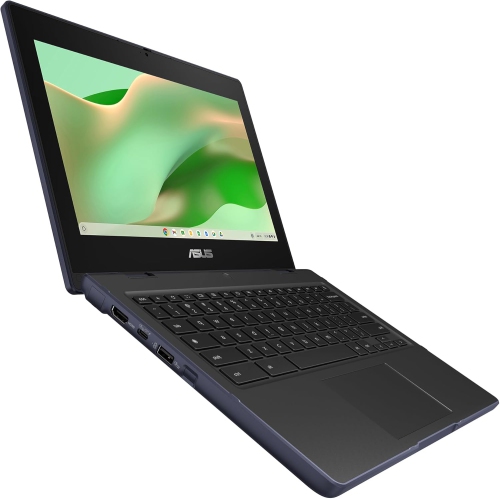
ASUS - Chromebook 11.6" HD - Mediatek Kompanio 520 - 4GB Ram - 64GB Emmc - Chromeos - Mineral In Gray
About this product
A compact grey laptop with HD anti-glare display, MediaTek processor, 4GB RAM, and French keyboard.
$274.99Your price for this item is $274.99SAVE $75
FAQ
Consider the operating system, keyboard layout, webcam, microphone and available ports. A backlit keyboard, built-in touchpad and wireless connectivity are useful features to compare. Check your school’s technology requirements before choosing a laptop.
Windows laptops support a broad range of desktop software, while Chromebooks use ChromeOS and centre on browser-based tools and supported apps. Both can access many online learning platforms, but some courses require software available only for certain operating systems.
Local storage keeps files on the laptop, while cloud storage keeps them online through an account. Cloud services may include file syncing and sharing tools. For offline coursework, save files locally or enable offline access in supported apps before disconnecting.
USB-A and USB-C ports can connect accessories, while HDMI can connect a compatible monitor or classroom display. A headphone jack supports wired audio, and Wi-Fi and Bluetooth support wireless connections. USB-C capabilities vary, so check whether a port supports charging, video output or data transfer.
Review the course software list and compare each application’s operating system and hardware requirements with the laptop’s specifications. Confirm whether assignments require a desktop application or can be completed through a browser. Schools may also provide software licences or access through a student account.
Top selling and popular products
Discover more categories related to Best Back To School Laptop Deals Under $500 Canada
Some products may be subject to Environmental Handling Fees (EHF) depending on your province. Learn more about EHFs.