Back To School Laptops For Virtual Classrooms
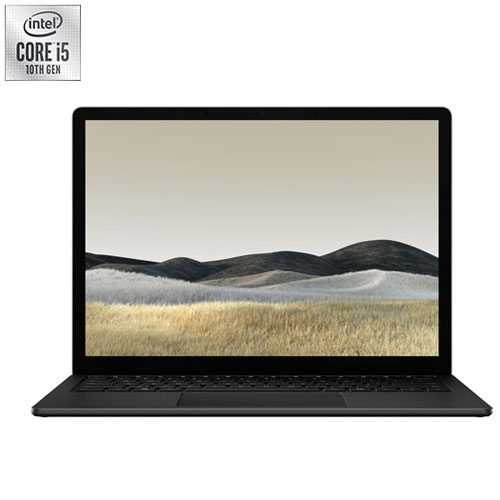
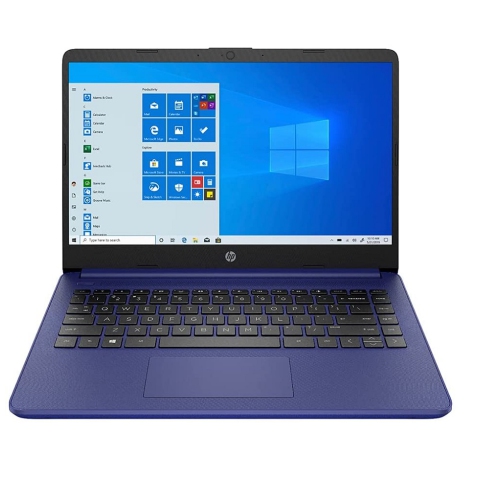
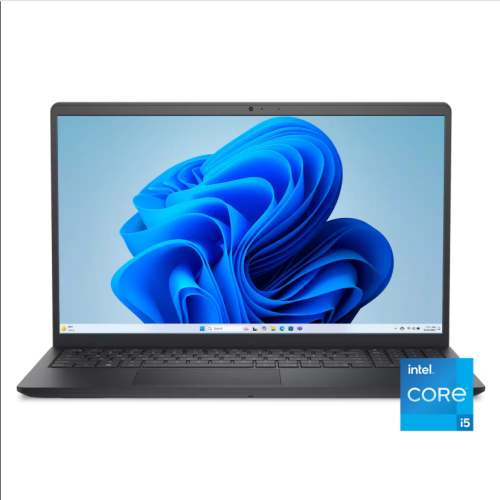
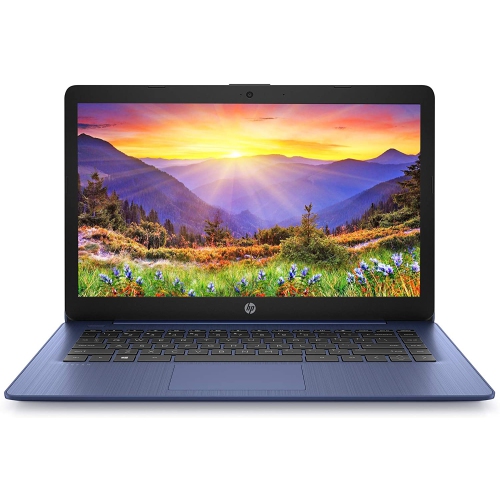
Find back-to-school laptops for virtual classrooms that fit your coursework and budget, whether you’re joining video lessons, taking notes or completing assignments. Compare options by screen size, battery life, webcam features and performance to choose a laptop suited to your school’s learning platforms and everyday study needs.







FAQ
Look for a laptop with a built-in webcam, microphone, reliable Wi-Fi connectivity, and enough memory to run video calls alongside schoolwork. A comfortable keyboard, useful ports, and battery life that suits your class schedule are also worth considering. Check your school’s software requirements before choosing an operating system.
Windows, macOS, and ChromeOS support many virtual classroom platforms through apps or web browsers. However, some courses require desktop software or exam tools that only work with certain operating systems. Review your school’s requirements and the platform’s supported browsers to confirm compatibility.
For video lessons, documents, and browser-based assignments, 8 GB of RAM is a practical starting point. If you regularly use multiple apps or demanding course software, consider 16 GB or more. An SSD provides responsive access to apps and files; choose storage capacity based on whether you save coursework locally or mainly use school-provided cloud storage.
A headset with a microphone can make class conversations easier to follow, while an external mouse can be useful for navigating assignments. An external webcam offers more flexibility in camera placement. A USB hub or docking station can connect additional accessories, provided it supports your laptop’s ports and operating system.
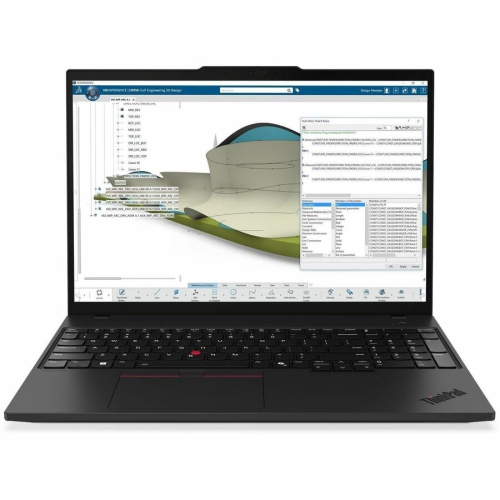
Yes, but hardware requirements vary by course. Writing, research, and presentations generally need fewer resources than video editing, computer-aided design, or 3D modelling. For those subjects, check the required software’s processor, memory, graphics, and operating system specifications before selecting a laptop.
Top selling and popular products
Discover more categories related to Back To School Laptops For Virtual Classrooms



Some products may be subject to Environmental Handling Fees (EHF) depending on your province. Learn more about EHFs.