Back To School Portable Monitors For Dual Screen Studying
Back-to-school portable monitors for dual-screen studying give you extra screen space to keep lecture notes, research and assignments side by side. Browse portable second screens for your laptop, comparing screen size, resolution, connection options and weight to find a setup that fits your study space and is easy to carry between home and campus.






FAQ
Portable monitors commonly connect through USB-C or HDMI. For a USB-C video connection, the laptop port and cable must support video output, such as DisplayPort Alt Mode. An HDMI connection generally requires a separate power connection. Check the connection requirements for both your laptop and monitor.
Connect the portable monitor to your laptop, then open your operating system’s display settings. Choose the option to extend your desktop rather than mirror it, and arrange the display icons to match your desk layout. You can then place course notes on one screen and an assignment on the other.
Power requirements vary. Some portable monitors receive power and video through one compatible USB-C connection, while others need a separate USB power cable or power adapter. Models with built-in batteries require charging. When powered by your laptop, a portable monitor draws from the laptop’s battery.
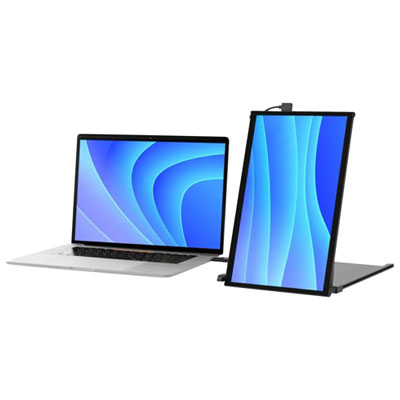
Many portable monitors can be positioned vertically when paired with a stand that supports portrait placement. You may need to change the display orientation manually in your laptop’s settings, since automatic rotation is not available on every model. Confirm that the monitor and stand support the intended position.
Touchscreen support depends on the monitor, your laptop’s operating system, and the connection. Some setups require a USB data connection in addition to HDMI for touch input. A monitor may display your desktop even when touch controls are unsupported, so check operating system compatibility if you want this feature for schoolwork.
Top selling and popular products
Discover more categories related to Back To School Portable Monitors For Dual Screen Studying


Some products may be subject to Environmental Handling Fees (EHF) depending on your province. Learn more about EHFs.