Back To School Productivity Tools
Find back-to-school productivity tools to help you take notes, manage assignments and keep your study space organised. Explore tech and study essentials for classwork, planning and focused study sessions, with your course requirements, available desk space and compatibility with devices you already own in mind.












FAQ
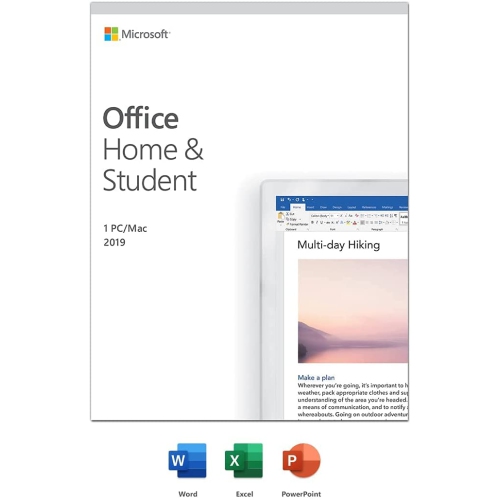
Back-to-school productivity tools include laptops, keyboards, mice, monitors, printers, and digital planning software. Common software categories include word processing, spreadsheets, presentations, note-taking, and calendar apps.
Check the software’s operating system requirements, supported file formats, and compatibility with your school’s learning platform. Some programs require installation, while others run in a web browser. Your school may also provide access to certain apps through a student account.
Cloud storage keeps files on an online service that students can access through an account, while local storage keeps files on a laptop, USB flash drive, or external drive. Some cloud services offer offline access to selected files and sync changes when an internet connection is available.
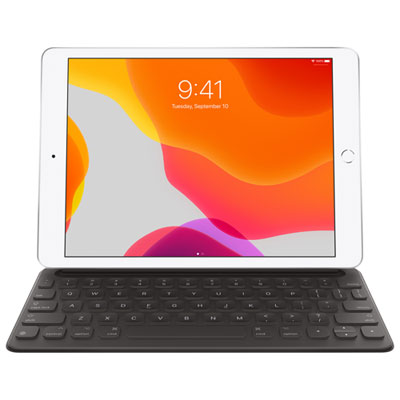
A student study setup may include an external keyboard and mouse, a monitor, a headset, a webcam, and a USB hub or docking station. Accessory compatibility depends on the computer’s ports, operating system, and supported display connections.
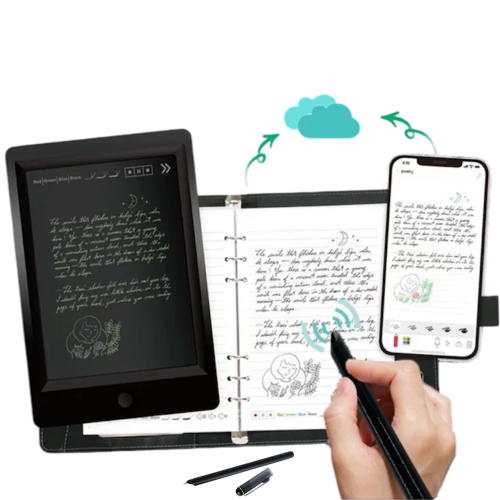
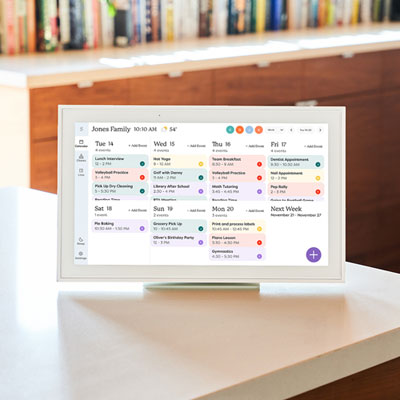
Digital planners may include recurring events, assignment deadlines, reminders, and calendar views. Note-taking apps may offer subject folders, tags, handwriting input, document attachments, and searchable notes. Account syncing and file export options vary by app.
Top selling and popular products
Discover more categories related to Back To School Productivity Tools

Some products may be subject to Environmental Handling Fees (EHF) depending on your province. Learn more about EHFs.