Back To School Quiet Computer Fans
Find quiet computer fans for back-to-school study spaces, with cooling options for desktop PC builds and upgrades. Compare fan sizes, airflow and noise ratings to choose fans that fit your case and help keep your computer cool without distracting you during homework or online classes.
FAQ
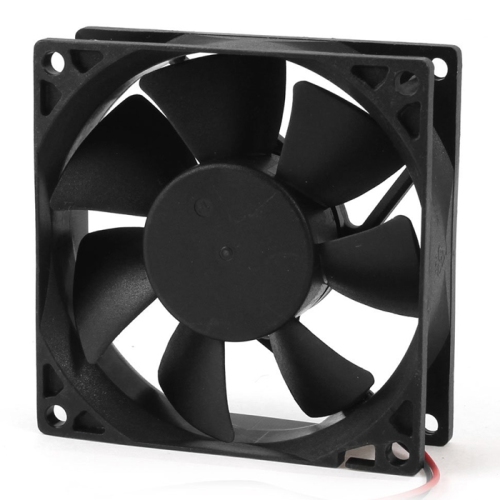
Desktop computers commonly use case fans, CPU cooler fans, and fans built into graphics cards or power supplies. For a custom school computer, case fans and CPU cooler fans are typically the components you select separately. Other fans are usually supplied as part of their respective components.
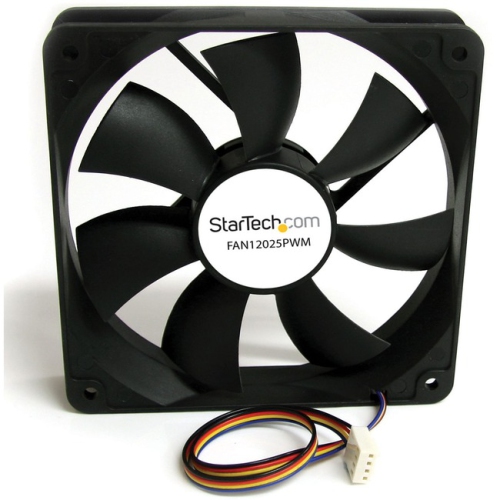
PWM stands for pulse-width modulation. A four-pin PWM fan receives a control signal through a compatible motherboard header or fan controller to adjust its rotational speed. Three-pin fans generally use voltage-based speed control when the connected header supports it.
Common computer fan bearing types include sleeve bearings, ball bearings, and fluid dynamic bearings. These terms describe the mechanism that supports the rotating fan shaft. Bearing type is usually listed in the fan’s technical specifications.
On many illuminated fans, the motor and lighting use separate connections. Standard RGB lighting typically uses a four-pin 12 V connection, while addressable RGB typically uses a three-pin 5 V connection. Some fan systems use proprietary connectors and require a matching controller.
Desktop case fans are not generally interchangeable with internal laptop fans. Laptop cooling assemblies are usually designed for particular models, with model-specific mounting points and connectors. For a replacement, check the laptop’s service documentation and the fan’s part number.
Top selling and popular products
Discover more categories related to Back To School Quiet Computer Fans

Some products may be subject to Environmental Handling Fees (EHF) depending on your province. Learn more about EHFs.