Back To School Rechargeable Mice
Find back-to-school rechargeable mice for everyday coursework, from taking notes to navigating assignments on a laptop or desktop. Compare connection types, size, and battery life to choose a rechargeable mouse that works with your computer and fits your study setup.
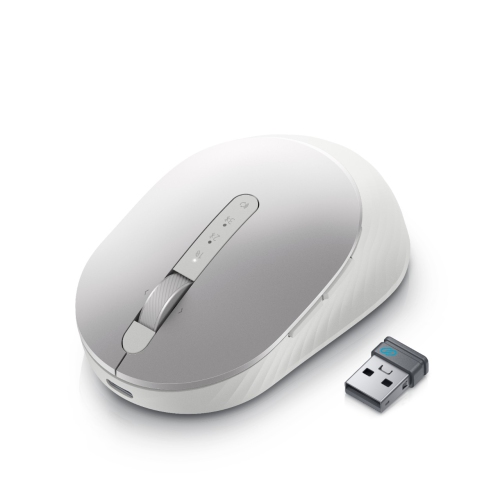

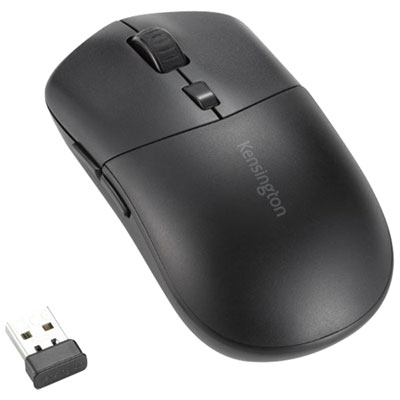
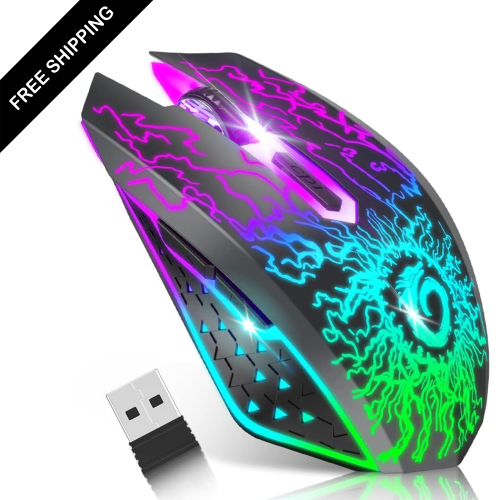
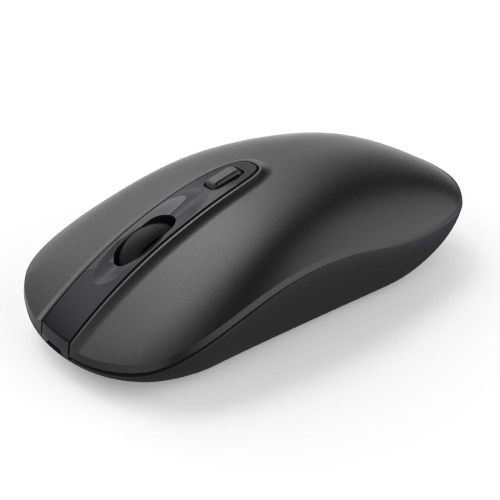
FAQ
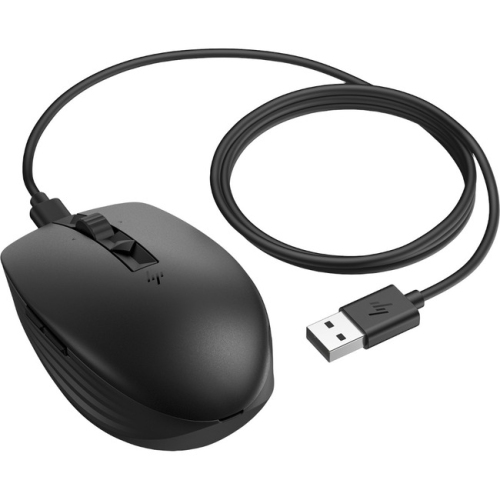
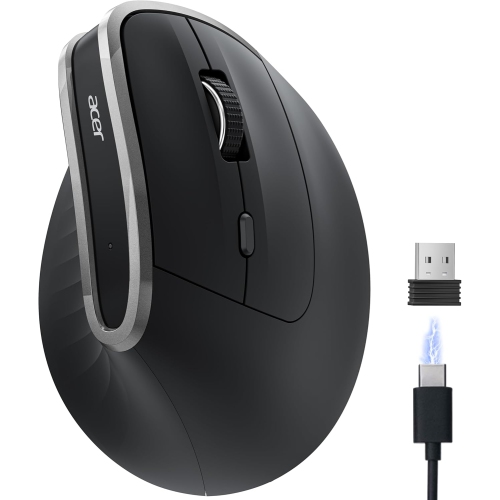
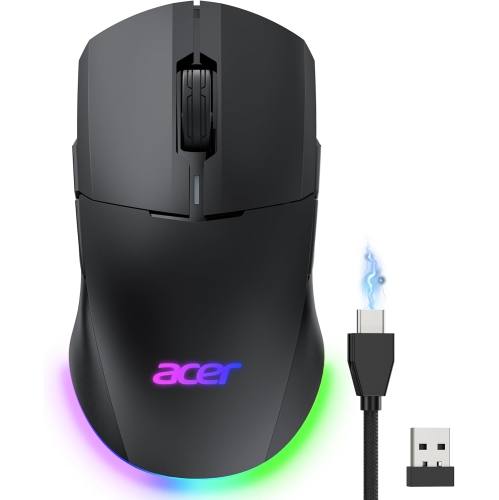
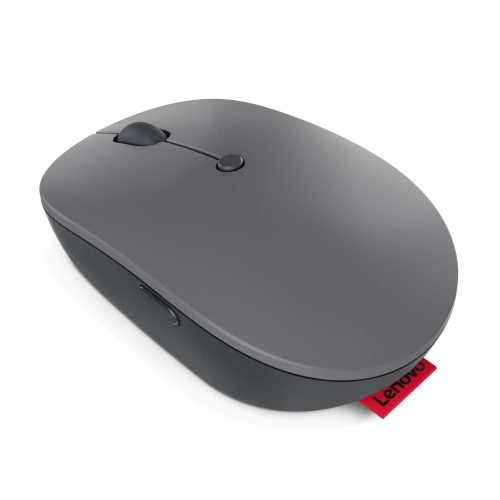
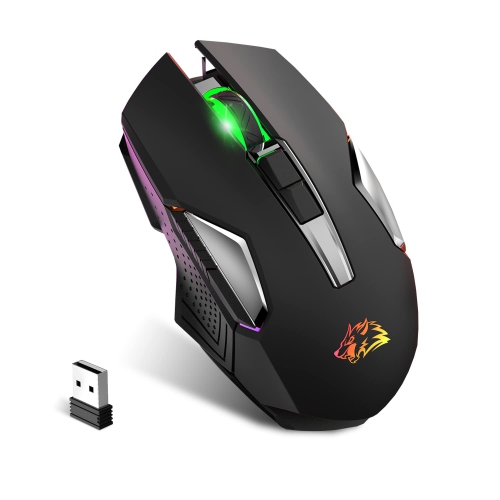
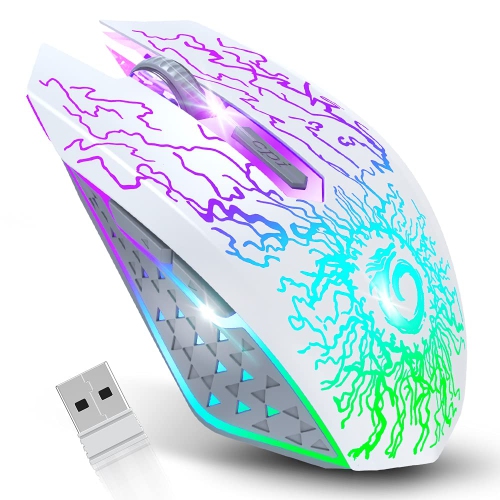
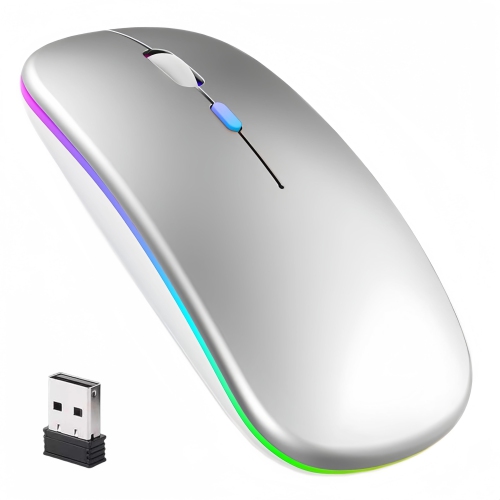
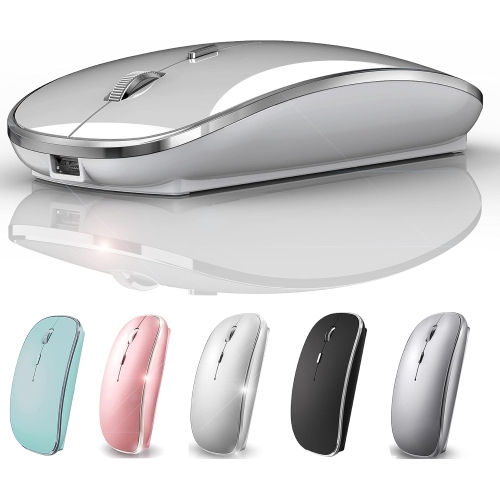
A rechargeable mouse has a built-in battery that you charge rather than regularly replacing disposable batteries. Most models charge through a cable, while some use a compatible charging dock or pad.
Rechargeable wireless mice typically connect through Bluetooth or a USB receiver. Bluetooth models pair through your laptop’s settings, while receiver-based models require a compatible USB port. Some mice offer both connection options.
USB-C and Micro-USB are common charging connections, depending on the model. Check the mouse’s specifications for its charging port and included accessories. A charging cable does not necessarily support a wired mouse connection.
Compatibility depends on the mouse’s connection type and the device’s operating system. Check for support for Windows, macOS, ChromeOS or your tablet’s operating system. School-managed devices may restrict Bluetooth pairing or the installation of software for custom controls.
Common controls include left and right buttons, a scroll wheel and a pointer sensitivity button. Some models also have side buttons, programmable shortcuts or a button for switching between paired devices. Customising these controls may require compatible software.
Top selling and popular products
Discover more categories related to Back To School Rechargeable Mice


Some products may be subject to Environmental Handling Fees (EHF) depending on your province. Learn more about EHFs.