Back To School Responsive Computer Mice
Find responsive computer mice for back to school to help with everyday coursework, from navigating documents to working on class projects. Browse the selection with your laptop or desktop in mind, and compare connection type, fit, and sensitivity to choose a mouse that suits your study setup.





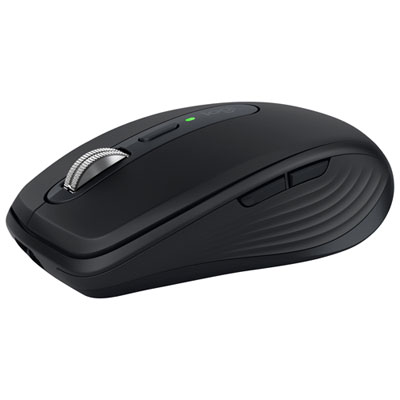
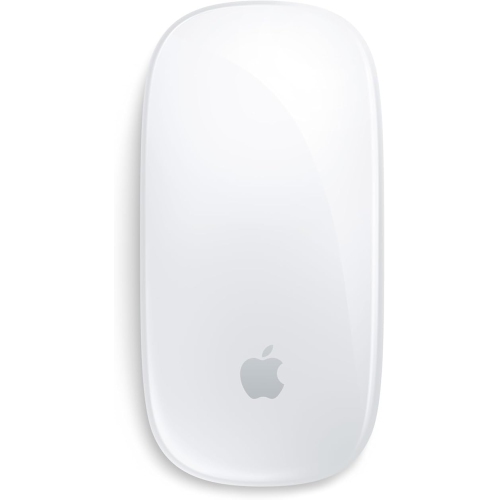
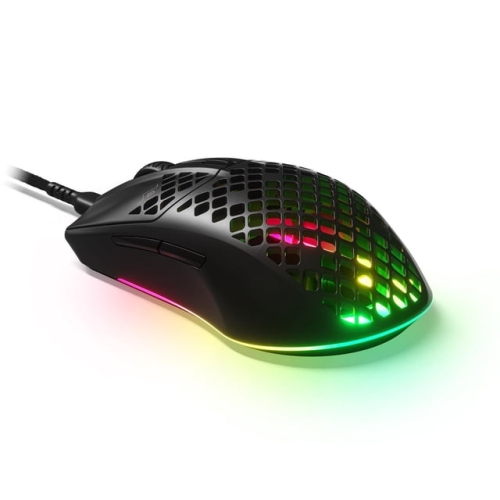
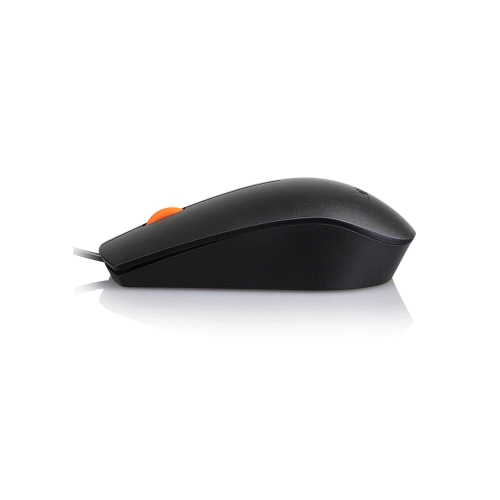
FAQ
Computer mice can connect through a USB cable, a wireless USB receiver or Bluetooth. Wired models use a compatible USB port, while Bluetooth models pair directly with a computer that supports Bluetooth. Some wireless mice offer both Bluetooth and USB receiver connections.
DPI stands for dots per inch and describes mouse sensitivity. A higher DPI setting moves the pointer farther on screen for the same physical movement. Some mice include a button or software settings for switching between sensitivity levels.
Check the mouse’s listed operating system compatibility and connection requirements. A USB receiver needs a matching port or compatible adapter, while a Bluetooth mouse requires Bluetooth support. Features such as custom button assignments may require software that is not available on every operating system.
Programmable buttons can be assigned to commands such as copy, paste, browser navigation or switching applications. Available assignments depend on the mouse and its software. Some models also support separate button profiles for different applications.
Wired mice typically draw power through their USB connection. Wireless mice may use replaceable batteries or a built-in rechargeable battery. Rechargeable models commonly charge through a USB cable, though charging methods vary by model.
Top selling and popular products
Discover more categories related to Back To School Responsive Computer Mice

Some products may be subject to Environmental Handling Fees (EHF) depending on your province. Learn more about EHFs.