Back To School Wireless Mice
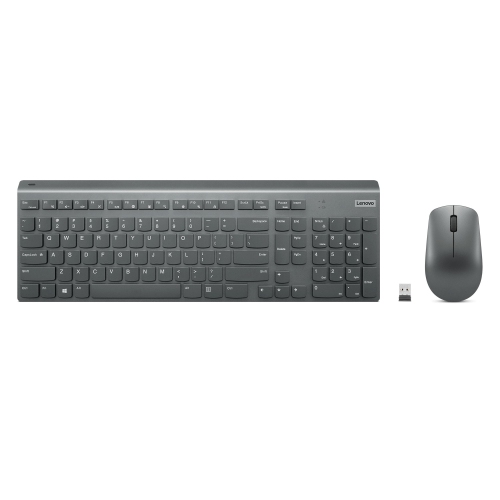
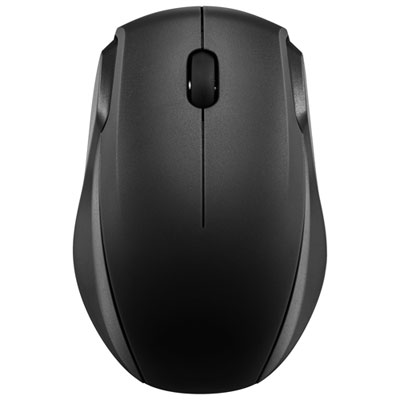
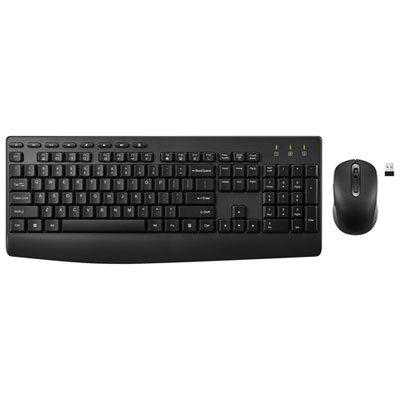
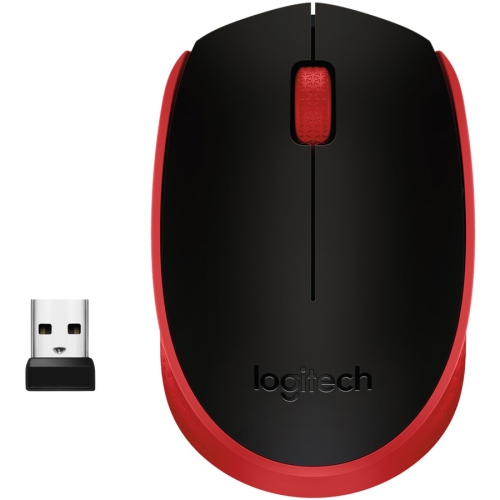
Find back-to-school wireless mice for everyday coursework, from taking notes to navigating assignments. Compare connection options, size and battery requirements to choose a cordless mouse that works with your laptop and fits comfortably in your study space or backpack.








FAQ
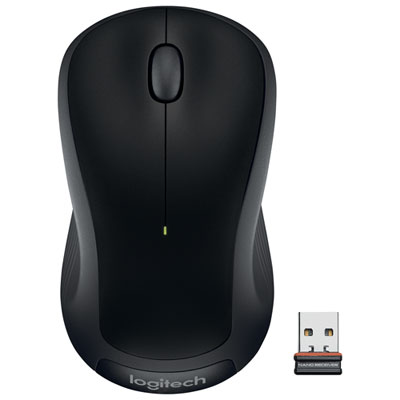
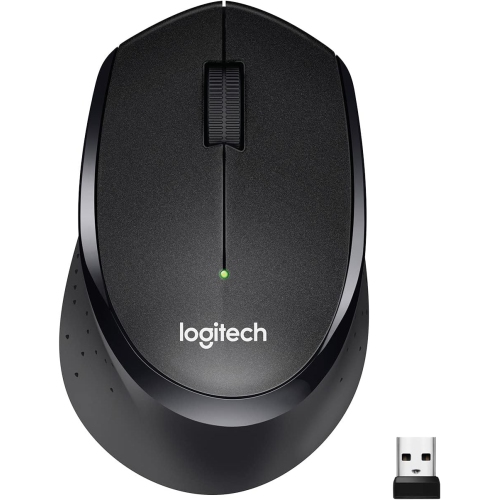
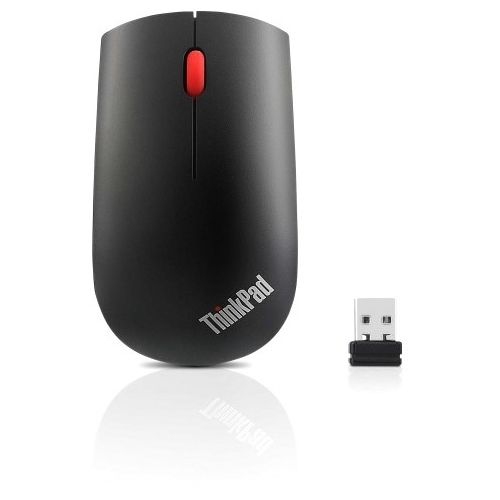
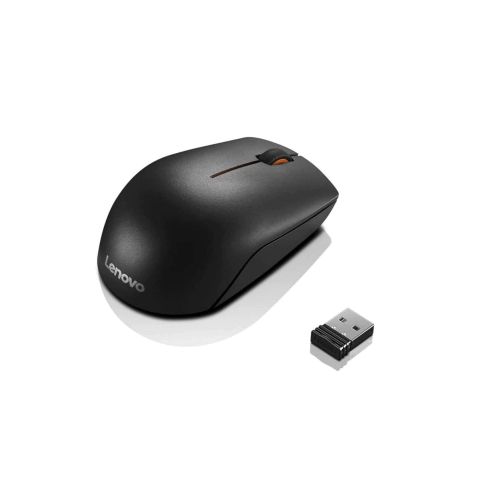
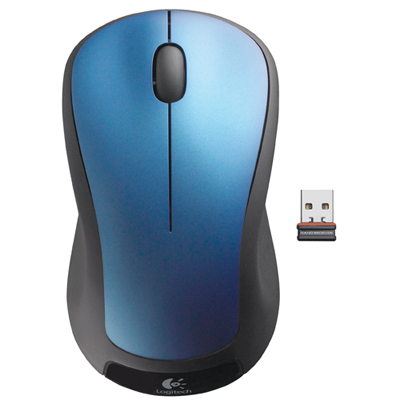
Wireless mice typically connect through Bluetooth or a USB receiver. Bluetooth models pair through your laptop’s settings, while receiver-based models use a receiver plugged into a compatible USB port. Some mice offer both connection options.
Many wireless mice support Windows, macOS and ChromeOS, but compatibility varies by model. Basic pointer and scrolling functions may work across several systems, while software for custom button assignments may require a particular operating system. Check the listed requirements before choosing.
Wireless mice use either replaceable batteries, such as AA or AAA batteries, or built-in rechargeable batteries. Rechargeable models typically charge through a USB cable. Battery life depends on the model, usage and settings.
Some wireless mice can store connections for multiple devices, such as a laptop and a desktop computer. These models usually include a button or switch for changing the active device. Multi-device pairing is not included on every wireless mouse, so check the specifications.
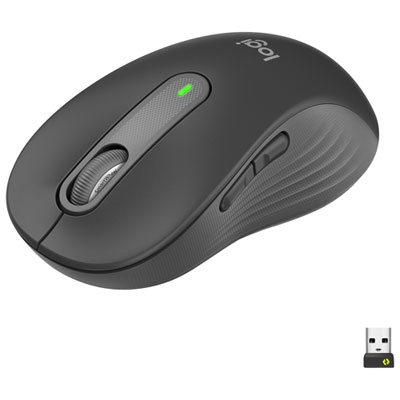
Most wireless mice have left and right buttons plus a scroll wheel. Some also include side buttons, a pointer sensitivity button or a wheel with horizontal scrolling. On supported models, companion software lets you assign commands or shortcuts to certain buttons.
Top selling and popular products
Discover more categories related to Back To School Wireless Mice
Some products may be subject to Environmental Handling Fees (EHF) depending on your province. Learn more about EHFs.