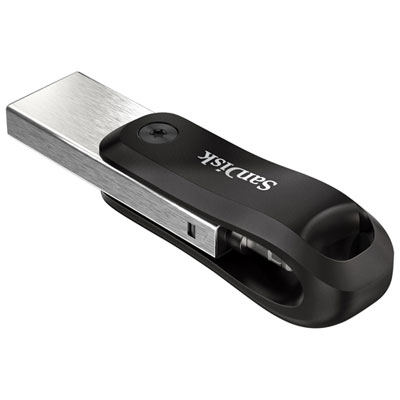
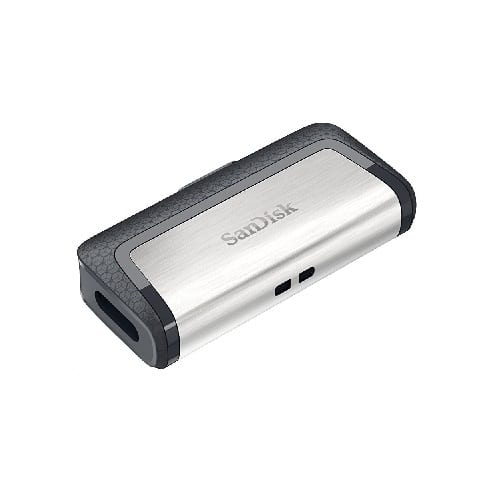
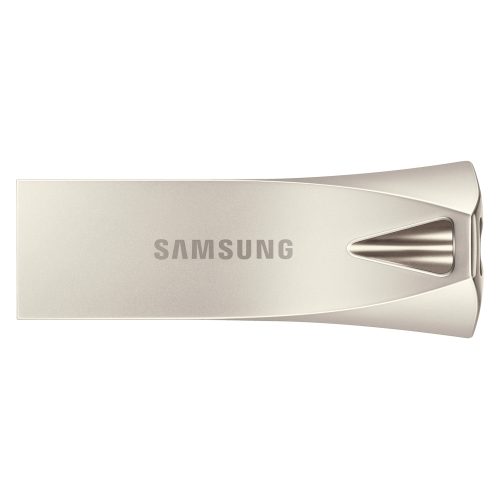
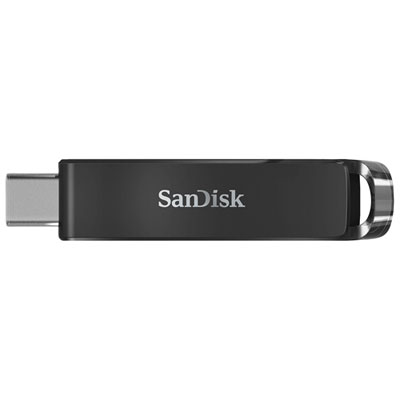
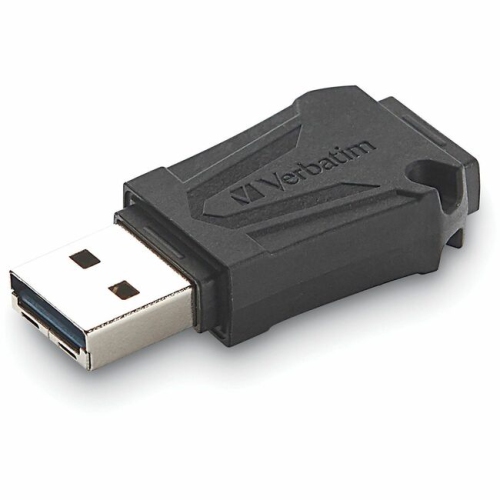
Back To School Reliable USB Flash Drives

Get ready for back to school with reliable USB flash drives for storing assignments, transferring class notes, and keeping backup copies of important files. Browse portable storage options and compare capacity, connector type, and transfer speed to find a drive that fits your coursework and works with your laptop or school computer.
Read More

Sort

Back To School Reliable USB Flash Drives

A USB flash drive earns its place in a school bag when a presentation needs to move from a home computer to a classroom desktop, or a finished assignment needs a second copy before a busy morning. The Back To School Reliable USB Flash Drives selection brings together portable storage options for the everyday demands of student life, from keeping course notes close at hand to carrying larger creative projects between workspaces. For high school students, college and university students, and teachers preparing lesson materials, these compact devices offer a practical way to transfer files without relying on an internet connection. Picture the final slide deck tucked into a backpack beside a notebook, ready to open in class even if online storage is temporarily unavailable. That convenience is most useful when the drive suits the computers it will connect to, the files it will hold, and the way its owner works throughout the school year.

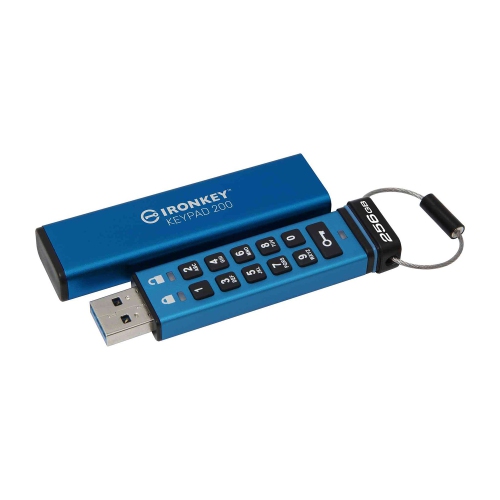
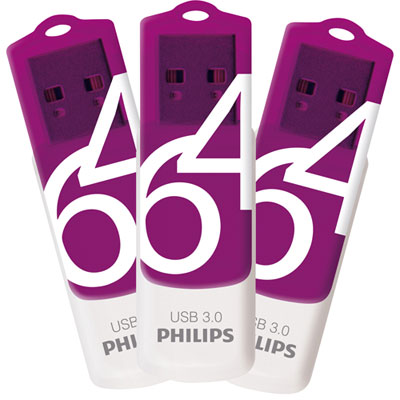
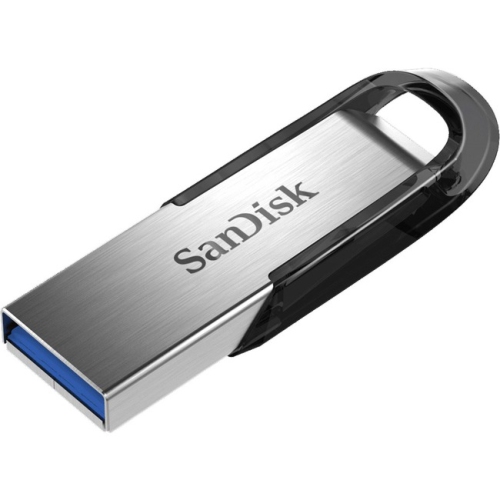
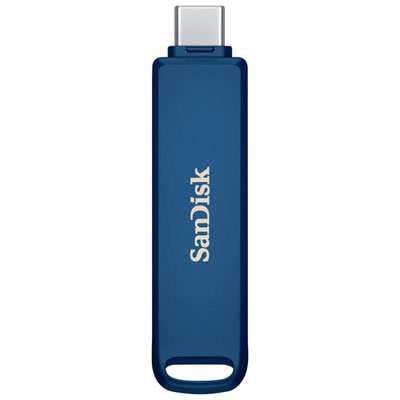
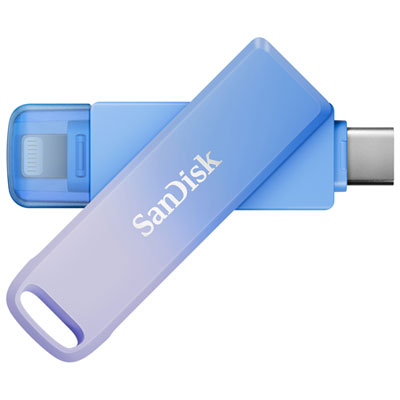
Start with connection type and storage capacity, rather than choosing on size or appearance alone. USB-A connectors fit many classroom desktops and older laptops, while USB-C connectors are common on newer laptops and some tablets and phones. A drive with both connector types can make transfers easier across compatible devices, although mobile use still depends on the device’s operating system and support for external storage. Documents, spreadsheets, and ordinary slide presentations generally take up far less space than video assignments, high-resolution photographs, or design files. Leave room for projects to grow over the term, especially if the same drive will hold materials for several subjects. Transfer performance deserves a close look, too: read speed affects how quickly files can be accessed or copied from the drive, while write speed matters when saving a large folder to it. Advertised peak speeds do not necessarily reflect everyday results, and the computer’s USB port, file sizes, and drive format can all affect performance. For someone moving video footage after class, that distinction can matter much more than it does for someone carrying a few pages of study notes.

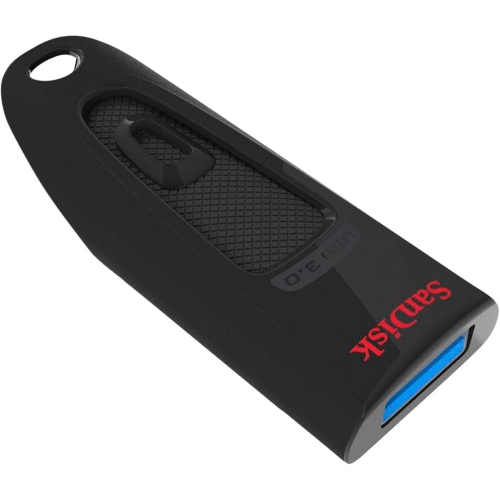
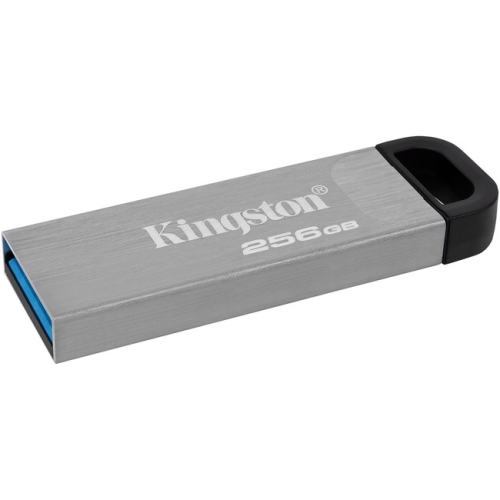
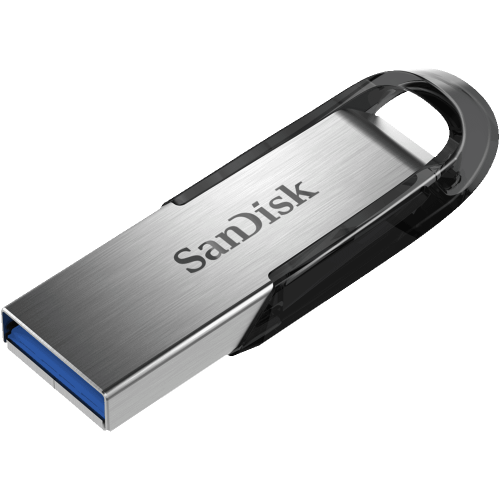
Reliability also comes down to construction and sensible file habits. A protected connector, a securely fitting cap, or a retractable design can help keep the connection point covered between uses; a keyring loop can make a small drive easier to keep track of inside a crowded bag. Look for clearly stated durability features and warranty coverage rather than assuming every compact drive can handle the same knocks or spills. Compatibility with school equipment is worth checking before the first assignment is due, particularly when files will move between different operating systems. The drive’s file system can affect which devices recognise it and whether it can store individual files larger than 4 GB. Formatting may resolve some compatibility issues, but it also erases existing contents, so save anything important elsewhere first. Keep another copy of essential coursework on a separate device or an approved online storage service, and eject the drive safely after transfers finish. A flash drive is a useful part of a backup routine, not the only place to keep a term’s worth of work.

For a back-to-school gift, a USB flash drive is small, practical, and easy to pair with other study essentials. It can suit a student heading into residence, a commuter working between campus and home, or a teacher carrying handouts and classroom presentations. A distinctive colour or an easy-to-label exterior helps distinguish one drive from another when several people are working around the same table. Students handling sensitive information may also want password protection or encryption, with careful attention to whether the security features work on the computers they use; some school-managed systems restrict removable storage or additional software. Once the drive is in use, folders organised by course and clearly dated filenames make it easier to find the right version when class is about to begin. The best fit is a drive that makes those ordinary moments simpler: saving a completed lab report, sharing a group project where permitted, or keeping an extra copy of an assignment within reach.

Read More

FAQ

Some products may be subject to Environmental Handling Fees (EHF) depending on your province. Learn more about EHFs.