Back To School Reliable Backup Drives
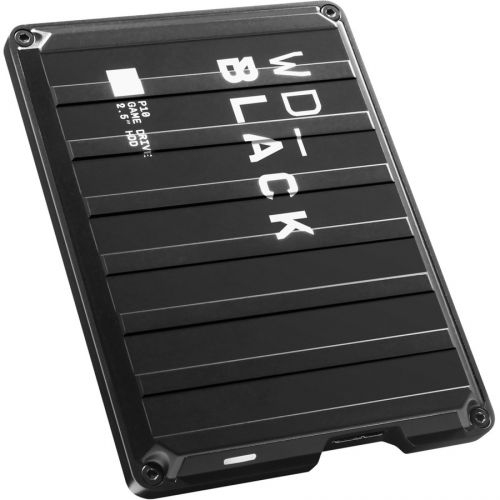
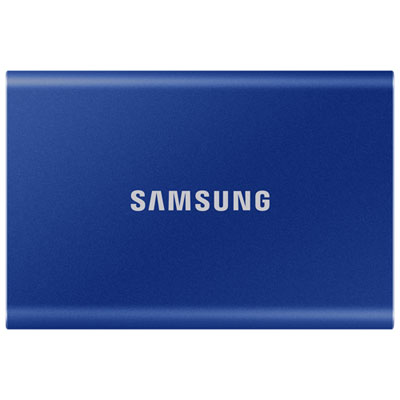
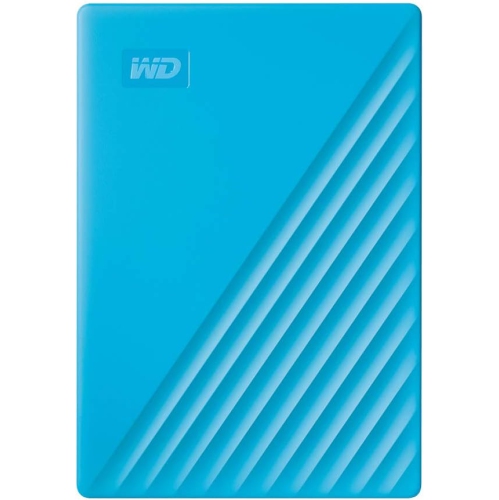
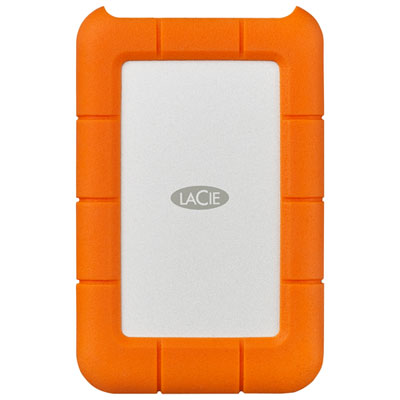
Find reliable backup drives for back to school to keep extra copies of assignments, class notes, and projects. Browse external hard drives and portable SSDs, comparing storage capacity, connection type, and compatibility with your laptop or desktop to choose a drive that fits your coursework and routine.







FAQ
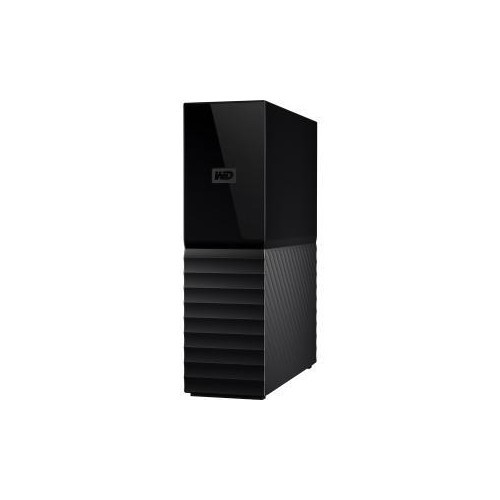
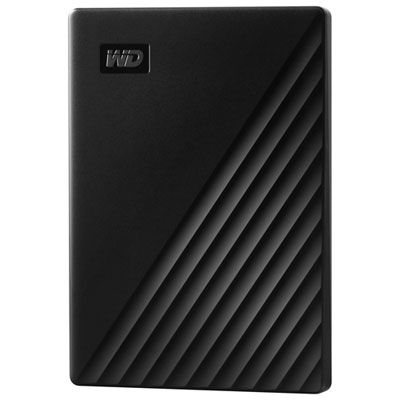
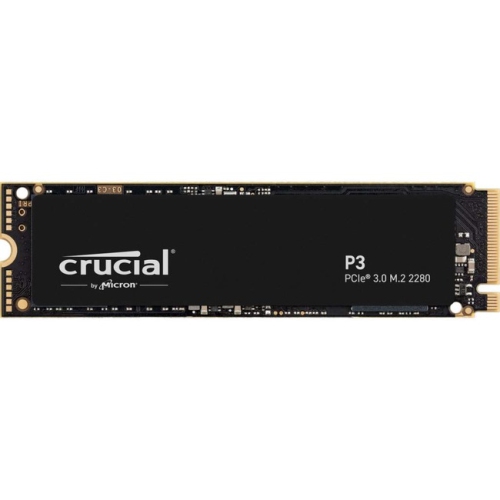
External hard disk drives (HDDs) and solid-state drives (SSDs) are common options for backing up coursework. HDDs use spinning disks, while SSDs use flash memory with no moving parts. Both can store copies of assignments, lecture notes and class projects.
Many external backup drives work with both, but compatibility depends on the drive’s file system, connection and backup software. The exFAT file system supports file transfers between Windows and macOS, while dedicated backup tools may require a different format. Check the drive’s requirements before setting it up.
Connect your drive and configure a compatible backup tool, such as File History on Windows or Time Machine on macOS. Depending on the tool, you can select folders or exclude files and set backup preferences. Keep the drive connected during scheduled backups, or reconnect it regularly if you take your laptop to class.
For manually copied files, create folders by school year, term and course, then use subfolders for notes, assignments and projects. Include dates or version numbers in filenames to distinguish drafts from submitted work. If backup software manages your files, browse and restore them through that software rather than rearranging its backup folders.
Backing up creates an additional copy while leaving the original files in place. Moving files transfers them to another location and may leave you with only one copy. For coursework, keep your working files on your computer and use the backup drive for a separate copy.
Top selling and popular products
Discover more categories related to Back To School Reliable Backup Drives
Some products may be subject to Environmental Handling Fees (EHF) depending on your province. Learn more about EHFs.