Back To School Tech for Computer Science Students
Find back-to-school tech for computer science students, from laptops for coding and coursework to monitors, keyboards, and accessories for a practical study setup. When choosing a computer, check your program’s software requirements and compare processor performance, memory, storage, and battery life to suit your classes, projects, and commute.













FAQ
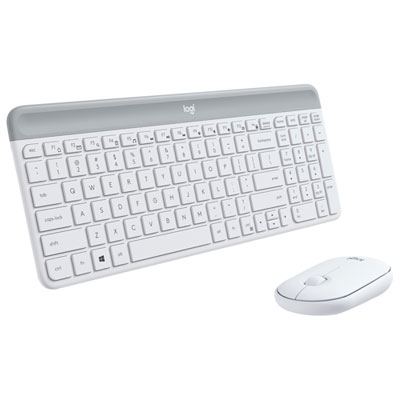
A laptop that meets your program’s requirements is a practical starting point. Other useful items include an external monitor for viewing code alongside documentation, a keyboard and mouse for desk work, a USB hub for connecting peripherals, and an external drive for backing up coursework.
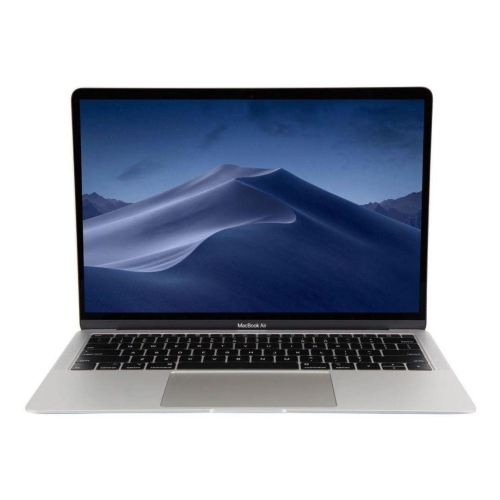
Look at the processor, RAM, storage type, and operating system requirements for your courses. A multi-core processor, 16 GB of RAM, and a solid-state drive are a useful starting point for many programming workloads. Courses involving virtual machines, game development, or machine learning may call for additional memory or dedicated graphics, so check your department’s guidance.
The right choice depends on the software your program uses. Windows supports many development tools and can run a Linux command-line setup through Windows Subsystem for Linux. macOS includes Unix-based tools and is required for Apple’s Xcode development software. Linux is common in server and open-source development. Check course requirements before choosing, especially if you need to run virtual machines or specialized applications.
USB-A and USB-C ports can connect accessories, while HDMI or a USB-C port with video output can connect an external monitor. Wi-Fi supports wireless campus connections, and an Ethernet adapter can provide a wired connection where available. If you plan to use a dock, check that the laptop’s port supports the video, data, and charging functions you need.
Use clear folders for each course and version control, such as Git, to track changes to coding projects. Keep additional copies of important files on an external drive or through a cloud backup service. A synced folder or remote Git repository can be part of your workflow, but neither replaces a complete backup of coursework, notes, and project assets.
Top selling and popular products
Discover more categories related to Back To School Tech for Computer Science Students

Some products may be subject to Environmental Handling Fees (EHF) depending on your province. Learn more about EHFs.